MacWhisper 15.11 — download for Mac
AI Tools Updated
Transcribes audio into text with speaker recognition and meeting transcripts.
Screenshots
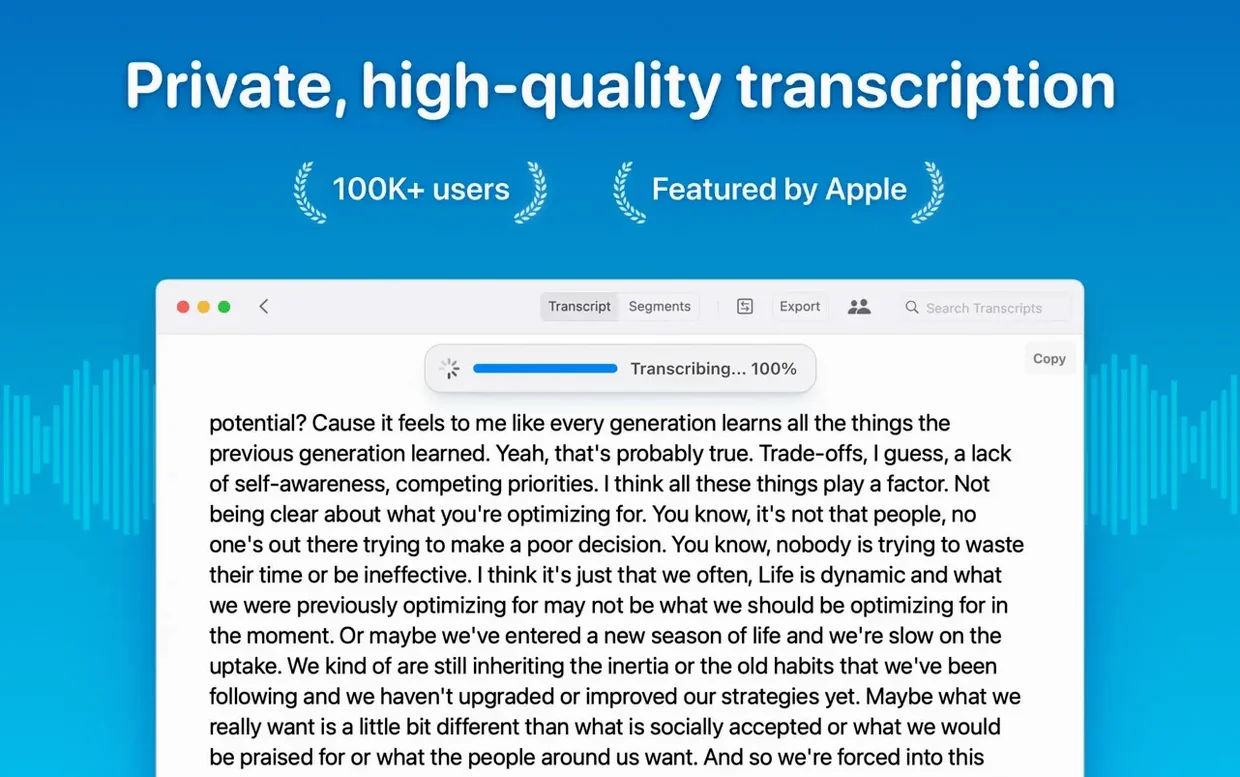
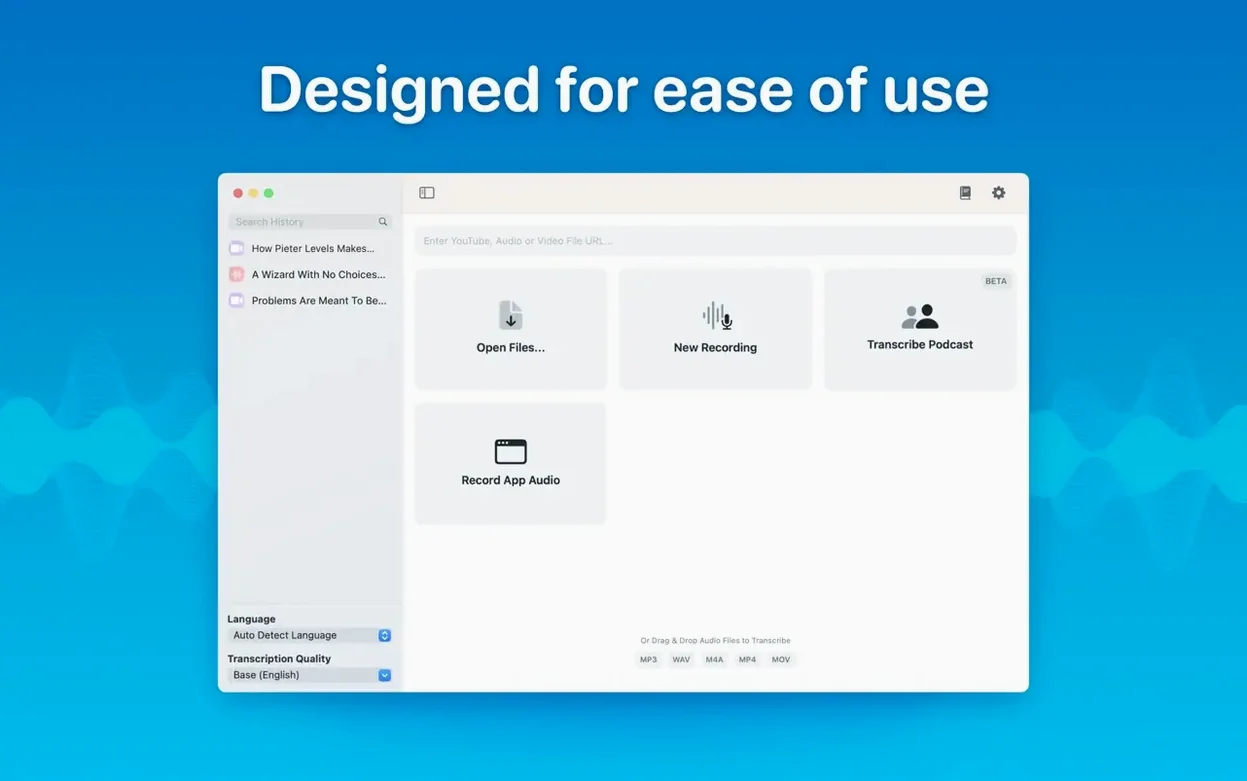
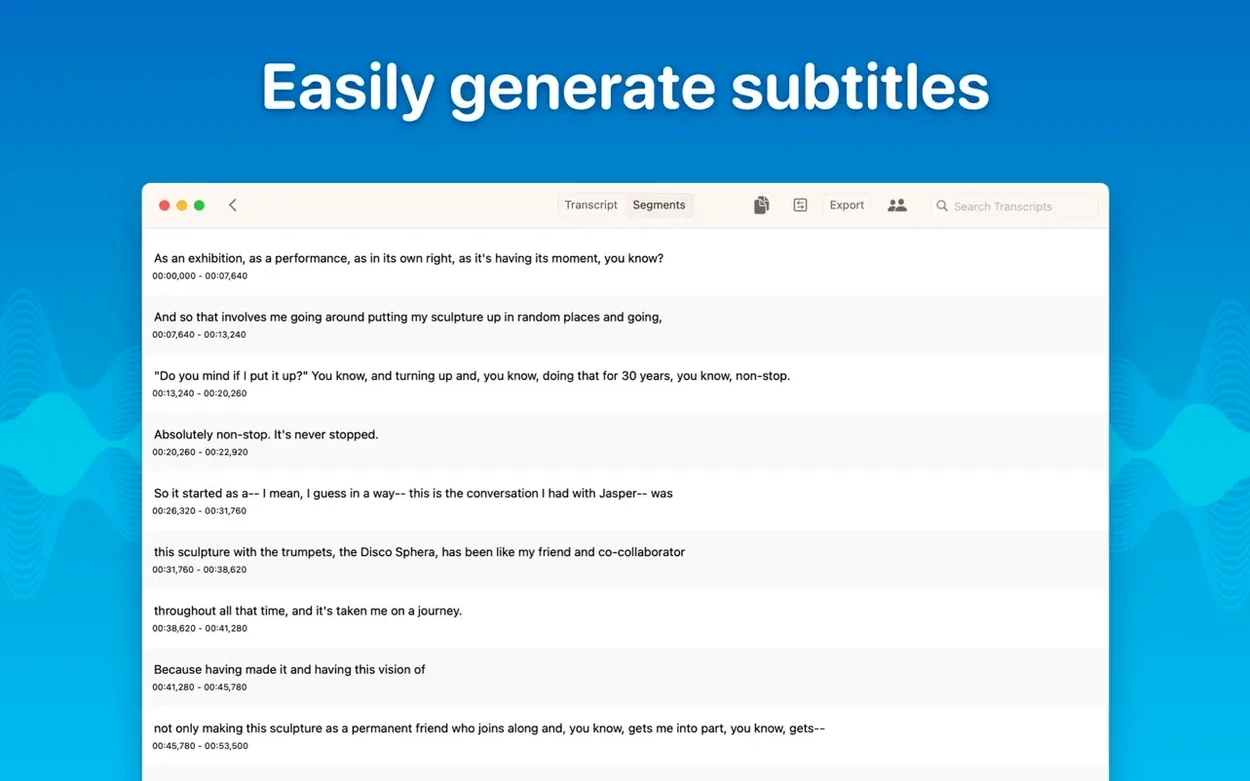
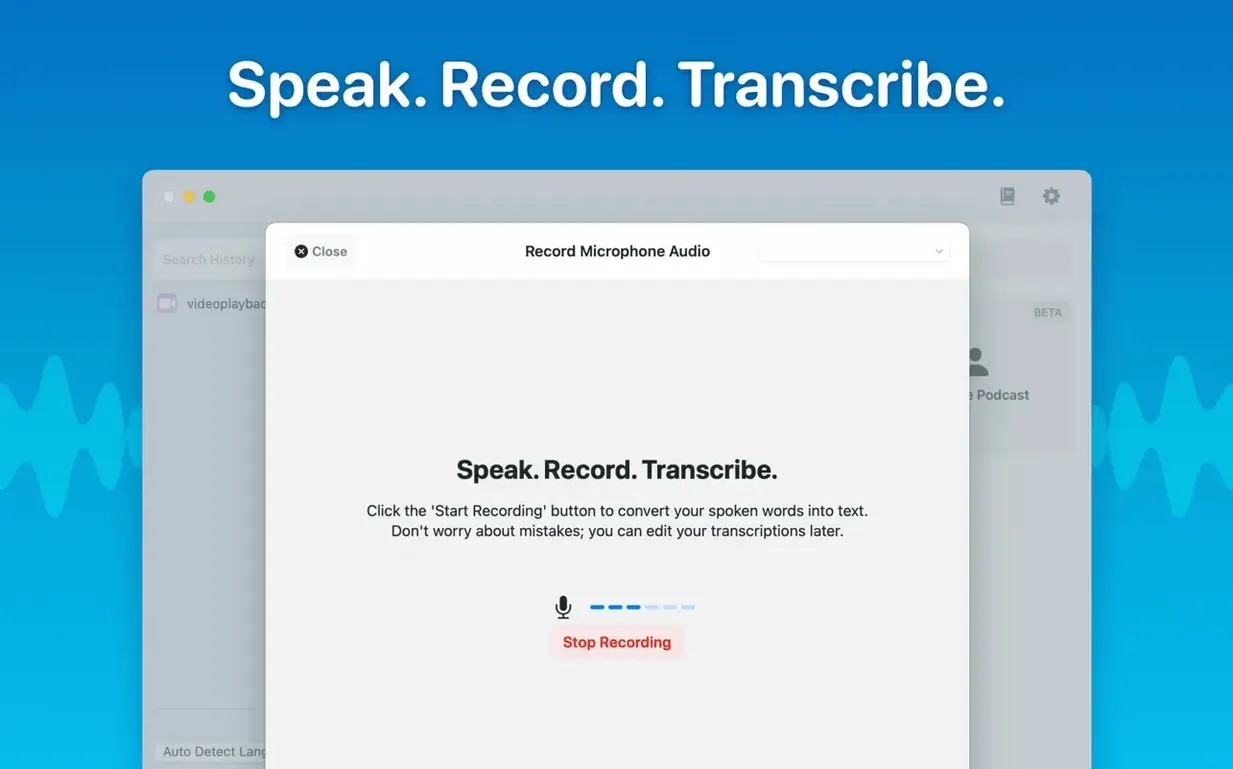
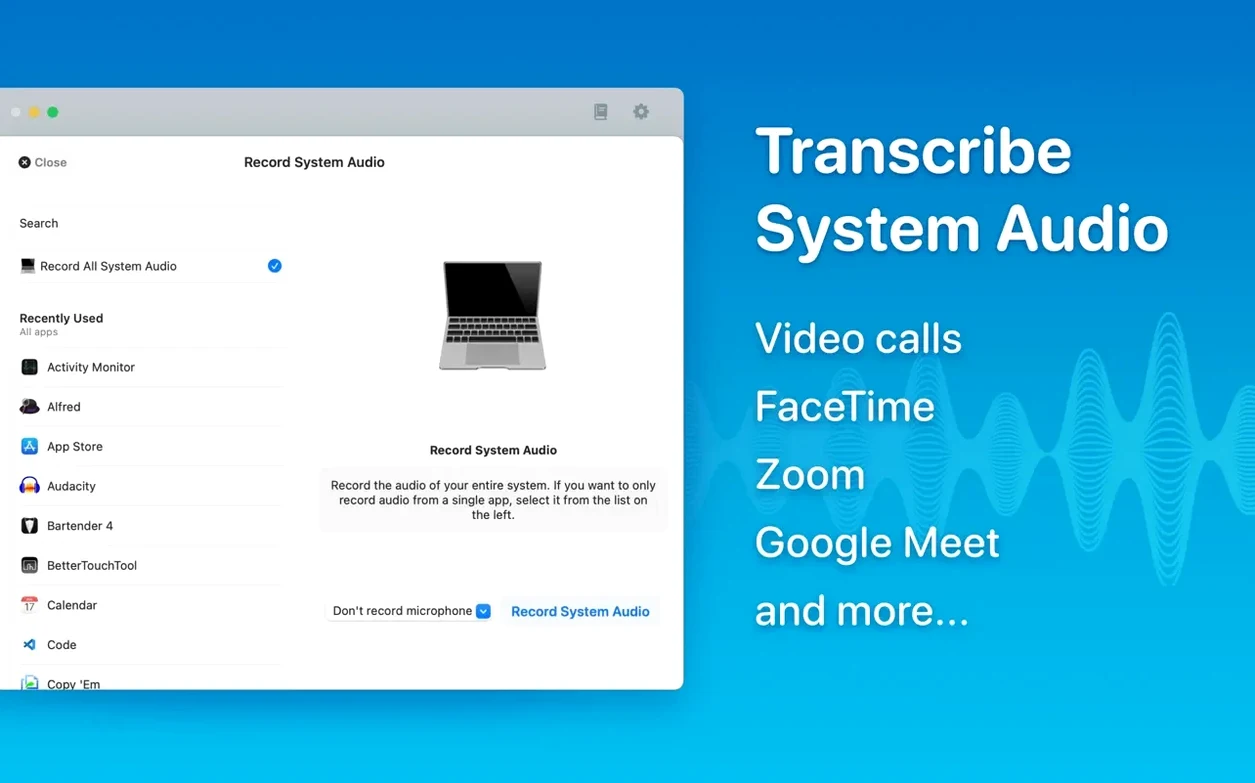
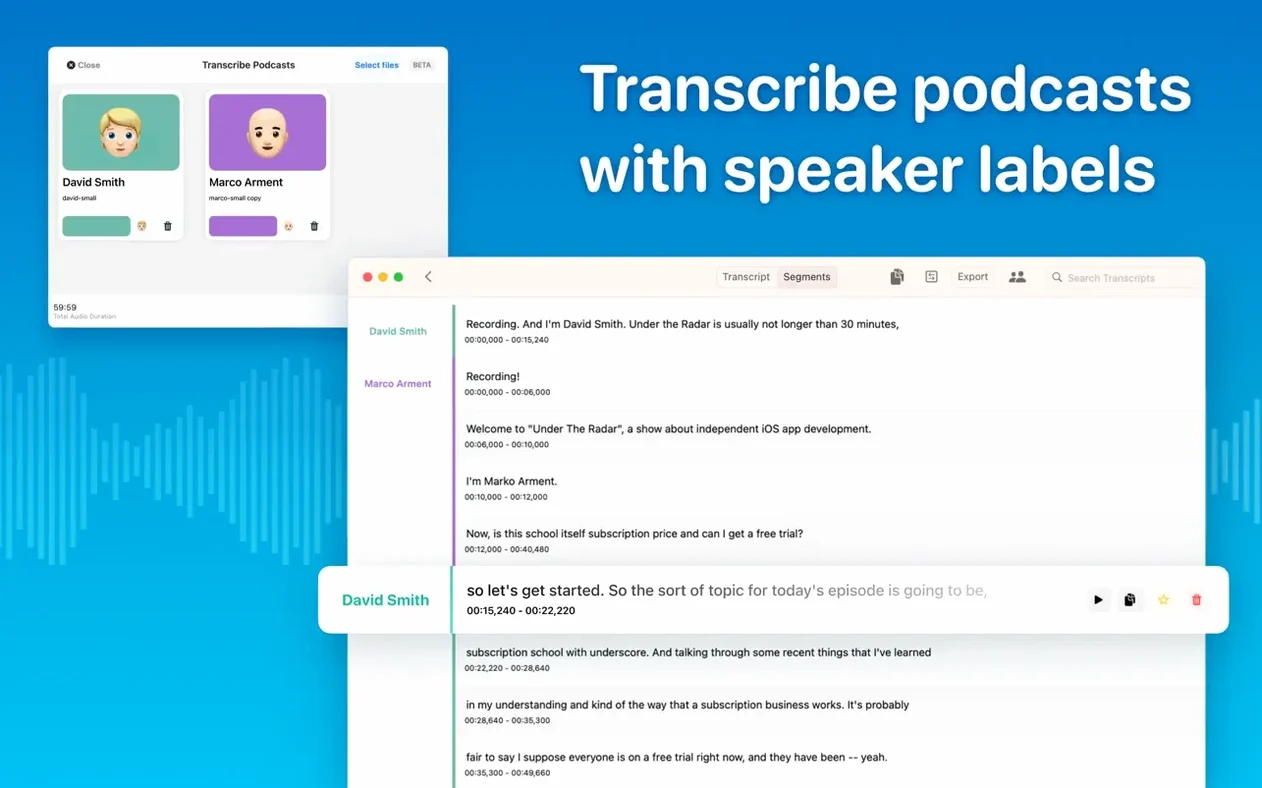
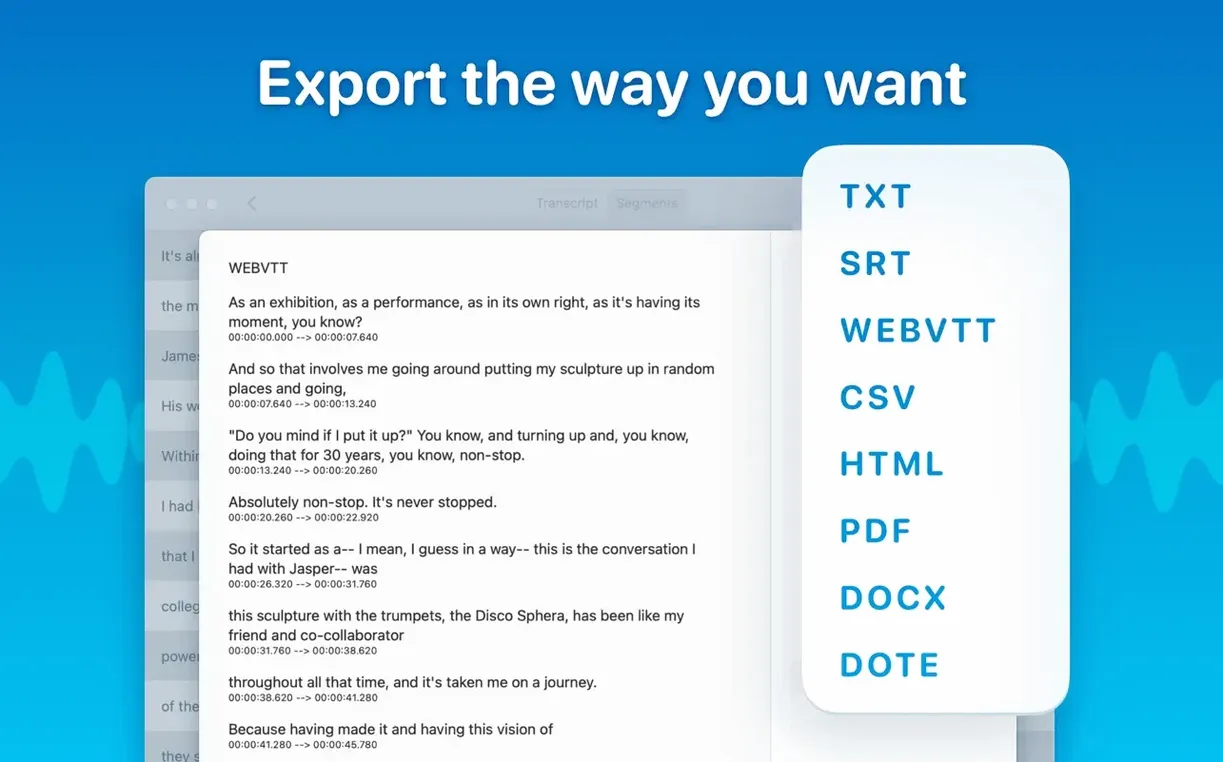
Version 15.2 of MacWhisper brings a better diarization model for speaker recognition, real-time meeting transcripts, and folders to organize transcripts and meetings. It fits neatly next to your existing office tools: drop an audio file, get text you can copy, edit, or export as subtitles.
Local transcription — Runs on your Mac, no cloud upload. Works with audio files you drag in.
Meeting transcripts — Record and transcribe live meetings, with speaker separation so you know who said what.
Model support — Tiny, Small, Base, Medium, Large-V2, and Large-V3. You pick the model; the app checks your Mac can run it before downloading.
Editing tools — Delete or adjust transcript segments, then copy all text or just selected parts.
Export — Save subtitles as SRT or VTT for video work.
Reading mode — A cleaner view for reading through transcripts without clutter.
Real-Time Meeting Transcription Workflow
Start a meeting, open MacWhisper, and begin recording. The app processes the audio live and shows the speaker-separated transcript as words come in. You can watch the text appear, edit a wrong name mid-session, or ignore the screen and focus on the conversation. After the meeting finishes, the entire transcript sits in the transcript list, speaker labels and all.
From there, you can export in bulk. Select the meeting, choose Word for a formal record, PDF for distribution, or SRT if the recording goes into a video edit. Because the app keeps everything local, nothing sits on a server — useful when the subject matter is internal project details or client calls.
MacWhisper also handles batch transcription. Drop five interview recordings in the window, pick a model like Medium for a balance of speed and accuracy, and let the app work through them in sequence. You can step away, return later, and export all transcripts at once as HTML files with speaker names attached.
Precise Speaker Separation in Long Meetings
Version 15.2 introduced the new diarization model. This means speaker separation is more precise — the app now tells apart voices that sound similar, which matters in long meetings where two people share a similar tone. The folders and subfolders feature changes how you organize transcripts. Instead of scrolling through a flat list, you can create a folder for each project, with subfolders for meetings, interviews, and raw drafts.
Real-time meeting transcripts arrived in this version too. Previously you recorded an audio file and transcribed it afterward. Now the transcript appears live, which changes how you use the app during active discussions. You can glance at the screen to catch a missed point without asking anyone to repeat themselves.
Version 15.2.1 made smaller adjustments. It checks Mac model requirements before downloading a model, so you do not get an error after the download finishes. The Local Models list now looks cleaner, with a new Qwen provider icon, and empty model categories are hidden if your Mac cannot run them. A crash in the Live Captions language menu on macOS 15 was fixed, and Qwen3-ASR support was removed for M1-series Macs.
How MacWhisper Compares with Similar Mac Apps
MacWhisper competes with Whisper Transcription, Otter for Mac, and Descript.
Whisper Transcription comes from the same developer and shares the same transcription engine. The key difference is organization. MacWhisper offers folders and subfolders, real-time meeting transcripts, and a reading mode. Whisper Transcription is simpler — a direct transcription tool without the folder structure or live capture. For someone who transcribes one-off files, Whisper Transcription works. For someone who runs multiple projects with recurring meetings, MacWhisper saves time through structure.
Otter for Mac transcribes meetings with speaker labels and integrates with calendar apps. Otter sends audio to the cloud for processing, which makes it faster on some tasks but raises questions about data privacy. MacWhisper keeps everything on the device.
Descript is a full editor for audio and video with transcription built in. It handles multitrack editing, filler word removal, and script-based editing. MacWhisper does not aim to replace a DAW or video editor. It focuses on getting accurate, speaker-labeled text from audio as quickly as possible. If you need to edit the audio after transcription, Descript is the tool. If you need the transcript for records or subtitles and nothing else, MacWhisper is lighter and faster to work with.
Choosing Small, Medium, or Large-V3 on First Launch
- Pick the right model early. Start with Small for short files or quick tests. Move to Medium or Large-V3 for accuracy on long recordings with multiple speakers. The app checks compatibility before downloading, so you will not waste time on a model your Mac cannot run.
- Set up folders before your first meeting. Create a project folder for the current quarter, with subfolders for weekly team meetings, client calls, and internal notes. Adding transcripts to the right folder later takes seconds but saves you from sorting a flat list.
- Test speaker separation with a short meeting. Record a five-minute discussion with two colleagues. Check the diarization output — the app should label each speaker correctly. If one voice is mislabeled, adjust the audio quality or reposition the microphone for future recordings.
- Use batch export for recurring reports. After a day of interviews, select all transcripts and export them as Word or PDF at once. MacWhisper processes each file with the same model settings, so the output format is consistent across the batch.
- Try reading mode for long transcripts. Switch to reading mode when you review a transcript before distributing it. The cleaner view removes editing controls and lets you focus on the text itself.
- Keep an eye on the Local Models list. Version 15.2.1 hides models your Mac cannot use. If you see a model grayed out, it means your hardware does not support it — do not attempt to force it. Stick with the visible options.
MacWhisper macwhisper pro torrent is a search term that sometimes appears alongside discussions of the app. The version described here, 15.2, is the current release and does not require activation.
MacWhisper is useful for anyone who deals with interviews, podcasts, or meeting notes in an office setting.
Version 15.11 of Whisper Transcription has been released. This update includes under-the-hood refinements and stability work from the development team.
| macOS | macOS 14 or later |
|---|---|
| Processor | Apple Silicon, Intel 64-bit |
| Download | 75 MB |
- macOS 14 or later
- Apple Silicon or Intel 64-bit processor
Questions about MacWhisper
What audio formats does MacWhisper support?
MacWhisper accepts audio files you drag in, including recordings from meetings, podcasts, and voice memos. It converts them to text locally.
Can MacWhisper detect speakers automatically?
Yes. Version 15.2 improved speaker recognition with a new diarization model, so it can separate speakers in podcasts and meetings.
Does MacWhisper work on Intel Macs?
It supports both ARM and Intel 64-bit Macs running macOS 14 or later.
How to install, in order
- Open the downloaded disk image.
- Drag the app to the Applications folder alias.
- Launch the app from Launchpad after copying finishes.
Comments and corrections 0
Sign in or open a free account to leave a comment.
No comments or corrections yet.