VideoProc Converter AI 8.13 — download for Mac
AI Tools Updated
Converts, downloads, and trims media files for daily work tasks.
Screenshots
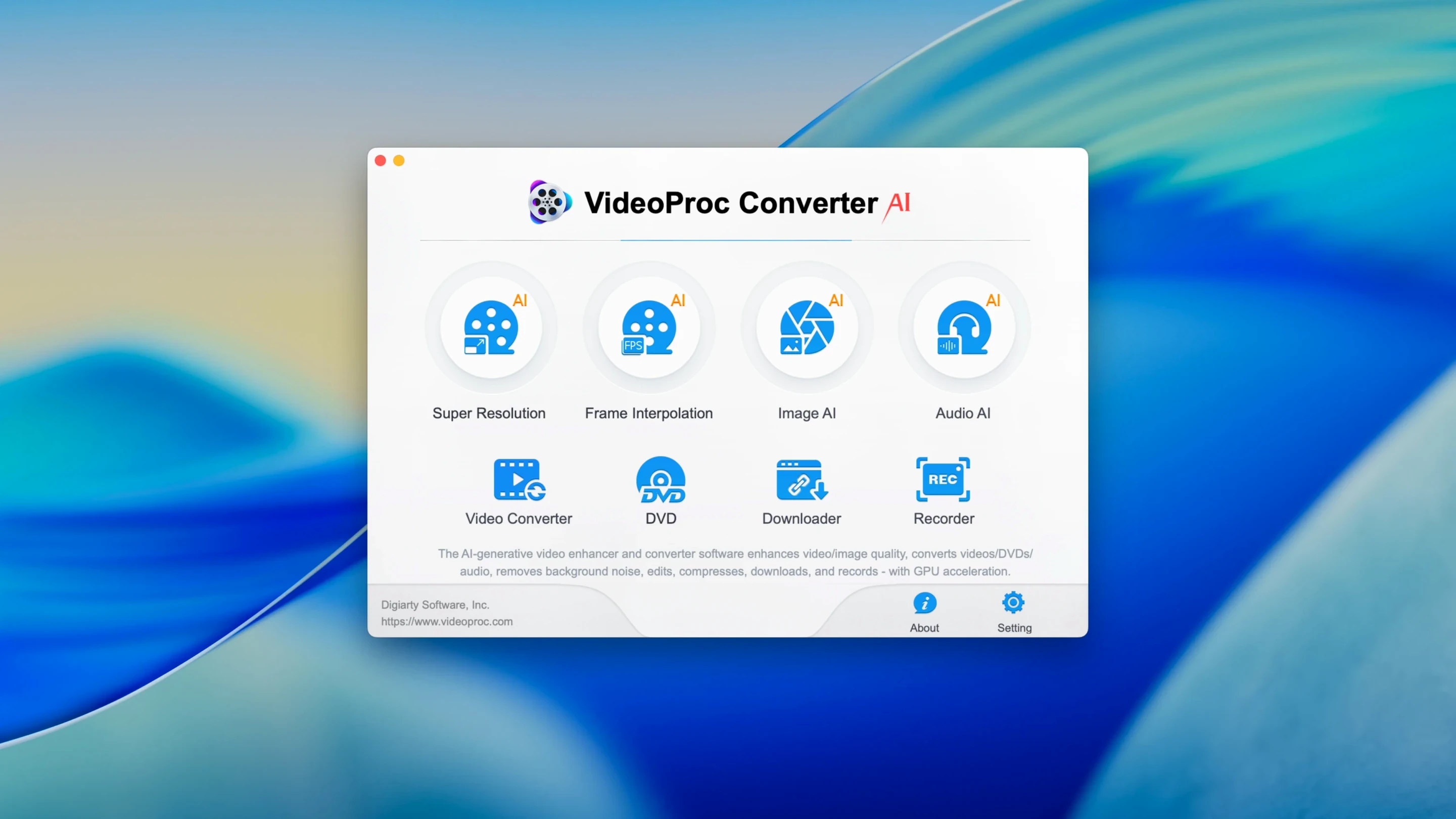
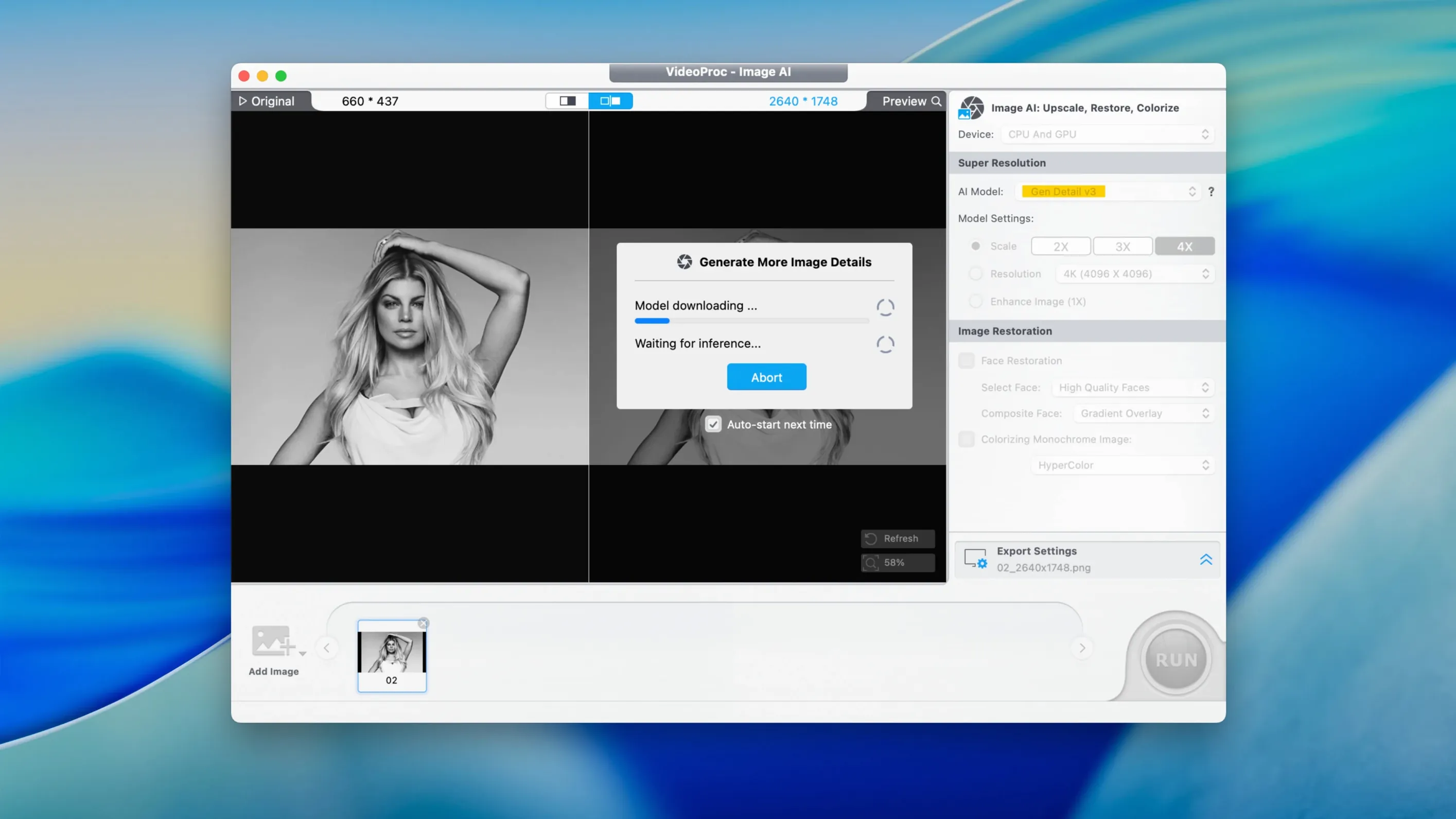
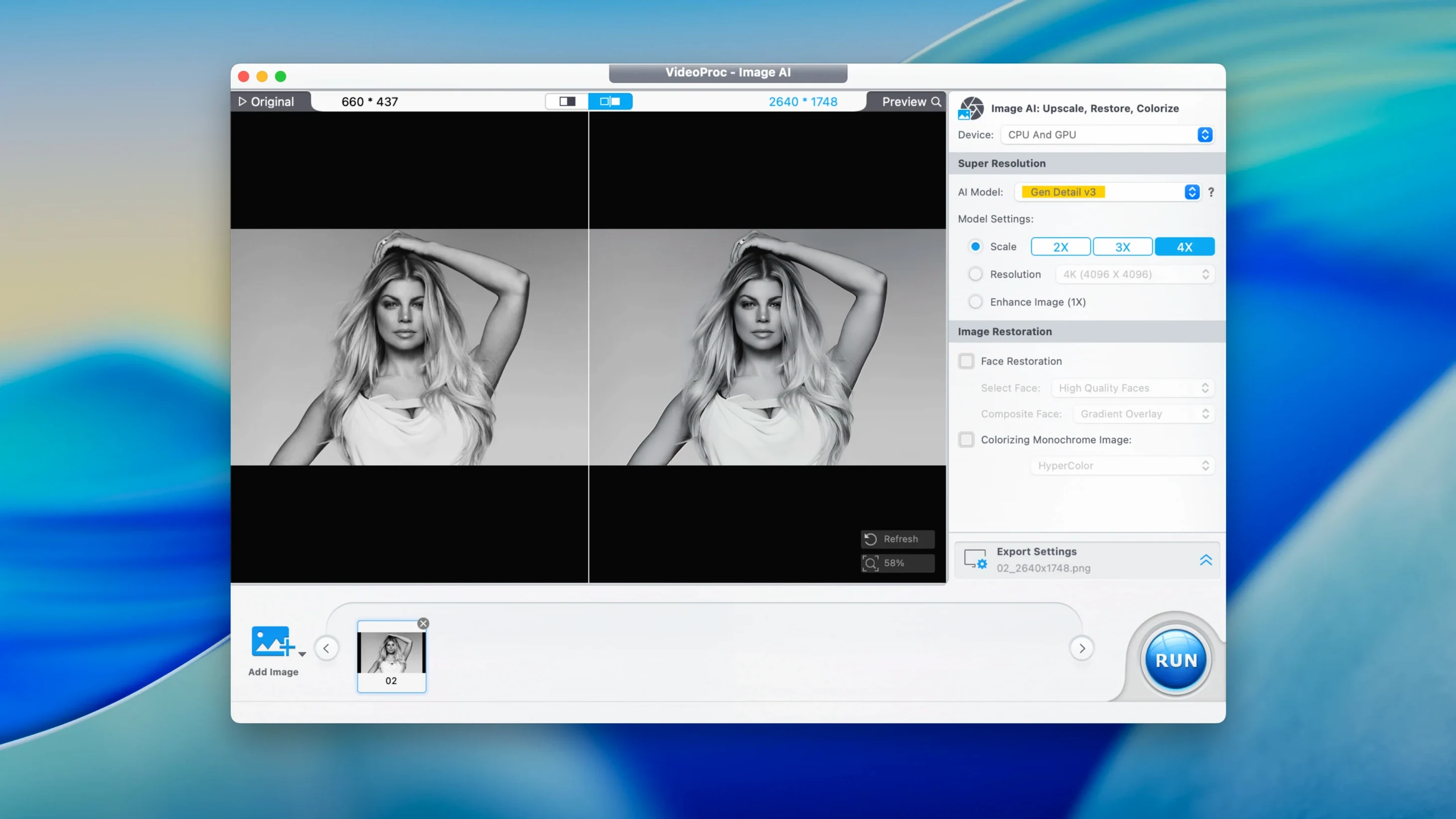
Think of VideoProc Converter AI as the Swiss Army knife you keep on the dock when QuickTime and the browser’s download manager aren’t enough. It handles the media jobs that pop up across a work week: convert a client’s MOV to MP4, pull a reference video from YouTube, trim a clip for a presentation, or upscale a low-res screenshot for a proposal deck.
1. Convert and compress
Drop in a 4K video shot on a GoPro and send it out as a smaller H.265 file for email. Or flip audio to MP3, AAC, or FLAC for podcast prep. The app also has preset profiles for iPhone, iPad, Apple TV, and Sony devices so you don’t guess at the right format.
2. Download and record
Past YouTube, Vimeo, and TikTok URLs paste into the Downloader window — no browser extension needed. For demos or bug reports, use the screen recorder with voice commentary and webcam overlay.
3. Edit and enhance
Basic cuts, color and brightness tweaks, and denoising clean up rough footage. The AI upscaling can push 1080p source to 4K or 8K, which helps when you’re pulling old reference clips for a pitch.
Version 8.12 (the current release) added iPhone 18 support, improved Downloader speed, reduced the installer size, and supports macOS 27. The app runs on macOS 10.15 and later, Intel or Apple Silicon, and speaks eight interface languages.
For the project manager or video editor who needs one tool for conversion, capture, and cleanup, it saves the time of hopping between four separate apps.
Bypass HandBrake's limits with downloader and recorder
HandBrake is the free benchmark for video conversion. It handles MKV to MP4, batch encoding, and preset device profiles well, but it stops at conversion. You leave HandBrake when you need to download a YouTube clip, record a screen demo, or apply AI upscaling. VideoProc Converter AI bundles those extra steps into one window.
Shutter Encoder offers broader codec support for archival workflows and lets you run FFmpeg commands without a terminal. It is strong for pro-grade transcoding, but the interface is dense and the AI tools are absent. For the weekly tasks — grab a video from Vimeo, trim it, convert to ProRes, and fix the audio level — VideoProc’s layout is faster to navigate.
Any Video Converter for Mac covers format conversion and device presets but lacks the Downloader, screen recorder, and the AI denoising found here. If your work involves old VHS captures or DV material that needs cleanup, VideoProc saves the step of running a separate restoration tool afterward.
All-in-one workflow for project managers
Project managers who prepare weekly video updates or client previews benefit from the all-in-one workflow. You record a screen walkthrough of project milestones, download a reference clip from YouTube, convert both to MP4, and compress them for email — all without switching apps.
Content creators and social media managers working with Instagram, TikTok, or YouTube uploads can skip the extra export pass. The app has optimization settings for those platforms, plus the AI upscaling tool for when source clips are too small for the feed format.
Archivists digitizing old tapes or home video collections also get value. The denoising and stabilization features handle the shake and grain of VHS transfers, and the compression engine can shrink the resulting files by up to 90 percent while keeping them watchable.
Changes in version 8.12 for everyday use
- iPhone 18 support means new device profiles are already in the preset list, so you don’t have to guess the correct format for the latest Apple phones.
- The smaller installer size cuts download and mount time — helpful if you keep a copy on a USB stick for field setups.
- Improved Downloader performance shows when you paste a long playlist or a 4K video URL; the response feels quicker, and the queue processes faster.
- macOS 27 compatibility ensures the app runs on the newest system without a separate update wait.
What to know before you install
Native on Apple Silicon and Intel Macs
Yes. The current build runs natively on both ARM (M1, M2, and later) and x86 64-bit machines, as long as you are on macOS 10.15 or newer.
Batch convert and queue multiple downloads
You can load multiple files at once into the converter and process them in sequence. The Downloader also handles queue entries, so you can paste several video URLs and let them finish.
Works fully offline except the Downloader
Only for the Downloader and online URL pasting. Conversion, editing, screen recording, and AI enhancement work offline once the app is installed.
What formats are covered?
The app supports more than 1,000 formats, including 4K, 8K, HDR, HEVC, ProRes, MP4, MOV, MKV, and AVI. Audio export covers MP3, AAC, and FLAC.
- iPhone 18 support added.
- Installer size reduced.
- Downloader performance improved.
- macOS 27 support added.
| macOS | macOS 10.15 or later |
|---|---|
| Processor | Apple Silicon, Intel 64-bit |
| Download | 254 MB |
- macOS 10.15 or later
- 64-bit app
- Intel or Apple Silicon
How to install, in order
- Mount the disk image and run the Open Gatekeeper friendly command.
- Press Enter in Terminal to bypass Gatekeeper.
- Drag the app to the Applications folder.
- Launch the app when installation is complete.
Comments and corrections 0
Sign in or open a free account to leave a comment.
No comments or corrections yet.