ACDSee Photo Studio 26.0.3 — download for Mac
Mac Apps Updated
Manages RAW files from over 450 camera models with non-destructive edits that keep your catalog intact.
Screenshots
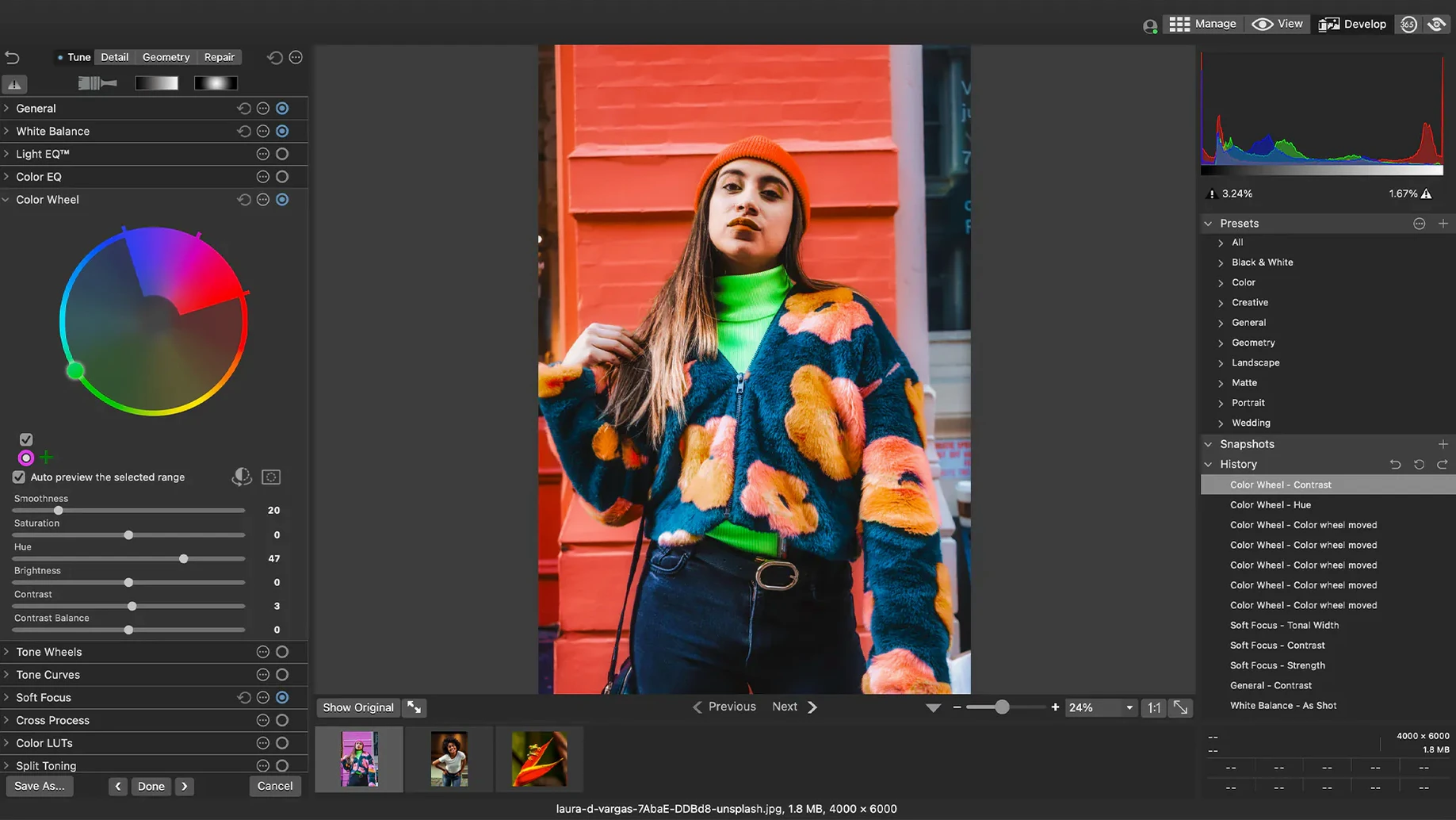
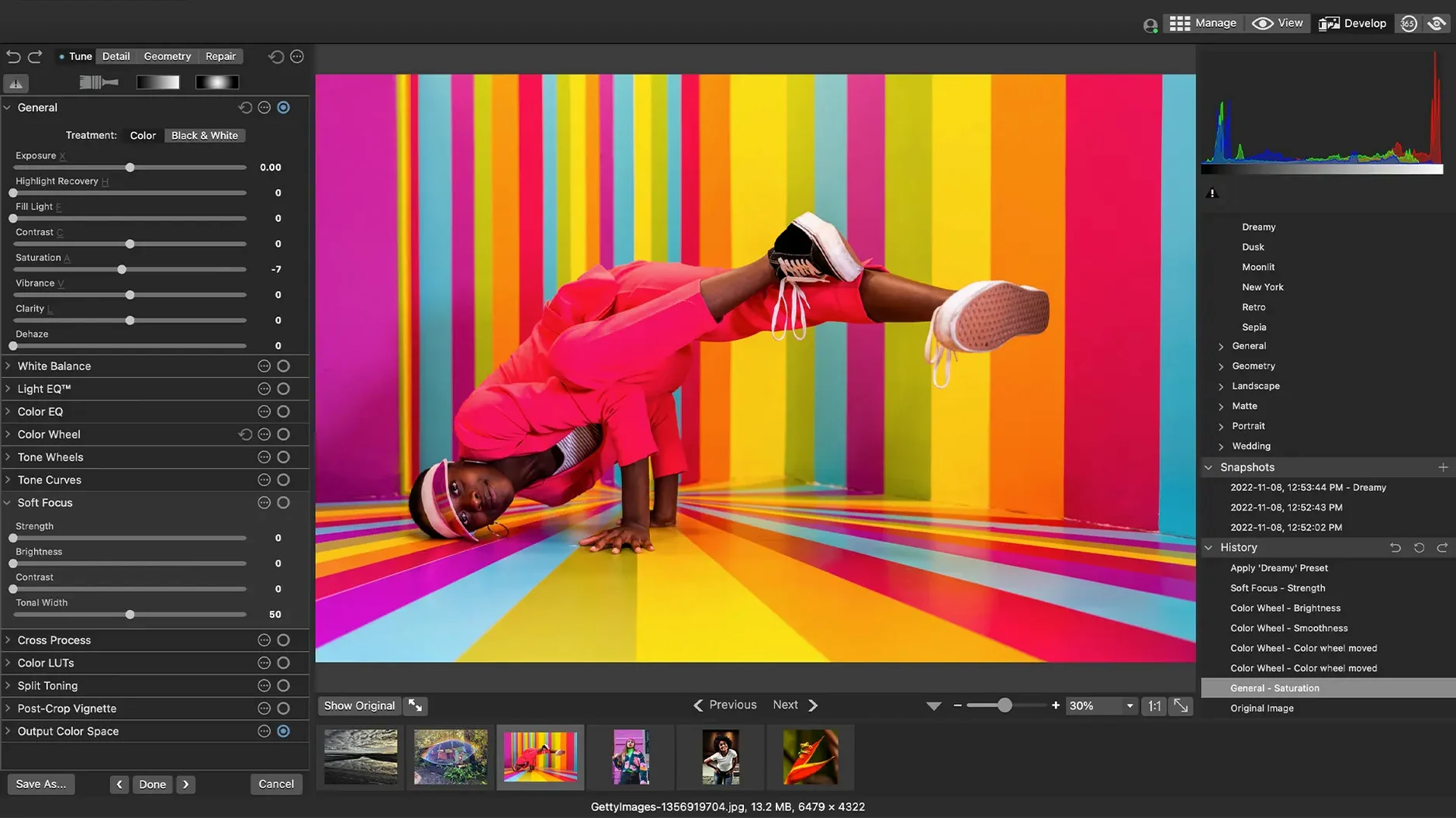
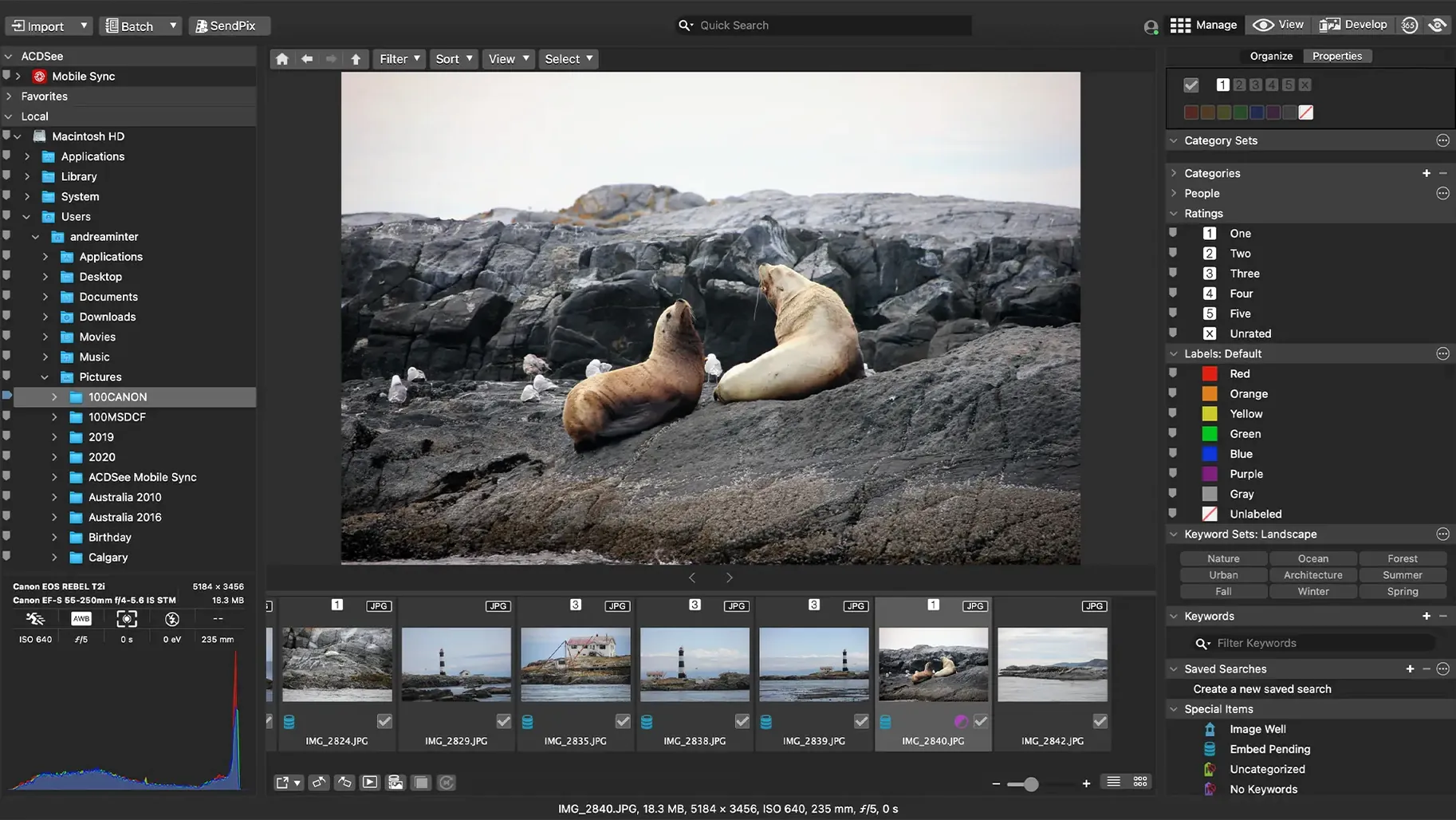
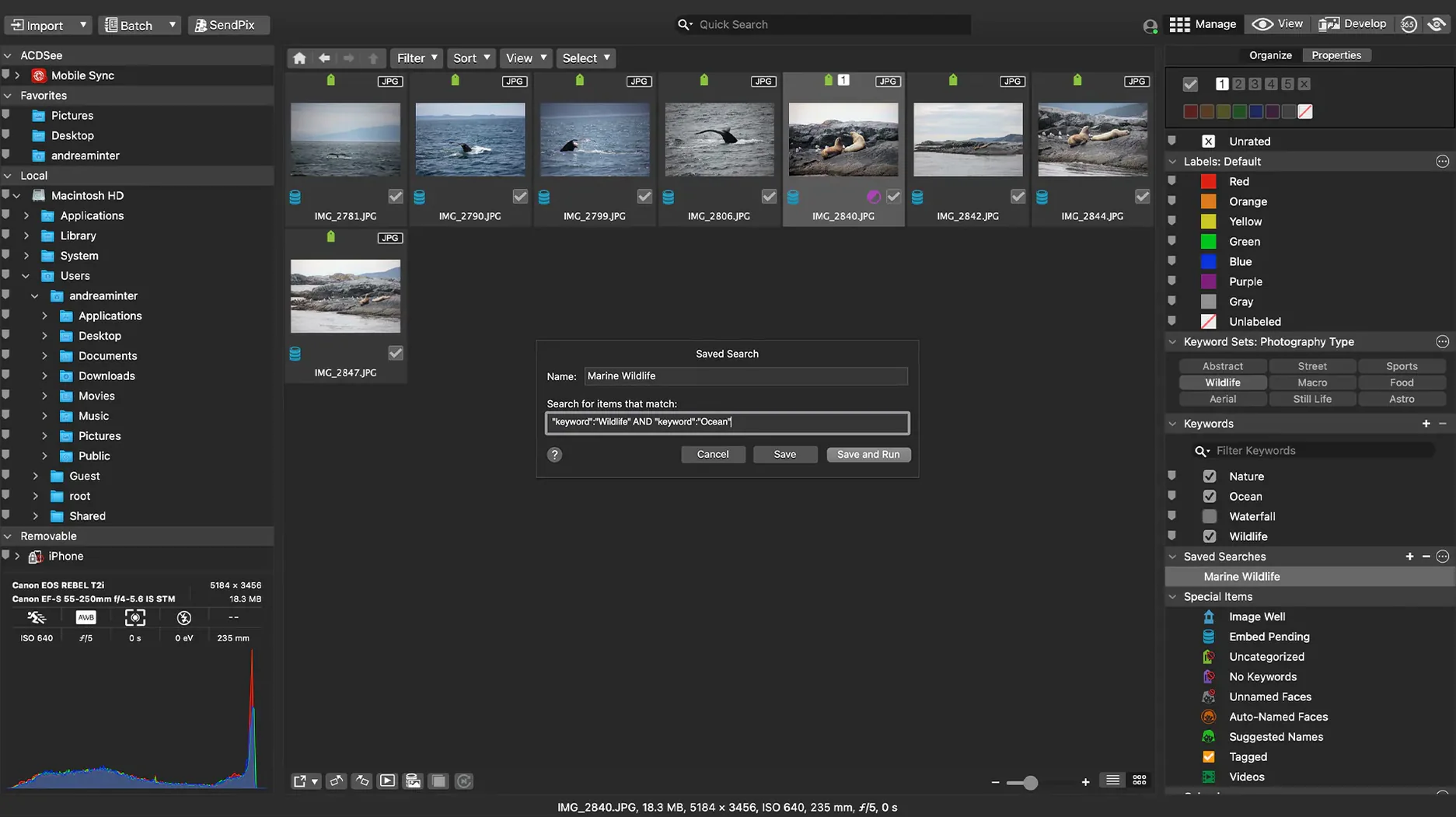
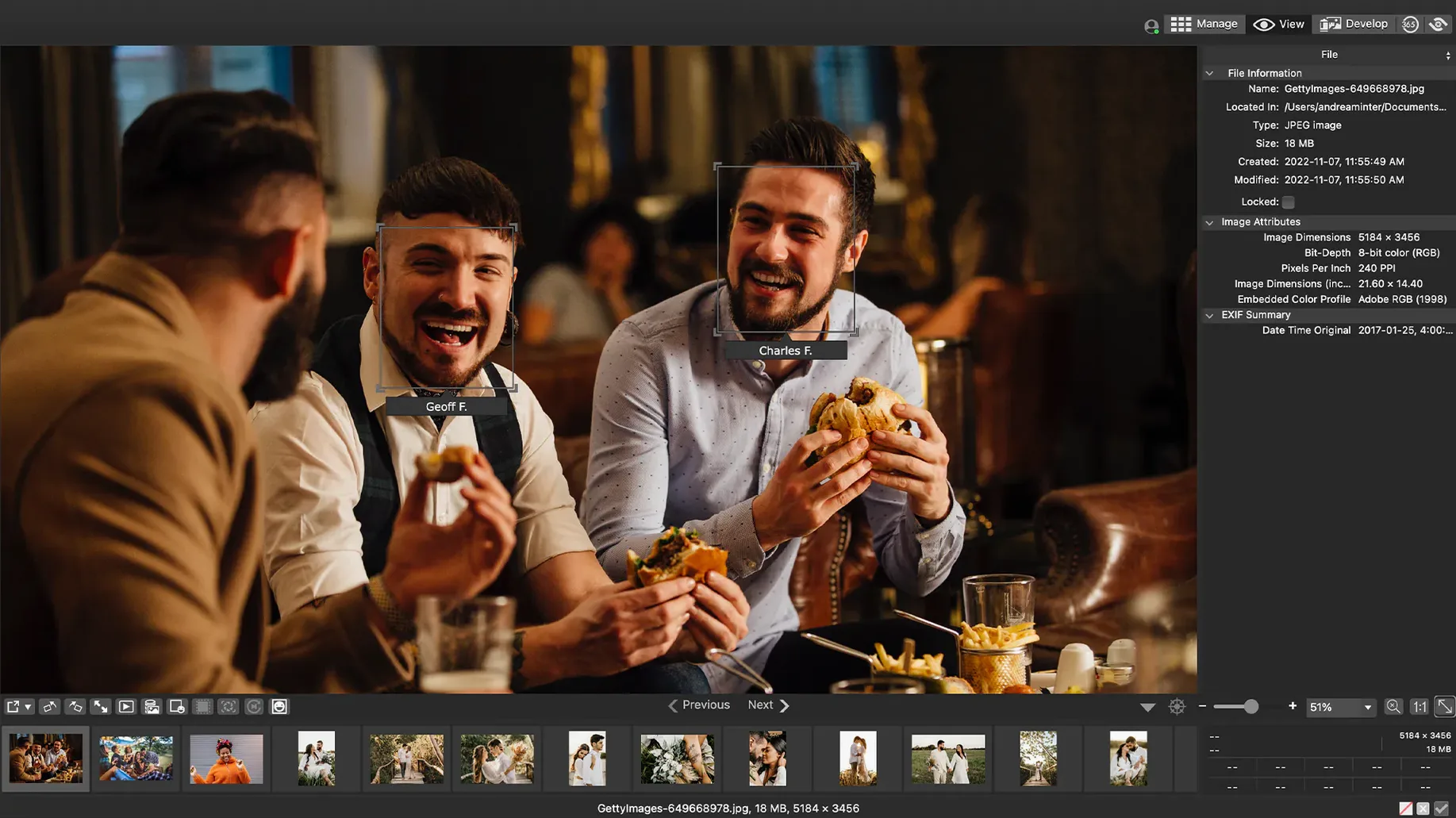
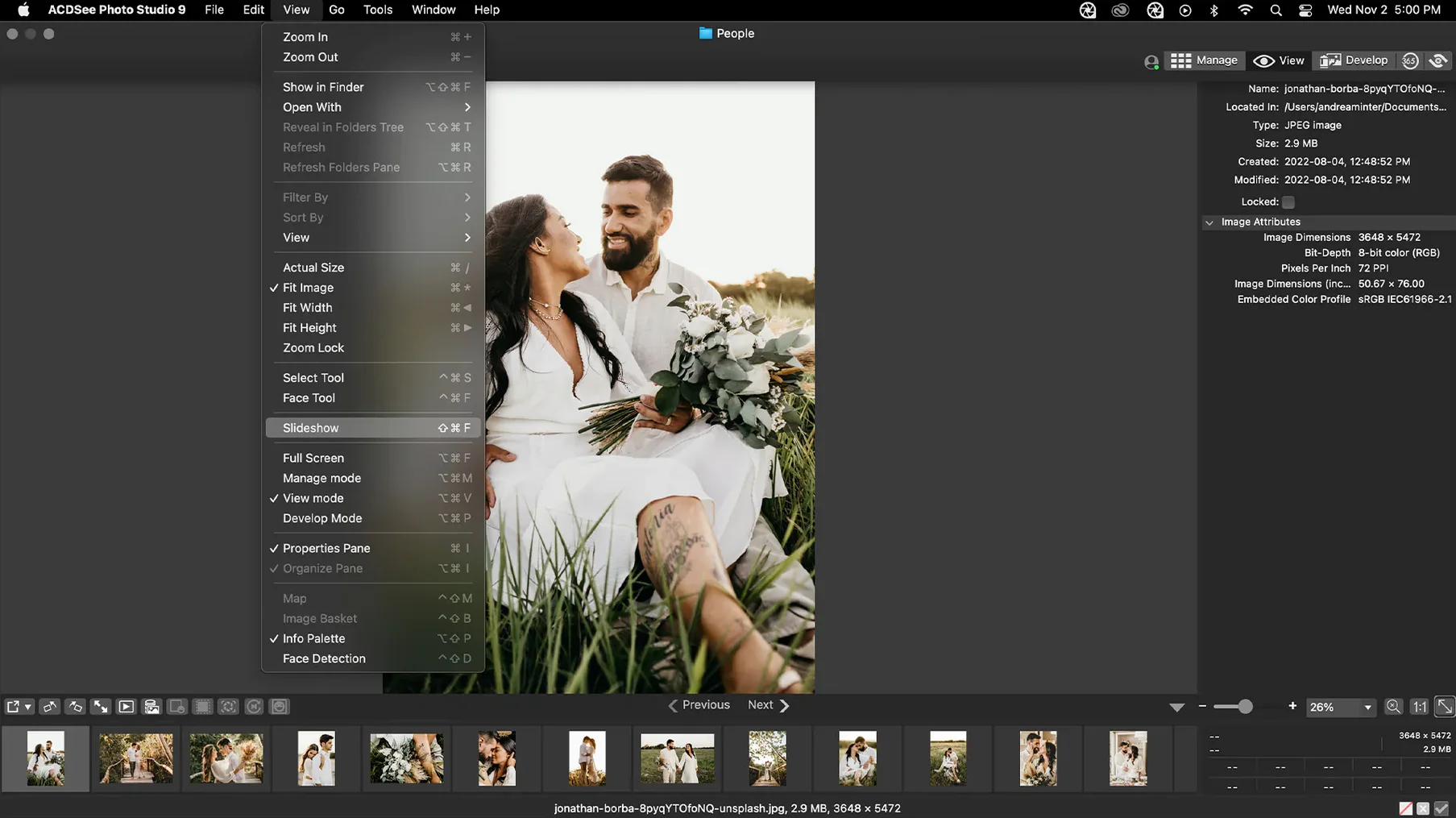
If you already organize files in Finder and make quick edits in Photos, ACDSee Photo Studio slots in when those tools stop being enough. It handles RAW files from more than 450 camera models and keeps adjustments non-destructive, so a working catalog stays intact while you edit.
Sorting a large shoot
Drag-and-drop search and rating tools cut down the time spent finding keepers. Customizable batch presets apply the same corrections across a full import.
Correcting RAW files
Exposure, clarity, sharpness, lighting, color, noise, and detail can all be adjusted without baking changes into the original file.
Keeping the library in order
Photo organization tools handle keywords and categories, and version 26.0.3 fixes a crash when adding new ones in a specific scenario. The app runs on Apple Silicon and Intel Macs.
Catalog recovery vs. Adobe Lightroom Classic
Mac users who manage photos have a handful of options, and each one approaches the job differently. Adobe Lightroom Classic is the most common alternative. Moving between computers or recovering a corrupted catalog can be a project in itself.
Capture One Pro takes a studio-oriented approach. Its tethering and color-editing tools are strong, but the learning curve is steeper and the workspace feels designed for medium-format cameras and commercial shoots rather than daily batch work. Both Lightroom and Capture One are heavier on system resources.
ACDSee Photo Studio sits somewhere between them. The catalog stays in a standard file structure you can navigate outside the app, and the non-destructive workflow feels closer to Lightroom than to a basic viewer. For someone who wants RAW support, keyword management, and batch presets without paying monthly, it is a practical middle ground.
macOS 14.0 and up, Apple Silicon or Intel
The app requires macOS 14.0 or later. It runs on both Apple Silicon and Intel 64-bit machines, so it will work on a current MacBook Pro or an older iMac still on macOS 14. No separate plug-ins or additional runtimes are needed for the RAW engine.
Installation uses a disk image and a Gatekeeper bypass step, then you drag the app to Applications and open it. The current version is 26.0.3.
Keyword crash fixed in daily tagging
Version 26.0.3.3479 addresses several small but frequent interruptions. The fixes that matter most during a regular session:
- No more crash when adding a new keyword or category in a certain scenario. If you build keyword hierarchies on the fly while tagging a shoot, that crash used to stall the workflow. It is gone now.
- Clicking away from a new keyword or category stops editing properly. Earlier versions sometimes left a text field open, forcing a click back to finalize the entry.
- RAW file ratings are read more accurately in certain scenarios. If you rate images in-camera and then import, the star rating now matches what you set on the camera.
- An issue with iCloud integration has been fixed. For anyone syncing a photo folder through iCloud, the app no longer misreads file states during the sync.
None of these changes add new tools or redesign the interface. They remove friction from the tasks a project manager or photo organizer uses every day: keywording, sorting, and keeping the library consistent across devices.
- Fixed a crash when adding a new keyword or category in a certain scenario.
- Fixed an issue where clicking away from a new keyword or category did not stop editing.
- Fixed inaccurate reading of RAW file ratings in certain scenarios.
- Fixed an issue with iCloud integration.
| macOS | macOS 14 or later |
|---|---|
| Processor | Apple Silicon, Intel 64-bit |
| Download | 441 MB |
- macOS 14 or later
- Apple Silicon or Intel Mac
- Interface language: English
Questions about ACDSee Photo Studio
Does ACDSee Photo Studio work on Apple Silicon Macs?
Yes, it runs on both Apple Silicon and Intel Macs with macOS 14 or later.
Can I edit RAW files without changing the originals?
Yes, adjustments to exposure, color, detail, and other settings are non-destructive.
How to install, in order
- Mount the disk image and run Open Gatekeeper friendly.
- Press Enter in the Terminal window to bypass Gatekeeper.
- Drag the app to the Applications folder.
- Open the app when installation is complete.
Comments and corrections 0
Sign in or open a free account to leave a comment.
No comments or corrections yet.