
Affinity Publisher 2.6.5 — download for Mac
Mac Apps Updated
Lays out multi-page documents like brochures and magazines with linked master pages.
Screenshots
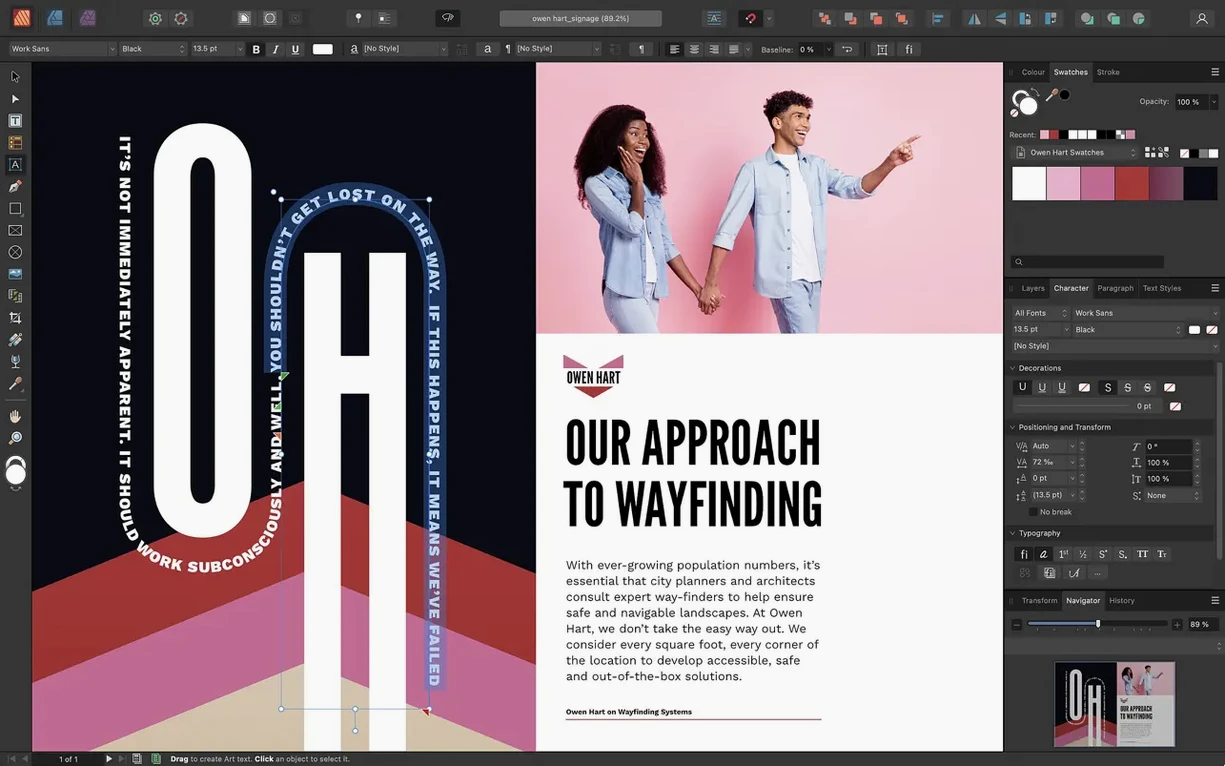
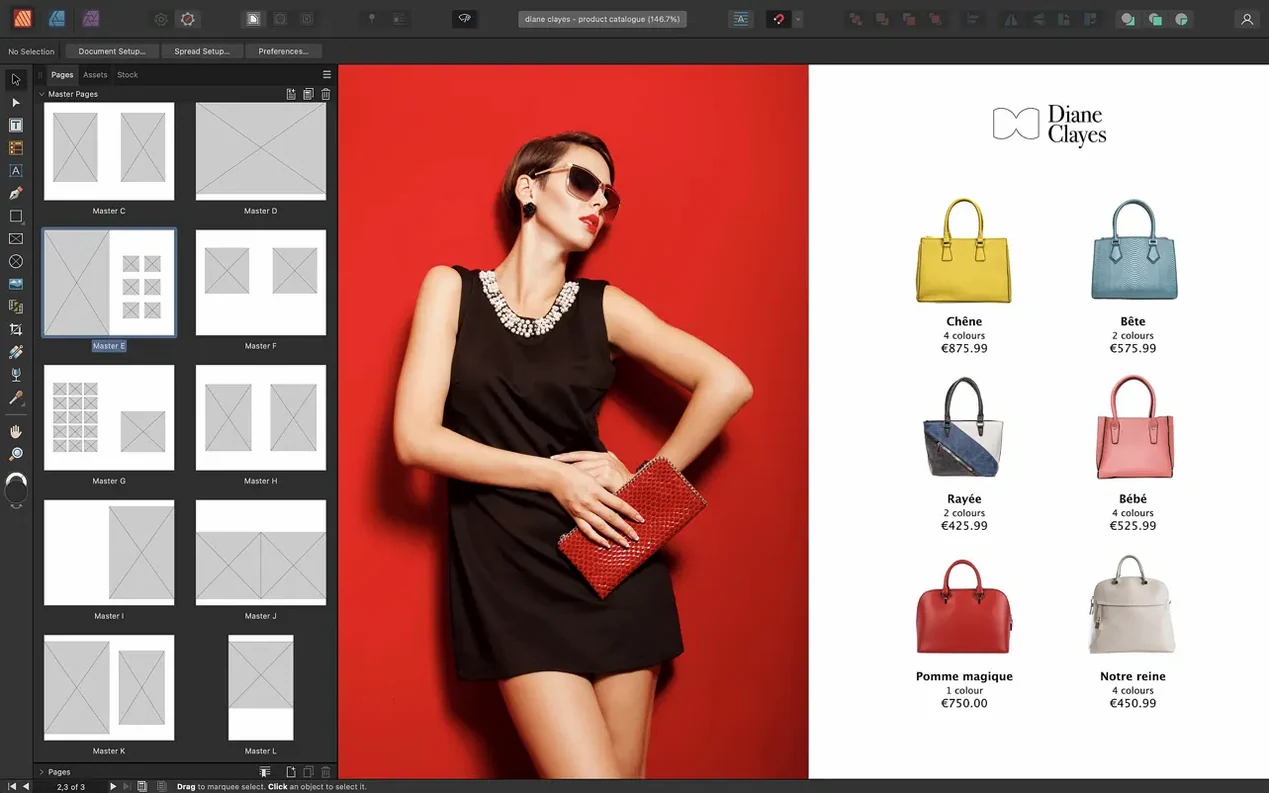
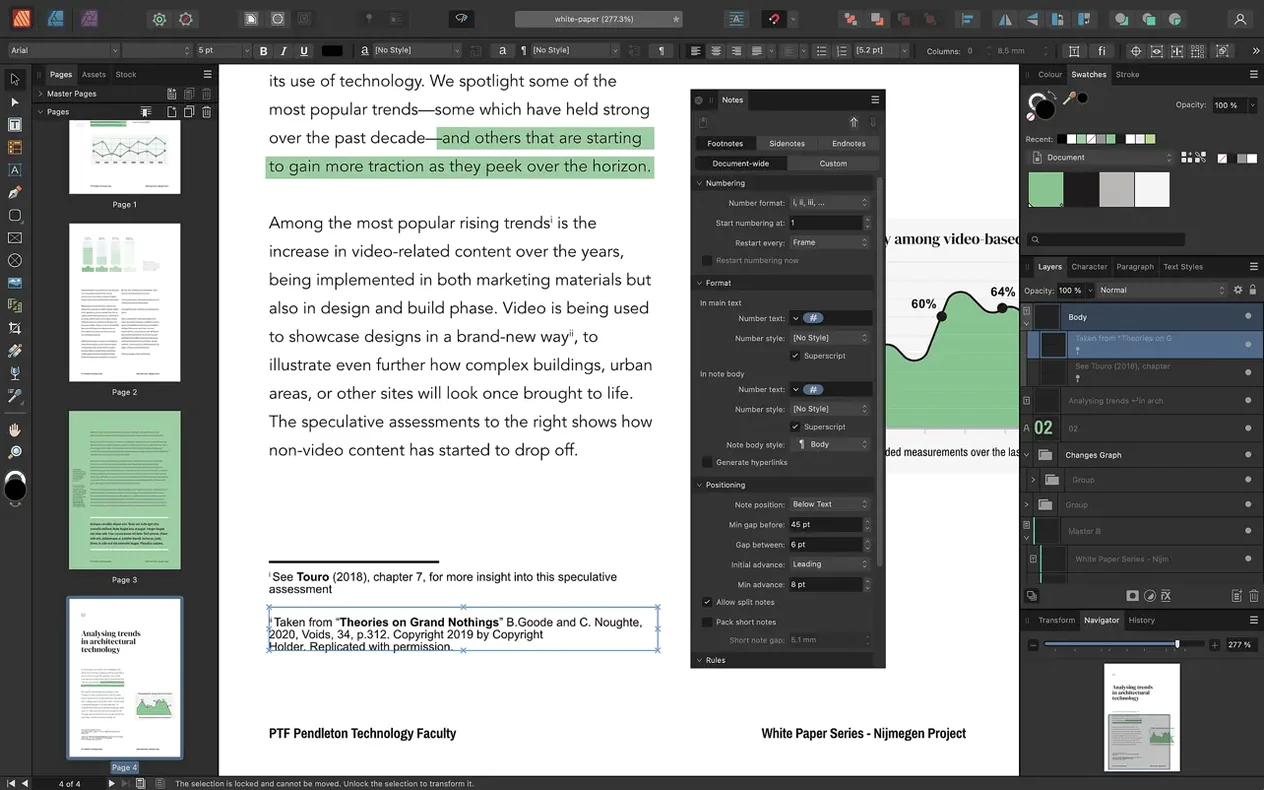
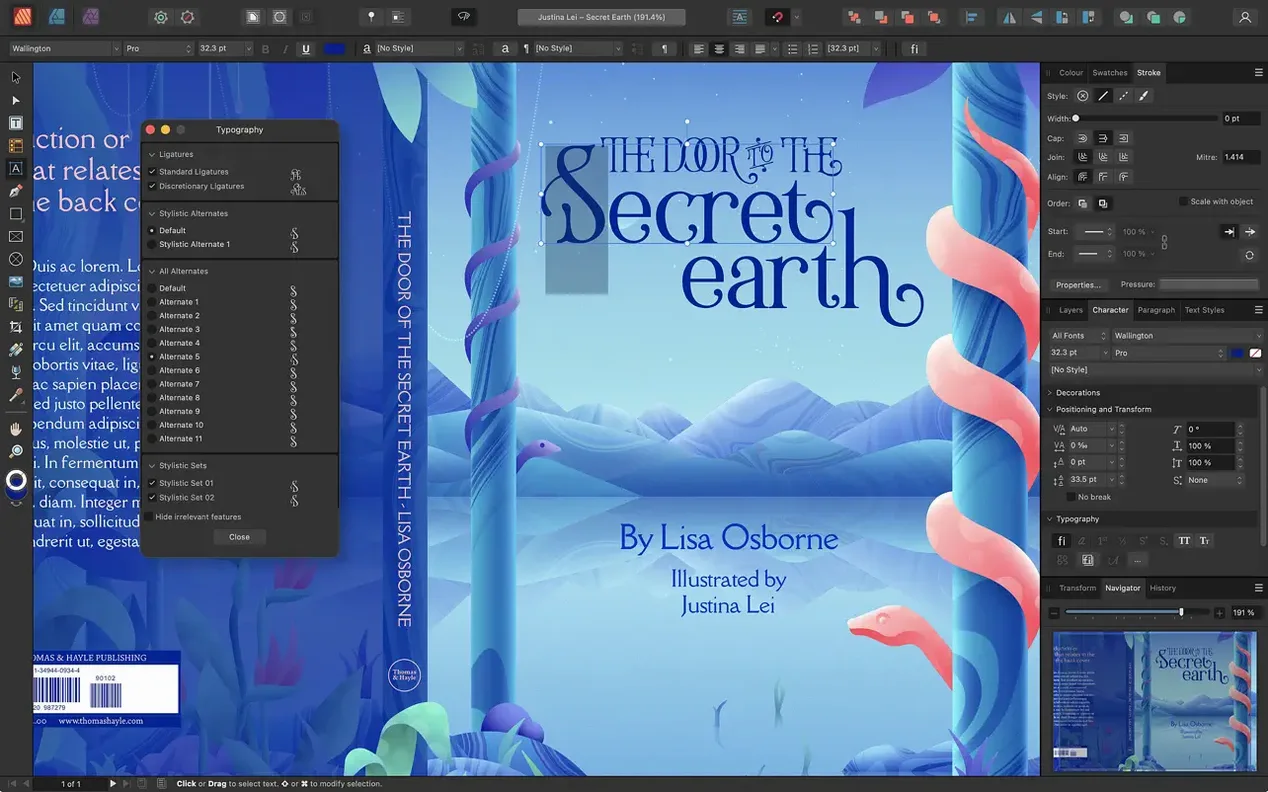
A graphic designer places the final image into a tri-fold brochure layout. The text wraps instantly around its contours, and a quick check of the master page confirms the folio numbers are still locked in place across all eight panels.
Good for
- Multi-chapter books and magazines linked across dozens of text frames.
- Stationery, forms, and reports that rely on nested master pages for consistent headers and footers.
- Print-ready documents requiring Pantone swatches and boolean shape operations for custom die lines.
- Long documents where a reading order panel is needed for accessible PDF export.
Keep in mind
- Spreads with gatefolds and accordion folds are available, but only from version 2.6 onward.
- Non-destructive adjustment layers are built in, yet heavy image work is still better suited to a dedicated photo editor.
- Requires up to 2.8 GB of disk space during installation.
Shifting from Word Processors Stalls Layouts
A new layout project can stall for reasons that have nothing to do with the software. I see the same patterns when someone shifts from a word processor or basic graphics tool into Affinity Publisher for the first time.
- Not setting up master pages early — Beginners often lay out headers, folios, and repeating elements manually on every page. That works for two or three pages but turns into a time sink at twenty. Nested masters solve this in one pass.
- Using text frames like a word processor — Dragging a single text frame across the whole page and filling it end to end ignores the power of linking frames. A magazine spread reads better when text flows around sidebars, images, and pull quotes. Link the frames first, then pour the text in.
- Forgetting to check the reading order panel — Version 2.6 added a dedicated panel for this. Export a PDF of your first multi-page document and open it in a reader. If the screen reader jumps from a headline to a caption three pages later, the tags need reordering. It takes thirty seconds to fix and saves a re-export.
- Applying character styles instead of paragraph styles — It is faster to set body text once in a paragraph style and adjust the entire document later. Beginners highlight and tweak each block, which guarantees inconsistencies by page ten.
- Ignoring the snapping and grid settings — Objects that drift a pixel or two off the grid cause visible misalignment in print. Turn on snapping to guides and set a sensible grid before placing anything.
Runs on macOS 10.15 with Intel or M-Series Chips
Affinity Publisher 2.6.5 runs on macOS 10.15 or later and supports both Apple M-series chips and Intel processors. The installer occupies up to 2.8 GB of disk space during setup, with a smaller footprint afterward. Serif recommends 8 GB of RAM, which is comfortable for documents of moderate size — a sixty-page magazine with embedded images, for instance. The display should be at least 1280 by 768 pixels; anything smaller makes the dual-panel layout (pages and tools side by side) feel cramped. The app is available in English, German, Spanish, Italian, Simplified Chinese, Portuguese, French, and Japanese, so the interface language matches the project language without additional configuration.
Thursday Morning Proposal Start with Affinity Publisher
A project manager at a construction company who also handles client proposals might start a Thursday morning like this.
Open Affinity Publisher from the Applications folder. The start screen shows recent documents and a blank option. Click A4 portrait, set three-column guides from the master page panel, and define a nested master — one for the cover, another for inside pages. The cover master carries a full-bleed background box and the company logo; the inside master has folio numbers and a thin rule at the top.
From the Finder, drag a set of photographs into the document. Each one lands as a placed image. Resize the first image and the text wrap controls activate automatically — the body text reflows around it without manual spacing. Continue placing images on the next three pages, then select the text tool. Draw a text frame under the first image, type a headline, and apply a paragraph style named Headline Bold that was saved from a previous project. The font, size, and tracking are all set in one click.
Return to the master page panel and notice the folio numbers need updating for the new section. Adjust the master once. Every page that inherits it updates. No scrolling through the document.
Before exporting, open the Reading Order panel. The tags are in the order the frames were created. Drag the headline tags above the image tags so a PDF reader announces the title first. Export to PDF/X-4 with a Pantone spot color for the company logo. The file lands on the desktop in under a minute, ready to send to the print shop.
The whole process — from blank document to PDF — takes less time than opening and closing individual files in a general-purpose office suite. The layout stays consistent because the master pages and styles carry the formatting.
Inline Vector Edits via StudioLink from Designer and Photo
Affinity Publisher is part of a three-app suite. Through StudioLink, you can open Designer and Photo panels without leaving the Publisher window. A vector logo drawn in Designer can be edited inline. A photograph adjusted with Photo's non-destructive tools stays linked. The workflow never requires switching applications or exporting intermediate files.
On macOS, the app respects standard file dialogs and drag-and-drop from the Finder. Placing images, fonts, and Affinity files works the same as moving files between folders. The dock icon shows document thumbnails for quick switching. The trackpad gestures — two-finger scroll, pinch zoom — behave as expected in the layout view. If you use macOS virtual desktops, Publisher documents sit on their own desktop without interfering with spreadsheets or email.
PDF export includes the accessibility tags from the Reading Order panel, which means compliance checks in Acrobat Pro or similar tools pass on the first try. That matters when a client requires Section 508 conformance or PDF/UA. For the construction proposals I manage, it means no back-and-forth with the print vendor about missing crop marks or spot color definitions.
The torrent version offers the same features without the monthly cost.
- Multiple-page spreads now allow more than two pages side by side.
- Foldable spread types added, including gatefold, trifold, and accordion.
- New Reading Order panel controls tag sequencing for accessible PDF files.
| macOS | macOS 10.15 or later |
|---|---|
| Processor | Apple Silicon, Intel 64-bit |
| Download | 783 MB |
- macOS 10.15 or later.
- Apple Silicon and Intel Macs supported.
- 8 GB RAM recommended.
- Up to 2.8 GB of available disk space; more needed during installation.
- Display resolution 1280 × 768 or larger.
Questions about Affinity Publisher
Can Affinity Publisher link text frames across a document?
Yes. Text frames can be linked to flow a single story through multiple pages, which is essential for books and long reports.
Does it support Pantone colors?
It includes a full Pantone library, so you can specify spot colors for professional print output directly in the swatches panel.
How to install, in order
- Mount the disk image and launch the Open Gatekeeper friendly file.
- When Terminal opens, press Enter to bypass Gatekeeper.
- Drag the Affinity Publisher icon into your Applications folder.
- The app is ready to open.
Comments and corrections 0
Sign in or open a free account to leave a comment.
No comments or corrections yet.