Ultros 1.3.5 — download for Mac
Games Updated
Fights and gardens in a psychedelic metroidvania inside a floating womb.
Screenshots
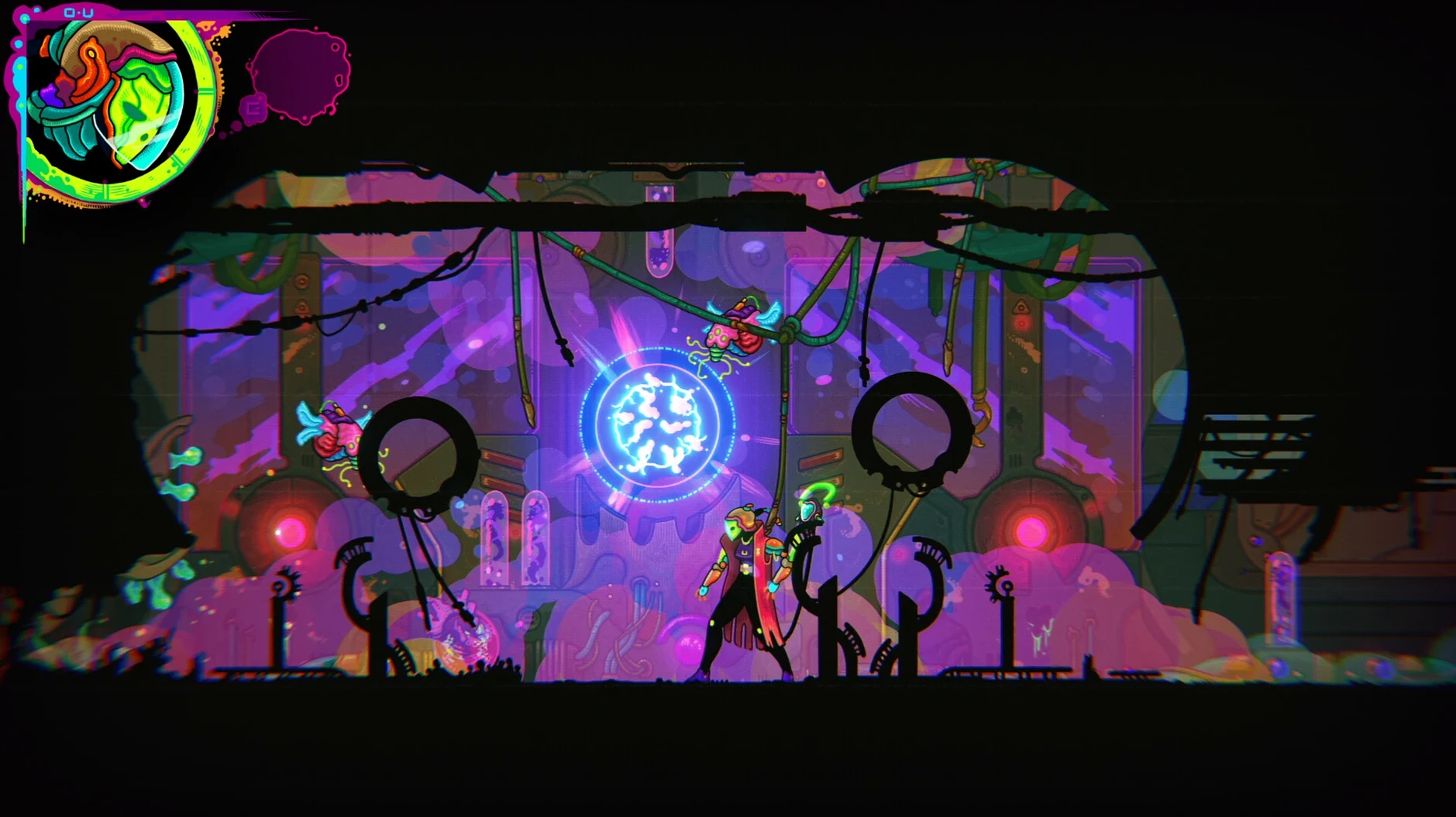
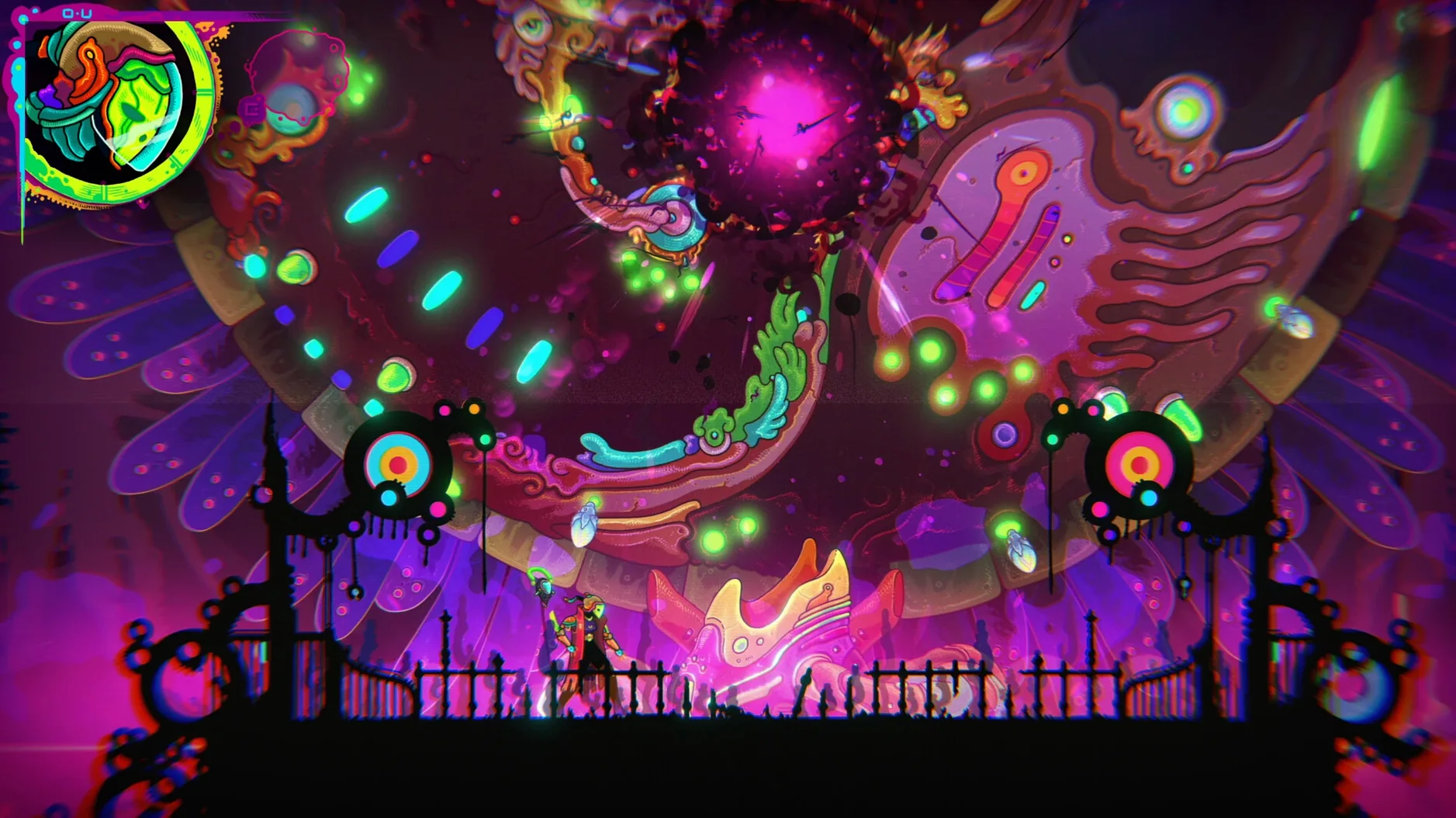
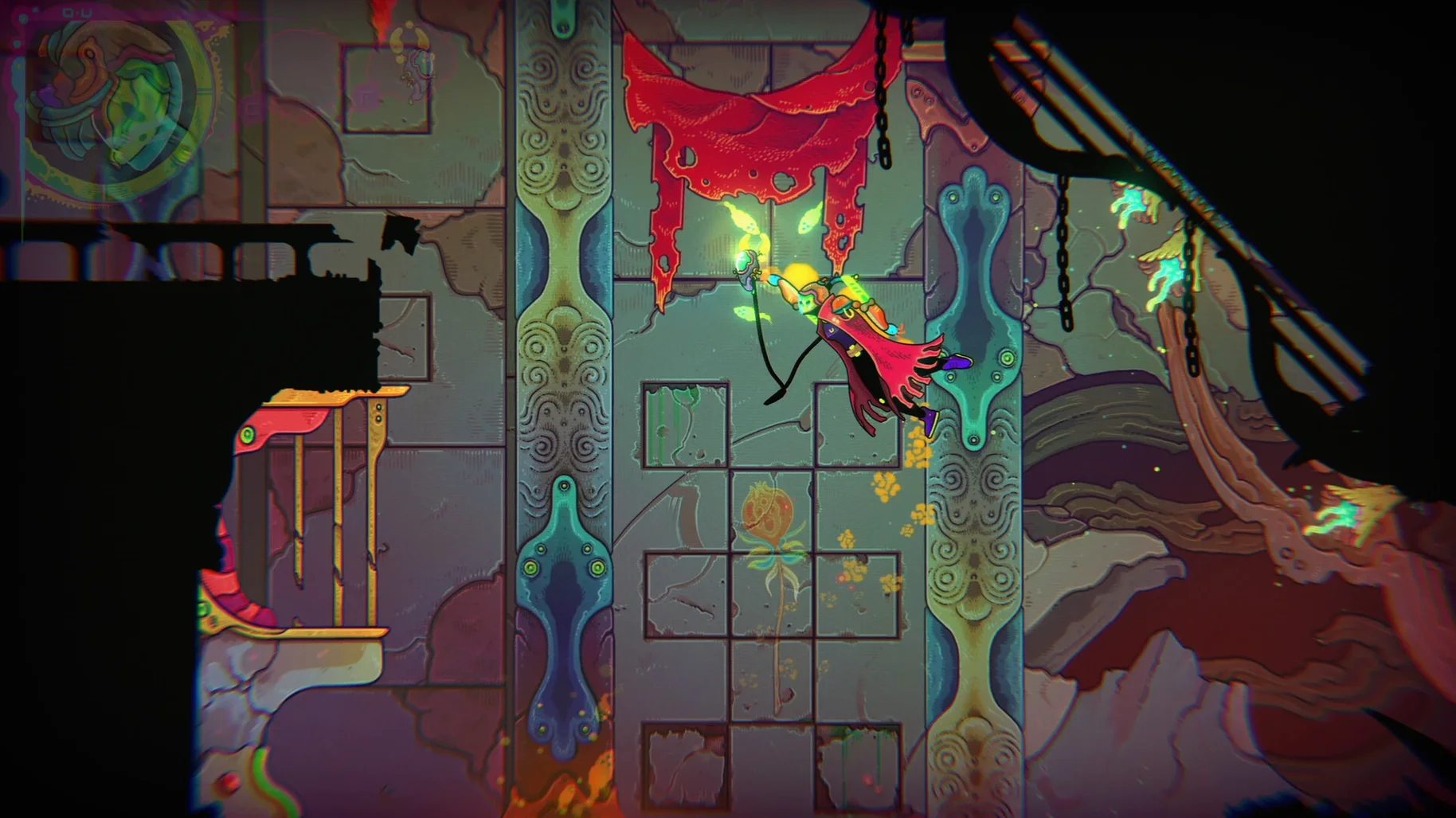
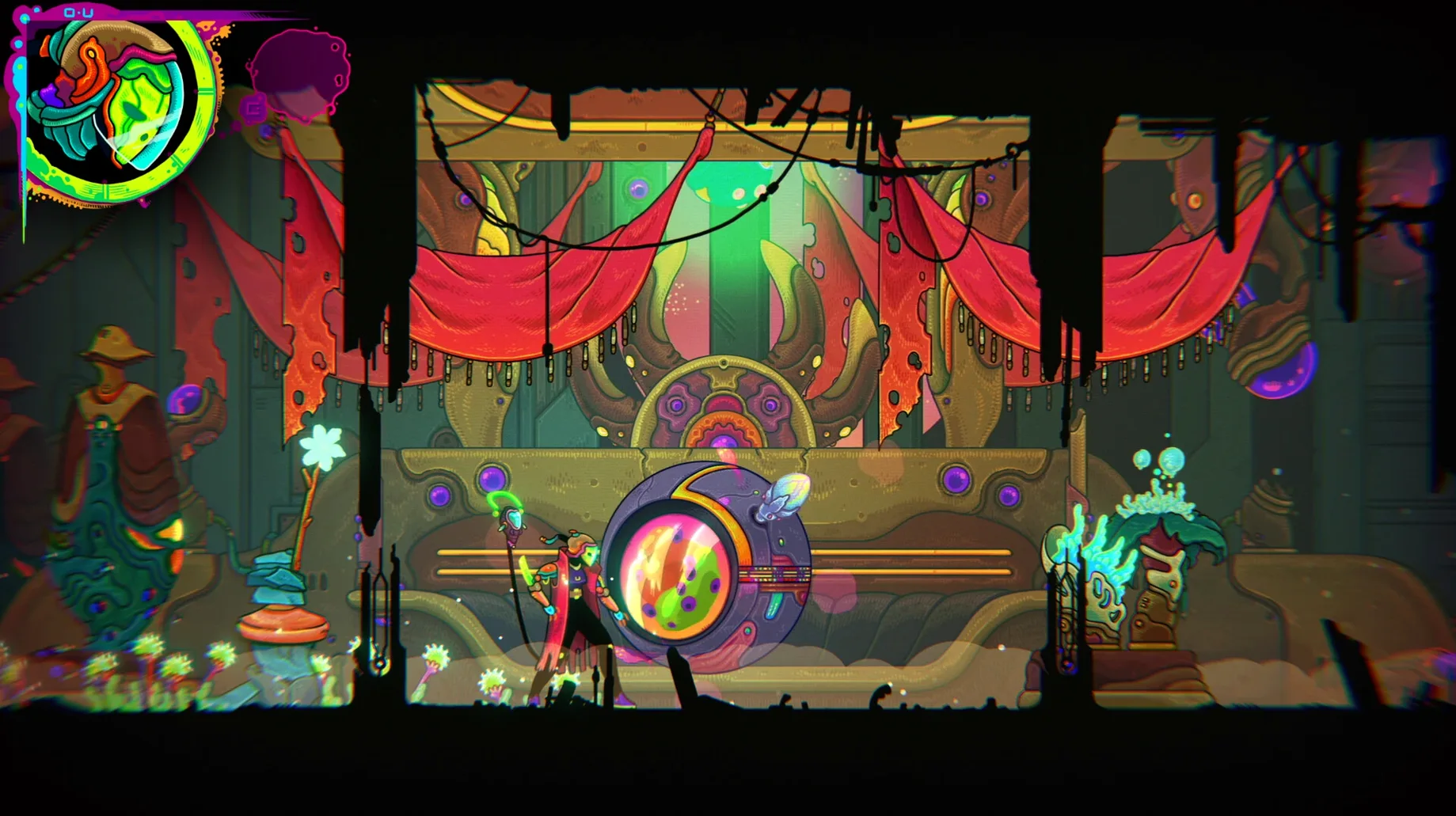
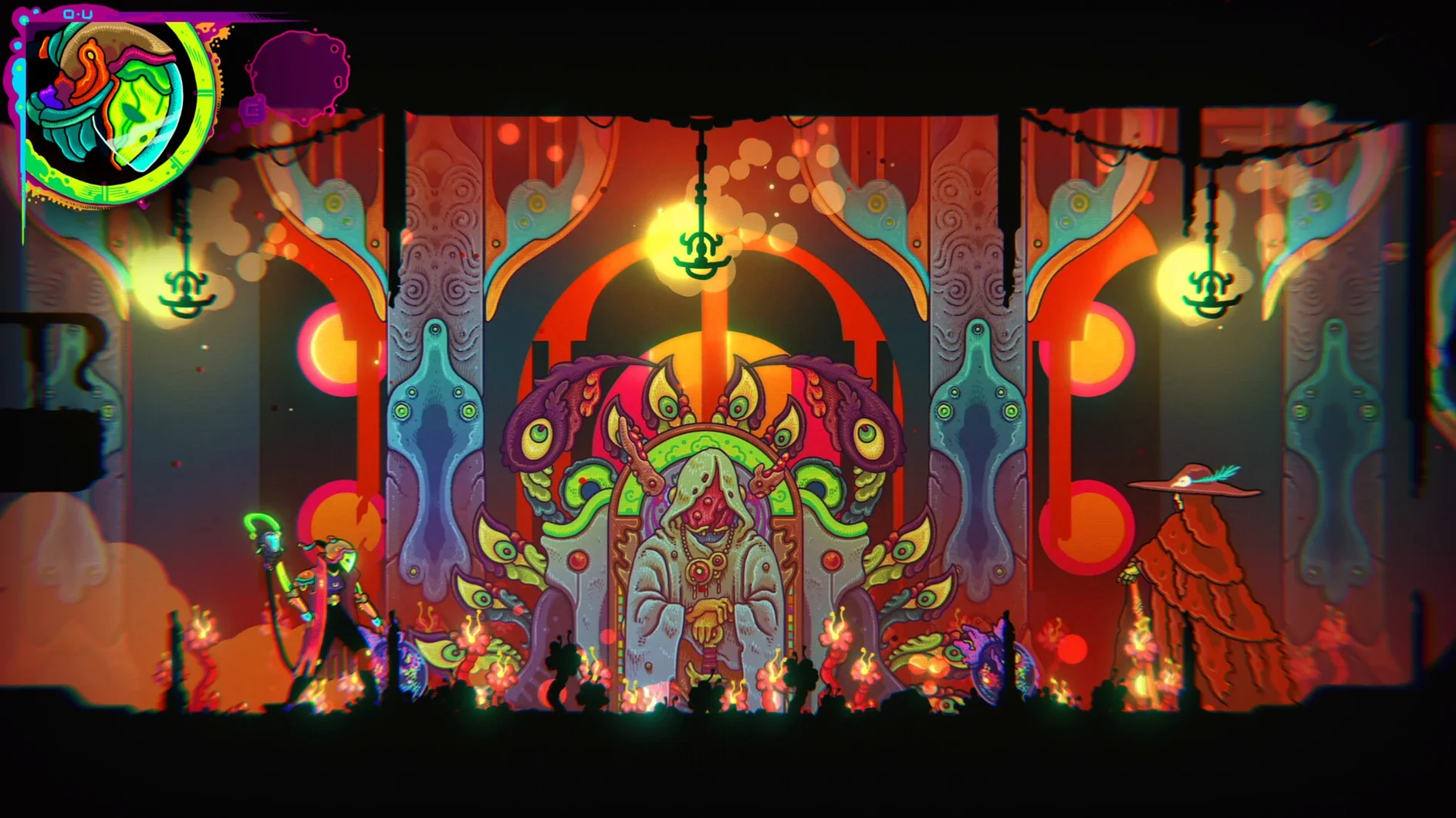
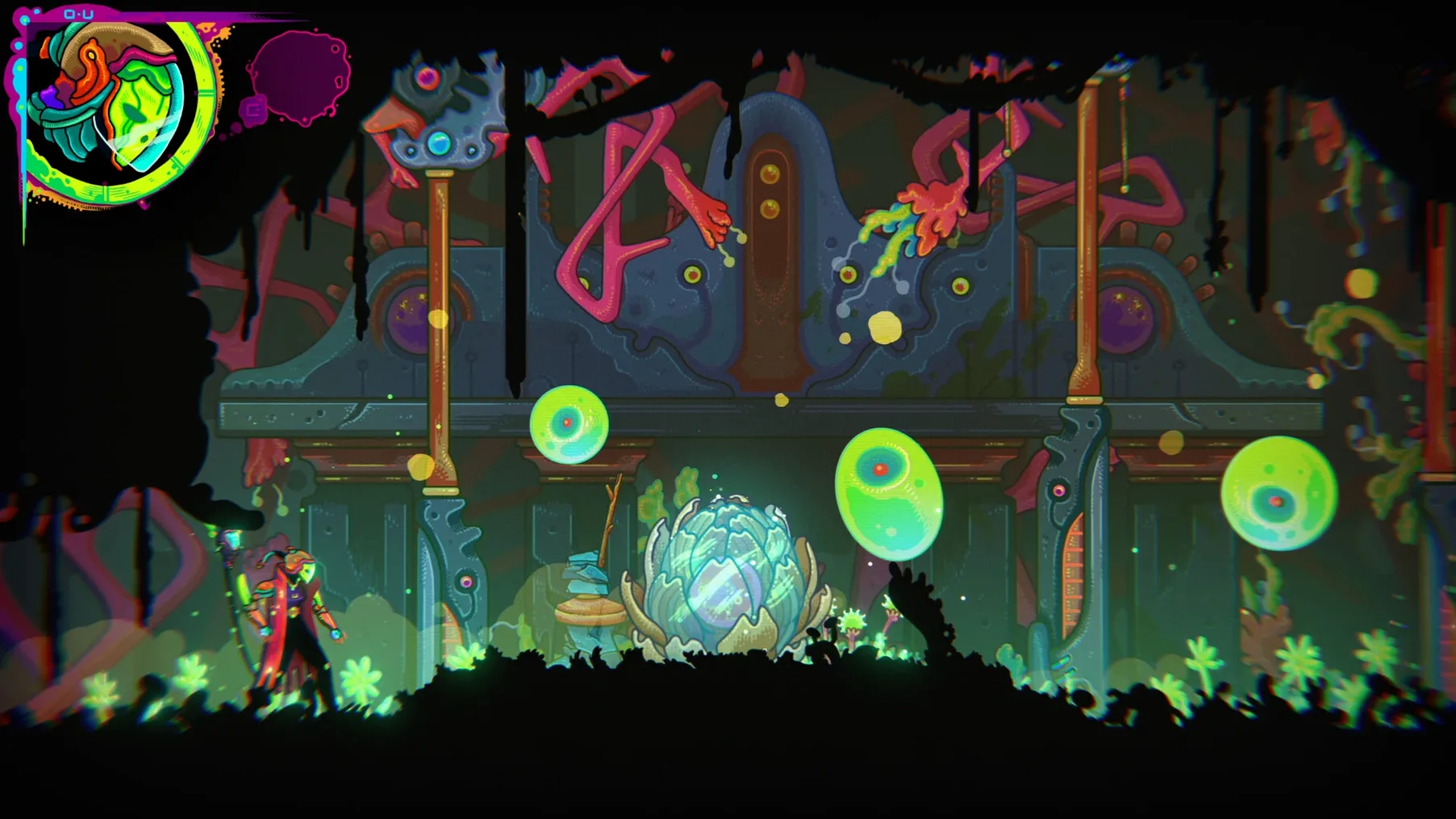
The Sarcophagus, a giant womb floating in space, is the setting for Ultros, a psychedelic sci-fi metroidvania that pairs combat with gardening. You wake up after a crash with no memory, and the game uses a loop mechanic: each restart reveals more about mental health, life, and karma. The music, by El Huervo (Hotline Miami), sets the tone for exploring alien creatures and space.
| Detail | Info |
|---|---|
| Developer | Hadoque |
| Current version | 1.3.5 |
| Architecture | Intel & Apple Silicon |
| Languages | 10 including English, French, Japanese |
Controls map to keyboard and controller — I recommend a gamepad for the combat sections. Download the disk image, drag the app into Applications, and launch from Launchpad. The art style and loop-driven story make this one worth the time for metroidvania fans on Mac.
Don’t Rush Past Vertical Passages
New players often treat Ultros like a standard action game and push through combat without pausing to read the environment. The Sarcophagus is built around verticality and hidden passages, so rushing past walls or skipping side paths means missing upgrade tools and garden plots. Early deaths happen because players ignore the gardening mechanic entirely — it is not optional. Planting and tending the alien flora directly affects your health and ability upgrades. Beginners also assume the loop mechanic is a punishment. It is not. Each restart brings you back with knowledge, not full inventory, so exploring with fresh eyes is the point.
A Metroidvania for Patient Mac Explorers
Mac users who already enjoy metroidvanias — Hollow Knight, Axiom Verge, or Environmental Station Alpha — will feel at home here. The game rewards patience and curiosity, so players who map out areas mentally rather than rushing through will find more. People who appreciate non-linear storytelling and abstract themes (mental health, karma, rebirth) will connect with the writing. On the hardware side, Ultros runs on both ARM and x86 Macs, so it suits anyone on recent Apple Silicon or Intel MacBooks. The music alone makes it a good choice for players who value atmosphere over constant action.
Follow the Garden After a Restart
- Loop resets feel confusing. After a restart, some players are unsure where to go. Focus on the garden first — upgrading it unlocks abilities that open new paths. Use the map to spot locked doors and revisit them once you have the right skill.
- Combat feels clunky early on. The first enemies are not hard, but the dodge timing is slightly different from typical action games. Spend a few minutes practicing the evade move against stationary enemies before tackling the faster creatures.
- Menus or text appear in the wrong language. Check the settings menu after first launch. Ultros supports ten languages, and the default might not match your system language. Switch it before starting.
- The game freezes or stutters on older macOS versions. Ultros was tested on macOS Sonoma. If you are on an earlier release, update macOS before installing. The game runs on both Intel and Apple Silicon, but older operating systems can cause instability.
- Keyboard controls feel awkward. The game assumes a controller. Plug in a gamepad before launching — the d-pad and analog stick make platforming and combat sections much easier to manage.
None of these issues are deal-breakers. A few small adjustments and Ultros becomes a smooth, strange, memorable experience for any Mac gamer willing to spend time with its loop.
No release notes filed for 1.3.5. They are added here when a build changes how the program behaves.
| Processor | Apple Silicon, Intel 64-bit |
|---|---|
| Download | 2.5 GB |
- macOS: not specified, tested on Sonoma
- Architecture: Intel and Apple Silicon
Questions about Ultros
Does Ultros run on Intel Macs?
Yes, the game supports both Intel and Apple Silicon architectures, so it runs on older Macs as well as newer M-series machines.
What controllers work with Ultros on Mac?
The game supports standard gamepads via Bluetooth or USB. Keyboard and mouse also work, though a controller improves the experience.
How to install, in order
- Open the downloaded disk image.
- Drag the app into the Applications folder shortcut.
- Launch the app from Launchpad after copying finishes.
Comments and corrections 0
Sign in or open a free account to leave a comment.
No comments or corrections yet.