
Thriving City: Song 1.8.6 — download for Mac
Games Updated
Builds an ancient Chinese city from the ground up, managing resources and population growth.
Screenshots
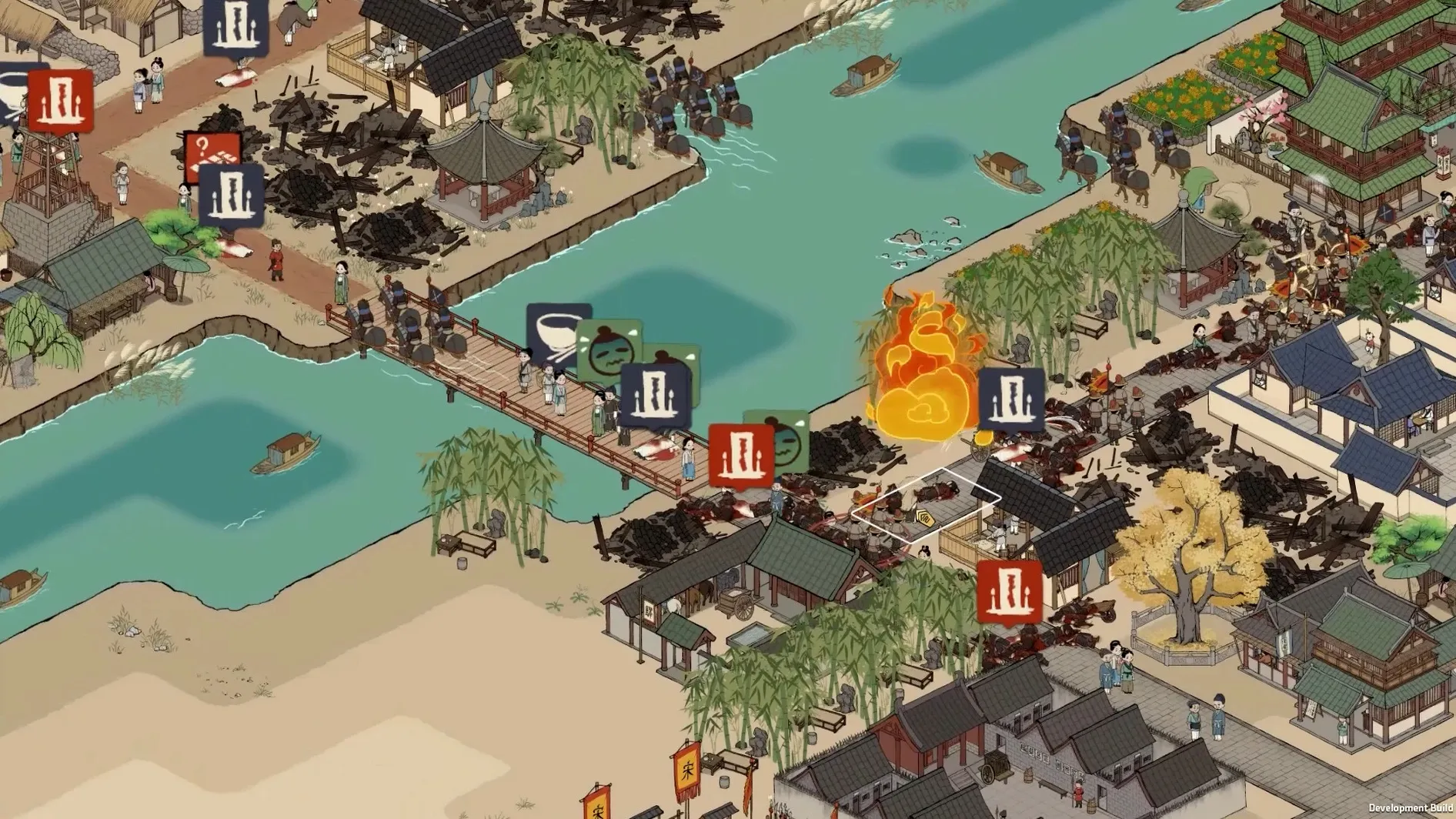
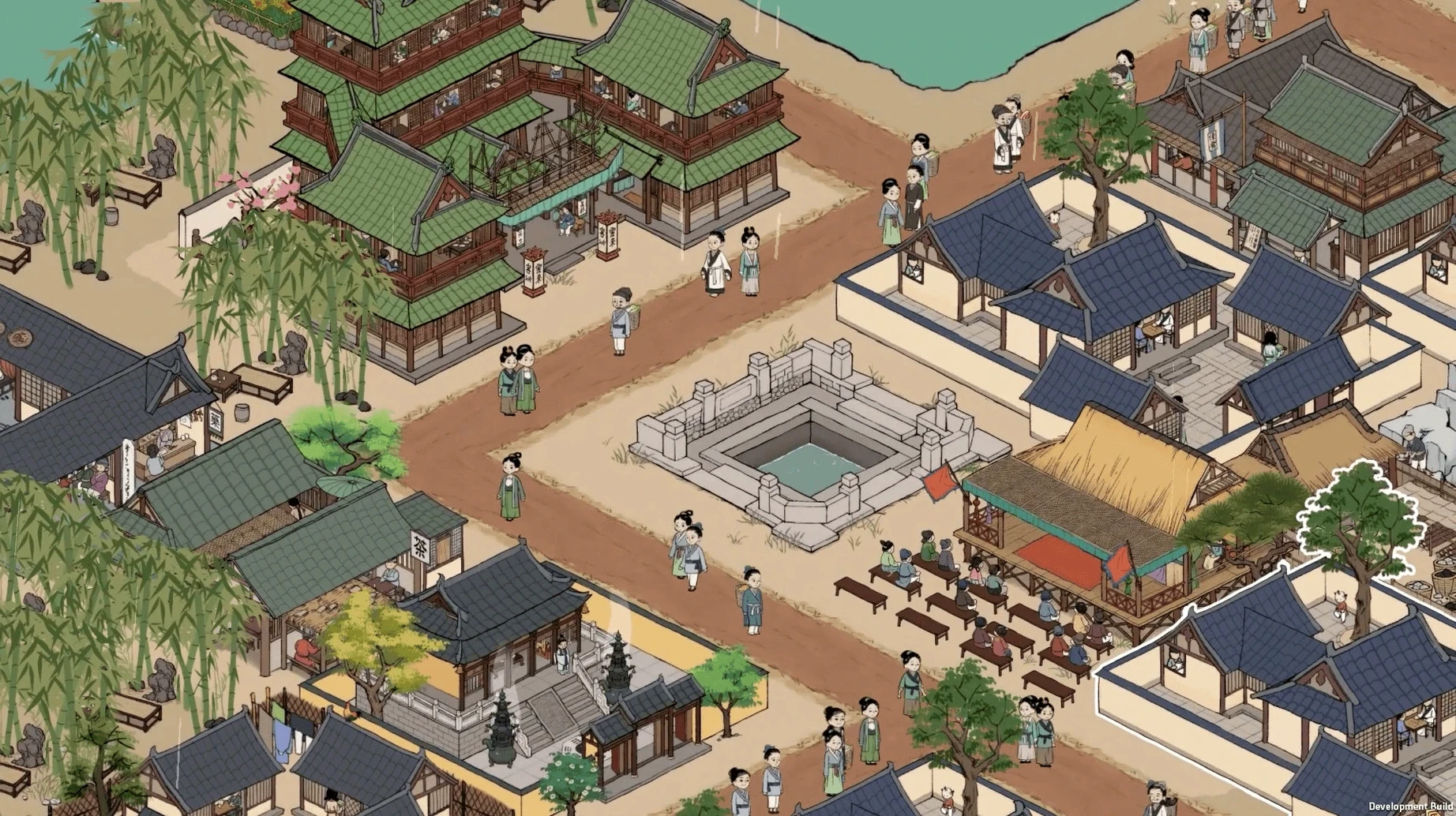
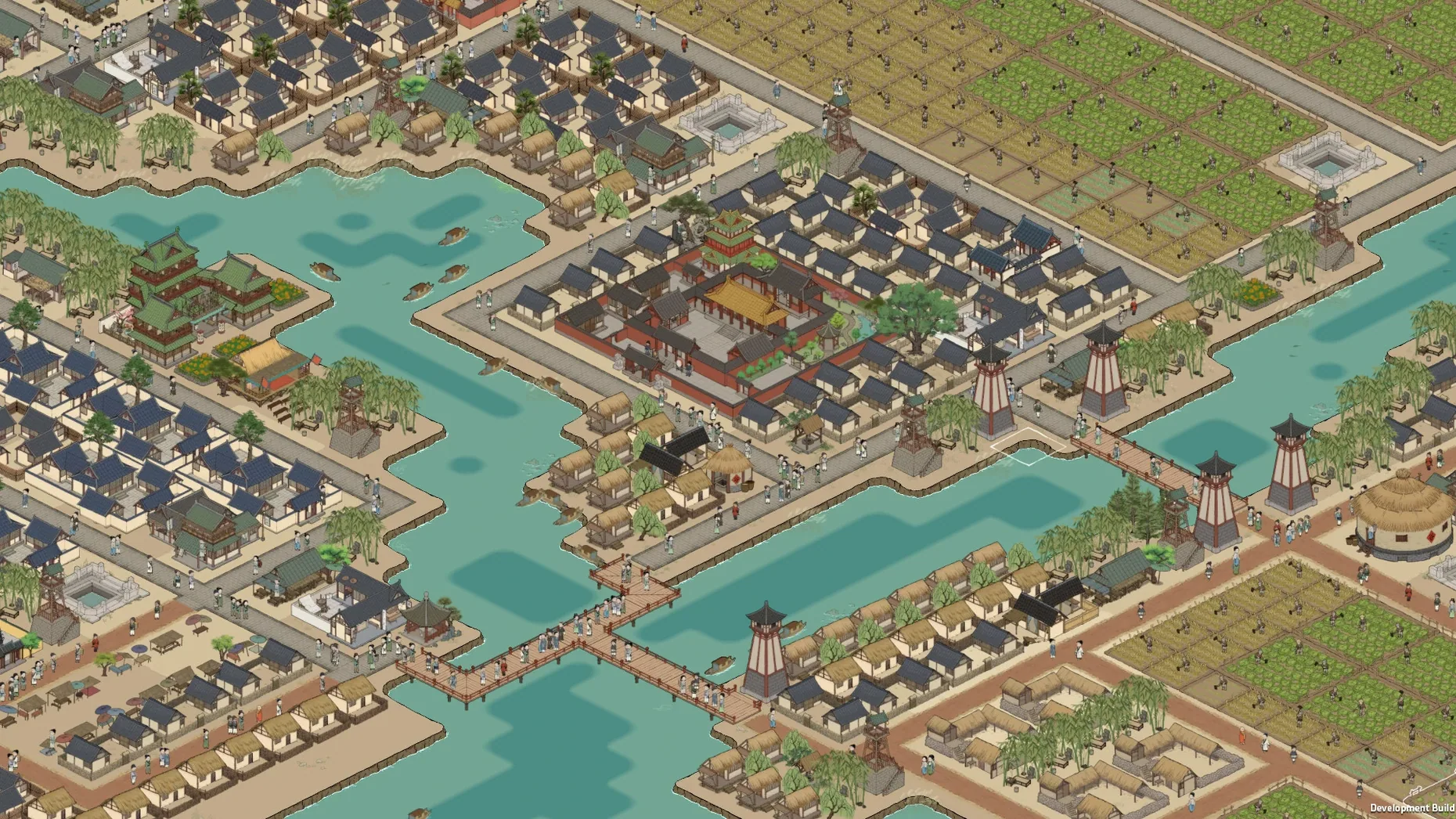
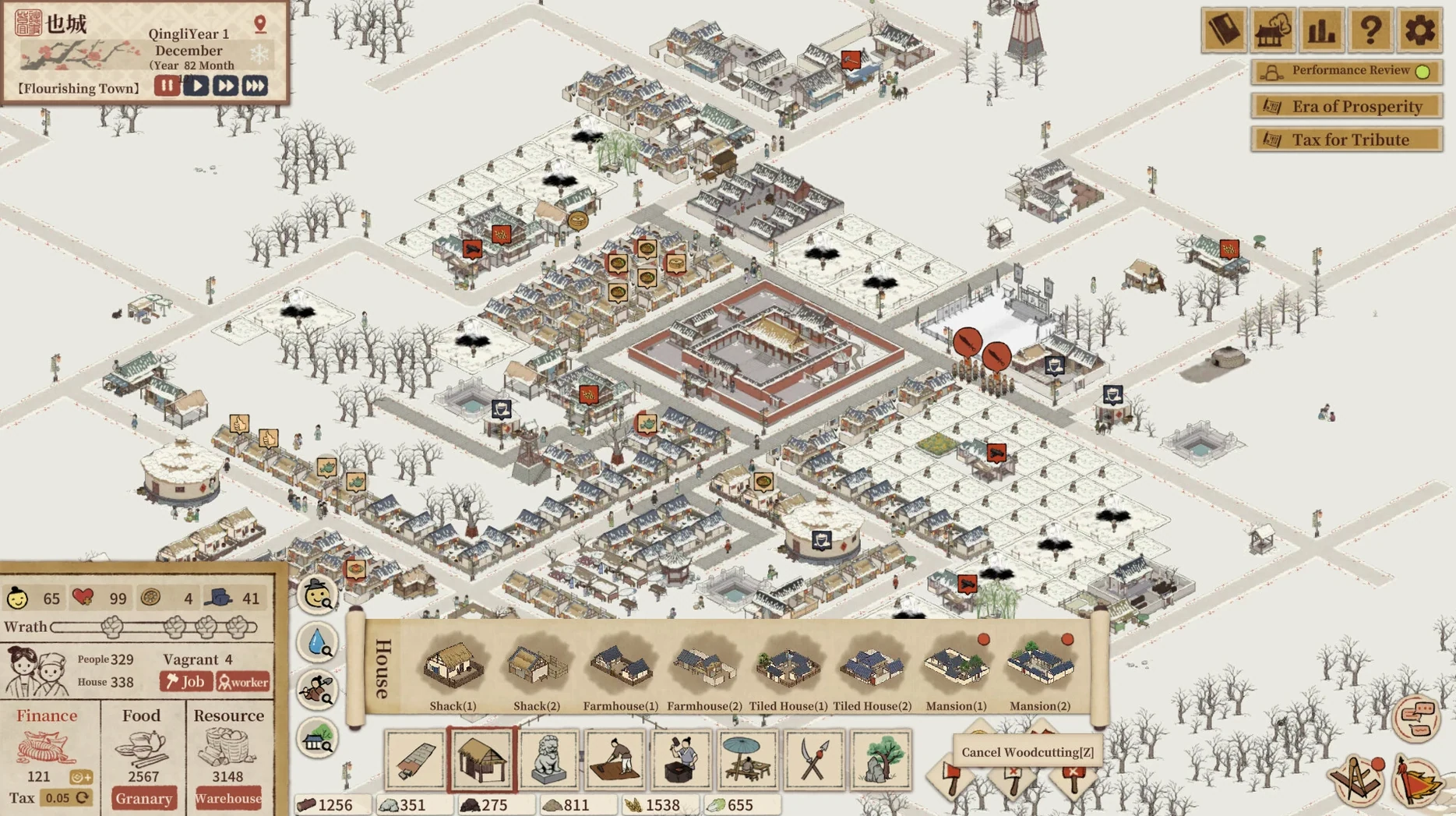
A city-builder that runs on a Mac needs the right balance of performance and compatibility. Thriving City: Song, set in ancient China, is a macOS-native title that works on both Apple Silicon and 64-bit Intel machines.
macOS compatibility — Supports Apple Silicon (M1, M2, M3) and 64-bit Intel Macs. The interface is English only.
Gameplay — Help residents settle, farm land, and expand the city. Each building earns experience points, and you must prevent natural disasters. Unlock new settlement development levels as you progress.
No dedicated GPU required, but a Mac from 2018 or later is recommended.
Controls — Mouse and keyboard only. No native controller support. The game uses standard point-and-click city-building controls.
After you've moved Thriving City: Song into your Applications folder and launched it, the first few sessions are about learning the rhythm. Start with the tutorial prompts — they walk you through placing farms and houses, which is the fastest way to understand the resource flow. Don't rush to build every structure at once. Focus on food supply first, then housing, then a basic grid of roads. Natural disasters hit early if you spread too thin.
First-session habits
Open the game from Launchpad each time, not from the disk image. The image is only for installation. Once the app is copied, you can eject and store the image elsewhere. Save manually after each milestone — the game does autosave, but a habit of saving before expanding a new district saves rework.
Pay attention to the experience points counter per building. Not all buildings are equal. A few well-placed cultural structures early on unlock upgrades faster than scattering the same buildings across the map. Use the pause function generously while you read tooltips.
Intel Mac support since 2017
Will it run on an Intel Mac from 2017? — The game supports 64-bit Intel systems, but performance will depend on your specific GPU. Machines from 2018 onward are the safe bet. If you're on an older model, check that your macOS version is recent enough to mount the disk image.
Do I need an internet connection to play? — No. Thriving City: Song does not require activation or a persistent online connection. Once installed, it runs entirely offline. This makes it a solid choice for a laptop you take on-site or travel with.
Is the game in English only? — Yes, the interface is English. There are no other language options in version 1.8.6. If you're comfortable with English city-building menus, you're set.
Does it use Steam or a separate launcher? — The macOS version here installs from a disk image directly. No Steam client, no third-party launcher. You drag, copy, and launch.
Multiwindow workflow with Apple Notes
Thriving City: Song runs as its own window, so you can keep a browser or a notes app alongside it. I often have Apple Notes or a markdown editor open to jot down which buildings unlocked new levels — not necessary, but helpful for planning long sessions. The game doesn't interfere with macOS multitasking features like virtual desktops or split-screen.
Music plays through the game's own soundtrack. If you prefer your own playlist, you can mute the in-game audio and run Apple Music or any other player in the background. The game uses standard macOS audio routing, so volume controls work as expected.
For backups, the save files live inside the app's data folder. If you use Time Machine or a manual backup routine, include that folder. It's a small file, so even a weekly backup covers it easily.
If you search for "thriving city song mac torrent" to find the download, verify that the disk image matches version 1.8.6. The developer, Shinywhitebox, has kept the game updated, so older builds may lack features or fixes. The tested build runs on macOS Tahoe with no issues on a standard M4 Mac mini, so you're on solid ground with the current version.
No release notes filed for 1.8.6. They are added here when a build changes how the program behaves.
| Processor | Apple Silicon, Intel 64-bit |
|---|---|
| Download | 951 MB |
- macOS version not specified; supports Apple Silicon and 64-bit Intel Macs
- Architecture: both Apple Silicon and Intel
- Interface languages: English
Questions about Thriving City: Song
Does Thriving City: Song run on Apple Silicon Macs?
Yes, it supports Apple Silicon (M1, M2, M3) and 64-bit Intel Macs natively.
What language is the game interface in?
The interface language is English.
Does the game include music and historical content?
Yes, it includes music and covers the history of the Song dynasty.
How to install, in order
- Mount the downloaded disk image.
- Drag the app into the Applications folder alias.
- After copying finishes, launch the app from Launchpad.
Comments and corrections 0
Sign in or open a free account to leave a comment.
No comments or corrections yet.