TOEM 3.0.10 — download for Mac
Games Intel processors only Updated
Explores a hand-drawn world by taking photos, solving puzzles to progress through a quiet adventure.
Screenshots
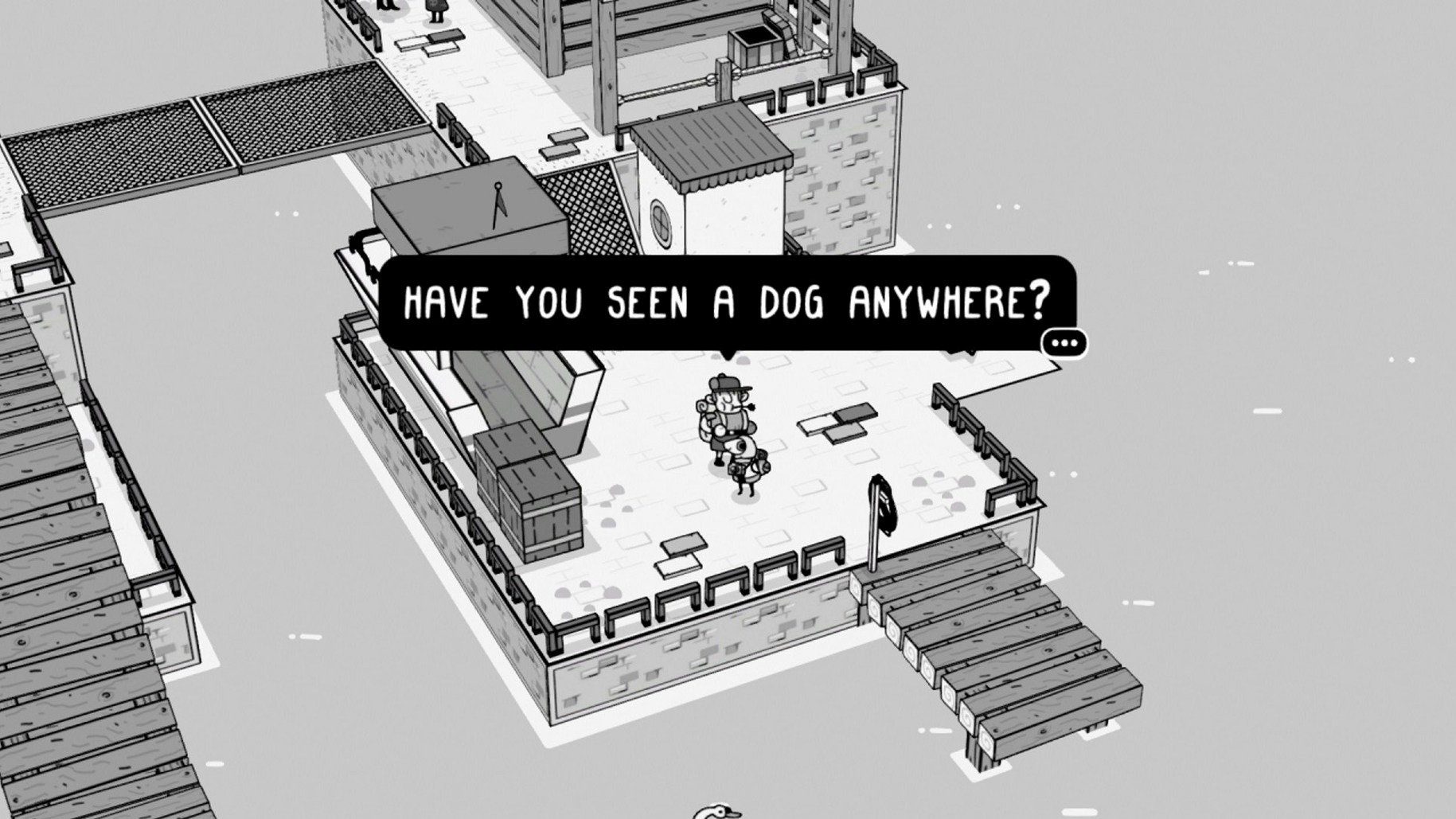
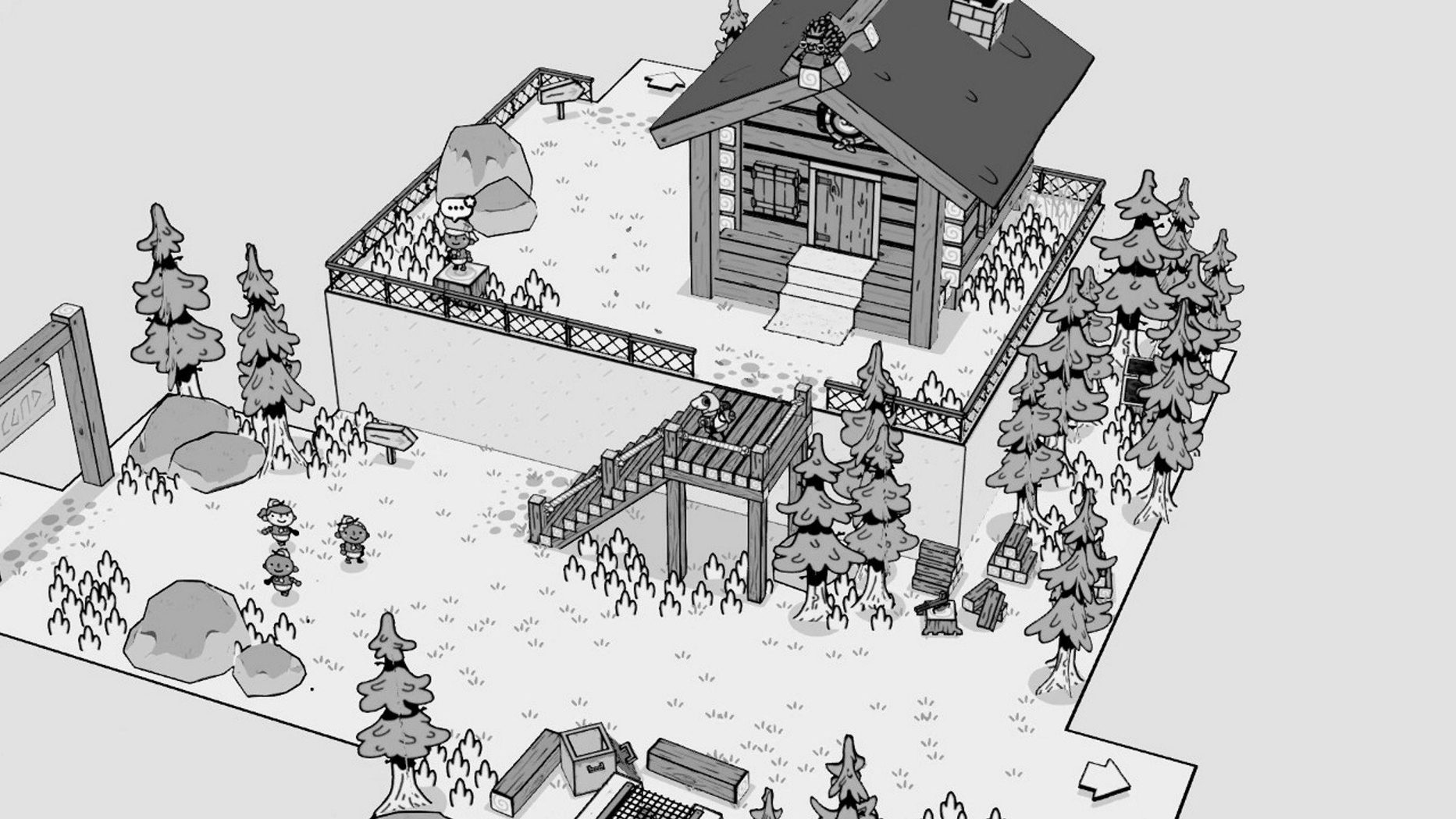
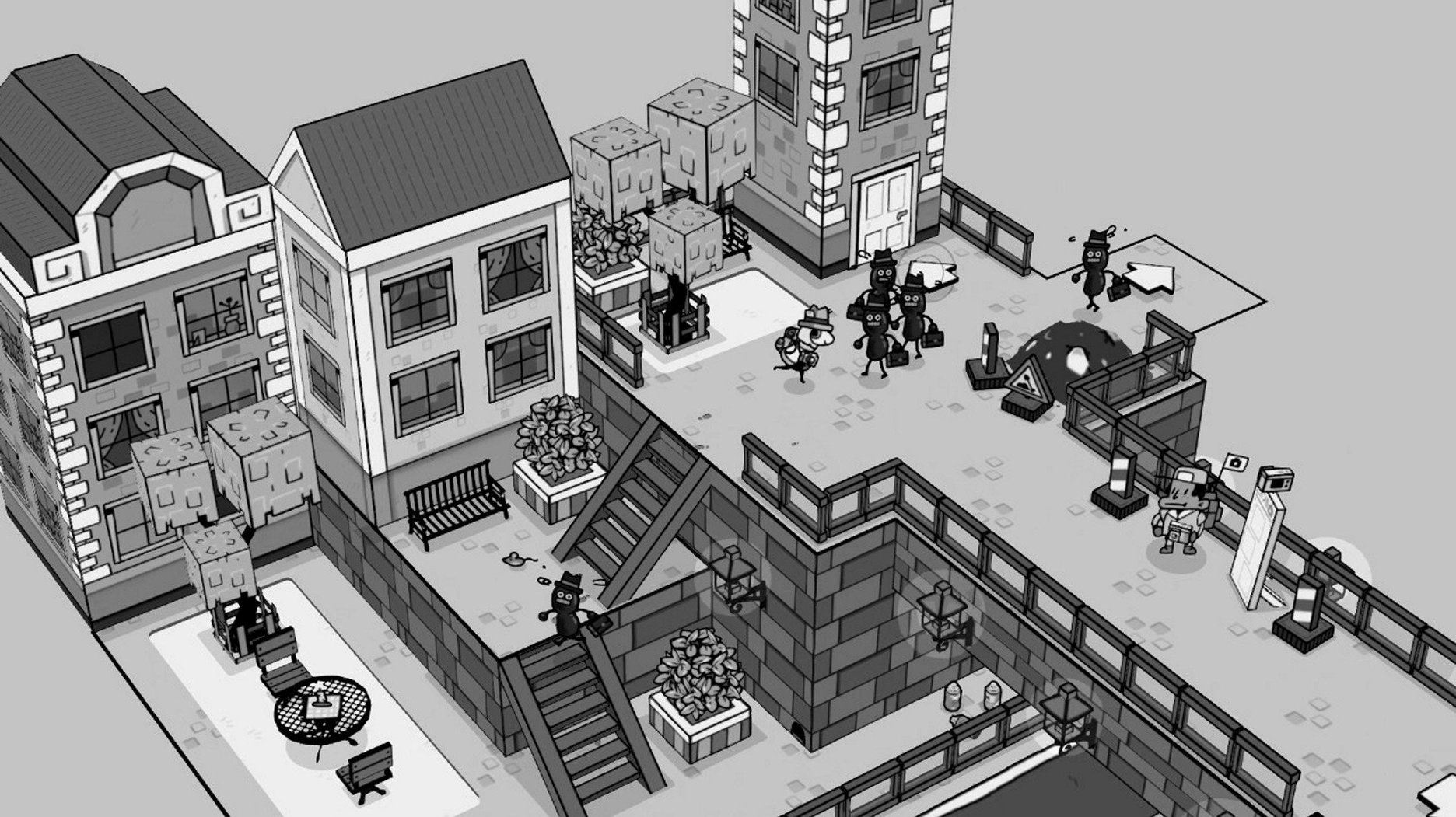
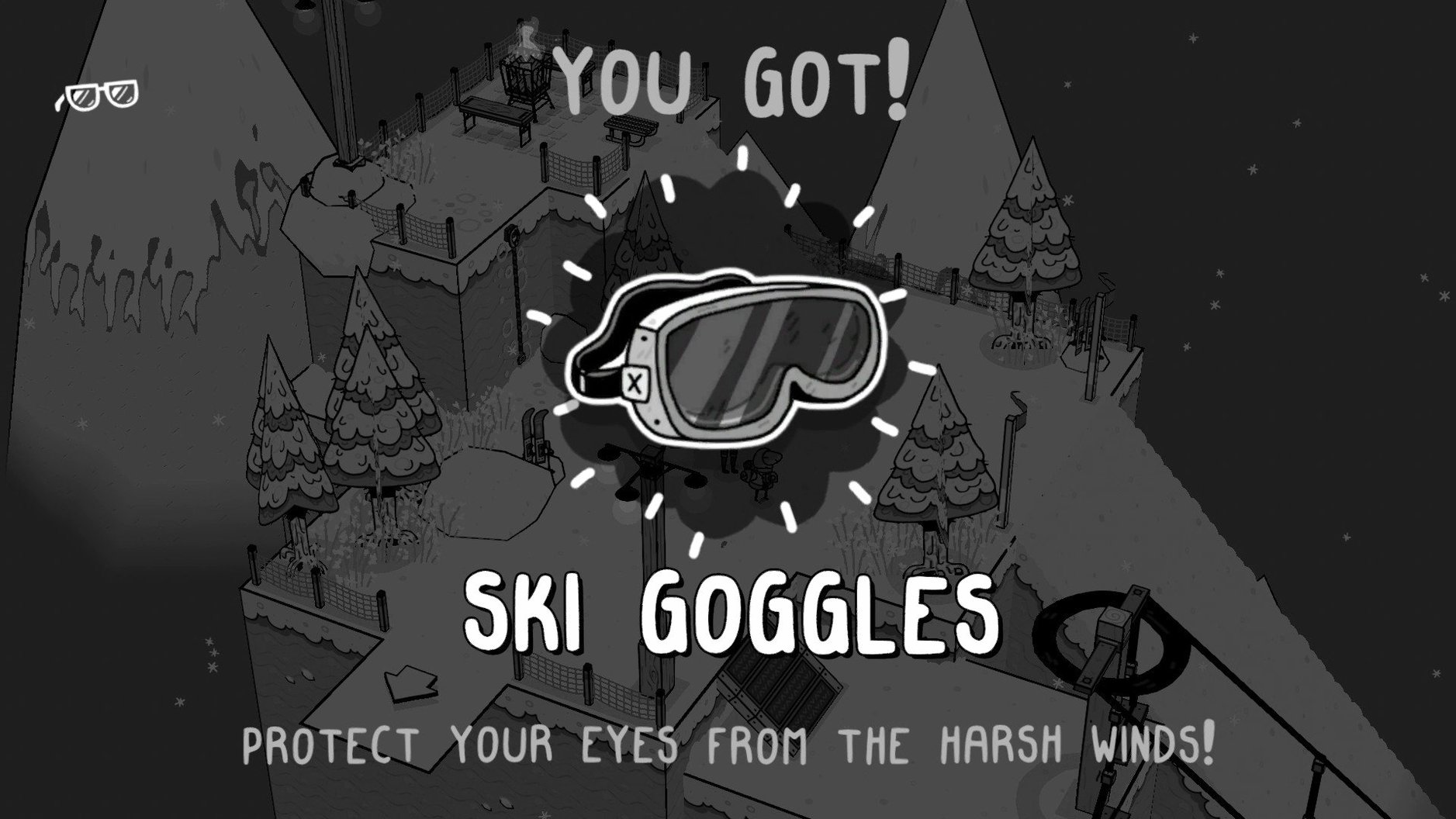
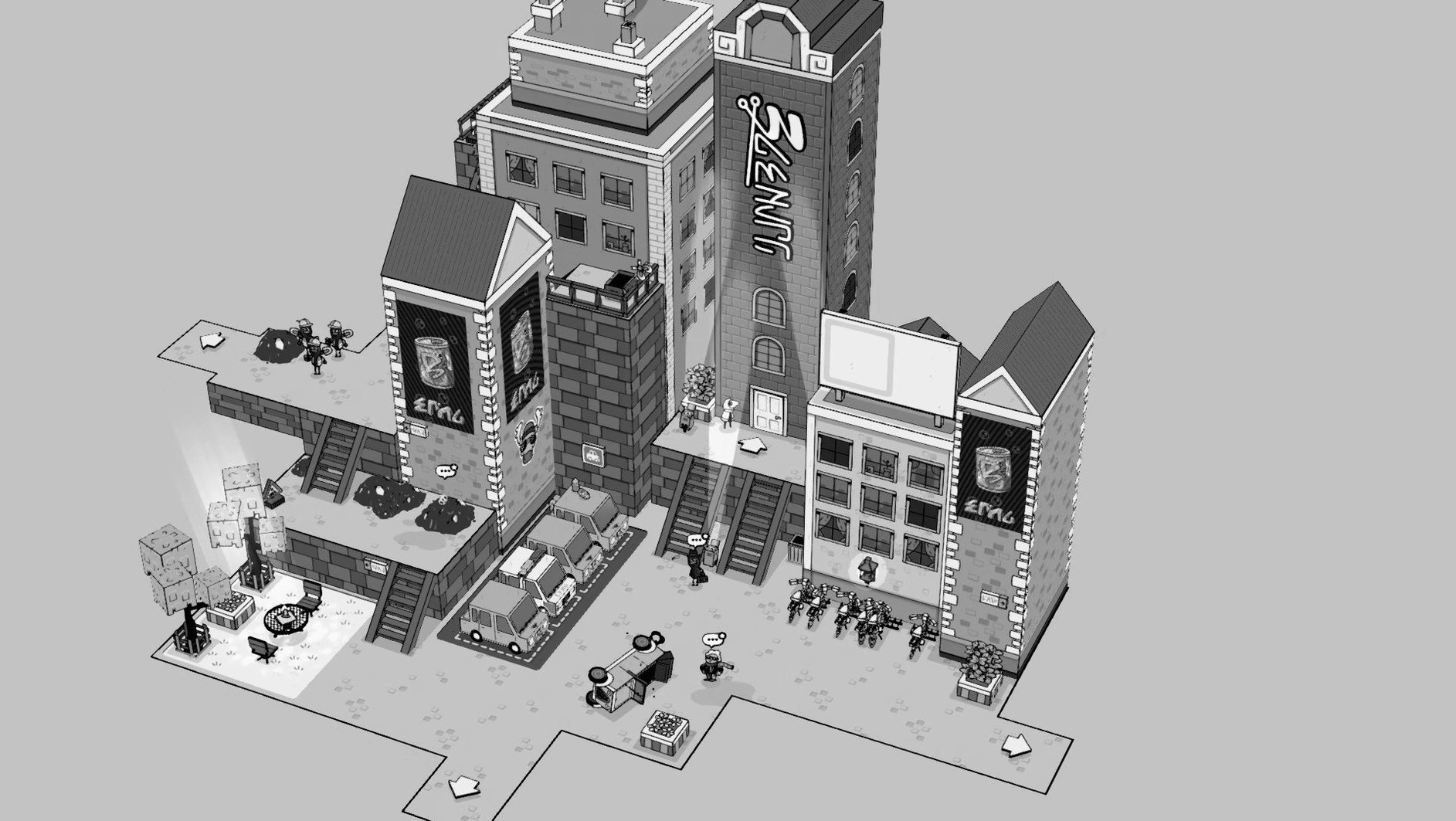
TOEM runs on Intel-based Macs. The current build was tested on a 2023 MacBook Pro with an M3 Max chip, so Apple Silicon machines via Rosetta 2 work as well. Before you install the hand-drawn photo adventure, here are the concrete answers to common questions.
- You play by taking photos to solve puzzles and help quirky characters — the camera is your only tool.
- The interface is available in 12 languages: English, German, Spanish, French, Swedish, Turkish, Portuguese, Russian, Japanese, Korean, Simplified Chinese, and Traditional Chinese.
- The soundtrack stays pleasant and unobtrusive, fitting the calm exploration.
- Released September 17, 2021 by Something We Made.
Stability Fixes for Photo Transitions
The current build, version 3.0.10, is a polished release. For everyday play, the most noticeable changes are stability fixes that prevent the game from stalling during photo transitions. The developer, Something We Made, also adjusted how the camera focuses on certain objects — a small change that saves you from re-framing shots when a character moves mid-puzzle. Translation updates for the Turkish and French interfaces are included as well; if you play in either language, menus and dialogue now read more naturally.
Installer Won't Proceed? Check Folder Permissions
TOEM is DRM-free and installs from a disk image. A few people run into the same issues:
- The installer asks for a location but then won't proceed. Make sure you have write permissions on the folder you choose. Applications is the recommended folder; if you pick a system directory, the installer may stall. Run the installer from a standard user account, not an admin account, to avoid permission conflicts.
- The game launches to a black screen. This usually happens when the display resolution is set to something the game can't handle. Go to your Mac's display settings and lower the external monitor resolution or disconnect a second monitor before launching. The game defaults to 1080p; it works best at that or a standard 16:9 ratio.
- Mouse or trackpad clicks don't register during puzzles. The camera tool relies on precise clicks. If you use a Bluetooth mouse, check for interference. Switching to the built-in trackpad or a wired mouse often fixes it. Also ensure no third-party mouse acceleration software is running — TOEM expects standard input.
- Language doesn't match my system locale. Change the language from the game's main menu settings. The list includes all 12 languages; if yours isn't showing, restart the game after selecting it.
Works on Intel Macs from 2015 Onward
TOEM suits a few specific kinds of Mac users. First, anyone using an older Intel MacBook or iMac — the game runs on x86 64-bit hardware, so a machine from 2015 or later handles it fine. Second, players who want a quiet, no-combat experience. The camera-based puzzles never require fast reflexes; you can step away and come back without losing progress. If you keep a toem mac torrent handy for offline travel, the disk-image install means no online authentication is needed — just mount, install, and play.
For anyone who enjoys hand-drawn art and slow exploration, TOEM is an easy recommendation. Project managers, writers, and other desk-bound professionals who want to unwind without adrenaline will find it fits the end of a workday.
For a relaxed evening of solving photo puzzles, TOEM fits the bill. Anyone who enjoys exploration games without combat will feel at home here.
No release notes filed for 3.0.10. They are added here when a build changes how the program behaves.
| Processor | Intel 64-bit |
|---|---|
| Download | 256 MB |
- macOS: unspecified
- Architecture: Intel
Questions about TOEM
Does TOEM support Apple Silicon Macs?
The game is Intel-only but runs via Rosetta 2 on Apple Silicon Macs. It was tested on an M3 Max MacBook Pro without issues.
What languages are available in TOEM?
The game includes 12 interface languages: English, German, Spanish, French, Swedish, Turkish, Portuguese, Russian, Japanese, Korean, Simplified Chinese, and Traditional Chinese.
How to install, in order
- Mount the downloaded disk image.
- Run the standard installer.
- Choose an installation location when prompted.
- The Applications folder is the recommended install location.
Comments and corrections 0
Sign in or open a free account to leave a comment.
No comments or corrections yet.