BLASTRONAUT 0.5.4 — download for Mac
Games Updated
Lands on alien planets to gather resources and turn them into profit.
Screenshots
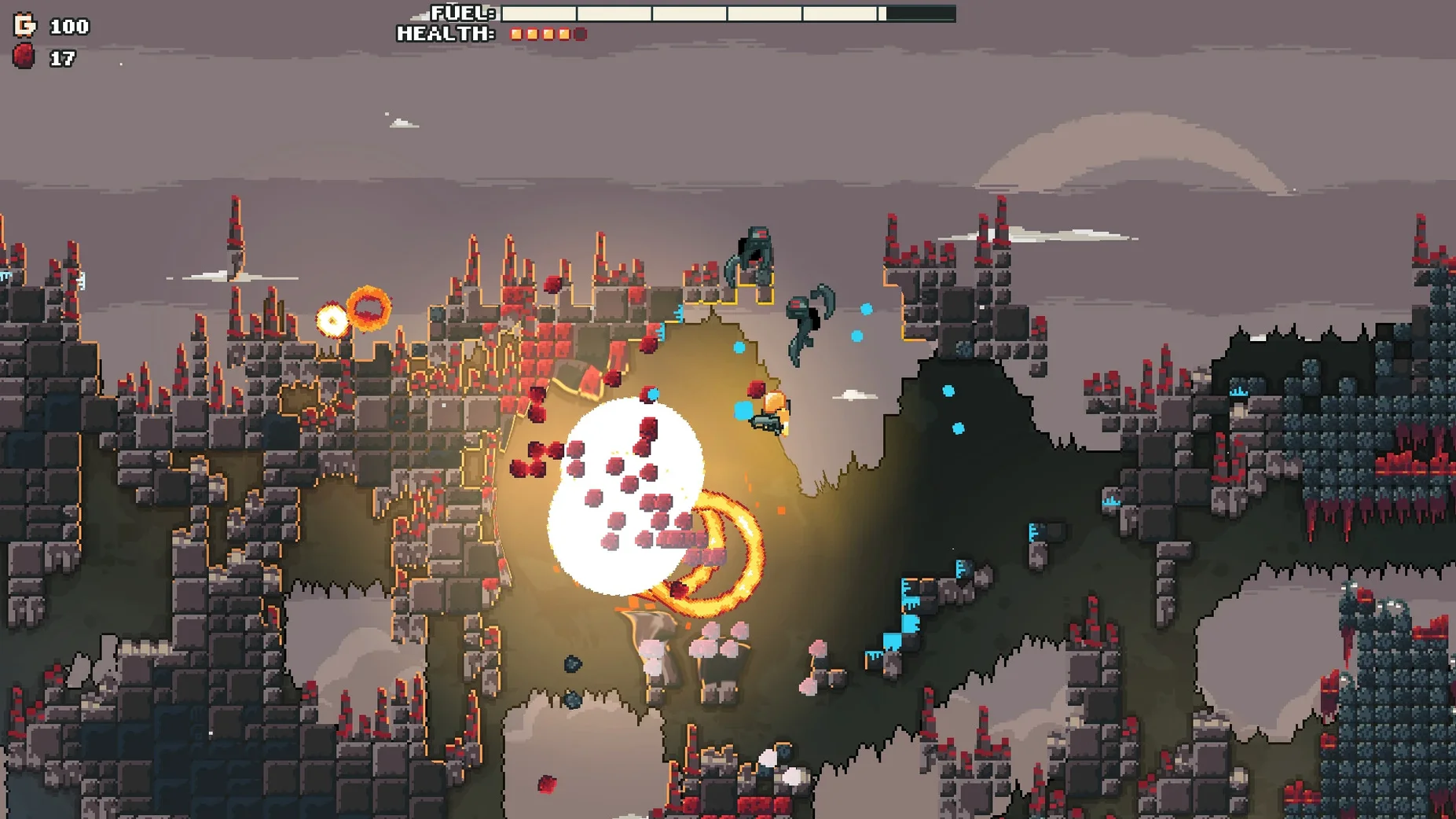
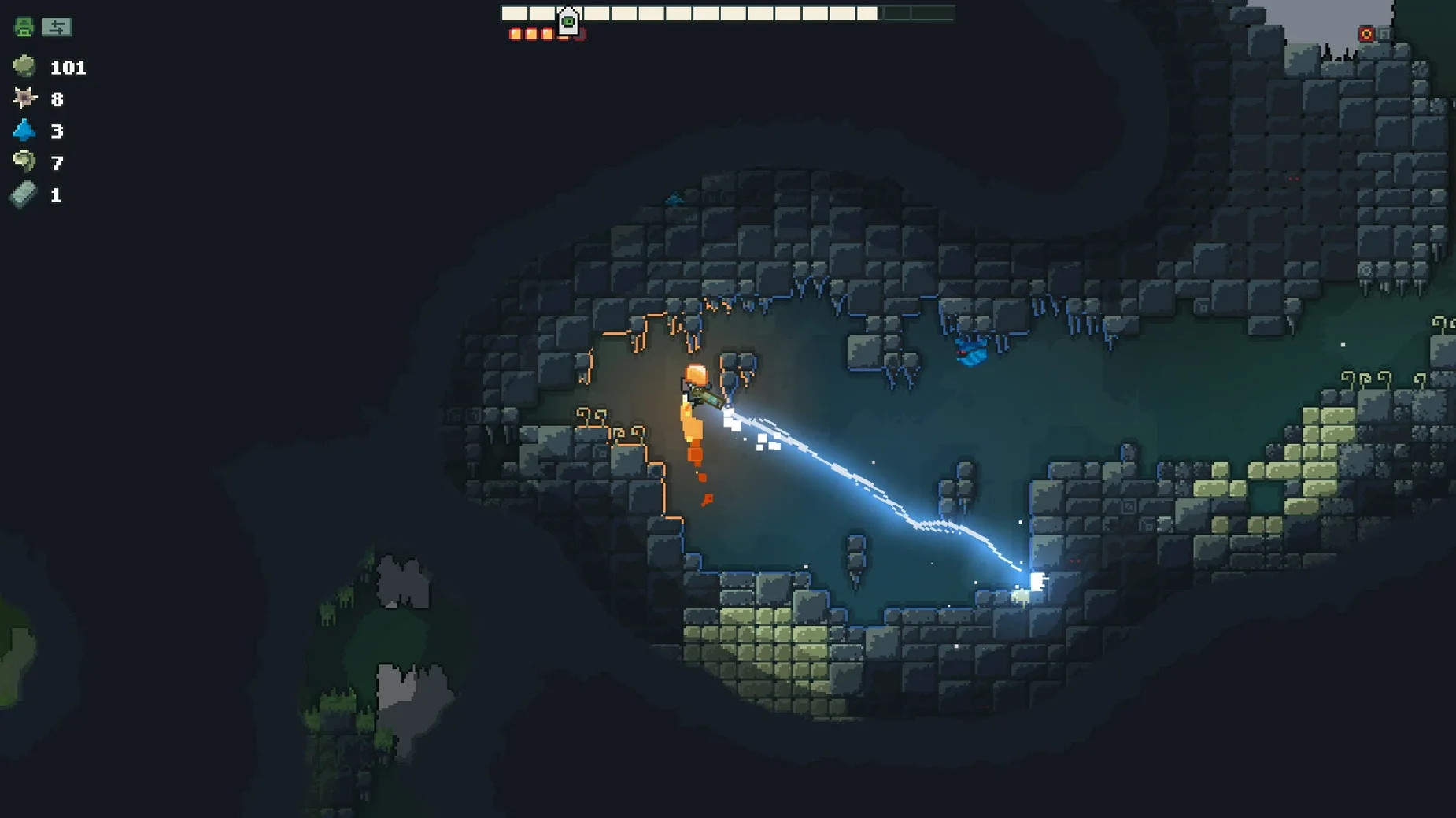
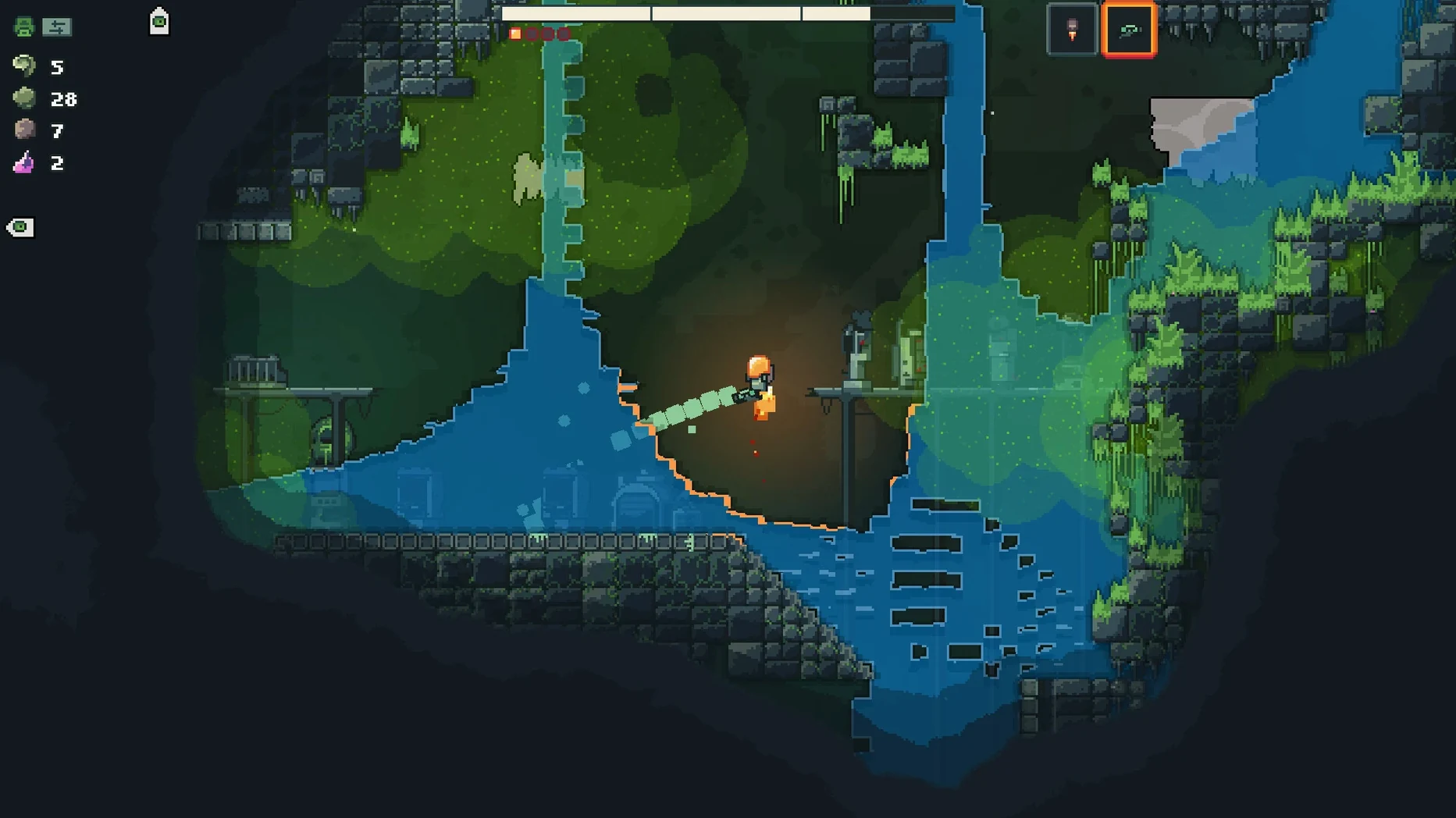
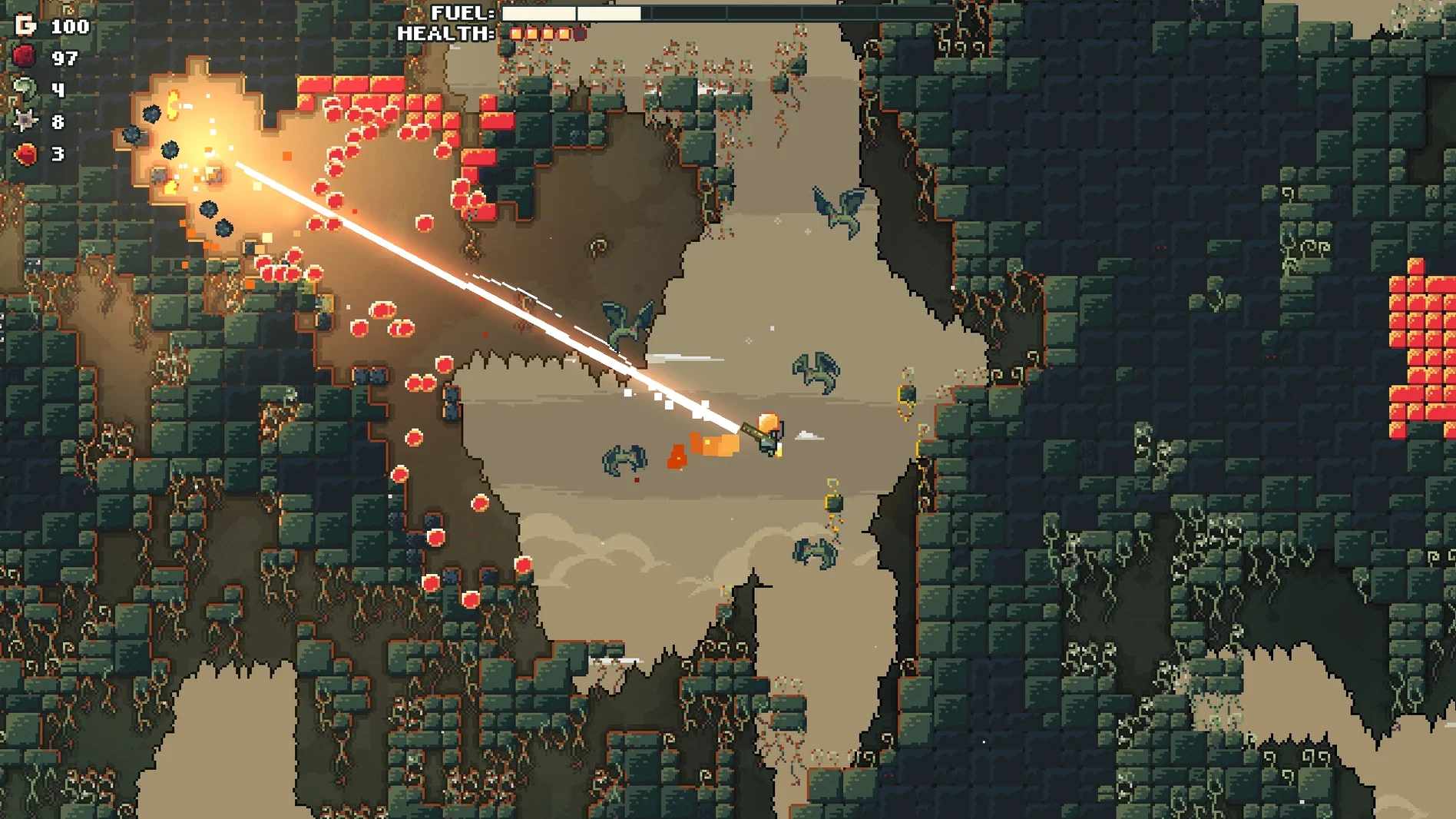
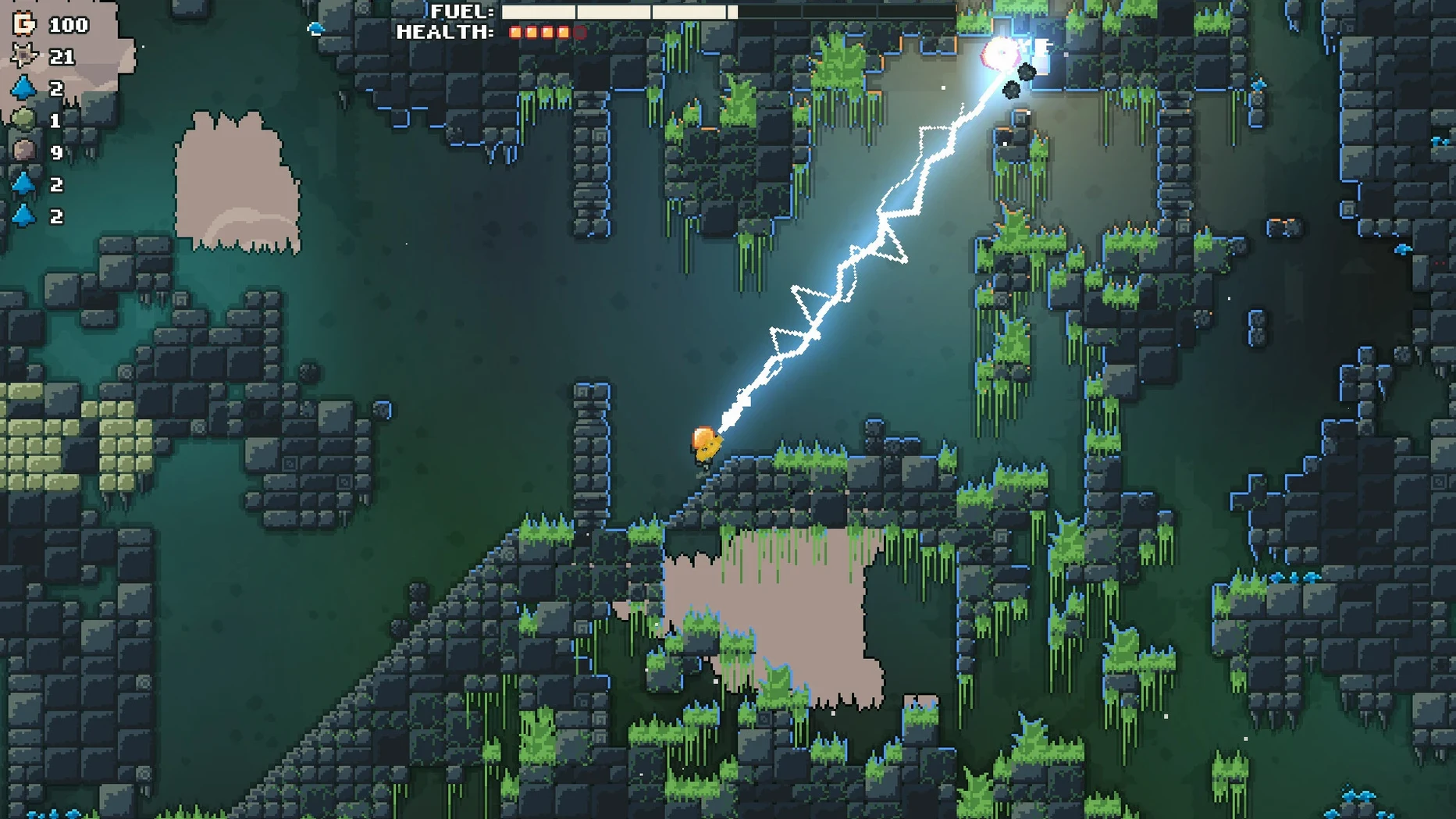
Version 0.5.4 keeps the loop intact: land on an alien surface, work out what the terrain offers, and turn it into profit. It still runs fine on a 2020 M1 MacBook Air with macOS Sequoia, which matters more than any feature list.
How a session goes
- Read the biome. Each area has its own hazards. You learn the signals quickly, but the procedural generation means a new site never repeats the last one exactly.
- Move with the jet pack. The terrain is uneven and often vertical. The jet pack is the difference between a useful survey and a wasted trip back to the platform.
- Extract and return. Mining is the point. You gather, bring material back, and decide whether to expand the platform or push further out.
The audio is music only, no voice or interface chatter. That makes it a decent companion when you are also keeping an eye on email or a build log in another window. It sits alongside lighter Mac tools rather than demanding the full screen the way a story-driven game would.
Mining loop without combat or crafting
If you know Minecraft or Terraria, the mining loop will feel familiar — but those games build whole worlds around crafting and combat. BLASTRONAUT strips that back. There is no enemy AI, no hunger meter, no multi-stage crafting tree. The focus stays on extraction and equipment upgrades. That makes it lighter on the system and easier to dip into for 20 minutes without losing your place in a larger campaign.
SteamWorld Dig is the closest parallel on Mac. Both games revolve around digging deeper and selling what you find. The difference is the world. SteamWorld Dig gives you a fixed map with a designed progression. BLASTRONAUT’s procedural generation means you never settle into a rhythm you have memorised. If you prefer learning a single map cold, stick with SteamWorld Dig. If you want each run to surprise you, BLASTRONAUT wins that round.
Astroneer is the third name that comes up in this space. Astroneer goes heavy on base building and vehicle logistics. BLASTRONAUT keeps the base building practical — a surface platform with a few machines — and leaves out the interplanetary logistics layer. It is a tighter experience, and that is not a complaint.
Windowed play across macOS desktops
BLASTRONAUT runs as a windowed app without fighting macOS Sequoia’s window manager. You can drag it onto a second desktop, keep a browser or a PDF open on the main one, and switch back when the extraction timer calls. The music-only audio means it does not clash with a podcast or a YouTube briefing running in the background.
It also works well with macOS’s built-in screen recording. Because the game has no voiceover or UI chatter, your captured clips are clean, which helps if you want to show a biome route to someone else without narration getting in the way. The game does not need Rosetta — it runs natively on Apple Silicon, so you are not losing performance to translation layers.
Launch fix after drag-and-drop install
Game does not launch after drag-and-drop installation. This usually happens when the app is opened from inside the disk image without copying it to Applications or the user folder first. Unmount the image, drag the app folder into ~/Applications or your main Applications folder, then launch from Launchpad. The game needs read/write access to its own directory, and the disk image is read-only.
Jet pack controls feel unresponsive. The default key bindings assume a standard keyboard. If you are on a compact MacBook Air layout, check the control mapping in the settings panel — some users remap the jet pack to a more comfortable key like Space or E. This is not a bug; it is a layout quirk.
Minerals show up but cannot be extracted. You need explosive gel for certain deposits. If the gel is missing from your inventory, you have not yet built the processing machine on the platform. Go back to the surface base, construct the machine, and feed it raw material from earlier trips. The gel will appear in the inventory after the first cycle completes.
Biome hazards kill the run too fast. The procedural generation can place you in a high-difficulty zone on the first drop. It is not a failure of the game balance — restart with a fresh seed. The generation costs nothing, and the next map might give you a gentler starting biome with fewer hazards to manage.
No release notes filed for 0.5.4. They are added here when a build changes how the program behaves.
| Processor | Apple Silicon, Intel 64-bit |
|---|---|
| Download | 45 MB |
- macOS — supports both Intel and Apple Silicon
- Interface language: English
Questions about BLASTRONAUT
Does BLASTRONAUT work on Apple Silicon Macs?
Yes, it has been tested on macOS Sequoia on a MacBook Air with an M1 chip from 2020.
How to install, in order
- Mount the downloaded disk image.
- Drag the app into the Applications folder alias.
- Open Launchpad and start the game after copying completes.
Comments and corrections 0
Sign in or open a free account to leave a comment.
No comments or corrections yet.