Celeste 1.4.0 — download for Mac
Games Intel processors only Updated
Guides a character through over 700 screens of precise platforming challenges.
Screenshots
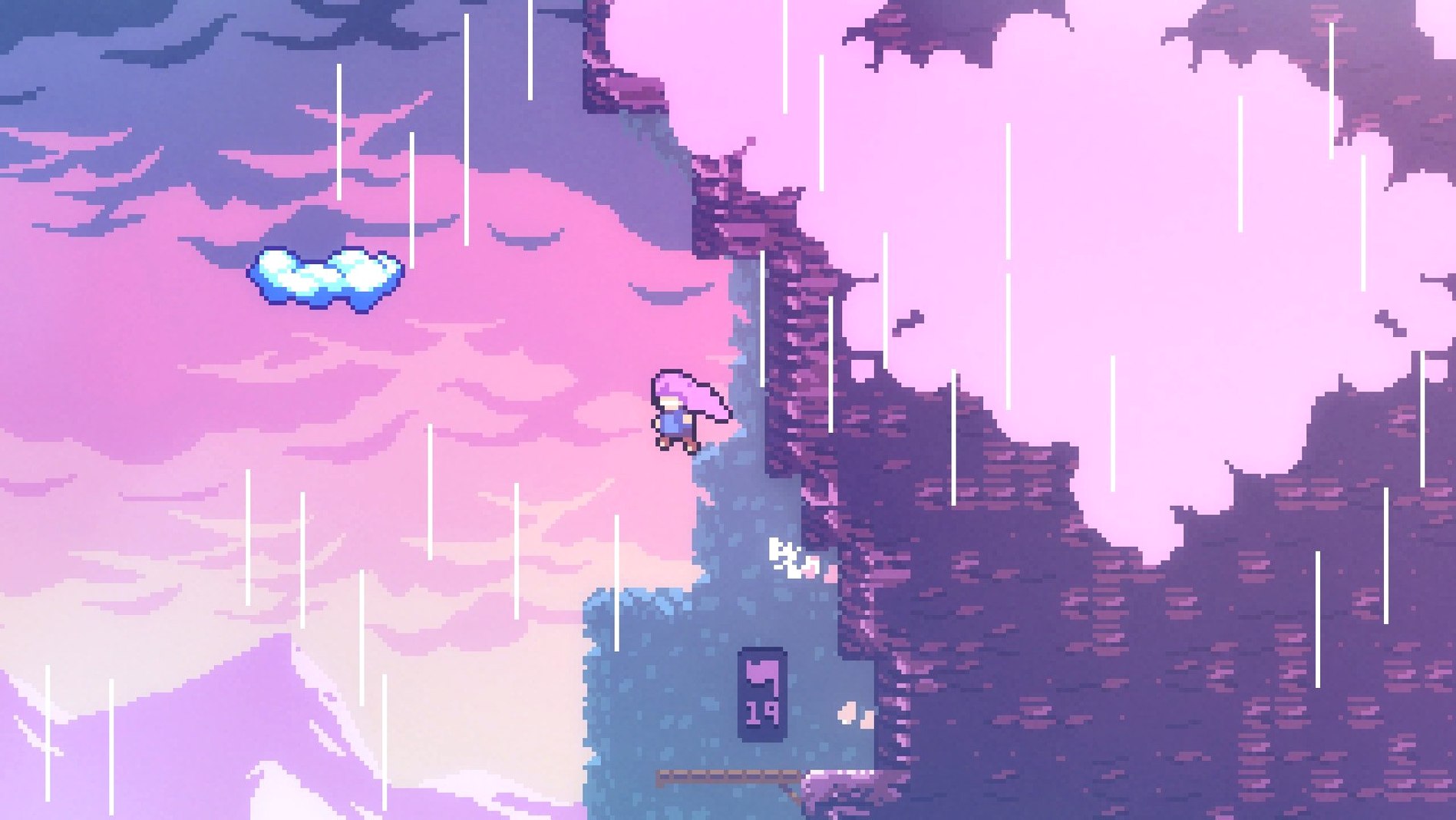
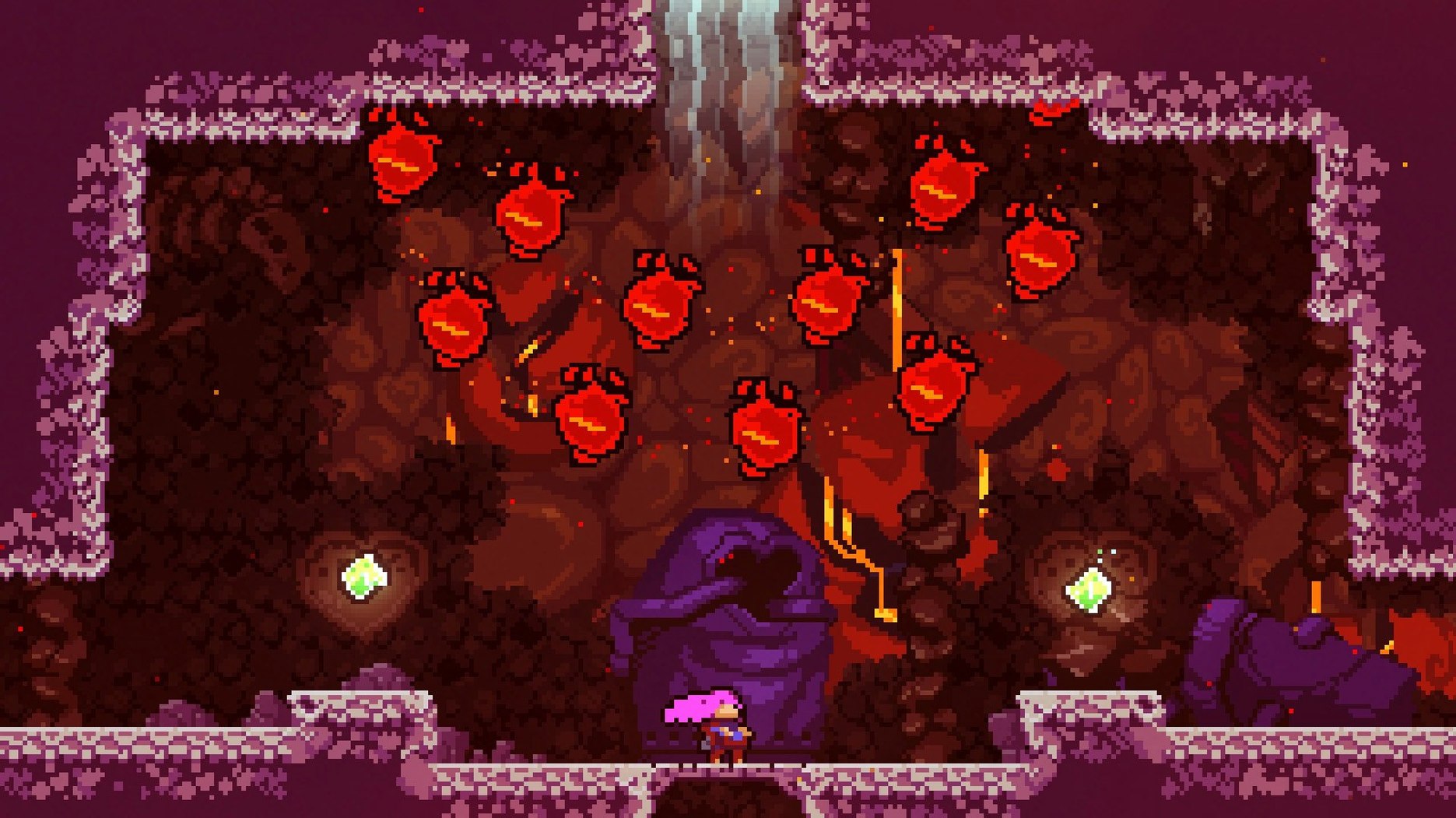
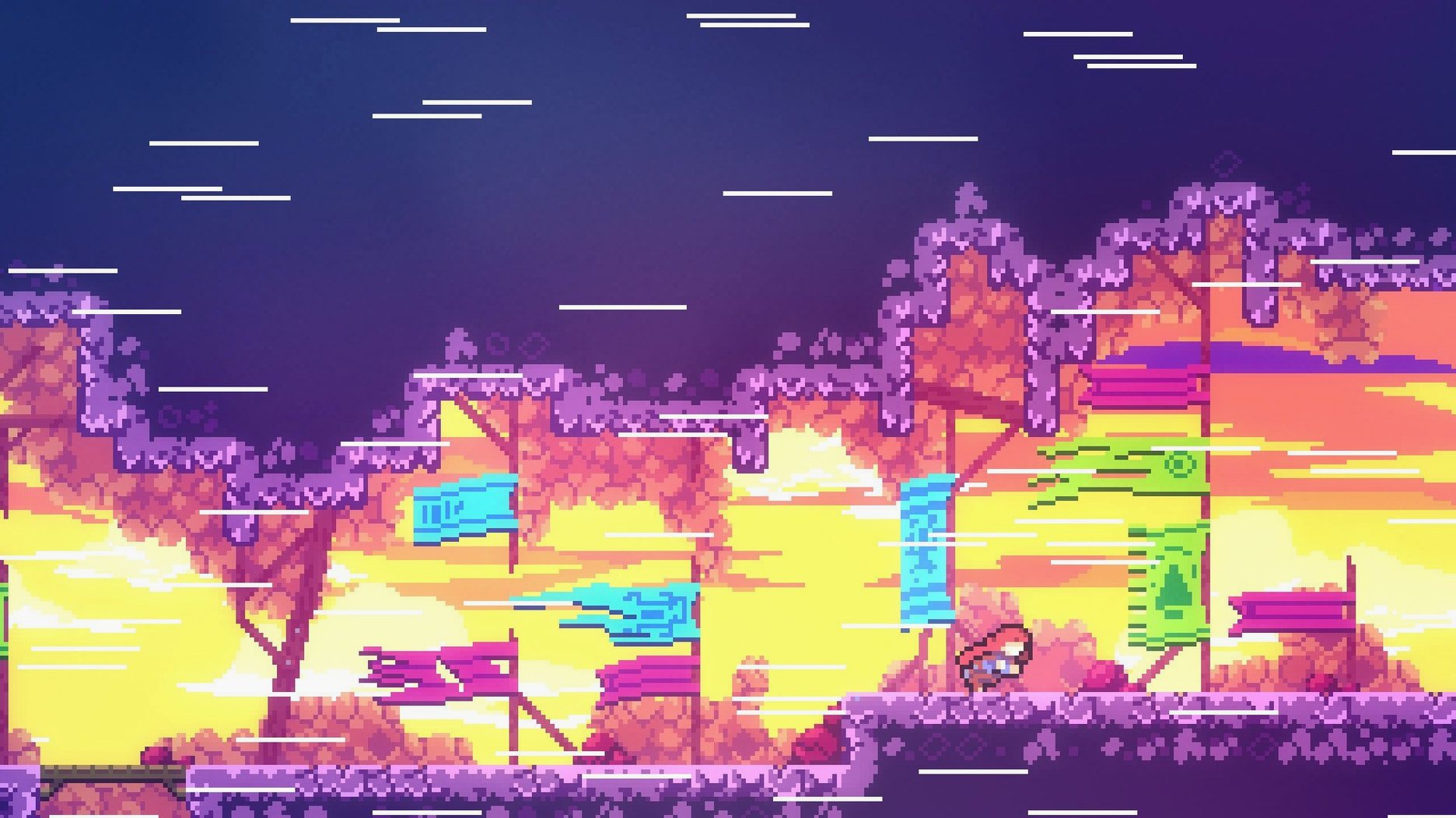
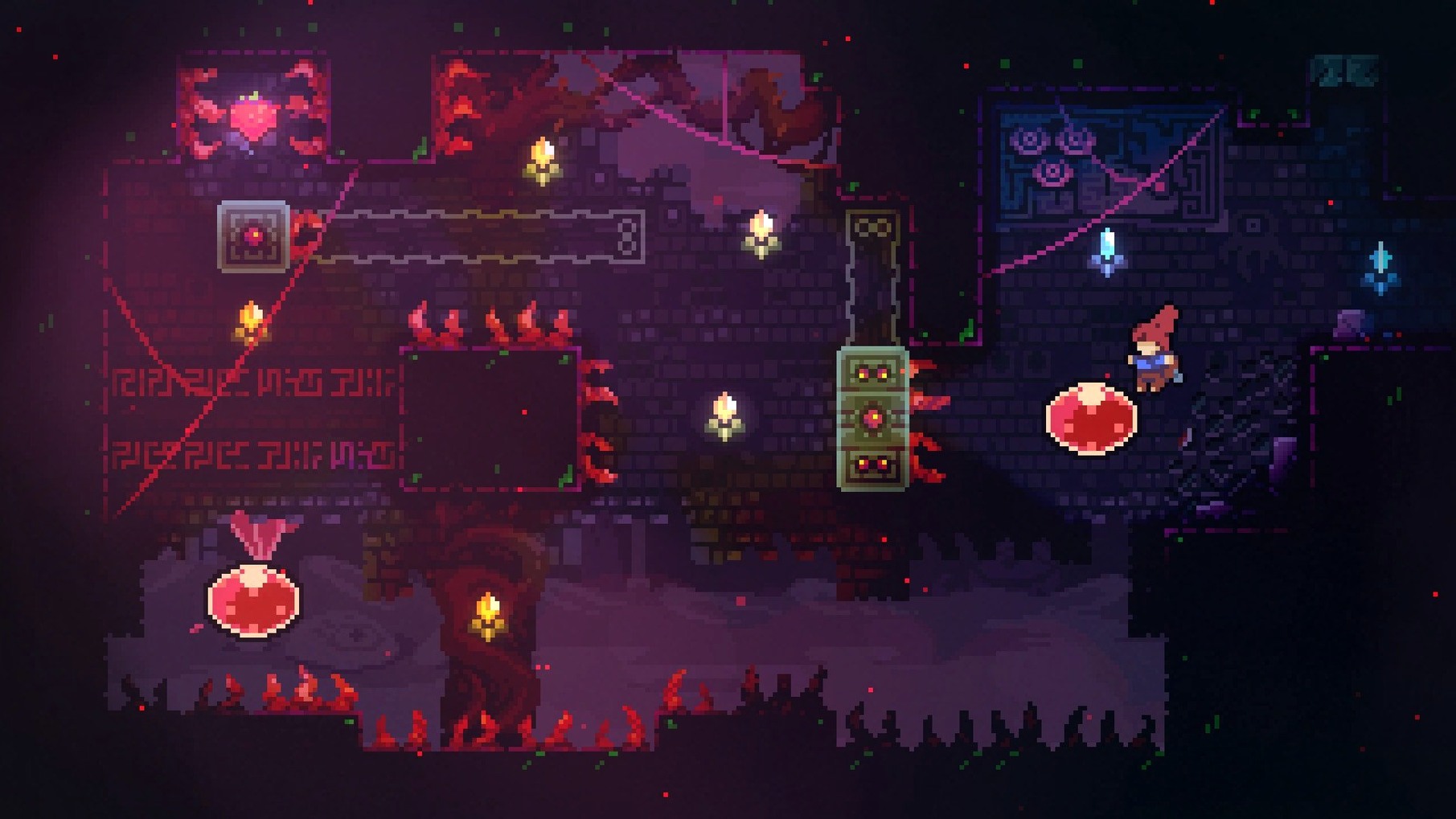
Celeste is a single-player platform game from the creators of TowerFall where you guide Madeline up a mountain that fights back.
How much game is actually here?
The main climb spans over 700 screens, and finishing it only scratches the surface. Bonus chapters and hidden areas add hours of tougher, remixed challenges.
What are the hidden areas like?
They are tucked behind false walls and cryptic clues. Reaching them often demands precise dash chains, and they reward you with crystal hearts that unlock deeper content.
No separate soundtrack folder included
The game includes roughly two hours of original music woven into the levels, but no separate soundtrack folder is provided.
Interface languages listed on store page
Rushing movement punished harder than missed ledges
Most new players treat Celeste like a standard run-and-jump platformer. That approach fails fast. The game punishes rushed movement harder than it punishes missing a ledge. The first mistake is holding the run button constantly — Madeline's acceleration needs a rhythm, not a sprint.
Another frequent slip is ignoring the grab mechanic on walls. Beginners fall past a wall they could have caught with a short press of the grab button. It takes a few deaths to learn that every wall within reach is a potential save.
New players also skip the pause menu's options for adjusting controller sensitivity or keyboard bindings. On a MacBook, the default keyboard layout expects a US keyboard. If your system uses a different layout, remap jump and dash before the first real climb, not after dying to a double-jump that didn't register.
Finally, many miss the hidden exit in the first room. The game does not tell you to go left. Walking away from the obvious path is a skill you have to practice from the start.
A complete climb: from boot to screen 25
Here is a concrete workflow for the first twenty minutes of a dedicated session. It works on a fresh install and repeats for every attempt at a hard screen.
- Open the mounted disk image, drag Celeste into Applications, and launch it. The game loads a title screen with no intro video — press any key to proceed.
- Select New Game from the menu. The opening screen shows a cabin interior. Walk right, then back left to find the first hidden feather. Collecting it changes the ending later, even if the game never mentions it now.
- Enter the first outdoor screen. The game teaches climbing on a low cliff. Jump, grab the wall, and pull up. Fall once on purpose to see the respawn timer — it is almost instant. Celeste uses death as a lesson, not a punishment.
- Reach screen 10. You encounter the first moving hazard. Approach it slowly. The game wants you to die here so you learn the dash cancel. After dying, hold the dash button for a short burst and release it to stop mid-air. Repeat until past.
- Screen 20 introduces wind gusts. Wait for the gust to end, jump, and dash immediately. If you die, you respawn three seconds back, not at the start of the mountain. Use that checkpoint discipline to try again.
- After screen 25, return to the menu. Select Chapter Select and replay the first chapter. Hidden strawberries only appear on your second pass. Collecting three of them in a chapter unlocks a bonus room.
This loop — forward progress, death, checkpoint, optional backtracking — is the rhythm of the whole game. Most players who quit early never learned to use the chapter select as a training tool.
Remap dash to a thumb button for trackpad users
- Remap jump and dash to keys you can hit without looking. The default Z and X work, but if you use a trackpad, move dash to a thumb button. Test this in the first safe area before the first hazard.
- Play in short bursts. Celeste rewards ten-minute sessions more than hour-long slogs. After three deaths on the same screen, close the game and come back later. Your muscle memory builds faster offline.
- Use the pause menu's restart option instead of waiting to die. It saves three seconds per attempt on hard screens. Seconds add up across 700 screens.
- Keep a text file open for passwords. Some hidden areas require a combination of left, right, and dash inputs. Write them down — the game does not save your progress toward those rooms.
- Do not touch the bonus chapters until you finish screen 200. They assume you understand wall-jump cancels and corner grabs. Trying them too early builds frustration, not skill.
Precision platformer for 8-bit era veterans
Celeste suits Mac users who grew up on the precision platformers of the 8-bit era — games where one pixel determines a life. It rewards players who treat failure as a data point, not a problem. If you replay a screen ten times and feel calmer each time, you are the target audience.
The game also fits people who use their Mac for focused, solitary work. A session of Celeste cleans mental clutter the way a hard puzzle or a long run does. It demands your full attention for ten minutes and then lets you go. Office workers who need a reset between project phases get real value from it.
Finally, any Mac user who enjoyed celeste for mac or found a celeste torrent and wondered if the game would run on a modern Mac will be satisfied. It was tested on macOS Sonoma with an M1 MacBook Air from 2020, and the Intel x64 architecture means it also runs on older Macs without issue. The game does not need a powerful GPU or constant internet. It just needs a player willing to climb.
The interface runs in English, Russian, German, Spanish, Italian, French, Japanese, Portuguese, and Simplified Chinese.
No release notes filed for 1.4.0.0. They are added here when a build changes how the program behaves.
| Processor | Intel 64-bit |
|---|
- macOS (Intel, 64-bit)
Questions about Celeste
Is this an Intel-only build?
Yes, the package lists x86 64-bit architecture, so it runs natively on Intel Macs and under Rosetta 2 on Apple Silicon.
How to install, in order
- Mount the downloaded disk image.
- Drag the game icon onto the Applications folder alias.
- Wait for the copy to finish, then launch the game.
- If the game does not start, switch to a US keyboard layout and try again.
Comments and corrections 0
Sign in or open a free account to leave a comment.
No comments or corrections yet.