Civilization V 1.4.2 — download for Mac
Games Intel processors only Updated
Lets you build an empire through diplomacy, war, and cultural development.
Screenshots
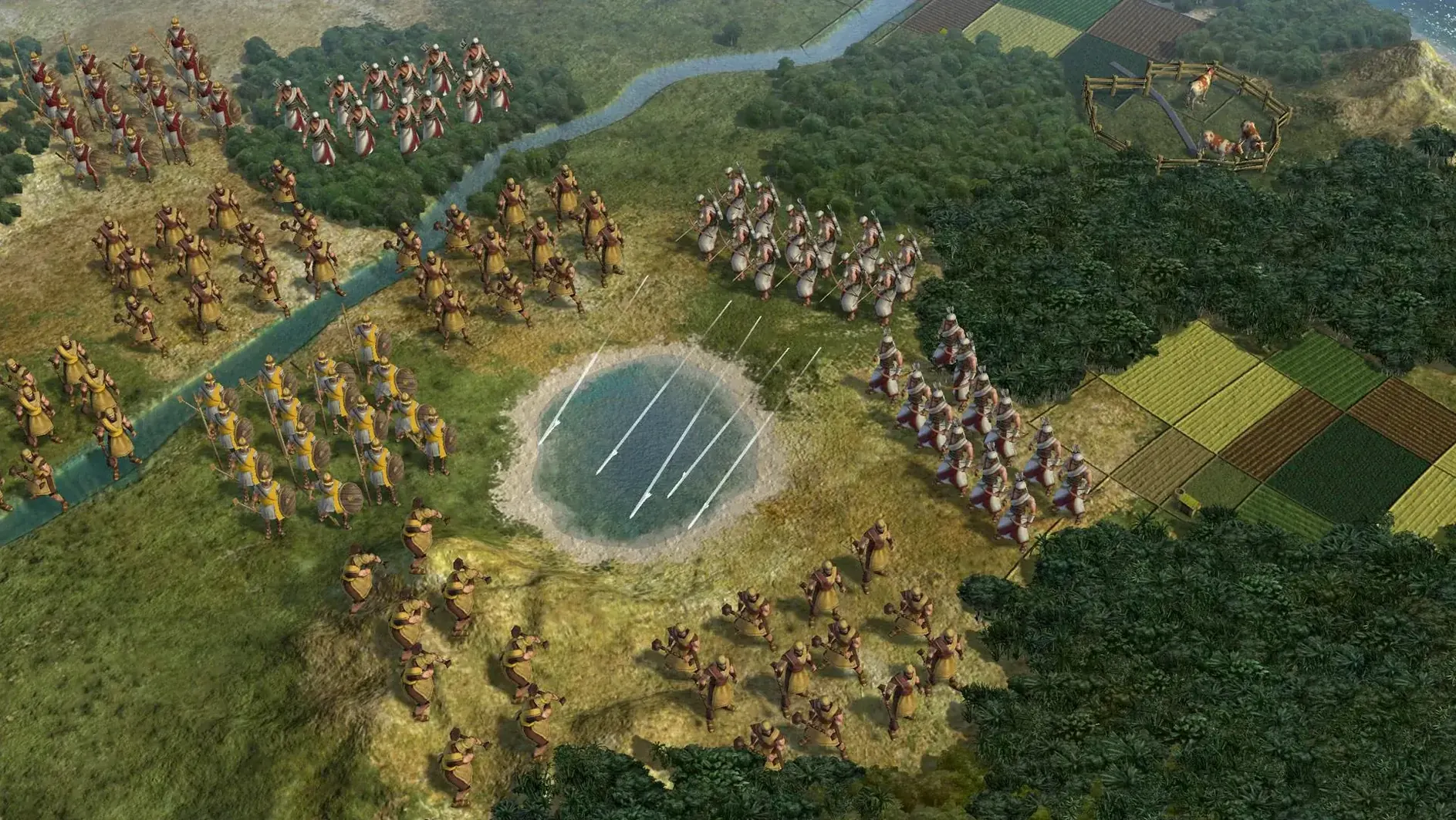
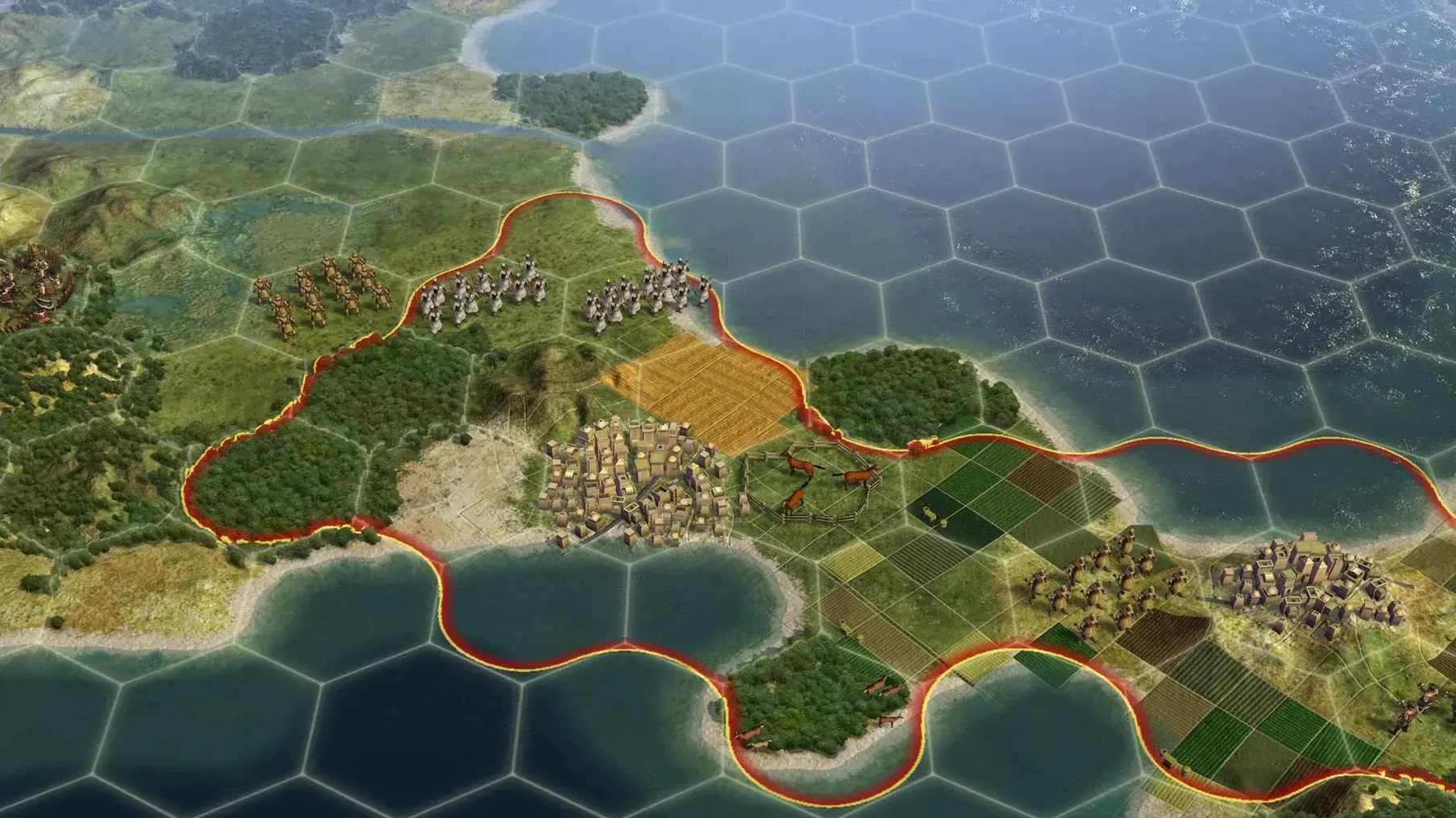
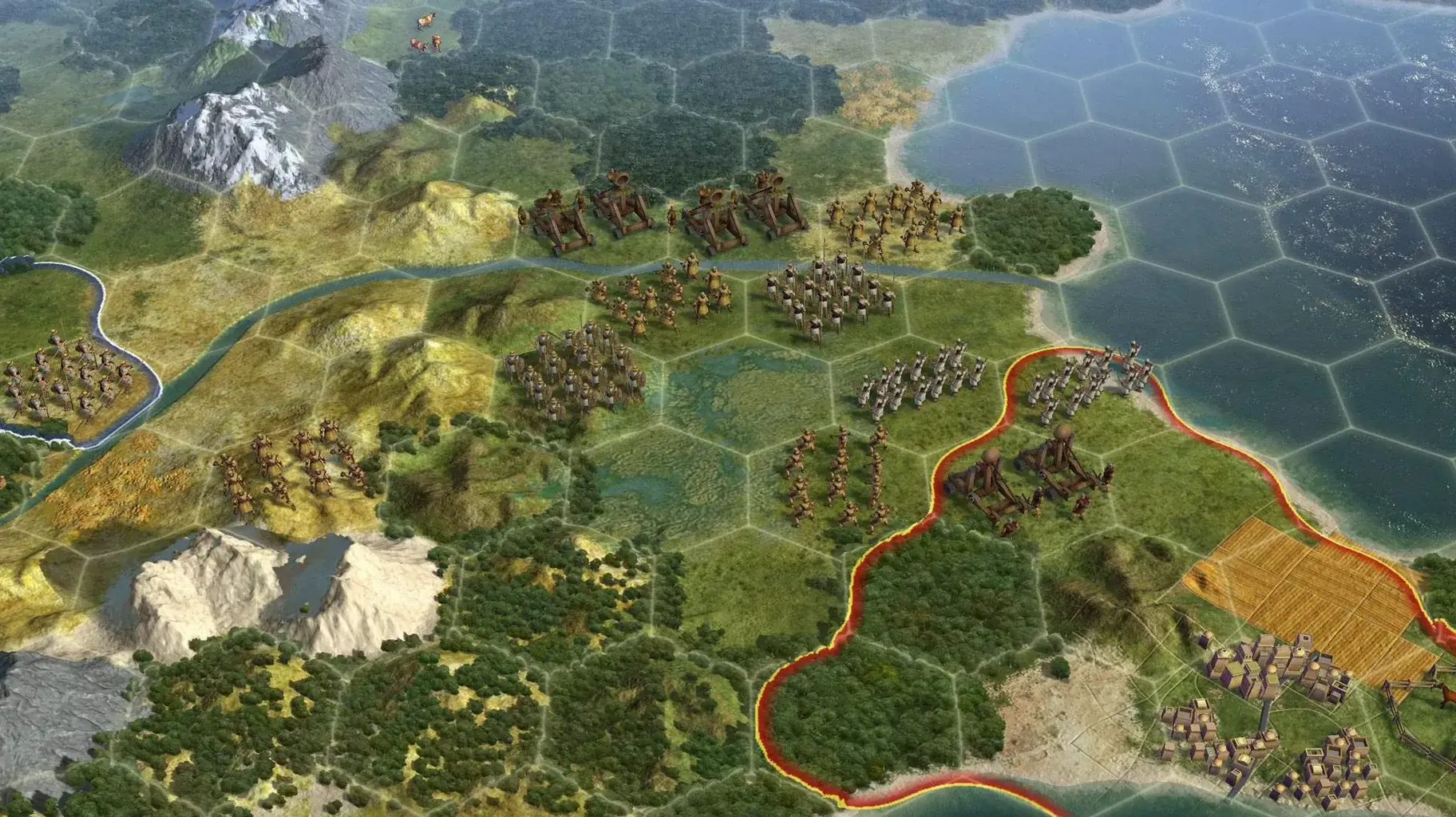

The Mac version of Civilization V runs on Intel hardware and is 64-bit, tested here on a MacBook Air with the M1 chip under macOS Sonoma. Aspyr handled the port, and the build includes English, German, French and Russian text.
Does Civilization V run on Apple Silicon Macs?
Yes. The application opens and plays on an M1 MacBook Air without Rosetta configuration. Turn processing and map scrolling hold steady during standard single-player games.
How do controls translate to macOS?
Mouse and keyboard remain the primary input. Right-click issues move and action orders, while the keyboard shortcuts for unit cycling, city screens and diplomacy panels match what long-time players expect—no touchscreen gestures.
What drives territory and city management?
Cities work tiles up to three hexes away and expand borders through cultural growth. Puppet cities pay taxes to the capital and grant access to territory and resources without adding micro-management. Original capitals cannot be razed, and liberating a destroyed civilization can return it to the game with its previous development level intact.
Russian Language Support Added
The primary change in this build is the inclusion of Russian language support. The version is labeled both as the Russian version and as multilingual without Russian, meaning the installer gives you the full set of language options. For everyday use, this means you can switch between Russian, English, German, or French text and voice in the in-game settings. No new gameplay mechanics, balance patches, or UI reworks were added — this is a language-focused update. If you work in a mixed-language office or play with a group that prefers Russian, this build removes the need for separate language packs.
Runs on M1 MacBook Air Without Issues
System requirements call for macOS Sonoma or later, Intel architecture, and a 64-bit system. The game was tested on a MacBook Air (M1, 2020) without issues. On Intel Macs, expect standard behavior for a 2010-era 4X title: map scrolling, city management, and turn processing are consistent. No touch controls, no trackpad gestures — mouse and keyboard remain the only input methods.
Set Language Before First Game
Before starting your first game, open the options menu and set your preferred language. The build offers Russian, English, German, and French for both text and voice. If you plan to play in multiplayer, confirm that the voice language matches for all players — mismatched voice files can cause audio stutter in LAN sessions. Adjust the graphics preset to your Mac's display resolution; the game defaults to a generic setting that may not match your screen's native ratio. Disable the intro movie in the settings menu to save a few seconds each launch.
Build Inside City Range, Manage Puppet Taxes
- Overlooking city range: Beginners often build improvements on tiles outside the three-hex workable range. Keep your workers close to the city center; tiles further out produce nothing until borders expand through culture.
- Ignoring puppet city taxes: Puppet states pay taxes automatically, but new players sometimes raze or annex them without checking their resource value. A puppet city keeps giving you access to strategic resources without costing maintenance turns.
- Razing a capital: Original capitals cannot be razed. Beginners waste several turns trying to eliminate an enemy capital, not realizing the game blocks it. Liberate or annex instead.
- Forgetting city defense: Cities can attack enemy units at range, but beginners sometimes leave them undefended while moving the garrison unit elsewhere. Keep at least one combat unit in the city tile to prevent a quick capture during a war turn.
- Misreading the build label: The version is labeled both as Russian and as multilingual without Russian. Beginners expect only Russian text and miss the other three languages in the menu. Check the language selector before reinstalling.
These pitfalls are common for anyone migrating from earlier Civilization titles or jumping into the series for the first time on macOS. Once you adjust your workflow around the hex-based city range and the puppet state mechanics, the game opens up to the strategic depth that defines the 4X genre.
- Russian language included in the interface.
- Build labeled as the Russian version with multilingual support excluding Russian.
| Processor | Intel 64-bit |
|---|---|
| Download | 5.6 GB |
- macOS Sonoma
- Intel processor (64-bit)
- Tested on MacBook Air (M1, 2020)
Questions about Civilization V
Is the Mac version single-player or multiplayer?
The Mac port supports both single-player campaigns and multiplayer sessions.
Can a lost civilization return to the game?
Liberating a destroyed civilization can restore it with the development level it had before elimination.
What languages are included in version 1.4.2?
The interface supports Russian, English, German and French.
How to install, in order
- Open the downloaded disk image.
- Drag the app icon into the Applications folder shortcut.
- Launch the game from Launchpad after the copy completes.
Comments and corrections 0
Sign in or open a free account to leave a comment.
No comments or corrections yet.