Cloud Gardens 1.2.3 — download for Mac
Games Intel processors only Updated
Lets you build and explore peaceful garden scenes in a quiet puzzle game.
Screenshots

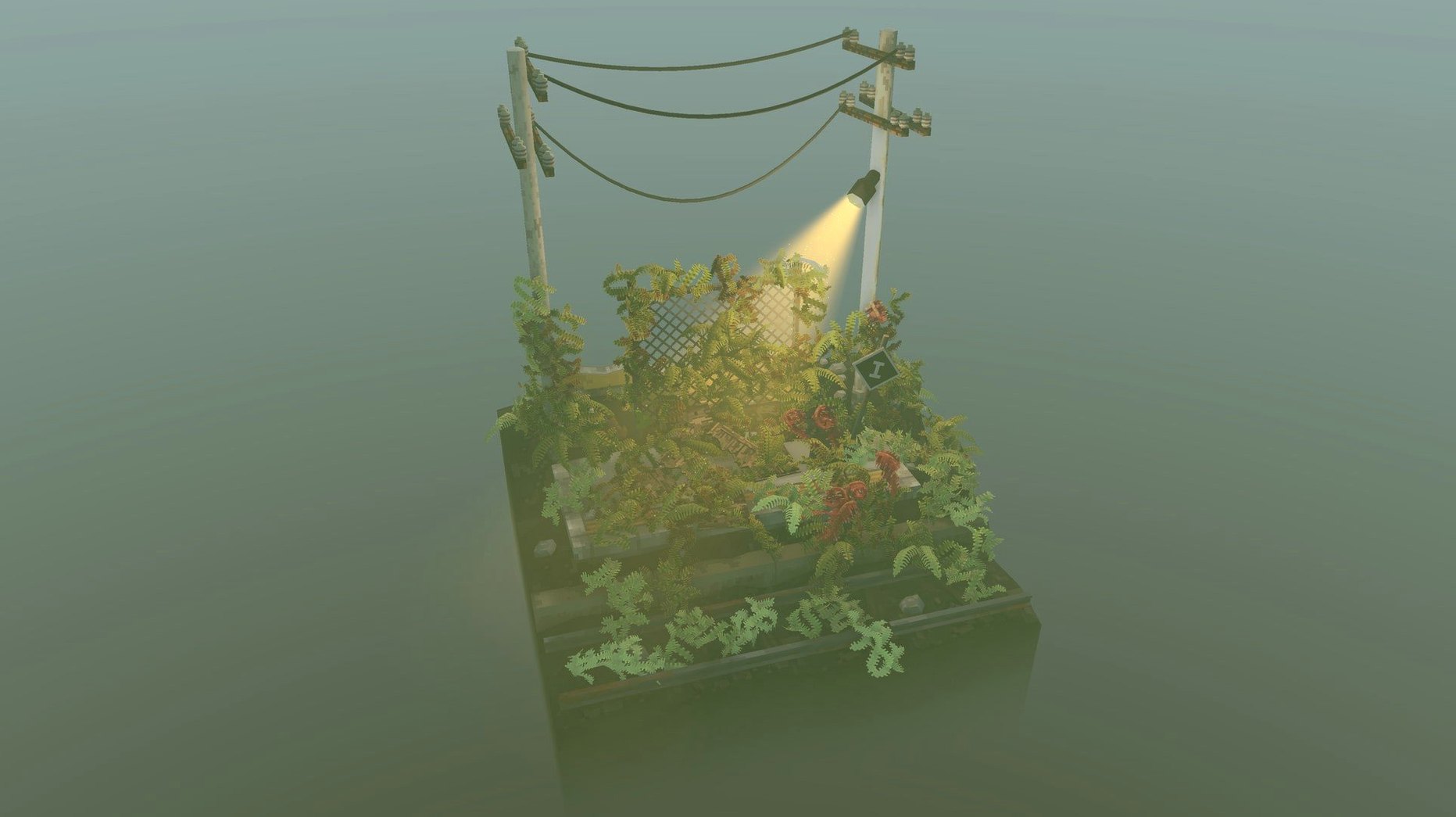
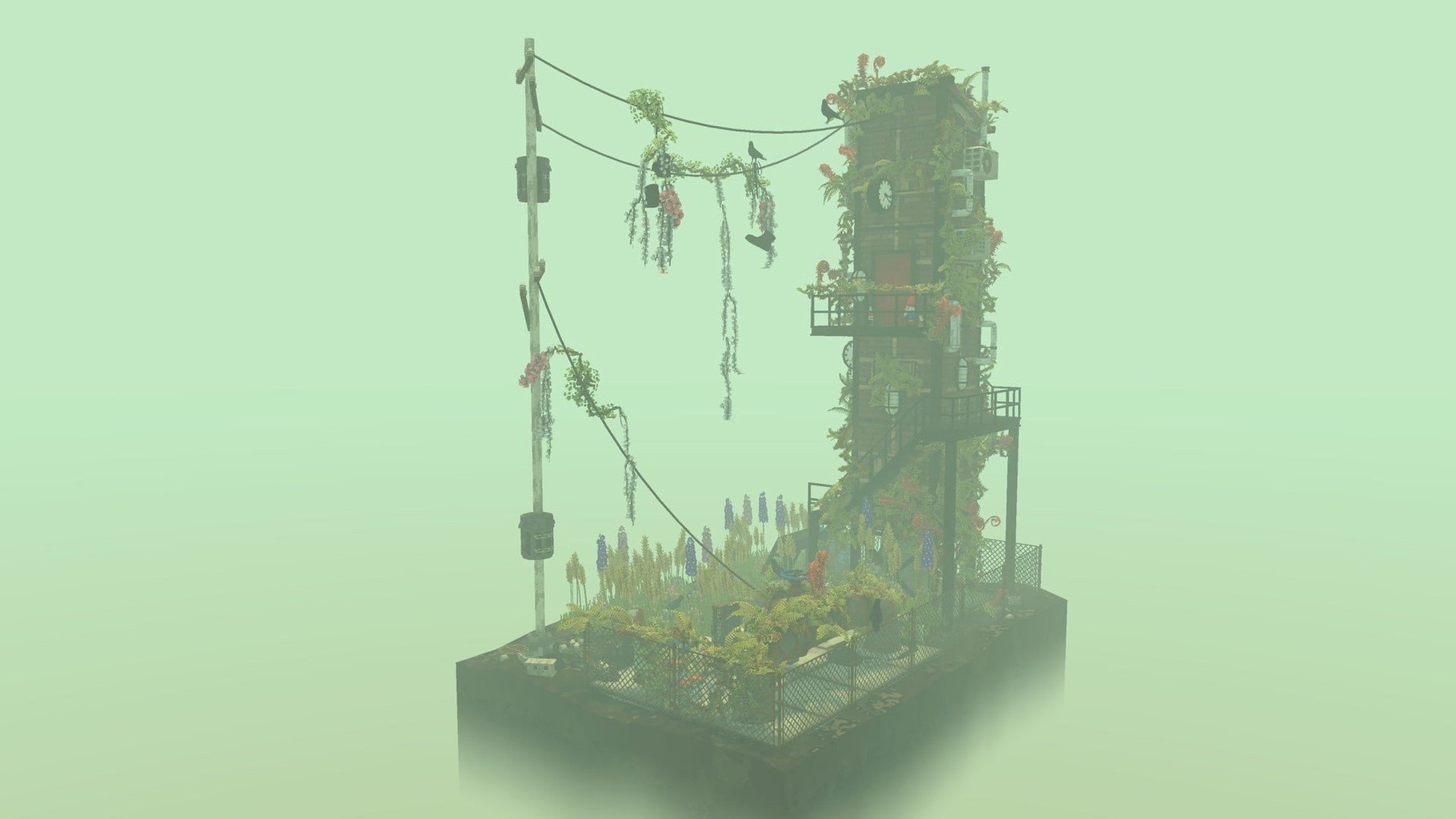
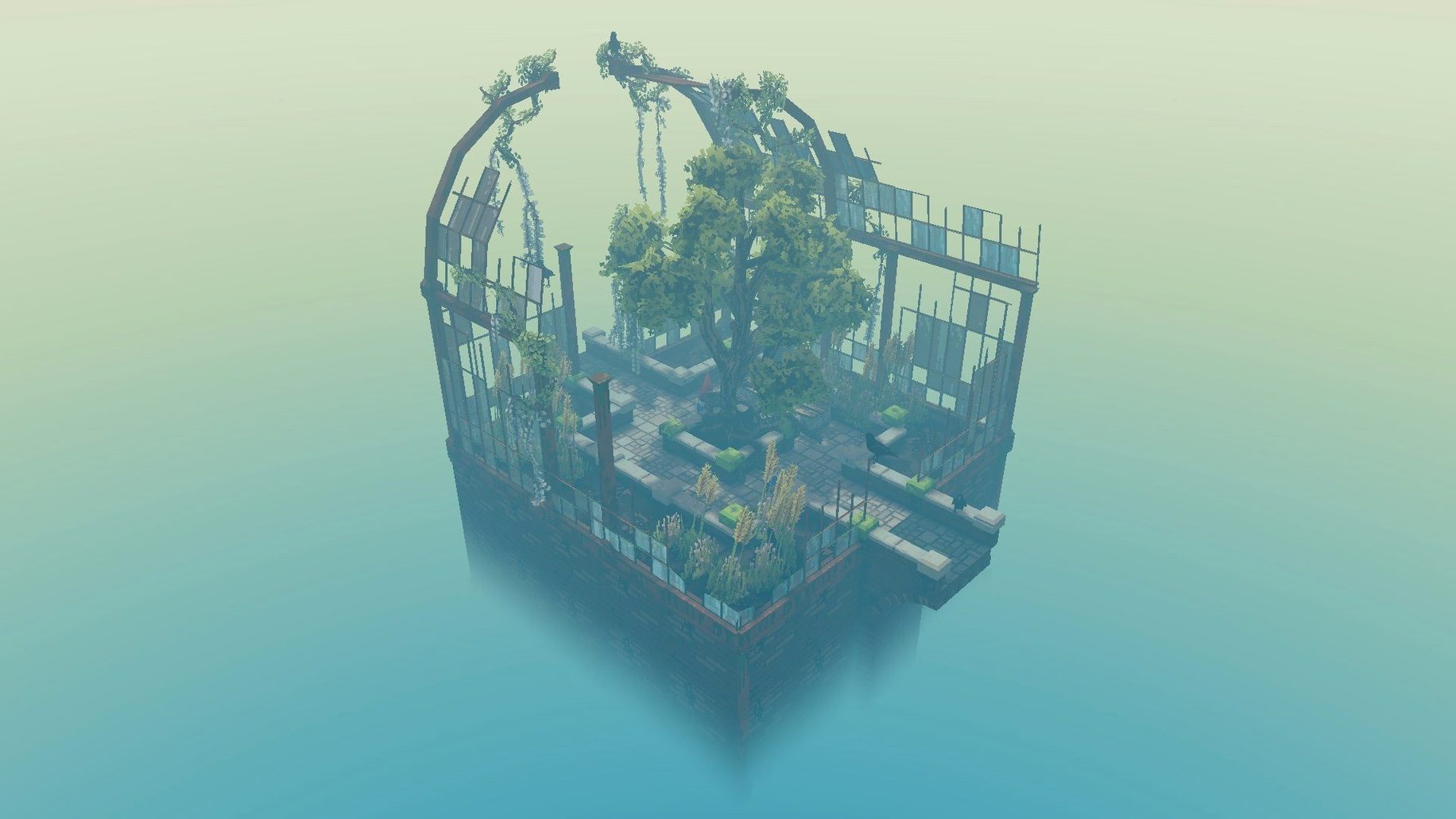
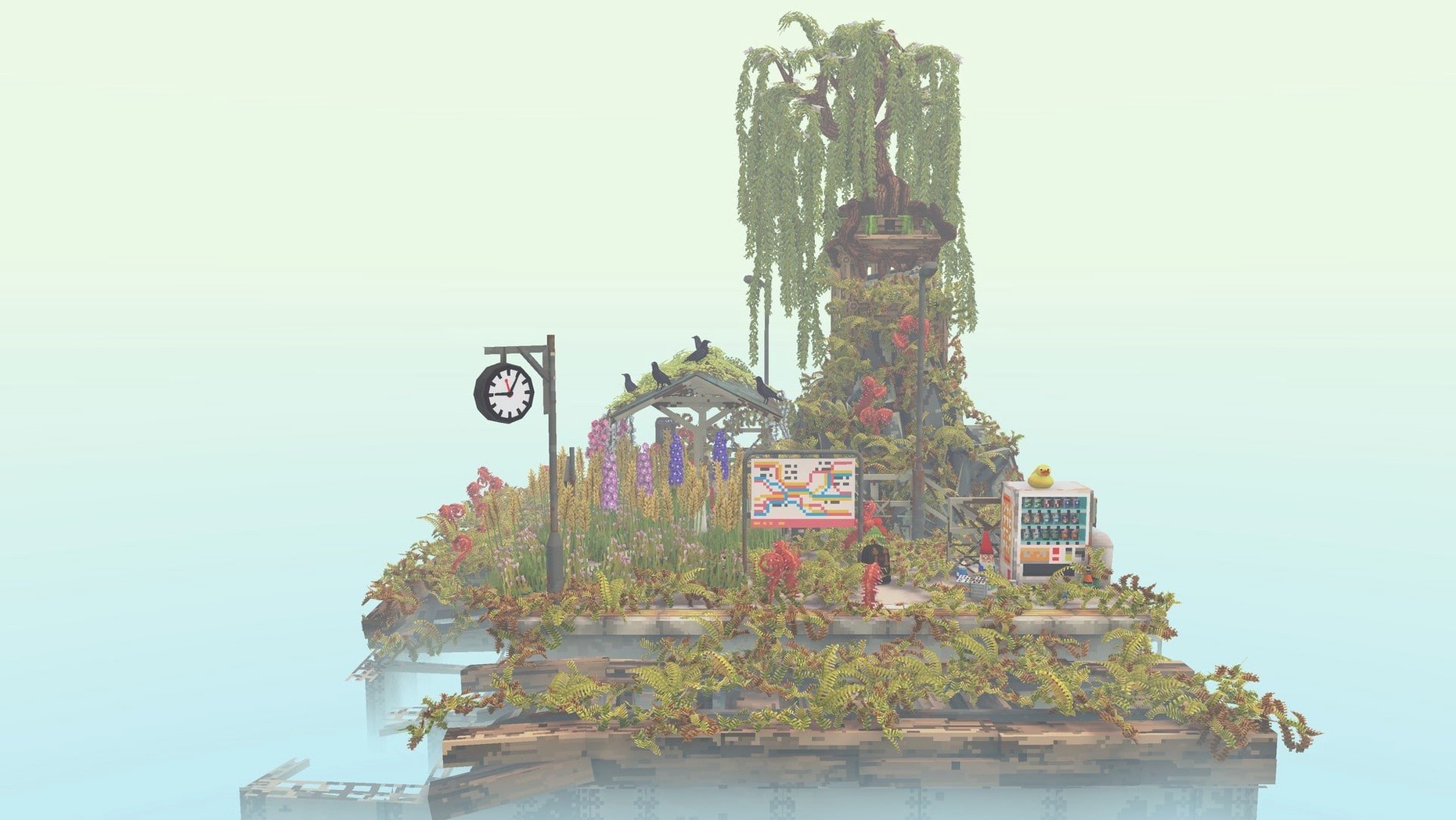
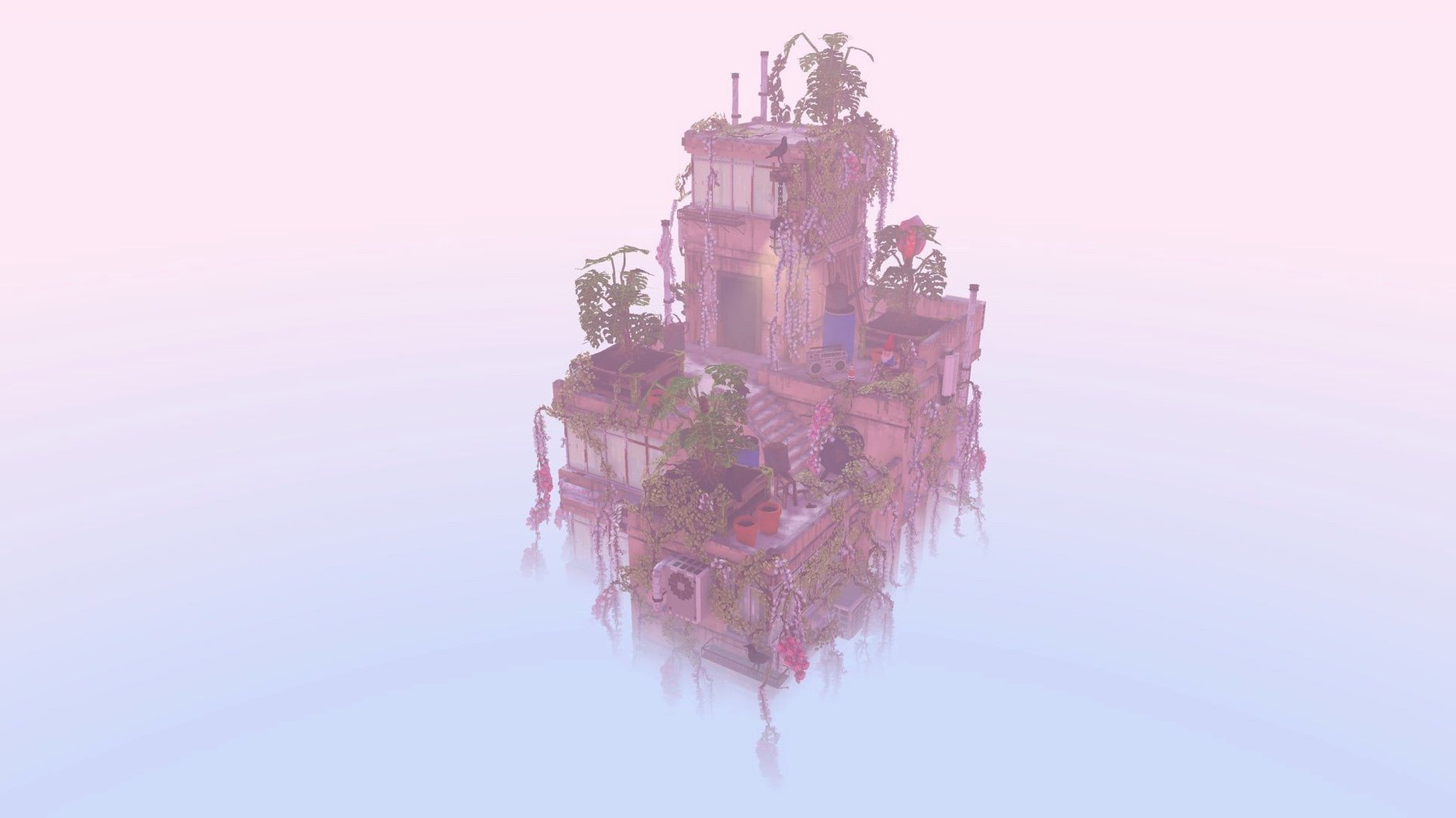
The 64-bit x86 build runs on both Intel Macs and Apple Silicon machines via Rosetta 2. A tested configuration includes macOS Sequoia on a MacBook Air (M1, 2020), where the game holds steady without demanding much from the hardware.
Runs Under Rosetta 2 on Apple Silicon
No, it is an Intel build. Rosetta 2 handles the translation smoothly, and the low system load means fans rarely spin up even on fanless MacBook Air models.
Point, Click, and Drag with Trackpad or Mouse
A trackpad or mouse works best for placing objects and adjusting the camera angle. No complex inputs are required; the loop is point, click, and drag to build out each scene.
How is the performance on a base M1?
Plays Fully Offline After Install
New players often wonder whether the game works offline. It does. Once installed, Cloud Gardens runs entirely from the local disk with no internet check for each session. The campaign is single-player by design, so no connection is needed to play through the chapters or to build in creative mode.
Another common question is how long the campaign takes. The multi-chapter story can be finished in an evening or two, depending on how much time you spend covering every surface with plants. Creative mode extends the life considerably, letting you revisit any scene and add more growth without the campaign's objectives.
Some ask if the game saves automatically. Yes, progress is written to disk as you meet each chapter's goal. You can close the game and return later without losing work.
Adjust Camera Sensitivity Before First Chapter
Before you start the first chapter, open the settings panel and adjust the camera sensitivity if the default feel is too fast or too slow. The game has no heavy rendering options to toggle, so the main variable is how the camera moves when you drag across the trackpad. Slower sensitivity helps with precise placement, faster suits quick overviews of a diorama.
Audio balance is another setting to check early. The dynamic soundtrack by Amos Roddy adapts to how much greenery covers the scene. Some players prefer music louder than the ambient sound effects. Adjust the slider to your taste before beginning a chapter, because changing it mid-scene is possible.
Creative Mode Now Bundled with Campaign
- Creative mode is now included with the campaign, removing the need to unlock or download extra content.
- The multi-chapter campaign is present and playable from the start, no update required.
In everyday terms, these two changes mean you can jump straight into either mode without a separate launcher or patch. If you are the type of player who likes to build freely before committing to objectives, creative mode is available immediately on the main menu.
A Low-Pressure Creative Break for Office Workers
Cloud Gardens fits best for people who want a low-pressure creative break between heavier work tasks. Office workers who spend the day in spreadsheets and emails can open the game for twenty minutes, place a few objects, watch the vines spread, and close it without losing momentum on a project.
Students and creative professionals who work with spatial thinking often enjoy the sandbox aspect. The low-poly dioramas are quick to fill but take time to perfect, which suits users who like to arrange and rearrange a scene until it feels balanced. Anyone who has used landscape design apps or block-building games will feel at home with the point-and-place loop.
Mac users on older Intel machines will also find it accessible. The 64-bit x86 build runs on a wide range of hardware, and the modest graphics requirements mean a 2017 MacBook Pro or an iMac from the same era handles the scenes without struggling. If you have a machine that still runs macOS but feels slow for modern software, Cloud Gardens is a safe addition to the drive.
The simple geometry and lighting keep the experience smooth, leaving headroom for screen recording if you want to capture a diorama video.
- A creative mode for building without campaign constraints.
- A multi-chapter campaign that introduces mechanics across different abandoned scenes.
| Processor | Intel 64-bit |
|---|---|
| Download | 148 MB |
- macOS (64-bit x86 build; runs on Intel and Apple Silicon via Rosetta 2)
Questions about Cloud Gardens
What audio language does Cloud Gardens use?
There is no spoken dialogue. The experience relies on a soundtrack by Amos Roddy, known for his work on Kingdom.
How to install, in order
- Mount the downloaded disk image.
- Launch the installer and follow the standard prompts.
- Set the installation location to the Applications folder when asked.
Comments and corrections 0
Sign in or open a free account to leave a comment.
No comments or corrections yet.