
Book of Travels 0.61.1 — download for Mac
Games Updated
Explores a vast, peaceful online world with hand-painted visuals.
Screenshots
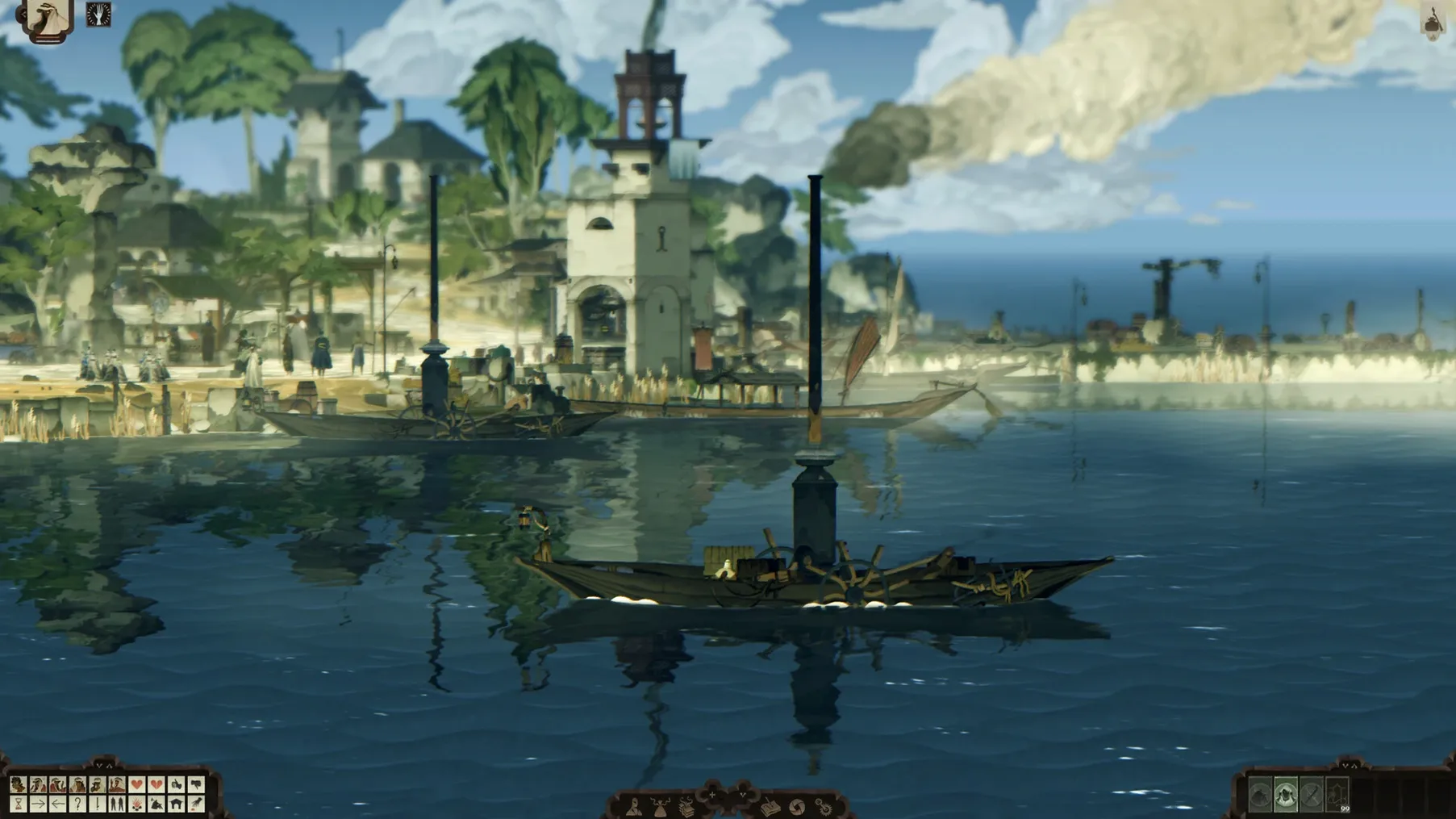
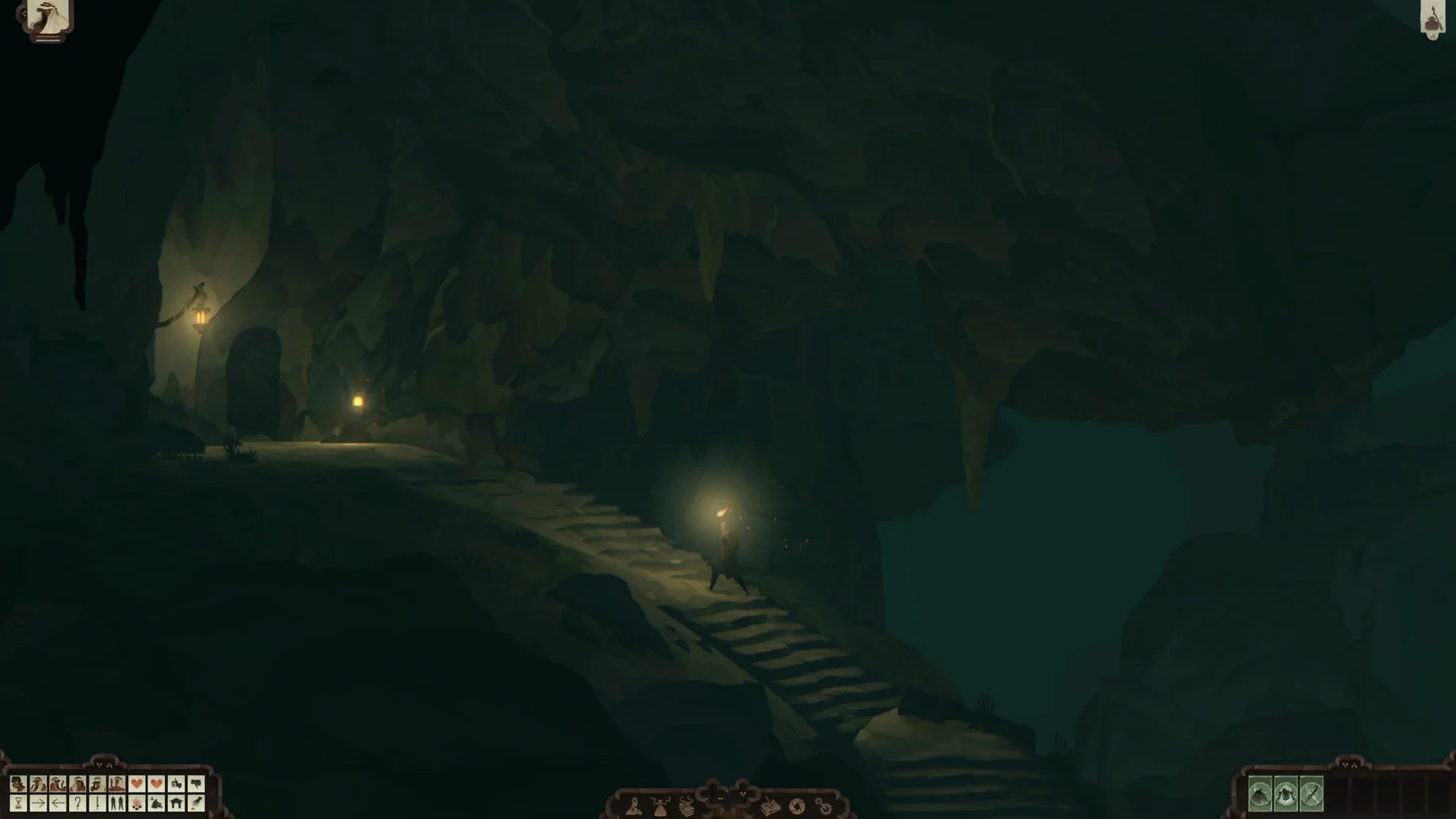
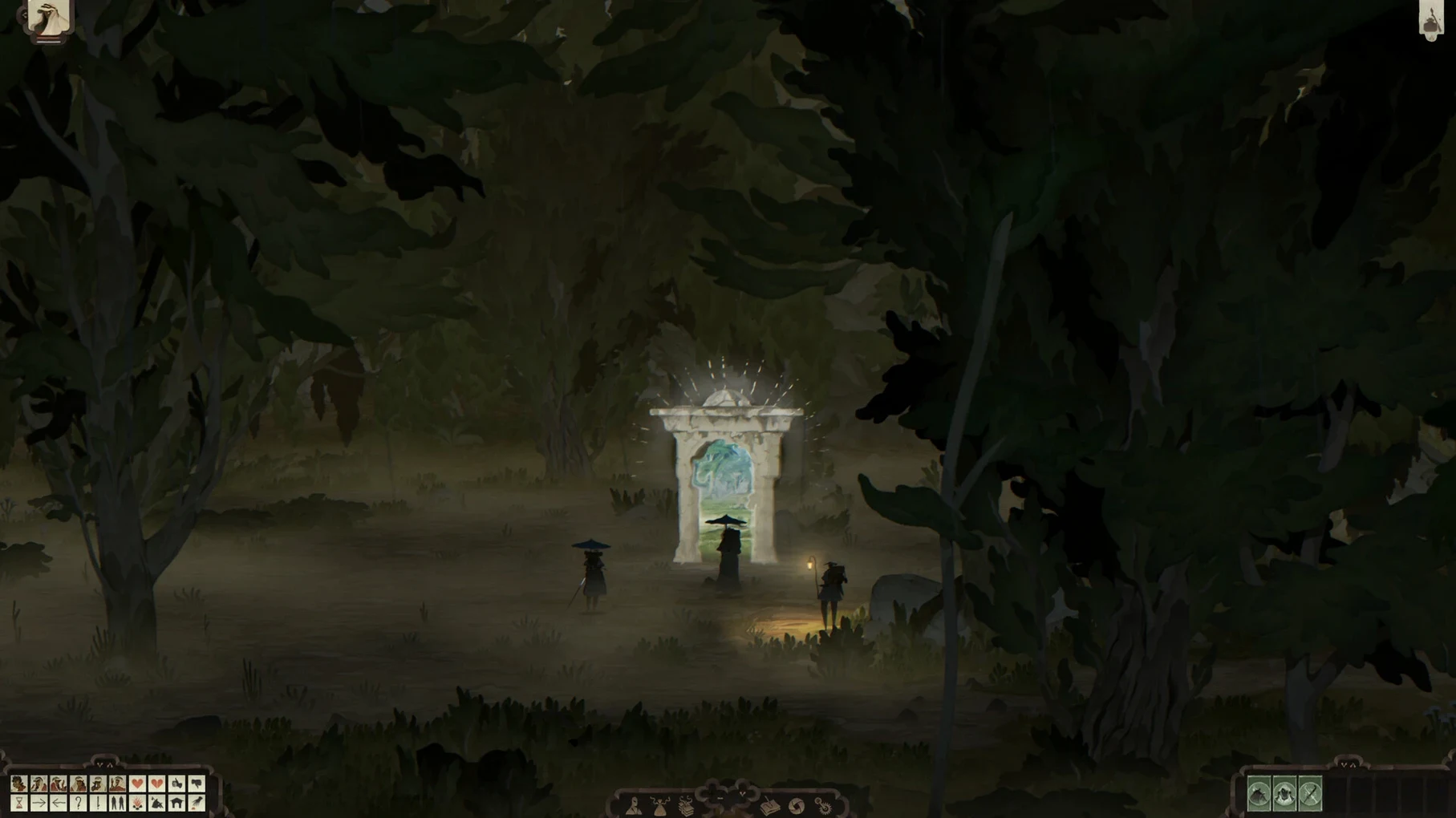
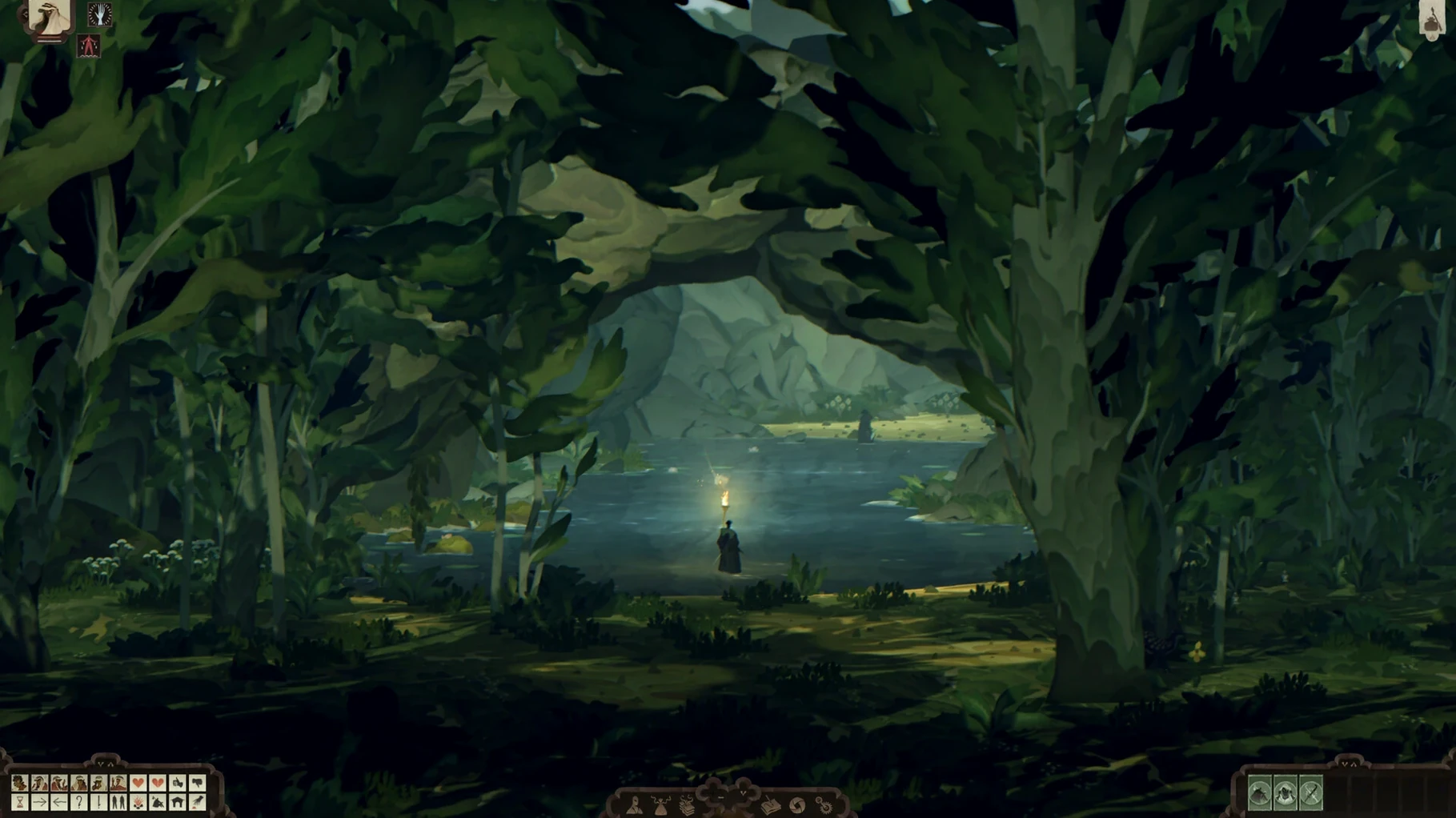
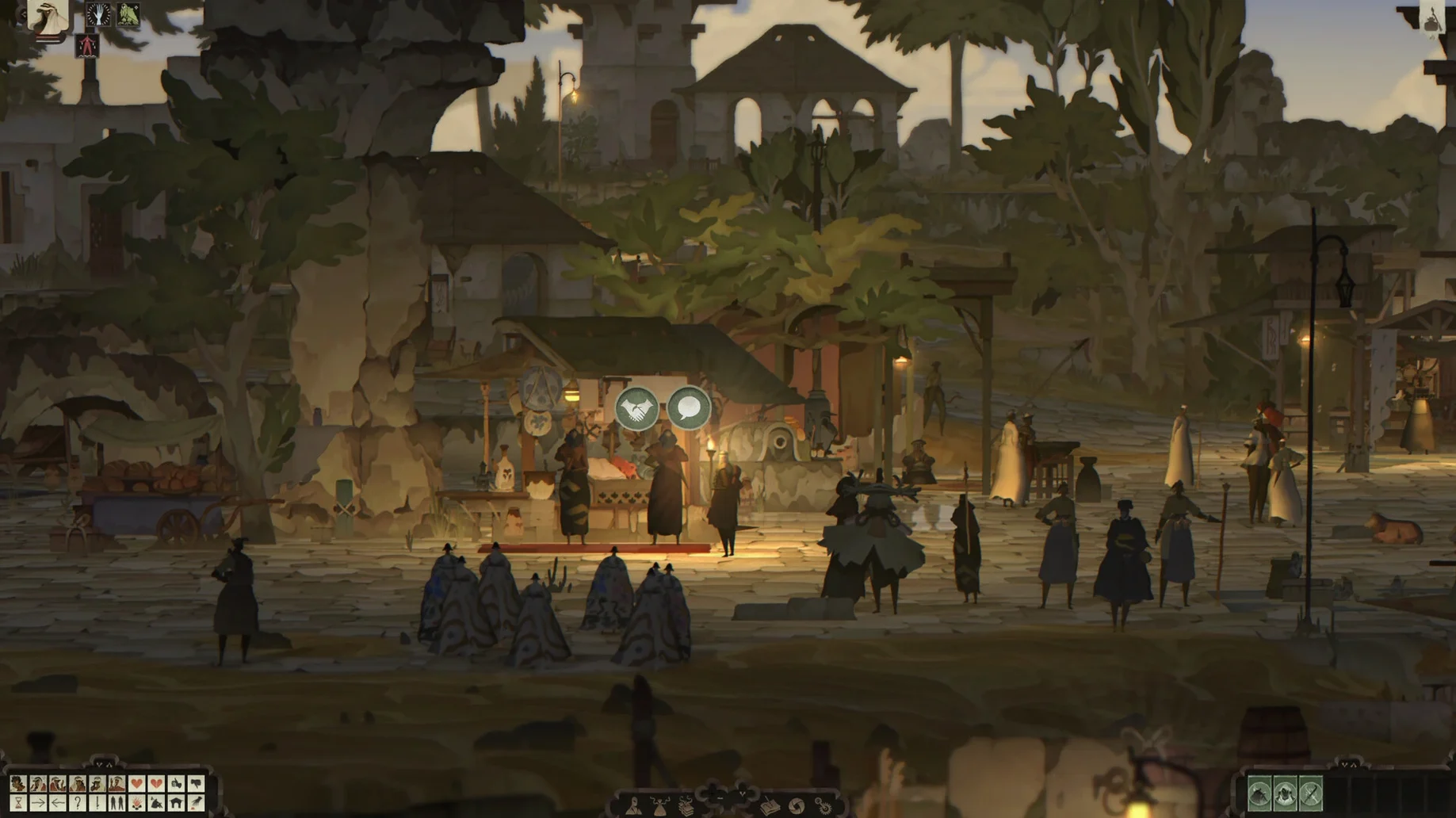
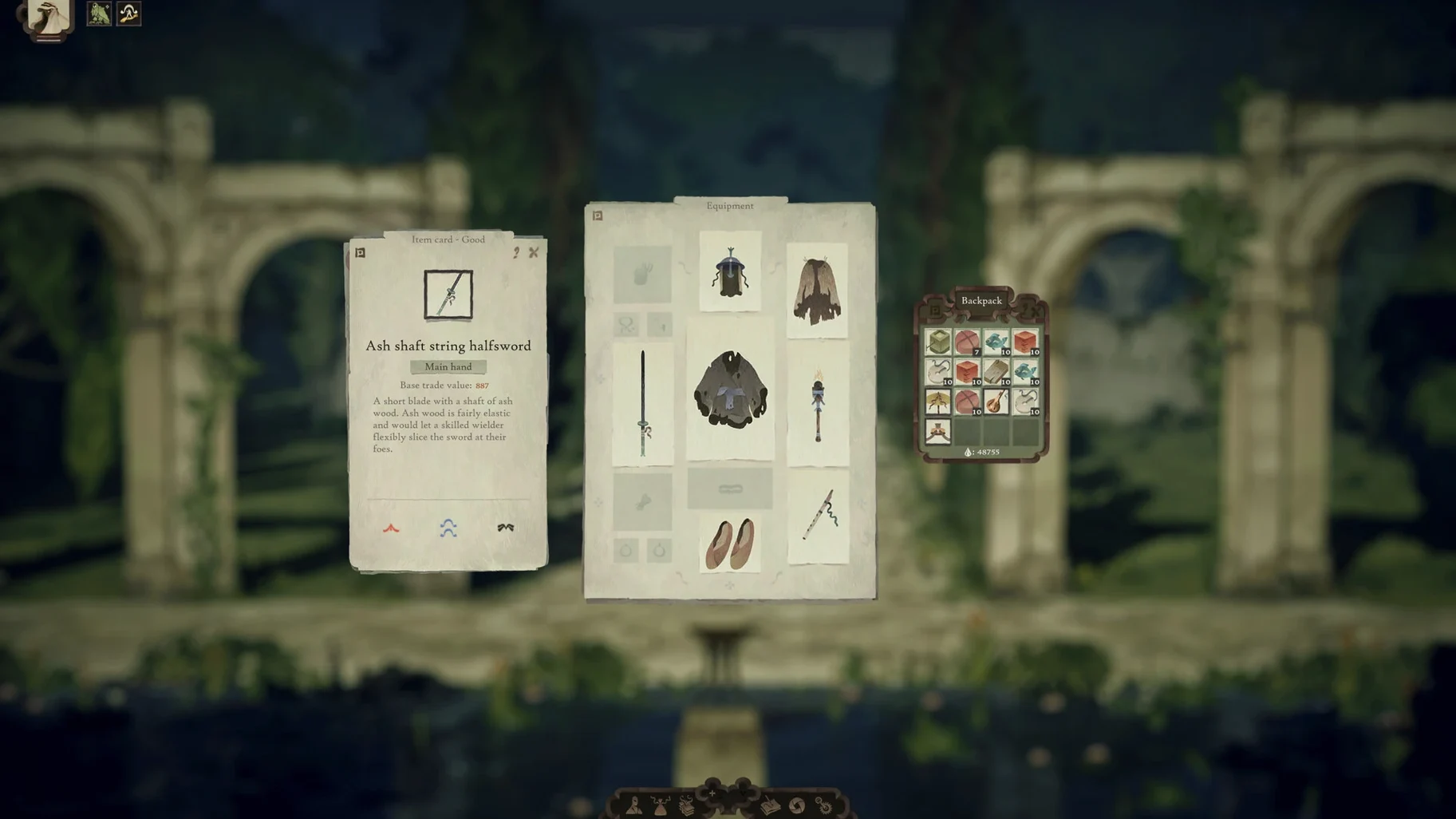
The macOS build runs on both Apple Silicon and Intel machines — it was tested on macOS Tahoe with a 2024 M4 Mac mini, and older hardware should manage fine given the game's modest demands. The Steam release appeared on October 11, 2021, and the developer lists Mac support alongside PC and Linux.
Evening-friendly sessions with no daily chores
- It plays well in short evening sessions — travel a little, trade, listen, log out.
- No quest pressure or daily systems to keep up with.
- Rare player encounters mean it never turns into a busy chat room.
- English text only, so no language switching needed.
Solo or with strangers, cooperation is optional
You wander wild areas and busy cities alone or with occasional strangers. Might and Delight describe it as an online RPG, and Steam tags it across action, adventure, casual, indie, and RPG categories. Despite the online label, cooperation is optional — surviving alone is a deliberate way to play, and the rare encounters give the world a quiet, contemplative pace that suits a MacBook on a desk after work.
Fix the wrong resolution at launch
A few things tend to trip people up when they first launch the game on a Mac.
- The window won't open at the right resolution. If the display feels off after launch, check the settings before starting a character. The game lets you adjust resolution in the launcher — if the launcher doesn't appear, restart the client and hold down the Shift key until the menu shows.
- Performance drops when entering a city. Busy areas with more players and NPCs can cause a temporary stutter on older Intel machines. Dropping the render distance a notch in the graphics options usually clears it up. ARM-based Macs handle the same scenes without the same hitch.
- The game won't connect to the server. Book of Travels is an online world even if it feels solitary. A firewall or restrictive network setting can block it. Adding an exception for the game's process in your firewall rules or disconnecting from a VPN often solves it on the first try.
- Audio cuts out or crackles. English voice audio is part of the experience, so a distorted signal pulls you out of the mood. Switching the audio output device in macOS sound settings before launching the game usually fixes it. If the problem persists, drop the sample rate to 44100 Hz in your system audio panel.
In-game note system for map markers
The game includes a few touches that don't get advertised but make the daily routine easier.
- In-game note system. You can jot down observations or map markers as you travel. No out-of-game notepad needed for remembering where you saw a rare trader or a locked door.
- Passive travel mode. Once you set a destination on the map, the character walks there on their own. Useful for the longer stretches between landmarks — you can glance at a second monitor or just listen to the soundtrack.
- Item comparison tooltips. Hovering over a piece of gear in your inventory shows a side-by-side readout with what you are wearing now. Saves the back-and-forth of opening two windows.
- Character creation preview. Before you lock in your traits, the screen shows a full-body model of your character. You can rotate the view and see how clothing and posture change, so you don't need to restart to adjust a detail you later dislike.
No account needed, no offline mode
Do I need to create an account to play? No separate registration is required. The game launches directly into character creation without asking for an email or password — no account activation step at all.
Can I play offline? The world is online, so you need a connection to enter the Braided Shore. That said, the design never forces you into crowded hubs or group content. You can spend an entire session without seeing another player, and the game makes no demands on your time or social participation.
Is there a save system or checkpoints? There is no save menu. The game autosaves your progress as you travel, so quitting mid-walk is safe. When you return, you pick up where you left off in the same spot on the map.
Will it run on a Mac with less than 8 GB of RAM? The developer lists modest system requirements, and the builds for ARM and x86 handle the same data. Players on 8 GB machines report no unusual slowdowns in the wild areas; larger cities may load a few seconds slower, but the game remains playable.
Does the game need a Steam client to run? It was released through Steam on October 11, 2021, and the Steam build is the standard distribution channel. Once downloaded, you launch it from your library. No additional launchers or runtimes beyond what macOS provides are required.
No release notes filed for 0.61.1. They are added here when a build changes how the program behaves.
| Processor | Apple Silicon, Intel 64-bit |
|---|---|
| Download | 2.3 GB |
- macOS: current and recent versions, tested on macOS Tahoe
- Architecture: Apple Silicon and Intel
- Interface languages: English
Questions about Book of Travels
Does Book of Travels run on Apple Silicon?
Yes, it supports both Apple Silicon and Intel Macs and was tested on macOS Tahoe with an M4 Mac mini.
Can I play Book of Travels alone?
Yes, you can survive alone or cooperate with others. Encounters with other players are described as rare.
What languages does Book of Travels support?
The game supports English text only.
Comments and corrections 0
Sign in or open a free account to leave a comment.
No comments or corrections yet.