Command & Conquer: Generals 1.04 — download for Mac
Games Intel processors only Updated
Guides you through base building and real-time strategy battles.
Screenshots
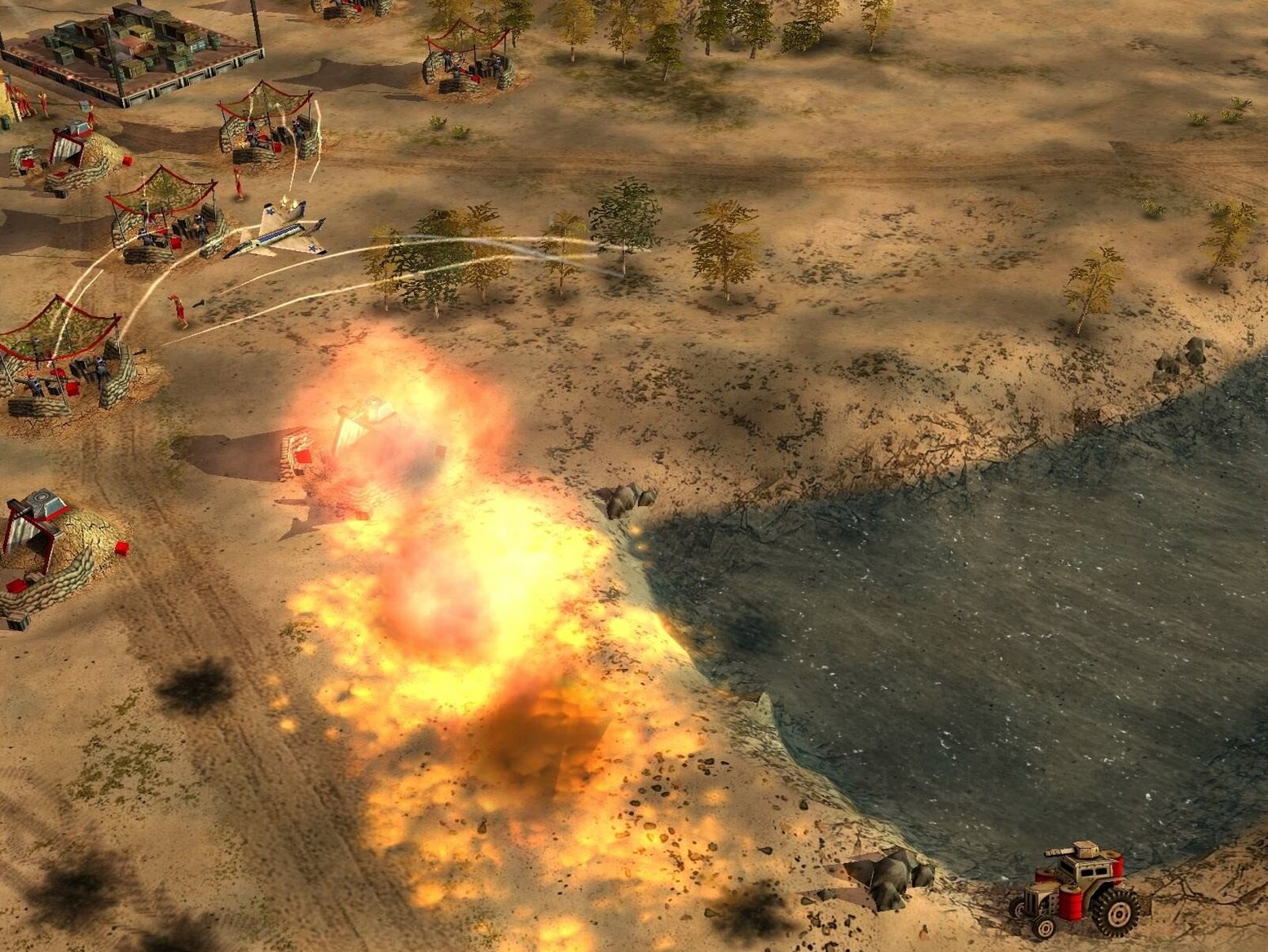
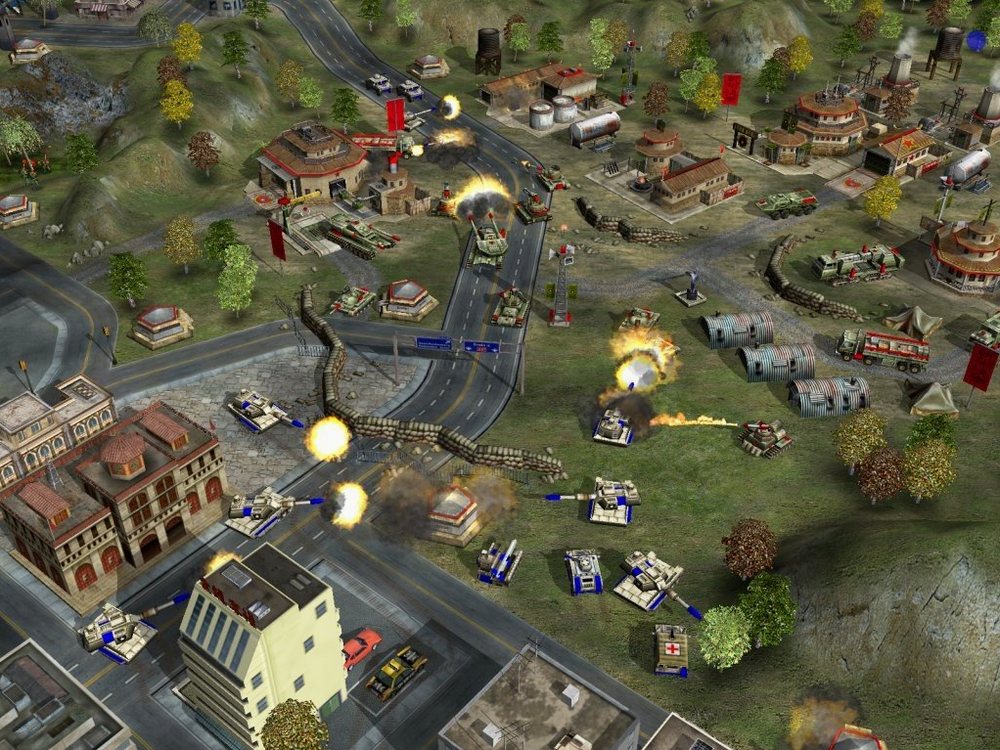
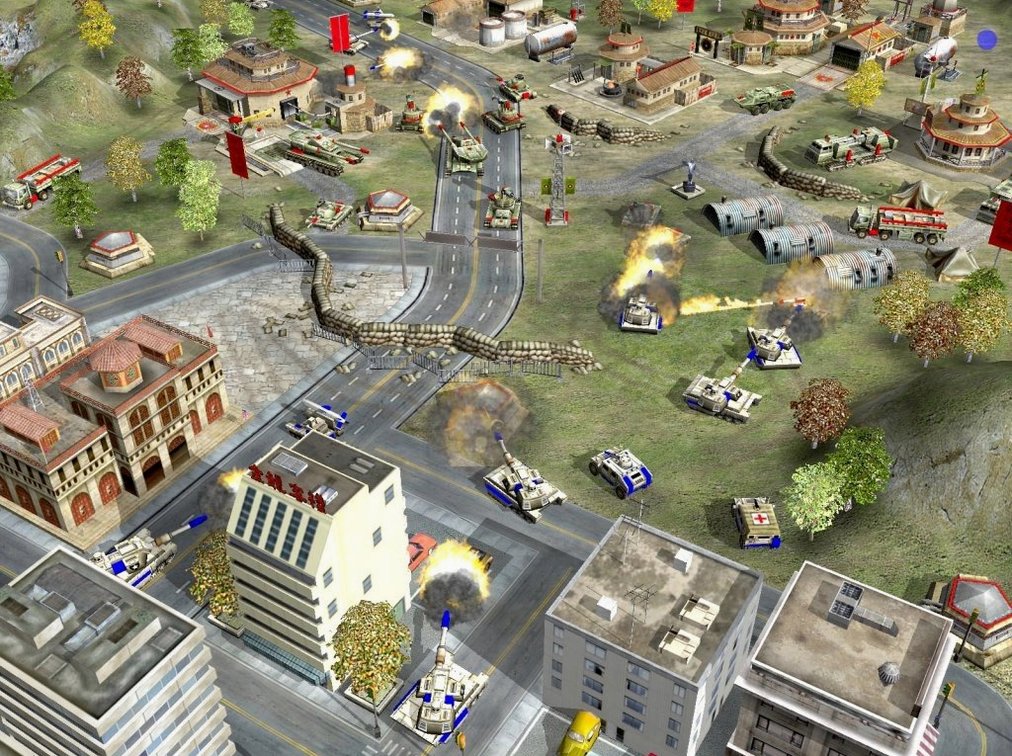
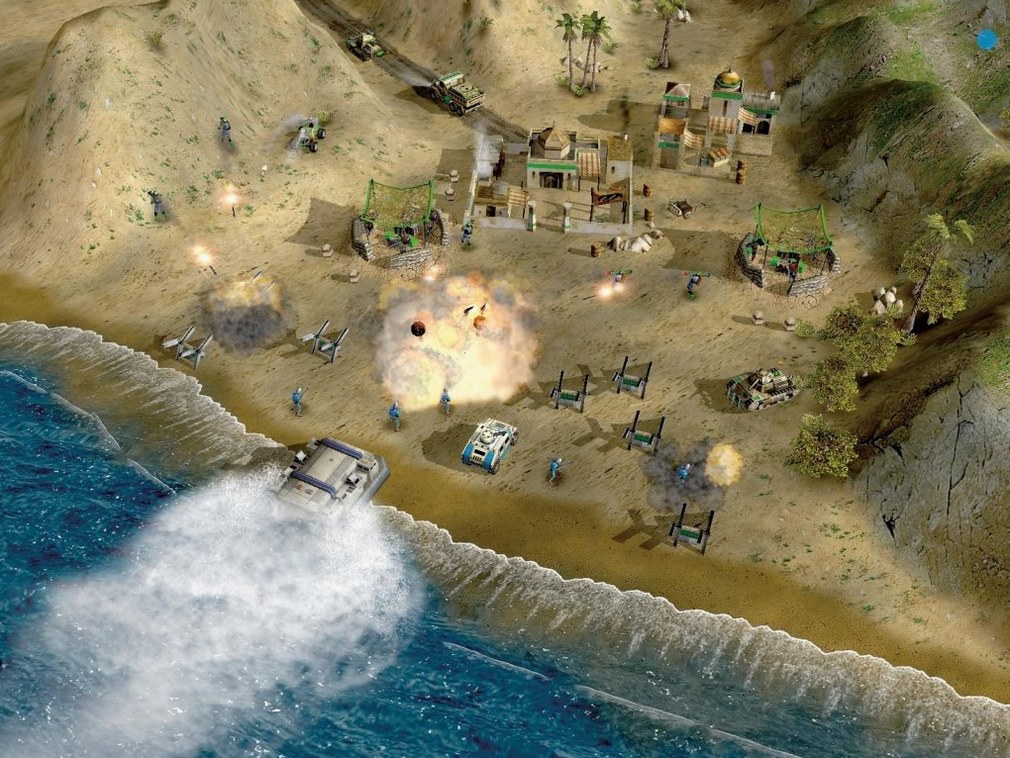
Command & Conquer: Generals – Zero Hour 1.04 runs on Intel Macs and has been tested on macOS Monterey on a 2020 MacBook Air (M1). It’s a standalone expansion, so you don’t need the original game installed.
Scout, Claim, and Build Your Base
- Scout the map and claim a base location.
- Build a command center, power plants, and supply docks.
- Gather resources with dozers and supply trucks.
- Train infantry, vehicles, and aircraft from production structures.
- Research upgrades and unlock general-specific abilities.
- Attack enemy bases, defend your perimeter, and capture strategic points.
- Use unique general powers—active or passive—to tip the fight.
What the Generals Add
Each faction now has generals with distinct abilities that change how you play. For example, a general might give your tanks extra armor or let you call in an air strike. The economy stays simplified, so you spend less time micromanaging supplies and more time commanding units. New units and buildings give each faction more options, and the Super Strike mode is replaced with these general-specific upgrades. The campaign adds new missions and events that test your ability to adapt to different general styles.
Remap Camera and Adjust Scroll Speed
Before you jump into the first mission, open the options menu and adjust a few items. The default key bindings are workable, but most RTS players remap at least the camera controls. Set scroll speed to something you can sustain across a 30-minute match — too fast and you overshoot, too slow and you miss flanks. Turn off any automatic base-building aids if you prefer to place every structure yourself. The game does not enforce a tutorial, so disable tooltips once you know what a Barracks does. Audio sliders matter: keep voice volume high for general callouts and reduce ambient tracks so you hear unit chatter during combat.
For Windows Vets Skipping Dual-Boot
Three kinds of Mac users will find this expansion worth their time. First, anyone who played the original Generals on a Windows machine years ago and wants the same campaign beats without running a dual-boot setup. Zero Hour 1.04 for macOS keeps the original mission structure intact, so veterans can pick up where they left off. Second, RTS players who prefer offense over economy management. The simplified resource system and the replacement of Super Strike with general abilities mean you spend more time attacking and less time balancing power plant counts. Third, Mac gamers running older Intel hardware. Because the expansion was tested on Monterey and targets x86 (64-bit), it runs on machines that newer titles leave behind. If your daily driver is a work-issued MacBook and you want a break during lunch, this fits.
Passive General Buffs Activate Automatically
- Generals have passive abilities that activate without any hotkey. Read the general description before deploying — one might buff nearby infantry automatically.
- The simplified economy means dozers and supply trucks are the only resource units. You cannot lose a harvest cycle to a stray attack because there are no Tiberium fields to replant.
- New buildings for each faction appear in the build menu only after you construct the prerequisite structure. The order is linear, so you never wonder why a War Factory is grayed out.
- Some campaign missions skip base capture entirely. If you prefer a pure combat scenario without base management, those missions are marked in the briefing.
Play First Three Missions in Order
Play the first three campaign missions in order. They introduce each faction’s general style without overwhelming you with unit rosters. On mission two, pause after securing your starting base and read the general’s ability description aloud — knowing whether it is active (you press a key) or passive (it works constantly) changes your approach to engagements. Do not ignore the supply docks. Even in a simplified economy, a stalled resource flow stops vehicle production entirely. Build two supply trucks early and assign them to the nearest Tiberium field before you expand. Finally, save manually before trying a general ability for the first time. Some abilities have cooldowns measured in minutes, and a mistimed air strike can lose you a base you spent ten minutes building. Once you know the timing, you can rely on it every match.
- Standalone expansion with new missions and events.
- New units and buildings for all three factions.
- Super Strike replaced with unique generals.
| Processor | Intel 64-bit |
|---|---|
| Download | 2.3 GB |
- macOS (tested on Monterey)
- Intel architecture
- Tested on MacBook Air (M1, 2020)
Questions about Command & Conquer: Generals
Is this a full game or an add-on?
It is a standalone expansion. You do not need the original Command & Conquer: Generals to play.
What Mac hardware does it support?
The game runs on Intel-based Macs and was tested on macOS Monterey on a MacBook Air (M1, 2020) using Wineskin.
What is the main change from the original Generals?
Zero Hour replaces the Super Strike mode with unique generals, each offering active or passive abilities that change your strategy.
How to install, in order
- Mount the downloaded disk image.
- Drag the game into the Applications folder.
Comments and corrections 0
Sign in or open a free account to leave a comment.
No comments or corrections yet.