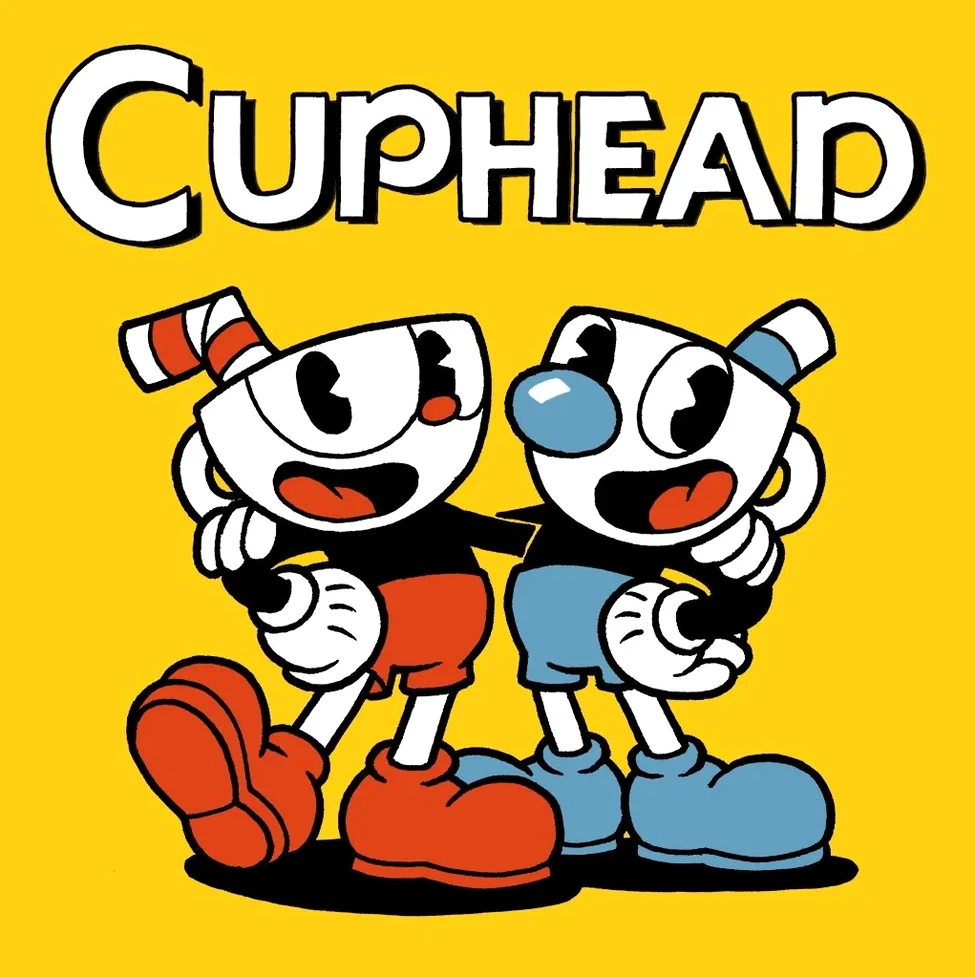
Cuphead 1.3.3 — download for Mac
Games Intel processors only Updated
Fights hand-drawn boss battles to repay a debt to the Devil.
Screenshots

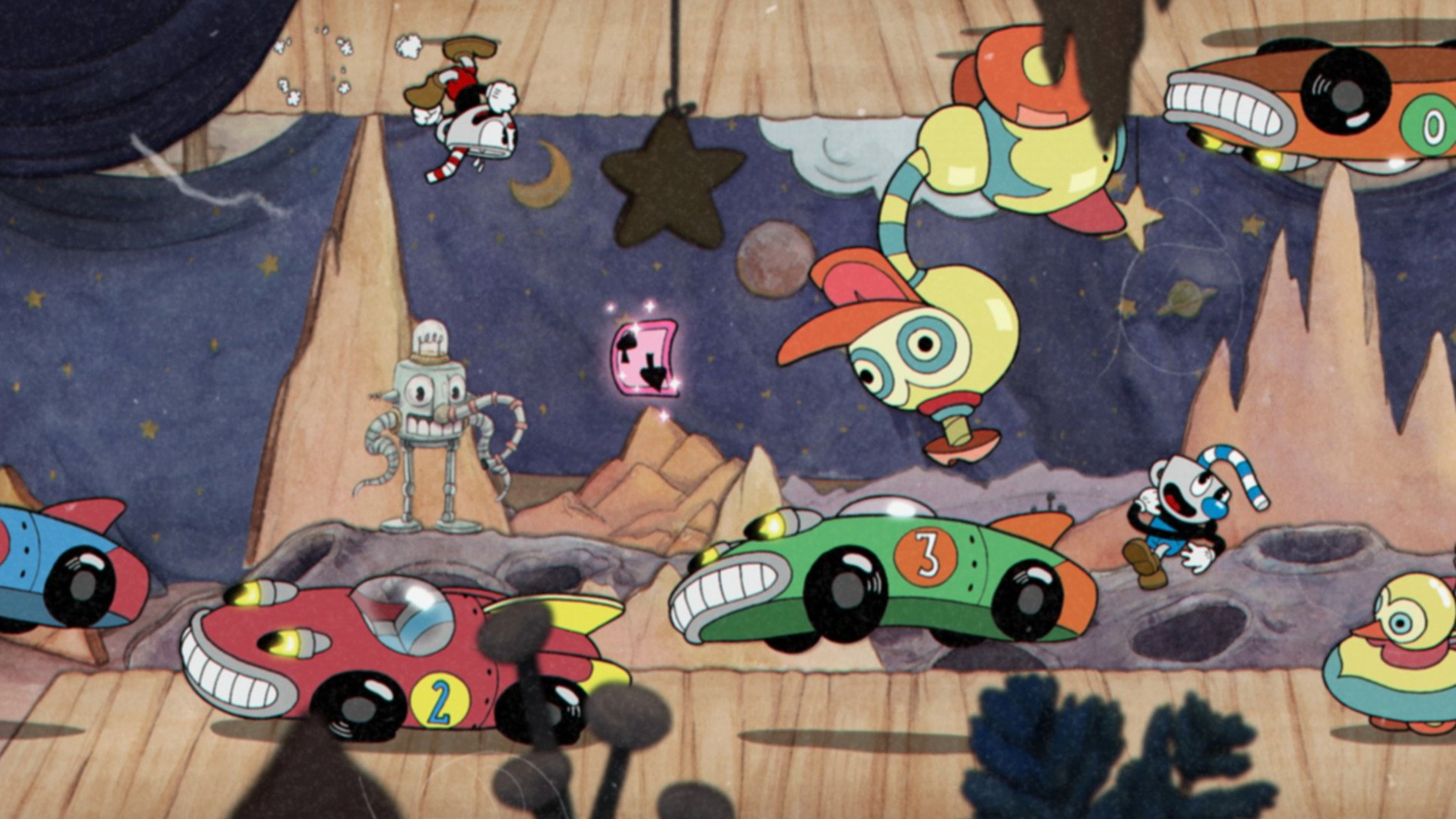
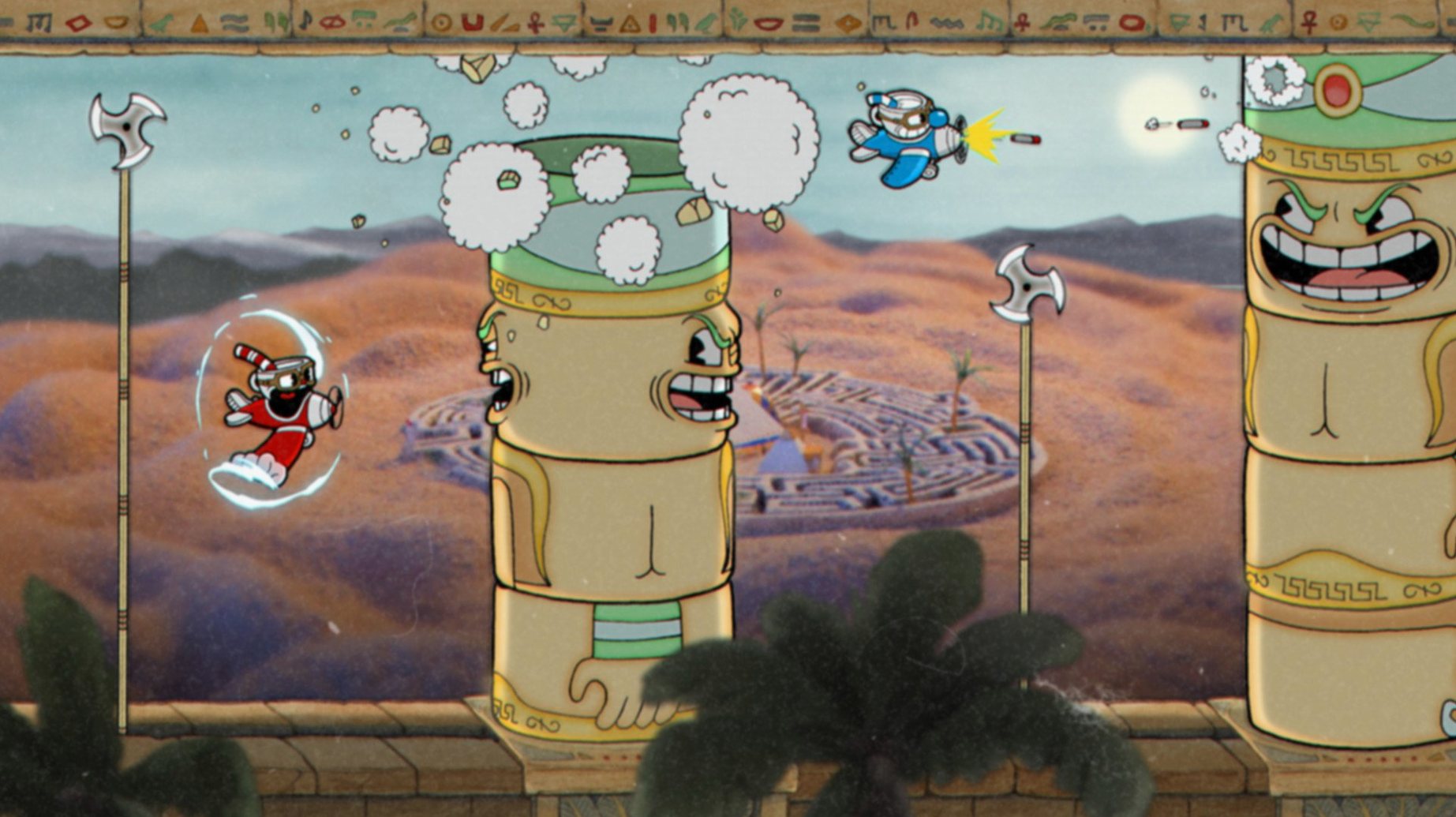
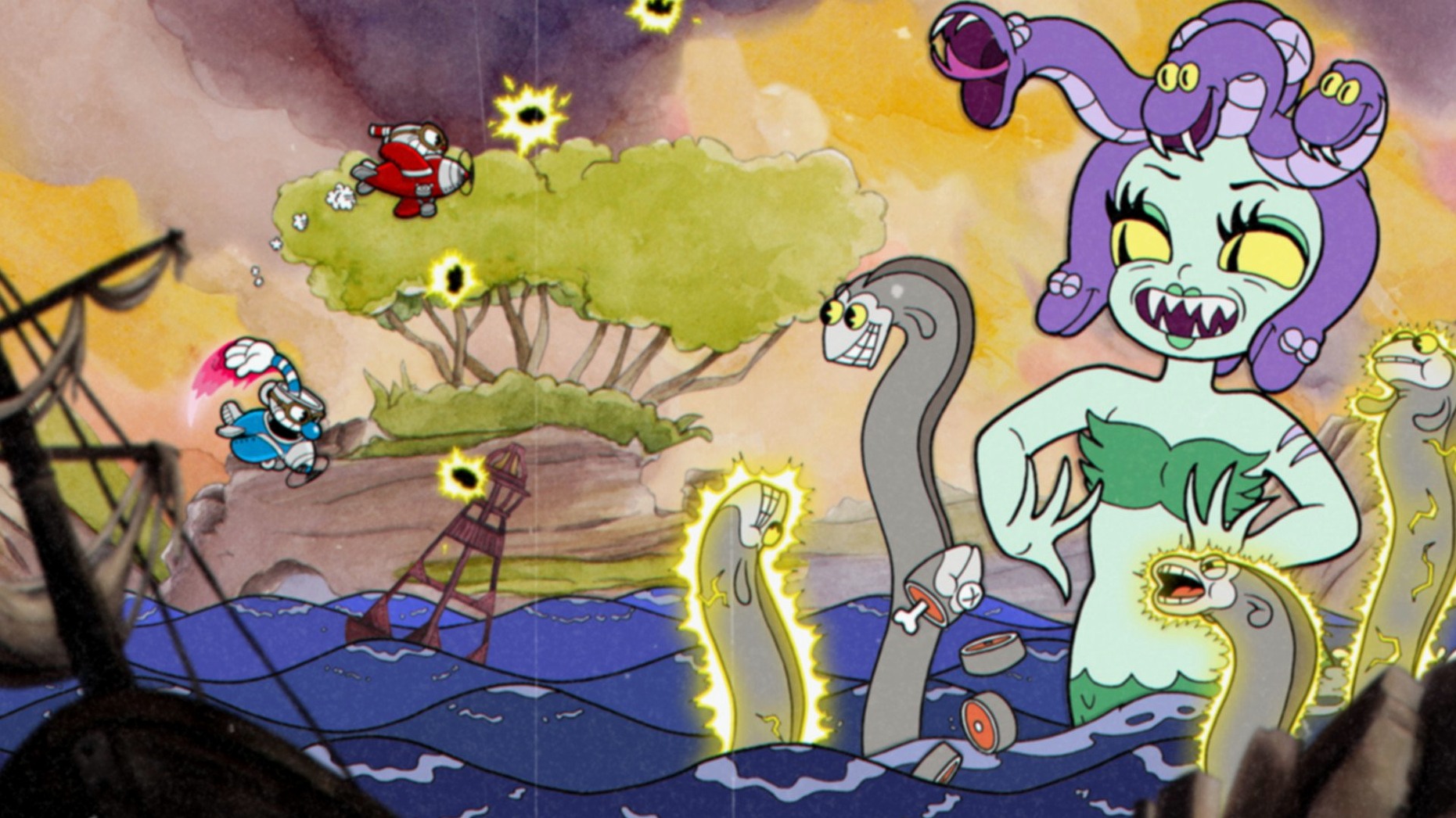
Cuphead is a run-and-gun action game where screen-filling boss fights replace traditional levels. Playing as Cuphead or Mugman, you work through a series of hand-drawn encounters to repay a debt to the Devil, backed by original jazz recordings and watercolor backgrounds.
System and controls
The macOS version runs on Intel hardware under Catalina or later. Keyboard controls are tight and responsive, though many players connect a controller for the more chaotic later stages.
Performance on Mac
Local co-op with a second player on the same machine works without slowdown. The hand-drawn animation and watercolor layers don't stress the GPU, making this one of the smoother action titles you can run on a work laptop.
Black screen fix for Cuphead on Mac
A few hiccups show up regularly after installing Cuphead on Mac. None are serious, but knowing what they look like saves time.
- Game launches to a black screen. This usually means the display mode isn't matching your monitor. Open the settings menu from the title screen — the audio cues still work — and switch between fullscreen and windowed mode. Quit and relaunch if the menu doesn't appear.
- Controller not recognized. Cuphead detects most USB gamepads, but older Xbox or third-party controllers sometimes need a quick disconnect and reconnect while the game is running. Check that the controller is mapped in macOS System Settings before launching the game.
- Audio stutters during cutscenes. The original jazz recordings are uncompressed and can lag on older Macs with mechanical drives. Install Cuphead to an internal SSD if you have one. On a standard hard drive, closing browser tabs and background apps usually clears it.
- Co-op player joins but the second character doesn't move. Both players need to press Start or the equivalent button on their controller. Keyboard-and-controller co-op works fine, but two keyboard players on one Mac isn't supported.
- Progress not saving. Cuphead saves automatically at checkpoints. If saves are lost after a restart, check folder permissions. The save file lives in
~/Documents/Cuphead/save/— make sure it isn't set to read-only.
Remap jump and dash early
Jumping straight into boss fights works, but a few early decisions make the experience smoother.
- Remap jump and dash early. The default keyboard layout puts jump on X and dash on Z. If your fingers naturally rest on WASD, consider moving dash to Shift and jump to Spacebar. Five minutes in the practice range now prevents accidental falls into pink goo later.
- Don't grind the first boss. The Root Pack on Inkwell Isle is designed to teach patterns. Die five times, learn the telegraphs, then move on. Cuphead doesn't scale difficulty to your retries, so over-practicing a single fight wastes time you could spend collecting coin in later stages.
- Play the run-and-gun levels for weapon upgrades. The side-scrolling stages between bosses are short and give coins and the first weapon upgrades. They're easy to skip, but the spread shot and the charge shot make the next two bosses noticeably shorter.
Cuphead vs. Enter the Gungeon on Mac
Few Mac-native action games match Cuphead's production values. The closest comparisons highlight what makes it distinct.
Enter the Gungeon. Both games are run-and-gun shooters with a high skill floor. Gungeon relies on procedural generation and endless loot, where Cuphead uses hand-designed boss patterns. If you prefer mastering a fixed sequence over random drops, Cuphead is the better fit. Gungeon also runs on Intel Macs, but its pixel art looks dated next to Cuphead's hand-drawn frames.
Hollow Knight. Hollow Knight shares the hand-drawn aesthetic and tight controls, but it's a metroidvania with sprawling maps and exploratory backtracking. Cuphead is the opposite — you pick a fight, learn it, and move on. No map, no inventory management, just straight boss runs. Hollow Knight's Mac port is stable, but its 60-plus hours of content is a different commitment from Cuphead's focused 10-to-12-hour campaign.
Shovel Knight. Shovel Knight leans on retro 8-bit design and platforming precision. It offers more stages and a simpler moveset. Cuphead's parry mechanic and weapon switching give it more depth per encounter. For someone who values animation quality and jazz soundtracks, Cuphead pulls ahead. Shovel Knight is better if you want a longer campaign that respects your time in smaller chunks.
DRM-free on macOS 64-bit Intel
Cuphead version 1.3.3 (57402) DLC Fix is built for 64-bit Intel Macs running macOS Catalina or later. The developer, Studio MDHR Entertainment Inc., tested it on a 2017 iMac with a Retina 4K 21.5-inch display. The game is DRM-free — no online check or launcher required once installed.
Installation follows a standard route: unpack the archive, run the setup, and choose the Applications folder when prompted. The game occupies roughly 8 GB of disk space. No additional libraries or runtime environments are bundled — everything needed ships inside the installer.
Languages cover eleven options including English, French, German, Spanish, Italian, Polish, Portuguese, Russian, Japanese, Korean, and Simplified Chinese. Voice remains in the original jazz recordings regardless of language setting — no localized dubs exist for the dialogue.
Cuphead macOS runs natively here, offering tough platforming boss fights for players who enjoy classic 1930s animation. The DLC Fix includes The Delicious Last Course content, so the entire game and expansion are present in a single install. Whether you searched for cuphead torrent or a cuphead download torrent, this version spares you the usual post-install tinkering.
- DLC Fix
| Processor | Intel 64-bit |
|---|
- macOS Catalina or later
- Intel 64-bit processor
Questions about Cuphead
Does Cuphead support local co-op on Mac?
Yes, a second player can join as Mugman for the whole campaign.
Is the soundtrack included in the game files?
The music is part of the game audio — a full set of original jazz recordings plays during every fight and level.
Can I play with a controller on macOS?
Controller support is built in; most standard gamepads work without extra configuration.
How to install, in order
- Unpack the archive.
- Run the standard installer.
- At the final step, pick the Applications folder as your install location.
Comments and corrections 0
Sign in or open a free account to leave a comment.
No comments or corrections yet.