No Man’s Sky 7.14 — download for Mac
Games Updated
Explores a procedurally generated universe with no loading screens.
Screenshots
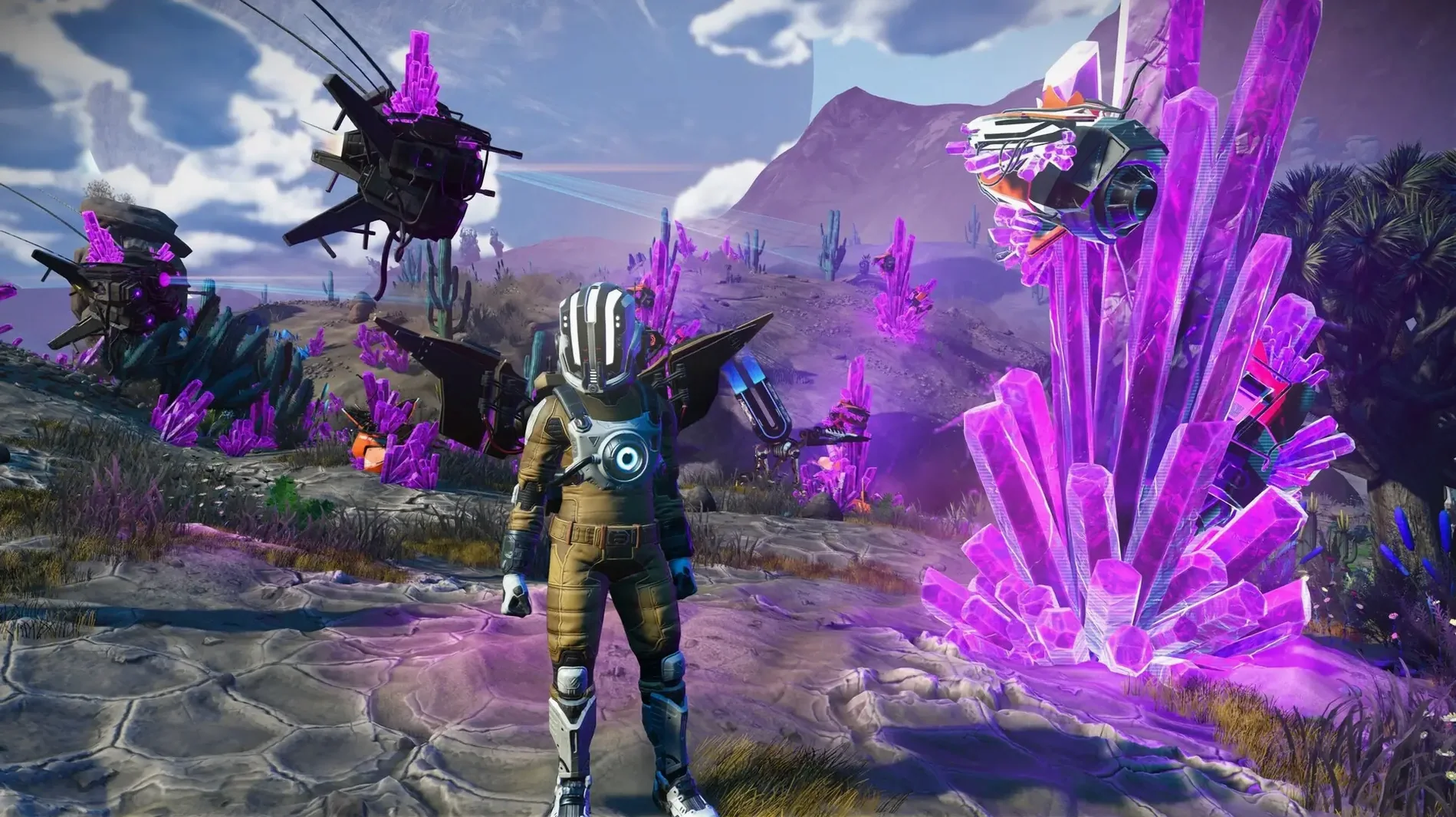
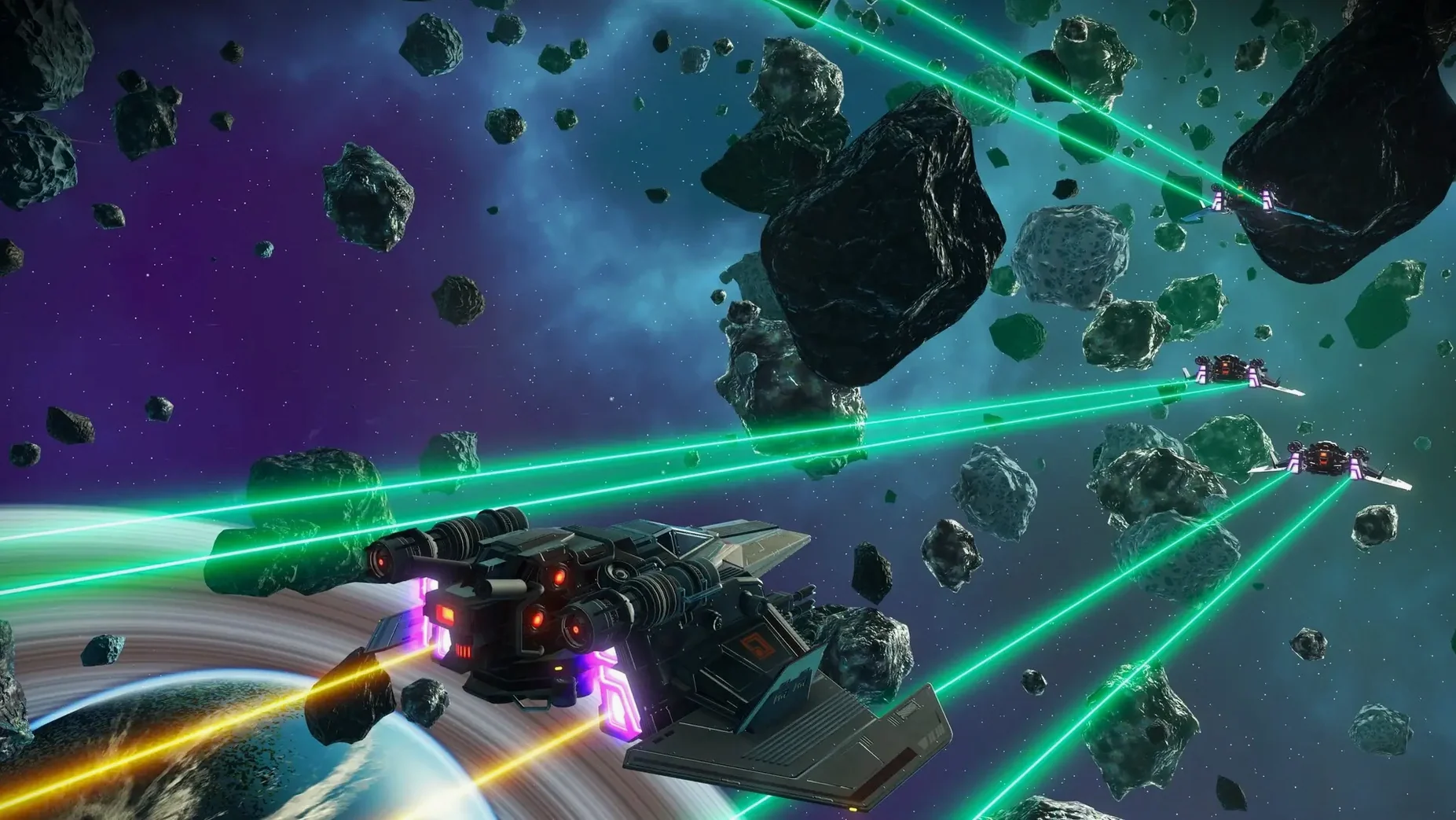
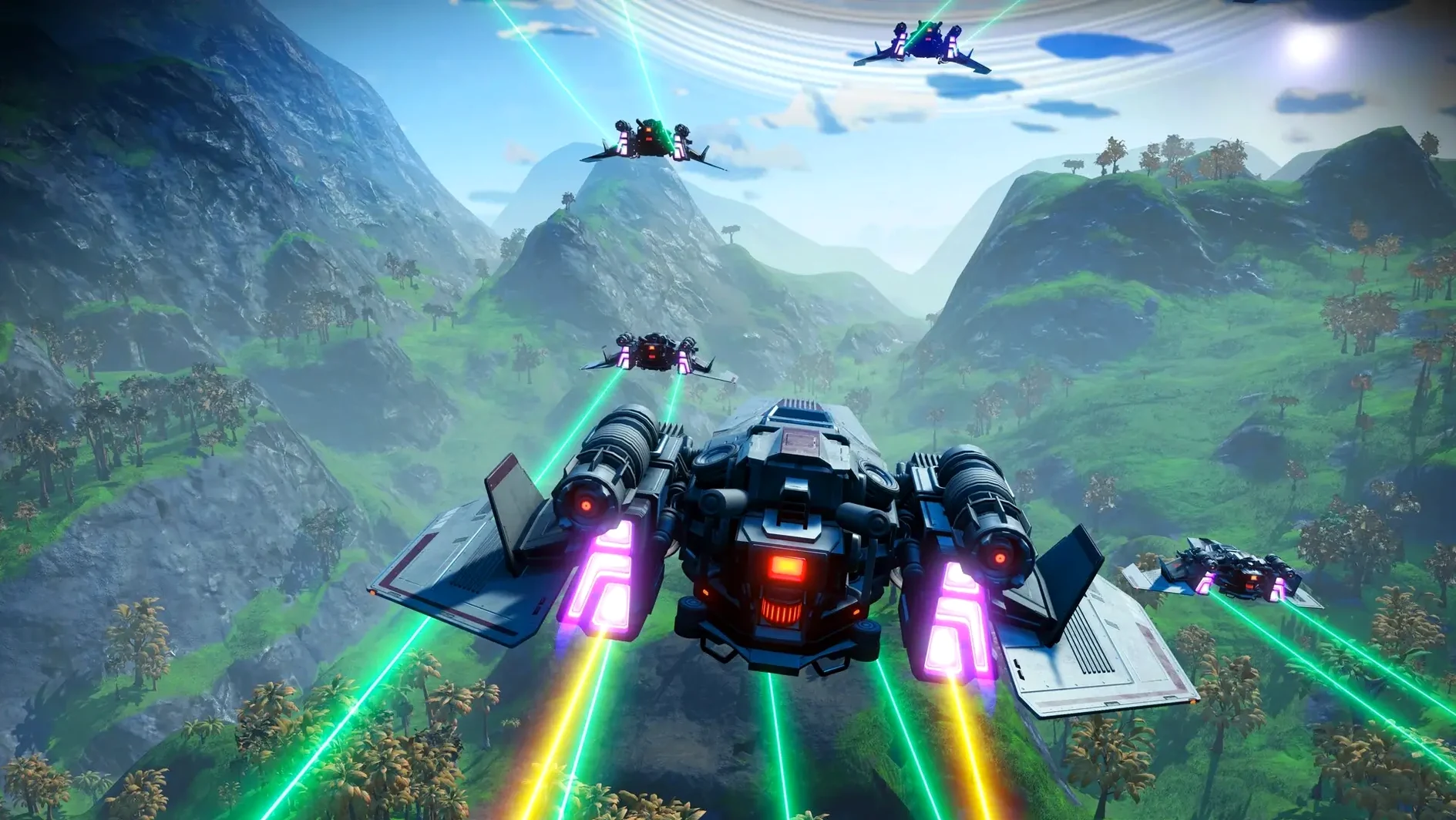
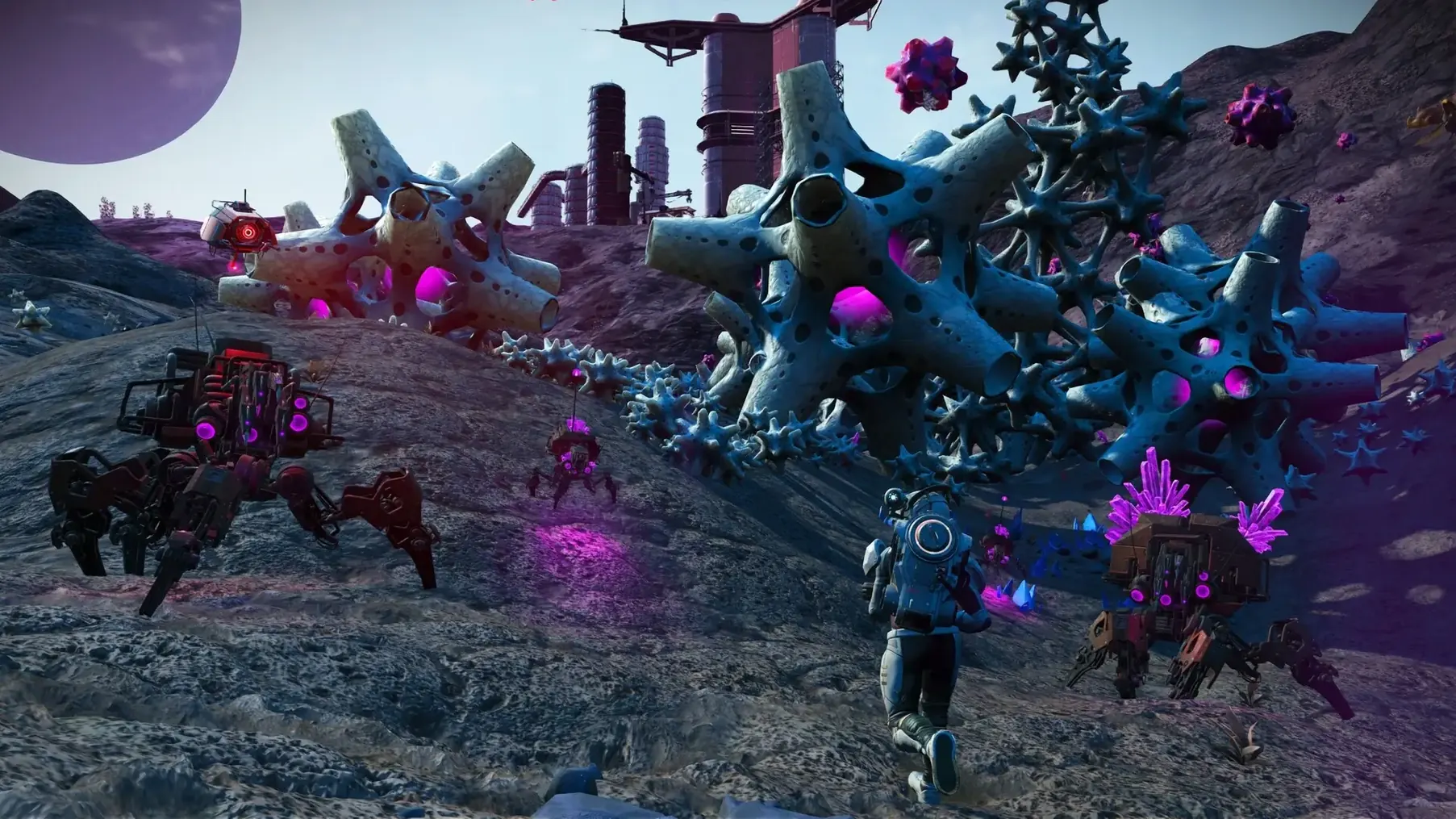
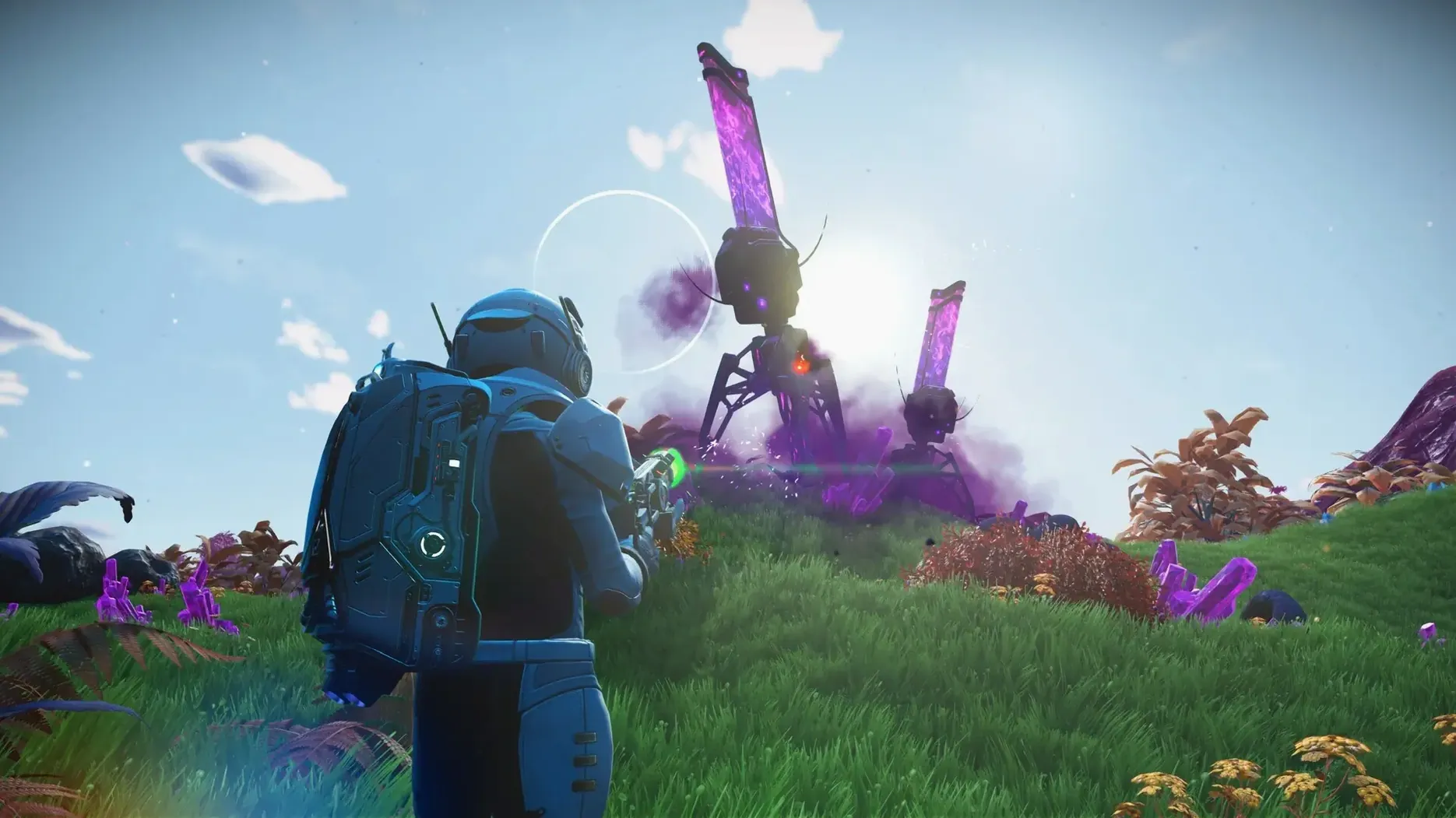
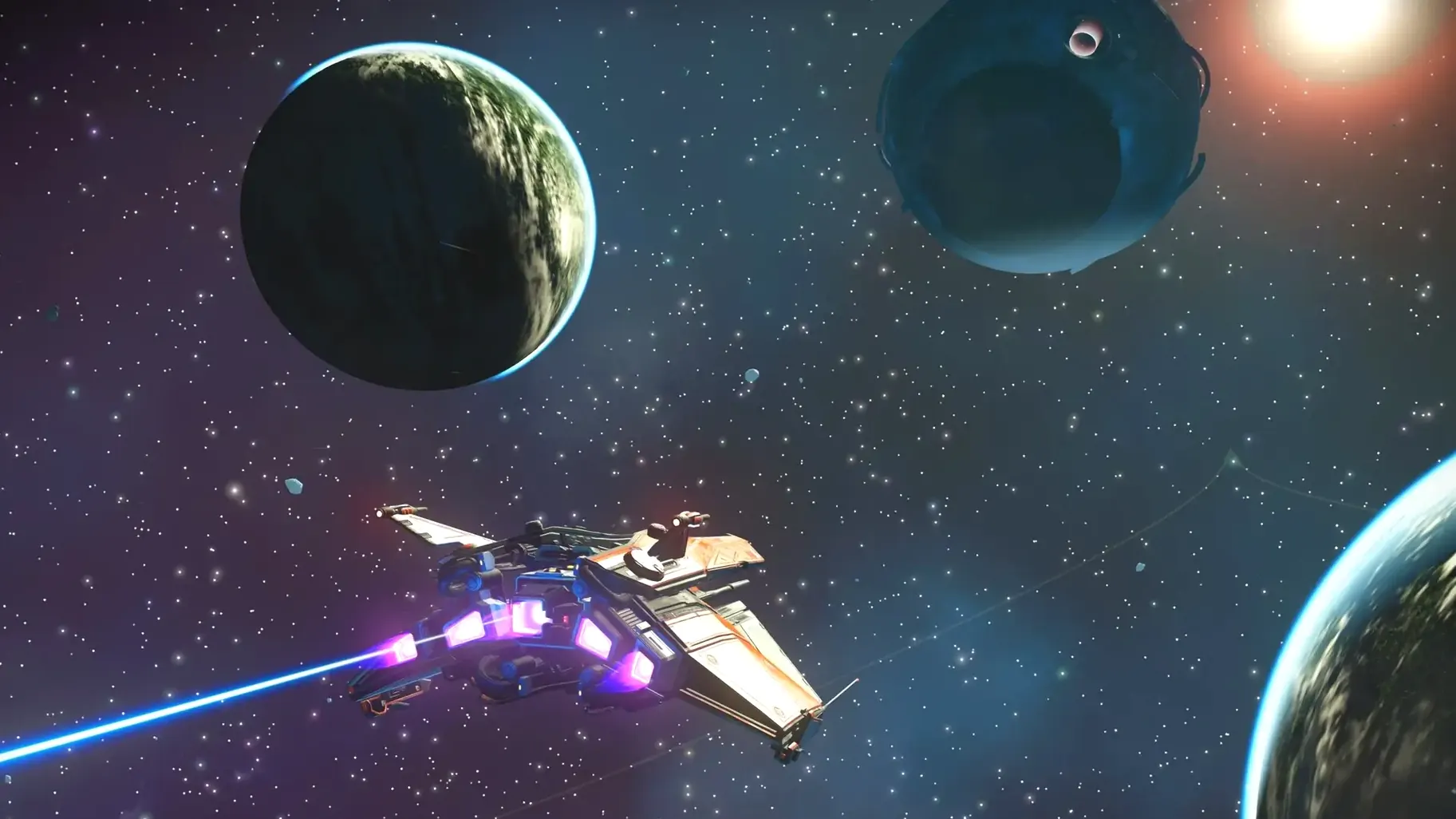
No Man’s Sky 7.04 is a procedurally generated space exploration game where every star you see is a distant sun with orbiting planets you can land on without a single loading screen. Hello Games’ Mac port brings the same full experience found on other platforms: you can choose to fight pirates and police, trade between convoys and factions, or simply chart unknown worlds. The galaxy is shared — every player contributes to a living map of known space, and your discoveries remain visible to others. The current version includes stability fixes and gameplay improvements from the Cosmos update. Whether you run it on a Mac mini 2024 M4 or an Intel machine, the game supports both ARM and 64-bit x86 architecture natively. Interface languages include English, Russian, German, Spanish, Italian, French, Japanese, and more.
Native ARM and Metal Rendering
The game lands on macOS with native support for both ARM and 64-bit x86 architectures. Hello Games rebuilt the rendering pipeline to work with Metal and Apple silicon, which means the Mac version is not a wrapper or a legacy port — it is a ground‑up adaptation. The tested configuration was macOS Tahoe on a Mac mini 2024 M4, but the same build runs on Intel Macs as well. You will find all the content updates from the past seven years included from the start, so there is no need to download separate expansions or catch‑up packs. Cross‑play is active, meaning you can join friends on PC or console without a separate account. The game ships with Russian voice acting alongside English and several other languages, and the interface can be set to Russian, English, German, Spanish, Italian, Traditional Chinese, Simplified Chinese, Korean, Dutch, Polish, Portuguese, French, or Japanese.
A First‑Week Scenario for a Solo Explorer
Imagine you are a player who prefers single‑player exploration but wants the shared‑universe background. On day one, you start on a random planet, repair your ship, and begin scanning for resources. Because the galaxy is one shared map, you will occasionally see planets tagged by other players — flora, fauna, and outposts found by someone on another platform. You can rename your own discoveries and they become visible on the known‑space map. The system handles terrain generation on the fly, so you move between space and surface without a loading interruption. After a few sessions, you will have upgraded your suit and weapons enough to survive harsher planets, and you can choose to engage with trading convoys or ignore them entirely. The game does not force a direction; the player decides whether to fight, trade, or just scan life forms.
Resource Chain and First Planet Survival
- Take time to learn the resource chain early — scanning minerals and organic matter gives you the raw materials for suit and ship upgrades. The first planet may be harsh, but moving to a nearby star system often yields more balanced conditions.
- Cross‑play is enabled by default, so your discoveries will sync immediately. If you want a completely solo experience, you can disable online features in the menu before starting.
- Language can be changed at any point from the settings screen. If you prefer Russian voice lines with English subtitles, that combination works. The same applies to any of the supported languages.
- Patch 7.04 includes gameplay and stability fixes from the Cosmos update. If you are installing from a disk image, mount it, drag the app to the Applications folder alias, and launch from Launchpad after the copy finishes.
Cosmos Update Refined Pipeline
The current build is part of the Cosmos update, which means the game now ships with a refined rendering pipeline. Hello Games describes it as a new rendering system that takes advantage of Metal and Apple silicon, so the visual behaviour on M‑series Macs is different from earlier ports. In practice, terrain generation and lighting respond more quickly during transitions between space and atmosphere. The 7.04 patch specifically addresses gameplay and stability issues — expect fewer interruptions during long sessions and smoother interaction with the shared galaxy map. For a player who spends hours jumping between systems, these fixes reduce the kind of small friction that used to break immersion. The version contains all previously released expansions, so you are not missing any content from the console or PC releases.
For anyone searching for a no mans sky mac download or a no man's sky torrent, the current build is 7.04, tested on macOS Tahoe, and it runs on both ARM and x86 hardware. The shared universe and cross‑play remain active, so your game world is continuous regardless of platform.
No Man's Sky version 7.14 Native has landed, bringing the build up to date for Mac users.
| Processor | Apple Silicon, Intel 64-bit |
|---|---|
| Download | 24 GB |
- Apple Silicon or Intel 64-bit Mac
Questions about No Man’s Sky
Can I play No Man’s Sky on an Intel Mac?
Yes. The Mac version supports both ARM (Apple Silicon) and 64-bit x86 architecture, so it runs on Intel machines as well.
Do I keep my progress from other platforms?
Yes. No Man’s Sky supports cross-platform saves, so you can continue your adventure on Mac where you left off on PC or console.
How to install, in order
- Mount the downloaded disk image.
- Drag the app into the Applications folder alias.
- Launch the app from Launchpad after copying finishes.
Comments and corrections 0
Sign in or open a free account to leave a comment.
No comments or corrections yet.