
Penelope Pendrick and the Art of Deceit 1.13.4 — download for Mac
Games Intel processors only Updated
Guides players through a slow, dialogue-heavy mystery with point-and-click clues.
Screenshots
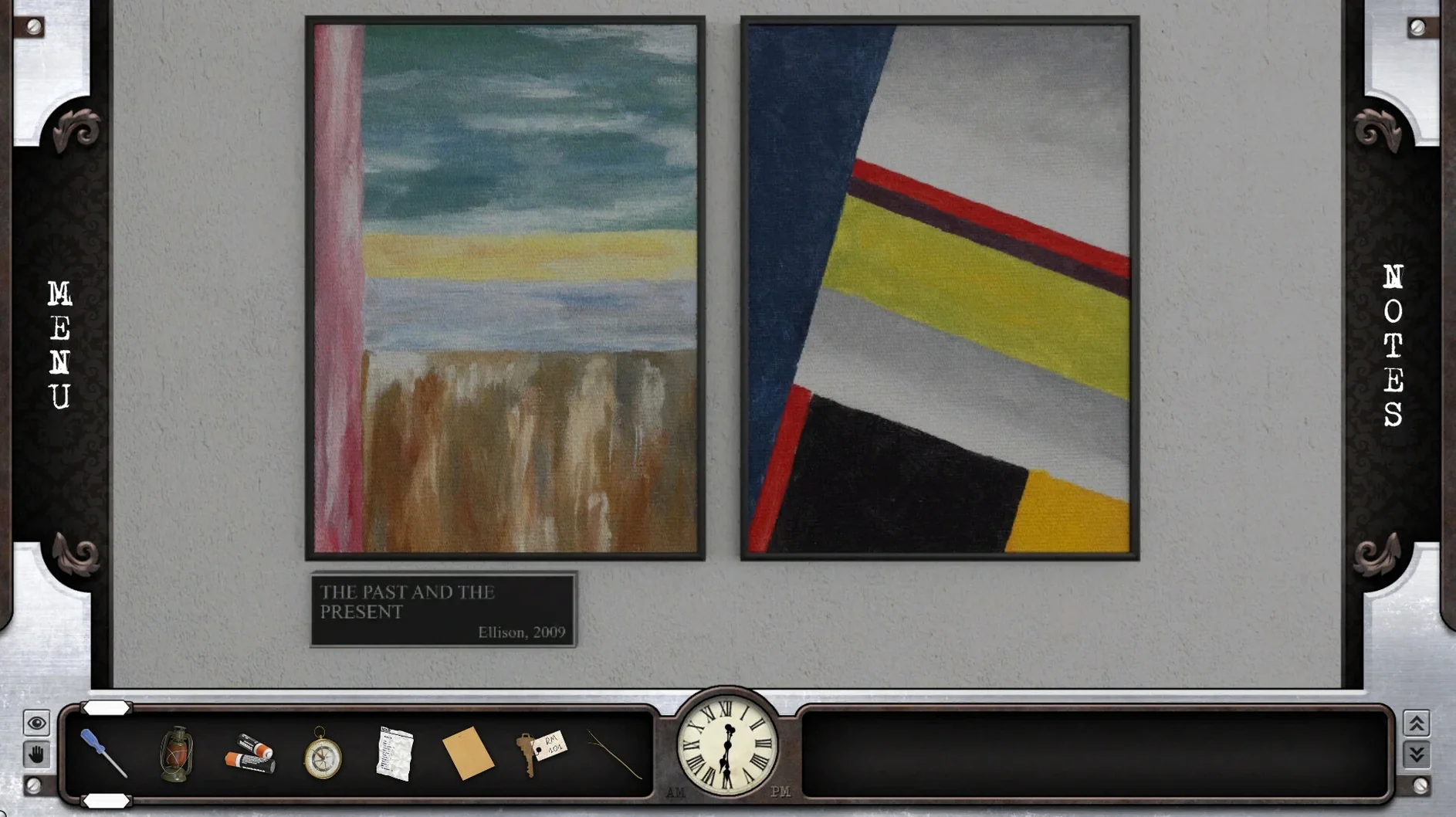
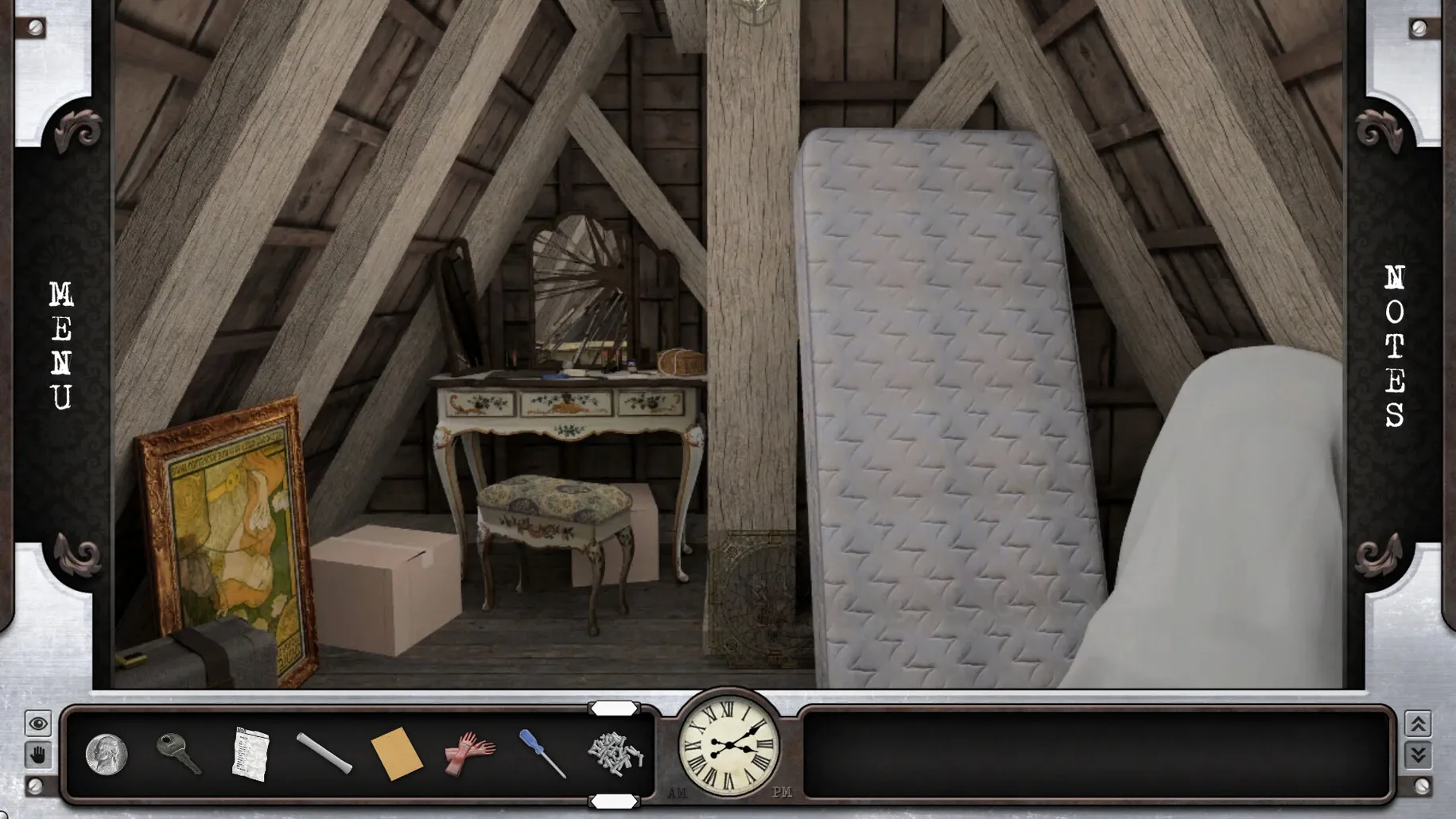
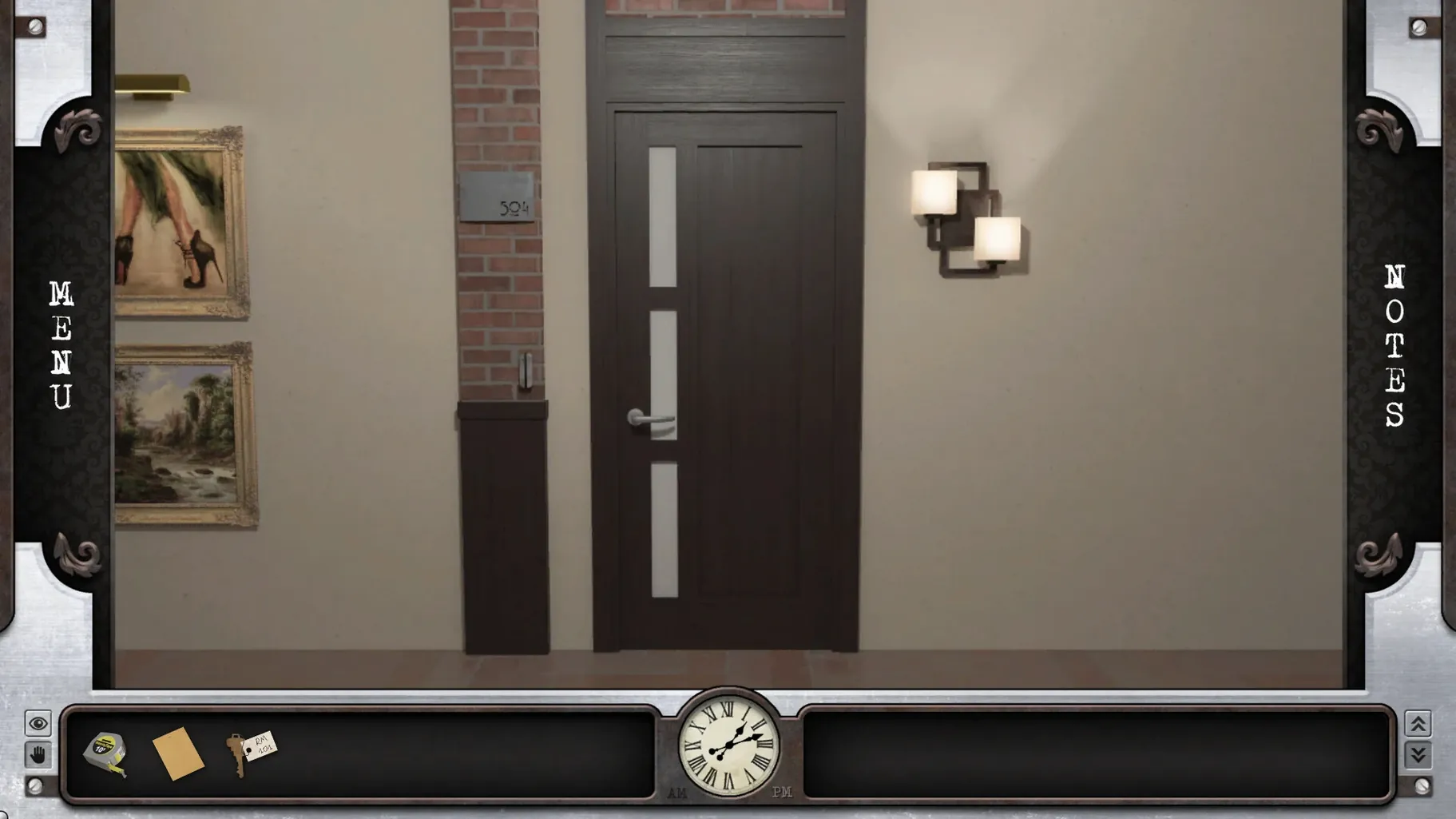
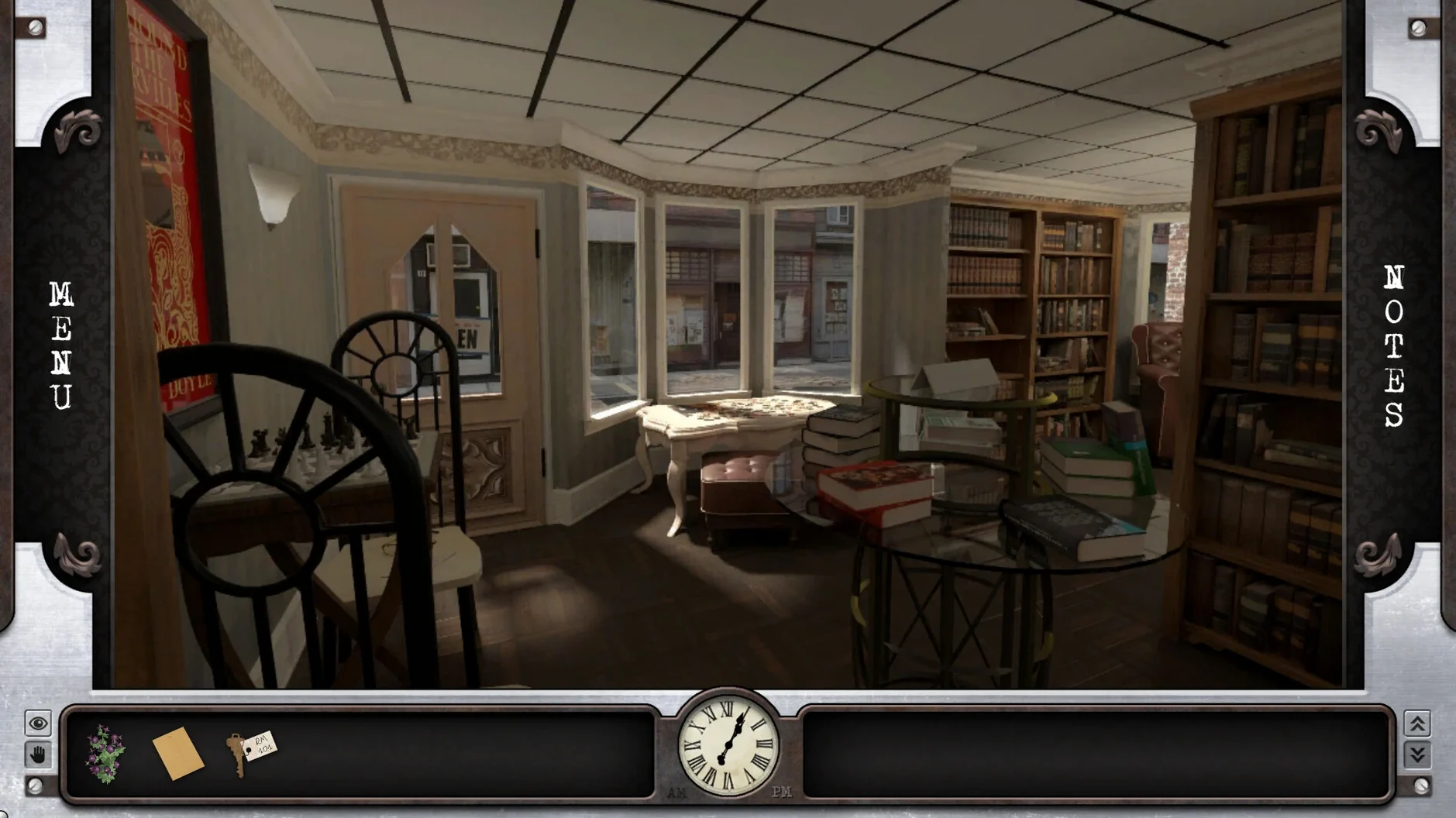
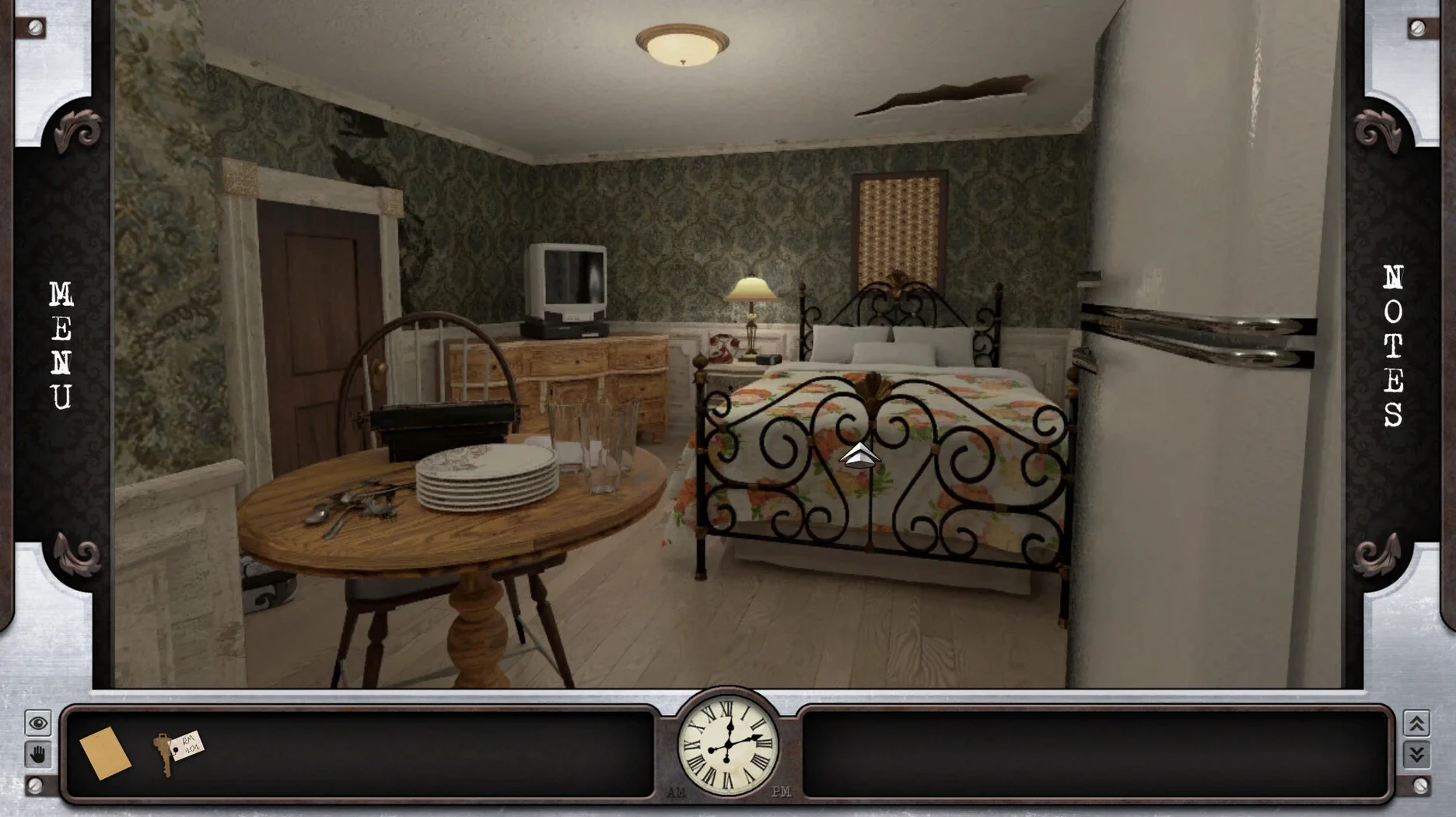
The game ships one protagonist, one room at a time, and a stack of clues you pick up in order.
Who will enjoy it — Players who like a slow, dialogue-heavy mystery where you read notes, examine objects, and talk to suspects until the story opens up. The pacing rewards patience, and the point-and-click style means no reflexes required, just attention to detail.
Who might not — Anyone looking for action, stealth, or quick puzzle-solving. This is not a game where you fail and retry. If you prefer open worlds or fast movement, the single-path structure and fixed camera angles will feel restrictive.
Platform — macOS (Intel, 64-bit) and Windows. Version 1.13.4, released November 19, 2025.
Language — English voice and interface.
Genre — First-person point-and-click mystery adventure. You follow clues, interrogate suspects, and solve puzzles as Penelope Pendrick, a writer turned detective.
Carlisle's Opening Sets the Scene
After you drag the game into Applications and launch it, resist the urge to click through everything too fast. The opening sequence in Carlisle sets the tone and introduces the key locations you will return to. Take the time to read every note and examine every object in the first room before moving on — early clues often connect to puzzles two or three scenes later.
A practical habit: save manually at the start of each new area. The game does not lock you out of previous rooms once you leave, but having a clean save before a conversation-heavy scene means you can replay a dialogue without replaying the whole section. Use the save slots like bookmarks.
Cursor Clues for Interactions
The cursor changes shape when you hover over something interactive. A magnifying glass means inspect; a hand means pick up or use; a speech bubble means you can talk to someone. These indicators are subtle — a plain arrow otherwise — so watch for them when you scan a room.
Your journal updates automatically after every significant discovery. You do not need to open it constantly. When you feel stuck, check the journal first. It often rephrases a clue in a way that makes the next step obvious. The inventory screen also keeps a short description of each object, which helps when you have picked up more items than you remember.
Mismatched Objects Block Progress
The most frequent frustration is trying to use an object on the wrong person or in the wrong room. If a character refuses to react to an item, step back and re-read the clue that led you to that scene. The puzzle logic is linear — if you are stuck, you likely missed a note or a piece of dialogue earlier. Treat each locked situation as a cue to revisit the last room you cleared.
Some players get caught by the fixed camera angles. A door or drawer might be hidden just outside your current view. Rotate the scene by moving the mouse to the edges of the screen; the camera pans slowly. Look behind furniture and around corners before deciding a room is empty of clues.
If the game window does not match your screen resolution on first launch, check the settings panel before starting a new game. The default is often smaller than fullscreen on modern monitors. The option for windowed mode is also there if you prefer to keep other tools visible alongside the game.
Finally, if you find yourself replaying the same conversation three times and still getting nowhere, the trick is rarely a wrong dialogue choice — it is almost always an object you have not examined closely. Right-click or use the inspect cursor on every inventory item again before you walk back to a suspect.
No release notes filed for 1.13.4. They are added here when a build changes how the program behaves.
| Processor | Intel 64-bit |
|---|---|
| Download | 2 GB |
- macOS (exact version not specified)
- Intel processor (64-bit)
- English language support
How to install, in order
- Open the downloaded disk image.
- Drag the app into the Applications folder alias.
- After copying finishes, launch the app from Launchpad.
Comments and corrections 0
Sign in or open a free account to leave a comment.
No comments or corrections yet.