Metro Exodus 1.0 — download for Mac
Games Intel processors only Updated
Follows Artyom across post-apocalyptic Russia in a native story-driven first-person shooter.
Screenshots
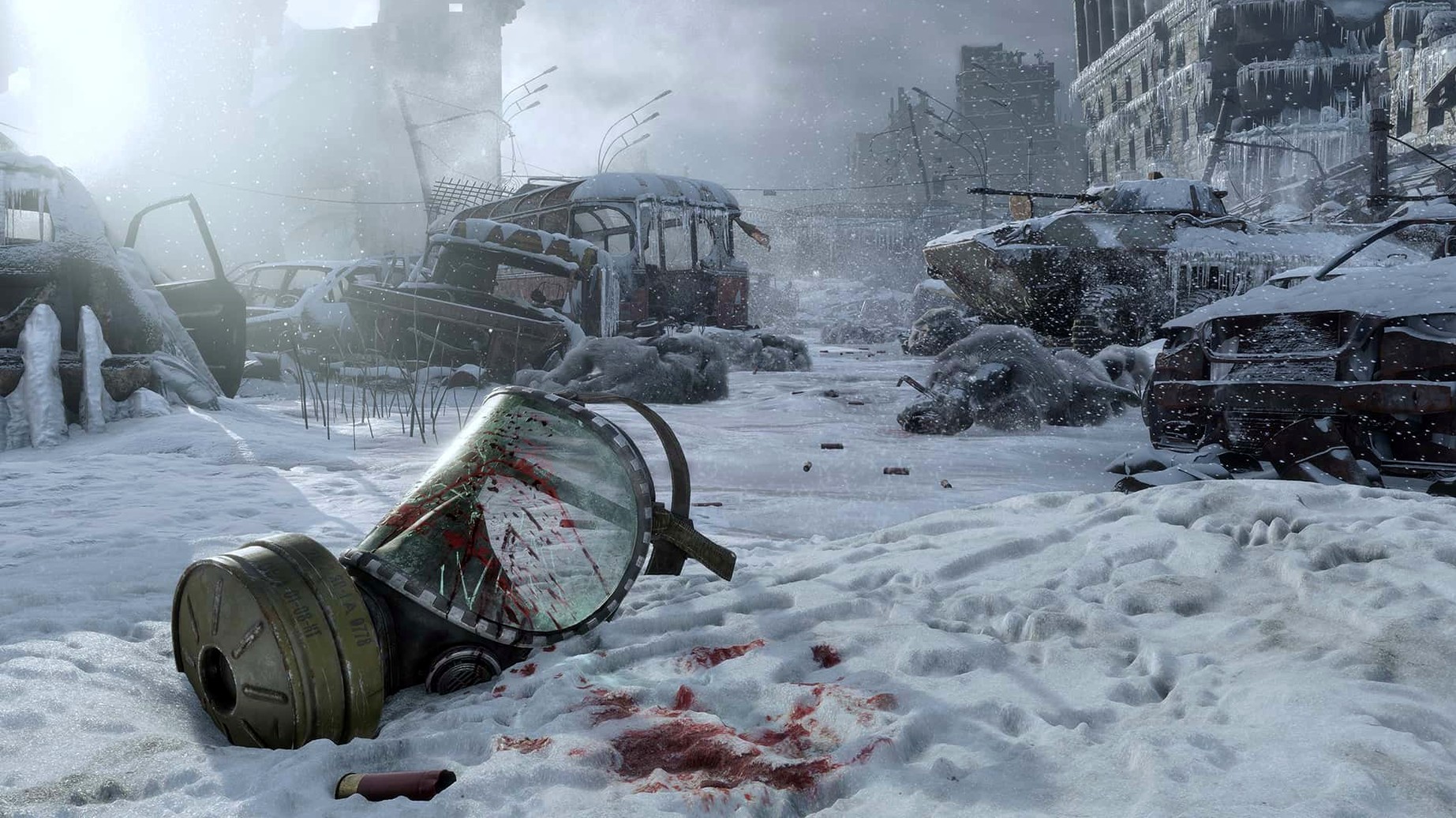
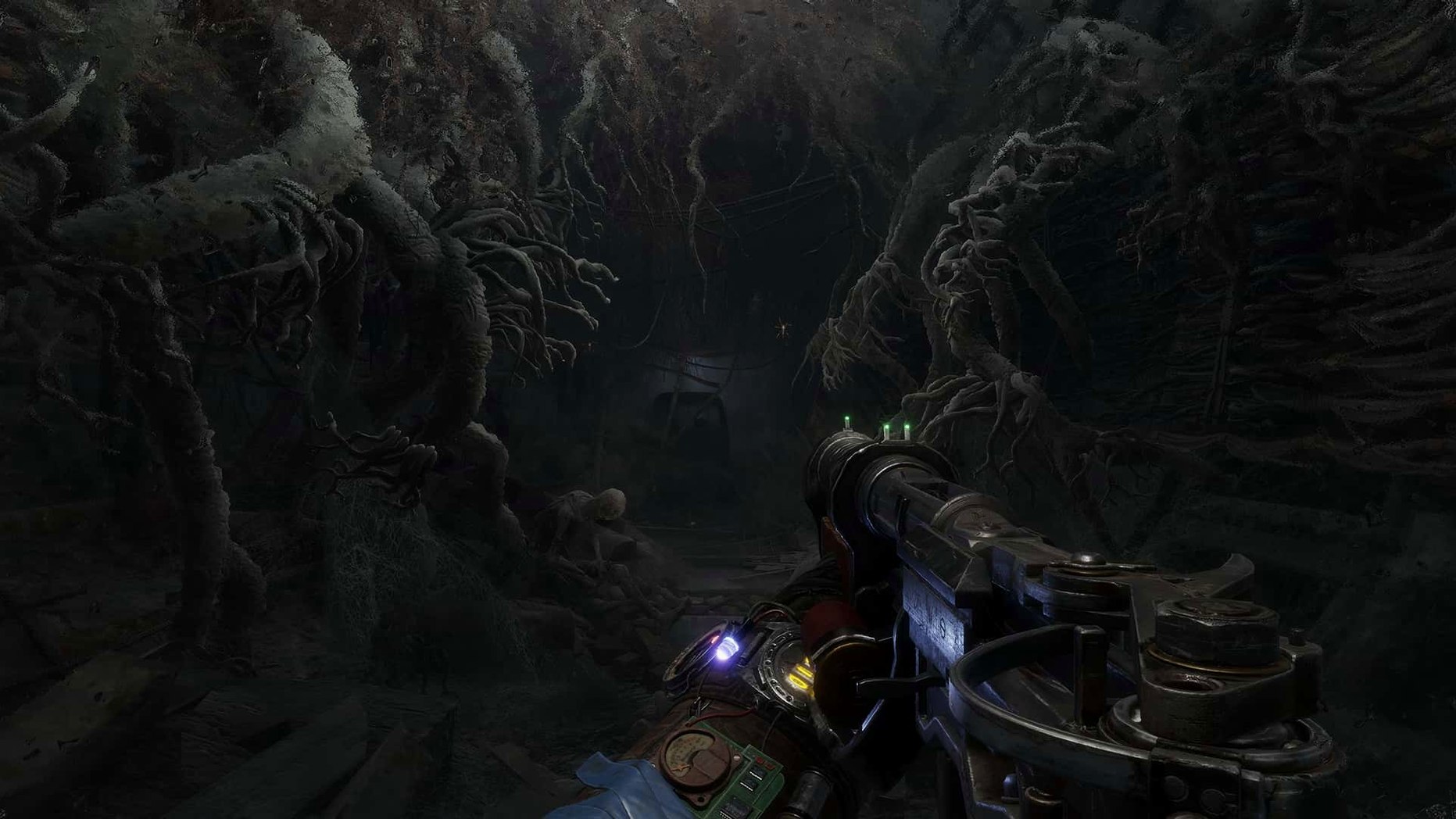
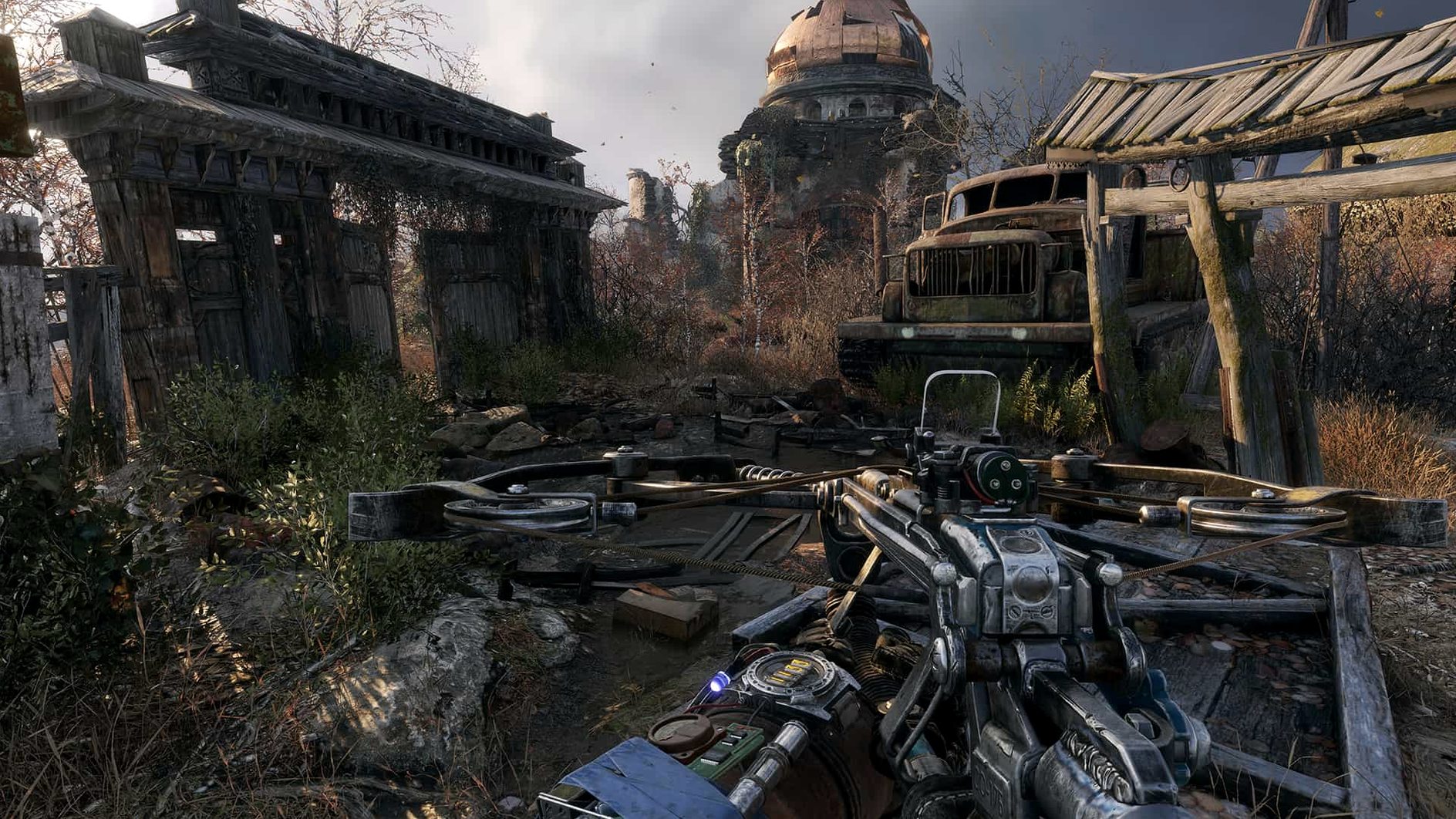
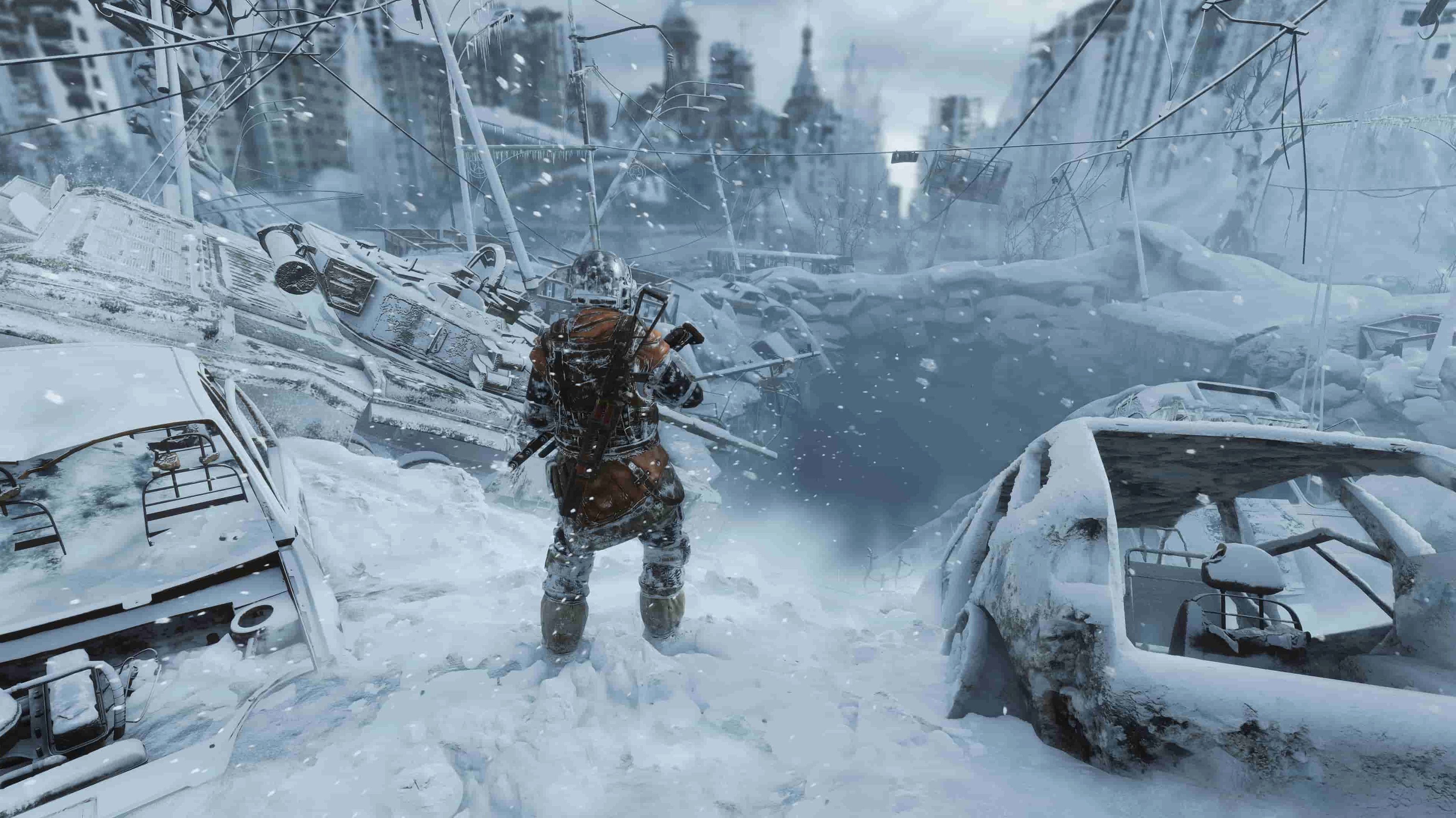
The Mac version of Metro Exodus was released as a native port, skipping emulation entirely. The game continues the Metro series with a storyline inspired by Dmitry Glukhovsky’s novels, following Artyom and the Sparta order as they leave the tunnels and travel across post-apocalyptic Russia.
Story-driven shooter with companion fates
- Players who want a story-driven first-person shooter with player choices that affect companion fates.
- Anyone interested in dynamic weather and day-night cycles that change how you move through the world.
- Those who enjoy crafting and weapon upgrades between combat encounters.
Tested on macOS Sequoia with M1 MacBook Air
- The Mac version was tested on macOS Sequoia on a MacBook Air M1 from 2020, so older hardware may run it differently.
- Requirements list macOS 10.15 and x86 64-bit architecture — Apple Silicon Macs need Rosetta or native compatibility checks.
- The interface supports 14 languages, including Russian, English, German, and Simplified Chinese.
Weapon cleaning at workbenches between missions
Several small features don’t show up in tutorials or menus but save time once you know they’re there.
- Weapon cleaning between missions — before leaving a safe area, you can clean and repair your gear at workbenches. Doing it mid-level is possible but costs resources you might want for crafting.
- Compass and objective markers — pressing the relevant key or button toggles a compass at the top of the screen. It helps keep your bearings without opening the full map, especially in outdoor sections where landmarks look the same.
- Quick inventory check — a single key press shows your current ammo count, gas mask filter timer, and active weapon without pausing the game. Useful during combat to decide whether to swap or reload.
- Night vision and binoculars — both tools are available early in the campaign. Binoculars let you tag enemies from a distance, which keeps their icons visible even when they move behind cover. Night vision is essential for exploring tunnels or surface ruins after dark.
- Manual save slots — the game gives you multiple quick-save and manual-save slots. Using a fresh slot before a major story choice lets you revisit the outcome later without replaying the whole chapter.
Fixes for crashing and controller issues
Audio language mismatch
The interface supports 14 languages, but voice acting is available only in Russian, English, German, Spanish, Italian, Ukrainian, French, and Japanese. If you set the interface to a language that isn’t in the voice list, characters will speak one of the supported languages by default — usually English or Russian. You can change the voice-over language separately in the audio settings before starting a new game, but the option is not clearly labeled on first launch. Switch it there to avoid replaying cutscenes.
Filter time runs out faster than expected
The gas mask filter timer counts down in real time during surface sections. Running, fighting, or staying in heavily contaminated areas depletes it at a normal rate, but the mask can be damaged by enemy fire or explosions. If you hear a crack sound and the mask glass looks cracked, replace it immediately. Carrying a spare filter in your inventory lets you swap without opening the crafting menu.
Difficulty spikes in open levels
The nonlinear levels don’t always signal which path leads to the next objective. If you wander into a heavily guarded area with low ammo, it’s often faster to backtrack to a workbench or a boat checkpoint and restock rather than fight through under-equipped. The game autosaves at certain points, but manual saves before entering a new region give you a clean fallback.
Native macOS port loads and responds differently
Version 1.0 is the fixed release for Mac. Since this is the native port, the main difference from earlier versions on other platforms is how the game loads and responds on macOS:
- Native code, no translation layer — the game runs as a native macOS application rather than through a Windows compatibility layer. This means fewer odd crashes related to emulation and more predictable frame pacing on supported hardware.
- Same save structure — saves are stored in the standard macOS user folder, not in a virtual drive. This makes backups and manual transfers between Macs straightforward. You can copy the save folder to an external drive and resume on another machine with the same macOS version.
- All DLC included in the package — the Metro Exodus Mac version includes the two expansion chapters, so you get the full story arc without additional downloads. That matters for install planning: the game with DLC takes up noticeably more disk space than the base game alone.
15-20 hour campaign for Mac owners
Metro Exodus works best for people who already own a Mac that meets the hardware requirements and want a modern first-person shooter that doesn’t rely on online matchmaking. The campaign runs 15-20 hours on a normal pace, with strong replay value from the companion-fate system and the open-ended level design.
It’s a good fit for players who prefer single-player stories over multiplayer lobbies, especially if they like the survival-shooter hybrid that mixes stealth, crafting, and firefights. Mac users who regularly play older games in the Metro series will find the same atmosphere and weapon handling, just with larger environments and more weather effects.
For someone with a MacBook Air or Pro that’s running macOS Sequoia or later, the game runs natively with no emulation overhead. People on older Macs with Intel graphics should check the x86 64-bit requirement and manage expectations for visual detail — the game’s lighting and particle effects are built for dedicated GPUs, and integrated graphics will need lower settings.
- Mac version released as a native port — no emulation layer required.
| Processor | Intel 64-bit |
|---|---|
| Download | 73 GB |
- macOS 10.15 or later
- x86 (64-bit) processor
Questions about Metro Exodus
Does Metro Exodus on Mac include all the same content as the PC version?
Yes, the Mac native port includes the full campaign, dynamic weather, crafting, and weapon upgrade systems from the original.
Can I affect the story outcome on Mac?
Yes, player decisions affect the fate of companions throughout the campaign.
How to install, in order
- Open the downloaded disk image.
- Drag the game to the Applications folder alias.
- Launch the game from Launchpad after copying finishes.
Comments and corrections 0
Sign in or open a free account to leave a comment.
No comments or corrections yet.