
PAC-MAN Party Royale 4.5.1 — download for Mac
Games Updated
Eats pellets and avoids ghosts in a four-player battle to be the last Pac-Man standing.
Screenshots
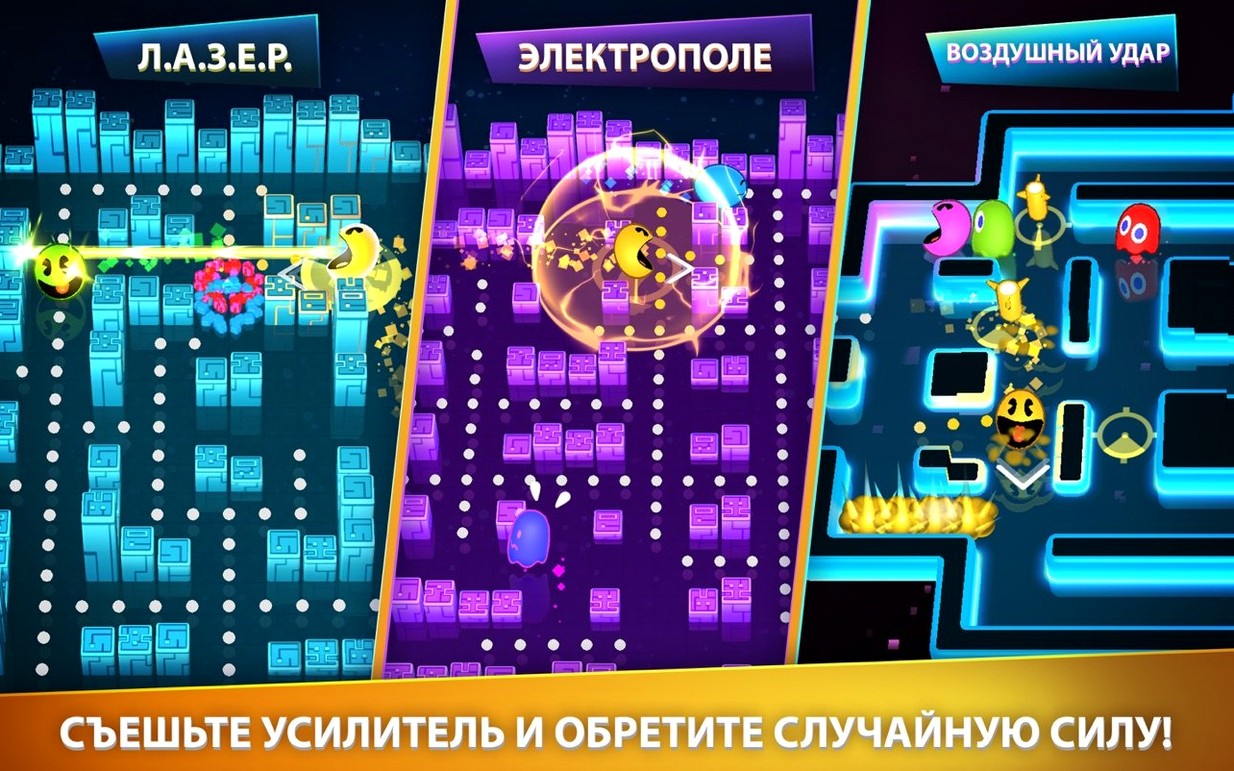
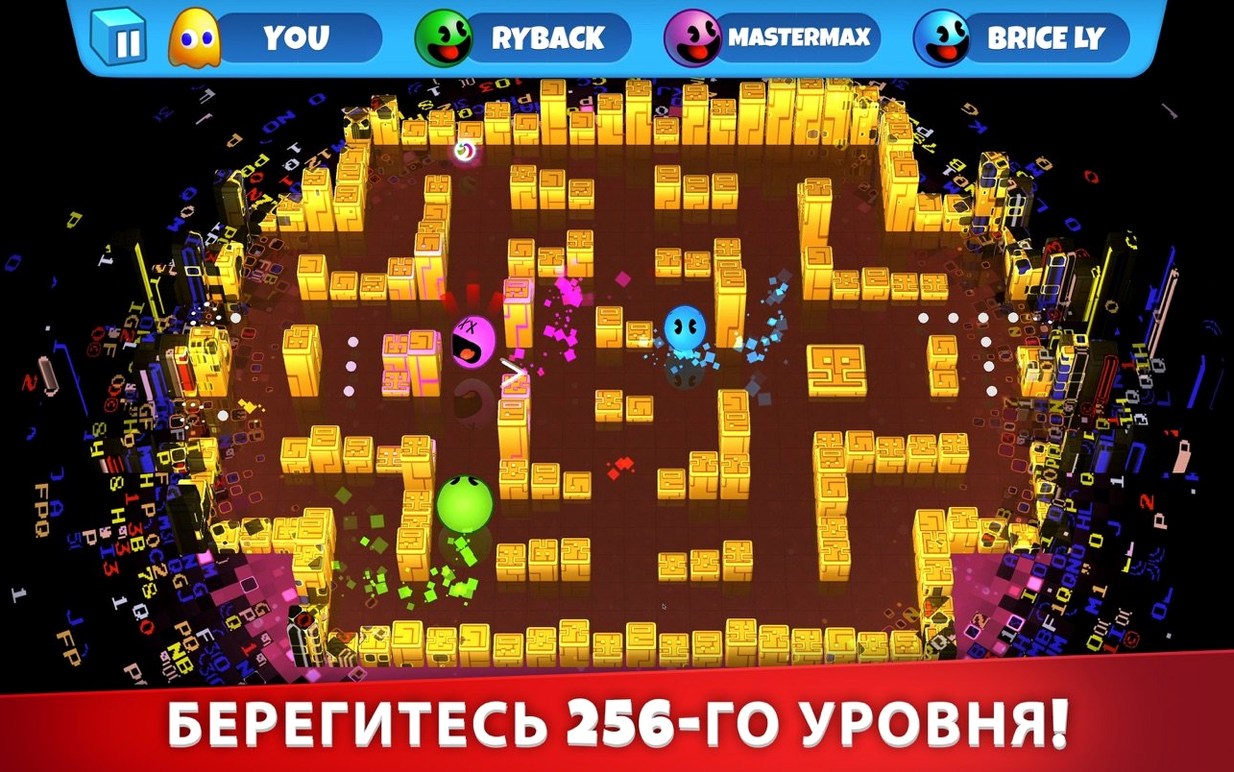
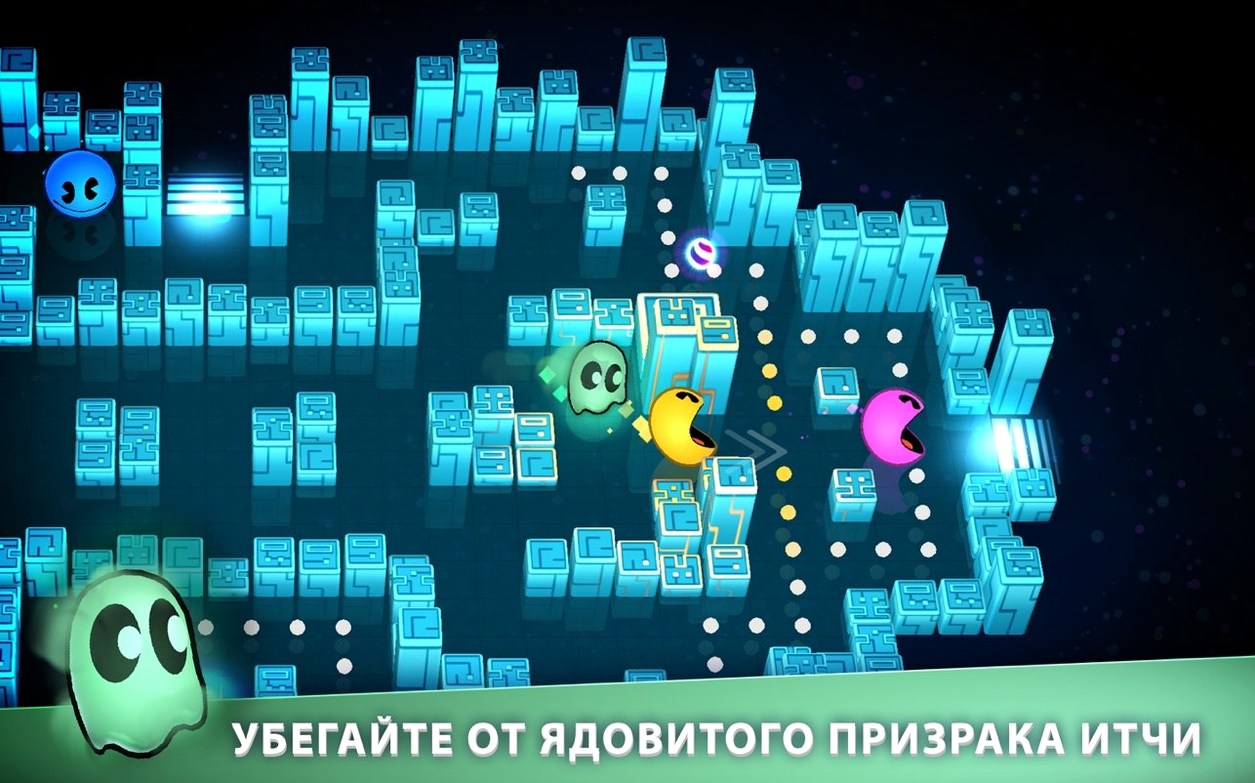
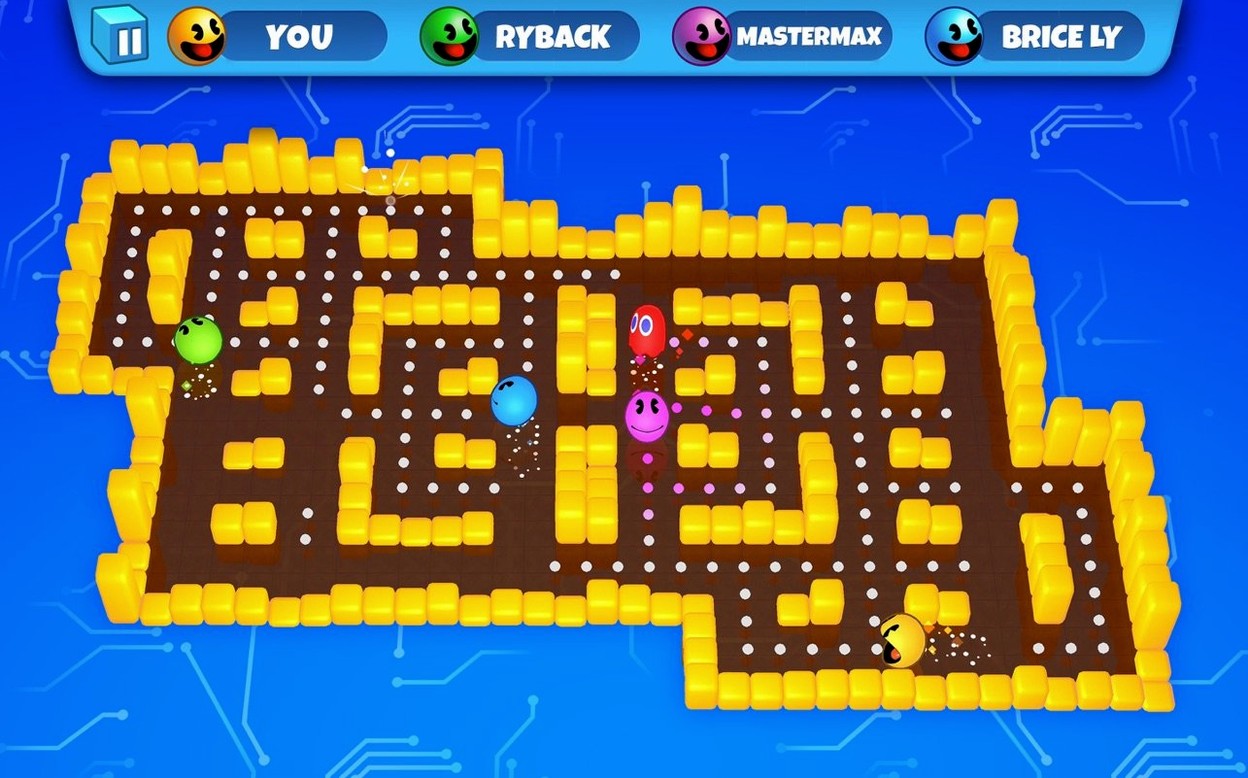
Four players can jump into Battle Mode at once, either online or on the same Mac with up to four controllers. Version 4.5.1 keeps the core loop intact: eat pellets, avoid ghosts, and turn into a ghost yourself after being caught — then chase down the remaining players. A new ghost named Itchy joins the roster.
| Detail | Spec |
|---|---|
| Version | 4.5.1 |
| Multiplayer | Up to 4 players, online or local |
| Ghosts | Including new ghost Itchy |
| Languages | 13, including English, German, Spanish, French, Russian, Arabic, Turkish, Portuguese, Dutch, Italian, Korean, Chinese, Japanese |
| macOS | 10.15 or later |
The 256 glitch appears as a gameplay element, and the game includes music as audio content. It requires macOS 10.15 or later, runs on both Intel and Apple Silicon, and supports controllers. For anyone setting up a quick four-player session, this version delivers exactly what the name promises — a party royale on your Mac.
Online or Local Matchmaking
People often ask whether the game supports online matchmaking or if you need to set up private lobbies. You can play with friends online, but the four-player Battle Mode also works locally on the same device — you just need up to four controllers connected. No internet connection is required for local play.
Another common question is about the 256 glitch mentioned in the description. It is a gameplay mechanic, not a technical issue. It adds an extra twist to the mazes and can shift the pace of a match when it appears.
Some players wonder about the ghost Itchy. Itchy is a new ghost character added to the roster, so you will encounter it alongside the classic ghosts during matches. The game does not ask for an activation code — after installation, you can start matches right away.
Language support covers 13 languages, so the interface can be set to English, Russian, Spanish, French, German, Arabic, Turkish, Portuguese, Dutch, Italian, Korean, Chinese, or Japanese. The audio is music only, so dialogue or instructions are conveyed through visuals and sound effects.
Mount, Drag, and Launch
You start by mounting the downloaded disk image and dragging the app into the Applications folder. Once copying finishes, you open the game from Launchpad. The first screen lets you choose between online and local play. For this session, you pick local, grab three controllers, and hand them out.
The maze fills the screen. You start as PAC-MAN, eating pellets while avoiding ghosts. One player gets caught and turns into a ghost — now that player chases the others. Itchy appears in the maze, behaving differently from the classic ghosts, so you need to watch your path. Power-ups are scattered through the corridors, and grabbing one can change the outcome of a short chase.
After a few minutes, no clear winner has emerged. The maze begins to collapse, walls shifting and passages closing. This speeds things up — you are forced into tighter spaces and more encounters. The round ends when one player remains. You can restart or change the player lineup without returning to the main menu.
macOS 10.15+ with Controller Support
PAC-MAN Party Royale runs on macOS 10.15 or later, supporting both Intel and Apple Silicon Macs. It treats controllers as standard input devices — if macOS recognizes the controller, the game picks it up. That means you can use Xbox, PlayStation, or third-party controllers without extra software.
The game sits alongside other apps on your Mac without conflict. It does not install background services or modify system settings. Since activation is not required, there is no online validation step that might fail or slow down launch. The disk image file mounts like any other macOS image, and the app sits in your Applications folder like a regular program.
For players who use the same Mac for work and play, this is convenient. You can finish a project in your planning app, switch to the game for a quick match, and go back to your documents without restarting or changing settings. The game does not interfere with audio output either — it uses whatever sound device macOS is set to, so your usual speakers or headphones work without adjustment.
No release notes filed for 4.5.1. They are added here when a build changes how the program behaves.
| Processor | Apple Silicon, Intel 64-bit |
|---|---|
| Download | 572 MB |
- macOS 10.15 or later
- Intel or Apple Silicon
How to install, in order
- Mount the downloaded disk image.
- Drag the app to the Applications folder alias.
- After copying finishes, open the app from Launchpad.
Comments and corrections 0
Sign in or open a free account to leave a comment.
No comments or corrections yet.