Old World 85513 — download for Mac
Games Updated
Leads a dynasty through turn-based strategy, managing cities, armies, and rival rulers.
Screenshots
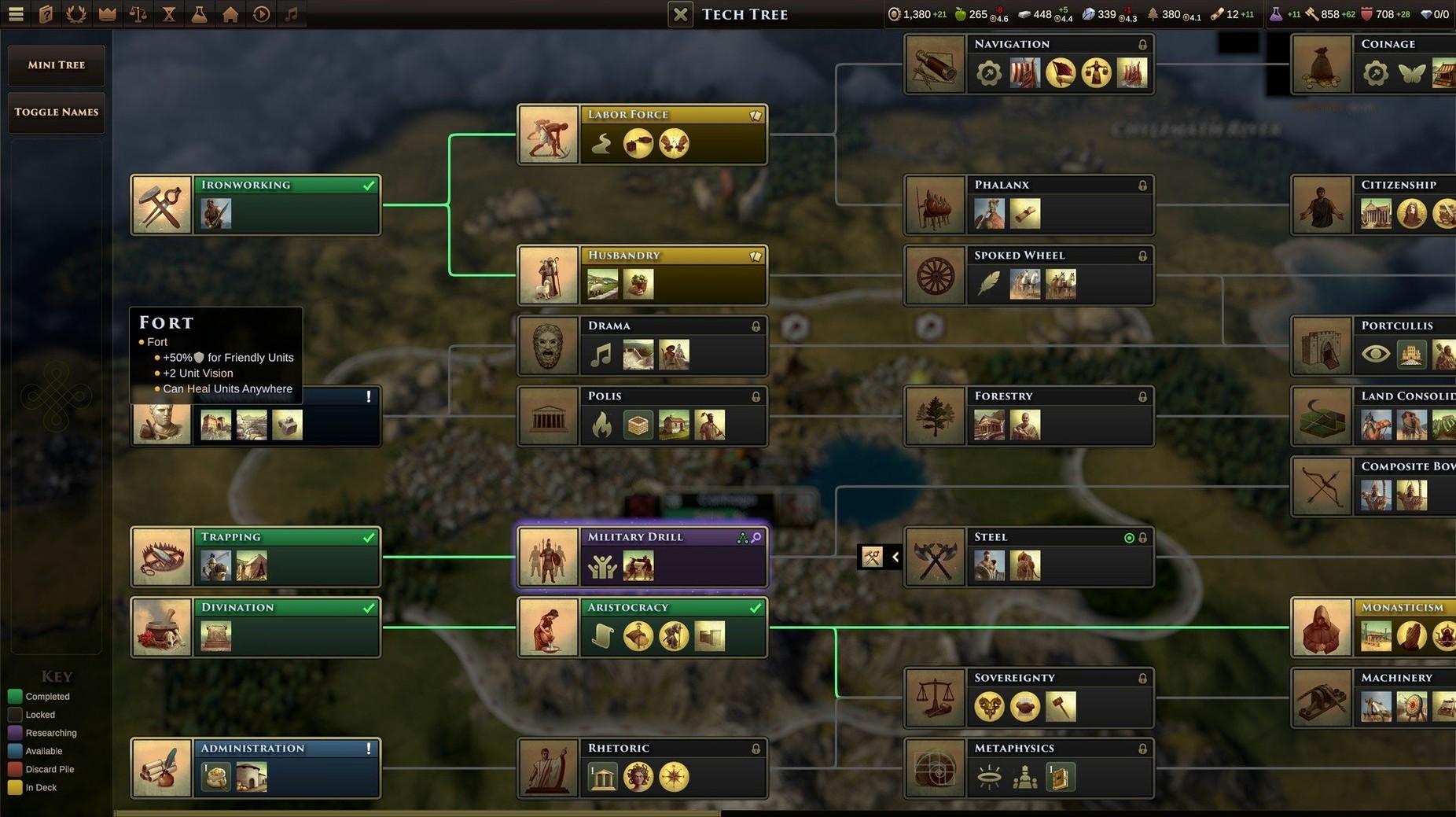
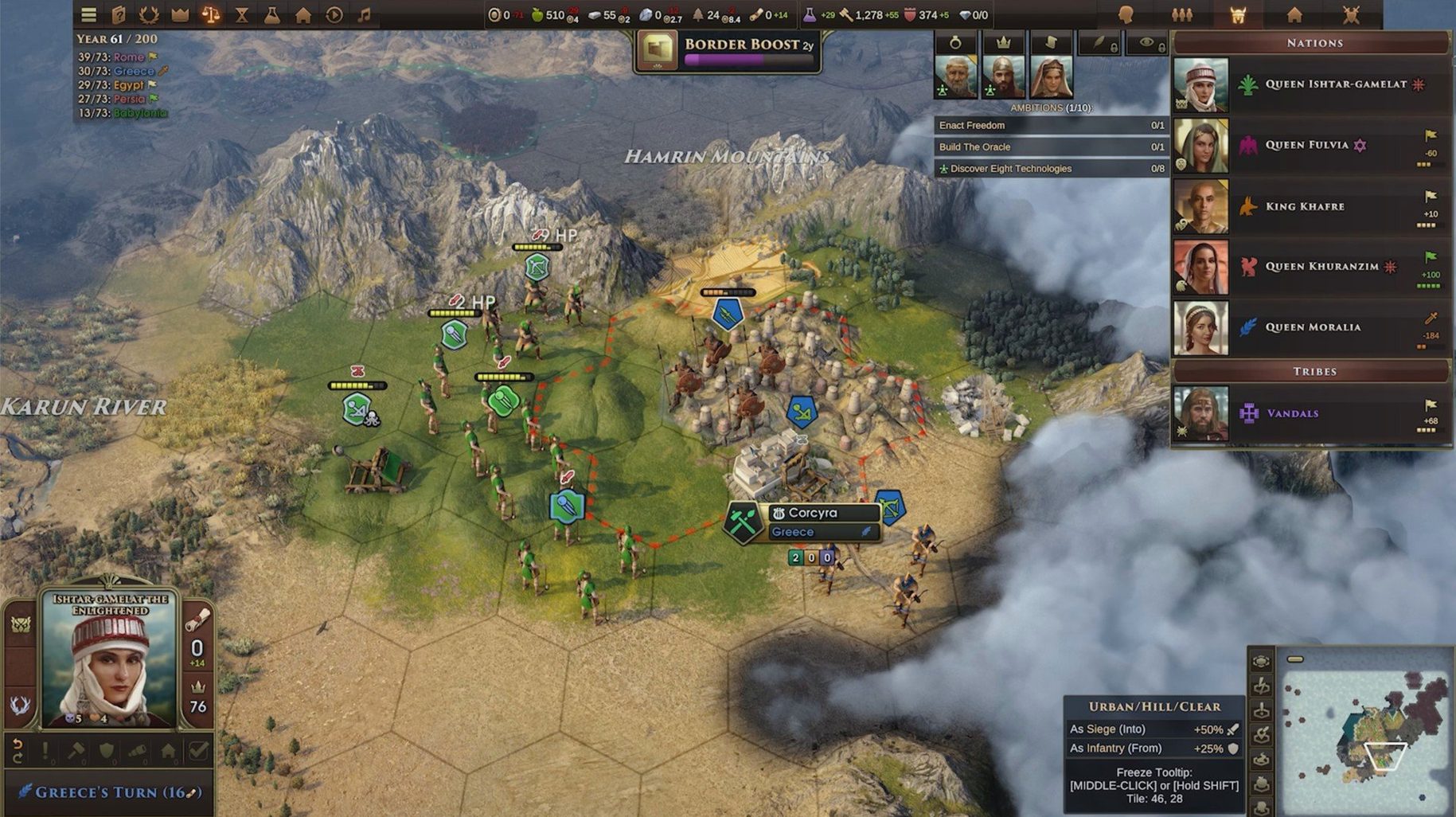
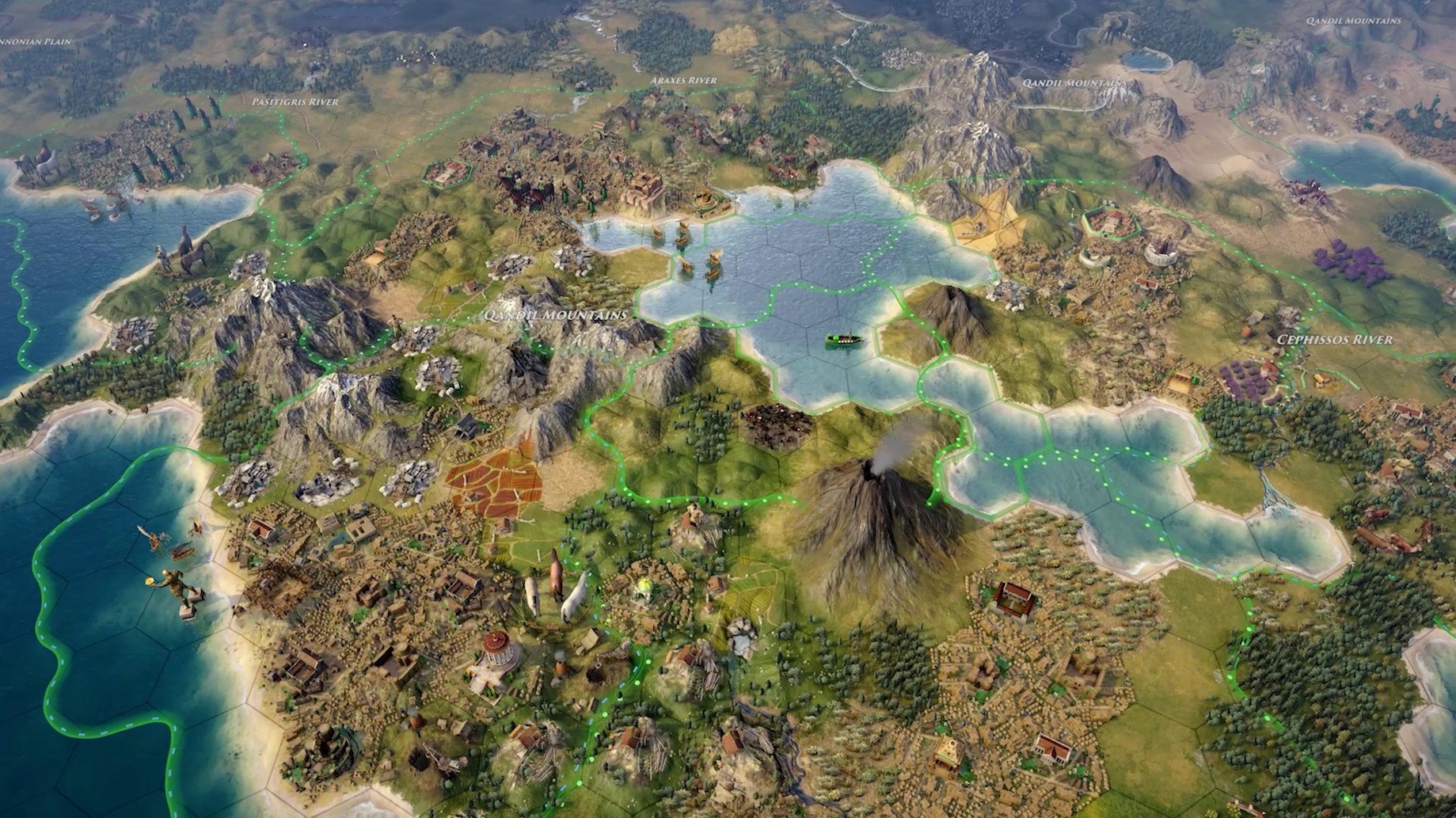
Version 84658 adjusts Polybolos attack by +50%, prevents Forts from being built adjacent to each other, and has the AI build fewer Militia and obsolete units. Some Mac crash debugging is also included.
Old World is a historical 4X strategy game by Soren Johnson. Here is what you actually do minute to minute:
Orders — Each unit action costs one Order. You start each turn with a limited pool, forcing you to prioritize moves over attacks.
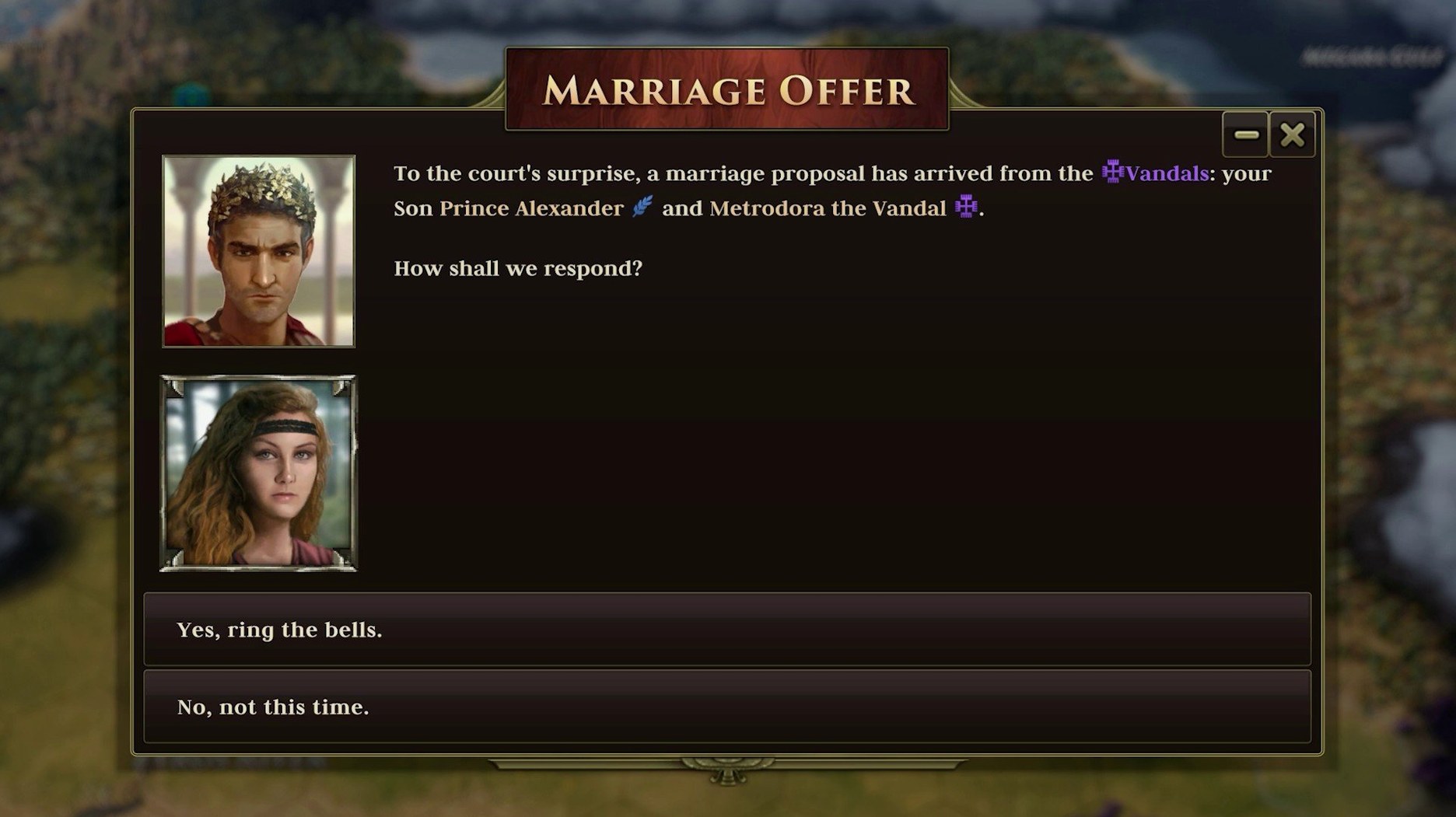
Characters age and die — Your ruler and family members grow older each turn. When they die, an heir takes over. You manage marriages, heirs, and relations with noble families.
Events — More than 3,000 unique events appear, drawn from history and mythology. You choose responses that affect your empire’s direction.
Multiplayer — Hotseat, asynchronous play, and cloud play let you compete without everyone being online at once.
Works on Apple Silicon Without Emulation
Will Old World run on Apple Silicon? Yes. The download supports both ARM and x86 64-bit architectures, so it works on Intel Macs and Apple Silicon models alike. No emulation layer or workaround is needed.
Can I play it without an internet connection? Yes. The game carries no DRM and does not phone home. Once installed, you can play offline in single-player mode. For cloud-based multiplayer, you will need a connection, but the single-player campaign, historical scenarios, and randomly generated maps all work without one.
Is this the full game or a demo? Version 84658 is the full release as of September 2026. It includes all seven kingdoms, the events system, the Orders mechanic, multiplayer, and mod support. What you see on the download page is the complete game.
Do saves carry between the GOG, Steam, or Epic versions? Save files are stored locally in the game's data directory. They are compatible across different distributions as long as the same version number is used.
Autosave Set to Every Turn
Open the game's options menu before you start a campaign. A few defaults work better for most players if adjusted early.
- Autosave frequency — Set it to every turn. The game saves quickly, and losing progress to a crash or misclick hurts less when you can reload the last order.
- Animation speed — Combat animations and unit movement can be slowed or sped up. Moving them to the faster side keeps the pace closer to a traditional 4X rhythm.
- Map scroll speed — Default scrolling is sometimes too fast for precise unit selection. Turn it down a notch until you are comfortable with the camera controls.
- Tooltip delay — If you find yourself waiting for information popups, shorten the delay. The game has many unit stats and event options, and quicker tooltips save seconds per click.
Language selection is available in the menu too. The game ships with Russian, English, German, Spanish, Traditional Chinese, Simplified Chinese, French, and Japanese. Pick yours before you start the tutorial.
Learn the Orders System in the Tutorial
Play the tutorial scenario first. Old World's Orders system is unusual if you are coming from Civilization or Humankind. The tutorial walks you through spending Orders, managing your ruler's family, and responding to events. Skipping it means learning by losing your first two or three campaigns.
Keep your first game on the easiest difficulty. The AI is competent even on lower settings, and the event system introduces unpredictable swings. A forgiving difficulty lets you learn the interface without restarting repeatedly.
Use the Orders panel early. Each turn shows how many Orders you have left and which units have already acted. Get in the habit of checking it before you end your turn. Running out of Orders mid-attack is the most common beginner mistake.
Start with one of the smaller kingdoms. Larger kingdoms mean more families to manage, more events to respond to, and more units to order. A smaller kingdom lets you focus on the core loop without spreading your attention thin.
Save manually before major events. The game presents choices with consequences that play out turns later. If you want to see how different decisions affect your empire, keep a manual save from the turn before the event appeared.
Fix a Game That Won't Launch
The game does not launch after installation. Check that the disk image was mounted correctly and that you ran the installer from the mount, not from inside the archive. If the game still does not start, verify that your macOS version matches the system requirements. Some older macOS releases need updated libraries that are not included in the package.
Orders disappear each turn without my units moving. You are probably spending Orders on actions you do not intend. Each click — moving a unit, assigning a governor, initiating a trade route — costs an Order. The interface highlights available actions, but it does not warn you before spending. Watch the Orders counter at the top of the screen as you click.
Characters are dying too fast. Old World models realistic lifespans. If your ruler dies young, it is often because you neglected their health or sent them into battle. Keep your ruler in the capital unless you have a strong military advantage. Also, marry early to ensure an heir is ready when the current ruler passes.
The AI builds overwhelming armies on higher difficulties. The AI builds fewer Militia and obsolete units in version 84658, but it still expands quickly on harder settings. Focus on keeping one strong defensive position per border rather than spreading your units thin. Forts cannot be built adjacent to each other now, so place them strategically at chokepoints.
Multiplayer games desync or stall. Asynchronous play works best for players in different time zones. If you experience desyncs, try switching to hotseat mode for local games or cloud play for scheduled sessions. The game's netcode is stable, but older macOS versions can cause timing issues over long turns.
Saves from an older version do not load. Version 84658 introduced changes to Polybolos and Fort placement. Saves from earlier builds may not be compatible. If you have an ongoing campaign, finish it before updating, or start fresh after installing this version.
Build 85513 Native arrives with no public changelog, so the adjustments appear to be under the hood — likely stability and compatibility refinements for current macOS releases.
| Processor | Apple Silicon, Intel 64-bit |
|---|---|
| Download | 4 GB |
- macOS (version not specified by developer)
- Apple Silicon or Intel 64-bit Mac
How to install, in order
- Mount the downloaded disk image.
- Run the standard installer.
- Choose the installation location.
- Applications is recommended as the destination folder.
Comments and corrections 0
Sign in or open a free account to leave a comment.
No comments or corrections yet.