
The Joker's Game 1.0.3 — download for Mac
Games Updated
Votes and manipulates in a deadly battle royale where missing deadlines costs lives.
Screenshots


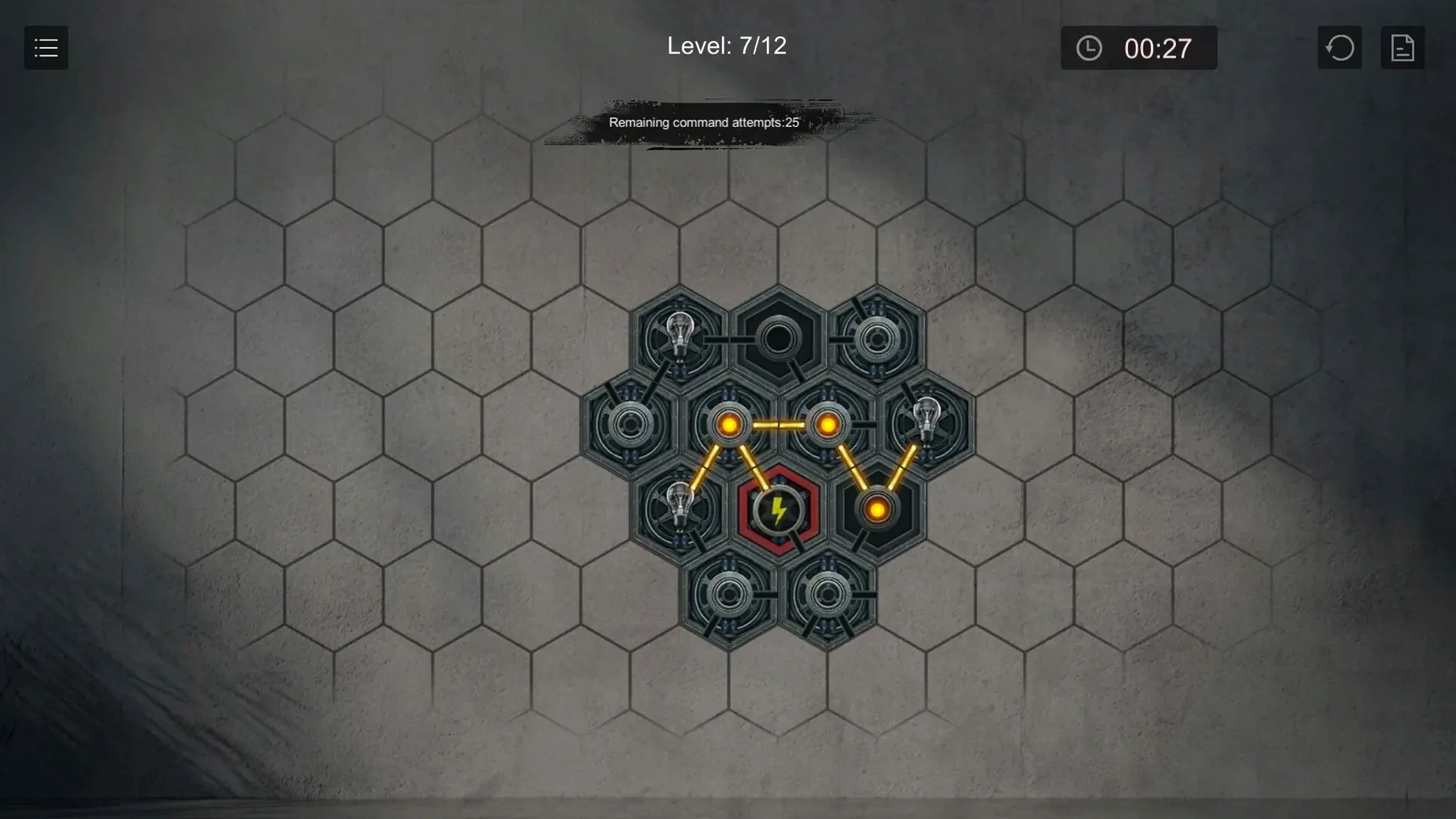
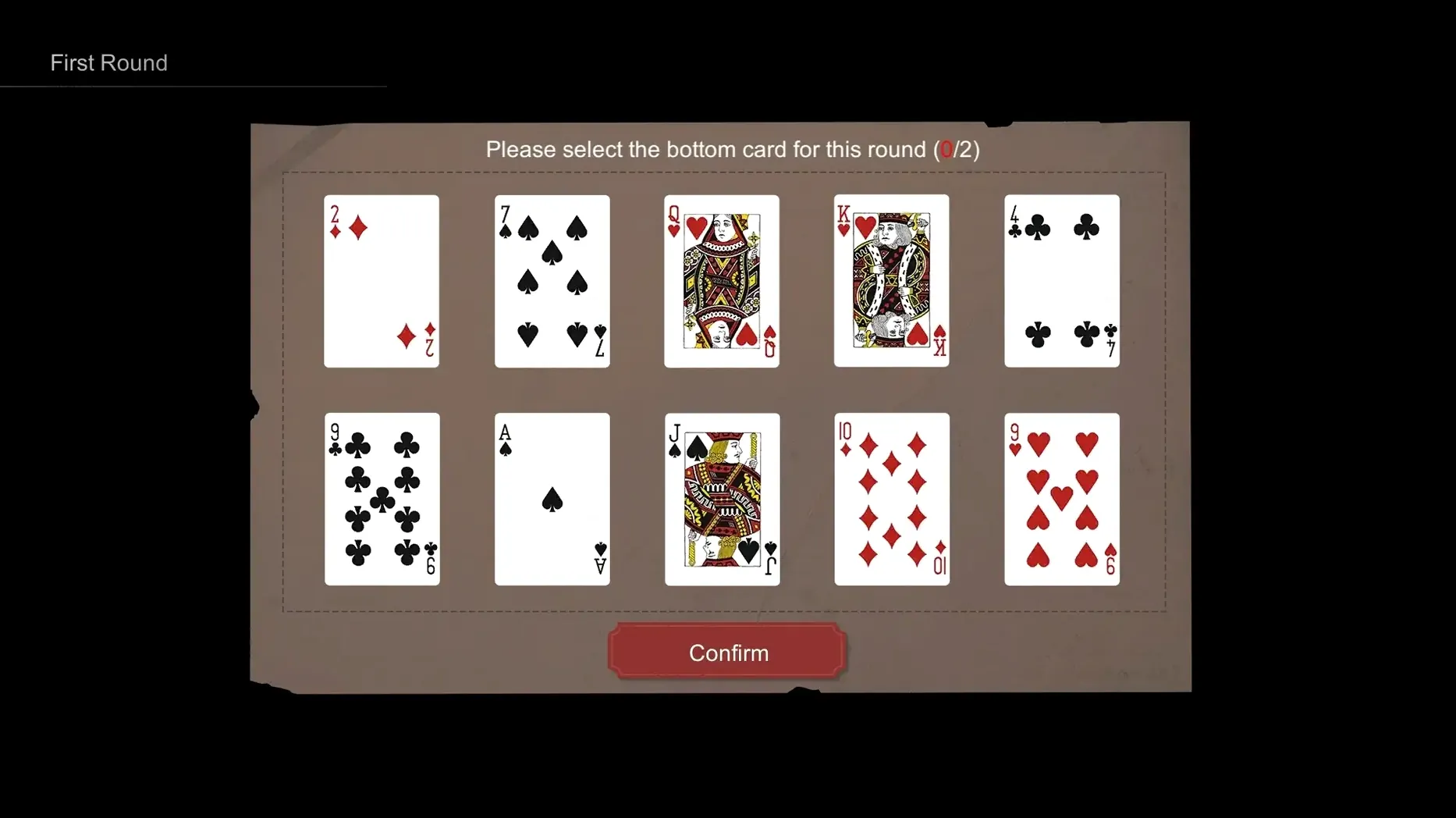
Project managers know deadlines. In The Joker's Game, missing one might cost you more than a client call. This FMV thriller drops you into a battle royale where voting and psychological warfare replace shooting and looting. Jack, a game designer in debt, is pulled into a deadly contest built on children's games — each decision recorded in full-motion video.
Mac Requirements: Apple Silicon, Intel, and Unity
- Architecture: ARM (Apple Silicon) and x86 64-bit (Intel)
- Engine: Unity
- Interface languages: English, Russian, German, Spanish, Italian, Traditional Chinese, Simplified Chinese, Korean, Portuguese, Turkish, French, Japanese
The game runs on both M-series and Intel Macs. English voice acting is included. Expect standard FMV playback performance: smooth on modern hardware, with no demanding GPU load. Controls are point-and-click, so no controller is required.
FMV Gameplay With Minimal Hardware Demands
This is an FMV game, so the demands on your hardware are modest. The game uses Unity, a common engine that handles video playback and branching dialogue without heavy system strain. You will not need a dedicated graphics card — any Mac that can play a 1080p video file will handle this title. The controls are simple point-and-click interactions, so trackpad or mouse input is all you need. No controller configuration, no key mapping.
The game was tested on macOS Tahoe with a Mac mini 2024 M4, which confirms compatibility with Apple Silicon systems. Since it supports both ARM and x86 64-bit architectures, it will install and run on modern Macs from 2020 onward. The disk image install method — drag the app into Applications, then launch from Launchpad — avoids package managers or dependency checks.
Interactive Choices Shape Multiple Endings
People ask whether an FMV game feels passive. It does not. You make choices throughout the narrative, and those choices determine which of the multiple endings you see. Watching a scene and then deciding a character's fate keeps you engaged, especially during the voting sequences where psychological warfare plays out.
Another question is about replay value. Because your decisions steer the story, one playthrough will not show you everything. The survival challenges — the Sugar Challenge with its chocolate patterns, the Maze challenge with optical illusions — play out differently depending on earlier choices. Running through the game again with different votes and responses reveals new scenes and outcomes.
Some users wonder about the audio. Voice acting is in English, which fits the setting. The interface supports a dozen languages, including Russian, German, French, Japanese, and both simplified and traditional Chinese, so you can read subtitles in your preferred language while keeping the original voice track.
Saves Progress Instantly at Decision Points
The Joker's Game does not install background services or modify system files. It sits as a single app in your Applications folder. You can quit at any point, and your progress is saved at decision points — so you can switch to a calendar, email, or project board and come back later. There is no always-online requirement, no launcher, no background updater.
On macOS, the game respects standard window management. You can use Cmd+H to hide it, Cmd+Tab to switch out, and macOS's own volume controls to adjust sound. No special permissions or accessibility overrides are needed. It behaves like any other native Mac application, which is exactly what a project manager expects when time is split across multiple tools.
If you keep a second monitor for reference documents or research, the game runs fine in a window, letting you glance at walkthrough notes or read character profiles alongside the video feed. The joker s game mac torrent file is small enough to download quickly, and the install takes under a minute.
No release notes filed for 1.0.3. They are added here when a build changes how the program behaves.
| Processor | Apple Silicon, Intel 64-bit |
|---|---|
| Download | 27 GB |
- macOS (version not specified)
- Architecture: ARM (Apple Silicon) and x86 64-bit (Intel)
Questions about The Joker's Game
Does The Joker's Game support Apple Silicon Macs?
Yes, it supports both ARM (Apple Silicon) and x86 64-bit Intel Mac architectures.
What languages are available in the game?
The interface is available in Russian, English, German, Spanish, Italian, Traditional Chinese, Simplified Chinese, Korean, Portuguese, Turkish, French, and Japanese.
How do I install The Joker's Game on Mac?
Open the downloaded disk image, drag the app into the Applications folder shortcut, then launch the app from Launchpad.
How to install, in order
- Open the downloaded disk image.
- Drag the app into the Applications folder shortcut.
- After copying finishes, launch the app from Launchpad.
Comments and corrections 0
Sign in or open a free account to leave a comment.
No comments or corrections yet.