Terra Memoria 2024.5.22a — download for Mac
Games Updated
Explores a handcrafted world mixing 3D environments and 2D characters.
Screenshots
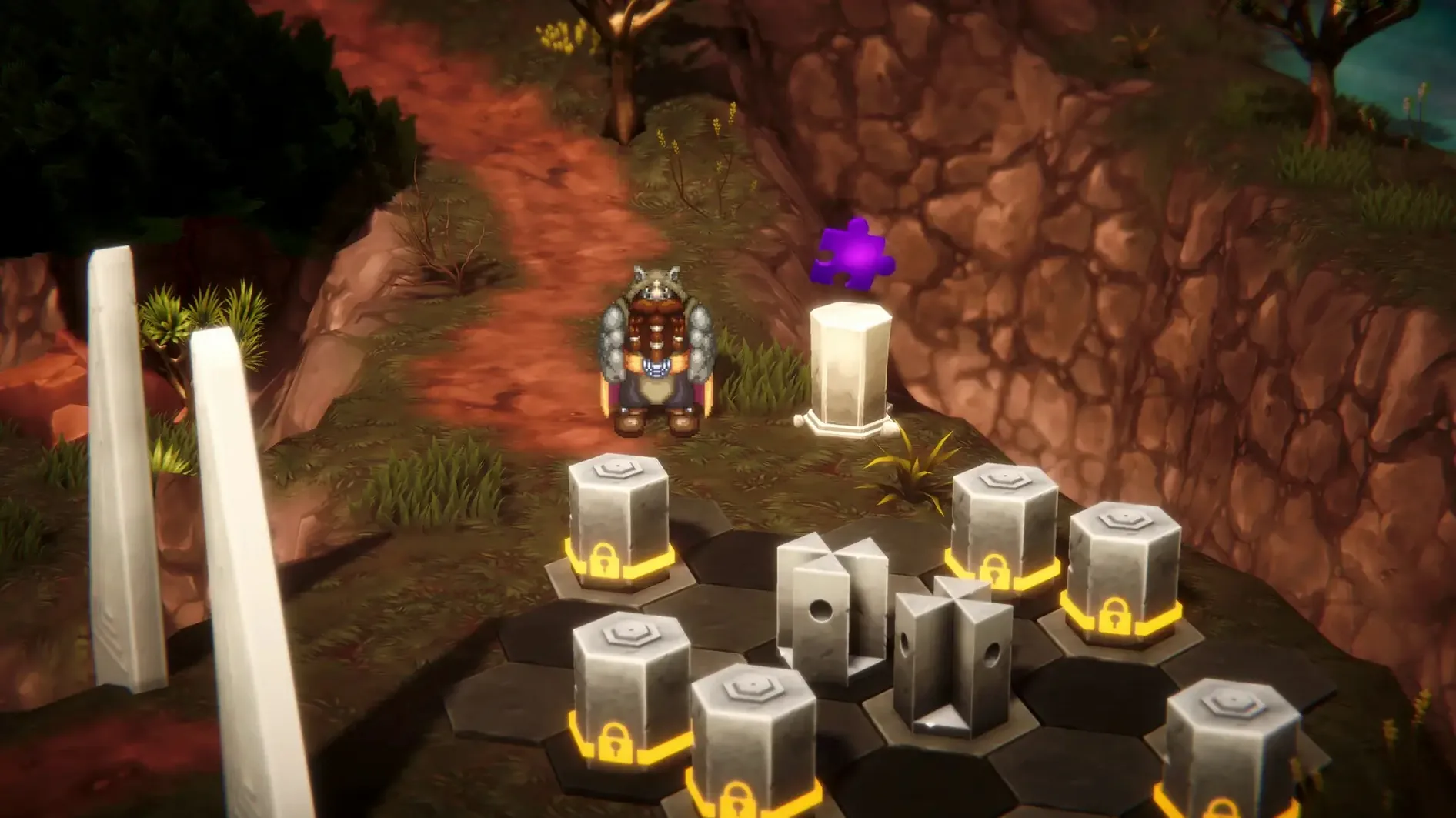
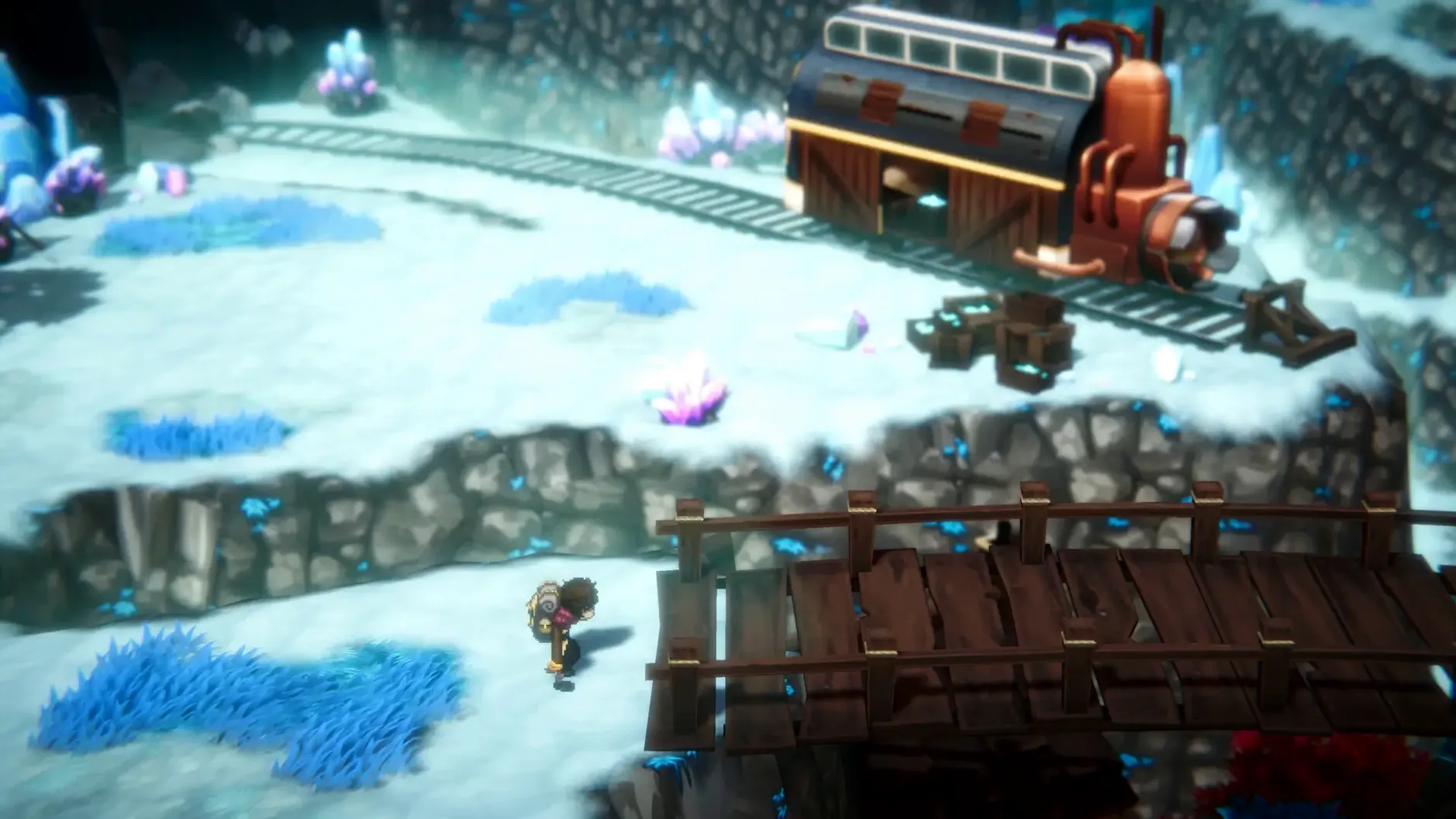
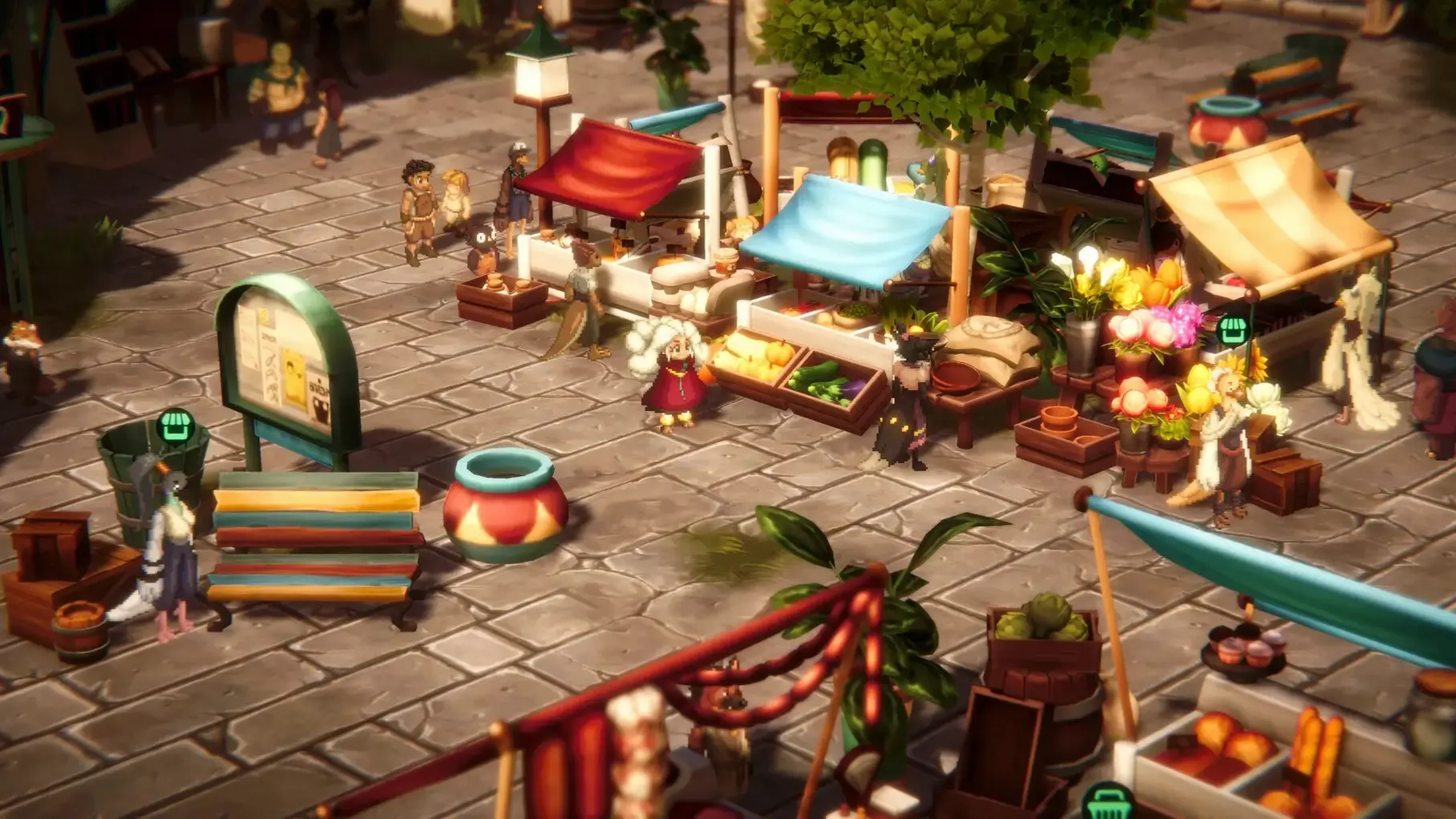
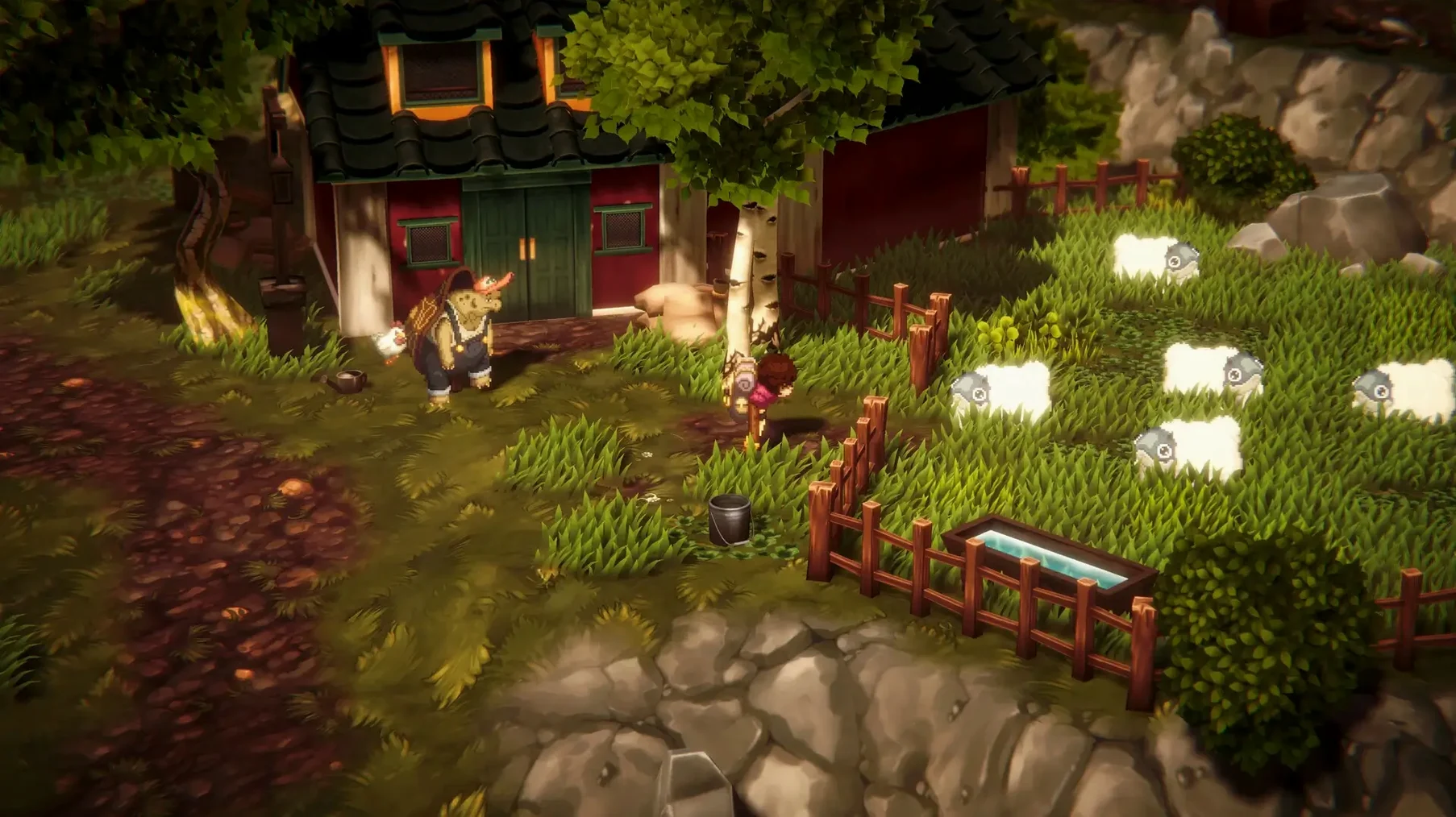
Terra Memoria is a small role-playing game about an investigation that spans past and present, told through six characters with their own reasons to dig into what happened.
Minute to minute, you’re doing what you’d expect from a modern indie RPG: exploring a handcrafted world that mixes 3D environments with pixel-art characters, talking to unusual inhabitants, and piecing together clues. Battles happen in turns, but they’re not the whole show. A good chunk of your time goes into construction and puzzles — you’ll build structures, solve spatial challenges, and occasionally just wander because the cozy music makes it pleasant.
The game doesn’t rush you. It’s the kind of title where you can spend an hour rearranging a town or following a side thread that has nothing to do with the main mystery. The past/present structure means you’ll often see a location twice, which keeps exploration interesting — you notice what changed, and that’s usually where the story hides.
If you’re after a narrative-driven RPG that doesn’t demand twitch reflexes, Terra Memoria fits. It’s also out on Switch, so the Mac version here is a solid way to play the same experience at your desk.
Bug Fixes from 2024.4.15a Included
The version you’ll find here is 2024.5.22a, but the team at La Moutarde published a prior update labeled 2024.4.15a that addressed bug fixes. In practical terms, that means the current build includes those corrections plus whatever landed in the later release. If you’ve been playing on another platform or held off because of early quirks, this version should be the most polished one available for macOS.
Nothing was cut or delayed — you’re getting the same content, same puzzles, same construction system, and the same dual-timeline story. The only difference is how it runs on ARM versus Intel hardware, and the tested system was macOS Sonoma on a 2023 MacBook Pro with an M3 Max, which covers the Apple Silicon side. The build supports both ARM and 64-bit Intel Macs, so older machines aren’t left out.
No Account or Internet Required for Offline Play
One common question is whether the game needs an internet connection or an account. It doesn’t. Activation is not required, so once the game is copied to your Applications folder, you can play offline without signing in. The install steps are straightforward: open the downloaded disk image, drag the app into the Applications alias, wait for the copy to finish, then launch from Launchpad. The app may ask you to sign it the first time — that’s standard macOS behavior for unsigned software, not a game-specific hurdle.
Another frequent point is language support. The interface is available in English, German, Spanish, Traditional Chinese, Simplified Chinese, Korean, Portuguese, French, and Japanese. There are no voice-actor languages; the game uses music instead of spoken dialogue, so you never need to worry about subtitles being out of sync or missing lines. That’s a relief if you prefer playing in a language that isn’t your native one — you get the full text without compromise.
People also ask if the game feels complete or if it’s a short experience. Terra Memoria isn’t an endless open-world title, but the mix of investigation, construction, and side exploration gives it a reasonable length for a narrative-focused RPG. You can expect to spend a solid weekend or a week of evenings finishing the main story, longer if you rebuild every area and talk to every inhabitant.
- Update labeled 2024.4.15a with bug fixes.
- Official site states the game is live on all platforms.
| Processor | Apple Silicon, Intel 64-bit |
|---|---|
| Download | 1 GB |
- macOS: not specified
- Architecture: Intel and Apple Silicon
- Tested on macOS Sonoma
- Languages: English, German, Spanish, Traditional Chinese, Simplified Chinese, Korean, Portuguese, French, Japanese
Questions about Terra Memoria
What platforms is Terra Memoria available on?
The game is available on Mac and Nintendo Switch, with the Mac build listed as version 2024.5.22a.
How to install, in order
- Open the downloaded disk image.
- Drag the app into the Applications folder alias.
- After copying finishes, launch the app from Launchpad.
- Sign the app if prompted.
Comments and corrections 0
Sign in or open a free account to leave a comment.
No comments or corrections yet.