The Last Starship update27d Native — download for Mac
Games Updated
Designs and upgrades 2D spaceships while managing water, oxygen, and fuel.
Screenshots
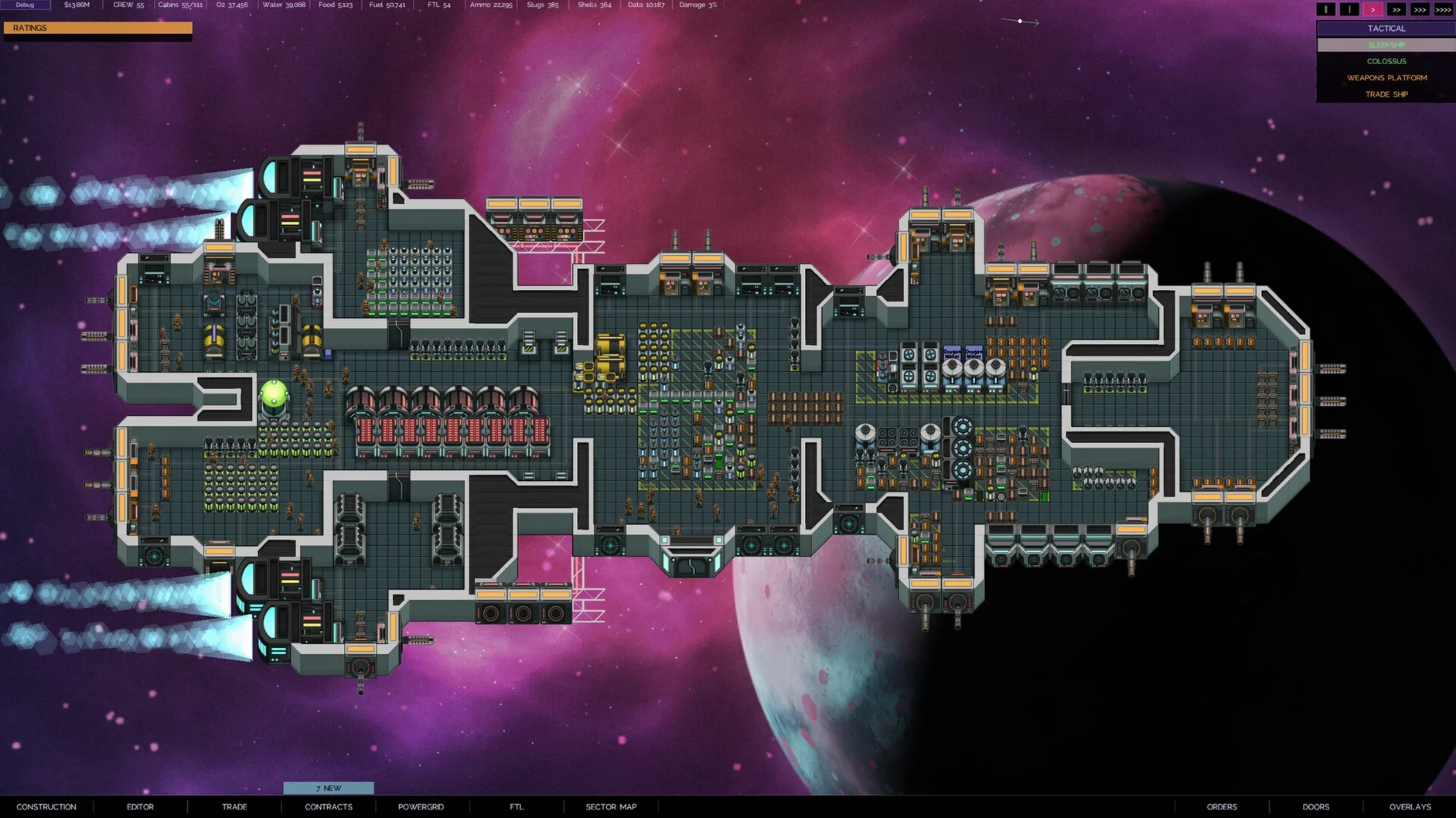
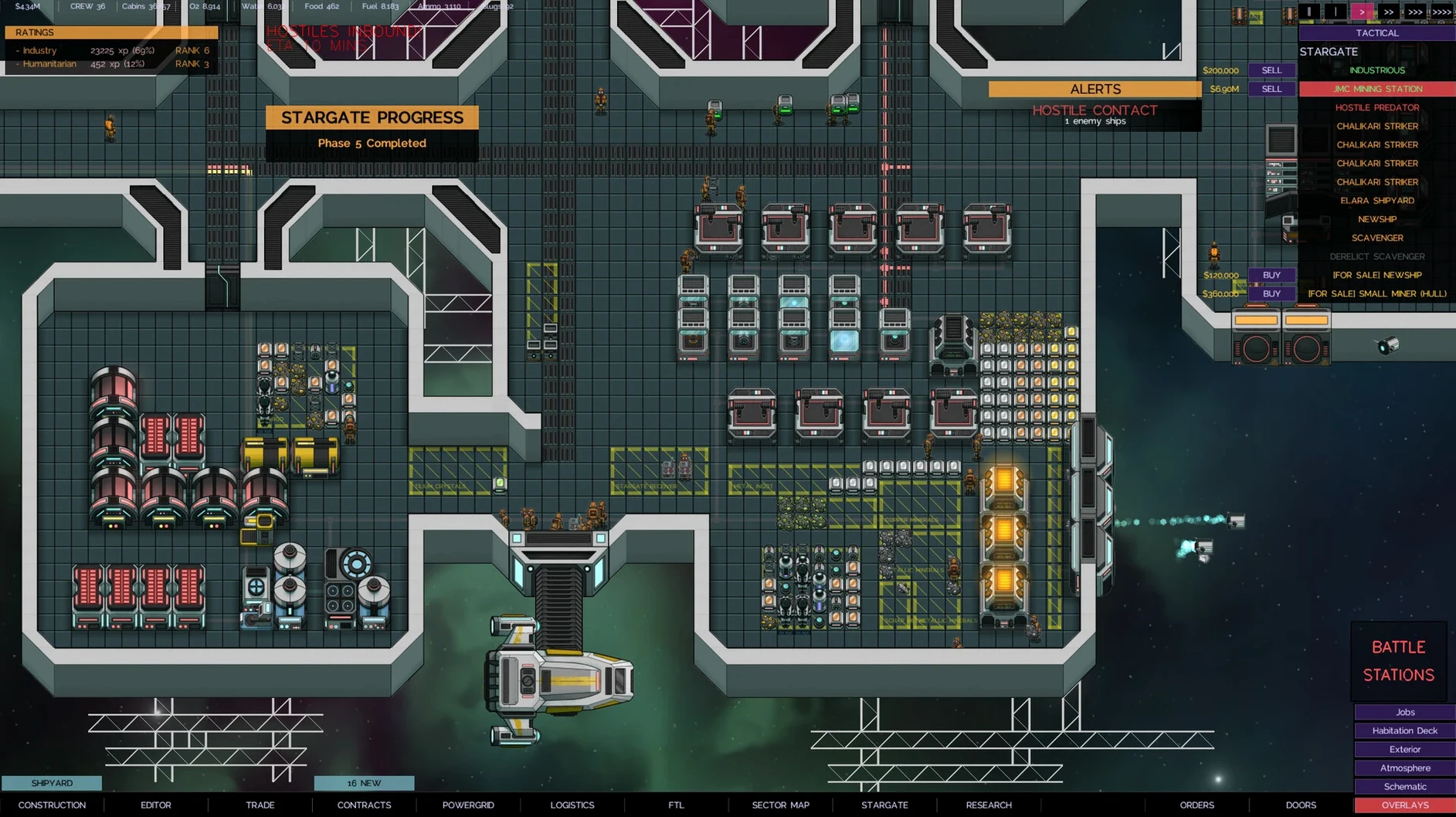
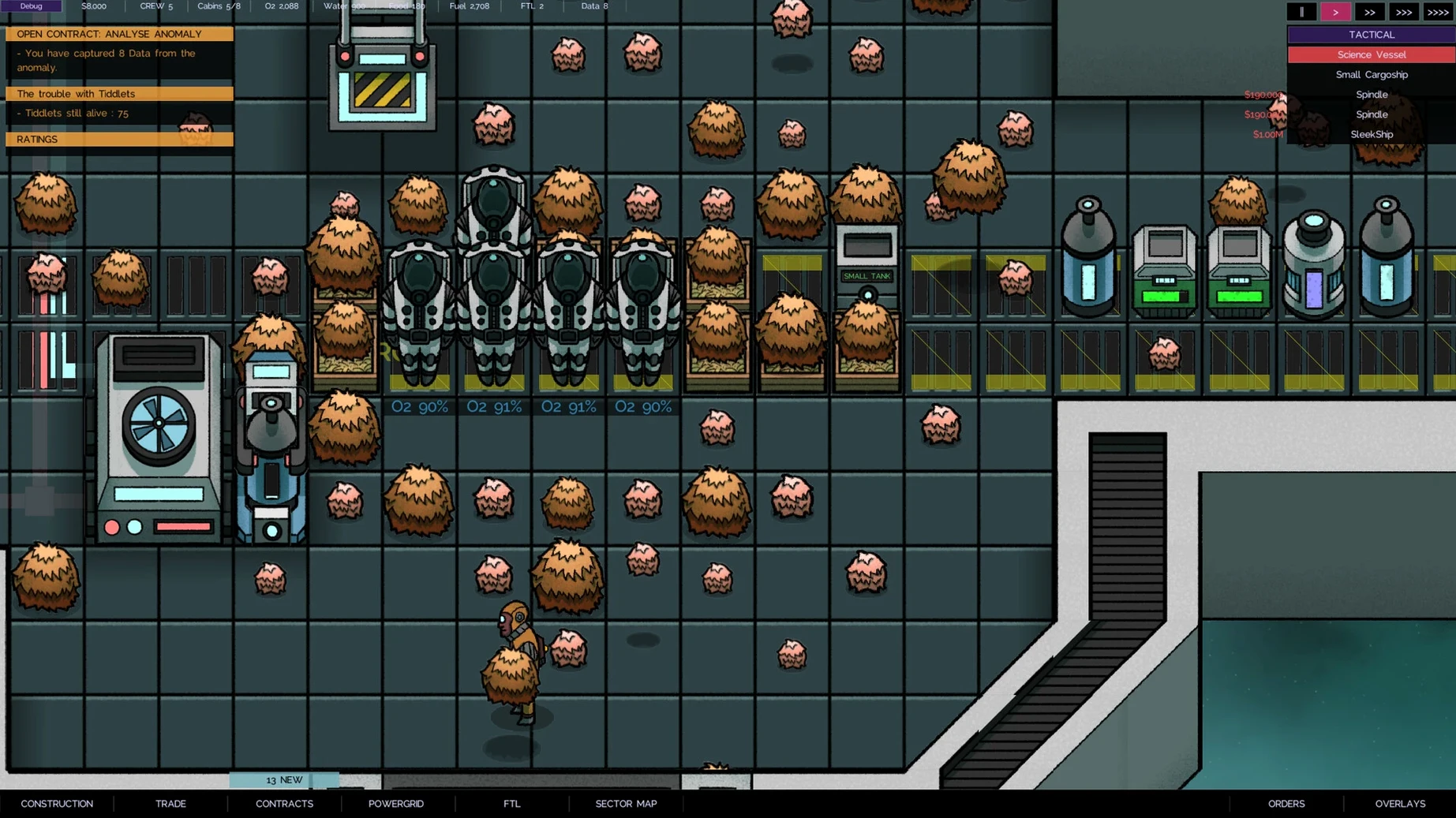
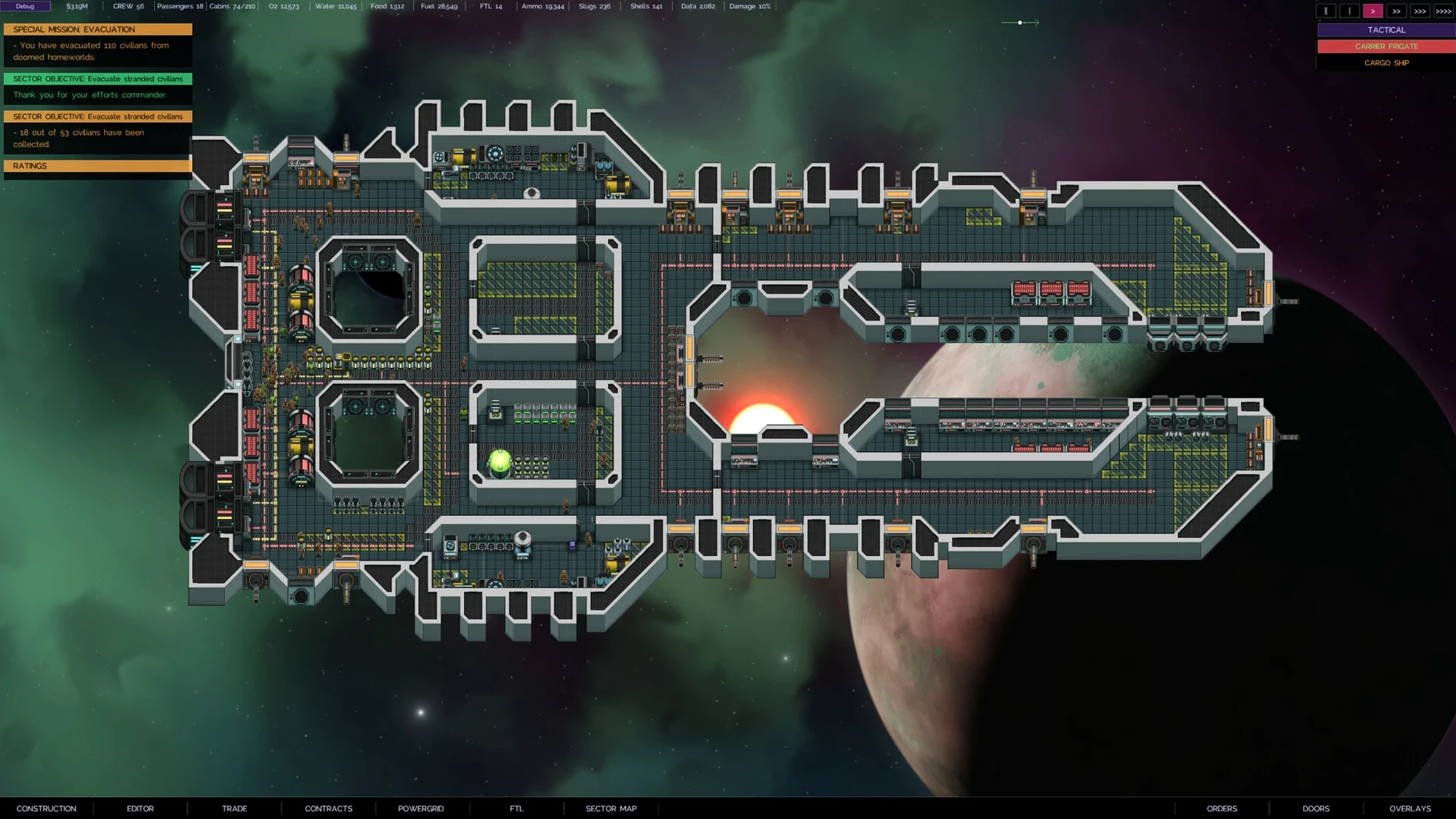
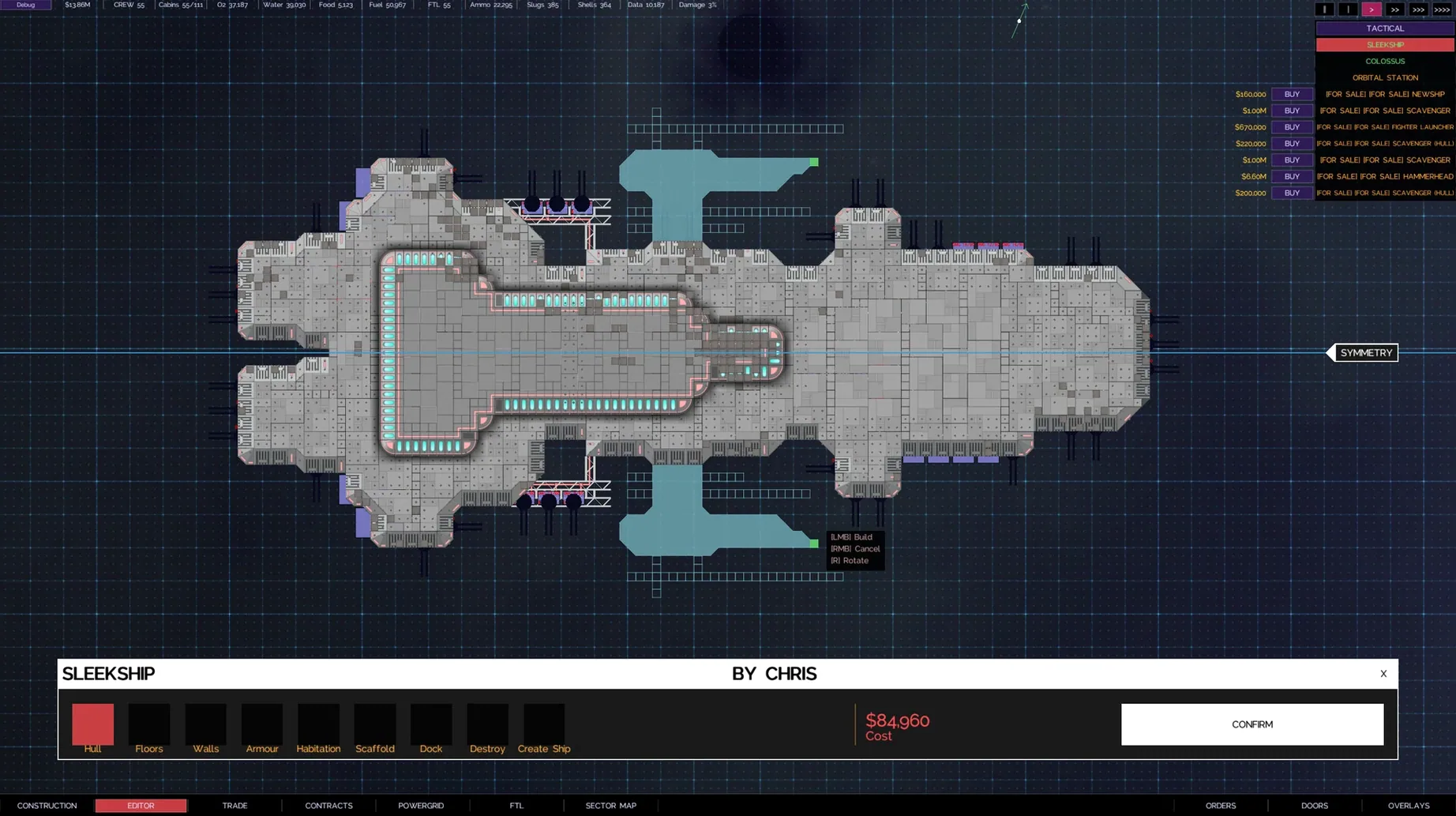
The Last Starship is for players who enjoy designing and upgrading ships more than flying them. Built by Introversion Software, the studio behind Prison Architect, this is a 2D space construction game where you place weapons freely, manage resources like water, oxygen, and fuel, and expand your fleet with ships that have unique capabilities. The macOS build is update27d Native and supports both ARM and x86 64-bit Macs.
Open-ended ship builders and logistics fans
- Players who like open-ended design — placing parts and weapons where you want, not where the game tells you.
- Fans of system management games — tracking oxygen, water, and fuel across a growing fleet.
- Anyone who enjoyed Prison Architect and wants to see the same developer try a space setting.
Those wanting action or story
If you expect fast-paced ship-to-ship combat or a polished narrative, this Early Access title may not be for you. The game is in English only, updates are ongoing, and the focus stays on construction and logistics rather than action. It suits the patient planner more than the arcade pilot.
Apple Silicon and Intel Mac support
A few things come up often when people first see The Last Starship on a Mac. Here is what I usually tell them.
Does it run on Apple Silicon or only Intel Macs?
The macOS build update27d Native supports both ARM and x86 64-bit architectures. That covers every Mac from the last decade, whether it runs an M-series chip or an older Intel processor. My own test was on an M4 machine, but the same package works on both.
Is the game complete?
The Last Starship is in Early Access. Introversion Software released it in February 2023 and continues to push new missions, bug fixes, and gameplay enhancements. The Steam listing shows a separate release date of February 2026, which suggests the game has been evolving for some time. You are getting a living project, not a final boxed product. Updates arrive regularly, and the sector map already leads to a procedurally generated universe with rescue and cargo delivery missions.
What languages are available?
The interface is English. Voice is music only — no spoken dialogue. If you need menus or instructions in another language, this is not the version for you.
Do I need an internet connection to play?
The copy I worked with is DRM-free and does not phone home. Once installed, you can play offline. The only reason to connect is to download future updates.
Overbuilding the first ship
New players tend to repeat a few patterns. Knowing them saves time.
- Overbuilding the first ship. It is tempting to add every system and weapon at once. The result is a vessel that runs out of oxygen or fuel before the first mission. Start small, test the basics, then expand.
- Ignoring resource routing. The ship editor lets you connect reactors, pipes, electrical systems, and life support in any layout. Beginners often forget that pipes have to actually connect to the systems they serve. A reactor placed next to a life-support module does nothing unless the two are linked.
- Neglecting water. Oxygen and fuel get all the attention. Water runs out just as fast and is harder to replenish on some sector maps. Keep a reserve.
- Placing weapons without testing arcs. The game allows free weapon placement, but a gun mounted behind a structural beam cannot fire forward. Rotate the view and check your firing lines before you save the design.
- Rushing into combat. Combat is strategic and requires precise strikes, not spray-and-pray. Beginners who charge into an enemy sector without scanning the opposition first lose ships they spent an hour building.
First-session setup and ship building
Here is what I suggest doing in the first few sessions.
- Run the standard installation. Download the package, run it, follow the prompts, and choose the Applications folder as the destination. The game needs about 1 GB of space, but I recommend leaving room for future updates.
- Spend one session in the ship editor only. Do not start a mission. Just build a simple ship: reactor, pipe, life support, one weapon. Save it. Load it again. Learn where the editor snaps connections and how to rotate parts. This session saves hours later.
- Play the tutorial missions. The cargo delivery and rescue missions are designed to teach resource management without pressure. Use them to learn how water, oxygen, and fuel behave on a real run.
- Save often and save multiple copies. Name your ship files clearly — "Rescue Mk2" rather than "ship3." When a design fails, you want to roll back to the last working version, not start from scratch.
- Read the sector map before heading out. The procedurally generated universe changes each playthrough. A sector that looks empty may have no water sources for the next three jumps. Plan your route around known resources.
Space Engineers vs. focused systems management
Three other space or construction games come to mind. Each takes a different approach.
Space Engineers is a 3D sandbox where you build ships block by block. It has more freedom in structure but less focused systems management. The Last Starship is tighter — it gives you reactors, pipes, and life support as discrete parts with clear roles, not just building blocks. Space Engineers also demands a stronger GPU, while The Last Starship runs on Intel and ARM Macs alike.
Kerbal Space Program is about orbital physics, fuel efficiency, and aerodynamic design. It is a simulator first and a game second. The Last Starship skips the orbital mechanics entirely. You build, route resources, and go. If you want to launch a rocket and calculate delta-v, play Kerbal. If you want to outfit a fleet and manage oxygen across multiple ships, pick The Last Starship.
Starbase combines ship construction with an MMO universe. It has multiplayer, persistent colonies, and a player-driven economy. The Last Starship is single-player and smaller in scope. For someone who wants offline construction without other players modifying the sector map, The Last Starship is the cleaner choice.
No release notes filed for update27d Native. They are added here when a build changes how the program behaves.
| Processor | Apple Silicon, Intel 64-bit |
|---|---|
| Download | 828 MB |
- macOS ?
- Architecture: ARM and x86 64-bit
How to install, in order
- Run the downloaded package.
- Follow the standard installation procedure.
- Choose the destination folder when prompted.
- The Applications folder is recommended.
Comments and corrections 0
Sign in or open a free account to leave a comment.
No comments or corrections yet.