Clip Studio Paint 4.1.4 — download for Mac
Mac Apps Updated
Provides illustration and comic creation tools with layer and brush controls.
Screenshots
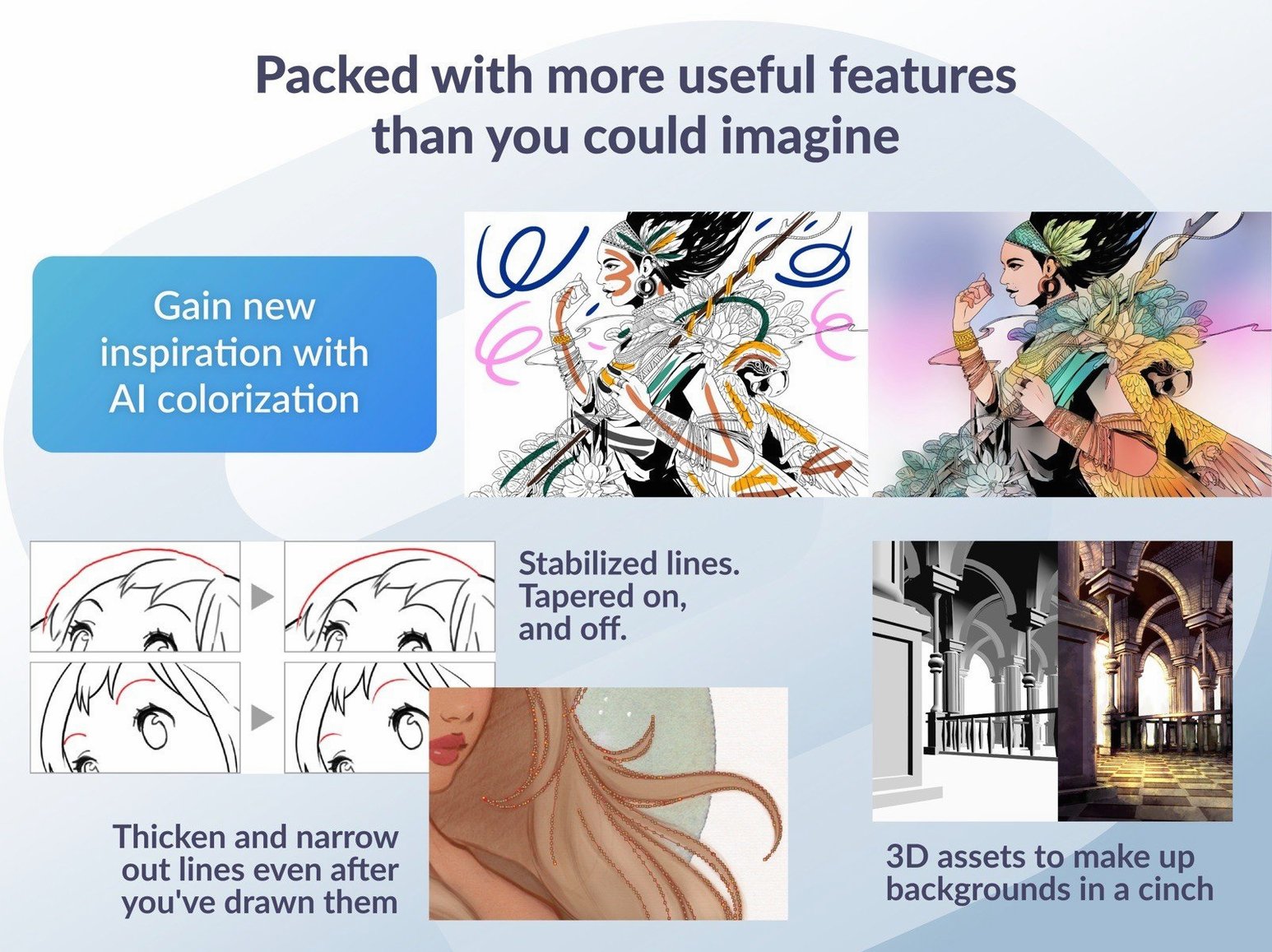
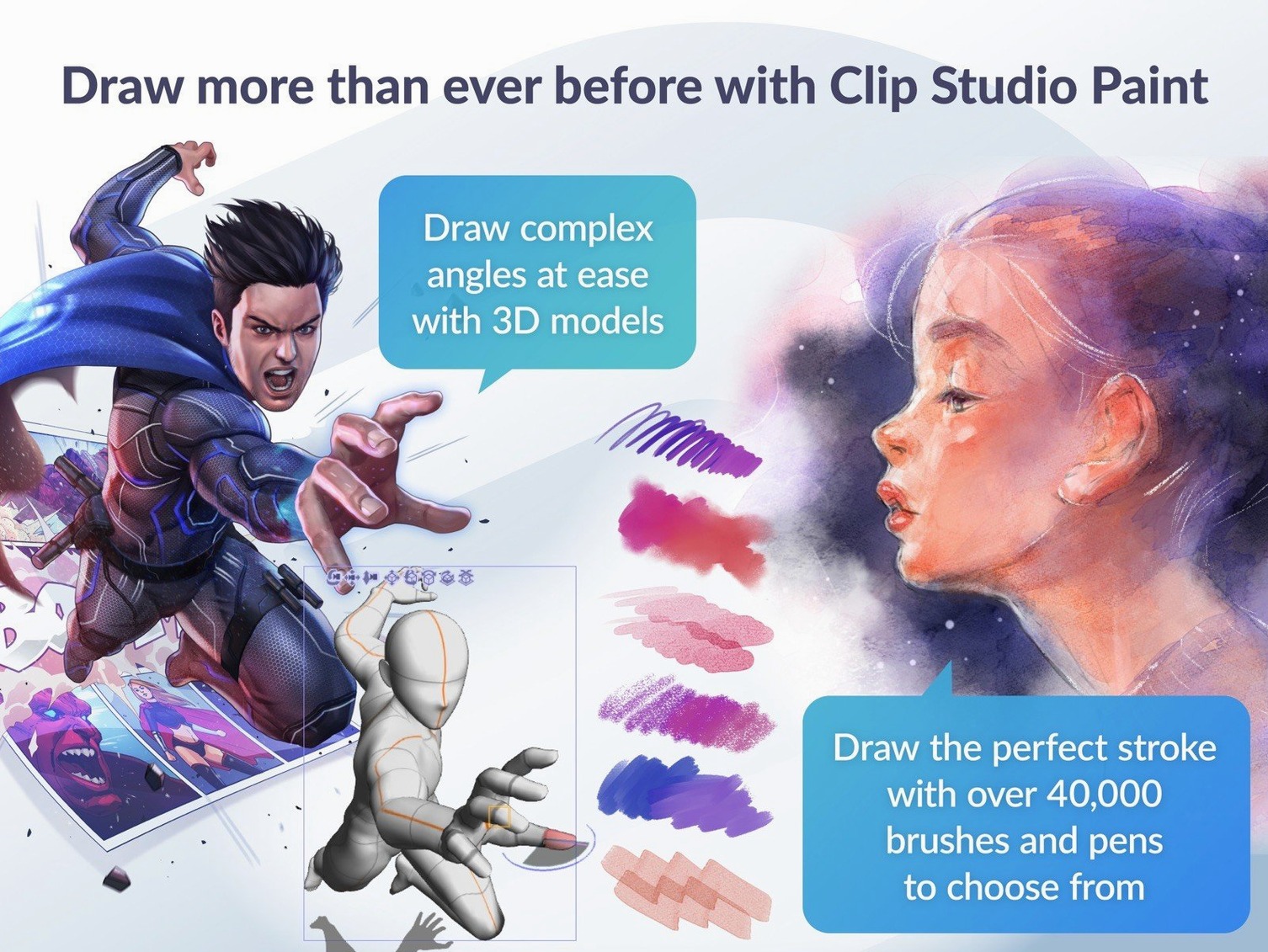
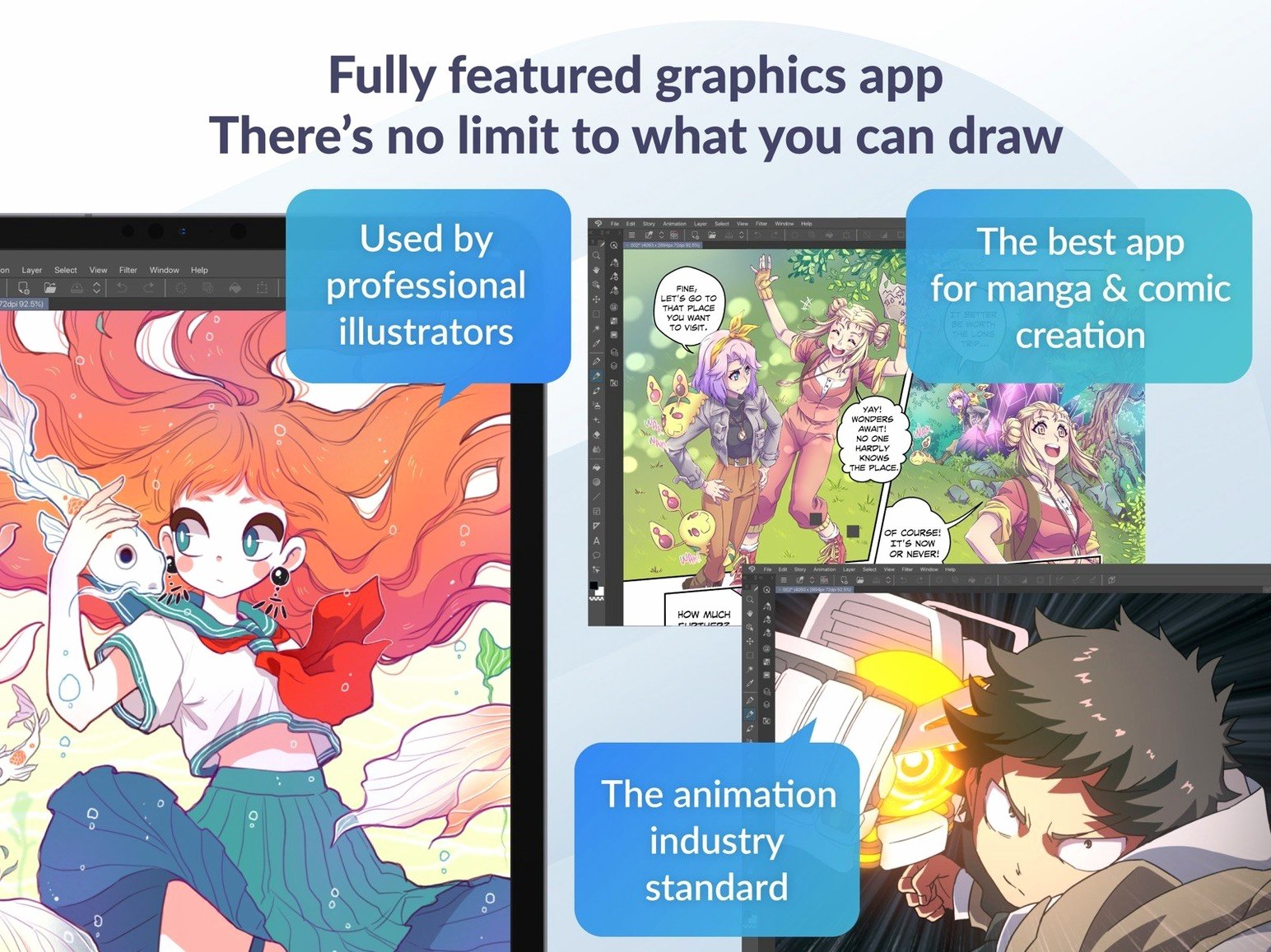
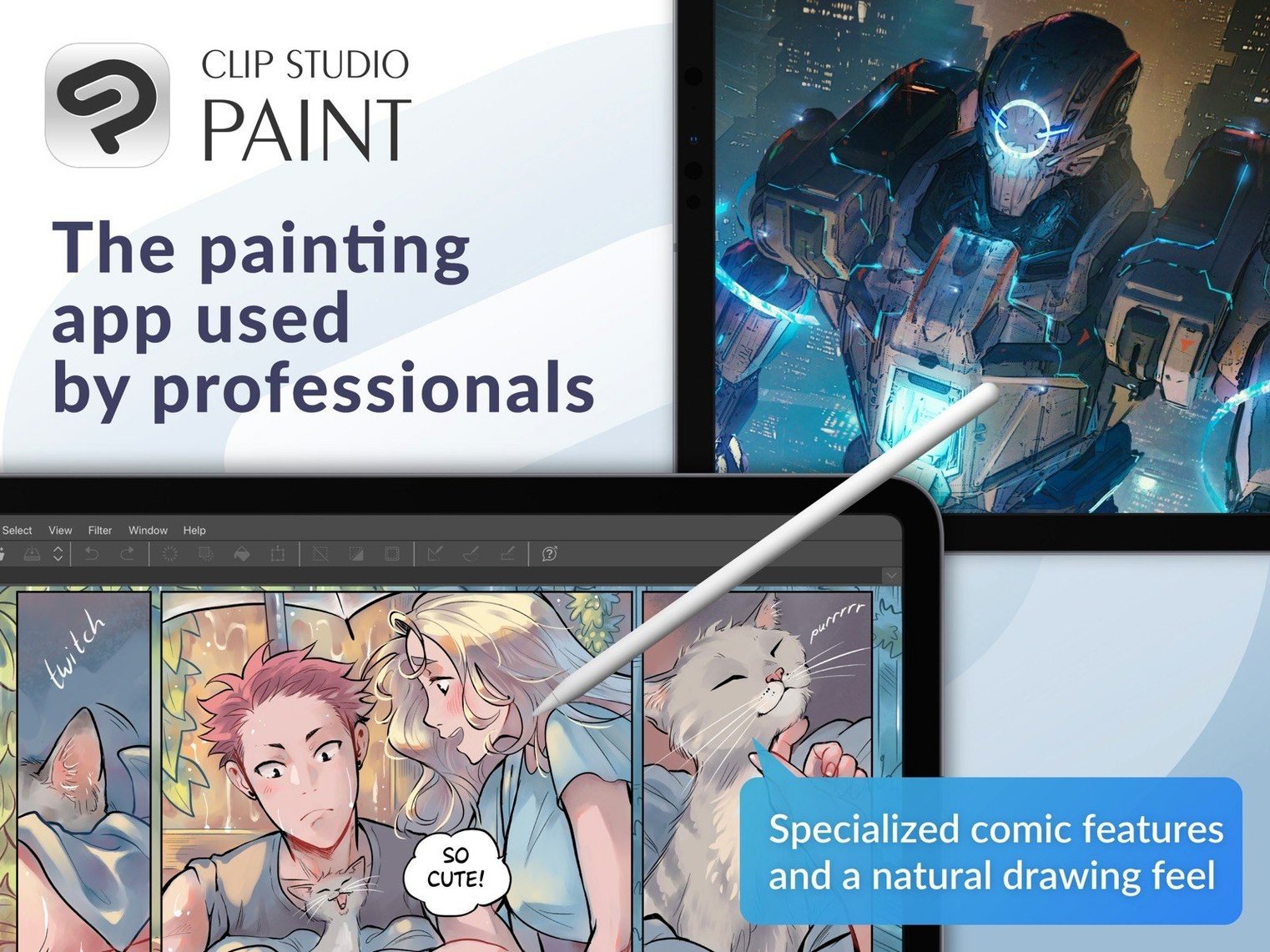
Anyone who has spent time in Photoshop will recognize the layer stack, the brush engine, and the selection tools inside Clip Studio Paint. CELSYS built this for illustrators and comic artists who need those familiar constructs aimed squarely at drawn content, not photo editing. The vector tools, for instance, let you adjust line weight after the stroke is down, something raster-only workflows never quite managed.
Version 4.1.4 is a maintenance release that cleans up a few rough edges. PSD exports now show correct previews in Finder on macOS 15, which saves a trip back into the app just to confirm a file. Small fixes, but they keep a project timeline tidy.
The animation features remain frame-by-frame, with a light table function to onion-skin previous drawings and a timeline for timing control. Finished sequences can go out as sequential images, GIFs, or movie files. For comic work, the EX edition handles multi-page story layouts, and the app still imports old Manga Studio 4 files alongside layered PSDs.
Simplified Chinese joins the interface language list with this update, and Quick Look now handles .clip files properly on newer macOS versions. The core toolset — 3D figure support, vector pens, and that deep brush customization — stays exactly where it was.
Runs Alongside Photoshop and Illustrator
Can I run it alongside other drawing apps? Yes. Clip Studio Paint does not interfere with other graphics software on the same machine. The installer places its own files and preferences; nothing gets rewritten in Photoshop, Illustrator, or any browser-based tools. If you already have a Wacom or Huion tablet configured, the app picks up pen pressure settings on first launch without extra configuration.
Will my old Manga Studio files open properly? The 4.1.4 build imports files from Manga Studio 4 EX and 4 Debut directly. There is no conversion step, no batch export needed beforehand. Just use the file open dialog and point to the old material. The layers, text, and vector data should come through intact.
Do I need an internet connection to use it daily? Some functions require a connection, and the software verifies its license when it starts. You will want a working link for that check. Once authenticated, most local drawing and editing work proceeds offline. Export and import operations also happen locally unless you are sending files to a cloud service.
How much disk space should I budget? Brushes, materials, and 3D assets can add several more gigabytes depending on what you download from the asset store.
Does it run on Apple Silicon? Yes. The application is a 64-bit binary that runs natively on both ARM and x86 architectures. Performance depends more on available memory and GPU support than on the chip generation. CELSYS lists OpenGL 3.3 as the minimum GPU requirement.
First Three Days With Clip Studio Paint
Day one is about input configuration. Connect your tablet, open the app, and go into the pen pressure settings. Calibrate the curve to match how hard you press naturally. Many users skip this step and then blame the app for laggy or jumpy strokes. Spend five minutes on it. Next, set the canvas resolution for the kind of work you do most — 300 DPI for print comics, 72 DPI for web sketches, 600 DPI if you plan to print at larger formats. The default canvas size is reasonable for general illustration but adjust it early to avoid resampling later.
Day two is for brush exploration. The default brush set covers inking, sketching, and painting. Try each one for a few strokes. If you prefer a specific feel — say, a G-pen with a thinner initial width — duplicate a brush and tweak the start and end thickness parameters. Do not install fifty custom brushes on day two. Start with the defaults and add only what you miss after a few hours of real work.
Day three is where you test your file workflow. Create a small comic page with three panels, add speech bubbles, and export it as a PSD. Open that PSD in another application to confirm layers survived. Then export the same page as a PNG sequence and a GIF to see how the animation export handles a static page. If everything matches what you expect, your pipeline works. If not, adjust export settings before you commit to a longer project.
Comic-Specific Tools Beat Krita
Krita is the closest free alternative. It handles frame-by-frame animation, brush customization, and PSD import well. Where Clip Studio Paint pulls ahead is in comic-specific tools — the panel ruler, the speech balloon tool, and the multi-page story management in EX. Krita has a comic template system but nothing as structured as the page manager Clip Studio EX offers. Krita also lacks 3D figure integration; you would need a separate app for reference poses.
Procreate on the iPad is a different category, but on macOS it has no native version. Some users run it through emulation or use an iPad alongside their Mac. Clip Studio Paint runs directly on the Mac and supports graphics tablets with full pen pressure. Procreate is faster for quick sketches and has a simpler interface, but it does not offer vector tools, frame-by-frame animation with timeline control, or layered PSD export in the same depth.
Adobe Fresco sits somewhere between raster and vector drawing. It has live brushes that mimic watercolor and oil, and it syncs with the Adobe ecosystem. Clip Studio Paint does not simulate wet media as convincingly as Fresco does, but it excels at line art, inking, and comic paneling. Fresco also limits animation to a simple timeline and lacks dedicated manga tools. If your work is comic pages with tight panel layouts, Clip Studio Paint is the more focused choice.
Name Layers to Avoid a Thirty-Layer Guessing Game
- Skipping the layer naming habit. When a file grows to thirty layers, unnamed layers become a guessing game. Name each layer as you create it — "ink right arm," "base color shirt," "shadow hair." It takes two seconds and saves ten minutes of hunting later.
- Using the eraser on vector layers. Vector layers respond better to deleting entire control points than to erasing strokes in raster mode. Beginners often erase a vector stroke pixel by pixel, which defeats the purpose of vector lines. Instead, select the vector object and remove its control points to clean up line art cleanly.
- Ignoring the sub tool palette. Every brush tool has a sub tool that changes behavior — a G-pen can become a mapping pen or a turnip pen with one click. New users stick to the first pen they see and miss three other variations that might suit their hand better. Click the small arrow next to the tool icon to reveal the sub tool list.
- Not saving a backup of the workspace layout. After you arrange palettes, panels, and tool bars into a comfortable layout, save that workspace. If something resets after a crash or an update, you restore it in one click instead of spending twenty minutes repositioning everything.
- For web sharing, drop the resolution to 72 DPI and export as JPEG. The app does not warn you about file size; you have to set it yourself.
- Simplified Chinese added as a display language
- Quick Look now previews .clip files correctly on macOS 15
- Fixed PSD exports so file icons appear properly in Finder on macOS 15 and later
- Fixed a bug where cels or keyframes could remain after deleting resized clips or changing timeline frame rate
| macOS | macOS 14 or later |
|---|---|
| Processor | Apple Silicon, Intel 64-bit |
| Download | 403 MB |
- macOS 14 or later
- Intel or Apple Silicon Mac
- 2 GB memory minimum (8 GB or more recommended)
- GPU with OpenGL 3.3 support
- Tablet and stylus with pen pressure sensitivity supported
- Internet connection required for some functions and license verification
Questions about Clip Studio Paint
Can Clip Studio Paint open old Manga Studio files?
Yes, it can import files from Manga Studio 4 EX and 4 Debut directly.
What animation export formats does the app support?
You can export animations as sequential images, GIFs, and standard movie files.
How to install, in order
- Mount the downloaded disk image and run the standard installer.
- Choose EX or PRO when launching the app for the first time.
Comments and corrections 0
Sign in or open a free account to leave a comment.
No comments or corrections yet.