Mela 2.6.1 — download for Mac
Mac Apps Updated
Imports recipes from web pages using a browser extension for quick collecting.
Screenshots
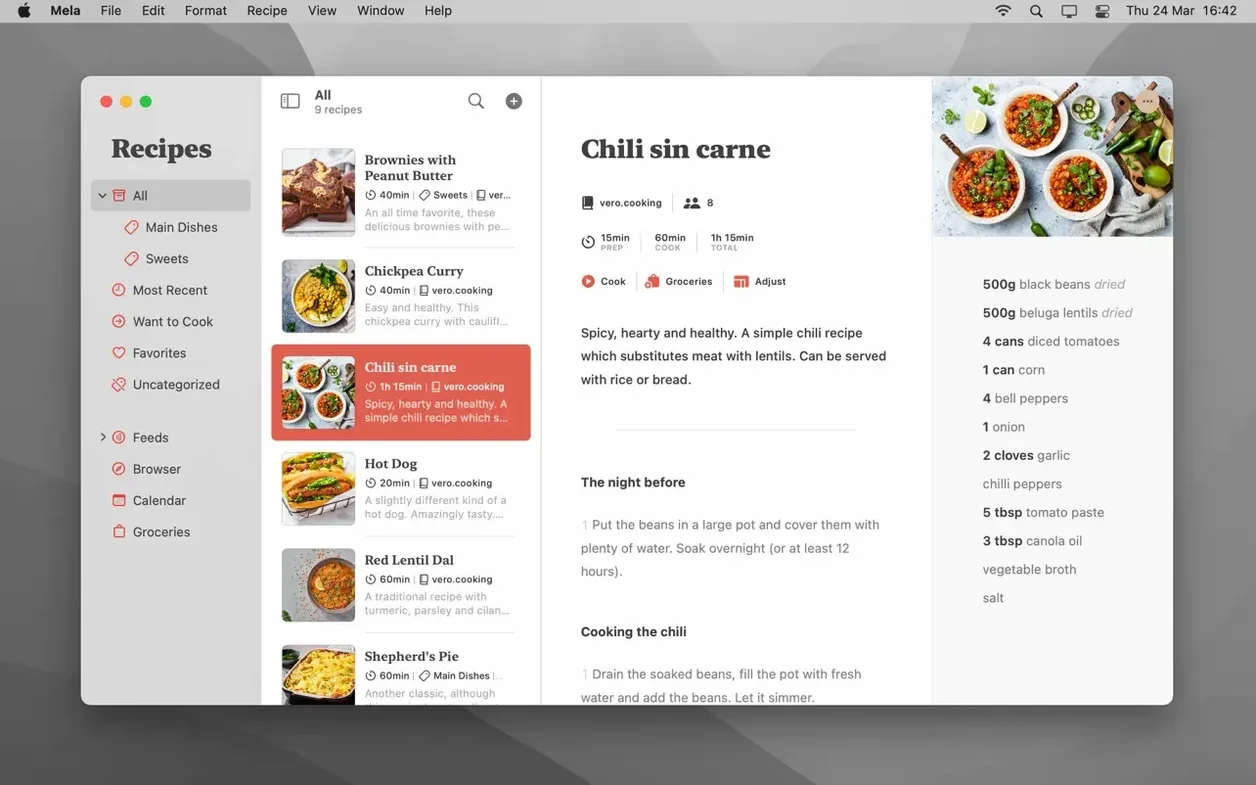
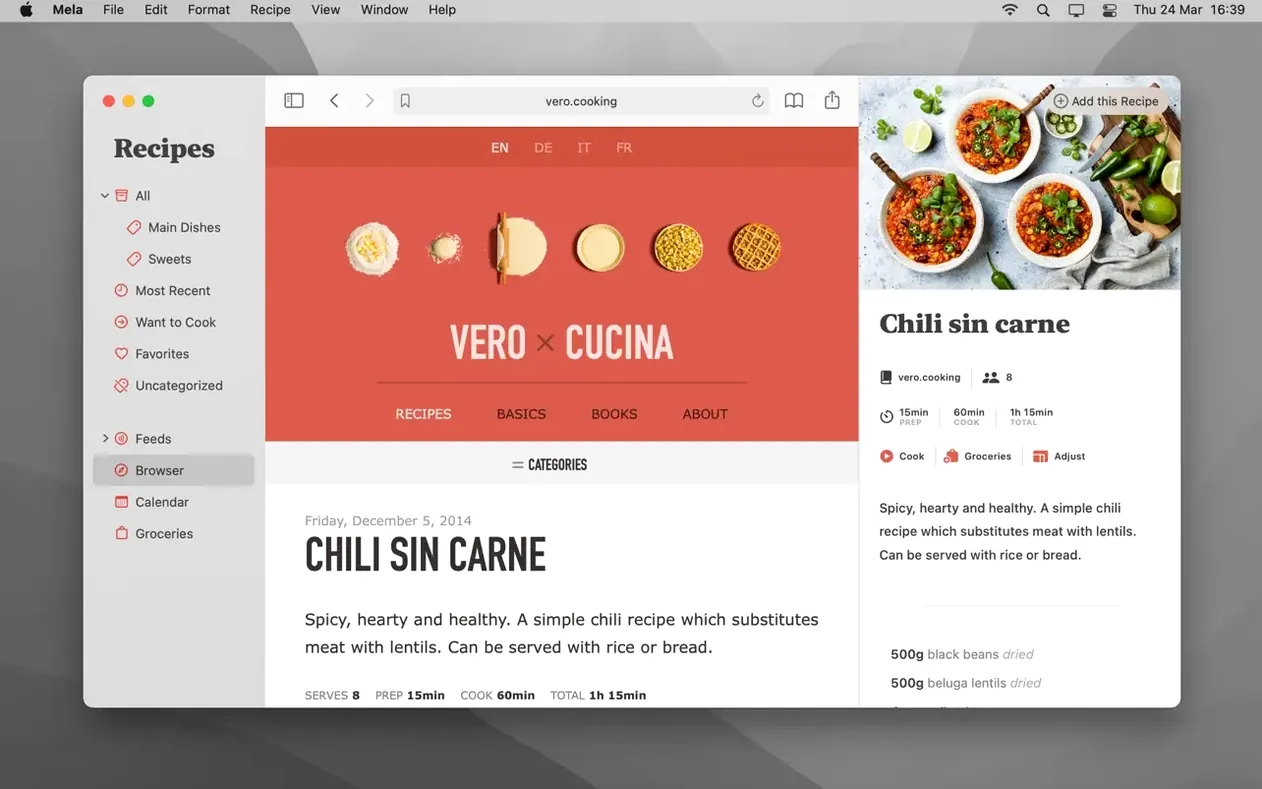
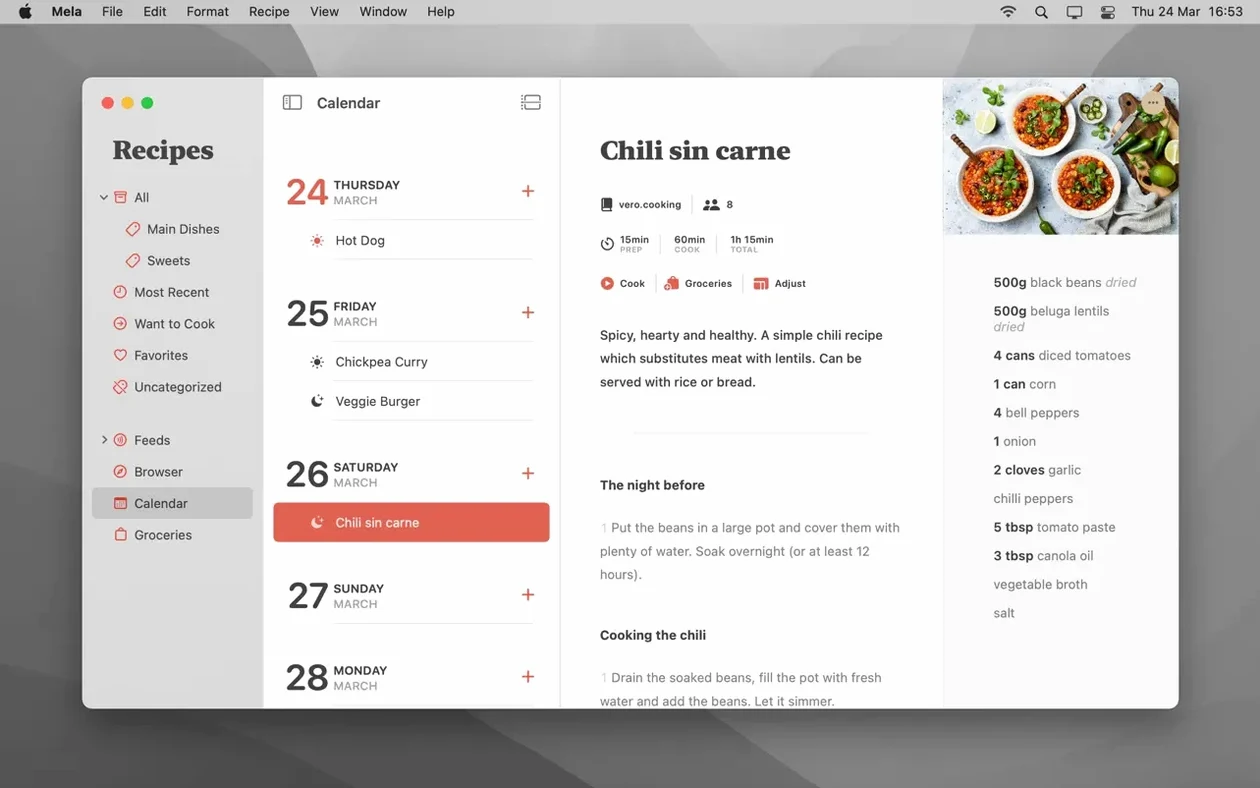
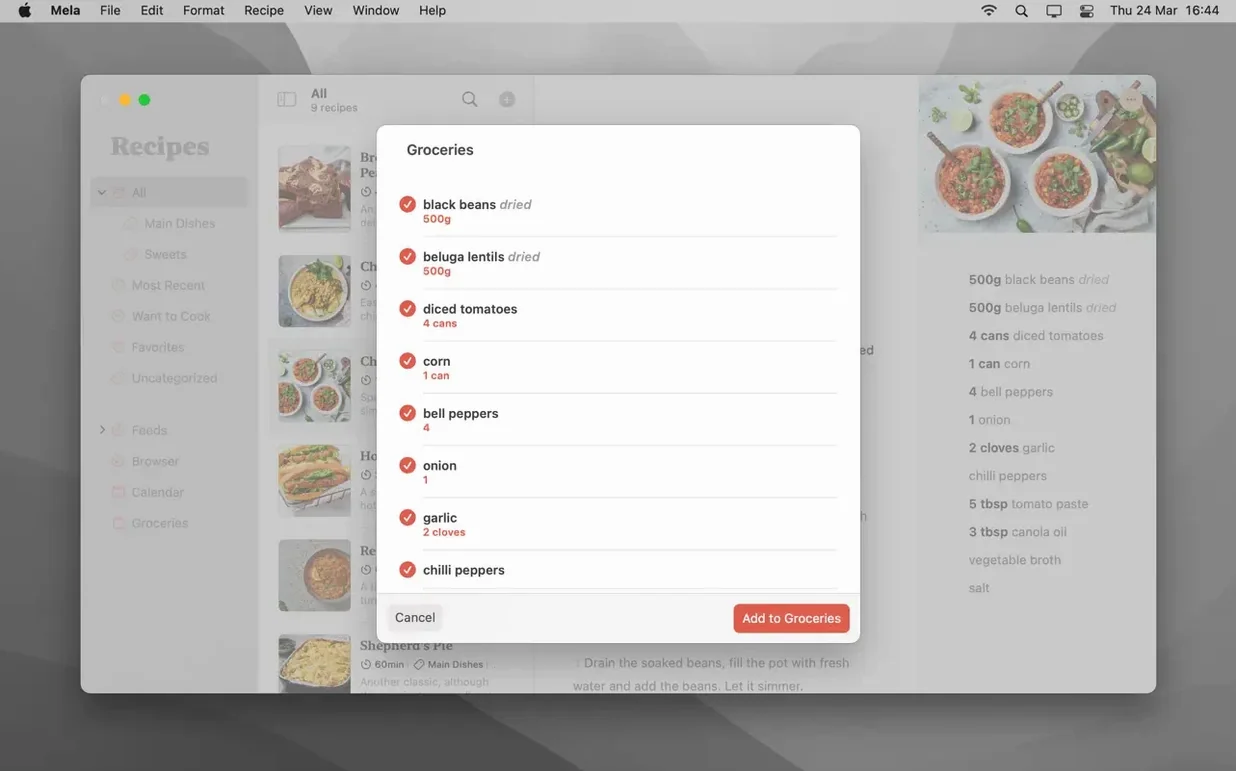
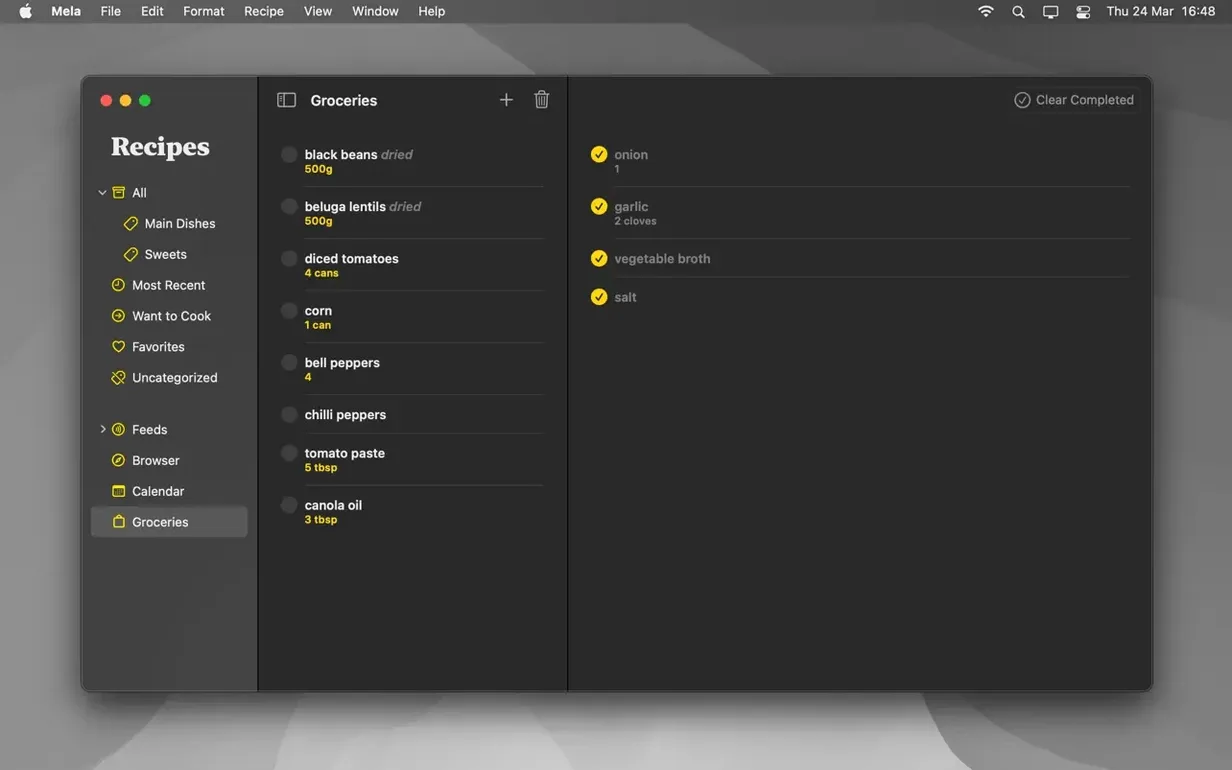
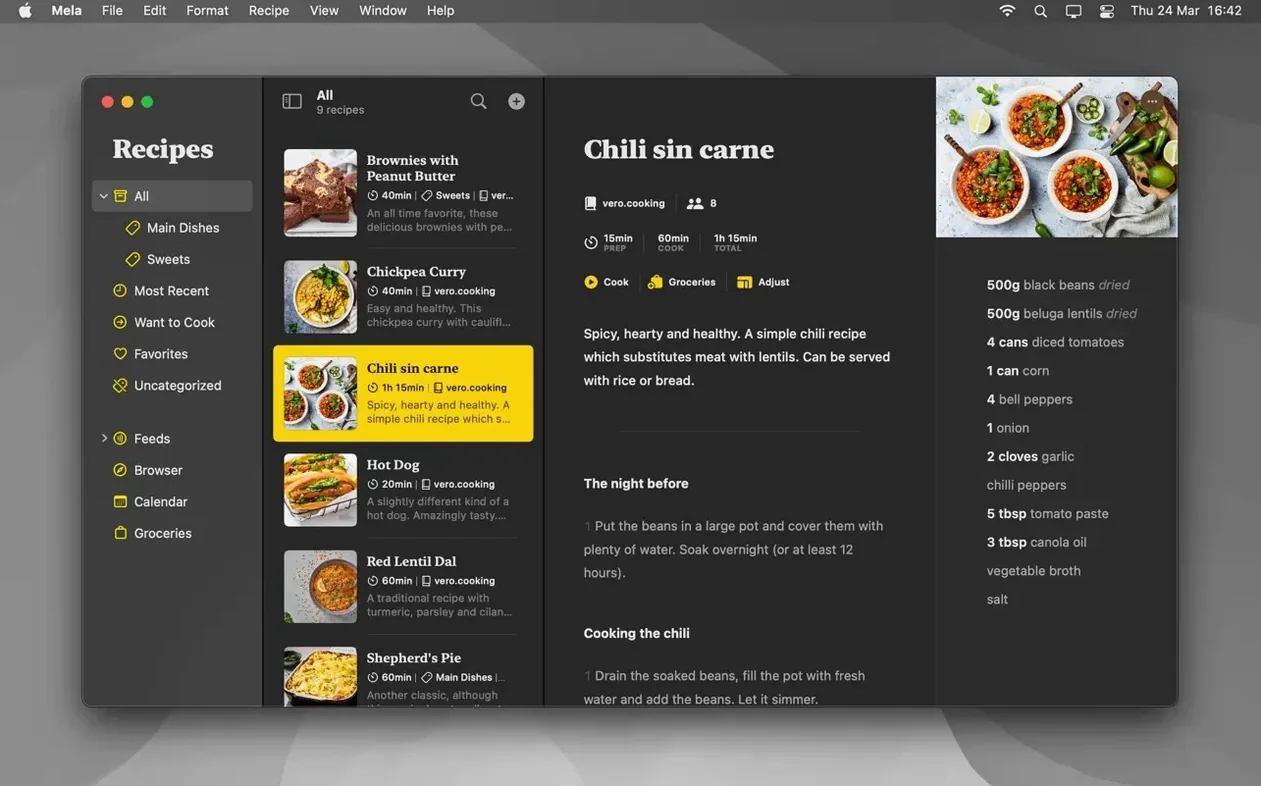
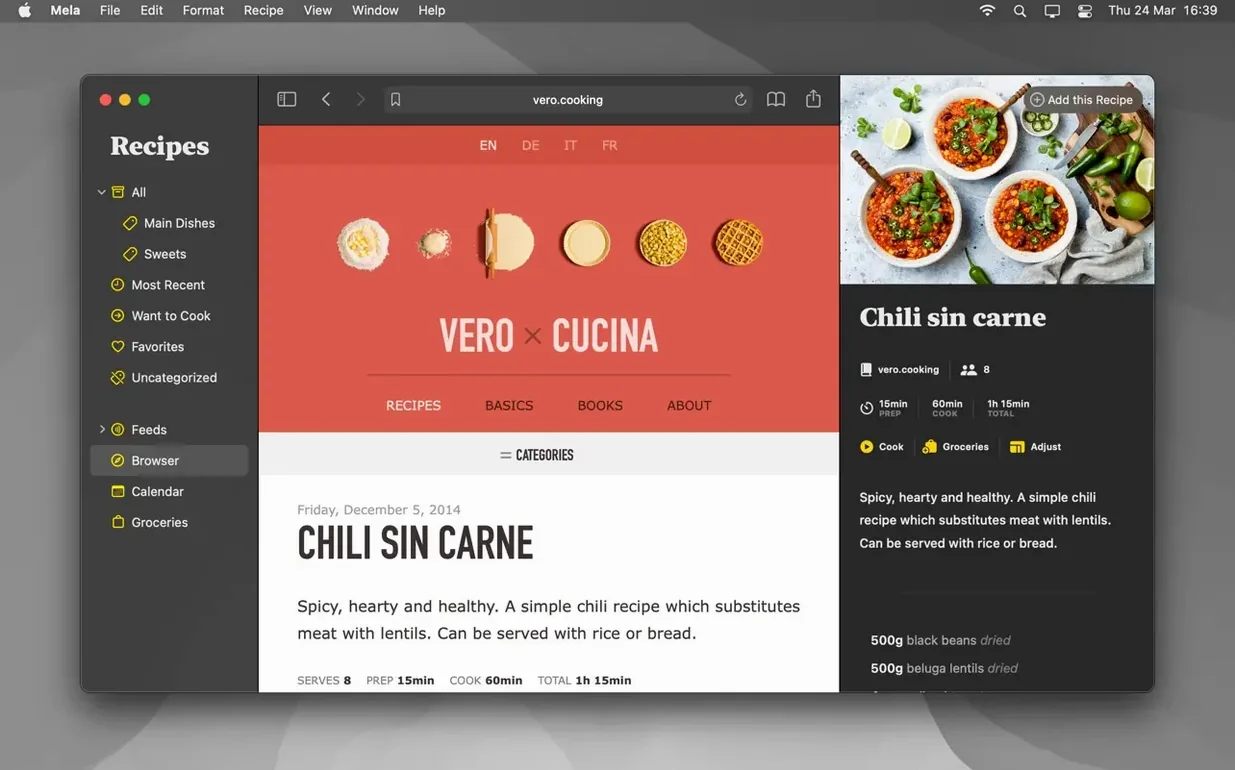
Mela’s sharing extension caught my attention first. You can add recipes from outside the app — a browser extension detects a recipe on the current webpage and displays it in Mela’s own recipe browser. That makes building a personal collection faster than copying and pasting.
Runs on macOS 11 and Later with iCloud Syncing
Mela runs on macOS 11 and later, supporting both Intel and Apple Silicon Macs. Interface languages include English, German, Italian, and French. The app uses iCloud for syncing recipes across devices, so an iCloud account is needed for that feature.
Want to Cook, Favorites, Shared Libraries, and Meal Calendar
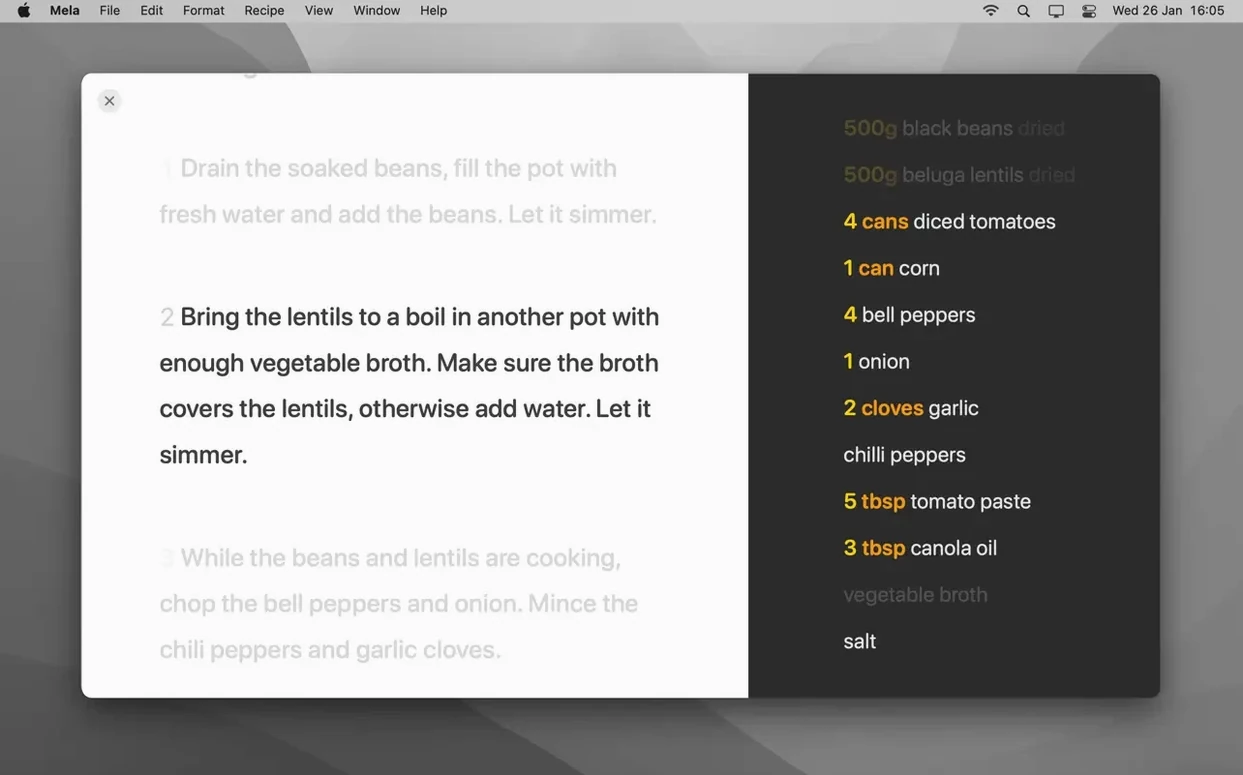
Beyond importing from the web, Mela lets you mark recipes as Want to Cook or Favorites for quick access. Shared recipe libraries work with other iCloud users, useful for household meal planning. The built-in meal calendar and cooking mode with timers keep things organized while you cook. You can also save recipes as PDFs for offline reference.
Replaces Bookmarks and Screenshots for Recipe Hoarders
Home cooks who manage a growing collection of recipes benefit most. If you bookmark pages in a browser or keep a folder of screenshots, Mela replaces that with a single place to store, tag, and sync everything. Meal planners who coordinate with a partner or roommate will find the shared recipe libraries practical — both people can add to the same collection and see it update on their own Mac. The cooking mode with larger text and timers suits anyone who props a device on the counter while prepping. It is less useful for professional chefs who need inventory tracking or nutritional analysis; Mela stays focused on the personal kitchen.
Dragged a Saved Recipe into a Calendar Slot
Wednesday evening. I am planning dinners for the week. I open Mela and the calendar view shows the current week, pulled from Calendar.app. I see Tuesday is empty, so I drag a saved recipe for chickpea stew into that slot. Wednesday already has a note, so I leave it.
I remember a blog post I read last week with a good salsa verde. I open the in-app browser, navigate to the site, and Mela detects the recipe on the page. One click and it lands in my collection, tagged under Sauces. I mark it Want to Cook so I remember to try it this weekend.
Friday arrives. I open cooking mode and load two recipes: the stew and a quick flatbread. Timers run side by side. The text is large enough that I do not have to lean in to read it. When the flatbread timer goes off, I pull it out and reset the timer for the stew’s next step. No switching between tabs or apps.
After dinner, I print the flatbread recipe to give a friend. Mela handles that from the recipe detail view. Later, I scan a page from a cookbook using text recognition — the app reads the ingredients and steps, and I save it as a PDF for my archive. The whole session took maybe fifteen minutes of active work.
how mela compares with similar apps
Paprika. Paprika has been a go-to for recipe management on Mac for years. It offers browser capture, scaling, and meal planning similar to Mela. Where Mela differs is its reliance on iCloud for sync — Paprika uses its own cloud service. Mela’s integration with Calendar.app is also unique; Paprika keeps its own calendar. If you already use Apple’s calendar and iCloud, Mela fits more naturally into that ecosystem.
Copy Me That. Copy Me That is a web-based tool with browser extensions and a clean interface. It works across platforms, but the Mac app is a wrapper around the web service. Mela is a native macOS app, so you get standard Mac behaviors like drag-and-drop into the calendar and system font rendering. For people who prefer native apps over web wrappers, Mela feels more integrated.
Recipe Keeper. Recipe Keeper is another native Mac option with meal planning and timers. It does not sync through iCloud; it uses its own sync system. Mela’s shared libraries give you more straightforward collaboration with other iCloud users. Recipe Keeper handles scaling and pantry lists well, but Mela’s browser detection and cooking mode with multiple recipes feel better polished for daily use.
Works Without iCloud, but Without Syncing
Does Mela work if I do not use iCloud?
Yes, you can use the app without syncing. You lose the convenience of having recipes on another Mac or phone, but the app itself runs and stores recipes locally. Shared libraries and calendar sync need iCloud.
Can I share a recipe library with someone who does not have Mela?
No. Shared libraries require both people to have Mela installed and logged into iCloud. You can still send a recipe as a PDF or print it for someone without the app.
Does the in-app browser replace my regular browser?
Not really. It is built for finding and capturing recipes. You can browse normally, but Mela’s browser is designed to detect recipe markup on pages. For general browsing you would still use Safari or Chrome.
Can I edit a recipe after importing it?
Yes. You can change ingredients, steps, servings, and categories. The original source stays linked if you want to revisit the site.
What happens if I unsubscribe from a recipe blog?
The recipes you already imported stay in your collection. You just stop receiving new posts in the recipe viewer.
Do timers work if the app is minimized?
Timers run in the background and alert you when time is up, so you can step away from the Mac and still get notified.
No release notes filed for 2.6.1. They are added here when a build changes how the program behaves.
| macOS | macOS 11 or later |
|---|---|
| Processor | Apple Silicon, Intel 64-bit |
| Download | 14 MB |
- macOS 11 or later
- Intel or Apple Silicon processor
- iCloud account for syncing
Questions about Mela
Can I share recipes with other iCloud users?
Yes, Mela supports shared recipe libraries with other iCloud users.
Does Mela have a meal planning feature?
Yes, it includes a calendar for meal planning.
Can I save recipes from Mela as PDF?
Yes, you can save recipes as PDF directly from the app.
How to install, in order
- Open the downloaded disk image.
- Drag the app to the Applications folder alias.
- After copying finishes, launch the app from Launchpad.
- If errors occur, follow the included instructions.
Comments and corrections 0
Sign in or open a free account to leave a comment.
No comments or corrections yet.