Mimestream 1.10.8 — download for Mac
Mac Apps Updated
Manages Gmail accounts with a native macOS email client built for speed.
Screenshots
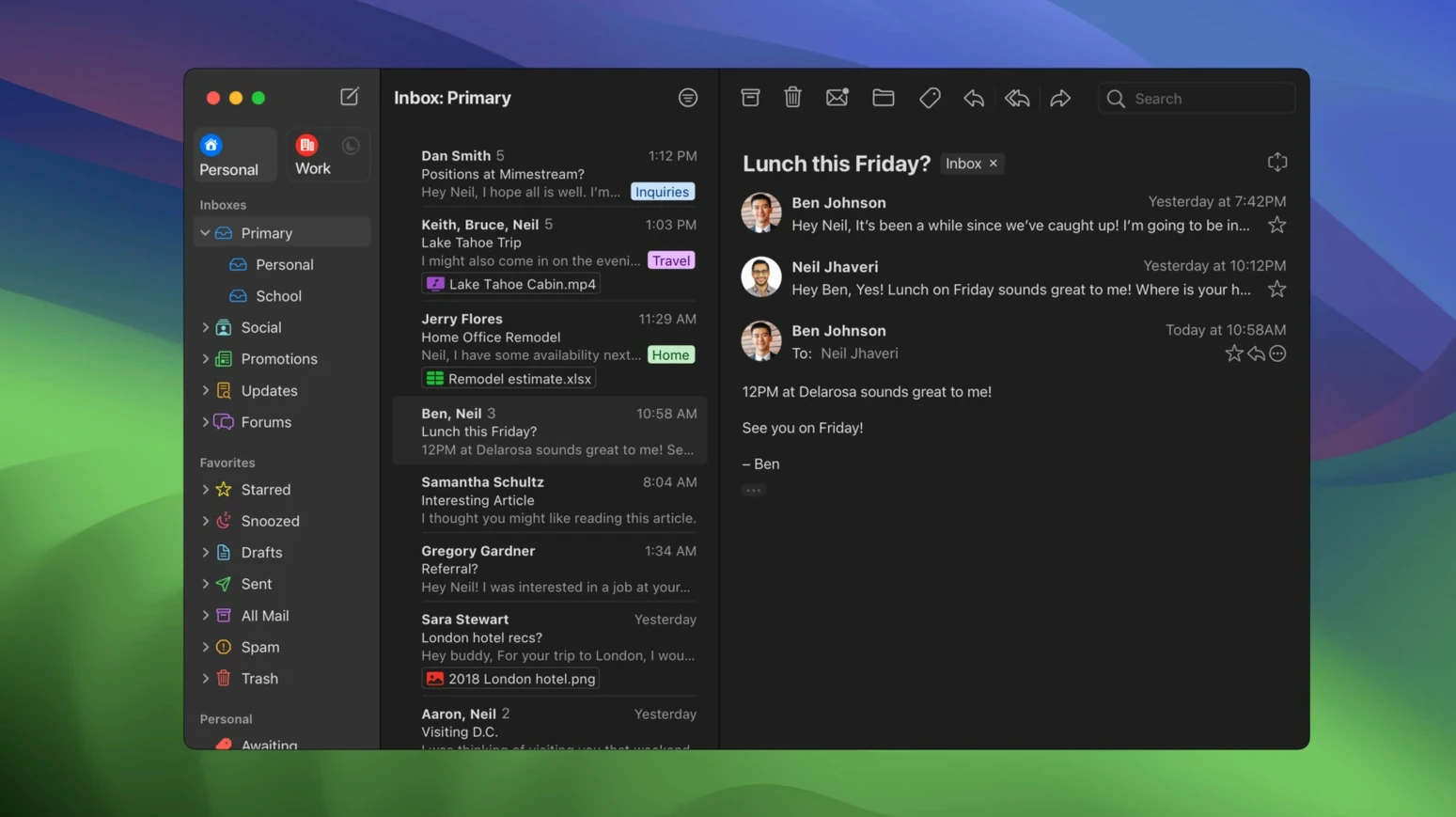
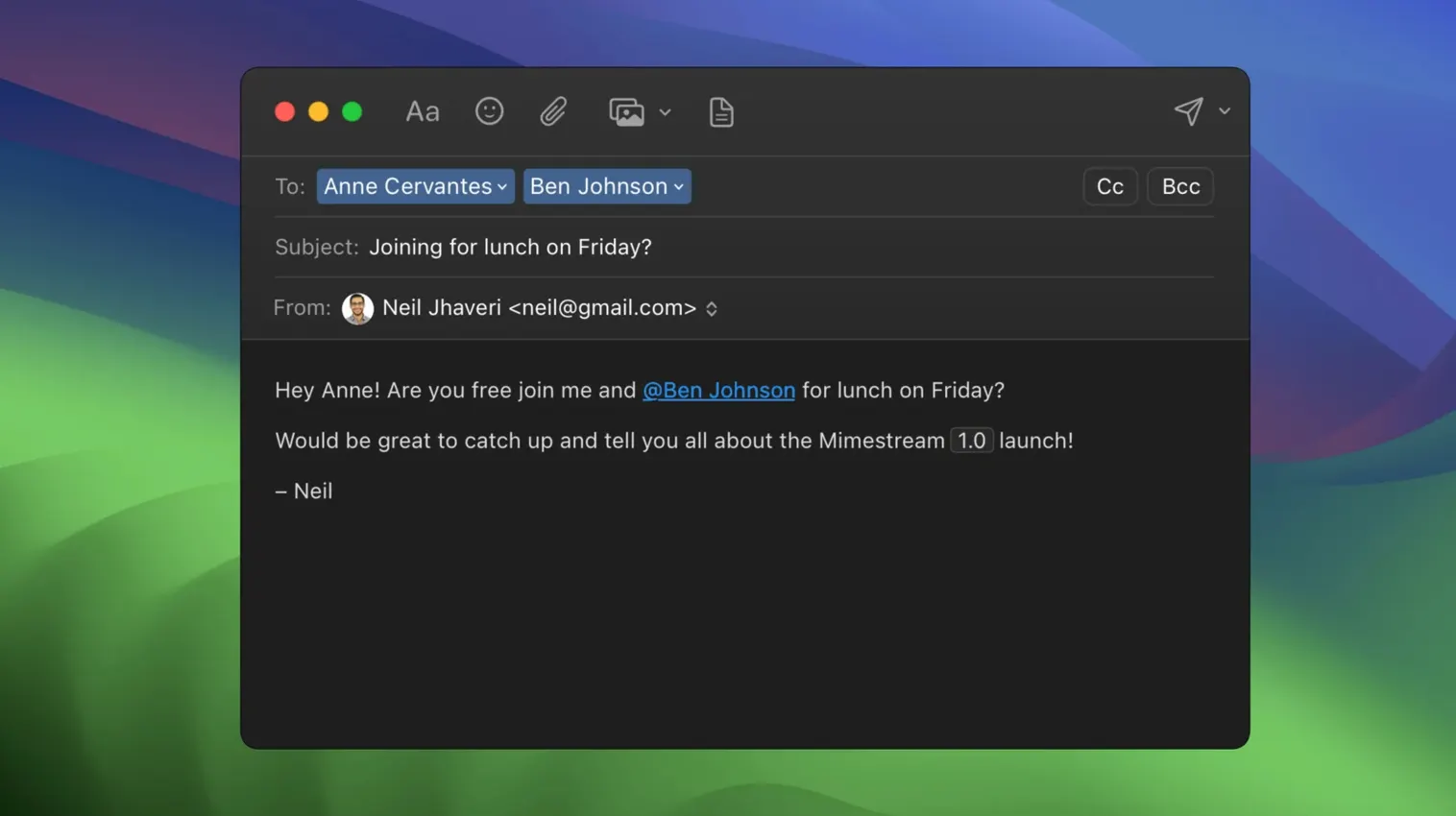
Version 1.10.8 turns Private Push notifications on by default for macOS Ventura and later. It also adds an optional All profile view, addresses for unknown senders, and configurable notification actions.
Mimestream is a desktop email client written in Swift that works exclusively with Google accounts. Instead of IMAP, it uses the Gmail API directly, so your Gmail labels, filters, and signatures sync automatically without extra setup. Keyboard shortcuts for Gmail and Apple Mail are both available.
Good for
- Anyone who lives inside Gmail but wants a native Mac app with system notifications and offline access.
- Users who want to keep disk usage low — it caches only recent messages.
Keep in mind
- Supports Google accounts only. No Outlook, Exchange, or IMAP.
- Requires macOS Monterey or later. Works on both Intel and Apple Silicon.
School or Work Gmail Accounts Allowed
Can I use it with a school or work Gmail account? Yes, as long as it's a Google account. Mimestream uses the Gmail API, so it logs in through Google's OAuth flow. That means you can add any Google Workspace account, personal Gmail, or a Google-hosted education address — as long as your domain uses Gmail on the back end.
What happens to my existing Gmail labels and filters? They stay exactly as they are. Because Mimestream works through the Gmail API, it reads your labels, stars, and categories directly from Google's servers. Your filters keep running in the background like normal. You don't move anything or reconfigure rules on the web side.
Does it download all my email to my Mac? No. Mimestream caches recent messages only. Older emails are fetched when you search or open them. That's why the disk footprint stays small compared to IMAP clients that often download full mailboxes.
Can I search for old emails when I'm offline? Yes, as long as Mimestream has cached them. If you searched for a message while you were online, it stays in the local cache. Offline search covers whatever is stored locally — it doesn't try to reach Google's servers and fail silently.
Do I need to keep the web Gmail open? Not at all. Mimestream sends and receives independently. The API connection means it can push new mail notifications and sync sent messages without a browser tab open.
Pedro Manages Five Projects Without Gmail in Browser
Pedro runs a small architecture firm in Lisbon. He manages five ongoing projects, each with its own Google Group and email alias. Before Mimestream, he kept the Gmail web interface open in a pinned browser tab alongside his task manager. That worked, but notifications were browser-based and he had to switch windows to check aliases.
Mimestream solved two problems. First, the aliases appeared automatically — no separate setup per address. Second, macOS system notifications let him act on emails without clicking back to the browser. He set up notification actions to archive routine status updates directly from the notification banner. For critical client emails, he uses swipe gestures on his trackpad to archive and move to the right project label in one motion. Offline access matters on trains between Lisbon and Porto: he reads cached replies and drafts responses that send as soon as the connection returns.
Mimestream vs. Apple Mail: Gmail Labels Instead of Folders
vs. Apple Mail (macOS default)
Apple Mail works with any IMAP provider, so it's the generalist option. Mimestream trades that broad compatibility for depth with Google accounts. Apple Mail doesn't understand Gmail labels or categories — it sees folders. Mimestream keeps your Gmail structure intact. Apple Mail also lacks offline search for anything not fully downloaded, while Mimestream's cached search works for recent messages. On the other hand, Apple Mail has Calendar integration, which Mimestream does not.
vs. Mailspring
Mailspring supports multiple account types (Gmail, Outlook, Office 365, IMAP) and offers a unified inbox. It's a good choice if you mix providers. Mimestream's Gmail API approach means faster sync for Google accounts and better label handling — Mailspring uses IMAP for Gmail, so labels arrive as folders and archive behaviour can feel indirect. Mailspring also runs on Electron, which uses more memory than Mimestream's native Swift code. Where Mailspring adds a rich read receipt and tracking feature, Mimestream blocks tracking pixels instead.
vs. SparkMail
SparkMail is another native macOS client, but it supports multiple providers including iCloud, Outlook, and Exchange via Microsoft Graph. Like Mimestream, it has a clean interface and swipe gestures. However, SparkMail stores all email data locally unless you pay for their cloud sync. Mimestream's cache-only approach is simpler if you don't want to manage local storage space. SparkMail also prompts you to set up its own labels and categories, whereas Mimestream uses Gmail's system directly. If you only use Google, Mimestream avoids the extra setup overhead that SparkMail introduces for account types you won't use.
- Private Push notifications enabled by default on macOS 26 and later.
- Version 1.10 adds Private Push notifications, an optional All profile, addresses for unknown senders, and configurable notification actions.
- 1.10.8 is the current stable release.
| macOS | macOS 12 or later |
|---|---|
| Processor | Apple Silicon, Intel 64-bit |
| Download | 12 MB |
- macOS 12 Monterey or later
- Intel or Apple Silicon
- Google account required
Questions about Mimestream
Does Mimestream support multiple Gmail accounts?
Yes, Mimestream supports multiple Google accounts and lets you switch between them or view an optional All profile that combines inboxes.
How to install, in order
- Open the downloaded disk image.
- Drag the app to the Applications folder alias.
- Launch the app from Launchpad after copying finishes.
Comments and corrections 0
Sign in or open a free account to leave a comment.
No comments or corrections yet.