Monodraw 1.7.1 — download for Mac
Mac Apps Updated
Creates ASCII diagrams and technical drawings directly from the command line.
Screenshots
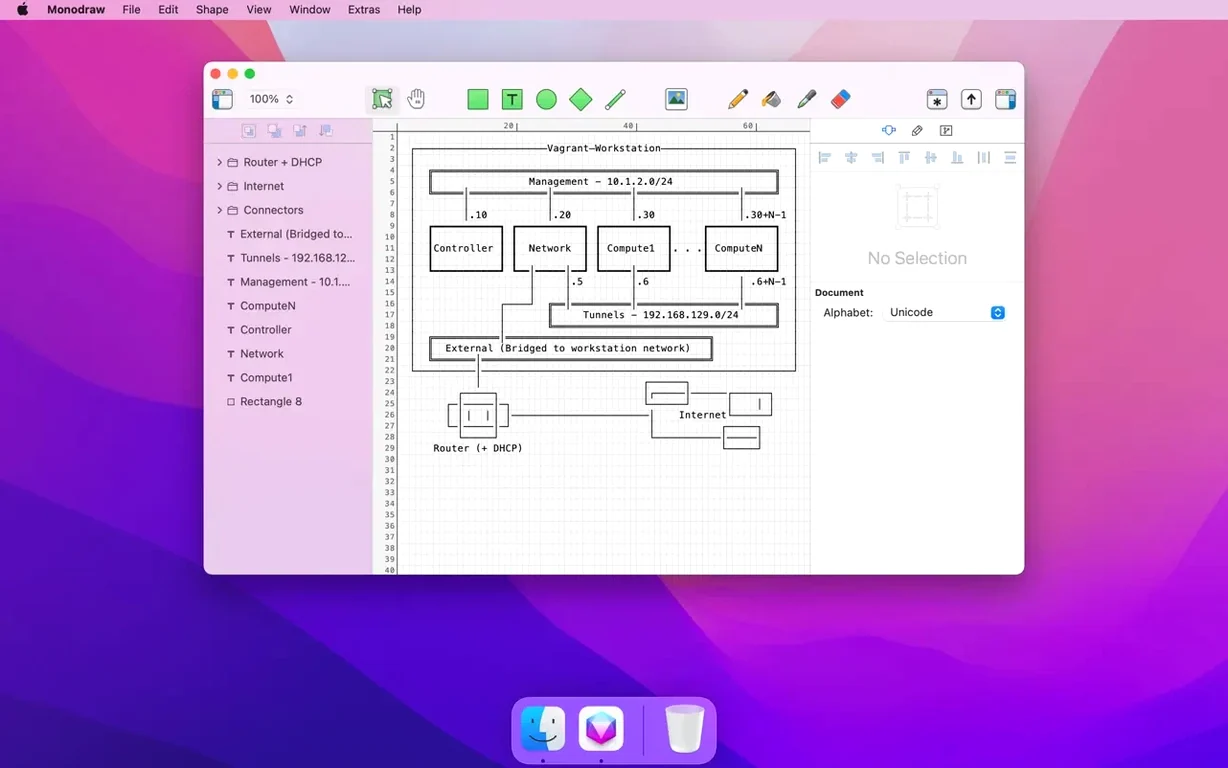
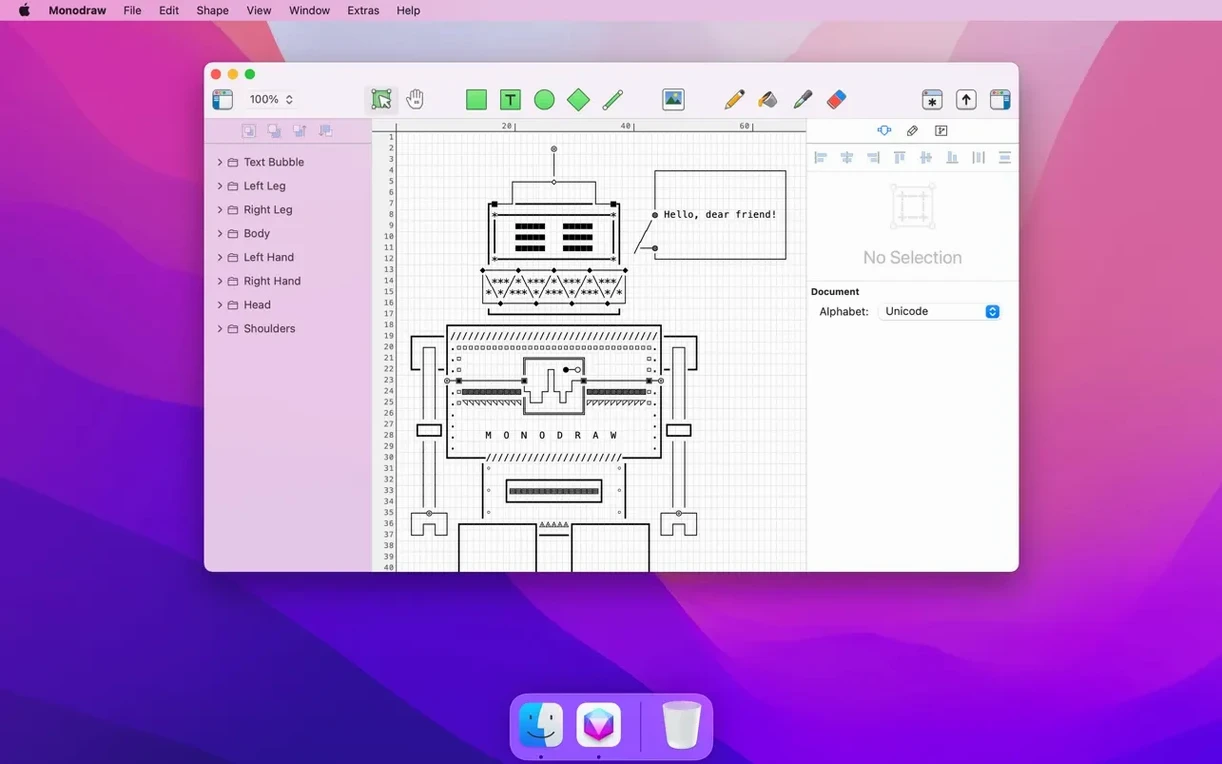
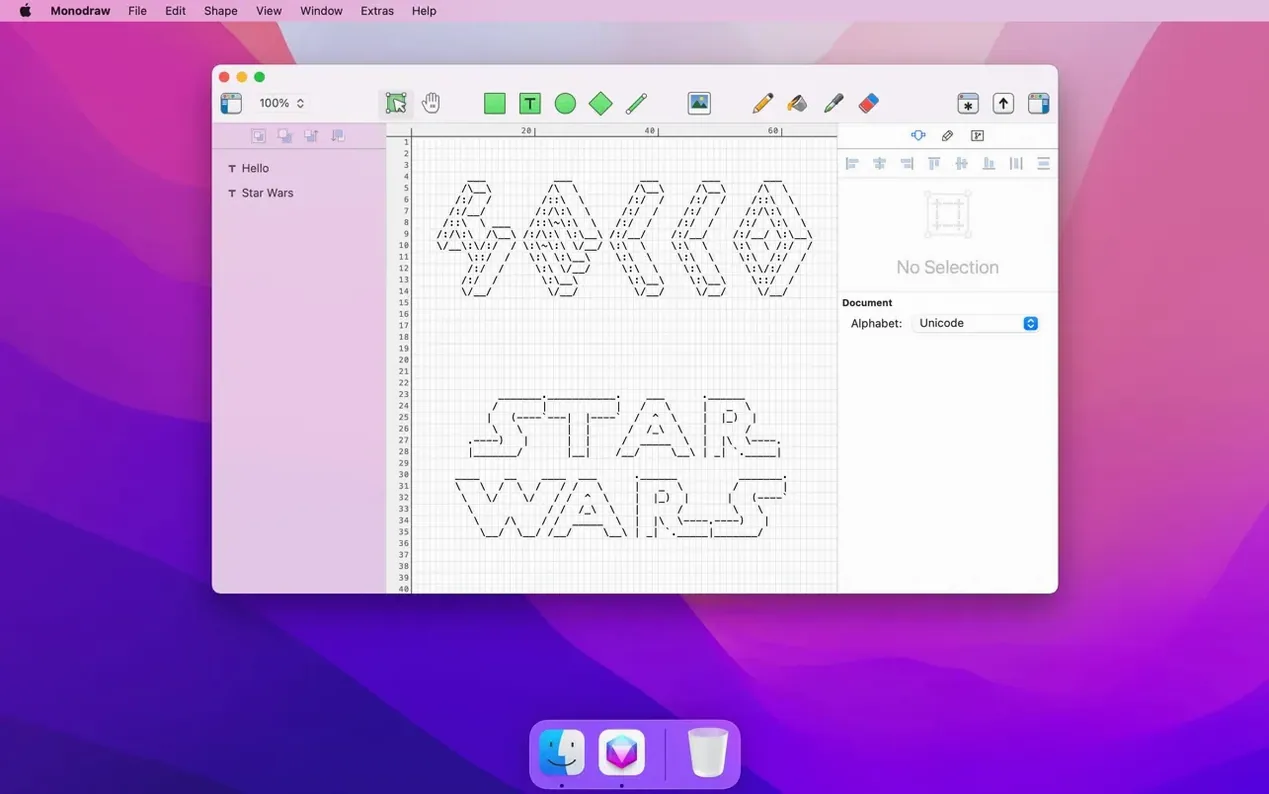
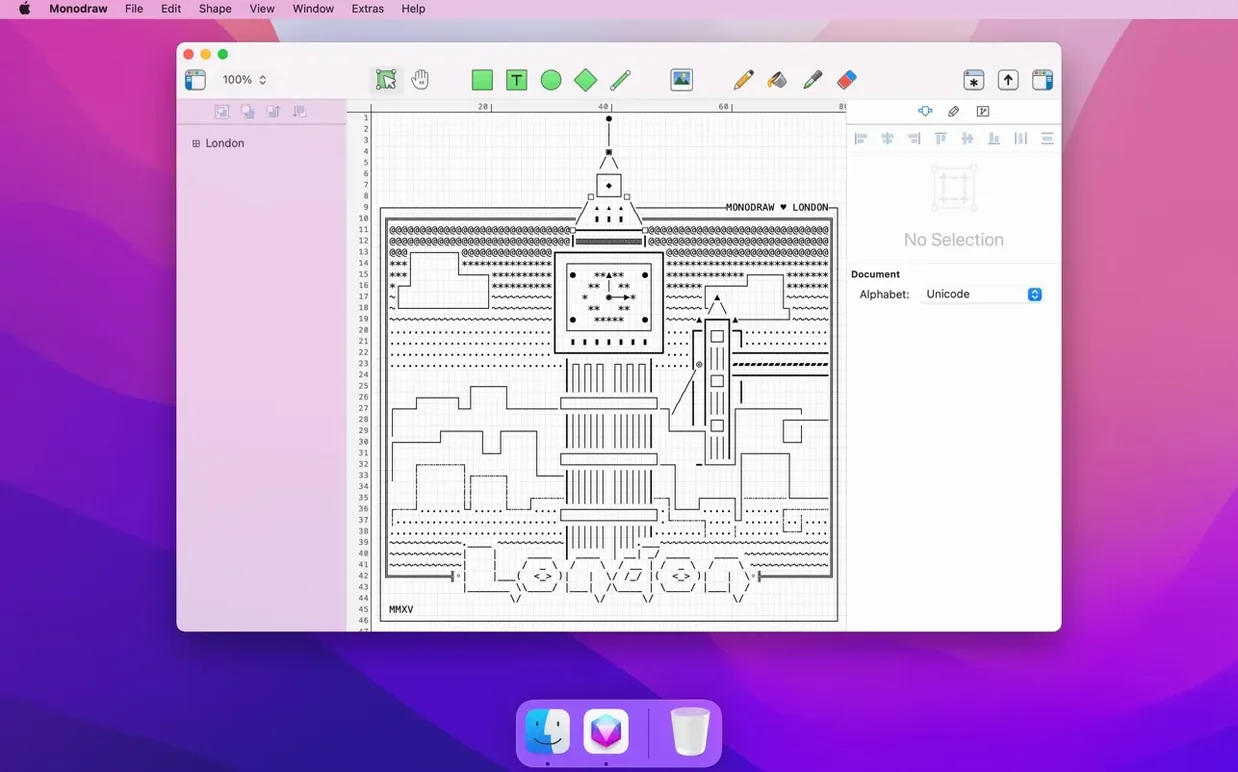
Monodraw runs on any Mac from macOS 10.14 Mojave onward and works natively on both Intel and Apple Silicon machines, so it fits without extra setup whether you’re on an M-series or an older Intel Mac.
| Detail | Spec |
|---|---|
| Version | 1.7.1 |
| Architecture | Intel & Apple Silicon |
| macOS required | 10.14 or later |
| Language | English |
It sits comfortably alongside the other tools a Mac user already has — you can create text-based diagrams, flowcharts, and layouts without leaving your terminal or text editor workflow. Shapes can be grouped, guides keep alignment steady, and focus controls let you work on specific parts of a diagram. The tool also handles data structures, binary formats, and algorithms visually. Version 1.7 added a plain-text file format that plays well with source control, so changes to diagrams show up clearly in diffs. The current update lets you override the app’s appearance with dark or light mode and fixes text color when exporting PNGs in dark mode.
No native macOS integration in ASCIIFlow or Ditaa
Monodraw sits in a small category. The closest alternatives on macOS are ASCIIFlow and Ditaa, but each approaches the problem differently.
ASCIIFlow runs in a browser, which means no native macOS integration, no menu bar, and no keyboard shortcuts that feel like a desktop app. It works for quick sketches, but you can't save native files or export consistently from the command line. Monodraw gives you a proper macOS window, a plain-text format that Git handles cleanly, and a CLI tool added in version 1.3 for batch workflows.
Ditaa is a Java-based converter that turns ASCII diagrams into bitmap images, but it's not an editor. You write the diagram in a text file, run a command, and get a PNG. There is no interactive canvas, no guides, no shape grouping, and no way to adjust lines and boxes visually. Monodraw fills that gap: you draw and edit on screen, then export to PNG or SVG when you need a raster or vector copy.
For anyone who documents APIs, file formats, or algorithms in Markdown or reStructuredText, Monodraw is the more complete tool. The other two are either web-only or batch-only.
Scenario: a backend developer documenting a binary packet format
Joana works on a network protocol team at a logistics company near Lisbon. She needed to document a custom binary packet header for a new integration partner. The spec had to live in a Markdown file inside the company's Git repository, and she needed the diagram to update cleanly in pull request diffs.
She opened Monodraw, set guides for the 32-bit word boundaries, and drew a row of boxes representing fields. Each box got a label: length, flags, sequence number, payload checksum. She grouped the flag bits into a sub-box and added a line pointing to an expanded view below. The plain-text format from version 1.7 let her commit the diagram file alongside the Markdown. When the team reviewed the PR, they could see exactly which bytes moved where — no opening an image viewer, no binary files to diff.
Start from a blank canvas for a sorting algorithm flowchart
You start a session by mounting the downloaded disk image, dragging Monodraw into the Applications folder, and opening it from Launchpad. The canvas is blank, ready for a new diagram.
Suppose you're sketching a simple flowchart for a sorting algorithm. First, you draw a rectangle with the rectangle tool and type Start inside it using the text tool. You add another rectangle below it for the comparison step. The line tool connects them with a vertical line. You realize the spacing is off — so you drag the guides from the ruler area to align the boxes horizontally. The focus controls zoom into the section you are editing, so you can place connectors precisely without scrolling around the full canvas.
Once the diagram logic is correct, you group the shapes that represent the main loop. This keeps them together if you need to move the whole block later. You export a PNG for a slide deck and an SVG for the project documentation site. Then you save the native file in the plain-text format — a diff-friendly option that makes the project lead happy when she checks the commit later.
The whole flow takes a few minutes. No switching between a drawing tool and a text editor. No raster images that break in diffs. Just the canvas, the tools, and a file format that fits into the rest of the Mac workflow.
- Ability to override app appearance with dark or light mode.
- Fix for text color when exporting PNGs in dark mode.
| macOS | macOS 10.14 or later |
|---|---|
| Processor | Apple Silicon, Intel 64-bit |
| Download | 7 MB |
- macOS 10.14 or later
- Intel or Apple Silicon processor
How to install, in order
- Mount the downloaded disk image.
- Drag the app into the Applications folder.
- Open the app from Launchpad after copying finishes.
Comments and corrections 0
Sign in or open a free account to leave a comment.
No comments or corrections yet.