ArchiCAD 29.2.1 — download for Mac
CAD & 3D Updated
Shares one BIM model across architecture, structure, and MEP teams.
Screenshots
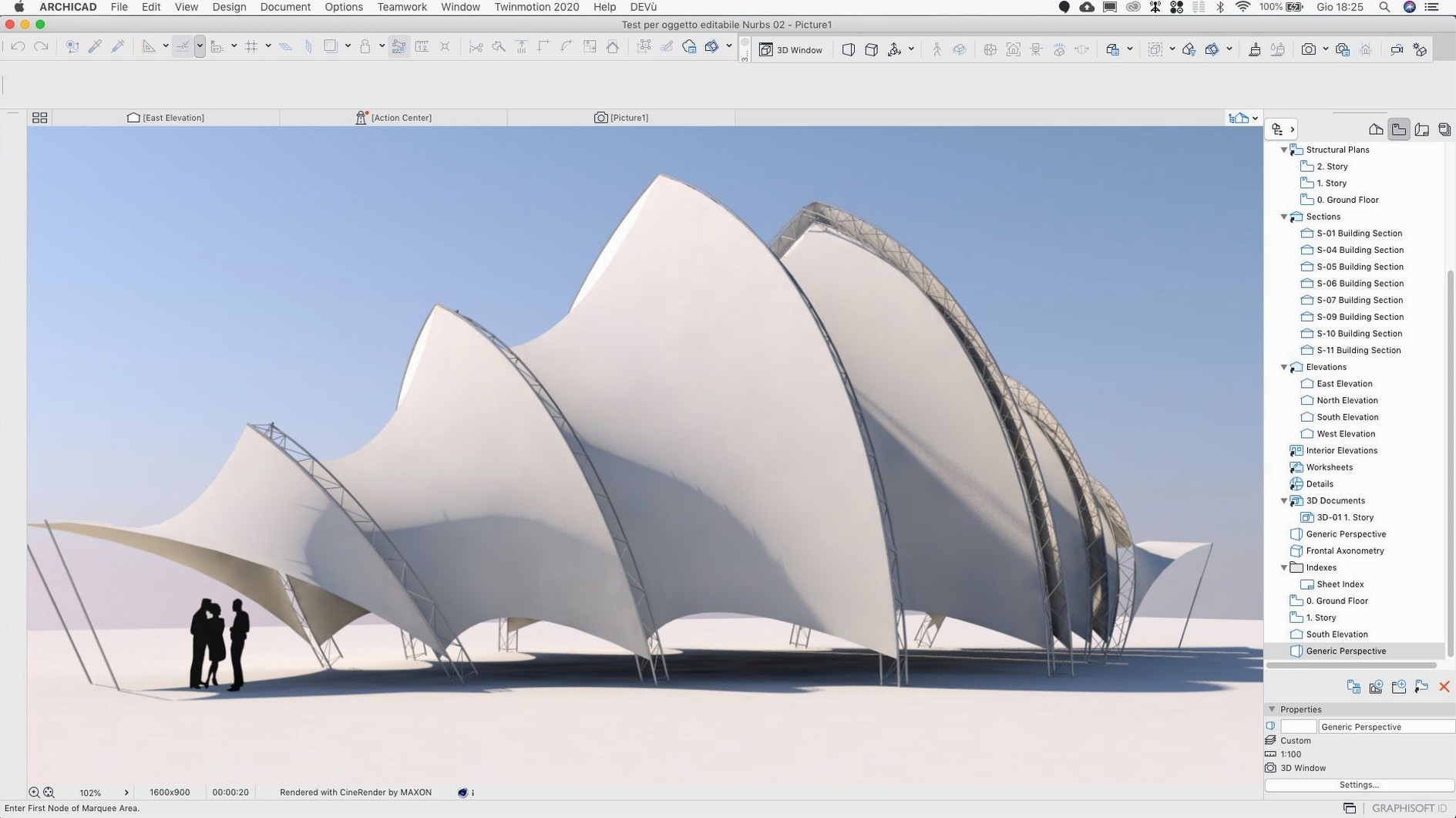
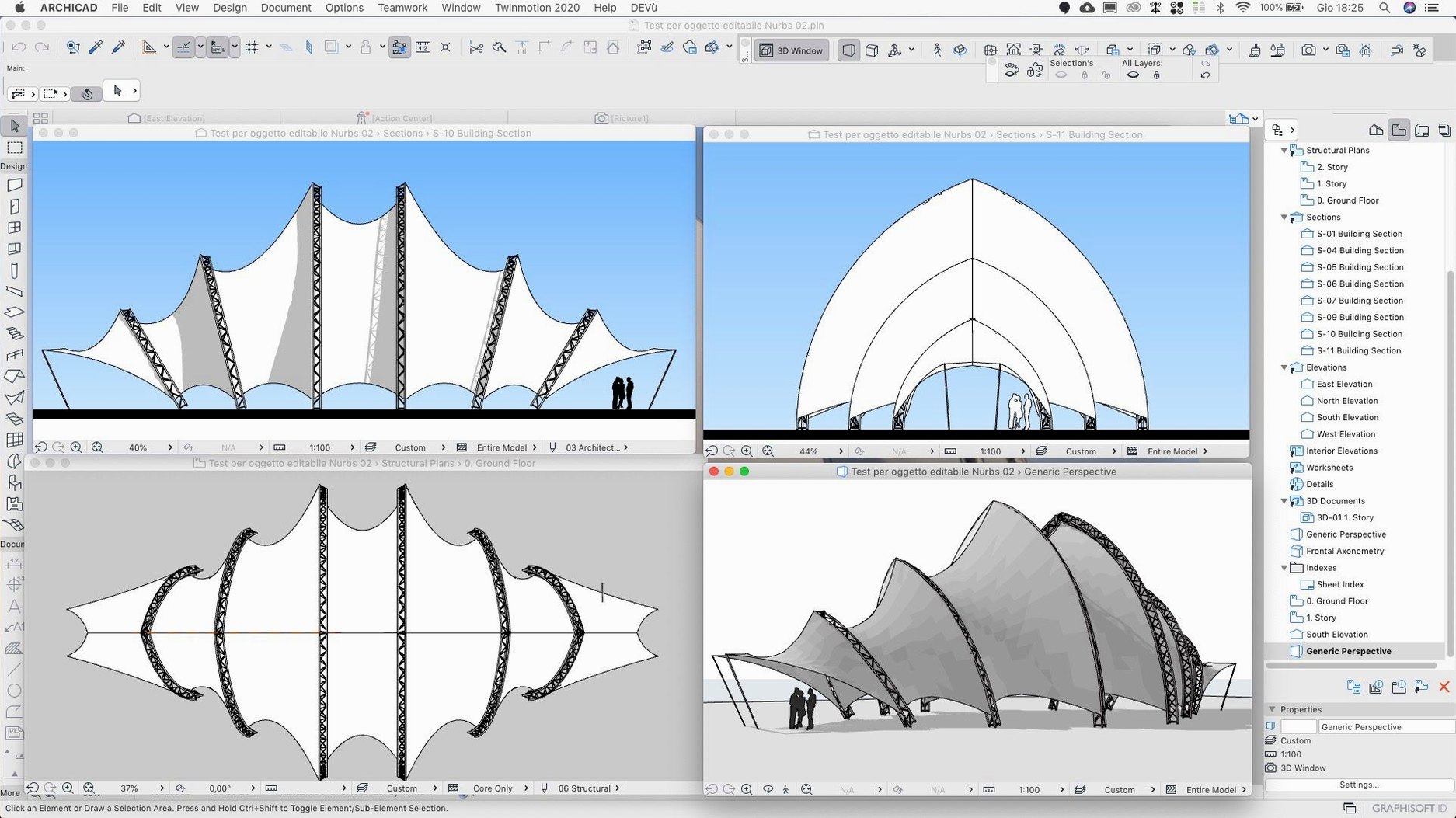
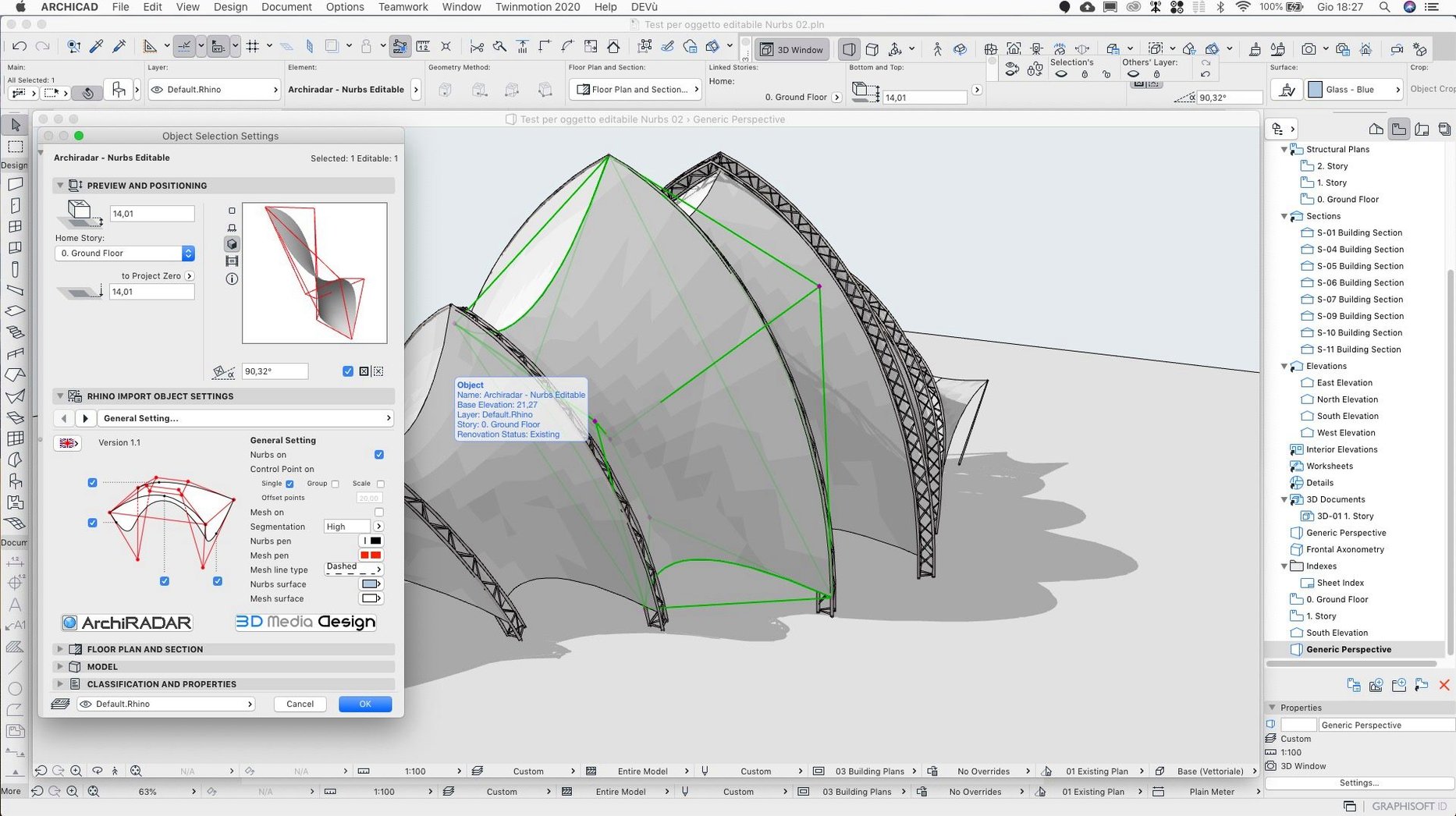
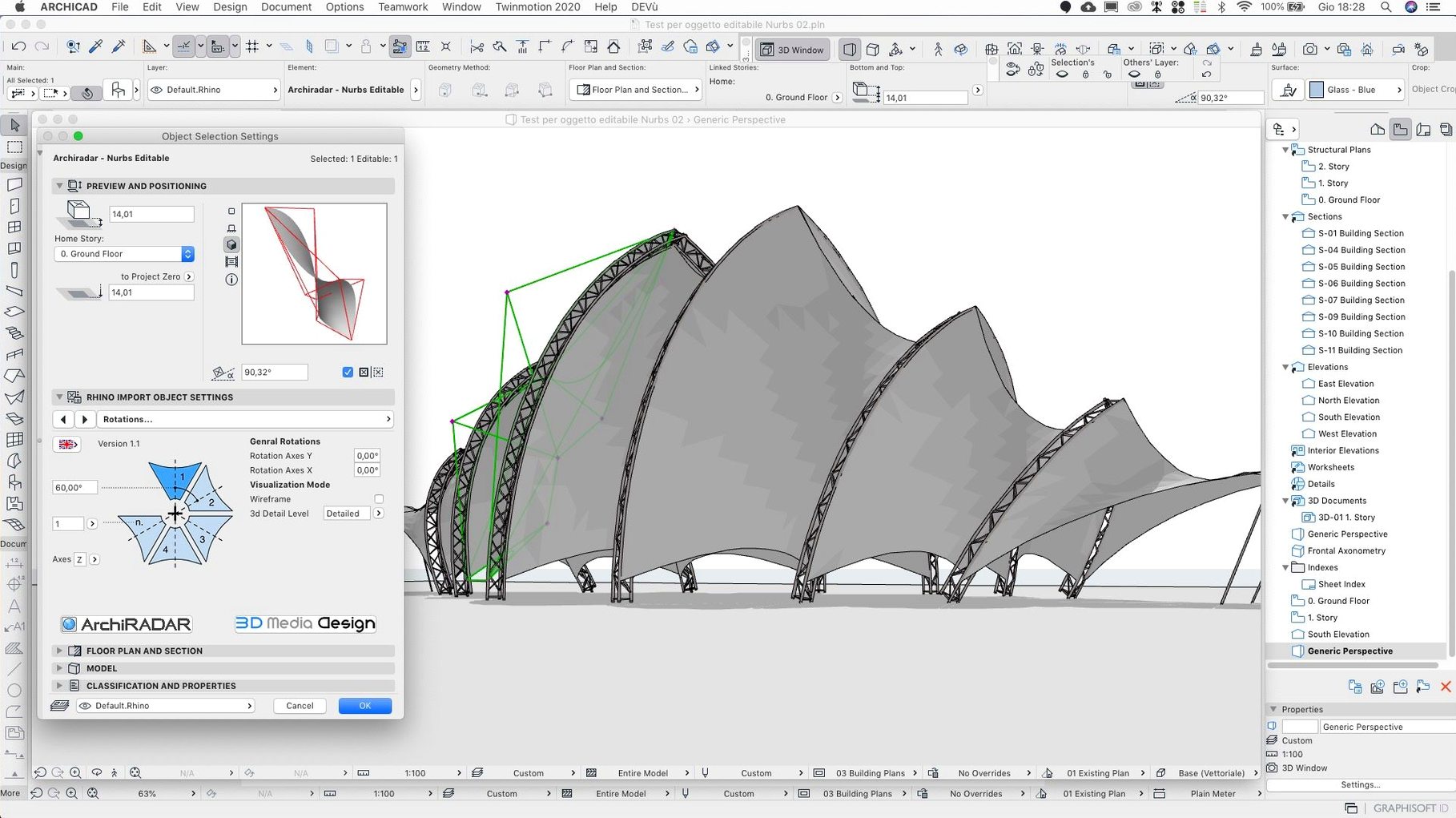
One BIM model, shared between the architect, the structural engineer, and the MEP consultant. ArchiCAD 29.2.1 keeps that model stable with targeted fixes for Teamwork sync on BIMcloud SaaS and Zone Stamp calculations that drifted off after geometry edits.
How does it connect to other tools a Mac office already uses?
It exchanges geometry and data through IFC, DWG, and RVT links. The built-in web portal lets you pull manufacturer BIM components straight into the project, so you are not rebuilding a window or a pump from scratch.
Can a team work on the model at the same time?
Teamwork mode handles concurrent edits across a local network or BIMcloud. The 29.2.1 update specifically resolves the inconsistent send-and-receive delays some teams hit on BIMcloud SaaS.
What gets fixed in this release?
The Rotate command now reads numerical input correctly. A crash triggered by scrolling through the Attributes palette is resolved, and zone wall surface area values update properly in stamps and schedules after a zone changes shape.
Update Needs the Base Version First
Can I install the update straight away, or do I need the full version first? You need the main ArchiCAD 29 installed before applying the 29.2.1 update. The update package on its own will not work without the base version. If you already have ArchiCAD 29 running, the update is straightforward. If you are starting fresh, install the main version, then apply the update.
Does it work on Apple Silicon and Intel Macs? Yes. ArchiCAD 29.2.1 supports both ARM and x86 64-bit architectures, so it runs on M-series Macs and older Intel models alike, as long as you are on macOS 14 or later.
What about language options? The software ships in English and Russian. If you need a different language, you can open Graphisoft Downloads, select the version, architecture, and language you want, then download the package after signing in. Registration is not required for updates.
Will my old ArchiCAD 28 files open in version 29? The format moves forward with each major release. Files from ArchiCAD 28 open in version 29, but once saved in 29 they will not open in 28. Keep a separate copy of your 28 project file if you need to go back.
Single-Model Workflow for Solo Architects
Architects running their own practice on a Mac benefit from the single-model approach. You sketch, document, and coordinate in one environment without exporting to separate drafting tools. The Virtual Building technology means your sections, elevations, and schedules update as the model changes, not when you remember to regenerate them.
BIM coordinators working across disciplines get the most from the Teamwork and BIMcloud improvements in 29.2.1. If your day involves sending and receiving model changes between consultants, the fix for inconsistent BIMcloud SaaS sync times removes a recurring friction point.
Design teams that rely on third-party BIM components save hours each week. The integrated object dialog lets you search, preview, download, and place manufacturer content without leaving the app. You are not hunting through browser tabs for a door schedule or a window profile.
Mac users who migrated projects from ArchiCAD 28 or earlier will appreciate the fix for shifted dimensions with incorrect values. If you have ever opened a migrated drawing only to find your dimensions landing in the wrong spot, that specific issue is addressed here.
Rotate Accepts Typed Angles Again
- The Rotate command now accepts typed values correctly. If you prefer entering angles from the keyboard instead of dragging, that works as expected again.
- Zone stamp and schedule values update after geometry changes. Move a wall and the wall surface area in your zone stamp reflects the new measurement without manual recalculation.
- Scrolling through the Attributes palette no longer triggers a crash. It sounds minor until you need to scroll through a long list of property sets during model setup.
- The Share dialog now selects the correct host server for the current folder. If you work across multiple BIMcloud servers, you are not accidentally publishing to the wrong one.
Verify Zone Calculations After the Update
- After applying the 29.2.1 update, open a project you use daily and check your zone stamps and schedules against known values. The zone wall surface area fix changes how those numbers calculate after zone edits, so confirm they match your expected results.
- If your team uses BIMcloud SaaS, run a Send and Receive cycle early. The inconsistency fix is the headline improvement for Teamwork users, and verifying it works with your actual project size saves a phone call later.
- Review any projects migrated from an older version. The fix for shifted dimensions applies to migrated files, so open a few sheets and spot-check dimension placement before you start new work.
- Try the Rotate command with keyboard input. If you had been avoiding it because it misread values, that workflow is reliable again and can be faster than dragging.
For anyone searching, the archicad 28 download torrent or archicad 28 mac torrent might reference an earlier release, but version 29.2.1 is the current build with the most recent fixes. ArchiCAD 29.2.1 is a free update for existing users of the BIM software for architects and designers.
- A remaining input error in the Rotate command is fixed.
- Teamwork Send and Receive on BIMcloud SaaS completes in a consistent time.
- Scrolling through Attributes no longer causes a crash.
| macOS | macOS 14 or later |
|---|---|
| Processor | Apple Silicon, Intel 64-bit |
| Download | 5.1 GB |
- macOS 14 or later
- Apple Silicon or Intel Mac
Questions about ArchiCAD
Can I work on a project alone first and add a team later?
Yes. You can start a project solo and enable Teamwork later, or share it via BIMcloud when the project grows and you need to bring in structural or mechanical collaborators.
Does it support custom BIM objects?
ArchiCAD works with third-party BIM components. A developer API site is available if your office needs custom parametric objects or add-ons.
How to install, in order
- Install the main version of the package.
- Apply the update included with the package. The update requires the main version to be present.
- To add interface languages beyond Russian and English, open Graphisoft Downloads, pick the product version and architecture, sign in or register, and download the language package.
Comments and corrections 0
Sign in or open a free account to leave a comment.
No comments or corrections yet.