Marvelous Designer 2024.2.139 — download for Mac
CAD & 3D Updated
Sketches directly onto 3D garment surfaces for digital clothing design.
Screenshots
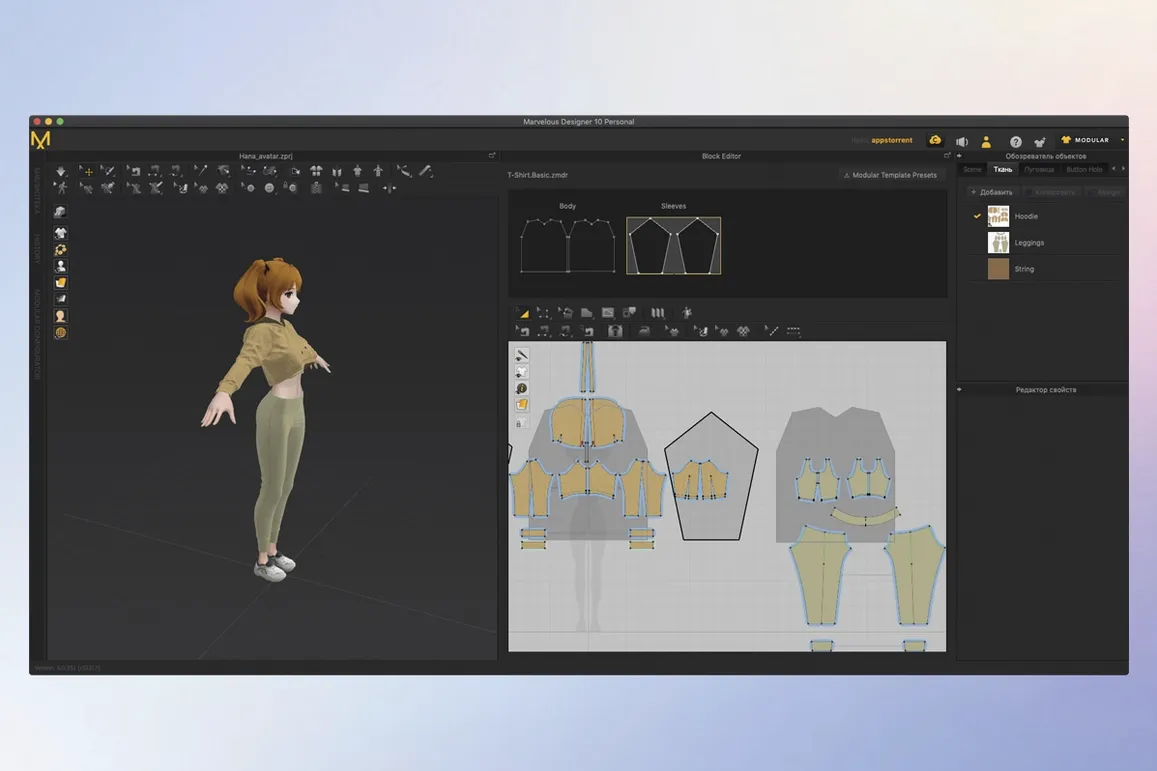
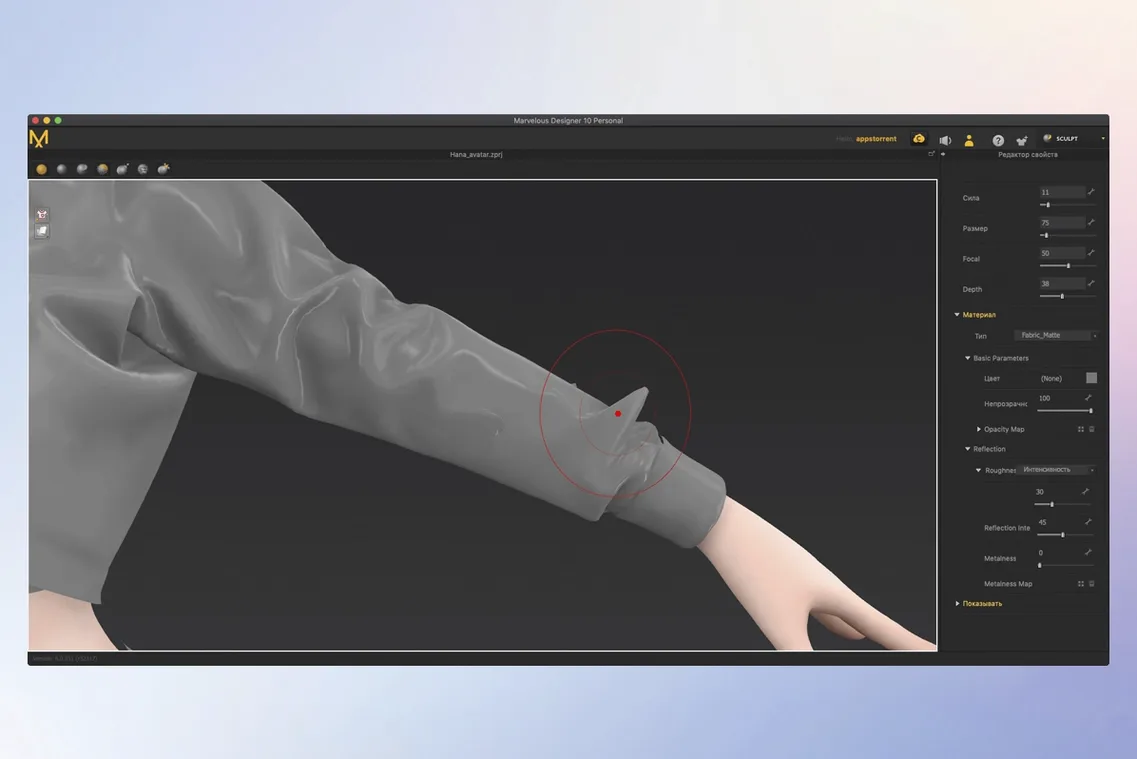
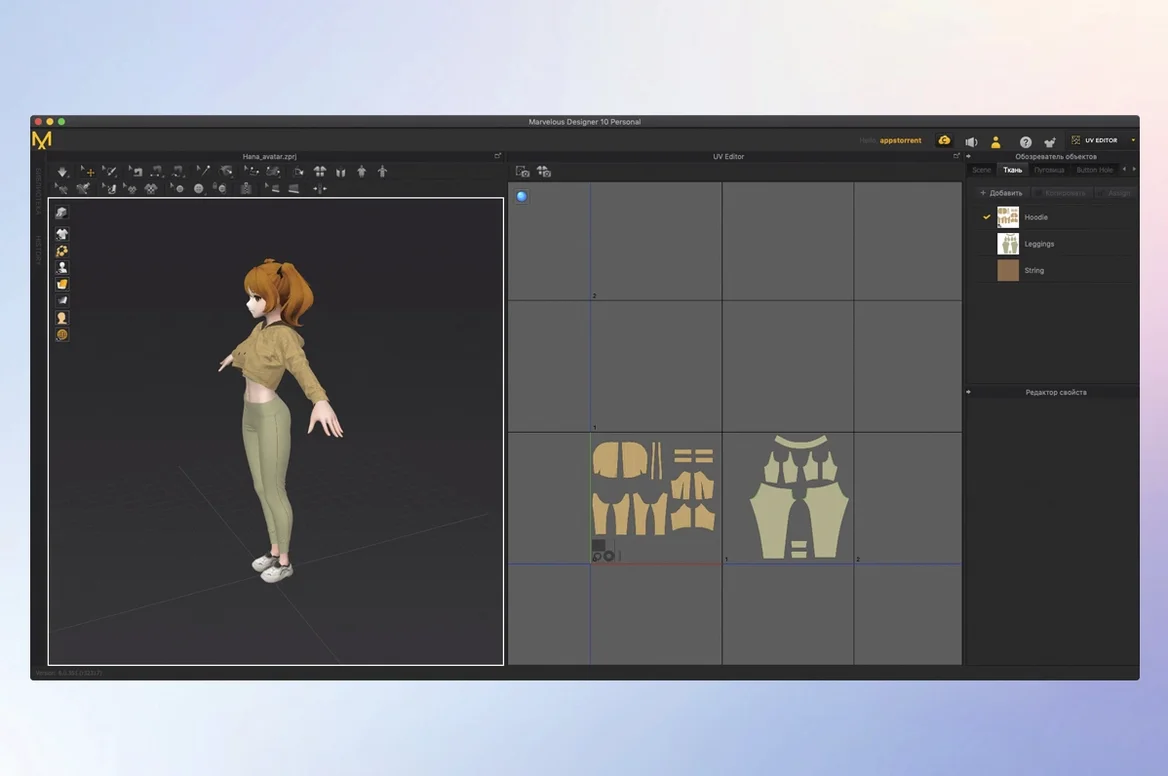
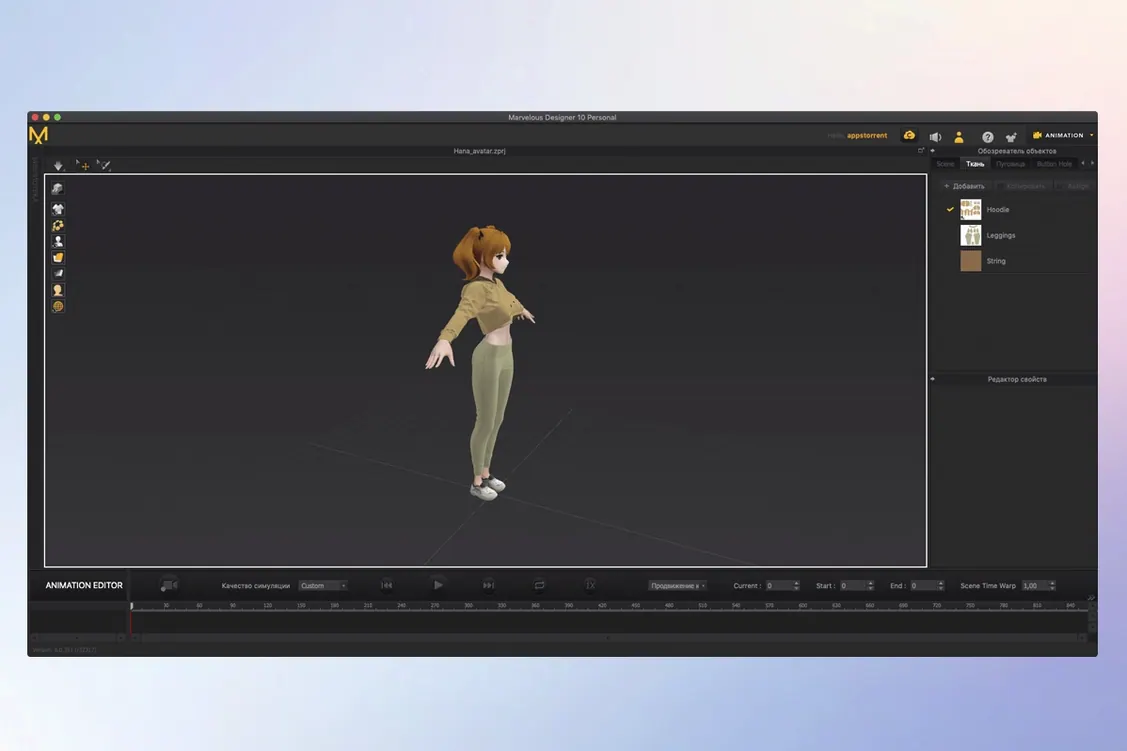
3D Pencil arrived in version 2026.0, which means you can now sketch directly onto a garment surface the same way you would mark fabric with tailor’s chalk. That tool sits inside an app that has always been about one thing: making digital clothes that move and fold like real cloth.
Marvelous Designer — 3D clothing design and simulation software from CLO Virtual Fashion Inc. You create polygonal pattern shapes, drape them onto 3D forms, and see every seam and pleat update in real time on the model.
USD and Alembic — the format reference lists both as import/export options, so garments can move between this app and other 3D pipelines without conversion headaches.
Toon Shader (2026.0) — a non-photorealistic render option that lets you preview or present designs with a stylized look, useful when you want to check silhouette without material distraction.
Template-based rigging in EveryWear — added in the same update, this speeds up the process of fitting garments onto animated avatars by reusing rigging setups.
For a Mac user who already runs Blender, Cinema 4D, or Maya, Marvelous Designer fits the slot where cloth simulation is supposed to live — dedicated, precise, and fast enough to keep up with a project’s revision loop.
Not Just for Fashion Designers
Is this only for fashion designers? Not really. Game artists use it to build character wardrobes. VFX artists rely on it for period costumes that need to drape naturally. The pattern tools work the same whether you are making a spacesuit or a ball gown. If your work involves fabric on a 3D model, this app is for you.
Do I need to know real sewing? No. The app does not assume you can operate a sewing machine. You work with digital seams, sewing direction, and polygonal pattern shapes. If you understand how panels fit together visually — even just from assembling armor pieces in another 3D app — you will find your footing fast. That said, the online learning materials cover the basics of garment construction, so beginners are not left guessing.
Will it slow down my Mac? Marvelous Designer is a simulation tool. Real-time fabric physics and 3D rendering do use the GPU, but the app is designed to run on macOS 12 and later on both Intel and Apple Silicon. A typical project with one character and a few garments is well within what the hardware handles. Heavy scenes with multiple animated avatars in full rigging may feel more deliberate, but that is true of any 3D package.
Can I open files from other software? Yes, via USD and Alembic. That covers round-tripping with Maya, 3ds Max, Softimage, Modo, and ZBrush. You can also bring in avatar models from those apps and dress them directly in Marvelous Designer. No format conversion tools needed.
Sewing Direction Is Not Optional
Skipping the sewing direction step. The sewing tool controls both direction and range. New users often connect seam lines and assume the fabric will behave. It will not — not correctly. If the sewing direction does not match the actual construction order, the garment folds the wrong way. You get bunched fabric where you wanted a clean edge. Fixing this early saves ten minutes of puzzling over a collar that refuses to lie flat.
Overcomplicating the first pattern. People jump into complex shirt designs with multiple panels and darts before they understand how polygonal pattern shapes map onto a 3D avatar. A better start is a single-panel wrap or a flat skirt. That teaches you how the drape engine reads shape, seam, and fabric property together. Once that clicks, layered garments become obvious.
Ignoring the point placement tool. Beginners tend to reshape patterns by moving vertices freehand. That works, but it is imprecise. The point placement tool lets you set anchor points on the avatar and snap pattern edges to them. The result is clothing that actually follows the model’s proportions instead of floating or pinching at the wrong spot.
Forgetting to save reusable wardrobe items. You model a jacket, then a week later you need that same jacket on a different character. Redoing it from scratch is the mistake. Save the garment as a reusable item in the wardrobe system. Next project, you drag it onto the new avatar and adjust the fit instead of rebuilding the pattern.
Character Coat from Maya Import to Finished Garment
Monday morning. You have a brief: a character needs a military-style coat with structured shoulders and a fitted waist. You open Marvelous Designer, import the avatar from Maya via USD, and start a new garment file.
First, you sketch the coat silhouette with the 3D Pencil tool — a few strokes along the avatar’s torso to mark where the shoulder seam sits, where the waist tapers, and where the hem falls. The lines appear directly on the 3D model, like drawing on a dress form with chalk.
Next, you create the pattern shapes as polygonal panels. You draw the front, back, and sleeves separately, using the point placement tool to snap each panel edge to the pencil marks. The app updates the 3D preview in real time, so you see the shape take form as you work. The left sleeve is too wide at the shoulder. You adjust two vertices, and the fabric re-drapes immediately.
You set the seams. The sewing tool lets you choose direction — from shoulder to hem, not the reverse — and a range that covers the full seam length. This step takes thirty seconds but determines whether the coat hangs straight or twists.
Now fabric properties. You assign a heavy wool texture to the body and a lighter lining to the inside panels. Buttons and folds respond to the same physics, so the coat looks functional, not decorative.
You toggle the Toon Shader to check the silhouette without being distracted by texture. The coat reads as clean shapes — epaulets visible, waist suppression working, hemline even. You switch back to realistic render to verify the fabric reacts correctly when the avatar moves.
Finally, you rig the coat in EveryWear using a saved template from a previous character. That maps the garment to the avatar’s animation skeleton in seconds. You play the walk cycle. The coat swings, the folds shift naturally, and nothing clips through the model. You save the finished garment into the wardrobe. Next time you need a military coat, it is one drag-and-drop away.
Session time: about ninety minutes from sketch to animated garment. No pattern paper, no test fabric, no waiting for the sewing machine.
No release notes filed for v2024.2.139. They are added here when a build changes how the program behaves.
| macOS | macOS 12 or later |
|---|---|
| Processor | Apple Silicon, Intel 64-bit |
| Download | 1.7 GB |
- macOS 12 or later
- Intel or Apple Silicon
Questions about Marvelous Designer
Can Marvelous Designer export to other 3D apps on Mac?
Yes, it supports USD and Alembic import and export, so you can move garments into Blender, Maya, or other 3D software without extra conversion.
Does it work on Apple Silicon Macs?
Yes, Marvelous Designer runs on both Intel and Apple Silicon Macs. It requires macOS 12 or later.
What is the 3D Pencil tool for?
3D Pencil, added in version 2026.0, lets you draw directly onto a 3D garment surface to mark darts, pleats, or design lines, similar to marking fabric in physical tailoring.
How to install, in order
- Download the package and unzip it.
- Drag the app to your Applications folder.
- Follow the activation instructions included in the package.
Comments and corrections 0
Sign in or open a free account to leave a comment.
No comments or corrections yet.