AutoCAD 2027 — download for Mac
CAD & 3D Updated
Drafts 2D and 3D drawings with AI-assisted block detection and geometry cleanup.
Screenshots
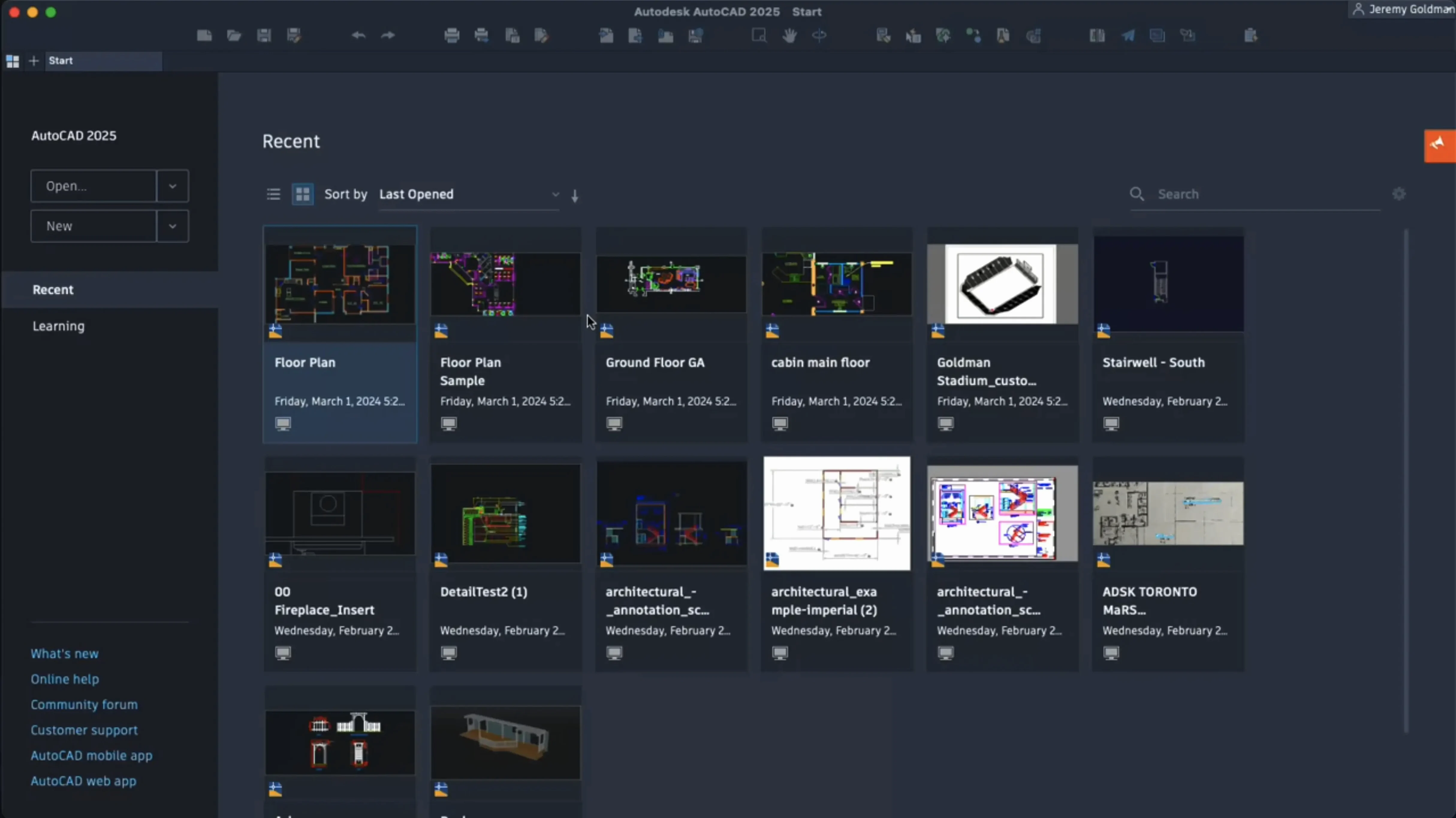
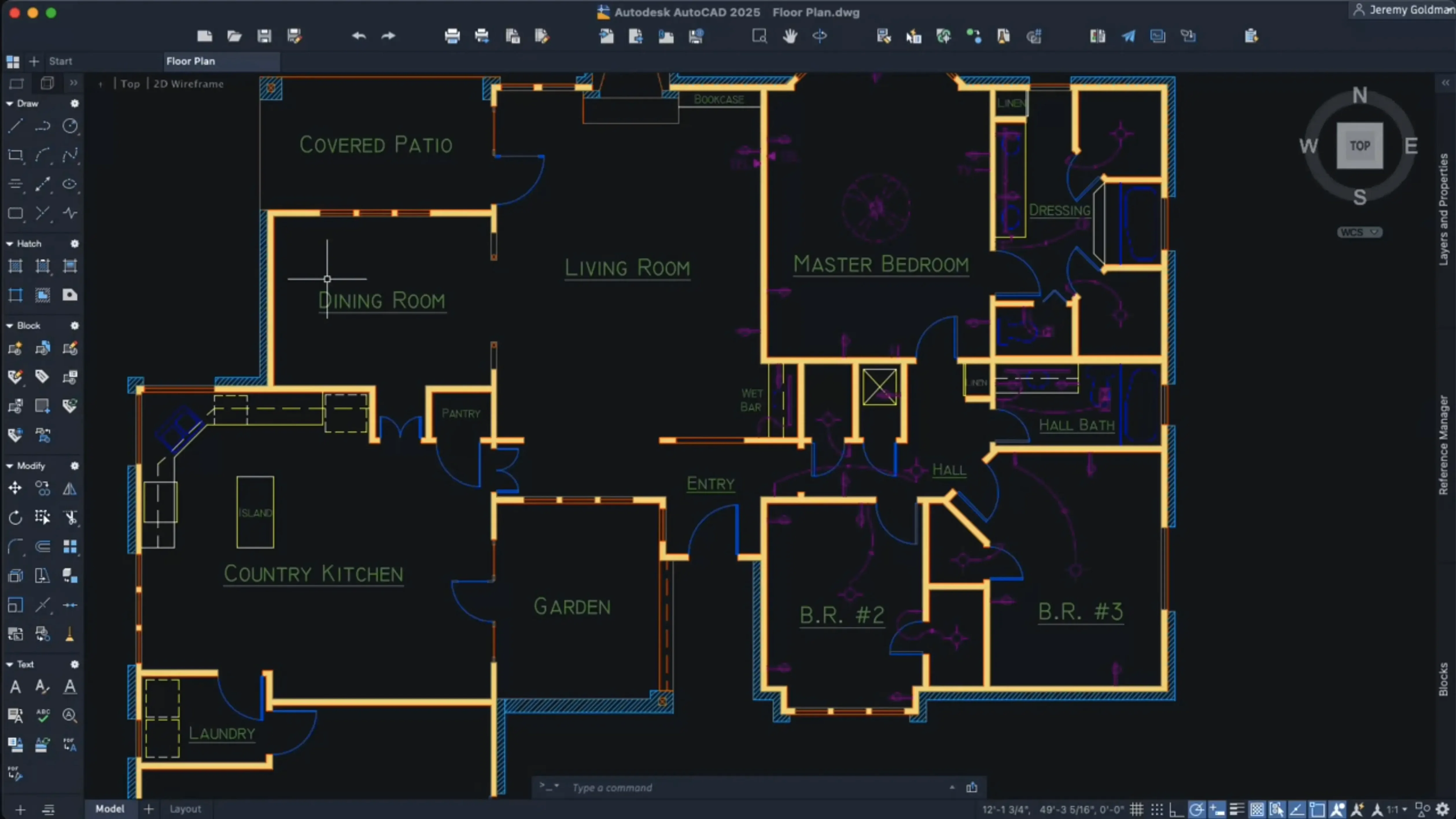
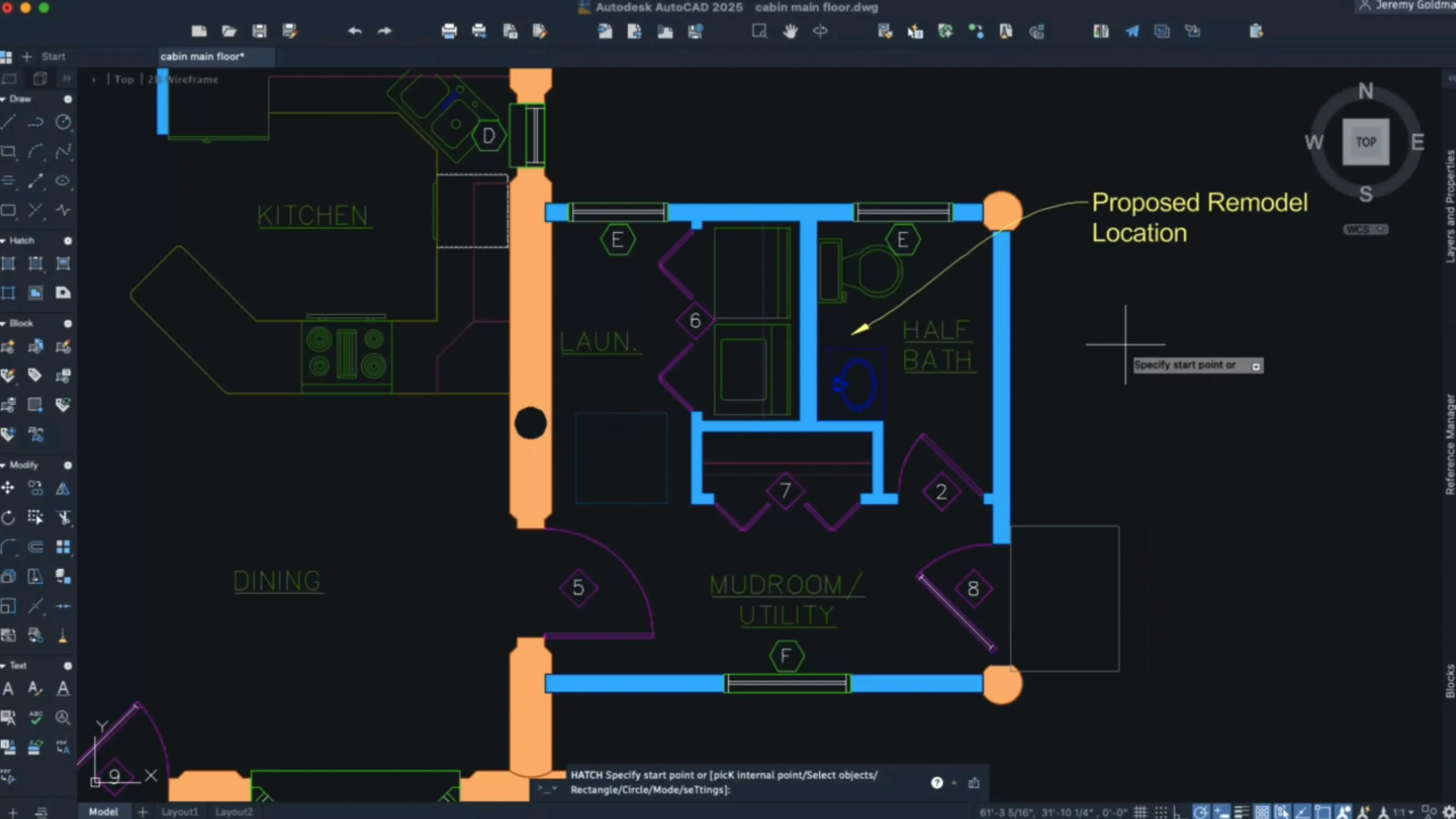
AutoCAD 2027 for Mac drops OpenGL entirely, moving to Metal as the sole graphics engine. That shift tightens display performance on recent Macs. Two new capabilities join the toolkit: an Autodesk AI routine that scans drawings for objects ready to become blocks, and a Geometry Cleanup command that fixes common errors in imported or rough linework.
Features sorted by the task
- Block conversion from selection or AI scan. Select geometry and turn it into a block with scaling and rotation options. The new AI scan combs a drawing and flags repeatable geometry clusters — a time cut on large architectural or mechanical sheets.
- Geometry Cleanup. Run it when linework refuses to trim, hatch boundaries leak, or imported DWGs throw zero-length objects. One pass repairs duplicates, small gaps, and overshoots.
- Dynamic grip menus with shortcut keys. Edit geometry directly on the canvas; localized versions surface shortcut hints in the grip menus, keeping edits on the keyboard.
- Palette migration and Help. Workspace palettes move with you by default. Help documentation works online and offline, so a job site with poor Wi‑Fi is not a dead end.
File fidelity across platforms
Every file stays in the native DWG format, identical to the Windows release. The Mac version runs natively on Apple silicon and 64‑bit Intel, so there is no Rosetta lag for current hardware. For offices that mix macOS and Windows seats, the round‑trip is clean.
Runs on Apple Silicon and Intel Macs
Before installing AutoCAD 2027, check that your system meets the requirements. The software runs on macOS 12 or later and supports both Apple Silicon (ARM) and 64-bit Intel processors. That means it works on M-series MacBooks and iMacs as well as older Intel-based machines. The interface language is English only in this release.
The switch from OpenGL to Metal as the graphics engine is the most notable change under the hood. Metal is Apple’s low-level graphics API, and it is the only option now — OpenGL is no longer supported. If you work with large site plans or dense 3D models, the large coordinate scene optimization in this version reduces CPU or GPU load on complex drawings. You will also notice improved 3D navigation performance and faster layout tab switching when moving between sheets.
The installation package includes instructions for activation. One step you must complete before installing: disable SIP (Secure Enclave) on your Mac. The package is clear about this requirement. Once installed, the software runs natively on both architectures, so there is no emulation layer or performance penalty on Apple Silicon machines.
DWG file compatibility with Windows
A few things come up regularly when someone is about to put AutoCAD 2027 on their Mac.
Does it open files from the Windows version? Yes. AutoCAD for Mac uses the same DWG file format as the Windows release. Files move back and forth without conversion steps or format mismatches. Your colleagues on Windows will see exactly what you see.
What happens to my customized workspace? Palettes migrate by default when you update to 2027. If you have custom tool palettes or saved workspace layouts from a previous version, they carry over during installation. No need to rebuild your setup from scratch.
Can I use Help without an internet connection? Yes. The documentation supports both online and offline access. If you are on a construction site or a client office with limited connectivity, you can still look up commands and workflows.
Is the AI block conversion automatic or manual? You run it as a scan. The Autodesk AI routine examines the drawing and highlights objects it can convert into blocks. You decide which ones to convert. Scaling and rotation are available at the point of conversion, so you can adjust the block definition as you create it.
What about the graphics engine change? The move to Metal means older Macs that relied on OpenGL may not run this version. If your machine is from 2017 or earlier and uses an Intel GPU that never supported Metal well, check compatibility before upgrading. For M-series Macs and recent Intel Macs, Metal is standard and performs reliably.
Customizable right-click shortcut menus
Not every improvement makes the headline feature list. These small changes add up during a work week.
- Customizable shortcut menus. You can tailor right-click menus to your workflow. Commands you use often can sit a click away instead of buried in a ribbon panel.
- Dynamic grip menus with localized shortcut keys. Grip menus show editing options directly on the selected geometry. If you work in a localized version of AutoCAD, the shortcut keys appear in the grip menu in your language, so keyboard edits stay consistent.
- Custom crosshair color for layouts. You can set a different crosshair color when working in a layout tab versus model space. A small visual cue, but useful when switching between drafting and sheet layout multiple times a day.
- Hatching along a contour without boundary geometry. The expanded hatching options let you create shaded shapes and hatches along a specific path even when no closed boundary exists. You save the step of drawing a temporary polyline just to fill an area.
Workflow: cleaning imported survey data and converting to blocks
Here is a realistic task sequence using AutoCAD 2027. You receive a survey DWG from a civil engineering firm. The file has overlapping lines, stray segments, and repeated geometry like manholes and utility poles that should be blocks.
- Open the file. The DWG opens directly. No conversion needed.
- Run Geometry Cleanup. The tool scans for zero-length objects, small gaps, duplicate lines, and overshoots. It fixes them in one pass. After cleanup, hatching and trimming behave predictably.
- Scan for block candidates. Run the Autodesk AI scan across the drawing. It identifies objects that appear multiple times — the manholes, the poles — and flags them for potential block conversion.
- Review and convert. Select a flagged object. The block creation tools let you set a base point, apply scaling if the instances differ in size, and adjust rotation. AutoCAD converts all instances at once, not one by one.
- Apply hatch fills to site areas. Use the new contour hatching to fill parking lots or green areas without drawing a closed polyline boundary first. Pick the path; the hatch follows it.
- Switch to layout tabs. Layout tab switching is faster in 2027, so moving between site plan, detail sheets, and sections is quick. Set a distinct crosshair color for layouts to stay oriented.
This sequence turns a messy import into a structured drawing in fewer steps than earlier versions required. The AI scan and Geometry Cleanup handle the heavy lifting that used to mean manual selection and redrawing.
- Autodesk AI scans drawings for objects that can be converted into blocks.
- Geometry Cleanup added to fix common drawing errors.
- OpenGL support removed; Metal is now the only graphics engine.
| macOS | macOS 12 or later |
|---|---|
| Processor | Apple Silicon, Intel 64-bit |
| Download | 2.3 GB |
- macOS 12 or later
- Apple Silicon or 64‑bit Intel processor
- English interface
Questions about AutoCAD
Does AutoCAD 2027 for Mac use the same files as the Windows version?
Yes. Both share the DWG file format, so files move between platforms without conversion.
Can AutoCAD for Mac run on Apple silicon?
It runs natively on Apple silicon and 64‑bit Intel processors, with Metal as the graphics engine.
What does the Geometry Cleanup tool do?
It scans a drawing and fixes common geometry errors such as duplicates, small gaps, and overshoots in one pass.
How to install, in order
- Disable SIP before starting the installation.
- Open the package and follow the activation instructions included inside.
Comments and corrections 0
Sign in or open a free account to leave a comment.
No comments or corrections yet.