
MAXON Cinema 2024.2.0 — download for Mac
CAD & 3D Updated
Accelerates 3D modeling and rendering with a focus on speed and clean workflow.
Screenshots
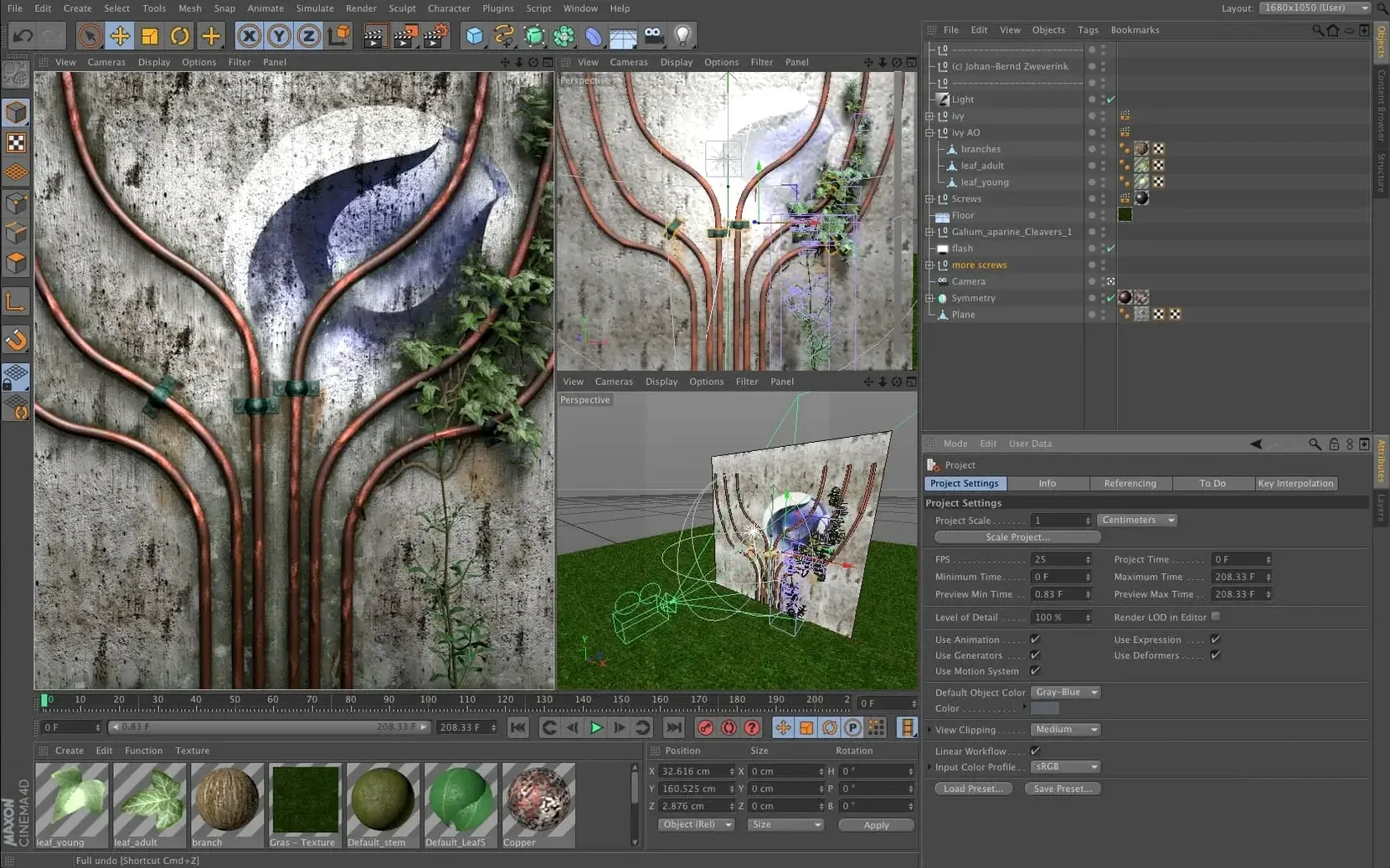
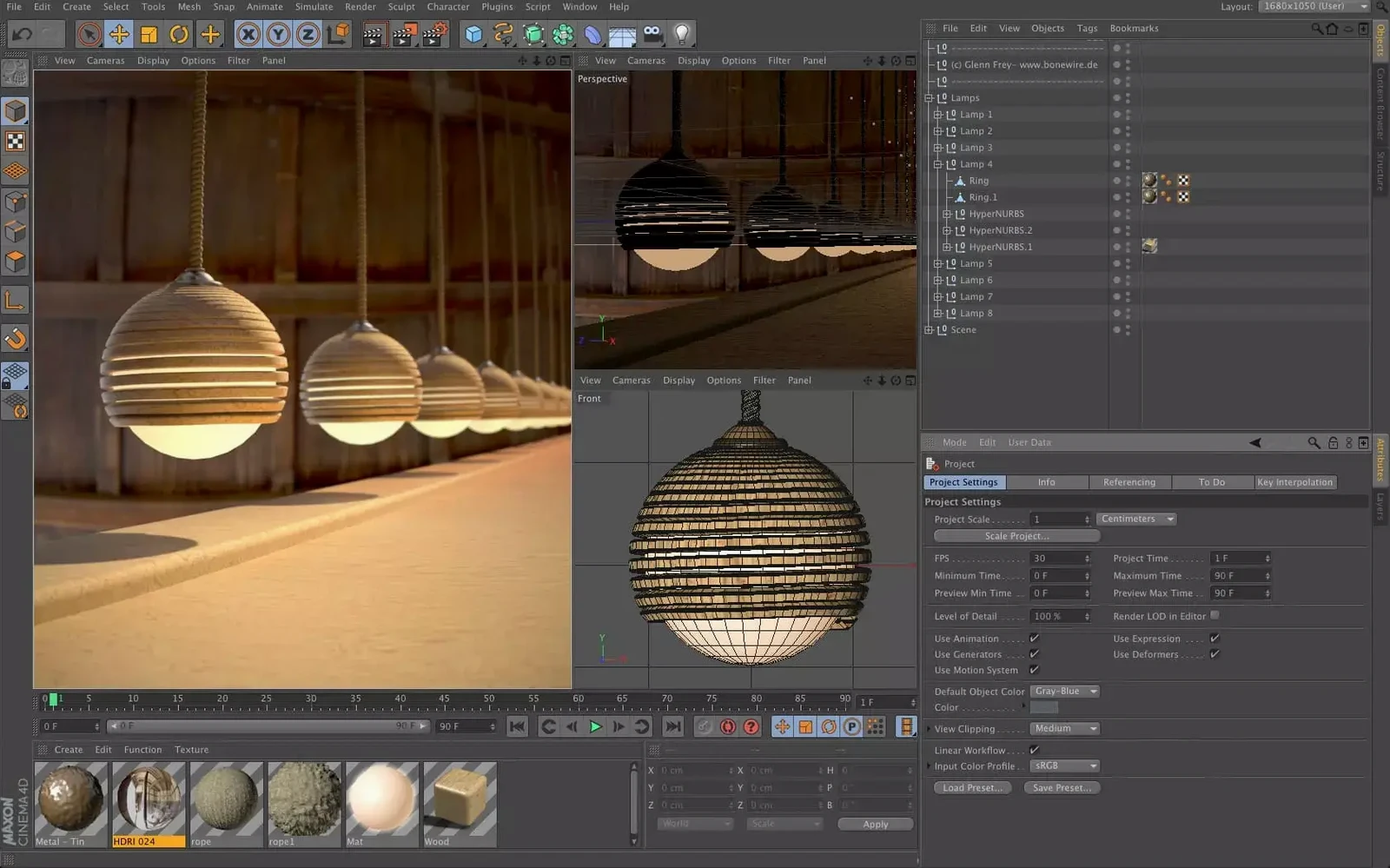
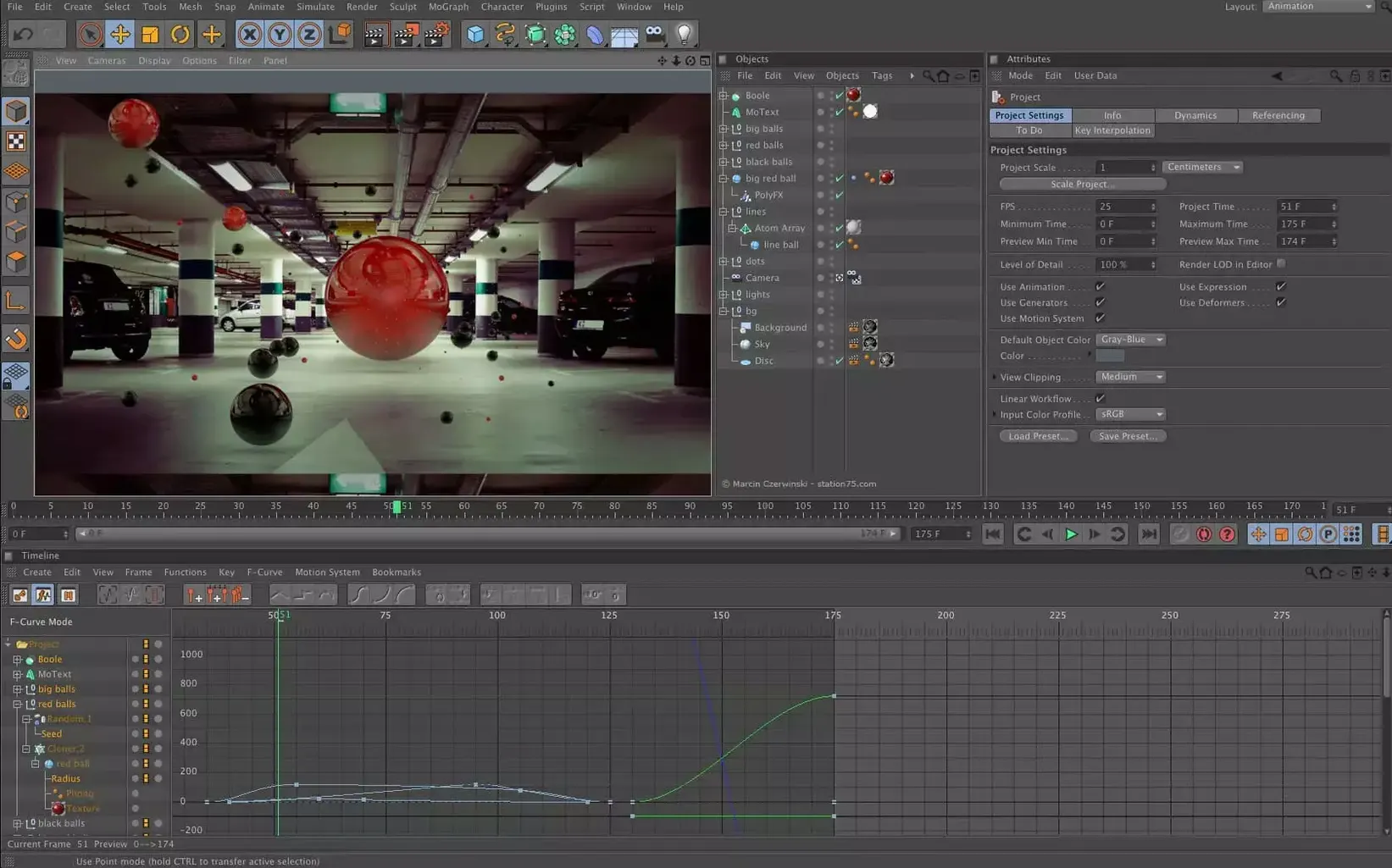
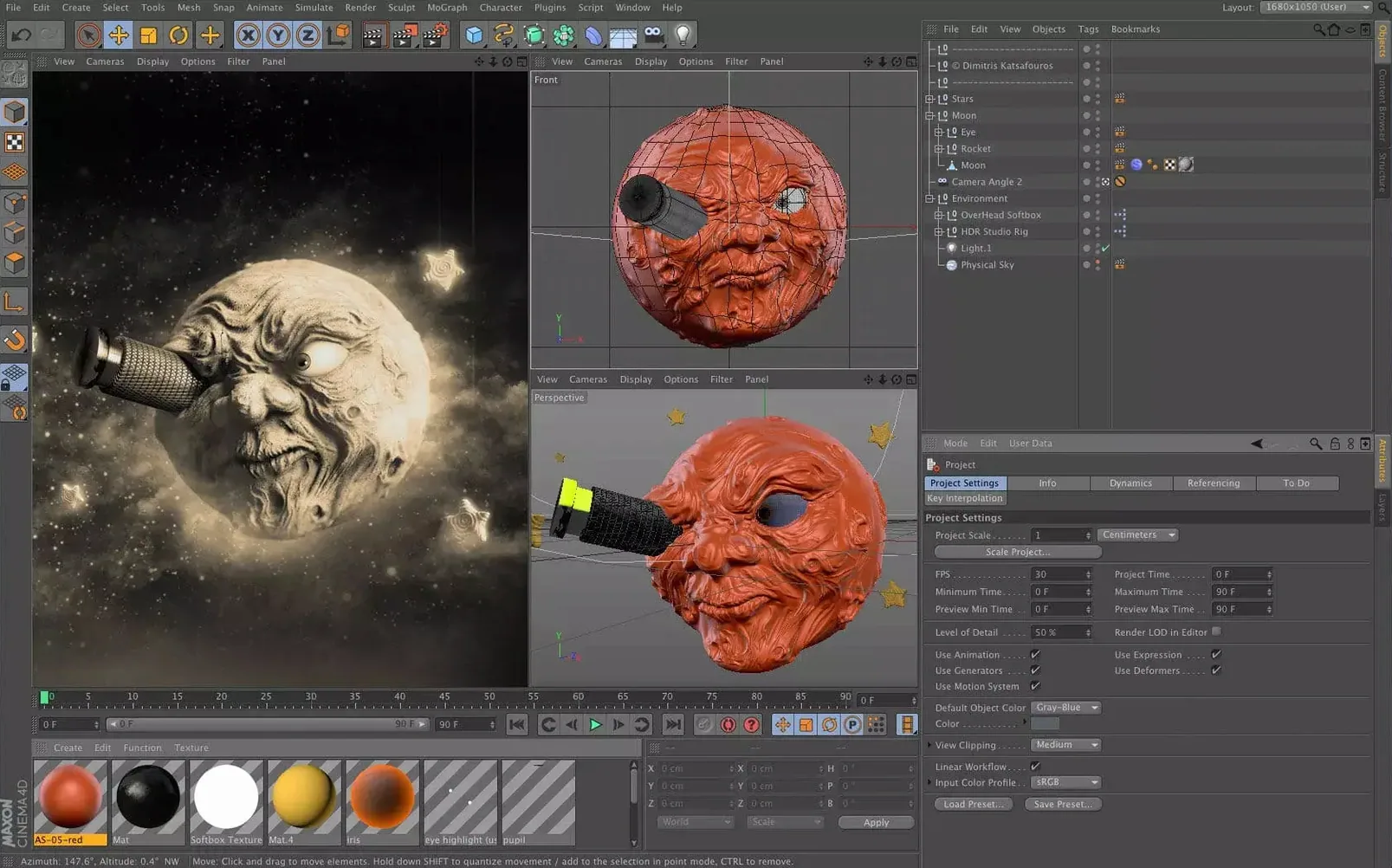
If you already work with 3D tools like Blender or Maya, Cinema 4D is the Maxon alternative that focuses on speed and a cleaner workflow. The 2024.2 release keeps the core modeling, animation, simulation, and rendering pipeline intact while running natively on both Apple Silicon and Intel Macs. It supports macOS 11 and later, with interface languages from English to Simplified Chinese. What changed this round is mostly under the hood — stability and Redshift rendering integration remain the main draws for production work.
- Native support for both ARM (Apple Silicon) and 64-bit Intel architectures on macOS.
- Full modeling, animation, simulation, and rendering toolset in one application.
- Redshift Render available separately for GPU-accelerated output.
- Interface available in 10 languages, including Korean, Polish, and Arabic.
- Part of Maxon’s professional product lineup.
For a motion designer, technical artist, or 3D generalist who needs reliable geometry and simulation on a Mac, Cinema 4D 2024.2 covers the essentials without unnecessary complexity.
Working Session: From Empty Scene to Rendered Animation
Tuesday morning. A client needs a 15-second product reveal for a packaging redesign. On a MacBook Air, Cinema 4D 2024.2 opens directly into the default project layout. The first step is bringing in the reference: an Illustrator file with the new label artwork, imported as a spline. Using scene nodes, the spline is extruded into a cylinder — a 60-second operation. The Capsules panel lets you keep the classic Object Manager open while working with scene-node features, so nothing feels unfamiliar if you migrated from an older version.
Next, a simple rotation animation. Select the cylinder, set keyframes at frame 0 and frame 360, and let Cinema interpolate the turn. The simulation engine checks for collisions or mesh overlap — unnecessary here, but it runs automatically in the background. For the background, a procedural floor plane with a soft gradient material. The preset-based workflow suggests a few material templates; picking one takes two clicks instead of building from scratch.
Lighting comes from three spotlights placed visually in the viewport. The new interface updates in this version keep the property panels tidy — no hunting through collapsed menus. After a quick local render preview to verify shadows, the final output runs through Redshift Render, which handles GPU acceleration on compatible hardware. Total scene time: about twenty minutes. That leaves the afternoon free for revisions.
Click Through Every Panel First
New to Cinema 4D? The first hours after installing are best spent on orientation, not production. Open the default template and click through every panel: Object Manager, Scene Manager, Material Editor. Understand where Capsules live — they bridge the gap between classic and scene-node workflows. If you plan to use scene nodes heavily, keep the Scene Manager docked on the right side of the interface.
- Run the built-in tutorial scenes that ship with the install package. They demonstrate spline operations, animation keyframing, and render presets.
- Drop a sphere onto a plane and watch it settle — this teaches you collision response and gravity settings before you need them on a deadline.
- Test a Redshift Render export on a simple scene early. Confirm your GPU is recognized and rendering settings match your output resolution.
- Back up your default preferences file after you adjust settings. Cinema 4D stores them in a known location, and a backup saves time if you switch machines.
Speed for Logo Extrusion & Broadcast Work
Motion graphics artists who work in advertising or broadcast will find Cinema 4D’s speed a direct fit. You can extrude logos, animate text wraps, and render quick turnarounds without waiting through long bake cycles. VFX teams on smaller productions benefit from the simulation tools for debris, cloth, or rigid-body dynamics — features that larger packages bury under layers of parameters.
Game developers using macOS for asset prototyping can model props and environment pieces, then export to standard formats. The spline-based import from vector files makes it a natural bridge between 2D design software and 3D pipelines. For AR, MR, and VR work, the geometry engine handles clean, low-polygon models that export well to real-time engines.
Technical illustrators and visualization specialists will appreciate the predictable interface. Unlike some competitors that shift layouts every major release, Cinema 4D 2024.2 keeps its tool structure consistent, so you spend time on the model, not on re-learning the software. MAXON Cinema 4D offers 3D motion designers stable, version-to-version tool compatibility for professional projects.
Set Auto-Save and Undo Depth First
Before you start a real project, open Preferences and adjust a few defaults that affect daily use.
- Auto-save interval. A scene crash after an hour of unsaved spline tweaking is a mistake you only make once.
- Undo depth. Bump it to the maximum (usually 99 steps). Spline and node edits are non-destructive only if you can go back far enough.
- Render output path. Point it to a dedicated folder outside your project directory. Exports fill up space fast, and keeping them separate makes cleanup easier.
- Interface language. If English is not your first preference, switch here. The Arabic, Korean, Polish, or Simplified Chinese localizations cover most UI text and tool tips.
- Viewport anti-aliasing. Enable high-quality mode for the perspective viewport. It costs a small amount of GPU overhead but makes spline and edge selection noticeably more accurate.
These five changes take under two minutes and save hours of frustration across the first week. After that, you can adjust render presets and simulation physics to match your typical scene type — but those depend on the project. The defaults in 2024.2 are already sensible for general use.
| macOS | macOS 11 or later |
|---|---|
| Processor | Apple Silicon, Intel 64-bit |
| Download | 721 MB |
- macOS 11 or later
- Apple Silicon or 64-bit Intel processor
Questions about MAXON Cinema
Does Cinema 4D run on Apple Silicon Macs?
Yes, Cinema 4D supports both ARM (Apple Silicon) and 64-bit Intel architectures natively on macOS.
How to install, in order
1. Open the downloaded package and copy the Cinema 4D app to your Applications folder. 2. Launch the app and follow the included installation and activation guide.Comments and corrections 0
Sign in or open a free account to leave a comment.
No comments or corrections yet.