Plasticity 26.1.3 — download for Mac
CAD & 3D Updated
Edits 3D geometry directly by clicking and moving faces, no history tree.
Screenshots
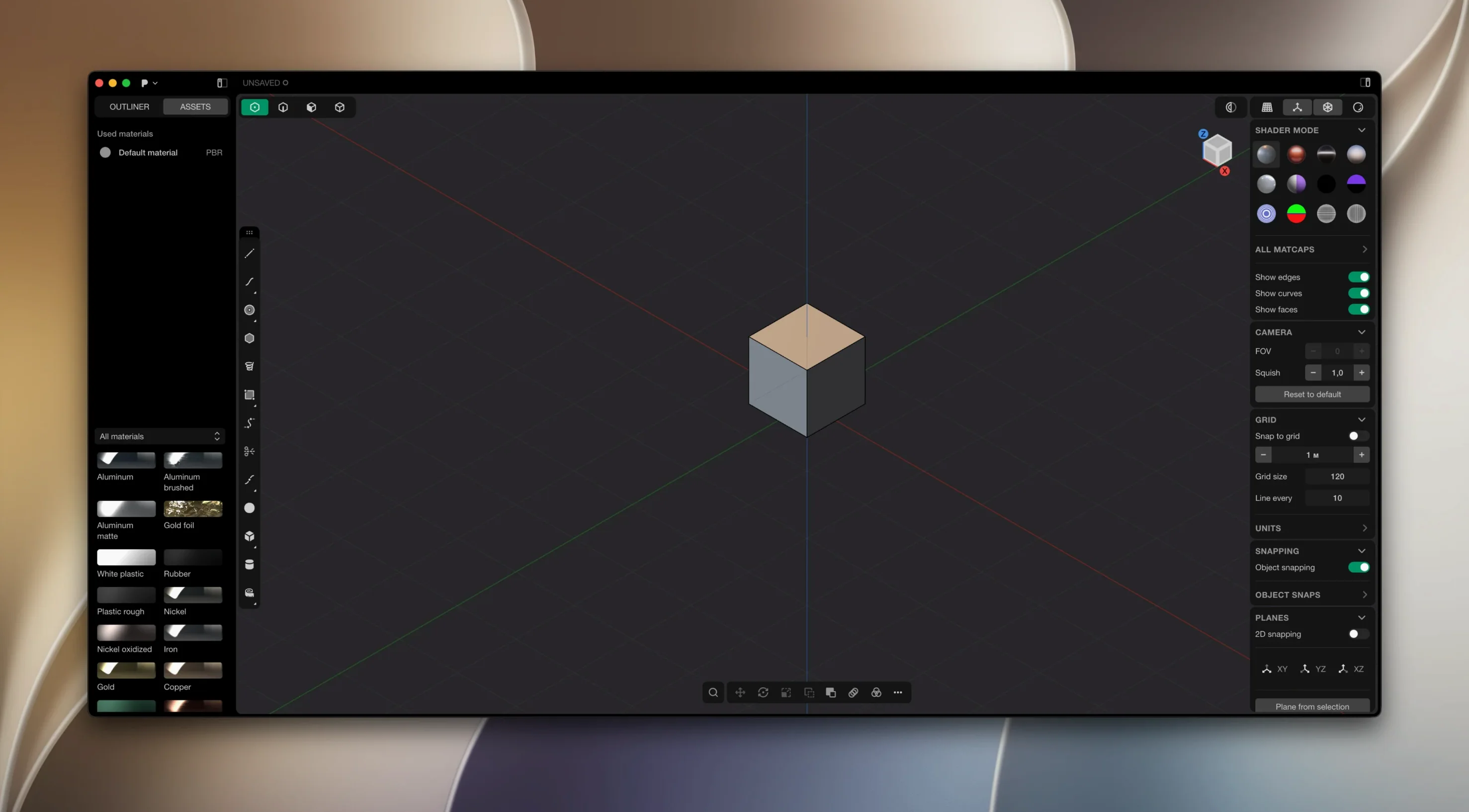
Most 3D modelers force you to work through a history tree. Plasticity skips that — it's direct editing for solids and surfaces, so you grab geometry and change it on the spot.
Edit Directly, Not Through History
No timeline, no rebuilds. Click a face, move it. The model updates. That's the core workflow for anyone who wants to shape geometry fast without managing a stack of previous steps.
Live Dimensions That Change Geometry
Type a dimension and the model follows immediately. No separate dialog, no confirm button. It's one less interruption when you're dialing in a part.
Booleans That Stay Watertight
Combine or cut solids and the result stays closed — no holes, no manual cleanup. Precise fillets and XNURBS surface blending (G2-continuous) handle the finishing edges.
End-to-End Workflow: Modeling a Mechanical Bracket
Start a new file. Draw the base profile as a solid rectangle, then use the direct editing tools to pull an extrusion. Add a second cylinder for a mounting boss. Instead of fusing them in a separate Boolean operation dialog, you select both bodies and run the union — Plasticity keeps the result watertight instantly. Type a live dimension on the boss height, and the geometry shifts to match. Finish with a fillet on the outer edges, selecting the edge chain and setting the radius. Export the result as an STL or step file. The whole sequence is a handful of clicks, no history tree to backtrack through.
How Plasticity Stands Next to Other Mac 3D Tools
Compared to Rhino 8 for macOS
Rhino relies on a command-line and panel-heavy interface. Plasticity puts direct face and edge manipulation front and center. For users who prefer to see the geometry change as they push and pull, Plasticity feels faster. Rhino has a larger plugin ecosystem, but Plasticity’s xNURBS surface blending gives you G2-continuous curves out of the box without extra tools.
Compared to Fusion 360 (via Parallels or Boot Camp)
Fusion 360 isn't native on macOS — you run it in a VM or reboot. Plasticity runs natively on Apple Silicon. The history-based parametric timeline in Fusion is powerful for revision control, but it adds overhead. Plasticity's direct approach suits single-part or small-assembly work where you want to iterate without committing to a timeline.
Compared to Shapr3D
Shapr3D is iPad-first and touch-focused. Plasticity is a full desktop application with Parasolid kernel precision. Shapr3D works for quick concept sketches; Plasticity handles production-level solid modeling with live dimensions and Boolean operations that close cleanly.
For Industrial Designers and Engineers
Industrial designers who need to iterate form quickly without fighting a parameter tree will find the direct editing natural. Engineers doing mechanical part modeling — brackets, housings, mounts — benefit from the live dimension input and Parasolid accuracy. 3D artists who want precise solid modeling alongside surface blending for organic shapes get both worlds in one app. It's also a strong fit for anyone on Apple Silicon who wants a native 3D modeler that doesn't require a virtual machine.
Fillet Order and Updating Missteps
- Skipping the fillet order. Beginners often add fillets before Booleans, then wonder why edges break. Apply fillets after unions and subtractions.
- Overlooking manual updates. Plasticity doesn't auto-update. Download and install each new version manually, or you miss fixes and features.
- Using too many separate bodies. New users model every feature as a separate solid, then try to join them. It's cleaner to work in one body and cut or extrude from it.
- Ignoring XNURBS for surfaces. The XNURBS blending tool is there for G2-continuous surfaces, but beginners treat it as optional. For smooth transitions between surface patches, it's essential.
- Not checking the model with live dimensions. Entering a dimension and not confirming it against the actual geometry is a common error. Always verify the model updates after typing a value.
No release notes filed for 26.1.3. They are added here when a build changes how the program behaves.
| macOS | macOS 10.14 or later |
|---|---|
| Processor | Apple Silicon |
| Download | 256 MB |
- macOS 10.14 or later
- Apple Silicon or Intel processor
Questions about Plasticity
What macOS version do I need?
Plasticity requires macOS 10.14 or later. It runs on Apple Silicon and Intel Macs.
Does Plasticity use history-based modeling?
No. Plasticity uses direct editing — you modify geometry directly instead of working through a history tree.
What surface blending does it include?
It includes XNURBS surface blending for G2-continuous surfaces, plus precise fillets and watertight boolean operations.
How to install, in order
- Extract the downloaded package.
- Follow the install and activation instructions included in the package.
- If patch issues occur, move the Patcher folder to the desktop and run it from there.
Comments and corrections 0
Sign in or open a free account to leave a comment.
No comments or corrections yet.