7 Days To Die 3.4.0 — download for Mac
Games Updated
Lets you scavenge by day and fortify by night in a survival loop that never stops.
Screenshots
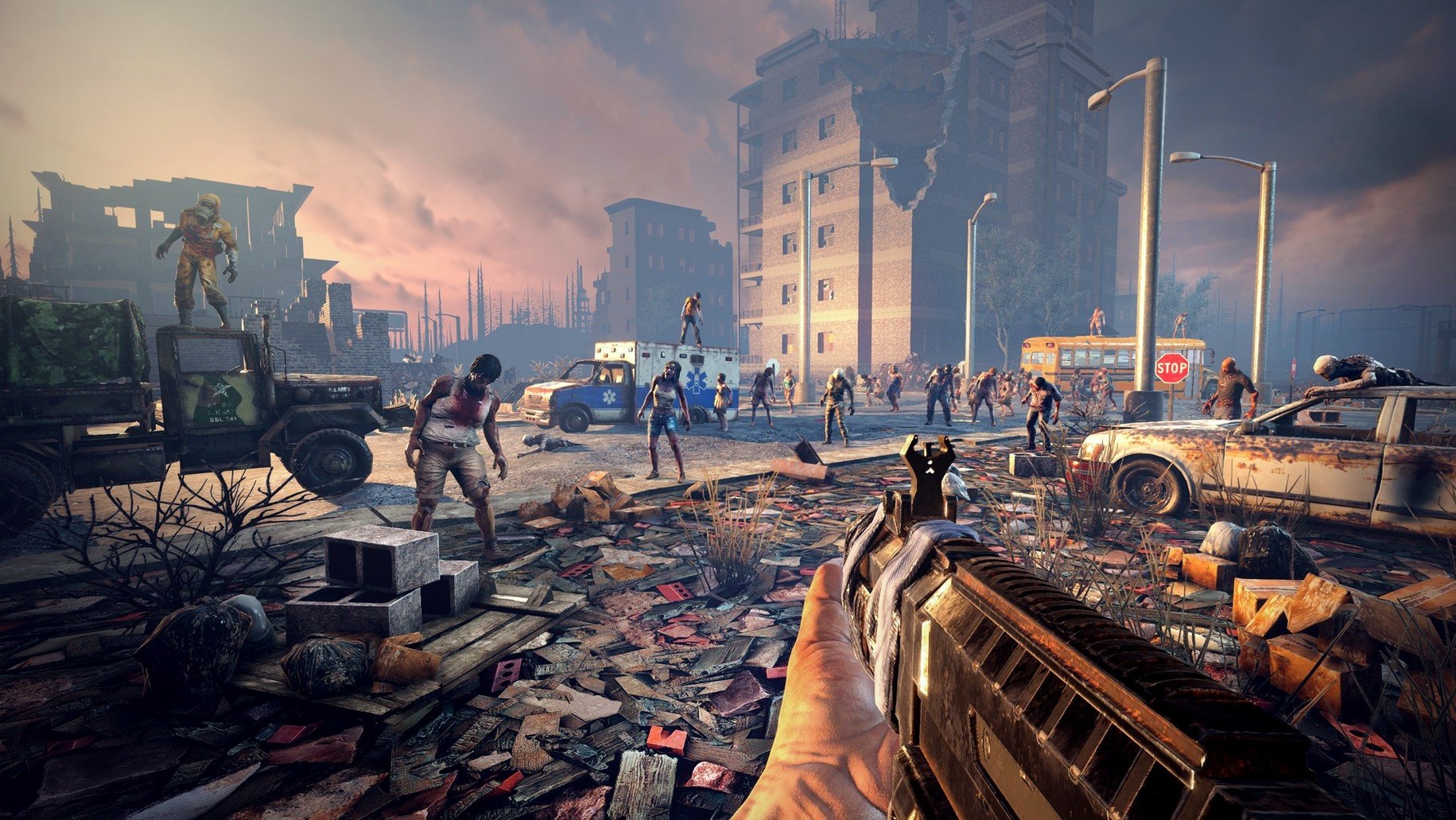
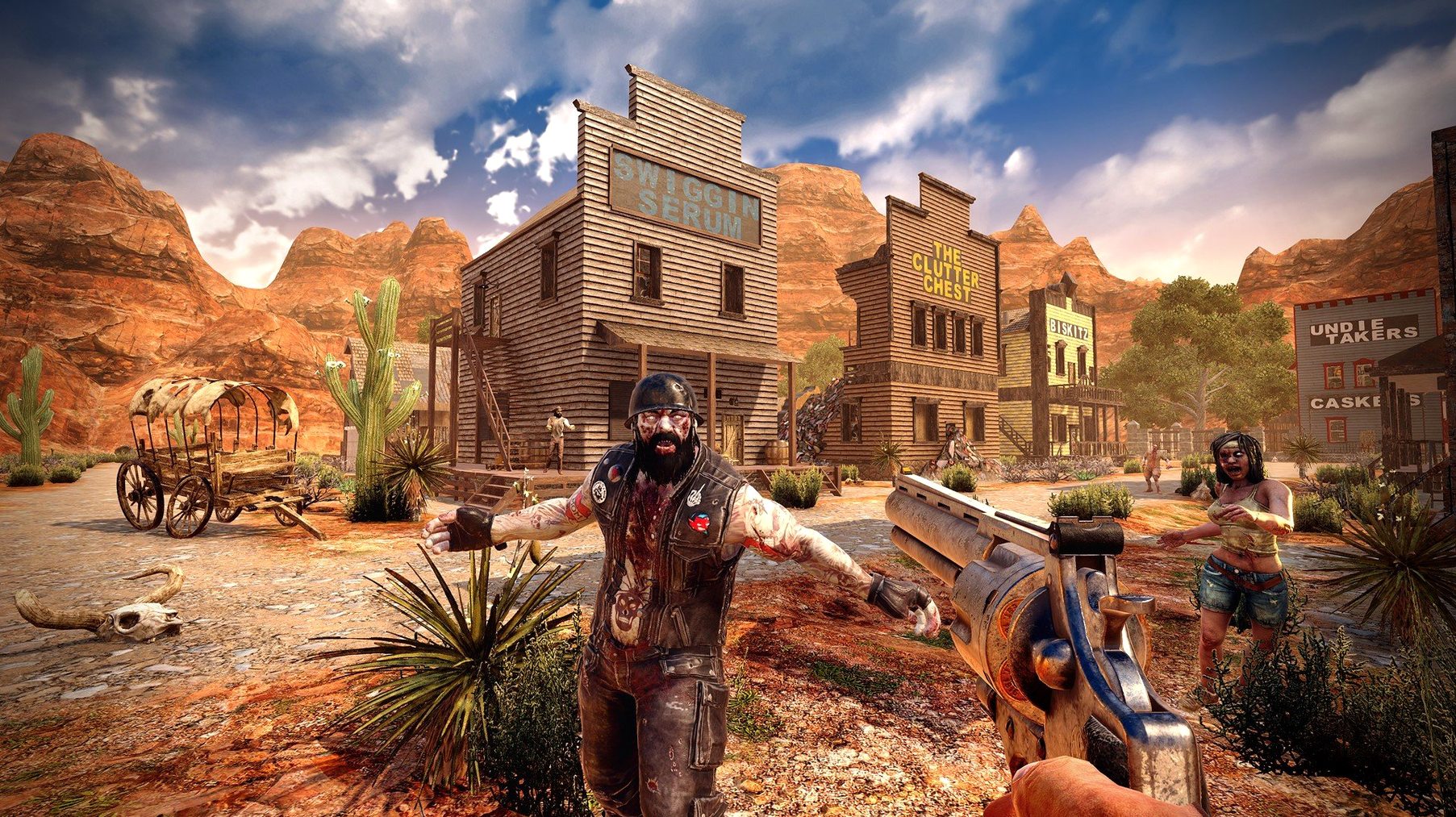
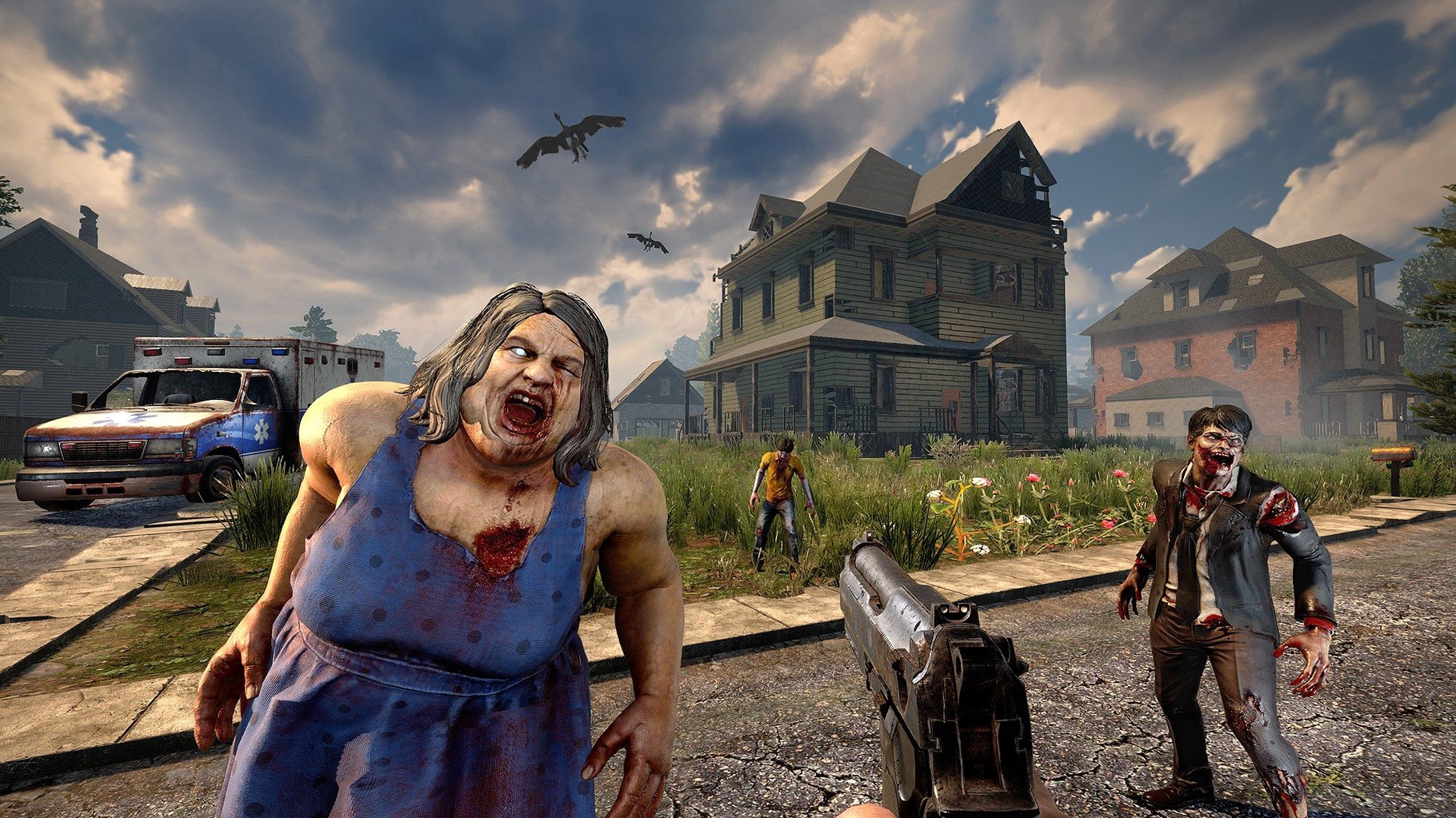
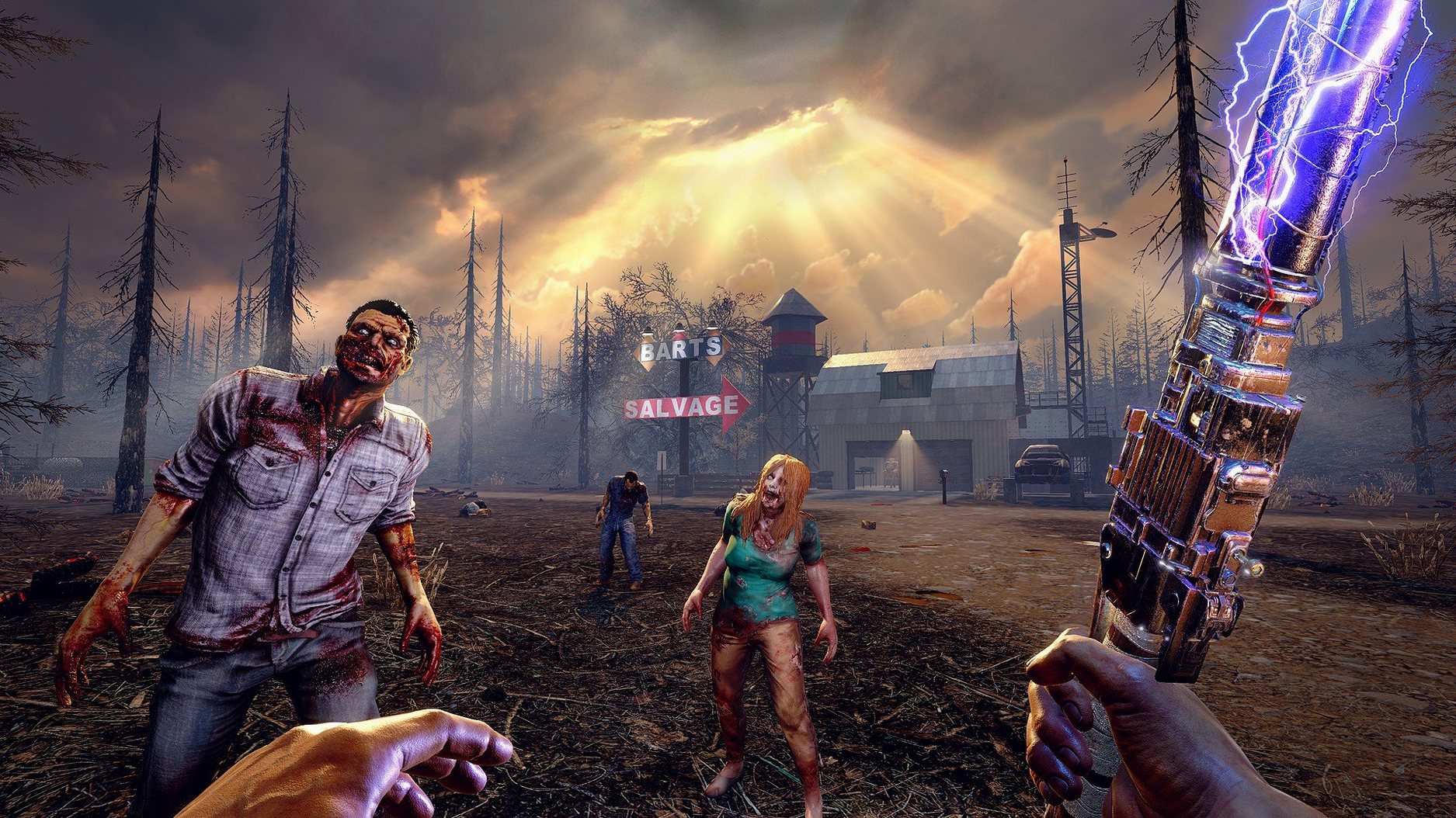
Version 3.2.0.B10 cleans up a few rough edges: the combine station UI got a rework, some memory-hungry player gear textures were fixed, and—on the stranger side—trader doors now respond to a vehicle horn. The core loop remains what it has always been: scavenge by day, fortify by night, and survive the seventh-day blood moon horde that tears through whatever defenses you managed to bolt together.
- You enjoy long, systems-heavy sandboxes. Building a fortress with traps, electricity, turrets, and defensive positions is a multi-week project. The game gives you the tools and then lets the horde test your work.
- You like crafting that goes deep. The combine station, vehicle customization (from bicycle to gyrocopter), and nearly 50 buffs and illnesses create a web of materials and trade-offs that rewards planning.
- You tolerate jank for scale. Five biomes, random world generation, and campaign maps offer variety, but the presentation is practical rather than polished. Sound is limited to music accompaniment, and the interface shows its age.
- You play solo or with a patient group. Base-building and role-playing progression work best when nobody rushes. The game blends first-person shooting, survival horror, and castle defense into a slow burn.
- Skip it if you want tight gunplay or narrative. The shooting is serviceable, not sharp, and there is no story to follow. Progression comes from your own goals—building a working electrical grid matters more than any quest.
The player who clicks with 7 Days to Die treats it like a brutal engineering project. Every loot run feeds the workshop, every material choice shapes the next blood moon. For the rest, the workshop door is open.
No Internet Needed for Single-Player
People often ask if the game needs an internet connection to start. It does not. The broadband requirement is for multiplayer sessions; single-player worlds run entirely offline. No account creation, no launcher log-in. Mount, drag, launch.
Another common question is whether the campaign worlds differ from random ones in any meaningful way. Campaign maps are hand-placed with specific city and landmark layouts; random worlds generate a new geography each time. Both use the same item pool, recipes, and zombie types. The choice is about predictability versus replayability.
Save files live inside the game folder, so moving or reinstalling means copying that folder whole. Back it up before a fresh install or a disk cleanup.
Horn Opens Trader Doors in 3.2.0.B10
A few details in 3.2.0.B10 do not announce themselves. The vehicle horn opening trader doors is the most obvious new one, but the combine station rework also changed how stacked materials display—the UI now shows amounts more clearly before you commit to a craft. Players who memorize recipe costs may not notice; anyone who kept a notepad nearby will save a few trips to the inventory screen.
Building blocks number over 1,300, but the painting system for customization is tucked into the build menu rather than advertised. It lets you recolor surfaces without replacing materials, which matters when you want a watchtower that does not look identical to every other watchtower on the map.
NPC traders have their own inventories that refresh.
Don't Fight Zombies with Starting Gear
The most common error is treating the first few days like a standard survival shooter. Running out to fight zombies with starting gear wastes time and resources. The first cycle should be scouting: find a defensible structure, mark material spawns, and stash basic tools. Combat comes after you have a stockpile.
Beginners also underestimate structural collapse. Buildings and elevations can cave in from mechanical damage or poor construction. Stacking heavy blocks on a weak frame without reinforcement means the blood moon might not even need to breach your walls—they fall on their own. Place supports early, even if the fortress looks ugly for a few days.
Finally, players ignore the five main attributes during the first hours. Pumping only combat skills leaves you slow and fragile for crafting long sessions. A balanced spread—some strength for carry capacity, some endurance for building marathons—keeps the workshop running without constant retreats to rest.
- Trader doors can now be opened with a vehicle horn.
- The combine station UI received a full rework.
- Fixed some player gear textures that were using too much memory.
| Processor | Apple Silicon, Intel 64-bit |
|---|---|
| Download | 16 GB |
- macOS 10.13 or later
- Apple Silicon and Intel (64‑bit) supported
- 8 GB RAM
- 15 GB available disk space
- 2 GB dedicated graphics memory, DirectX 11
- Broadband internet connection
Questions about 7 Days To Die
How much disk space and memory does 7 Days to Die require?
The official support page lists 8 GB of RAM and 15 GB of available disk space as the minimum requirements for the current version.
How to install, in order
- Mount the downloaded disk image.
- Drag the game to the Applications folder.
- Launch the game from
/Applications/7DaysToDie.app/Contents/Game/7DaysToDie.app.
Comments and corrections 0
Sign in or open a free account to leave a comment.
No comments or corrections yet.