Age of Empires II: Definitive Edition 1.3 — download for Mac
Games Updated
Rebuilds the classic real-time strategy game with a scenario editor and remastered soundtrack.
Screenshots
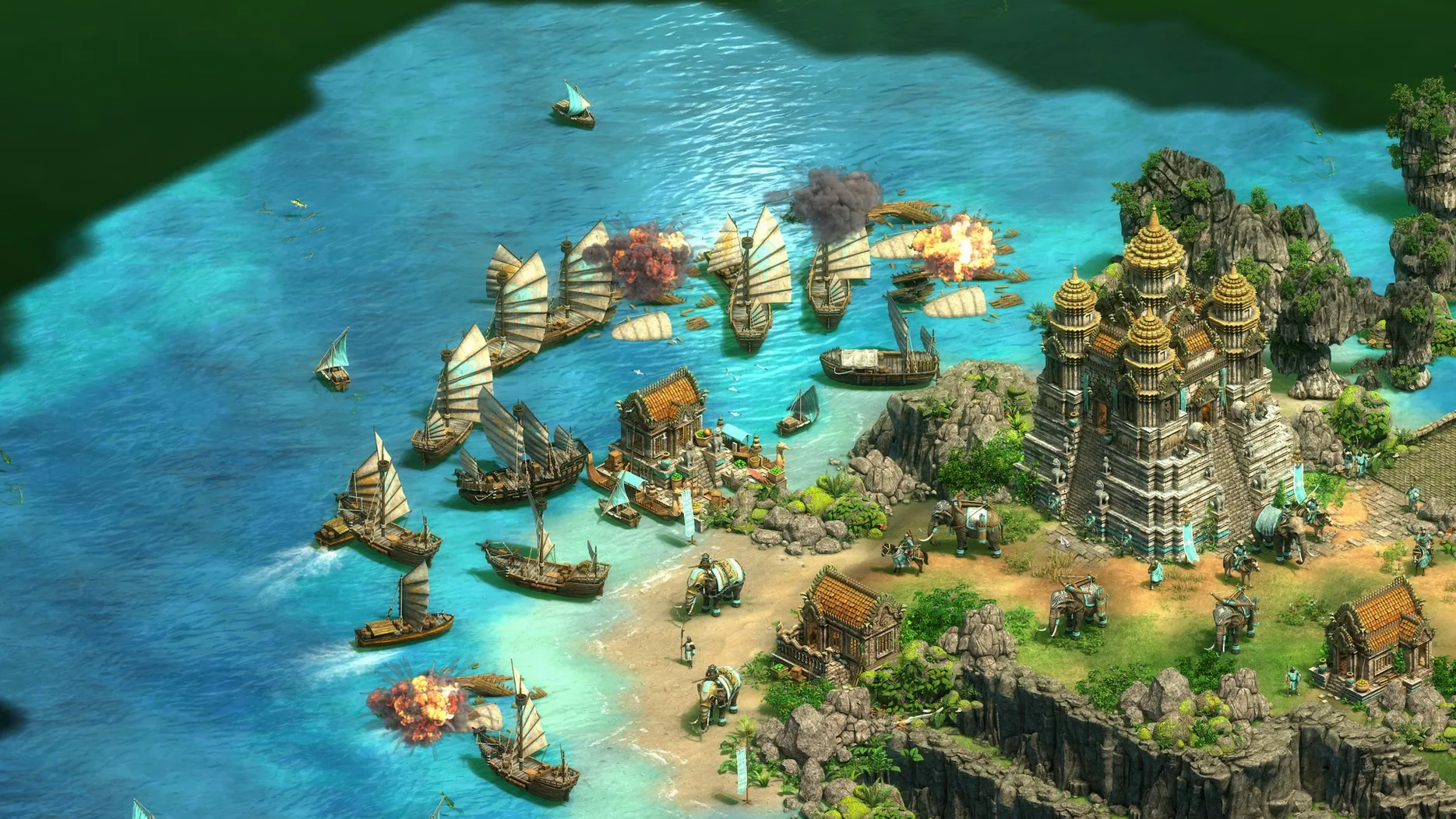
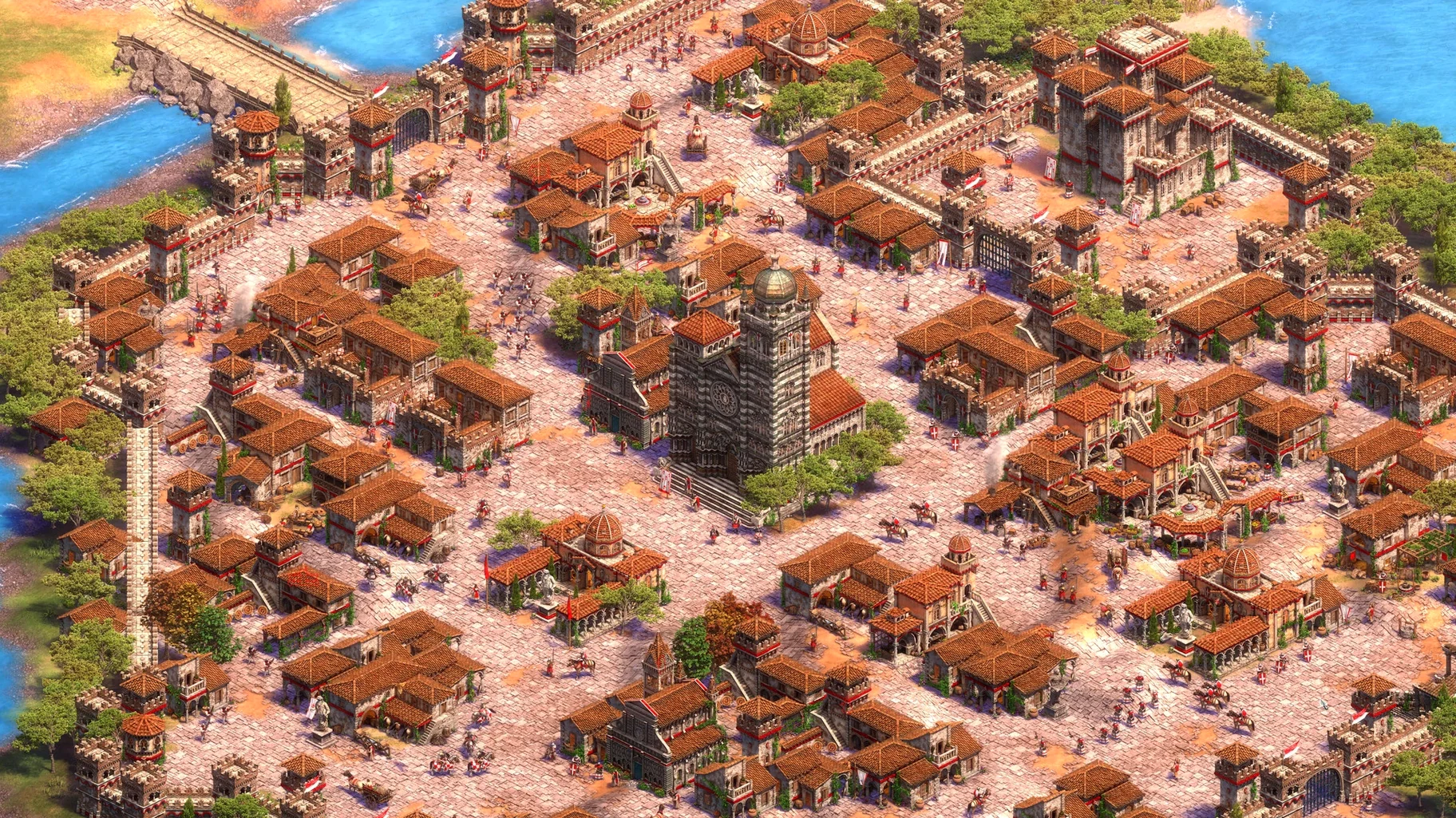
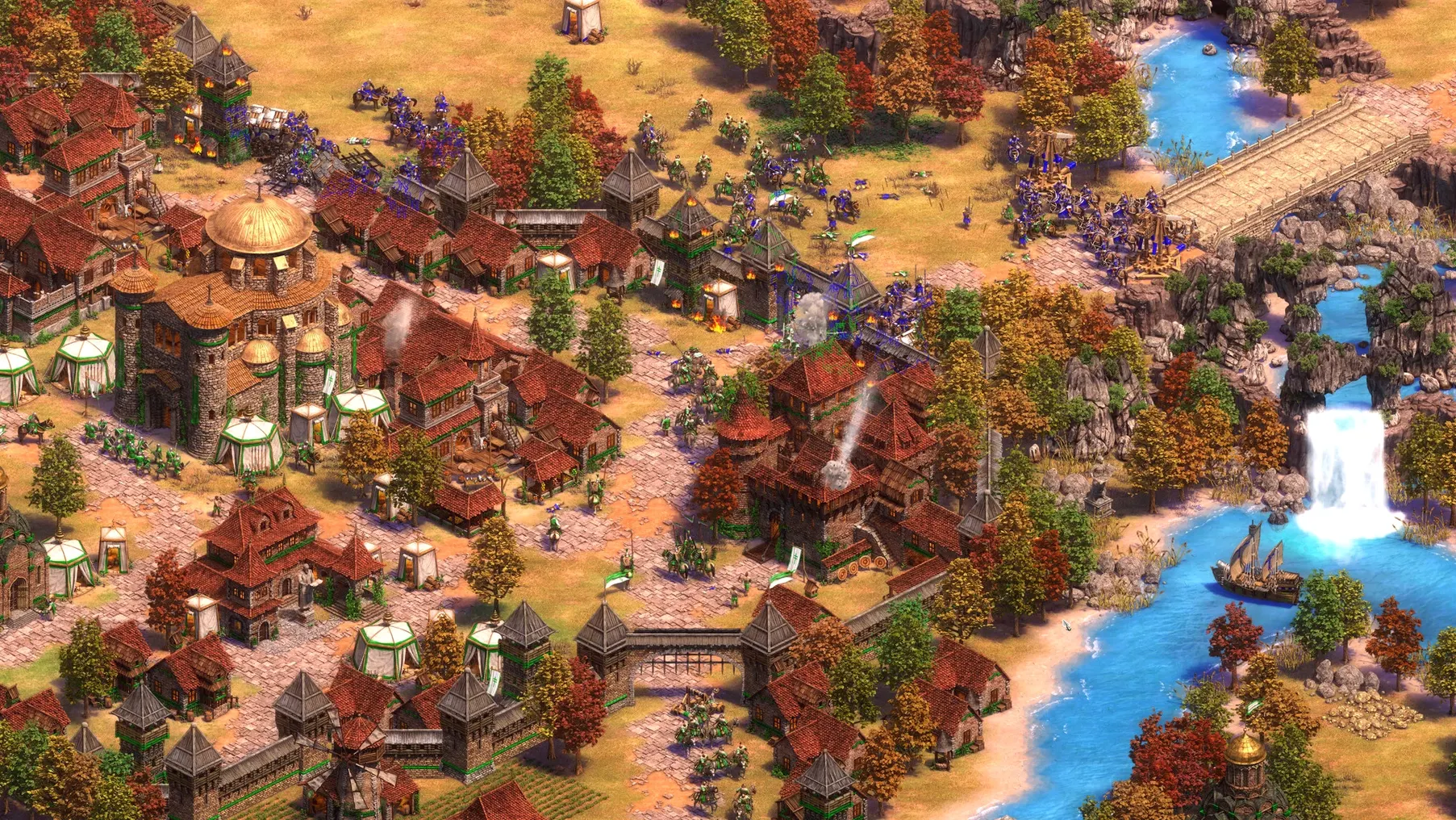
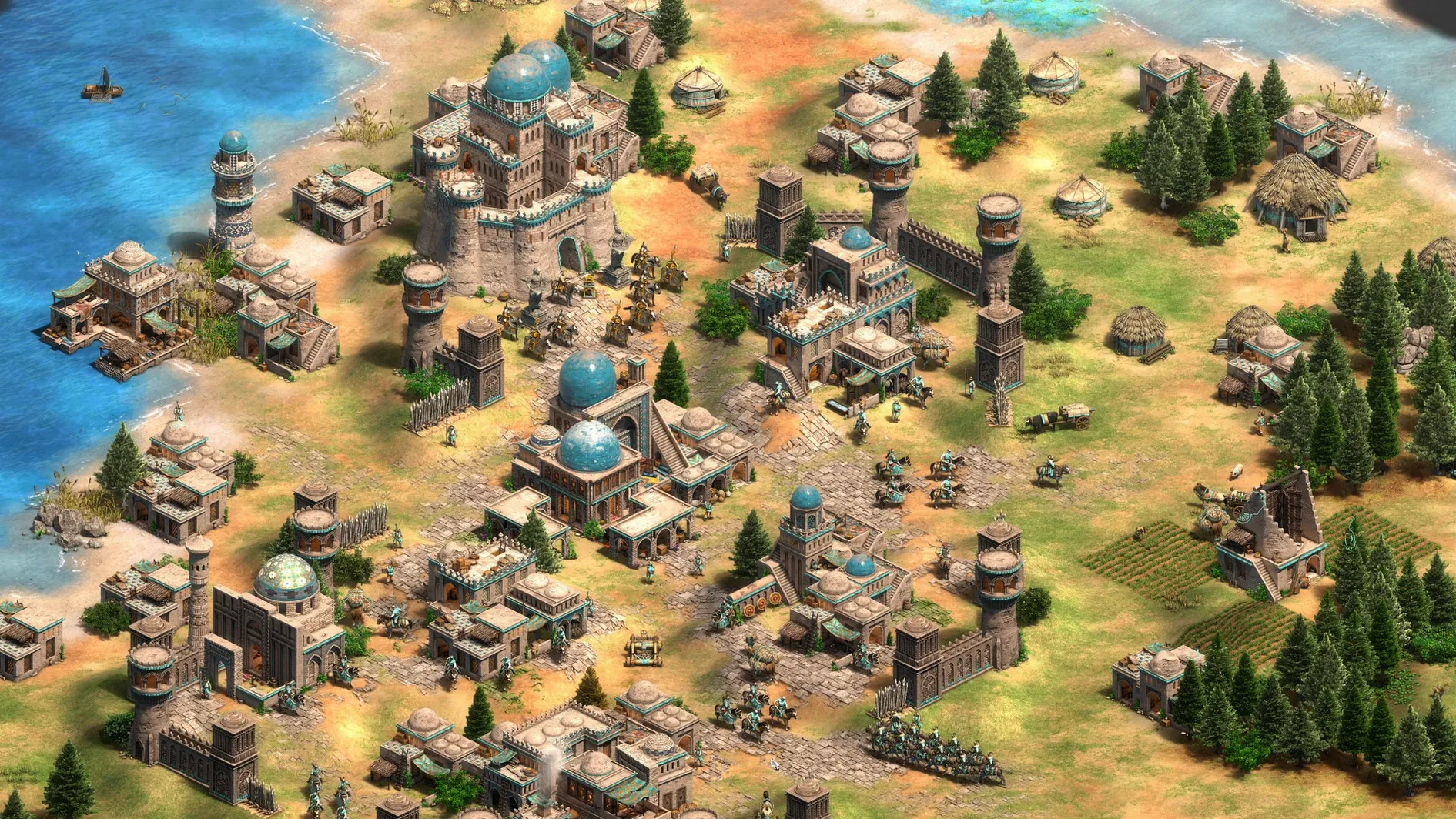
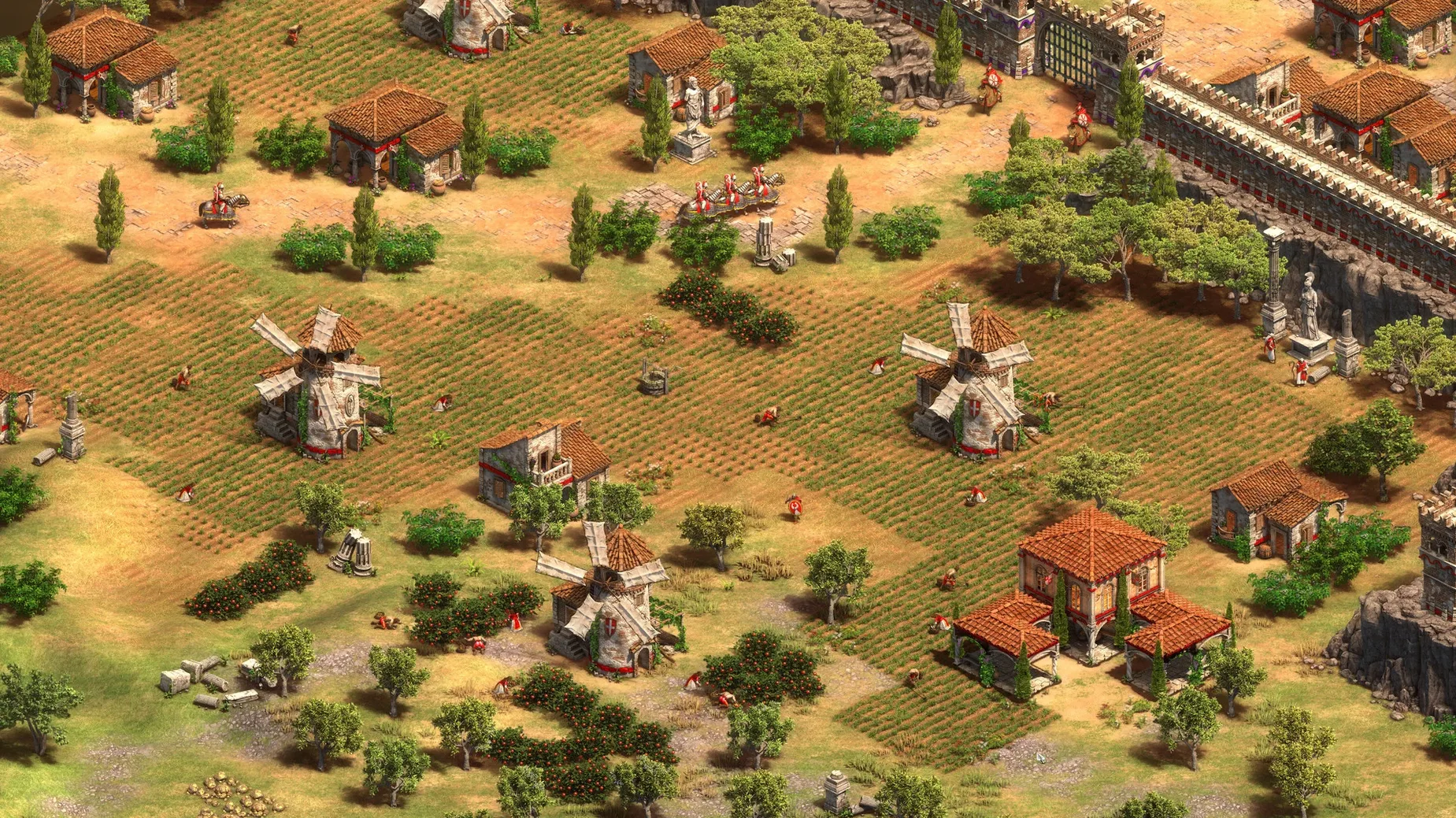
Version 1.2 brings the scenario editor, a quick play mode, and interface refinements to the Mac build. Campaign flow tightens, and the remastered soundtrack now sits under cleaner menus.
What do the first five minutes look like?
You drop a town center, queue three villagers, and scout. The scout finds sheep, a boar, and the edge of an opponent’s base. By minute five you have chosen a wood line and sent the first berry gatherers there.
How does a campaign mission play out?
A historical briefing sets the conditions, then you build a base, train an army, and push toward a fixed objective — defend a wonder, destroy a castle, or escort a unit across the map. The AI reacts to your army composition, so a cavalry raid gets a different response than a slow siege approach.
What happens in a quick play skirmish?
You pick a civilization, a map, and a difficulty, then start with a standard set of villagers. The game becomes a race to the Castle Age: wall off chokepoints, secure relics with monks, and field a counter unit before the first attack wave hits your palisade.
Sits alongside 0 A.D. and other Mac RTS titles
On Mac, the real-time strategy catalog is slim but specific. Age of Empires II: Definitive Edition sits alongside a few titles that fill different roles in a strategy player's rotation.
0 A.D. is a free, open-source alternative that covers the same ancient-to-medieval period. It runs natively on macOS and supports both ARM and Intel architectures. The difference is in finish: 0 A.D. is still in alpha, with placeholder art and incomplete campaigns. Age of Empires II: Definitive Edition has 200-plus hours of scripted content, voice-acted briefings, and a soundtrack that was professionally remastered. If you want to see what a community-built project can do, 0 A.D. is worth a look. If you want a campaign that holds your hand through Joan of Arc's battles, this is the one.
Warcraft III: Reforged remains playable on Mac through its legacy binaries, but it is not native for Apple Silicon and requires Rosetta translation. The campaign structure is similar — build, tech up, attack — but the fantasy setting and hero units change the pacing. Age of Empires II: Definitive Edition gives you historical scenarios with no hero spells and a much larger civilization roster. For a player who values historical grounding over fantasy lore, this game wins on content volume alone.
StarCraft II runs on Mac natively only on Intel hardware. The online multiplayer population is still active, but the game has received no new content in years. Age of Empires II: Definitive Edition continues to receive updates — the battle royale mode and scenario editor are recent additions — and the Mac version includes all expansions, including The Last Khans, Lords of the West, Dynasties of India, and Dawn of the Dukes. StarCraft II excels at tight competitive balance. This game excels at breadth: 35 civilizations, 1,000 years of history, and campaigns that teach you a different economic rhythm for each culture.
Idle town centers cripple early growth
The most common error is idle town centers. New players queue three villagers, then forget to add more until they notice a resource shortage. A single town center that produces villagers continuously is the fastest way to grow your economy in the first ten minutes. Pause every thirty seconds early on and check whether the production queue is empty.
Another mistake is ignoring military unit counters. Sending a group of militia against a castle or pikemen against cavalry wastes resources and time. The game provides a help screen that lists which units beat which — one minute of reading it saves you from losing an entire army to a well-placed defensive line.
Beginners also overbuild farms. Farms cost wood and take up space, and they are vulnerable to raids. Relying on berries and boar longer than necessary is safer. Transition to farms only after you have secured your wood income and scouted the map for extra livestock.
Scenario editor users sometimes start building a map before they understand the triggers. The editor works with conditions and effects — when a unit enters a region, trigger a dialog. Drawing a pretty map without connecting those logic blocks means the scenario will not progress. Spend the first session studying the included campaign scenarios to see how the developers set up objectives.
Native M1/M2 and Intel support, no emulation
The game is a native macOS application built with Feral Interactive's porting pipeline. It supports both ARM and 64-bit x86 architectures, so it runs on Apple Silicon Macs and older Intel models without emulation layers. Activation is not required — the game launches directly after copying it to your Applications folder.
The build was tested on macOS Tahoe with a Mac mini 2024 M4. The interface languages include English, Russian, German, Spanish, Italian, Traditional Chinese, Simplified Chinese, Korean, Malay, Polish, Portuguese, Turkish, French, Hindi, and Japanese. Voice languages cover English, German, Spanish, Italian, Traditional Chinese, Simplified Chinese, Korean, Portuguese, and French.
Installation follows the classic drag-and-drop pattern: mount the downloaded disk image, drag the application to the Applications folder alias, and launch from Launchpad once the copy completes. No extra configuration or login is needed.
Standalone app, no launcher required
Age of Empires II: Definitive Edition does not demand a launcher or background service. It runs as a standalone application, which means you can organize it alongside your other games in a dedicated folder or keep it on an external drive if internal space is tight. The disk image can be deleted after installation to reclaim storage.
The game respects macOS window management. You can switch between a campaign mission and a web browser or note-taking app using Command-Tab or gesture-based desktop switching. The quick play mode is particularly well-suited for this — a twenty-minute skirmish fits between work tasks without committing to a full campaign session.
For players who document strategies or build orders, the scenario editor outputs files that sit in the Documents folder. You can share them via email, cloud storage, or a USB drive with other macOS players. The multiplayer is limited to other macOS users, so the player pool is smaller than the Windows version, but the cross-platform file compatibility for scenarios keeps the creative side open.
The game also works well with macOS screen recording tools. QuickTime's built-in screen capture or OBS Studio can record replays for post-match analysis. The battle royale mode, where players start with limited resources and fight on a shrinking map, is the format most worth capturing — the early decisions are compact enough to review in a few minutes.
- Scenario editor now works on Mac — build custom maps and script triggers.
- Quick play mode added for skirmish matches with shorter setup.
- Interface polish and menu responsiveness improved across all resolutions.
- Battle royale mode introduced for online play.
| Processor | Apple Silicon, Intel 64-bit |
|---|---|
| Download | 75 GB |
- macOS (native ARM and 64-bit x86 build).
- Tested on macOS Tahoe, Mac mini 2024 M4.
- Activation not required.
Questions about Age of Empires II: Definitive Edition
Does the Mac version support cross-platform multiplayer?
Online play connects macOS players together; it does not cross over with Windows or Xbox versions.
What hardware runs the game smoothly?
The native ARM build runs well on Apple Silicon; our test on a Mac mini M4 with macOS Tahoe handled 4K skirmishes without frame drops.
How to install, in order
- Mount the disk image you downloaded.
- Drag the app icon onto the Applications folder alias.
- Open Launchpad and start the game.
Comments and corrections 0
Sign in or open a free account to leave a comment.
No comments or corrections yet.