
Arranger: A Role-Puzzling Adventure 1.1.18 — download for Mac
Games Updated
Shifts a puzzle grid with every move in a role-playing adventure.
Screenshots
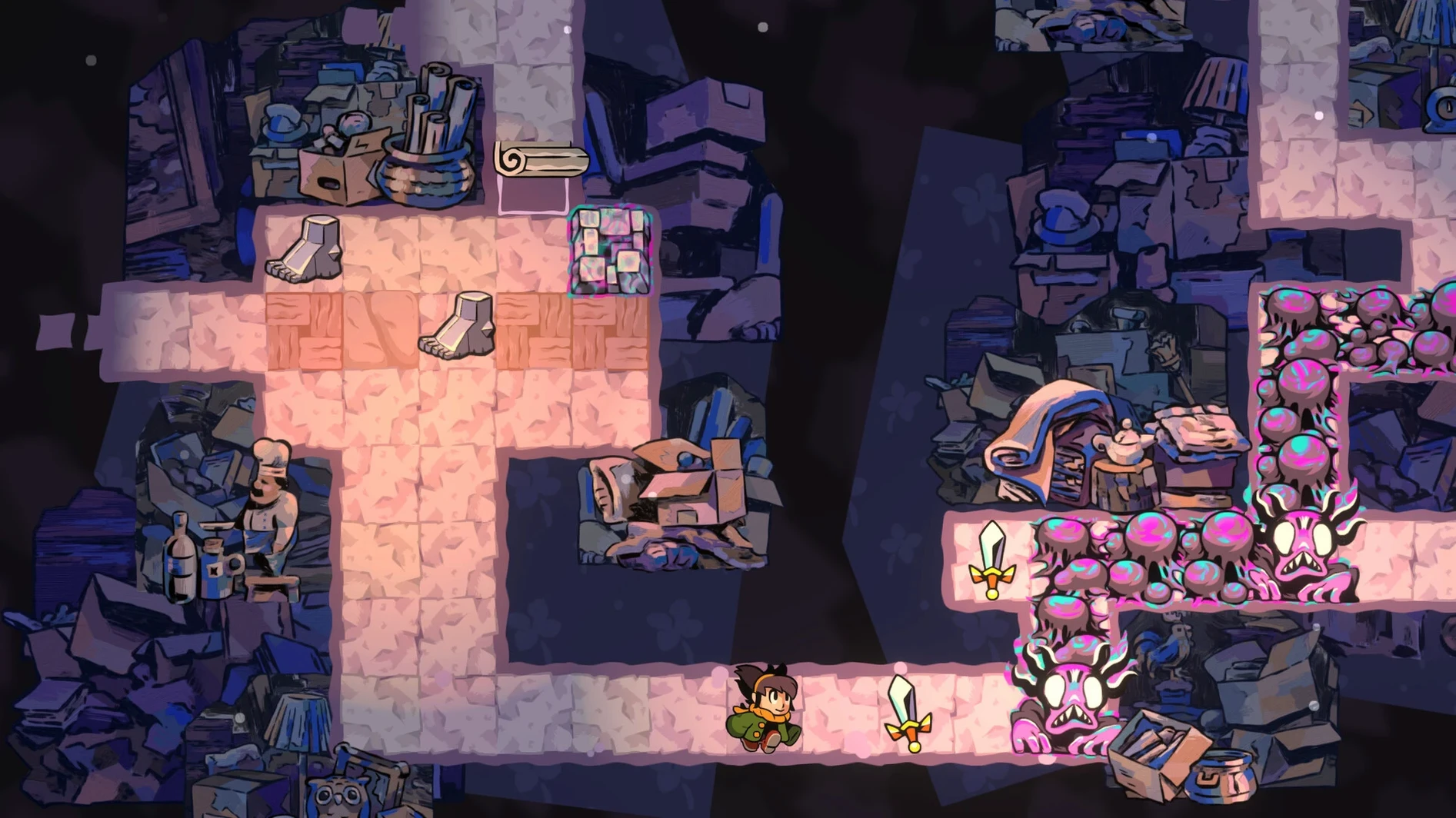
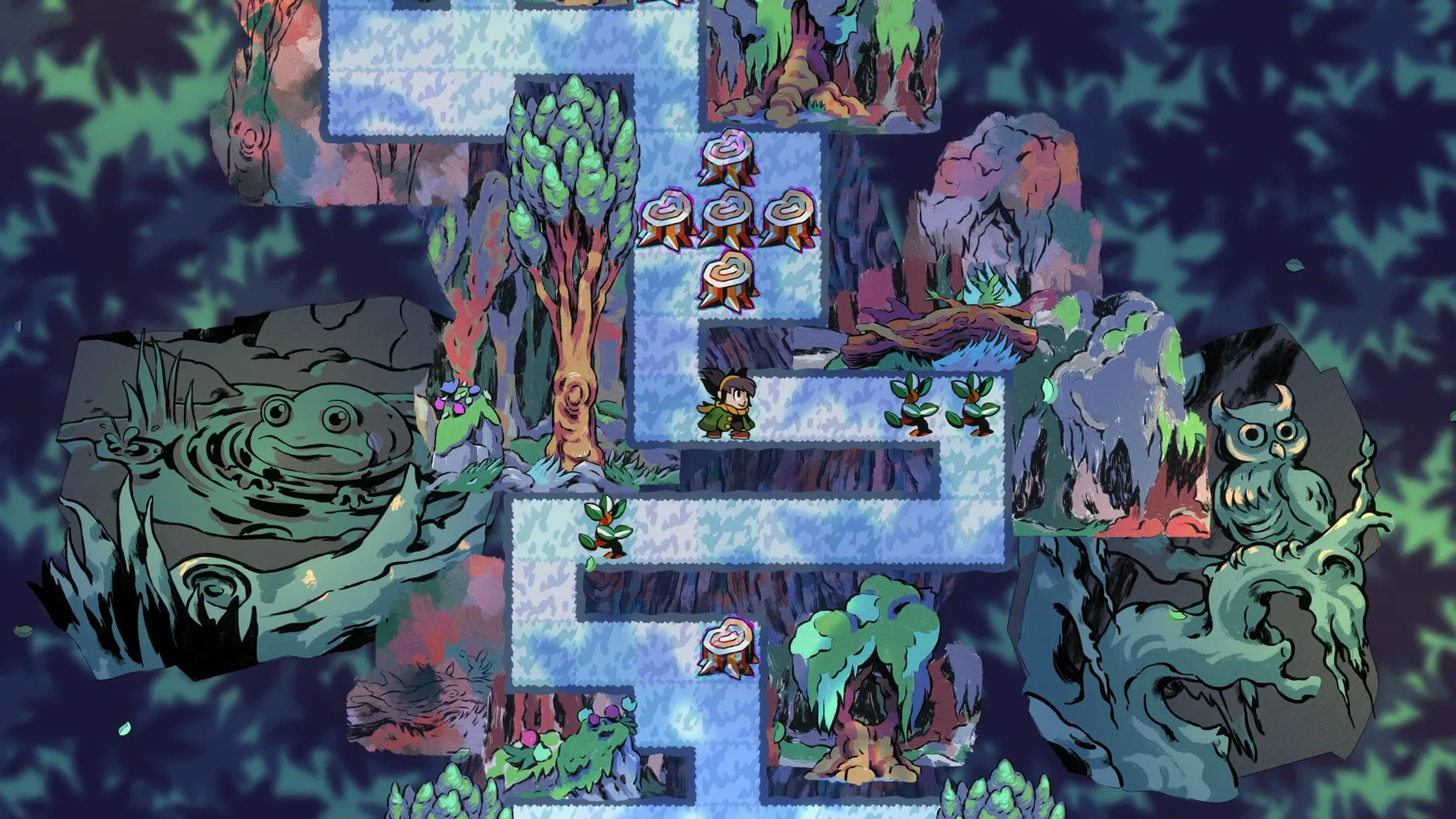
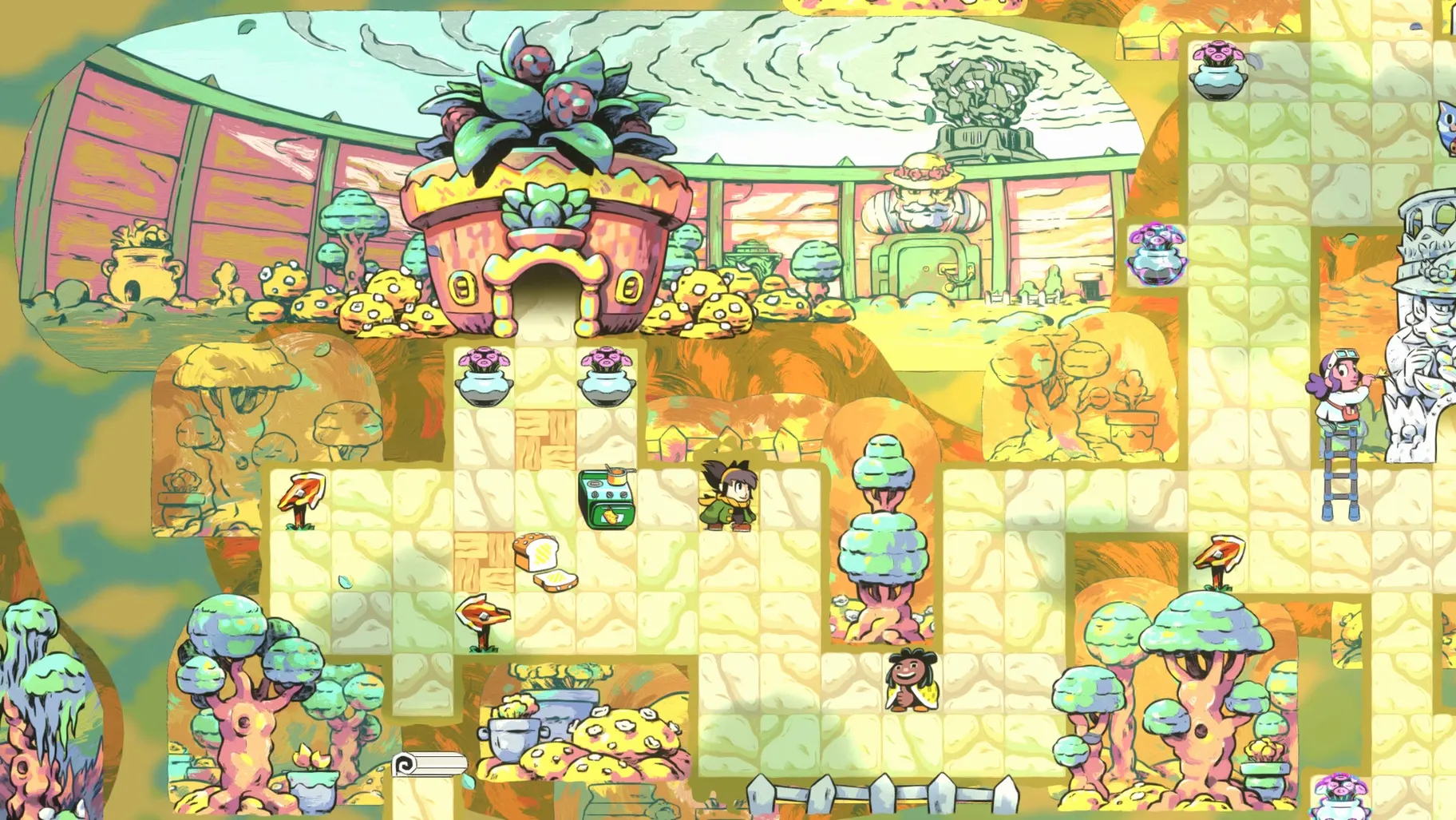
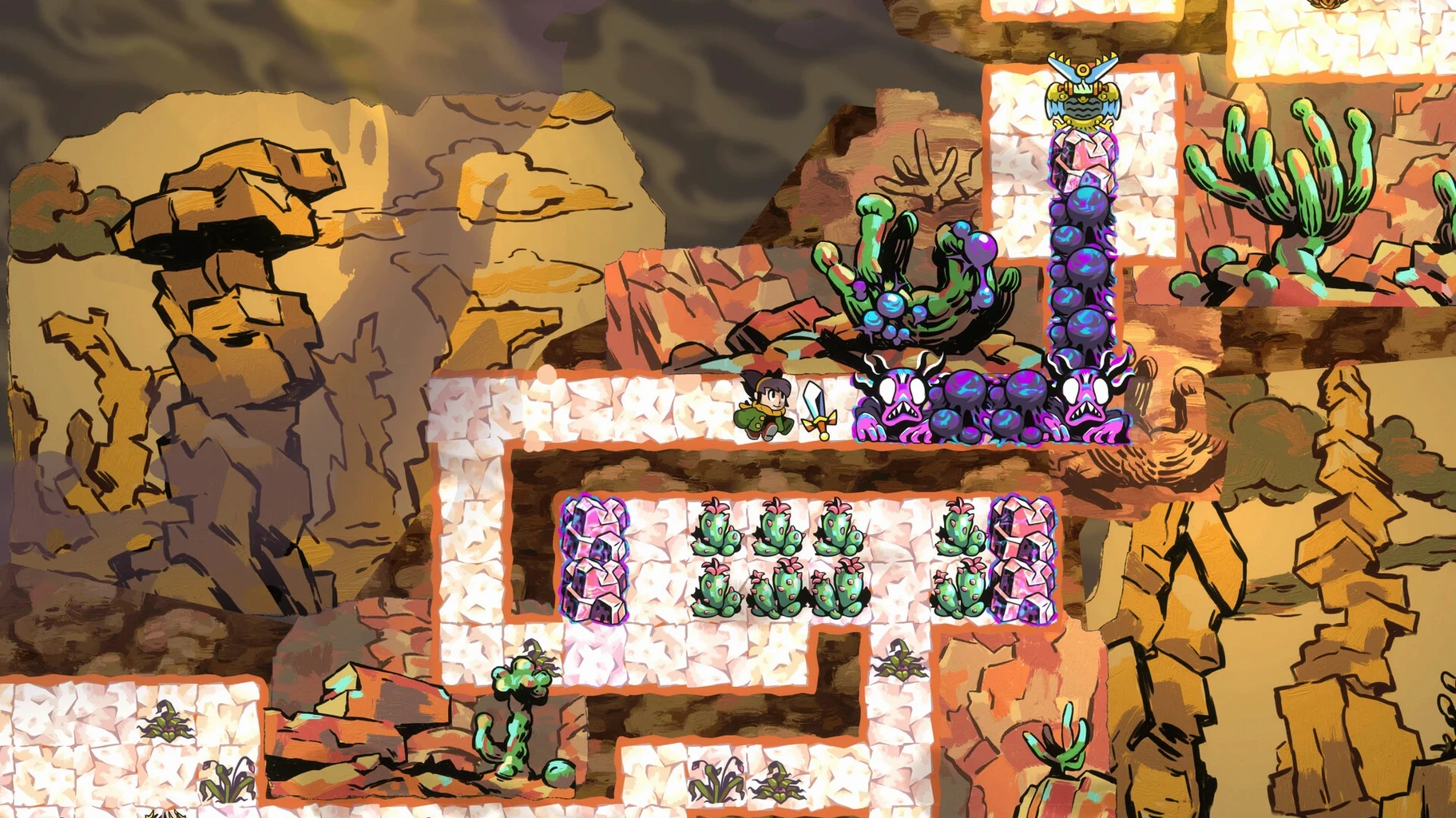
Most project managers live inside a grid of their own making: Gantt charts, resource matrices, Kanban boards. Arranger takes that familiar structure and turns it into the core mechanic of a compact adventure. It is a role-playing game stripped of inventory, where every move you make shifts the entire world.
Who gets hooked on this
A player who enjoys solving a spatial puzzle on every turn will feel right at home. The core loop of moving Jemma while her surroundings slide in tandem rewards methodical thinking over quick reflexes.
No Loot, No Inventory
Someone craving deep character customization or loot systems may find it too lean. There is no inventory to manage, and progression comes from understanding the grid, not from collecting gear.
Where it respects your time
The compact campaign works well for a busy work week. A built-in hint system and extra challenges let you adjust the difficulty without leaving the game.
How the atmosphere lands
It communicates story beats and character through music alone, using no spoken dialogue. The setup feels like a well-drawn production document brought to life on a board.
Language and HUD Before the Campaign
After dragging Arranger into Applications, do not jump straight into the campaign. Spend one minute in the options screen. The language selector supports twelve languages, so set yours before starting. If you prefer a leaner HUD, turn off the on-screen hints — the built-in hint system remains accessible mid-game anyway, so you lose nothing by hiding the prompts. The audio-only voice setting means music carries the narrative weight; leave it at default unless you need to adjust volume for late-night sessions.
How Arranger sits alongside similar Mac games
Baba Is You
Both games center on a grid and rule-based movement, but Baba Is You is pure logic-puzzle abstraction. Arranger wraps the same spatial thinking inside a story and a character arc. If Baba Is You feels like editing a spreadsheet of rules, Arranger feels like walking through a project plan where each step changes the dependencies.
Into the Breach
Into the Breach also uses a grid and turn-based movement, but it is a tactical war game with clear win-lose states and roguelike loops. Arranger has no permadeath and no inventory, so it suits someone who wants the puzzle satisfaction without the pressure of losing a squad. Think of it as a single-pass campaign rather than a recurring scramble.
Minit
Minit delivers a compact adventure with minimal systems, much like Arranger. Where Minit uses a timer and a death loop, Arranger uses grid manipulation as its only mechanic. For a player who bounced off Minit’s time pressure, Arranger offers a calmer pace with the same respect for the player’s schedule.
A workflow: from install to first puzzle solved
- Open the downloaded disk image.
- Drag the Arranger icon into the Applications folder shortcut.
- After copying finishes, launch the app from Launchpad.
- Set your language in the options menu. The game supports Korean, Polish, Portuguese, Turkish, French, Japanese, and several Chinese and European languages out of the box.
- Start a new game. You control Jemma with the arrow keys or a controller. The first screen shows a small grid with a single pathway.
- Move Jemma one square. Notice that the row or column you moved from shifts by one tile. This is the core mechanic — every move rearranges the board behind you.
- Plan your approach to the first exit. Because the grid moves with you, a direct line is rarely the answer. Try moving sideways to slide obstacles out of the way before heading forward.
- Reach the exit. The game logs your move count, but there is no penalty for retrying. If you get stuck, open the hint menu — it nudges you without giving away the full solution.
That sequence, from install to first exit, takes about as long as reading a project status email. The grid logic is the same throughout: every action creates a reaction in the environment, and understanding that feedback loop is the only skill you need.
No release notes filed for 1.1.18. They are added here when a build changes how the program behaves.
| Processor | Apple Silicon, Intel 64-bit |
|---|---|
| Download | 1.9 GB |
- macOS Tahoe
- Apple Silicon and Intel Macs
How to install, in order
- Open the downloaded disk image.
- Drag the app into the Applications folder shortcut.
- After copying finishes, launch Arranger from Launchpad.
Comments and corrections 0
Sign in or open a free account to leave a comment.
No comments or corrections yet.