Jetpack Joyride 2 3.8.10 — download for Mac
Games Updated
Flies Barry through a lab with new equipment and side-scrolling action.
Screenshots
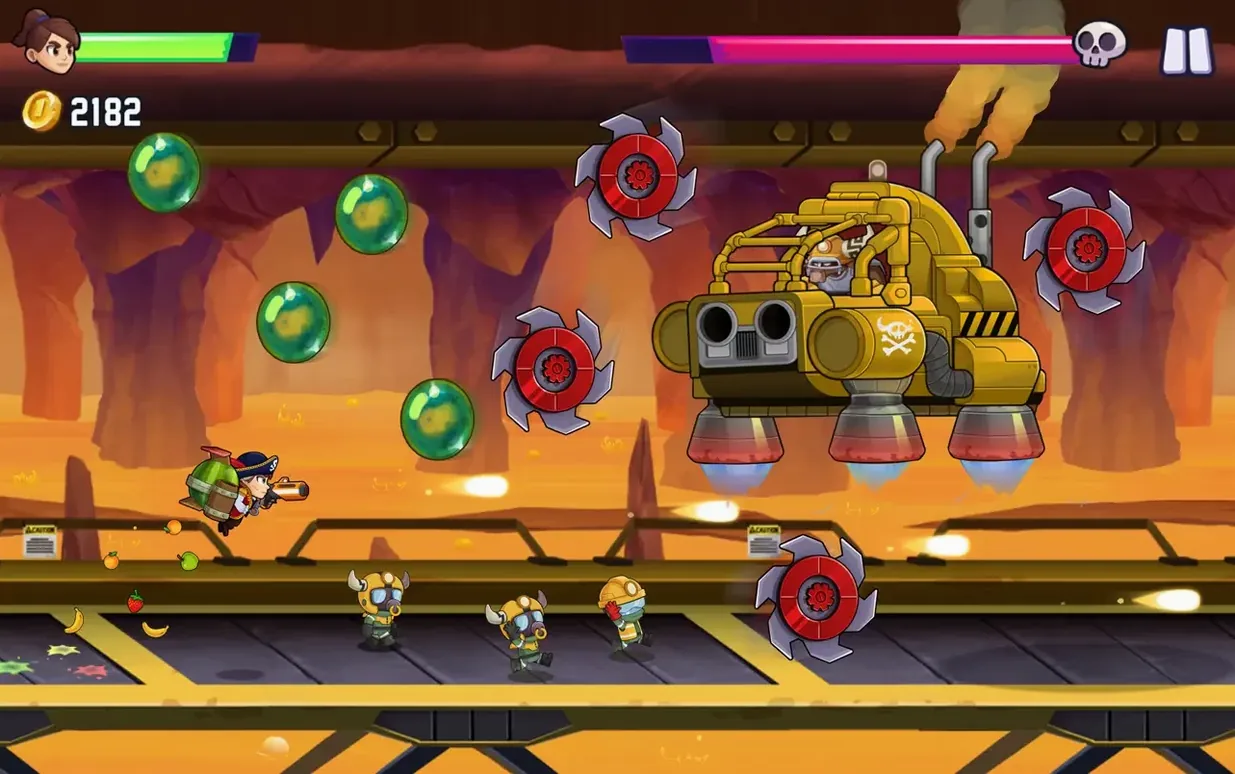
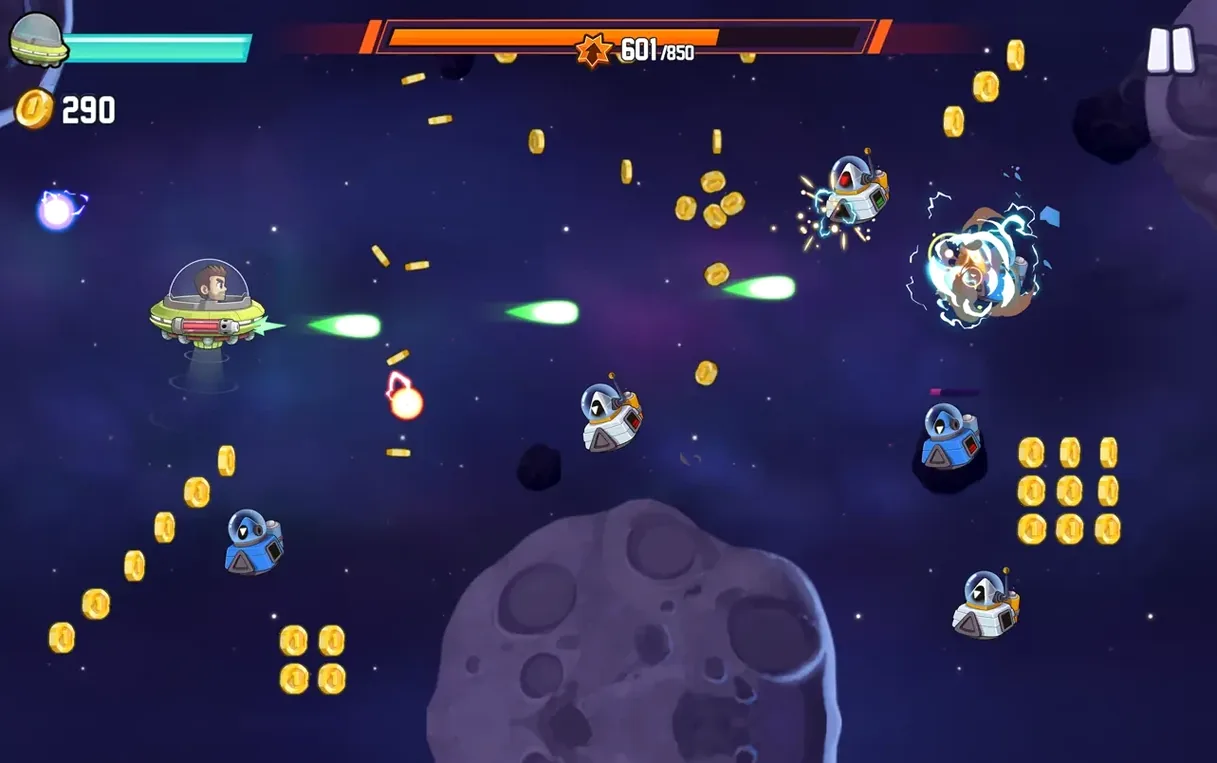
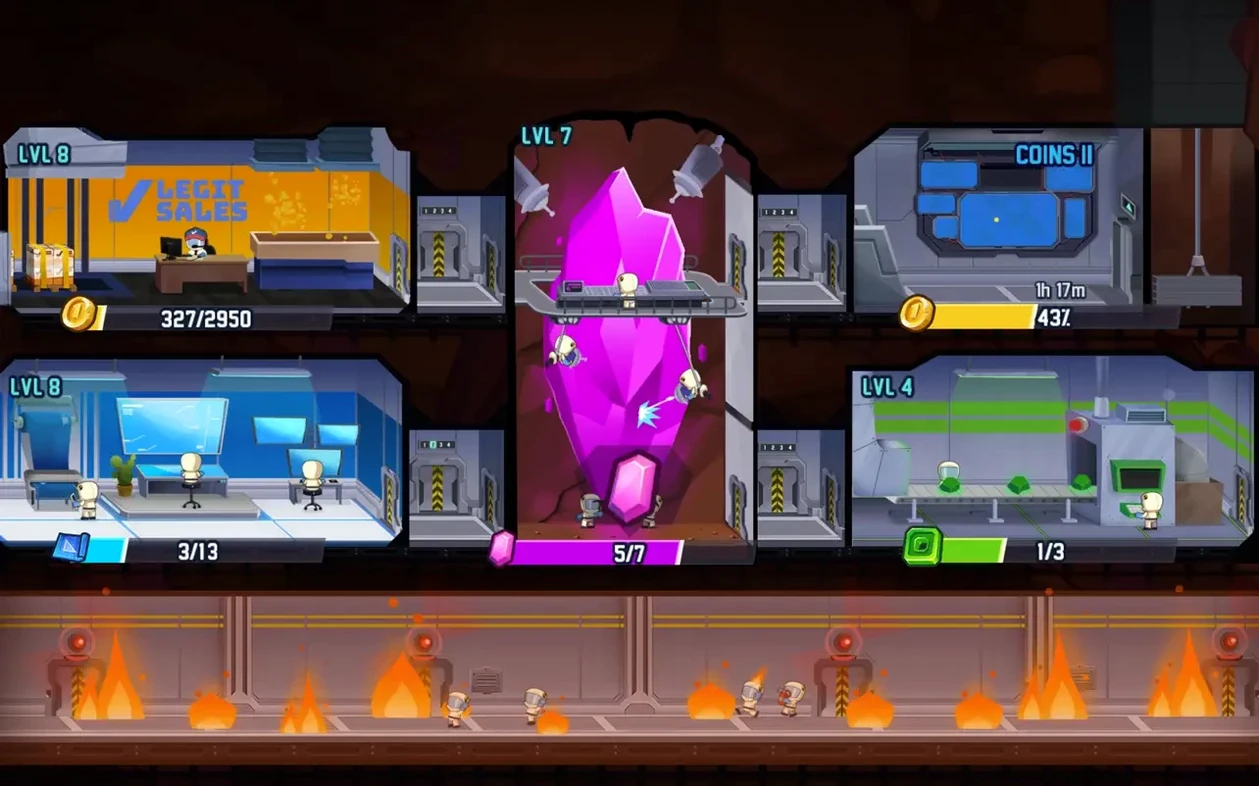
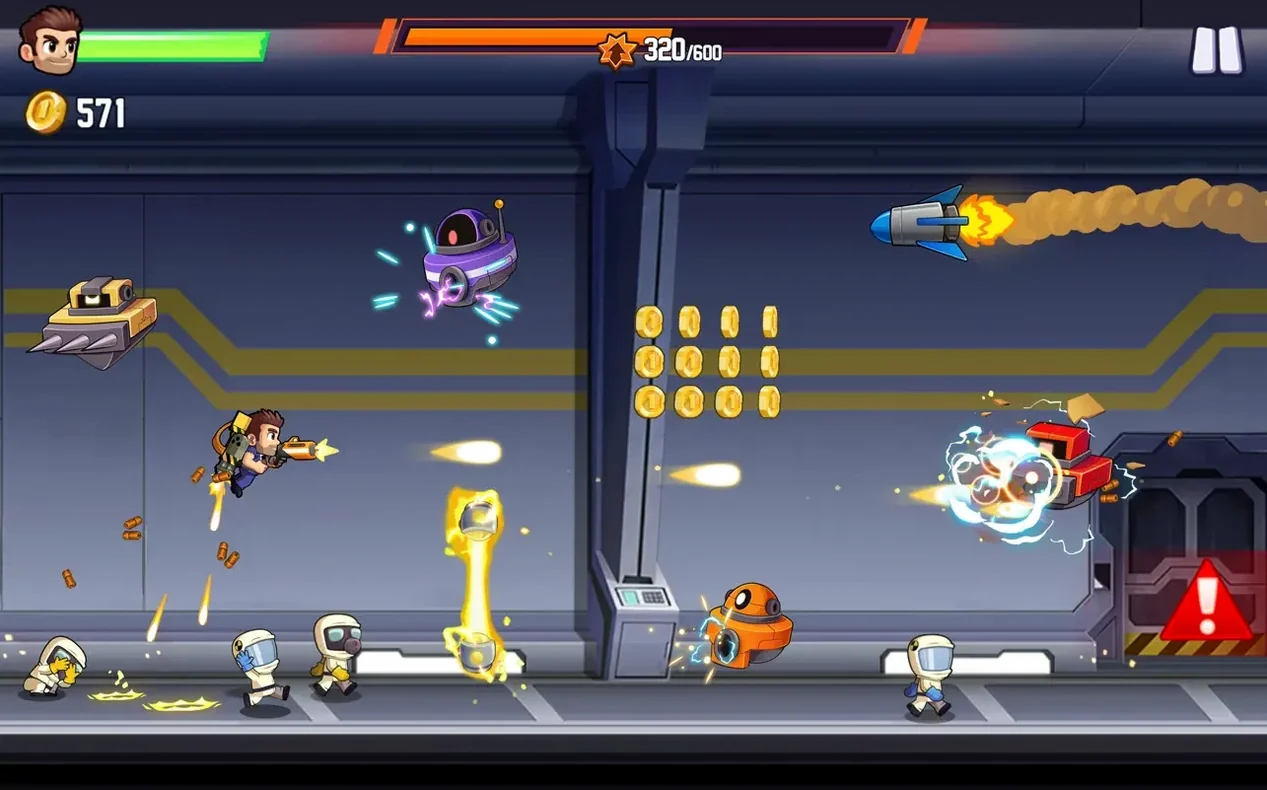
Jetpack Joyride 2 is a side-scrolling action game where Barry returns to escape a laboratory armed with new equipment and weapons. Halfbrick built this sequel with HD graphics, new enemies, and a different way to play that builds on the original.
| Detail | Value |
|---|---|
| Developer | Halfbrick |
| Current version | 3.8.10 |
| macOS required | 11.0 or later |
| Architecture | Intel and Apple Silicon |
| Interface languages | Russian, English, German, Arabic, Italian, Chinese, Korean, Dutch, Portuguese, French, Japanese |
Controls map to keyboard or controller — the side-scrolling action stays responsive even during the new boss fights. The download includes the full game; no additional account or online check is needed.
Barry's Jetpack Feels Familiar Again
Once you mount the downloaded disk image and drag the app to your Applications folder, give it a moment to finish copying before launching from Launchpad. The first session is about getting reacquainted with Barry’s movements — the jetpack feels familiar if you played the original, but the new mechanics and weapons take a few runs to settle into your muscle memory. Start with the standard run, not the hardest difficulty, even if you were a veteran of Jetpack Joyride. The new enemy patterns in the laboratory are different enough that you will benefit from a warm-up lap.
Check the language setting before you begin. With twelve interface languages available — including Arabic, Korean, and both traditional and simplified Chinese — you can switch it right from the in-game menu. The audio is music-led, so there is no spoken dialogue to toggle. Keep the volume up; the soundtrack cues enemy approaches.
Runs Natively on M1 Macs and Intel Alike
Jetpack Joyride 2 runs on macOS 11.0 or later and supports both Intel and Apple Silicon hardware. The build was tested on macOS Sequoia with an M1 MacBook Air, which means it works without emulation layers on modern ARM-based machines and also runs natively on the x86 side. The game installs from a standard disk image, so no extra launchers, online accounts, or activation steps get in the way. You mount, drag, copy, and play.
The HD graphics and new animations are the most visible change. They do not demand a specific GPU — the game’s side-scrolling style keeps resource requirements modest — but they look sharper than the original art style on any screen. Expect a clean, full-window experience with no resolution scaling quirks on Retina displays. The language pack for Chinese, Korean, Arabic, or Japanese menus loads without additional font downloads.
For Fans of Original Who Miss Touch-Free Play
Three types of Mac users will find this sequel worth their time. First, anyone who played the original Jetpack Joyride on a phone or tablet and wanted a version that runs without a touchscreen. The new equipment and weapons add enough variety to justify a revisit. Third, Mac gamers who prefer arcade-style side-scrollers over slow-paced strategy or simulation titles. The laboratory setting and boss fights keep the pace high, so it suits short sessions between tasks.
If you have a MacBook Air or a base-model MacBook Pro, the game runs on the integrated graphics without stutter. The M1 and M2 chips handle it without fan noise during regular play. For desktop Macs, it scales cleanly to larger monitors.
Gentler Curve Than Broforce or Celeste
Alongside Jetpack Joyride 2, a few other side-scrolling action games are available on macOS. The difficulty curve there is steeper and less forgiving.
Broforce offers co-operative run-and-gun action with destructible environments. It is more chaotic and relies on multiplayer for the best experience. Jetpack Joyride 2 stays a single-player affair with no online dependency.
Hollow Knight is a Metroidvania with exploration and combat, but its pace is slower and the world is larger. Jetpack Joyride 2 is linear and arcade-style — you restart quickly and try again. If you want a game you can finish in a few evenings without mapping a sprawling map, Halfbrick’s sequel fits better.
For fans of the original who want to see Barry and Betty in HD with new mechanics, or for anyone who enjoys a straightforward side-scroller that respects your time, Jetpack Joyride 2 is a solid pick. Search for jetpack joyride 2 download if you are ready to get back in the lab.
- Version 3.8.10 is the current release.
| Processor | Apple Silicon, Intel 64-bit |
|---|---|
| Download | 480 MB |
- macOS 11.0 or later
- Intel or Apple Silicon Mac
- Tested on macOS Sequoia on a MacBook Air (M1, 2020)
How to install, in order
- Mount the downloaded disk image.
- Drag the app to the Applications folder alias.
- After copying finishes, launch the app from Launchpad.
Comments and corrections 0
Sign in or open a free account to leave a comment.
No comments or corrections yet.