
inZOI 0.11.2 — download for Mac
Games Updated
Lets you build and manage a city with native Apple Silicon performance.
Screenshots
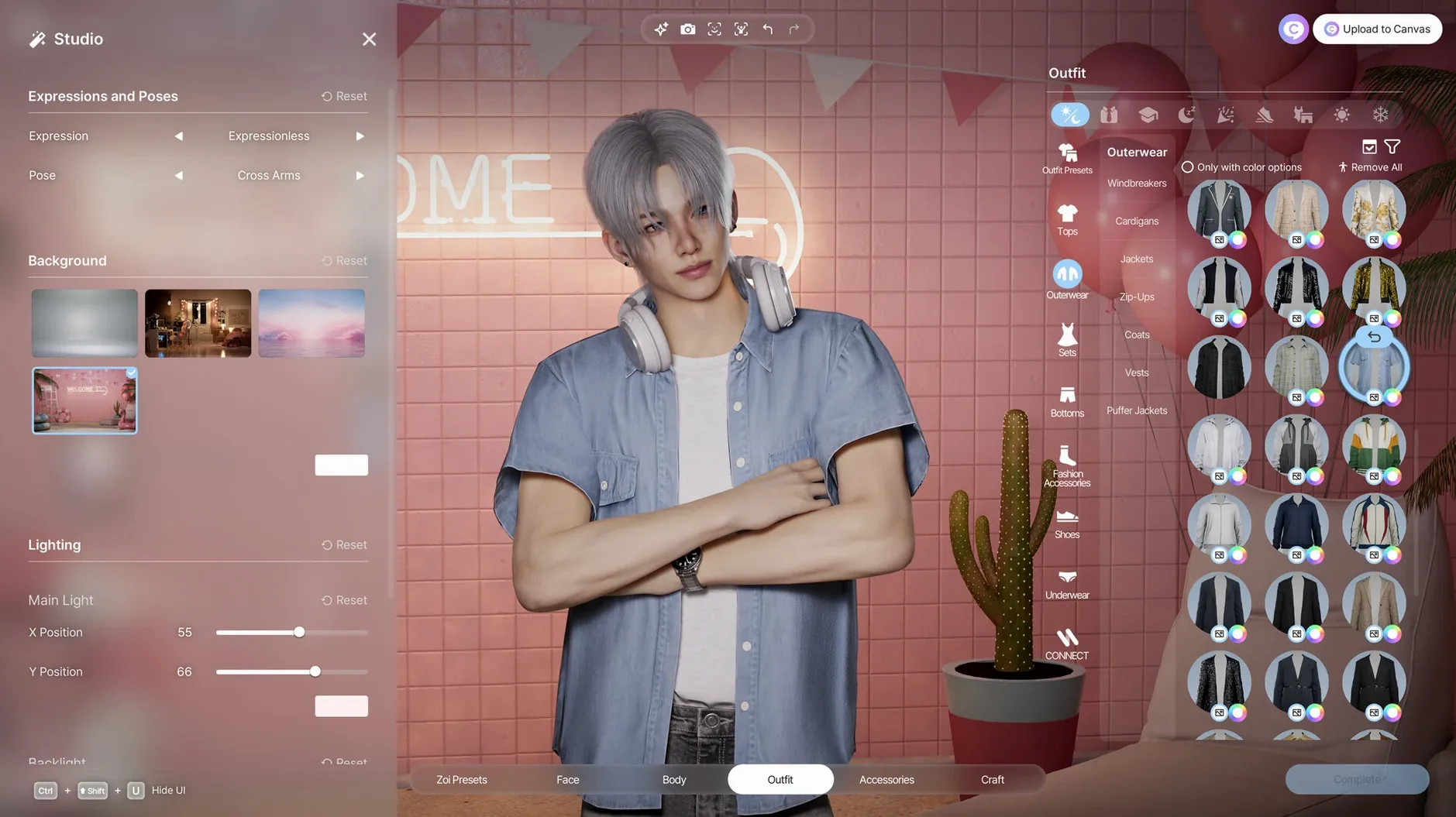

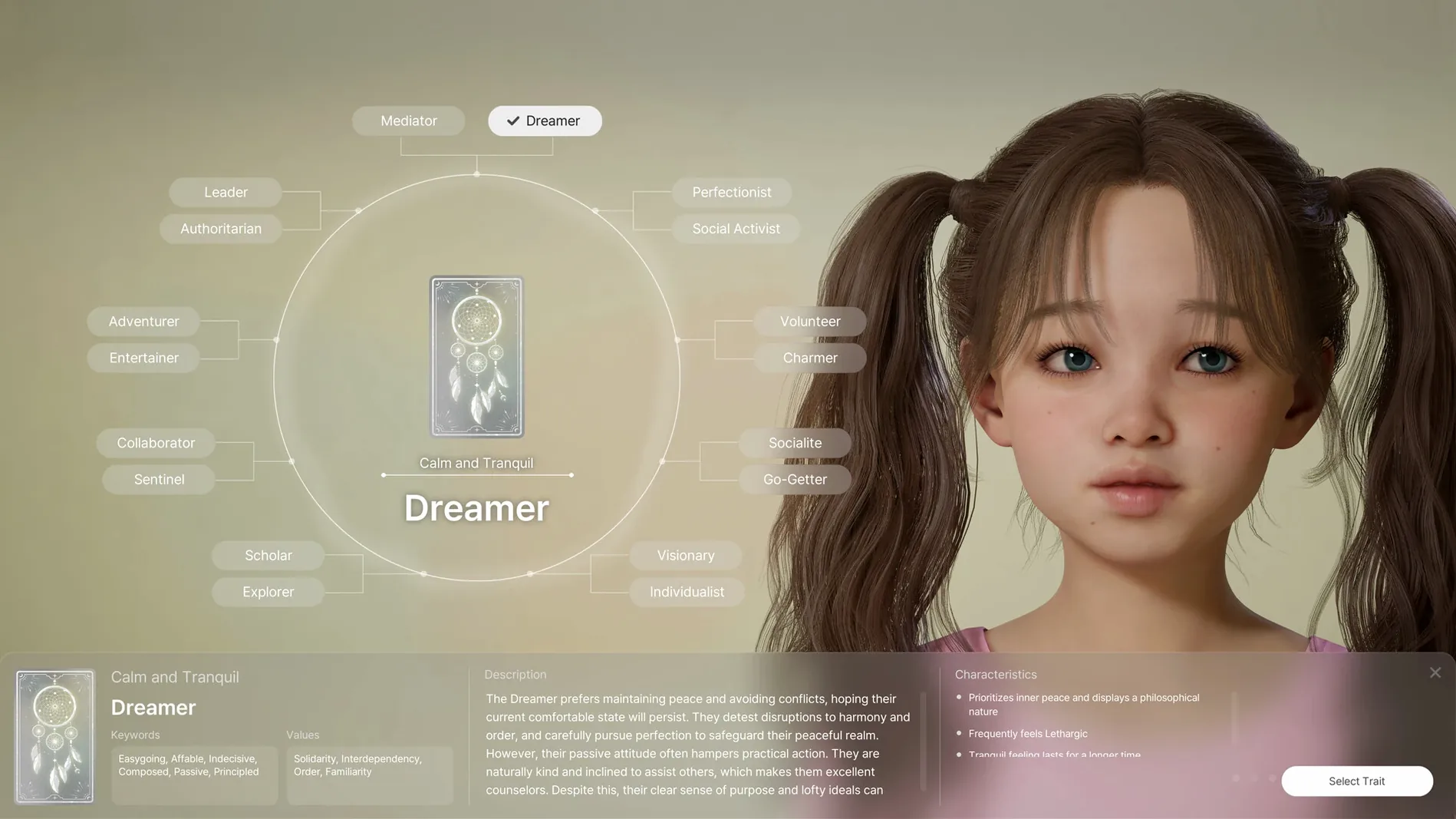

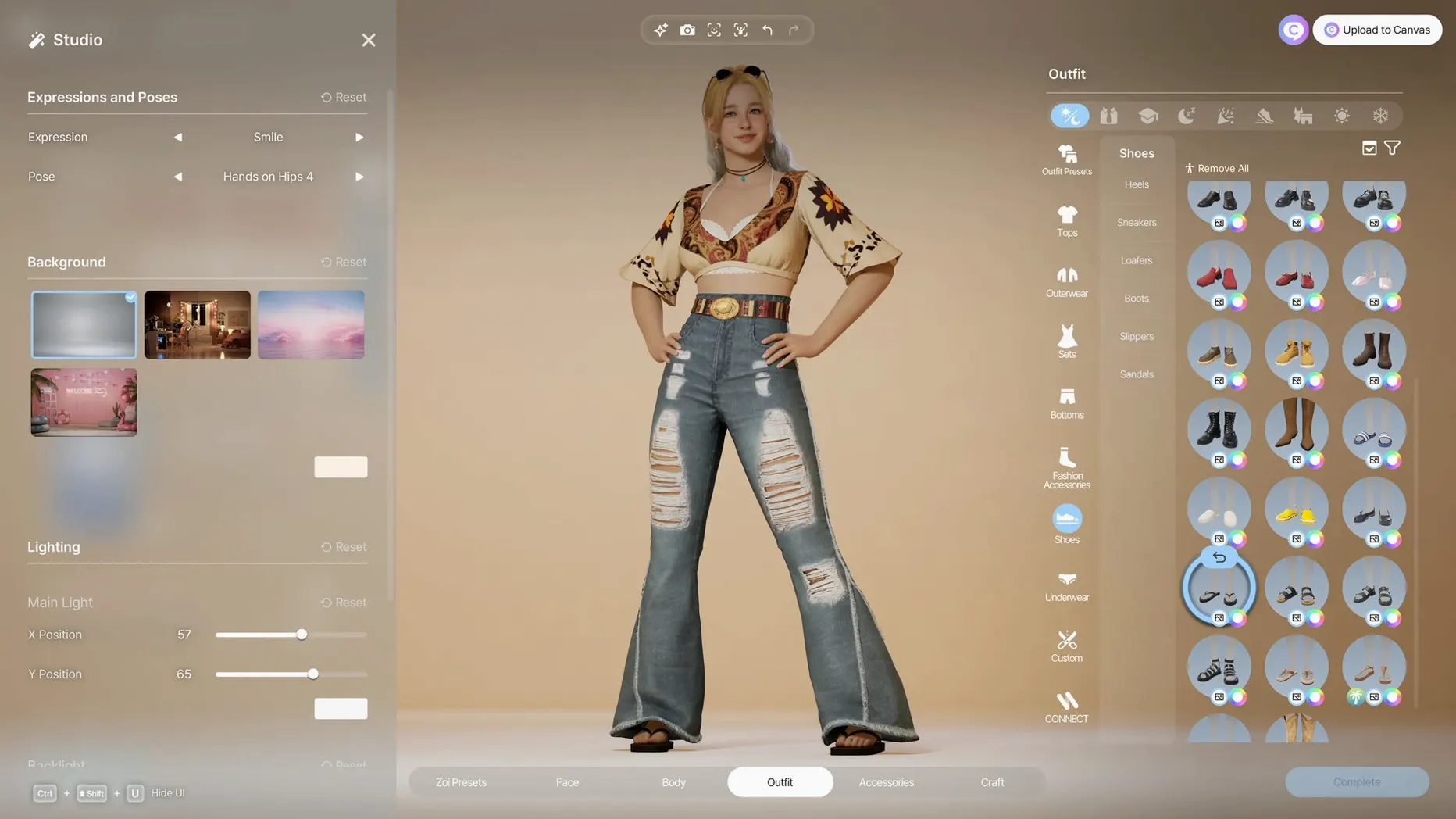

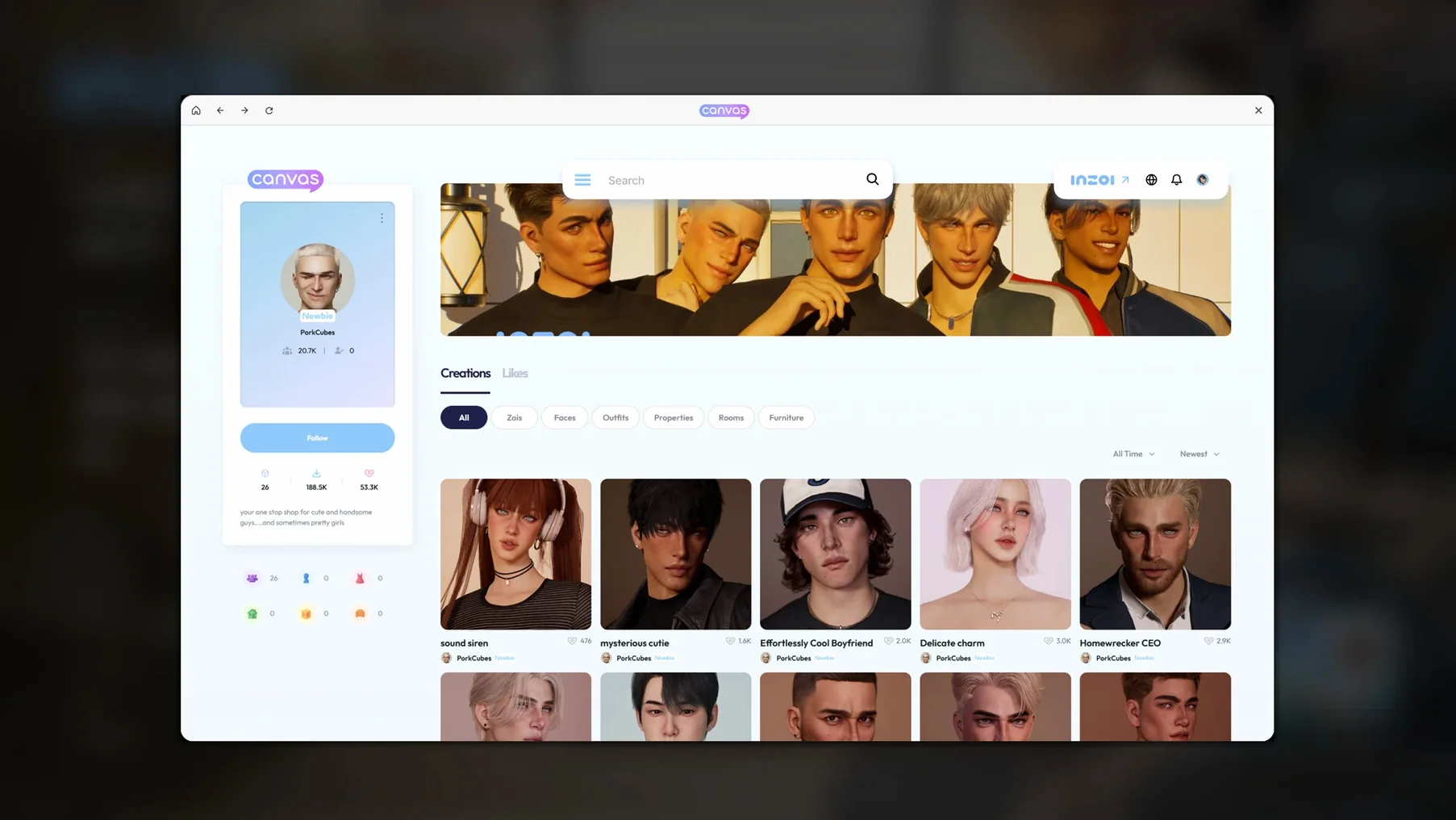

Building a city and managing a community from a Mac has been limited by hardware demands. inZOI changes that with a native Apple Silicon version optimized for Unreal Engine 5. It puts character creation, city management, and full architectural tools inside a single app that runs on a 2024 Mac mini M4 with macOS Tahoe.
| Detail | Value |
|---|---|
| Developer | inZOI Studio |
| Version supplied | 0.10.4 |
| Release date | 2025-03-28 |
| Engine | Unreal Engine 5 |
| Architecture | Apple Silicon only |
You shape a fully functional community with walls, roofs, stairs, and gates. Furniture and interiors are fully editable. A local generative AI model lets you customize beyond preset options, and character movements can be generated from uploaded video clips. The cities are modeled after real places, so the world feels grounded. In early access, performance on the M4 Mac mini was stable at medium settings. Controls map to keyboard and trackpad, with no Windows-only features required. If the app doesn't launch after installation, check Privacy & Security or run the Terminal commands listed in the disk image.
Native App, No Emulation Needed
inZOI works as a standard macOS application, not a wrapper or emulated port. It installs from a disk image and lives in your Applications folder like any native Mac app. Because it’s built for Apple Silicon and macOS Tahoe, the system treats it as a first-class citizen: it appears in Launchpad, works with the Dock, and responds to the usual Command-Tab switching and window management gestures.
The local generative AI model runs entirely on your Mac. There is no cloud dependency for pattern generation or turning 2D models into 3D objects. That means your builds and character edits stay offline. If you work in a location with no internet, or prefer to keep data local, the tools inside inZOI still function.
File management is straightforward. The game saves its data in standard macOS user directories. You can back up your city files the same way you back up a project folder — drag them to an external drive or a cloud sync folder. No proprietary import-export tools are needed beyond the built-in save system.
Webcam-Powered Facial and Motion Capture
Version 0.10.4 includes details that only show up after a few hours of use. The facial capture and motion capture support means you can use your webcam to drive character expressions and animations. The game reads standard camera input through macOS, no additional drivers required. If you build a character and want to see how they react, the camera integration gives immediate feedback.
The generative AI for patterns and images works from text prompts. If you want a specific fabric pattern for a sofa or a texture for a wall, type a description and the system applies it to the selected surface. The same prompt system works for clothing and furniture customization. It eliminates the need to import external images for most decorative choices.
Character movements from uploaded video clips let you import human motion directly into the game. Record a short clip on your phone, transfer it to the Mac, and the game translates the motion into Zoi behavior. It saves time compared to adjusting sliders and keyframes for every gesture.
Apple Silicon Macs Only
inZOI requires macOS Tahoe, Apple M1 or later, and ARM architecture. That covers every MacBook Air, MacBook Pro, Mac mini, iMac, and Mac Studio released since late 2020 with an Apple Silicon chip. Intel-based Macs are not supported. The game was built and tested on a 2024 Mac mini with M4, running macOS Tahoe. If your Mac meets those requirements, the installer will run without compatibility warnings.
The disk image expands to a full application. During installation, you will need free disk space for the game data and saved cities. The application accesses the GPU for Unreal Engine 5 rendering. Apple Silicon chips handle this through their unified memory architecture. You do not need to install separate graphics drivers or configure GPU settings.
If the app does not start after installation, the fix is either allowing it in Privacy & Security settings or running the Terminal commands included in the disk image. Both methods are documented inside the downloaded folder. No registry edits, config file tweaks, or third-party tools are required.
250+ Customization Options to Learn the Interface
Start with character creation. The 250-plus customization options cover hair, skin, body shape, clothing, accessories, and manicure. It is the fastest way to learn the interface and understand how the generative AI handles text prompts for clothing patterns. Spend thirty minutes adjusting a single character to get a feel for the control sensitivity.
After that, open the city management tools. Pick one of the real-world city templates instead of building from scratch. The weather, lots, and streets can be changed later. Learning the city tools on an existing layout avoids the frustration of placing roads and zones incorrectly from the start.
Use the architectural elements one at a time. Place a wall, then a roof, then a set of stairs. The building system snaps elements together, but the logic takes a few tries to internalize. Interior items and furniture can be decorated and changed after placement, so do not worry about permanent choices.
If you want to generate custom patterns or turn a 2D model into a 3D object, test those features in a fresh city first. The AI tools are fast on M1 and later chips, but the first generation may take a few seconds. That is normal. Experiment with short text prompts before writing detailed descriptions.
Back up your save folder after your first session. Knowing where the files live and having a copy on an external drive means you can start over without losing the characters and buildings you already created.
No release notes filed for 0.11.2 Native. They are added here when a build changes how the program behaves.
| Processor | Apple Silicon |
|---|---|
| Download | 30 GB |
- macOS Tahoe
- Apple Silicon
Questions about inZOI
Can I run inZOI on an Intel Mac?
No. The Mac version requires Apple Silicon and macOS Tahoe. Intel Macs are not supported.
What language options are available?
The game supports English, Russian, German, Spanish, Italian, French, Portuguese, Polish, Japanese, Korean, Traditional Chinese, and Simplified Chinese.
Does inZOI use cloud saves or online features?
The current version does not specify cloud saves. It is a single-player life simulation running locally on Unreal Engine 5.
How to install, in order
- Open the downloaded disk image.
- Drag the app into the Applications folder alias.
- After copying finishes, launch the app from Launchpad.
- If the app does not start, run the listed Terminal commands or allow it in Privacy & Security settings.
Comments and corrections 0
Sign in or open a free account to leave a comment.
No comments or corrections yet.