International Basketball Manager 1.2.4 — download for Mac
Games Updated
Puts you in charge of a basketball club with real players and leagues.
Screenshots
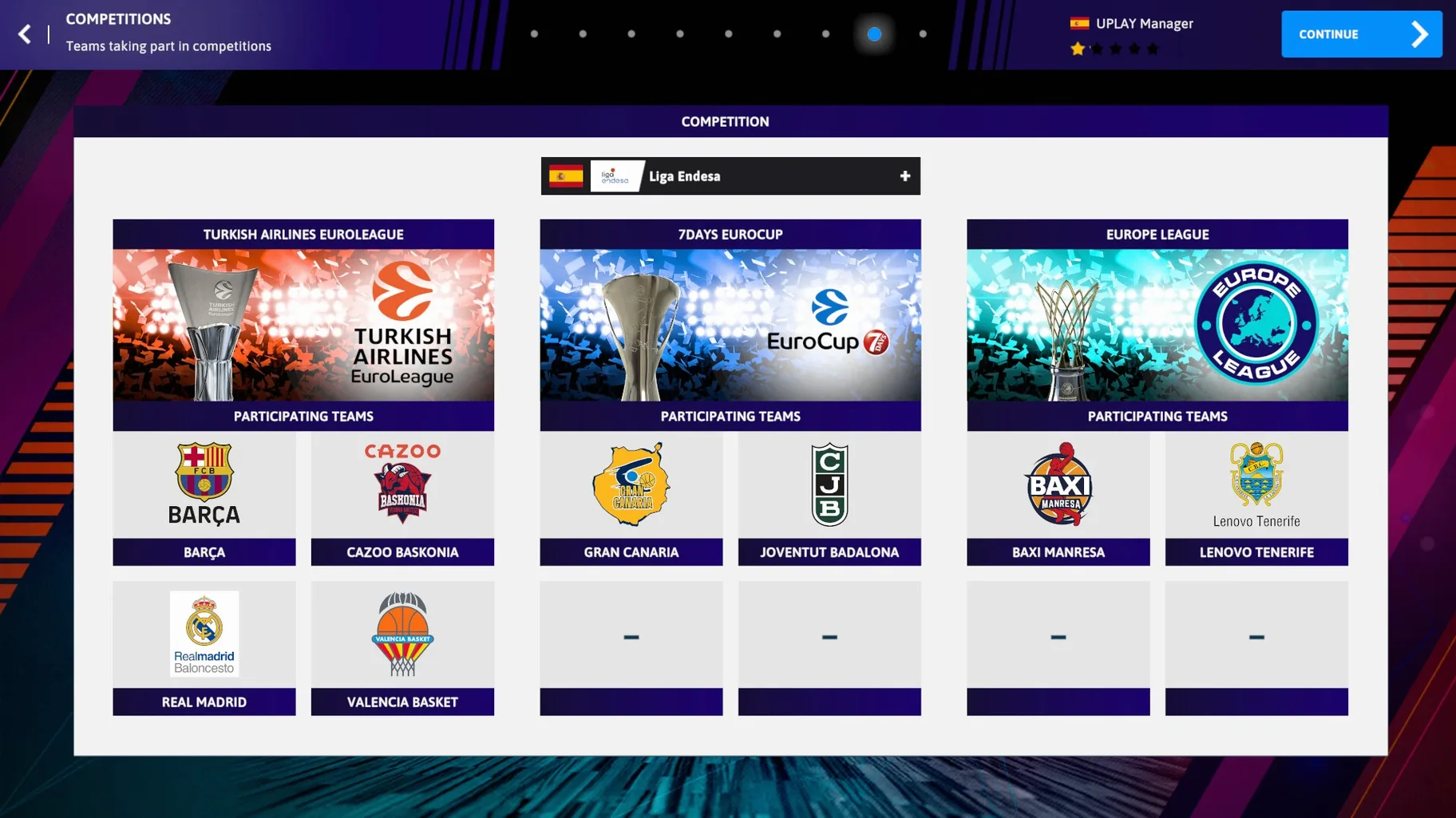
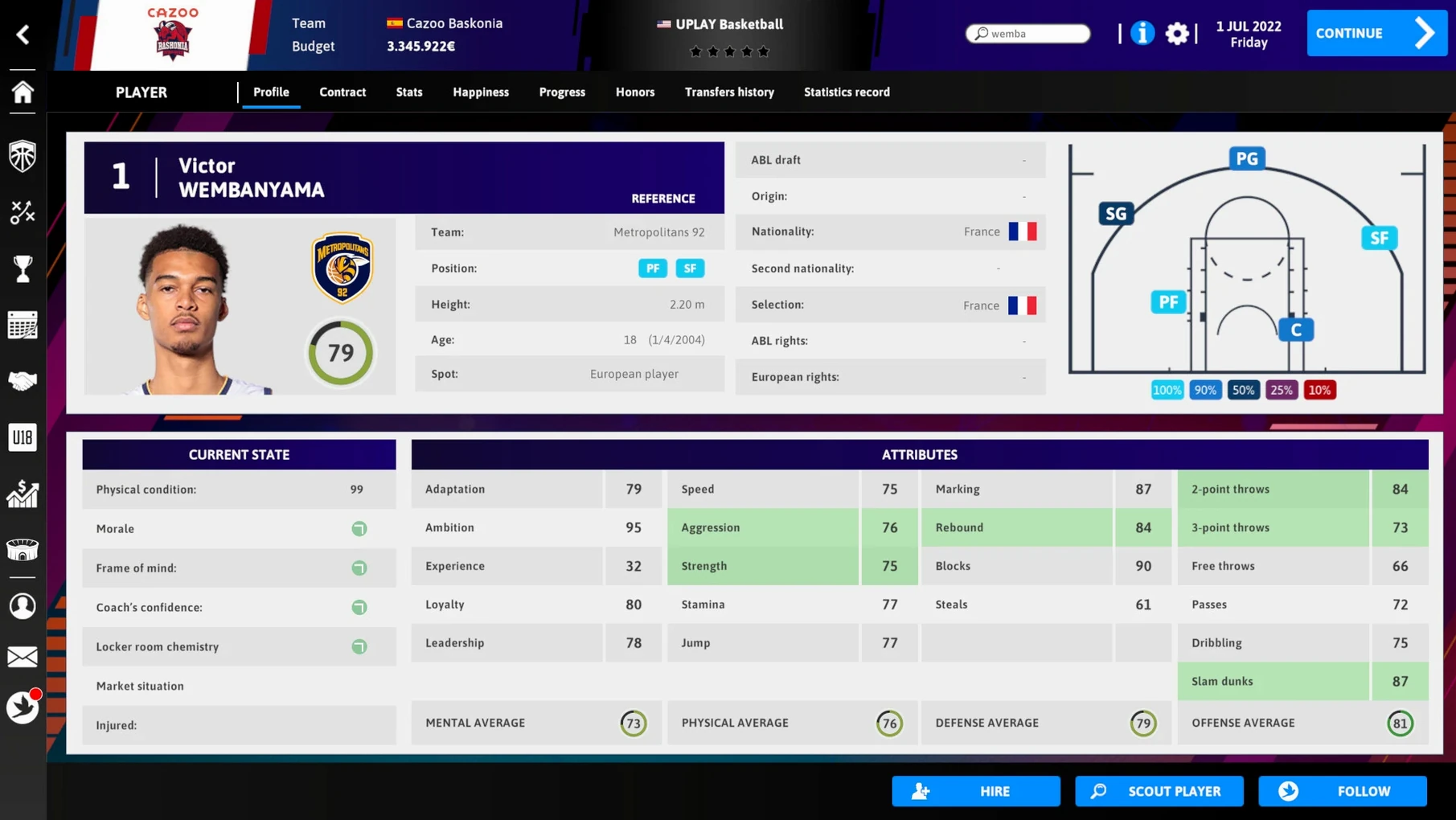
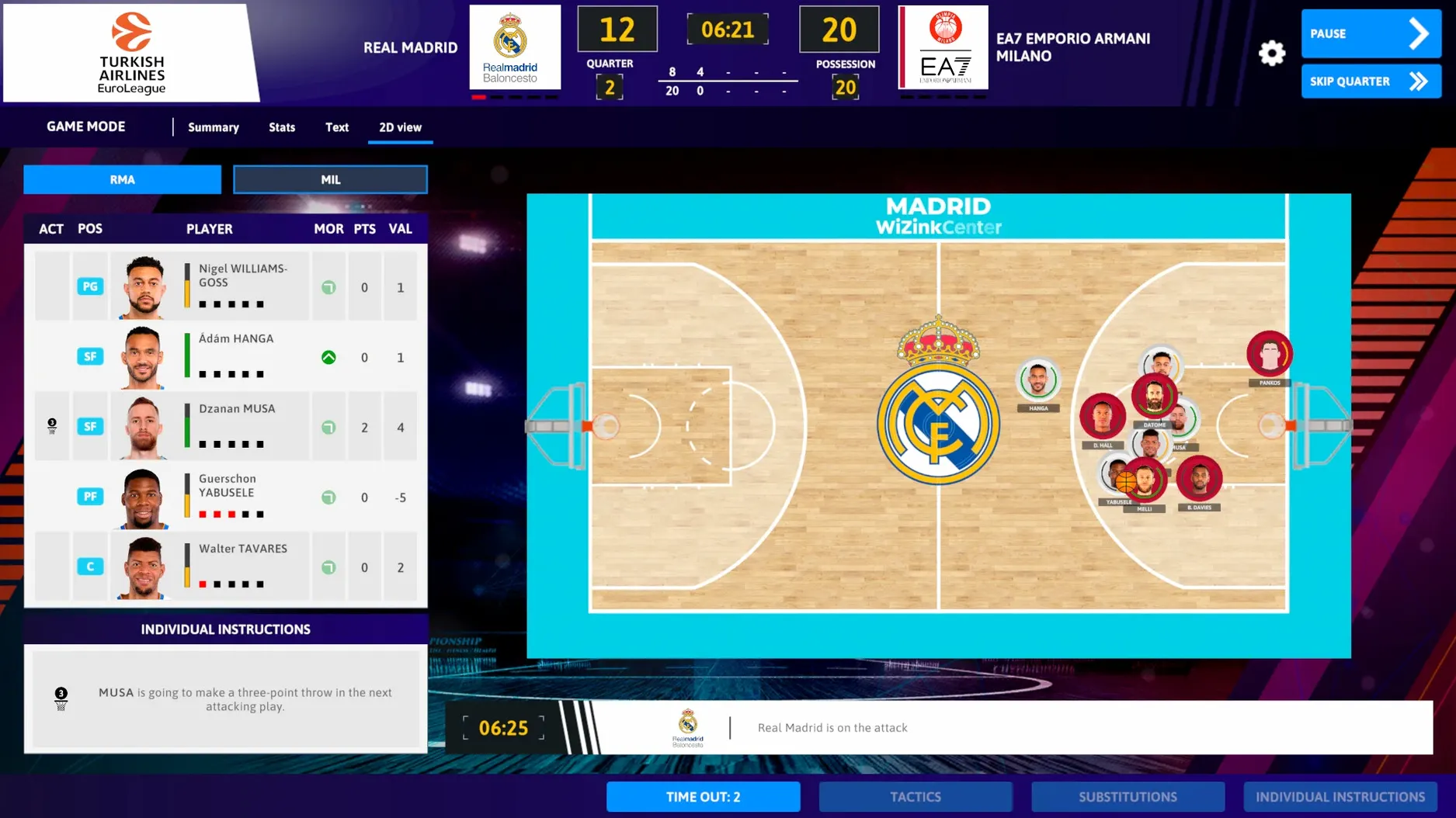
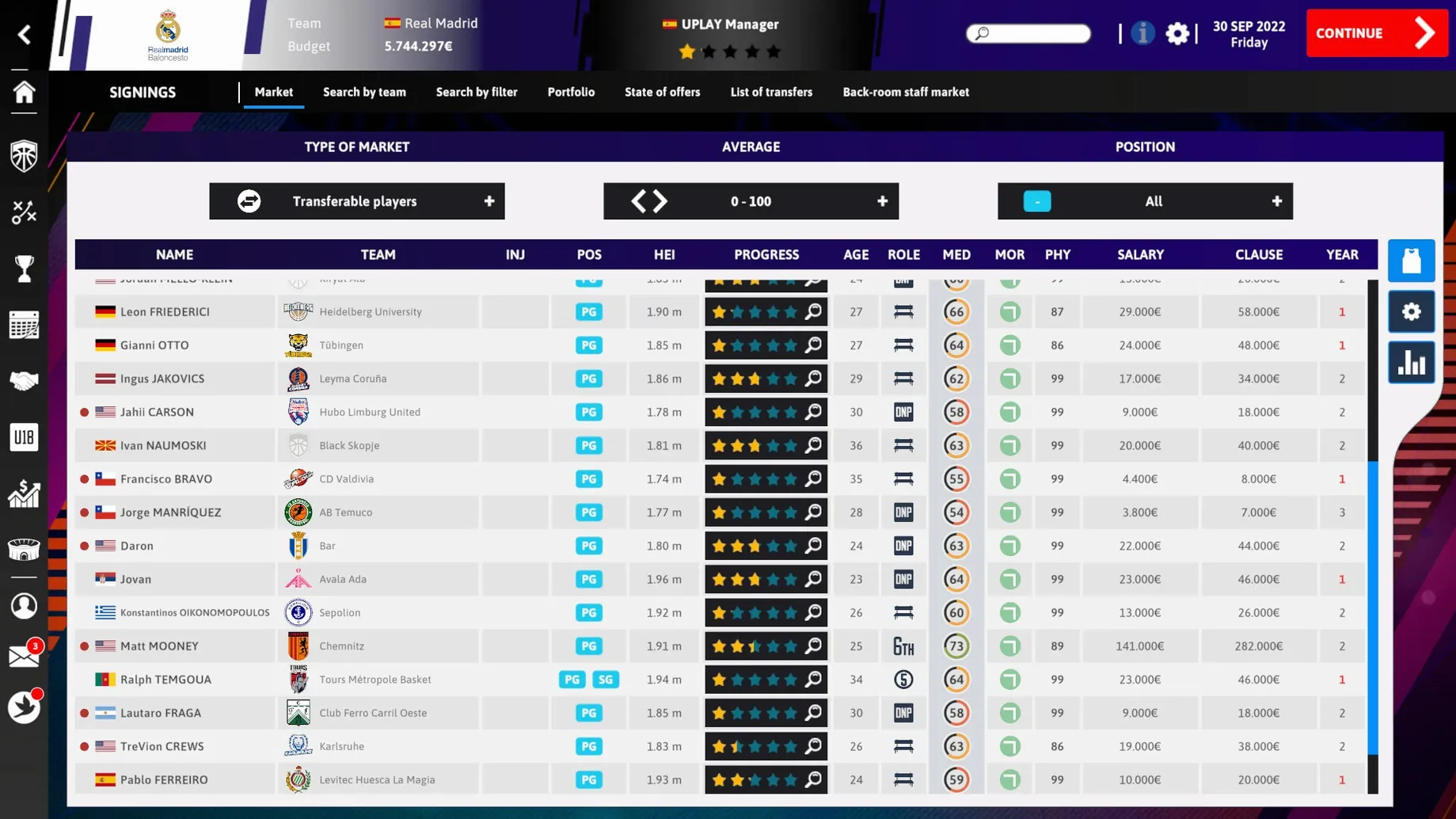
International Basketball Manager is a basketball management game that puts you in charge of a club, league, and roster of nearly 10,000 real players from more than 20 leagues across multiple continents. Teams, competitions, and players are updated for the 22/23 season.
Hire, Train, and Trade Across 6 Languages
- Managing world basketball: hire, train, and trade players across leagues from different countries.
- Playing in English, German, Spanish, Italian, Turkish, or French.
- Running on modern Macs: it supports both Apple Silicon (ARM) and 64-bit Intel architectures.
Runs on macOS 11+ with Apple Silicon
- Requires macOS 11.0 or later.
- Tested on macOS Sonoma with an Apple M1 chip from 2020 — performance is solid.
- This is a management simulation, not an arcade basketball game.
frequent questions before installing
People often wonder if they need an internet connection to play. You don't. International Basketball Manager runs fully offline after the initial copy to your Applications folder. No activation check, no Steam client required. Another common question is whether the game has fast-paced arcade action. It doesn't. This is a turn-based management sim: you build rosters, set tactics, negotiate contracts, and watch simulated matches play out with text or simple visual feedback. The appeal is the depth of the league and player database, not quick reflexes.
Some ask if the 22/23 season data is outdated now. UPLAY Basketball has not announced newer season updates, but version 1.2.4 remains current and the integrated editor lets you adjust team rosters, player attributes, and league structures yourself. If you follow a specific league, you can keep it accurate with a few minutes of editing.
Tweak Player Stats With the Integrated Editor
The Steam page doesn't list detailed patch notes for 1.2.4 specifically, but the integrated editor is a core feature that arrived in an earlier update and remains in this version. In everyday use, that means you can tweak player stats, rename competitions, or adjust club budgets directly from the main menu without external tools. For a manager who wants to reflect a mid-season transfer or correct a rookie's rating, it saves the trouble of waiting for an official patch.
Set Up a Custom ACB or French League Season
- Launch the game from Launchpad after copying it into Applications.
- Select "New Game" and pick a league you know — say the ACB (Spanish league) or the French league. The official licenses mean the teams and logos are accurate.
- Open the integrated editor from the management screen. Adjust player salaries or swap a few roster entries to match current news.
- Set your own club's starting budget and staff hiring rules. The game includes 700 clubs, so you can also choose a smaller club from a lesser-known league if you want a longer challenge.
- Start the season. The simulation will run matches based on your tactics and player attributes. You can intervene during transfer windows or before each game to change the lineup.
- Track progress on the standings screen. If your team underperforms mid-season, use the editor again to scout free agents or trade with another club.
This workflow takes about ten minutes of setup and then you are managing an entire international basketball season on your own terms.
No release notes filed for 1.2.4. They are added here when a build changes how the program behaves.
| Processor | Apple Silicon, Intel 64-bit |
|---|---|
| Download | 602 MB |
- macOS 11.0 or later
- Intel 64-bit or Apple Silicon (ARM) processor
How to install, in order
- Open the downloaded disk image.
- Drag the app into the Applications folder shortcut.
- Launch the app from Launchpad after the copy finishes.
Comments and corrections 0
Sign in or open a free account to leave a comment.
No comments or corrections yet.