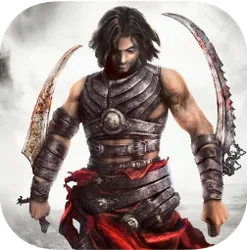
Prince of Persia: Warrior Within 1.00.999 — download for Mac
Games Updated
Plays a darker Prince of Persia chapter with the Dahaka hunt on modern Macs.
Screenshots
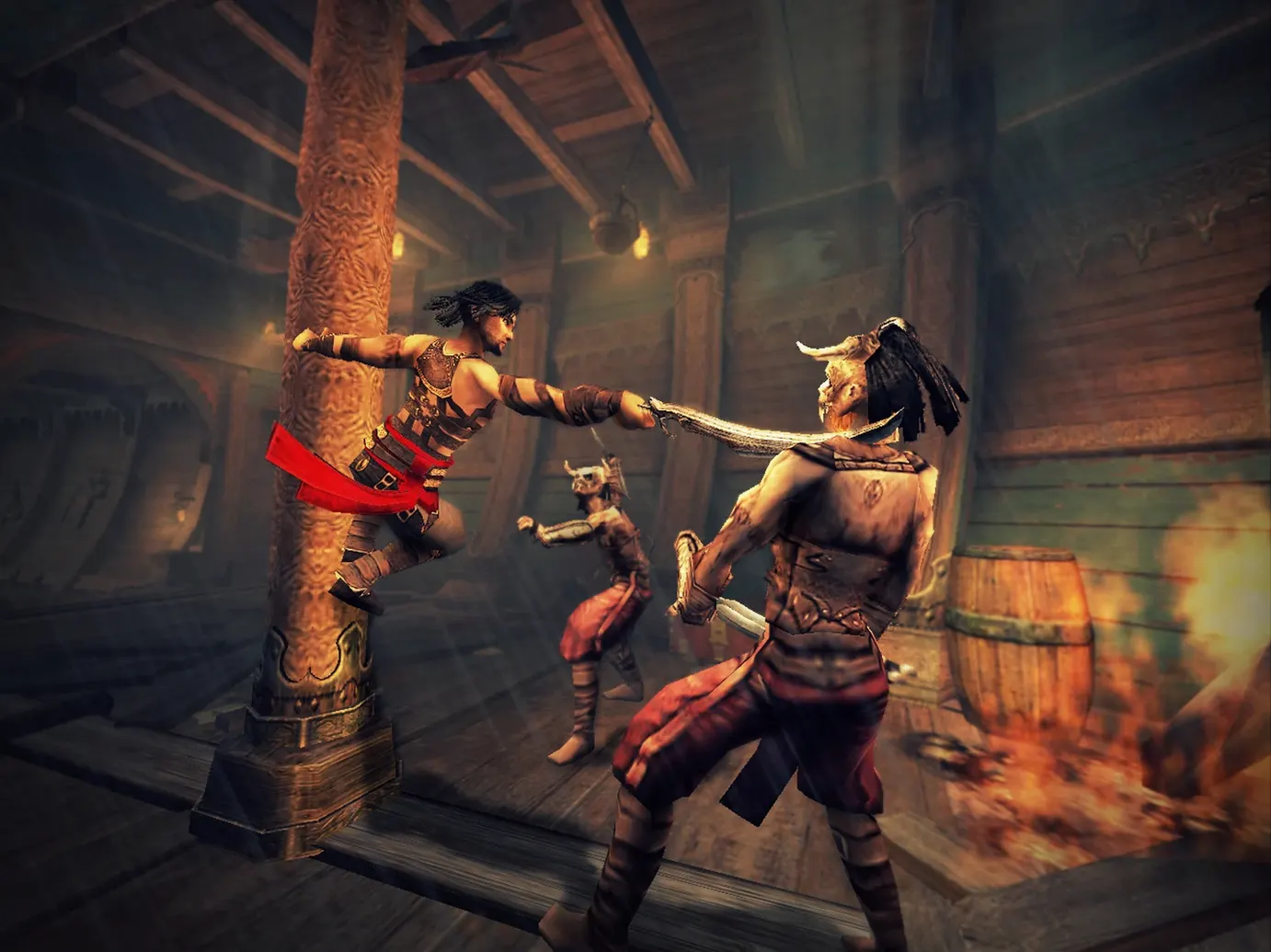
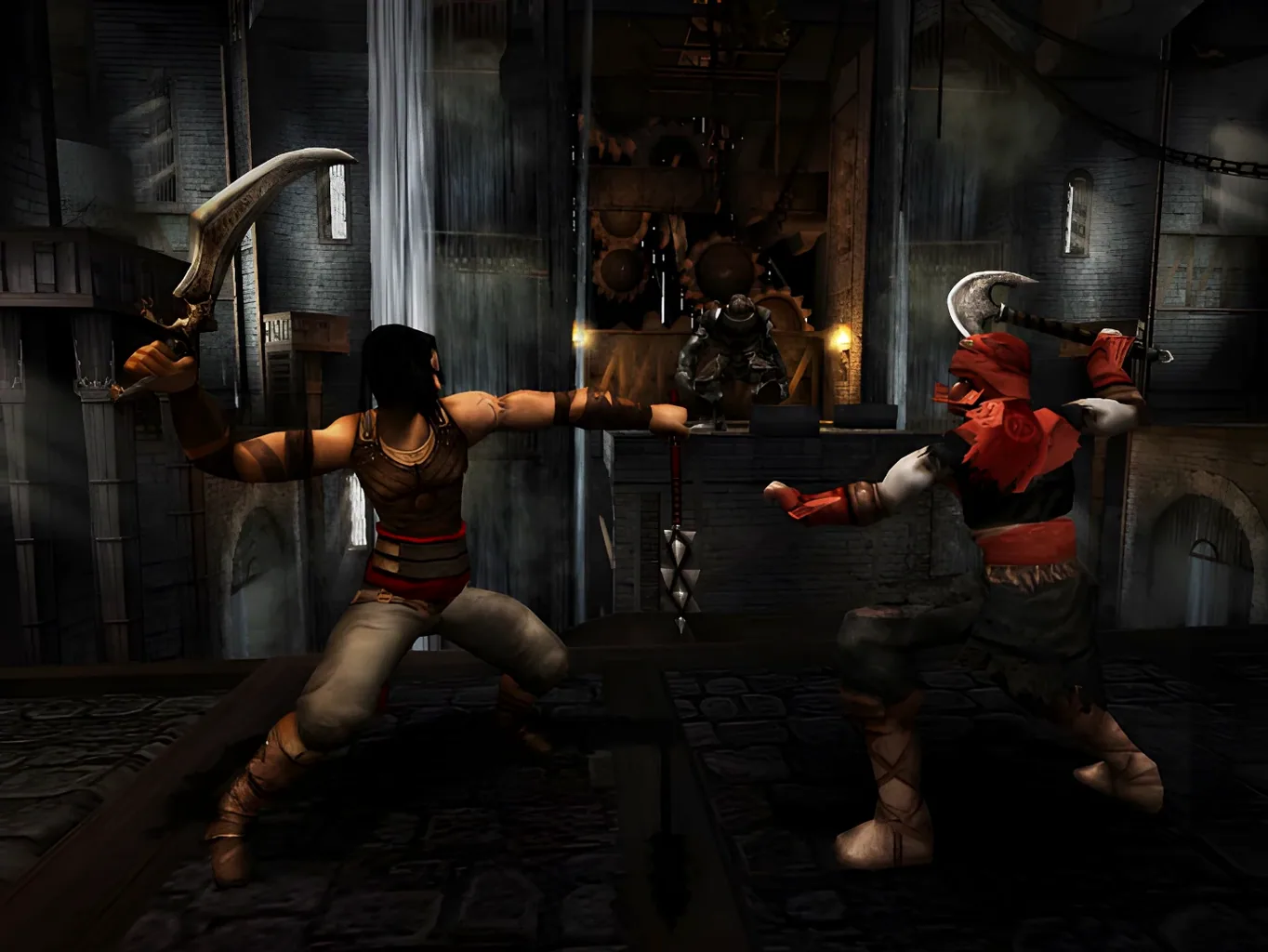
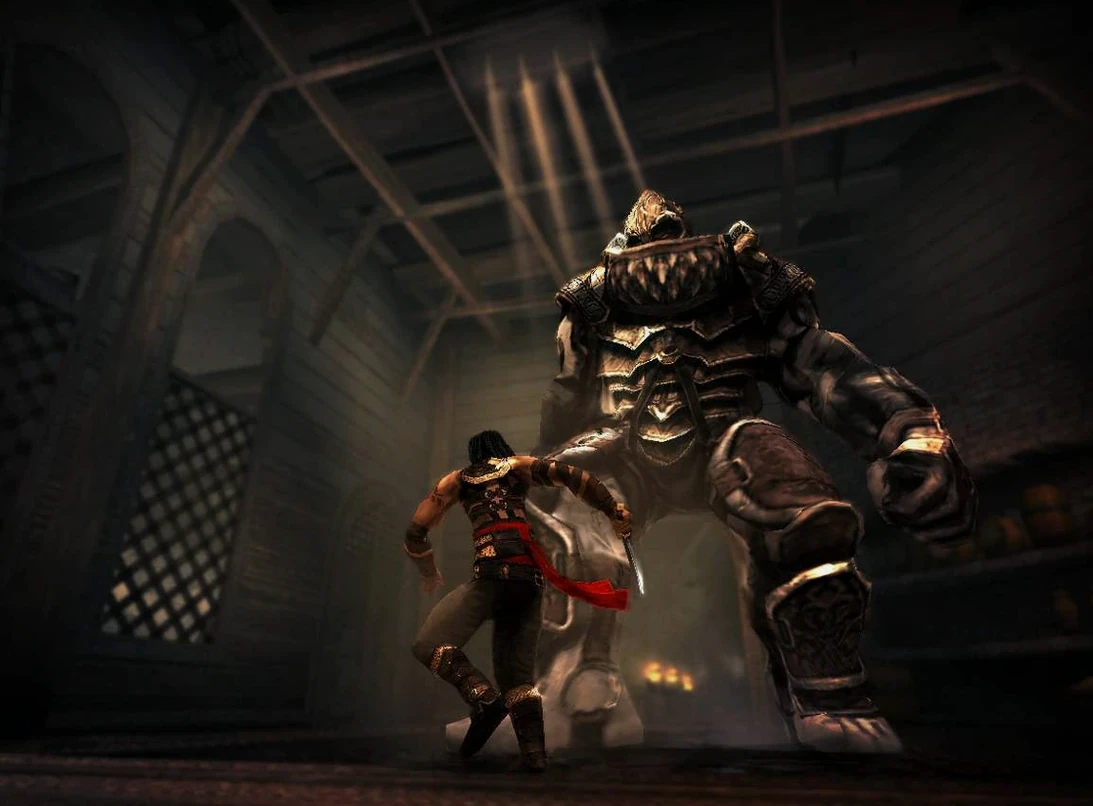
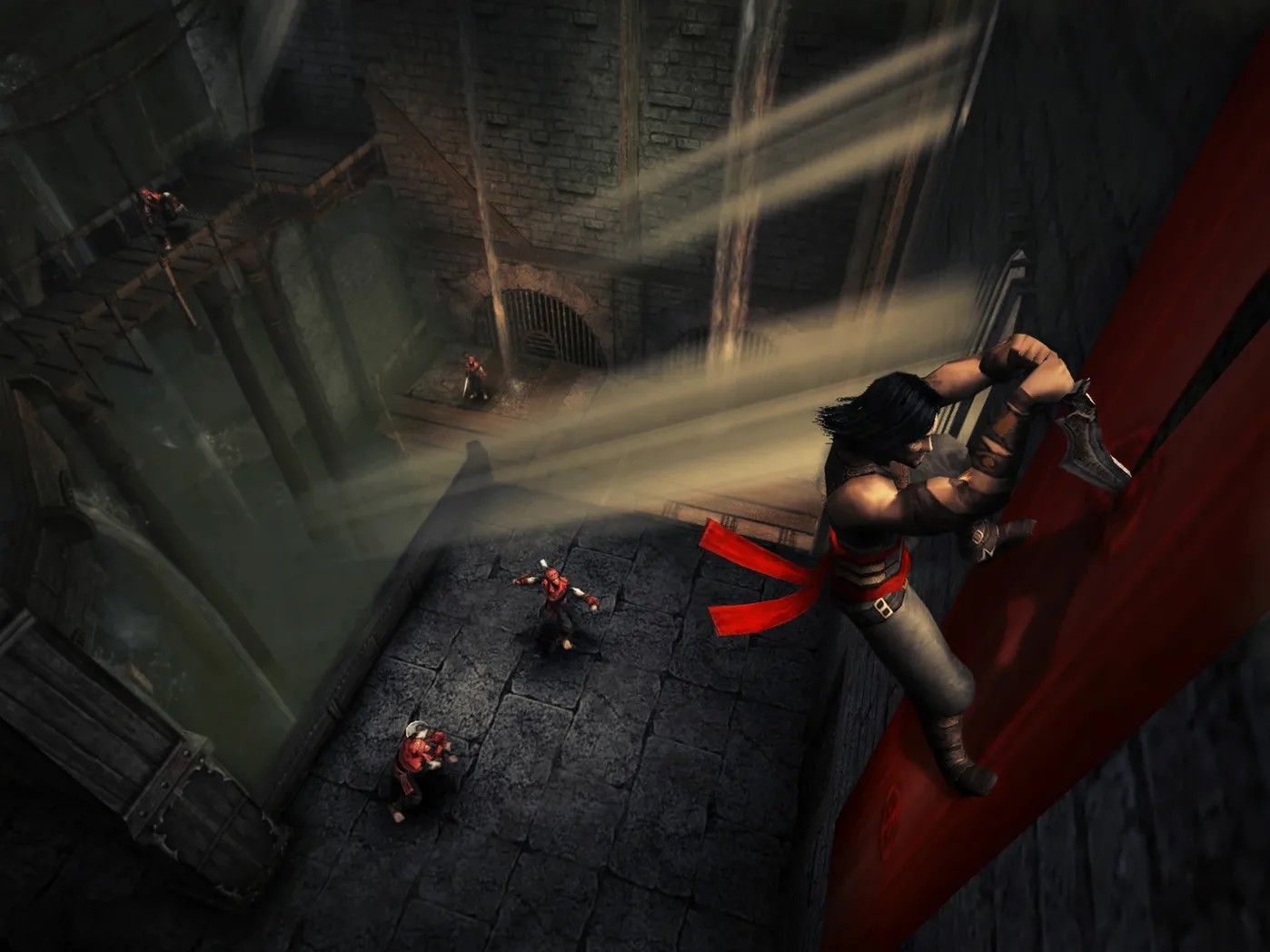
The 1.00.999 v2 Build (28549) Wineskin version brings Prince of Persia: Warrior Within to modern Macs. It supports both ARM and 64-bit Intel architectures and runs on macOS Sequoia. The tested system was a MacBook Air (M1, 2020).
Darker tone and Dahaka hunt
Players who liked the darker tone of the 2004 original and want a combat-heavy action-adventure. The story follows the prince hunted by the Dahaka on a cursed island stronghold. It is a direct sequel to The Sands of Time, so returning fans will recognize the atmosphere.
Needs 16:9 display or workaround
Anyone without an external 16:9 display. The game only works on monitors with that aspect ratio, though you can bypass it with BetterDisplay and a virtual monitor. Players who preferred the lighter, puzzle-focused Sands of Time may find the tone jarring.
What it takes to run
The disk image contains Russian and English builds. After copying the app to Applications, launch from Launchpad. If an error appears, run the Fix file from the disk image. The version is labeled 1.00.999 v2 Build (28549) [Wineskin].
Rare macOS port via Wineskin wrapper
Most action-adventure games from this era never got a proper macOS port. Prince of Persia: Warrior Within sits alongside a few others that make the jump through Wineskin wrappers.
Prince of Persia: The Sands of Time — The earlier game leans on platforming and puzzles. Warrior Within shifts hard toward combat. If you finished The Sands of Time and wanted more fighting and fewer water-wheel puzzles, this build delivers that. The Wineskin setup is similar: mount, drag, launch.
Beyond Good & Evil — Another Ubisoft title from the same period, available through a comparable wrapper. The combat is lighter, the tone is less aggressive. Warrior Within is narrower in scope but tighter in its action, designed for a single sitting per level rather than exploration.
Prince of Persia: The Two Thrones — The third game in the series. It refines the combat and adds stealth kills. On Mac, it requires a similar wrapper setup. Warrior Within has a grittier story and less forgiving difficulty, especially in boss fights. Players who find The Two Thrones too easy often prefer this build.
All three depend on the same Wineskin infrastructure, so if you already have one running, adding Warrior Within is straightforward.
Common issues and fixes
The build has a few consistent trouble spots. Here is what to check first.
Black screen after launch
- The game requires an external display with a 16:9 aspect ratio. Built-in MacBook screens are typically 16:10. The game writes the wrong resolution and shows nothing.
- Run BetterDisplay to create a virtual 16:9 monitor. Set the resolution to 1920×1080 or 1280×720. The game will detect it and render properly.
- If you already have an external monitor, verify it is set to 16:9 in System Settings > Displays.
Game crashes at the opening cutscene
- The crash is usually a missing codec or a corrupted video file in the Wineskin prefix.
- Run the Fix file from the disk image. It replaces the video files with working copies and sets the correct permissions.
- If the crash persists, delete the game folder from Applications and re-copy it. The first copy sometimes skips files on slower drives.
No sound or crackling audio
- Wineskin audio mapping can fail on macOS Sequoia if the internal speaker is selected as the output device.
- Plug in headphones or an external speaker before launching the game. The wrapper then routes audio through the correct channel.
- If the issue remains, open the Wine configuration inside the app bundle and set the audio driver to PulseAudio.
No release notes filed for 1.00.999 v2 Build. They are added here when a build changes how the program behaves.
| Processor | Apple Silicon, Intel 64-bit |
|---|---|
| Download | 3.3 GB |
- macOS Sequoia
- Apple Silicon or Intel processor (64-bit)
- External display with 16:9 aspect ratio
Questions about Prince of Persia: Warrior Within
Does Prince of Persia Warrior Within for Mac work on Intel Macs?
Yes, the Wineskin build supports both Apple Silicon and 64-bit Intel architectures, so it runs on Intel Macs as well as M1 and M2 models.
How to install, in order
- Mount the downloaded disk image and drag the app to the Applications folder shortcut.
- After copying finishes, launch the app from Launchpad.
- If the game shows an error at startup, run the Fix file from the disk image.
- If needed, use BetterDisplay to create a virtual monitor and bypass the 16:9 display limitation.
Comments and corrections 0
Sign in or open a free account to leave a comment.
No comments or corrections yet.