Resident Evil Village 1.1.2 — download for Mac
Games Updated
Plays a wave-based arcade mode alongside the main story of Ethan Winters in a village.
Screenshots
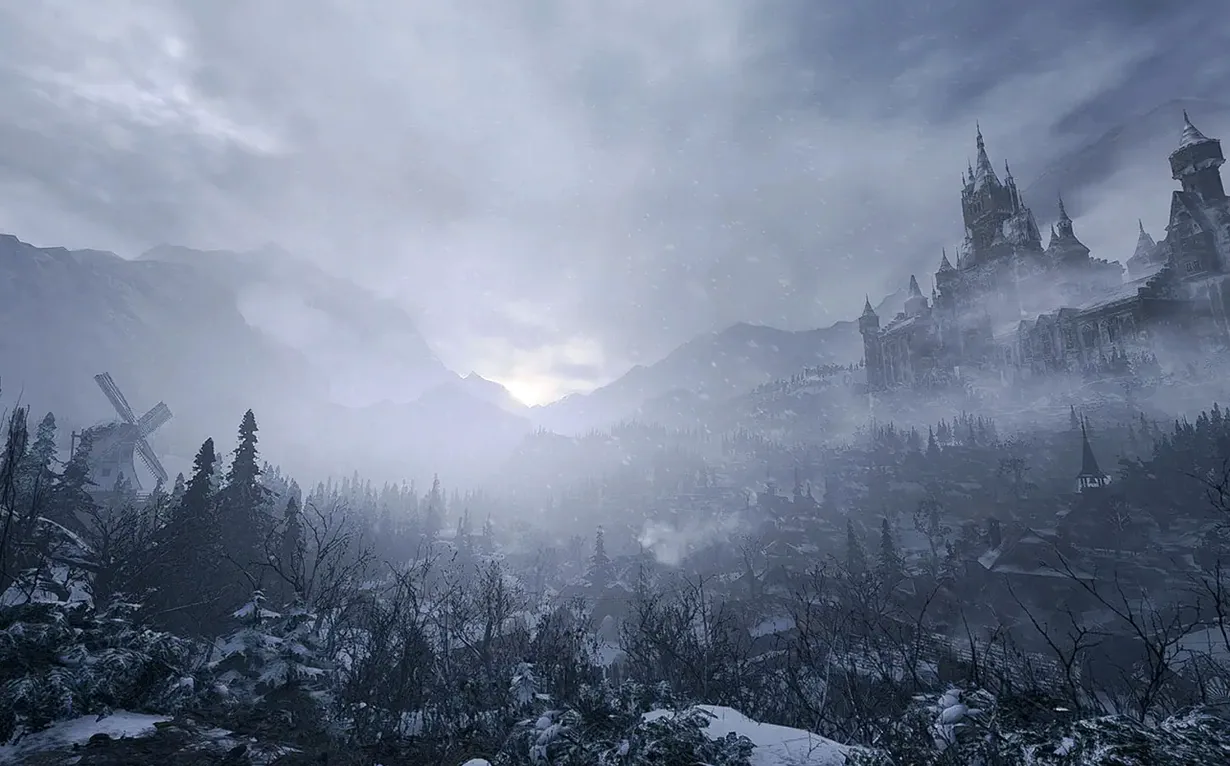

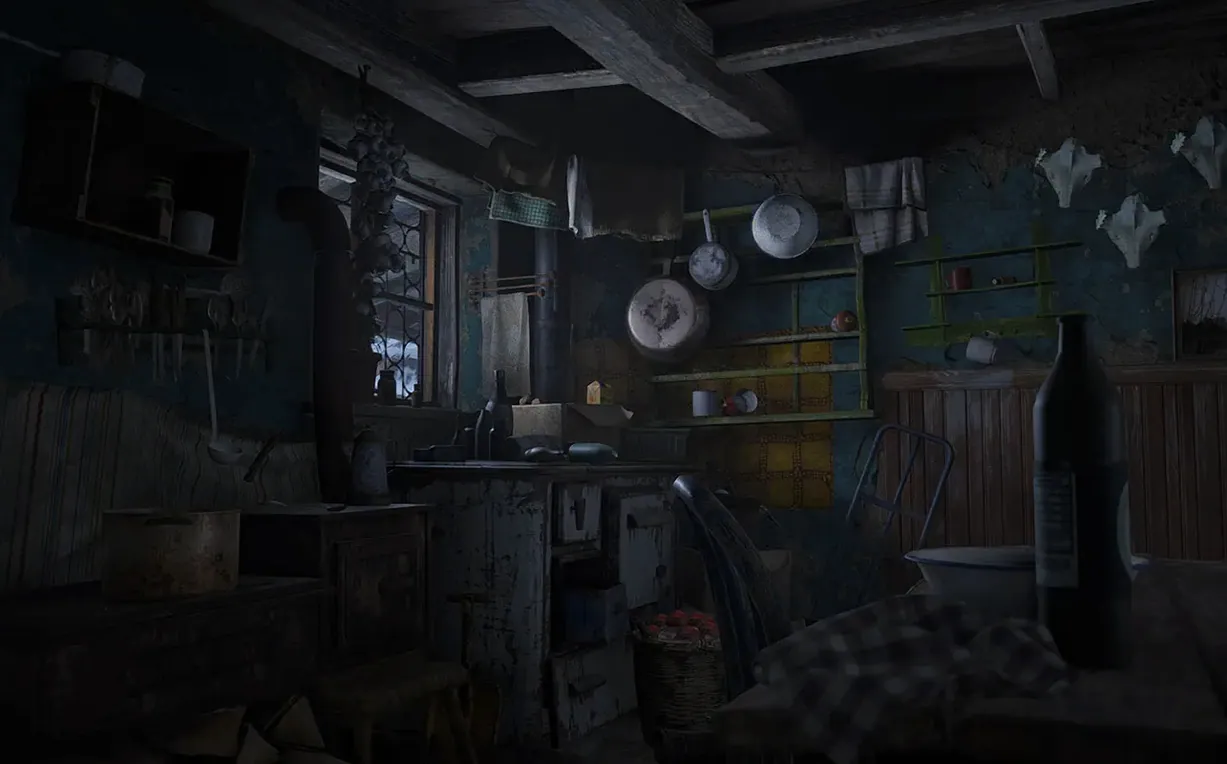
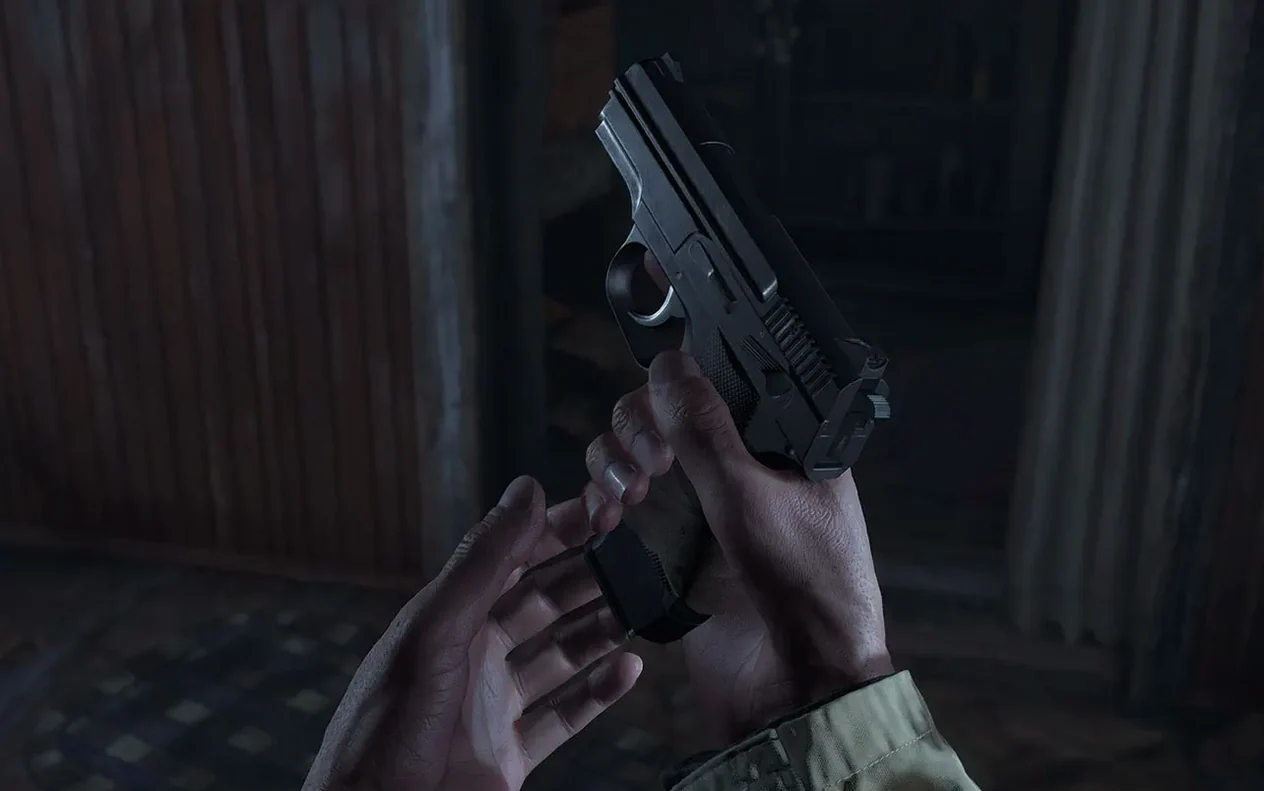

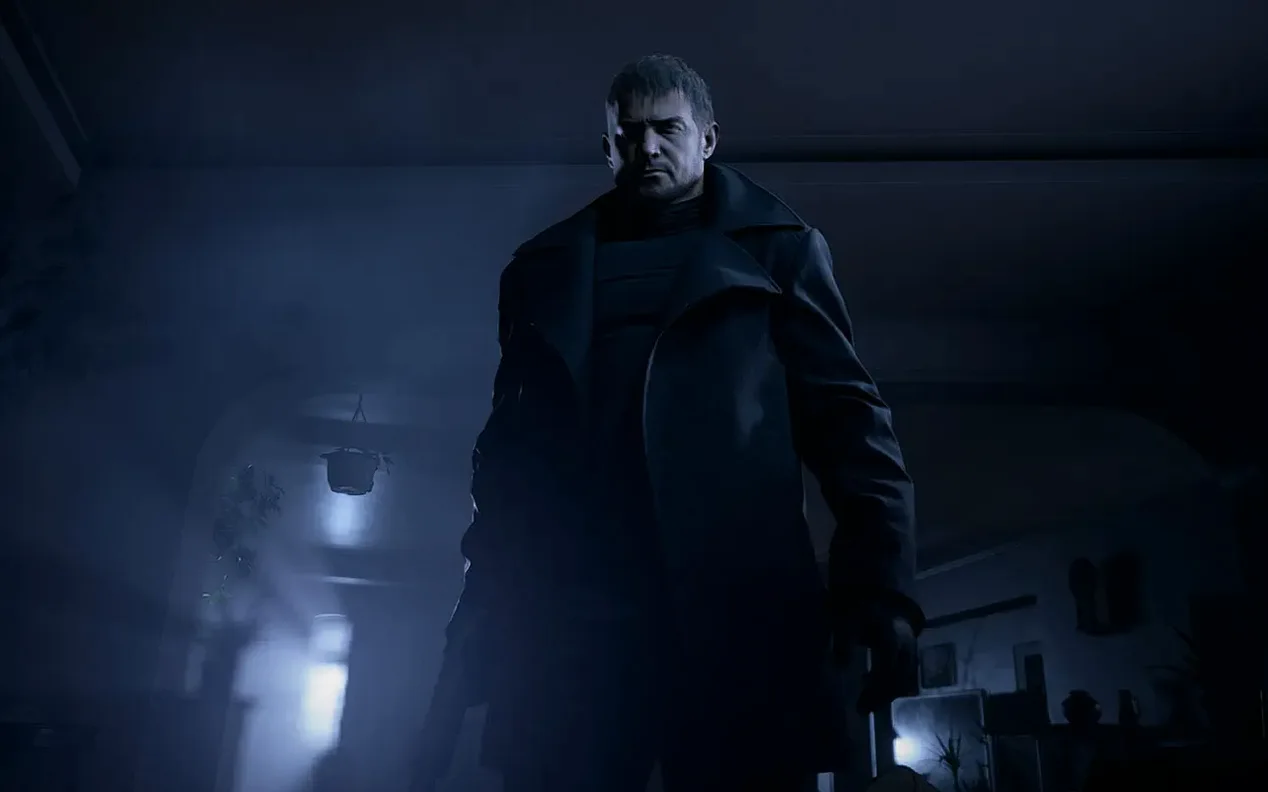
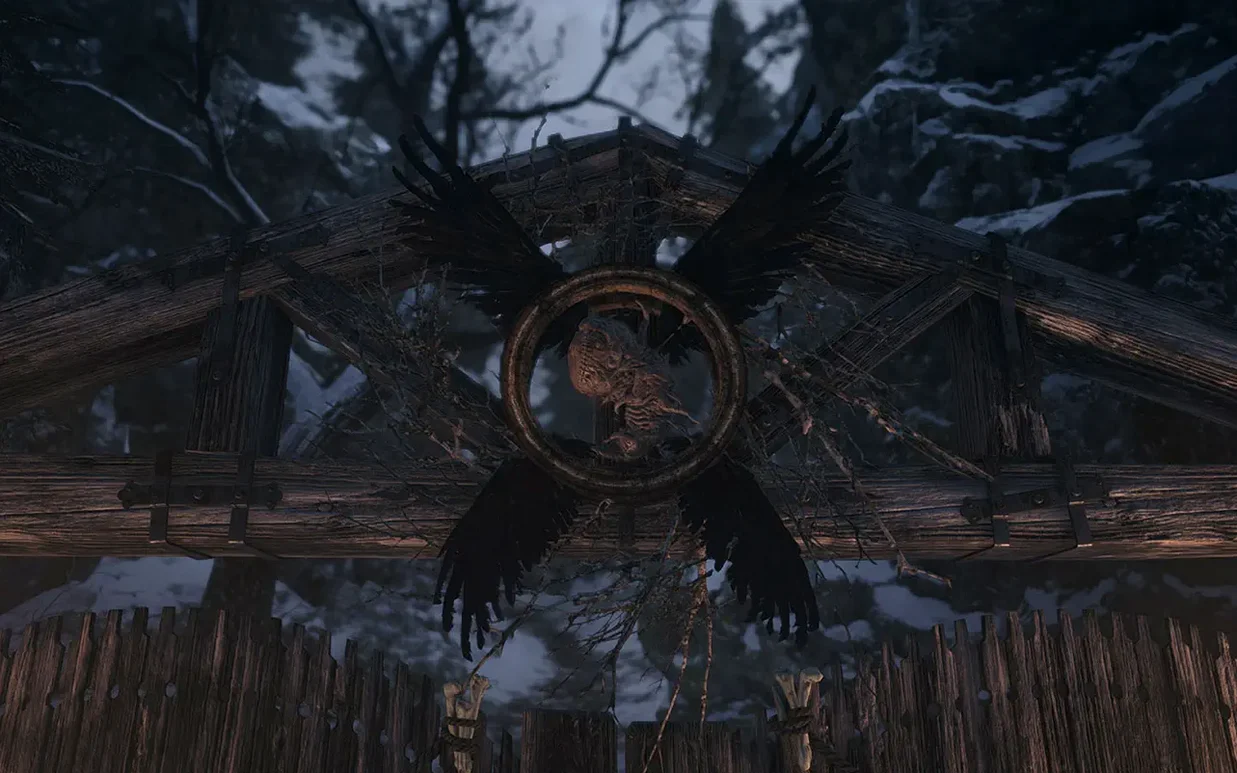

The Mercenaries: Additional Orders mode is included in the Mac version from the start. That extra content alone changes how you replay the village — a wave-based arcade mode layered over the main story.
Ethan Versus Chris Redfield
Main Story — Ethan Winters returns — The eighth major Resident Evil entry picks up after the events of 7. You control Ethan in a remote village filled with new enemies and a familiar adversary: Chris Redfield.
The Mercenaries: Additional Orders — A time-attack survival mode with its own stages, characters, and upgrades. Unlocked separately from the campaign and built for high-score chasing.
Controller Support — The Mac version works with game controllers natively. No third-party mapping needed.
Friday Night on a MacBook Air
Friday evening. You sit down with the MacBook Air on the coffee table and a controller in your lap. The install steps from earlier are done — disk image mounted, app dragged to Applications, the Terminal command finished after a few patient minutes. You disconnect from Wi-Fi before launching.
The screen goes straight into the menu. No launcher, no account check. You select New Game from the main story option. From the first-person view, Ethan stands in the snow, and you walk forward into the village square. The controls feel immediate — thumbsticks for movement and camera, triggers for aiming and shooting, face buttons for interact and reload. The game responds without delay.
You spend the first hour exploring: the winding stone paths, the locked doors, the glimpses of Lycans between houses. Combat comes in bursts — a few enemies at a time, the sound of footsteps cueing your next turn. The controller's vibration adds weight to each shotgun blast.
At around two hours in, you save manually through the in-game menu and switch to The Mercenaries: Additional Orders. The mode loads from a separate menu slot. The first stage drops you into a small arena with a timer. Enemies come in waves. You pick a character, grab a starting weapon, and hold your ground. The score pops up at the end of each wave. It is a different tension — not survival horror, but a clean arcade rhythm. You play two more stages before saving and closing the game.
Apple Silicon Only, No Emulation
The Mac version is built for Apple Silicon — M1 chip or later. That means it runs natively, without emulation. The game is distributed as an ARM binary, so Intel-based Macs are not supported. No Rosetta layer, no parallel Windows setup. You get a single app that sits in your Applications folder and launches when you double-click it.
Memory, disk space, and heat are not measured here because every Mac configuration varies. The file itself is one disk image to mount, then drag. After installation, the app takes up whatever space the 1.1.2 fix build needs — that is between you and your available storage. The installer notes recommend running a Terminal command if the app does not open, and letting it finish even if Terminal appears frozen. That step is a one-time thing; after that, the game launches normally.
Black Screen Workaround Still Needed
- The 1.1.2 fix addressed an issue where the game could show a black screen on launch. The workaround — disconnecting from the internet during launch — remains a reliable habit. You unplug or turn off Wi-Fi before clicking Play, then reconnect once you see the menu.
- The fix did not add or remove content. The Mercenaries mode, Shadows of Rose DLC, controller support, and in-game achievements are all present in the same form.
- No new languages were added. The same twelve subtitle and nine voice languages are available.
- Launch reliability is the only practical change. If you already had the base version, the fix smooths out that first-step frustration.
Native Achievements and Plug-and-Play Controller
In-game achievements. The Mac version includes them natively. When you complete a story milestone or a Mercenaries challenge, the achievement notification pops up on screen. No extra service or account linking required.
Controller plug-and-play. Connect a supported gamepad before launching. The game detects it without going into a settings menu. The button prompts on screen match your controller layout — no guessing.
Shadows of Rose DLC included. This extra chapter is part of the same install. You do not download it separately. It appears in the menu alongside the main story and Mercenaries modes.
Language choice at first launch. The game supports English, French, German, Spanish, Italian, Portuguese, Russian, Arabic, Thai, Japanese, Korean, Traditional Chinese, and Simplified Chinese for subtitles. Voice-over languages are a subset: English, French, German, Spanish, Italian, Portuguese, Russian, Japanese, and Simplified Chinese. On the first boot, you pick your preferred language. That setting persists across sessions.
No always-online requirement. After the initial launch with Wi-Fi off, you can play the entire campaign and Mercenaries mode offline. The game does not phone home for DRM or unlocks.
Who in an office uses this — the person who wants a full survival horror campaign on their Mac without Windows dual-boot or cloud streaming. Someone who values native Silicon performance and offline play over launcher ecosystems.
Resident Evil Village macro download is a search term you might use to find the disk image. Resident Evil 8 torrent and Resident Evil Village torrent download also lead to the same files. Resident Evil 7 macro torrent is related — the same developer, same engine, same install logic.
No release notes filed for 1.1.2. They are added here when a build changes how the program behaves.
| Processor | Apple Silicon |
|---|---|
| Download | 32 GB |
- macOS 12.0 or later
- Apple Silicon (M1 or newer)
- Interface languages: English, Russian, German, Arabic, Spanish, Italian, Traditional Chinese, Simplified Chinese, Korean, Portuguese, Thai, French, Japanese
How to install, in order
- Open the downloaded disk image.
- Drag the app into the Applications folder alias.
- If the app does not open, run the Terminal command provided in the installer notes.
- Allow the command to finish even if Terminal appears to stop responding.
- Disconnect from the internet during launch to avoid a black screen.
Comments and corrections 0
Sign in or open a free account to leave a comment.
No comments or corrections yet.