STORROR Parkour Pro 0.39.0 — download for Mac
Games Updated
Moves through urban environments with precision parkour mechanics.
Screenshots
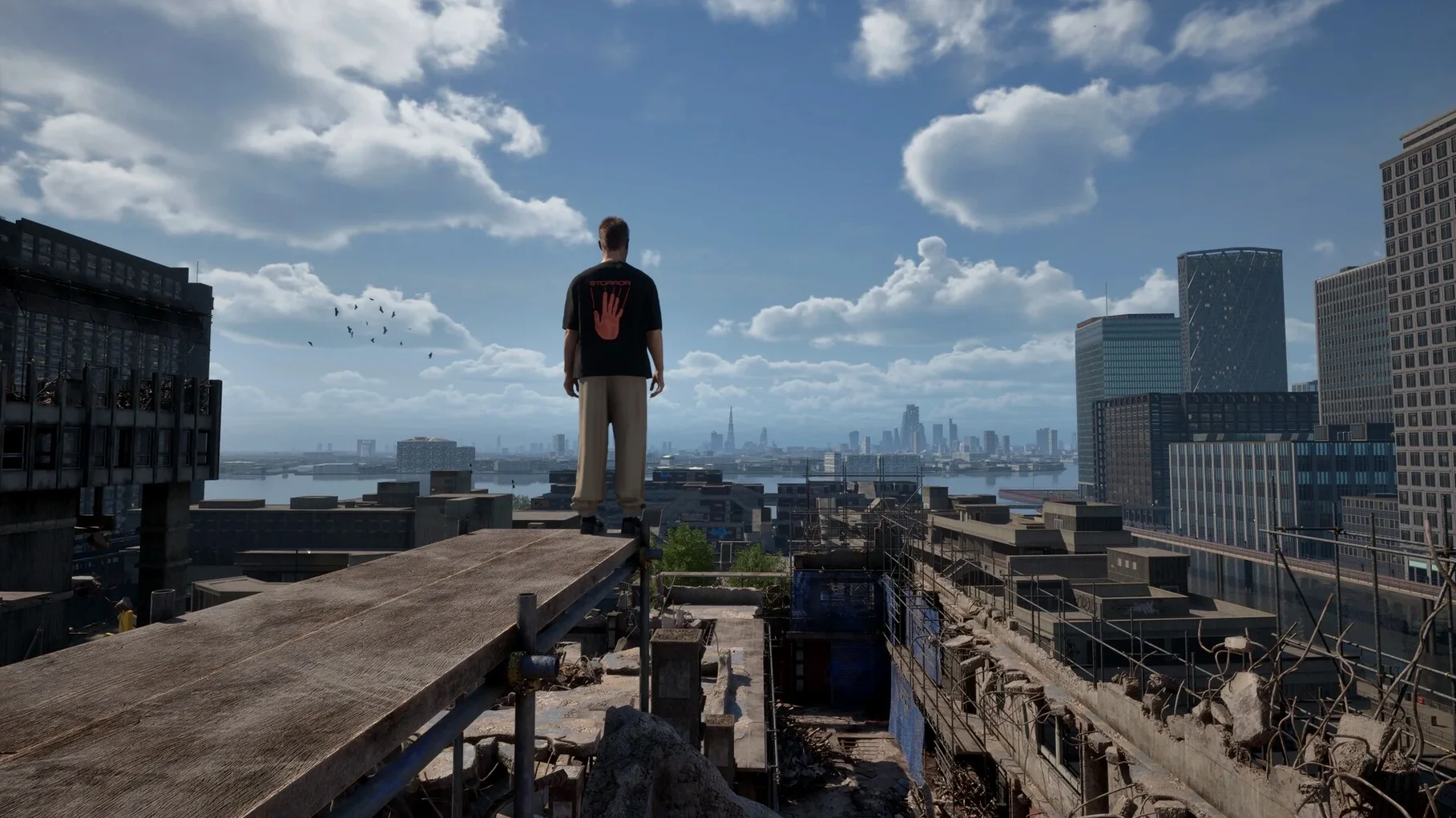
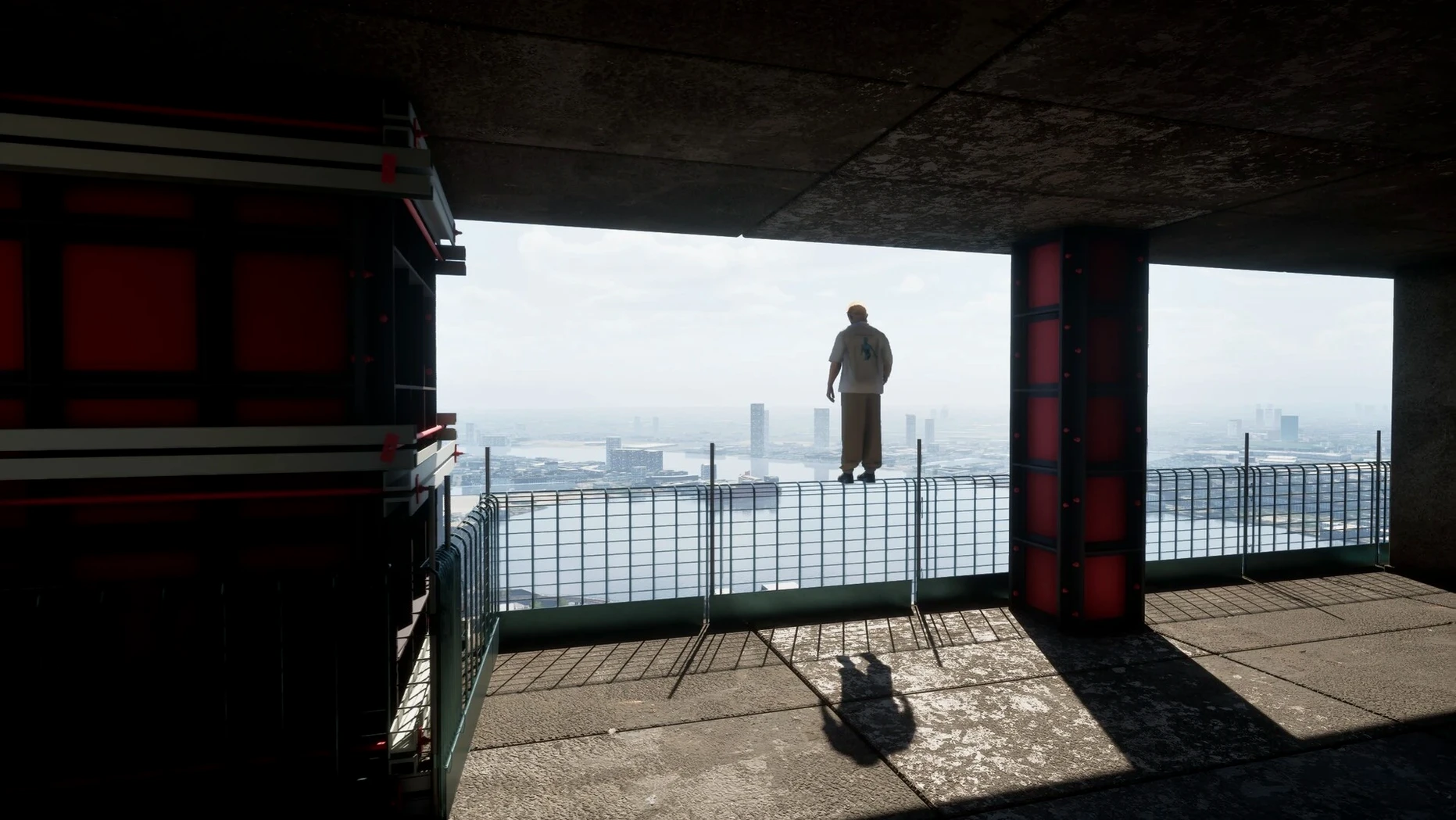
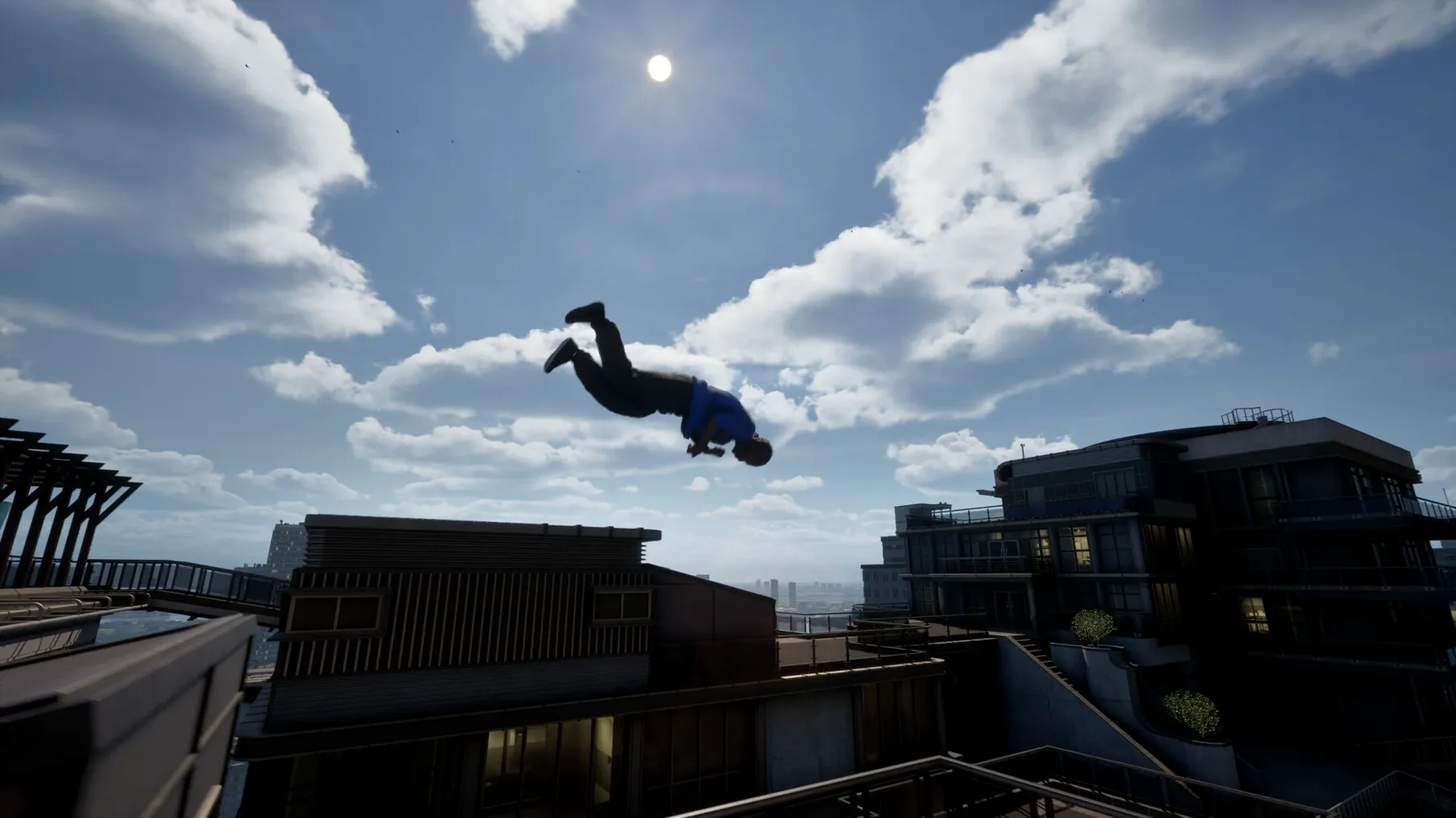
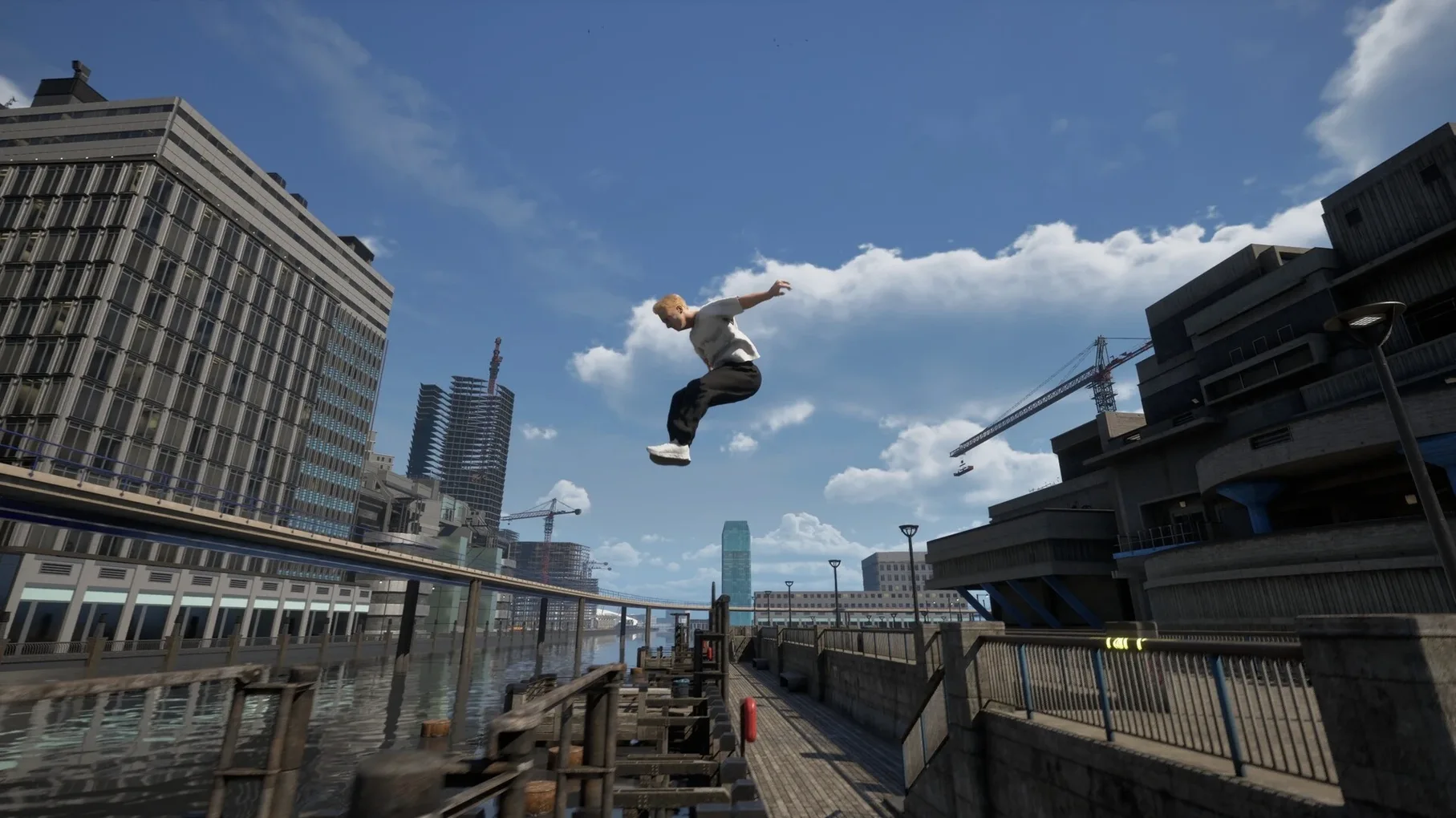
If you keep a project toolbox organised, you know when a tool is made for a specific task. Storror Parkour Pro for Mac is that kind of tool — a precision parkour game built for a certain player, not everyone.
Reimagined Isle of Dogs Urban Movement
- Players who want a grounded, urban movement experience set in a reimagined Isle of Dogs, London.
- Those who enjoy chasing leaderboard times in Line Challenges or running a first Storror Mission.
- Anyone who plays with a friend and wants the Chase and Escape mode for competitive rooftop runs.
Early Access on Apple Silicon Only
- This is an Early Access release (version 0.39.0). Expect rough edges, missing content, and updates ahead.
- The tested configuration is macOS Tahoe on a Mac mini 2024 M4 — only Apple Silicon is supported; no Intel Macs.
- If you want a polished, story-heavy campaign or arcade-style controls, this may not match your expectations.
Climbing a Tall Crane on the Isle of Dogs
You launch the game and land in the menu. The first thing you do is pick a starting point on the Isle of Dogs map. You see a tall crane ahead — the kind you can climb. You move toward it, using the shoulder buttons to grab and pull yourself up. The physics-based movement takes a few tries to get used to, but once you understand how your character responds to each input, the flow starts to click.
From the top of the crane, you look across the rooftops. You pick a nearby ledge and jump. The animation chain — from run to jump to grab — feels natural. You land, then spot a train moving through the station below. You drop down and time your jump to land on top of it. Riding the train gives you a fast tour of the district. A helicopter patrols the area above. You duck under a bridge and wait for it to pass.
That was the warm-up. Now you open the menu and select a Line Challenge. The route is marked with glowing checkpoints across a series of rooftops, railings, and scaffolding. You start moving. The timer runs. You miss a ledge on your third jump and slide down a wall. Restart. On the second try you keep the chain going and finish with a time you can live with. You check the leaderboard — players ahead of you, but not far.
You call a friend and switch to Chase and Escape mode. You play the chaser. Your friend runs across the same course. You follow, matching their route but trying to close the gap. The movement demands quick reading of the environment: where will they go next, and can you cut them off by taking a higher path? After a few rounds, you call it done and quit.
Missing a Ledge on a Jump
A few things catch new players. Here is what to watch for and how to handle them.
- Missing a ledge on a jump. The game reads your input from the moment you press the jump button, not when you release it. If you jump late, you overshoot. The fix: press earlier than you think you need to, especially on diagonal or downward jumps.
- The camera gets stuck behind an object. On narrow rooftop sections, the camera can clip into a wall and give you a close-up of brickwork. The workaround is to tap the camera reset button — usually mapped to the right stick click — to pull it back behind your character.
- Train riding feels unstable. The train cars have curved roofs. If you stand still, you slide off. Keep moving forward or hold the grab button while on top to maintain grip.
- Helicopter chase segments seem unfair. The helicopter has a fixed patrol pattern. Watch it for a few seconds before moving. Once you learn its route, you can plan your path around it instead of reacting.
Holding Run Button Too Much
Most people who start playing Storror Parkour Pro come from arcade-style parkour games where you barely need to think. This game punishes that mindset.
- Holding the run button all the time. You do not need to sprint constantly. In fact, sprinting makes your jumps longer and harder to control for tight landings. Walk or jog into technical sections and save the sprint for straight rooftops.
- Not looking down. Beginners focus on what is in front of them and miss ledges below their current level. On the Isle of Dogs map, many paths go down, not forward. Pause and look over the edge before you commit to a direction.
- Choosing the wrong challenge type for practice. A new player jumps into a Speed Challenge and gets frustrated. Line Challenges are better for learning the movement system because they give you a clear path and forgiving checkpoints. Speed Challenges assume you already know the route.
- Ignoring the environment. The cranes, pipes, and scaffolding are not decoration. They are part of the route. If a jump looks too wide, check if there is a crane arm or a pipe you can climb first to gain height and shorten the gap.
A full workflow for a specific task
Scenario: you want to complete a Line Challenge on a route you have never tried before, without restarting more than twice.
- Walk the route first. Do not start the timer. Move through the course at walking speed. Note every checkpoint location and look for alternative paths — a shorter route via a crane or a pipe that skips a difficult jump.
- Identify the hardest segment. Usually it is a jump between two narrow ledges with a rail in between. Practice that segment three times without timing yourself. You want the movement to become automatic.
- Select the Line Challenge and start. Do not sprint on the first quarter of the route. Use the momentum from a jog to hit the first few checkpoints clean. Speed comes later.
- When you reach the hard segment, commit. Do not hesitate. If you slow down mid-jump, you lose both speed and height. Jump early and trust the animation chain to carry you through.
- After the hard segment, accelerate. The final part of the route is usually a straight run across rooftops. Sprint here. Use the speed from the last jump to carry you through the finish line.
This approach works for most Line Challenges on the map. Players who apply this workflow rarely need more than two attempts on a new route.
No release notes filed for 0.39.0. They are added here when a build changes how the program behaves.
| Processor | Apple Silicon |
|---|---|
| Download | 25 GB |
- macOS 14.0 or later
- Apple Silicon (M1 or newer)
How to install, in order
- Open the downloaded disk image.
- Drag the app to the Applications folder alias.
- After copying finishes, launch the app from Launchpad.
Comments and corrections 0
Sign in or open a free account to leave a comment.
No comments or corrections yet.