Cleaner for Xcode 4.0.5 — download for Mac
Mac Apps Intel processors only Updated
Screenshots
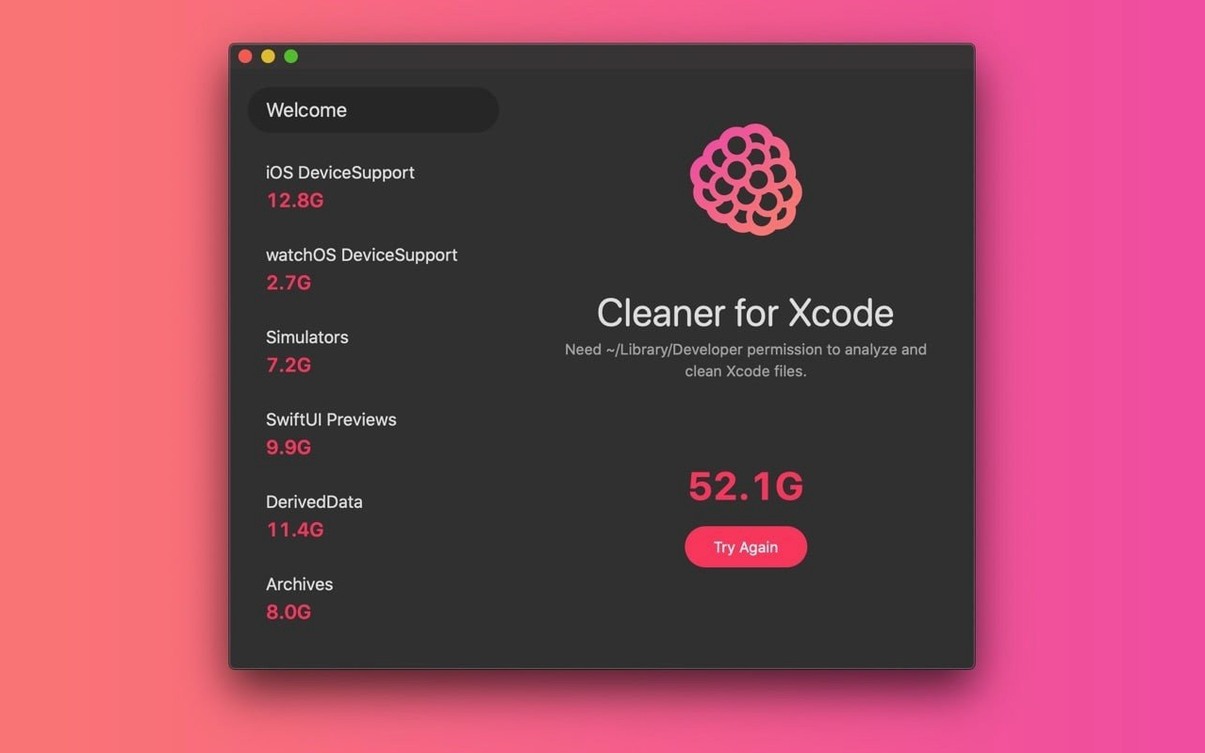
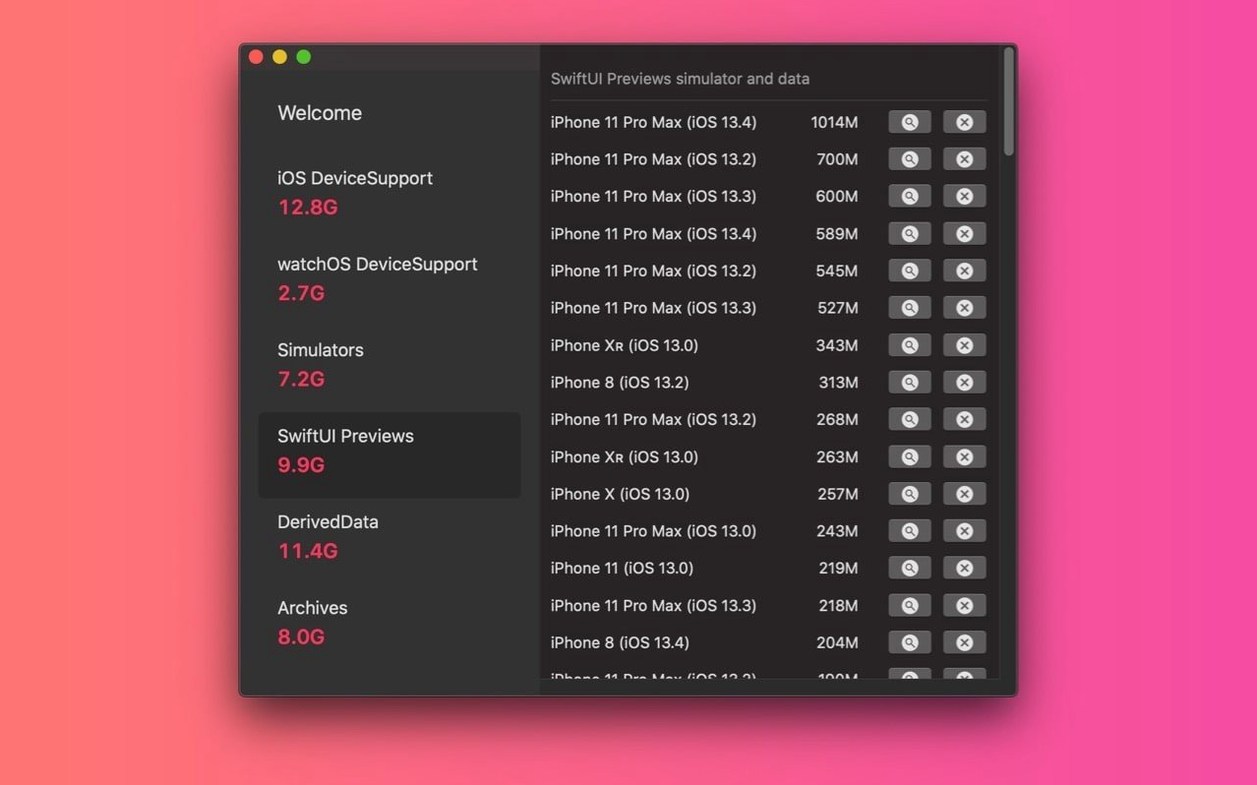
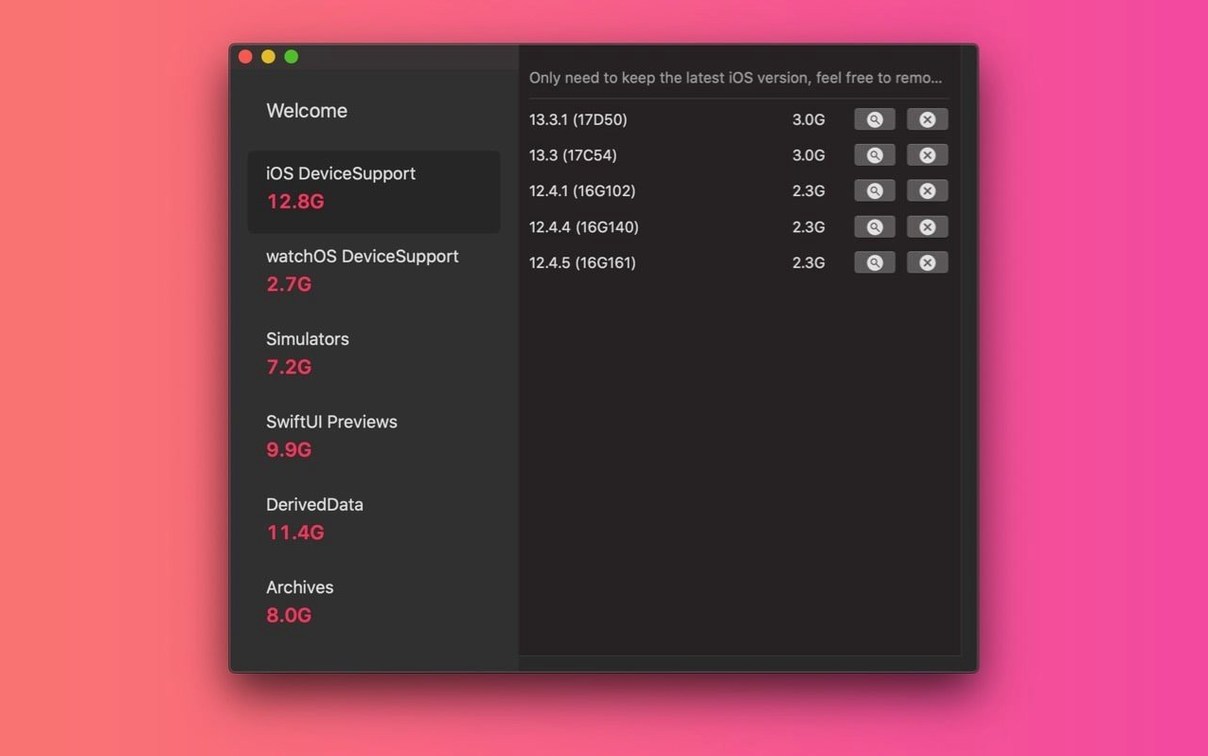
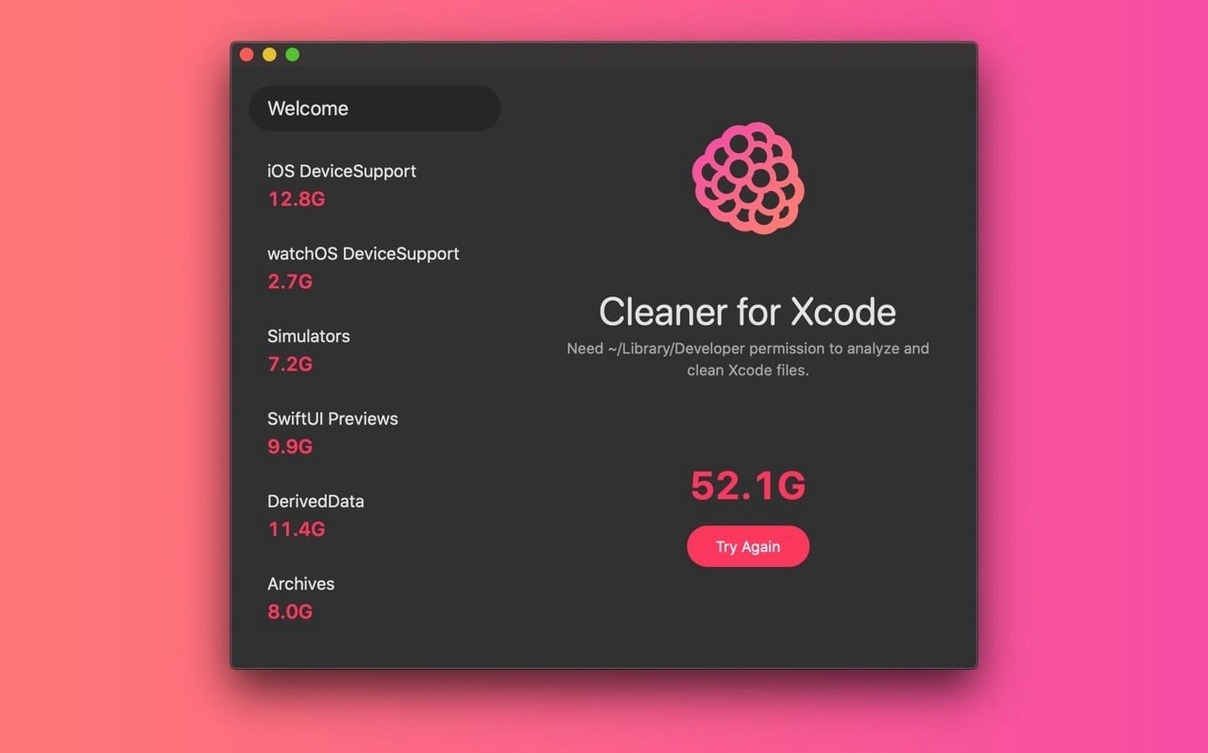
Xcode can leave behind outdated caches, derived data, and old simulator files that slowly eat into your disk space. Cleaner for Xcode 4.0.5 targets exactly that — it scans your developer folder and deletes unnecessary files so Xcode runs faster without manual housekeeping.
What version 4.0.5 brings
The latest release fixes a duplicated display that appeared after re-analysis. Beyond that, the core workflow is unchanged: you run the app weekly or monthly, it identifies stale files, and you remove them in a few clicks. The interface is available in English, Simplified Chinese, Portuguese, and Thai.
Intel 64-bit for macOS 11+
The app remains an Intel 64-bit build for macOS 11 and later. Installation is straightforward — open the disk image, drag the app into the Applications folder, then launch it from Launchpad.
Leaves source code and settings untouched
People often ask whether Cleaner for Xcode touches source code or project settings. It does not. The app scans for compiler caches, old build artifacts, and deprecated simulator data — files that Xcode regenerates automatically when needed. Your actual project files stay untouched.
Another question is how often to run it. The developer suggests a weekly or monthly cadence. If you work on several projects at once and build frequently, a weekly run keeps the developer folder lean. For lighter use, once a month is enough to prevent the accumulation of outdated derived data.
Some developers wonder if the app conflicts with continuous integration tools or build scripts. It does not. Cleaner for Xcode only removes files that Xcode itself marks as unnecessary or no longer needed for your active projects. It does not interfere with CI pipelines or version control repositories.
Standard file system access via developer folder
Cleaner for Xcode integrates with macOS through standard file system access — it reads the developer folder and presents what it finds. It does not require Terminal access or developer mode. After you delete files, the space returns to the system immediately, visible in Finder and your disk usage reports.
If you use tools like Homebrew or MacPorts to manage development dependencies, Cleaner for Xcode operates separately from them. It only cleans Xcode-specific folders, so your Homebrew-installed packages remain untouched. This makes it a good companion to broader disk cleanup utilities — you can let system cleaners handle temporary files and let Cleaner for Xcode handle the compiler and build artifacts.
The app also works alongside macOS Time Machine backups. When you delete files through Cleaner for Xcode and later restore from a backup, Xcode regenerates the missing derived data the next time you build a project. This means you can safely clean without worrying about losing anything irrecoverable.
Small conveniences worth noting
- Language selection — The interface supports English, Simplified Chinese, Portuguese, and Thai. You do not need to change your system language to use it.
- No background processes — The app only runs when you launch it. It does not sit in the background or schedule scans automatically.
- Duplicate display fix — Version 4.0.5 corrected a duplication issue in the results list after re-analysis, so you see each file only once.
- Single-purpose design — Cleaner for Xcode focuses on one task and does it without bundled tools or extra features.
- Fixed duplicated display after re-analysis.
| macOS | macOS 11 or later |
|---|---|
| Processor | Intel 64-bit |
| Download | 5 MB |
- macOS 11 or later
- Intel 64-bit processor
Questions about Cleaner for Xcode
How often should I run Cleaner for Xcode?
Running it weekly or monthly is enough to keep your developer folder in good shape and free up disk space.
How to install, in order
- Open the downloaded disk image.
- Drag the app into the Applications folder shortcut.
- After copying finishes, launch the app from Launchpad.
Comments and corrections 0
Sign in or open a free account to leave a comment.
No comments or corrections yet.