Steinberg Nuendo 15.0.30 — download for Mac
Mac Apps Updated
Handles surround, video sync, and MIDI in one timeline for audio post-production.
Screenshots
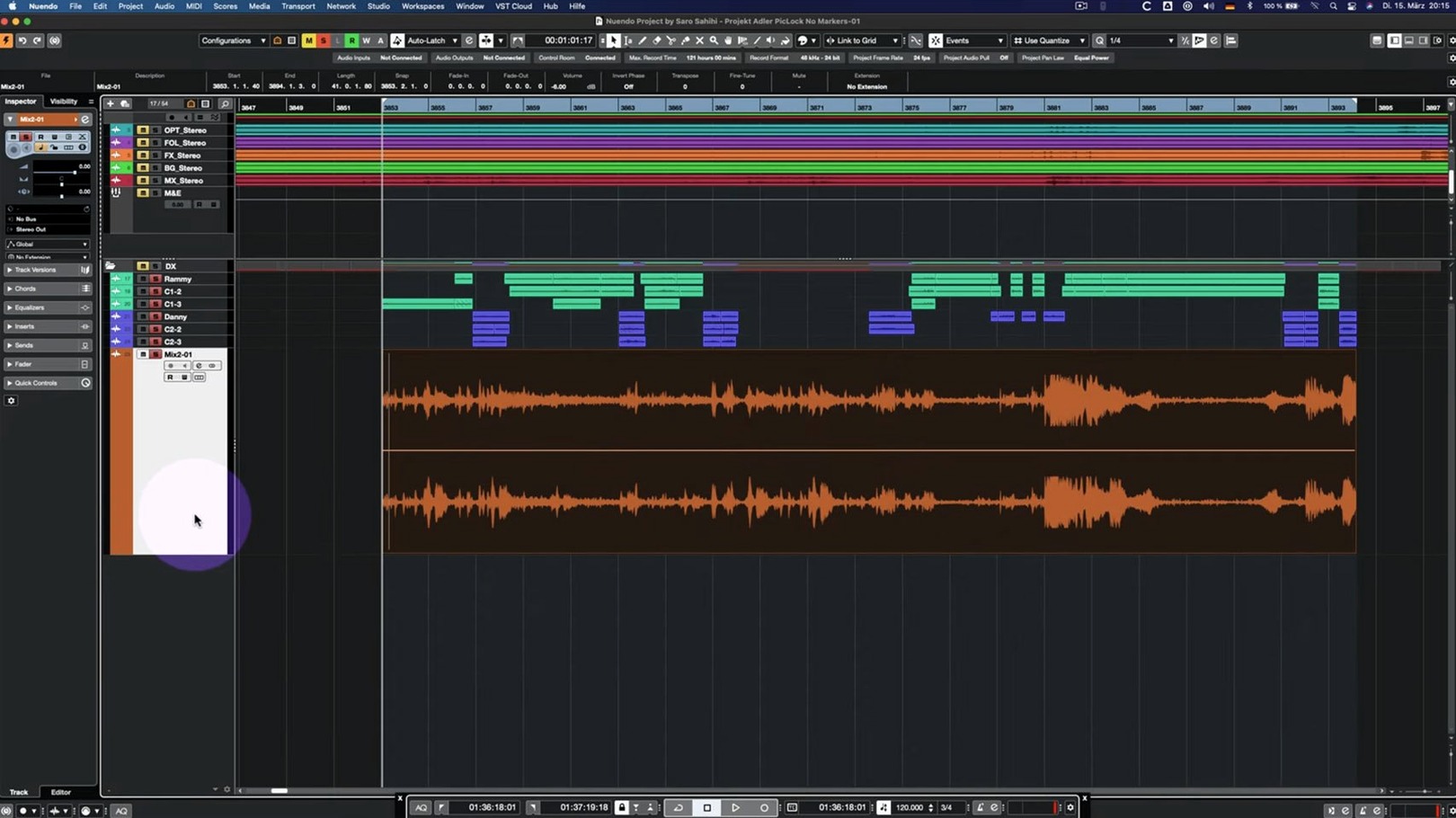
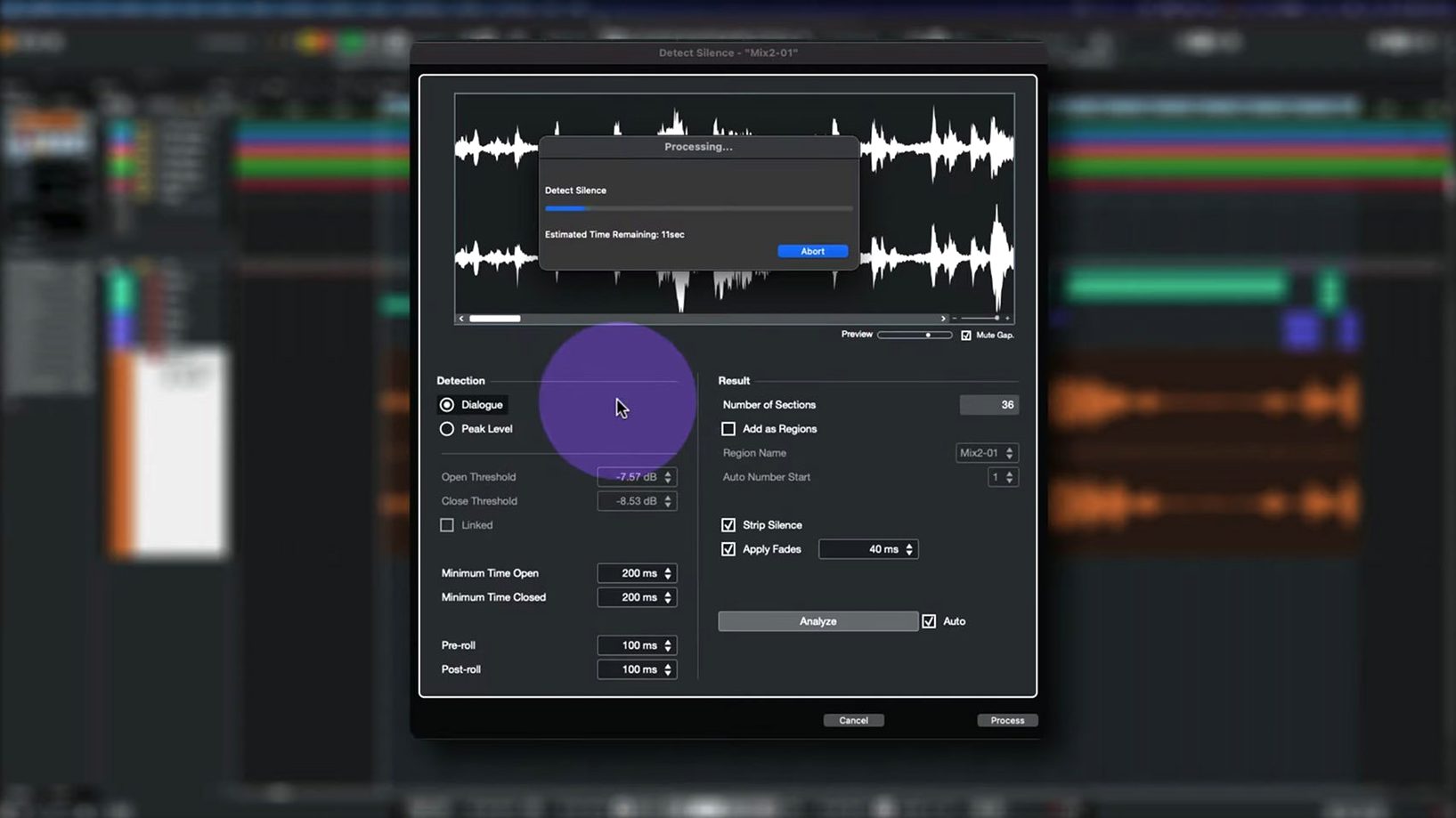
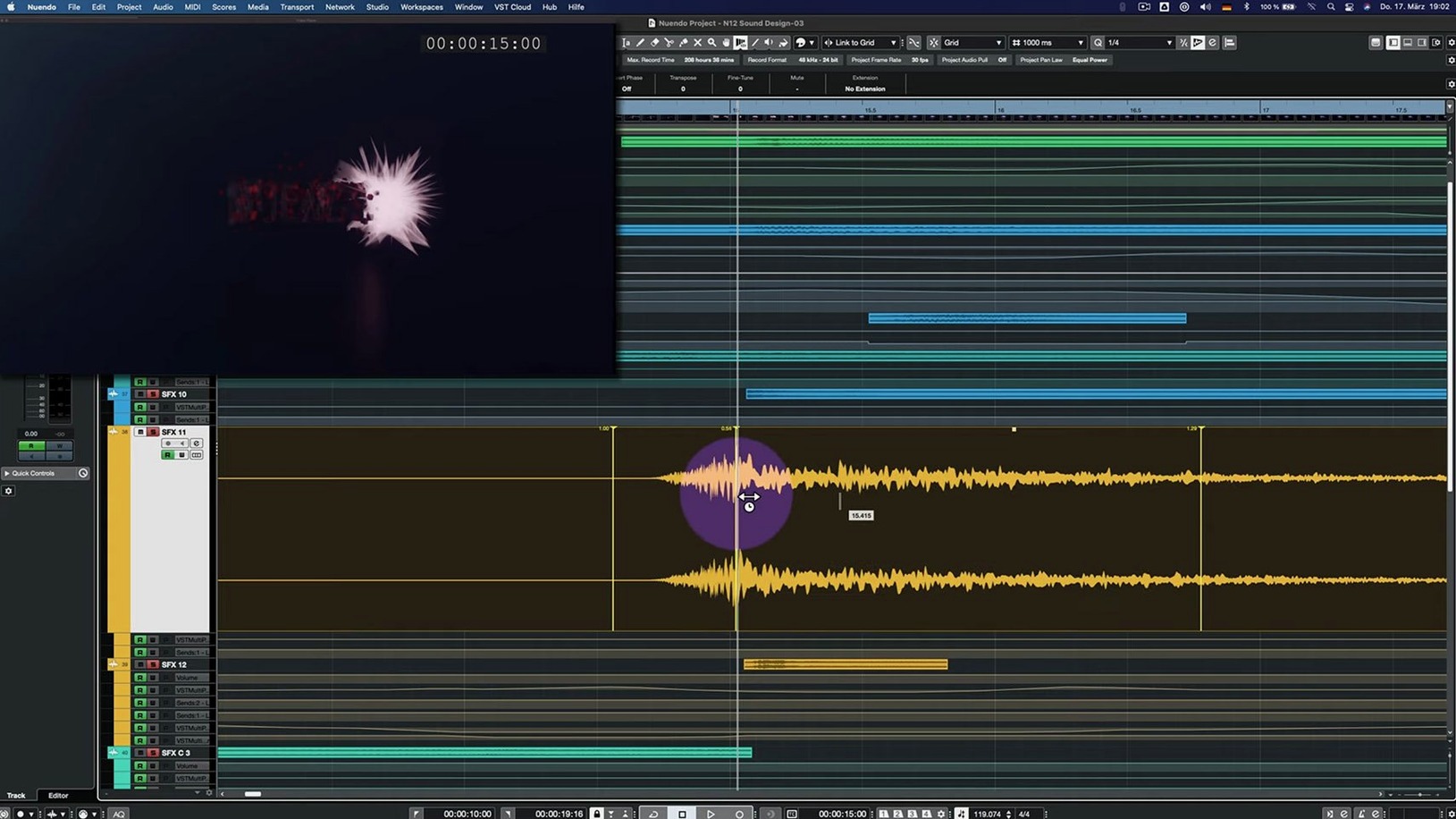
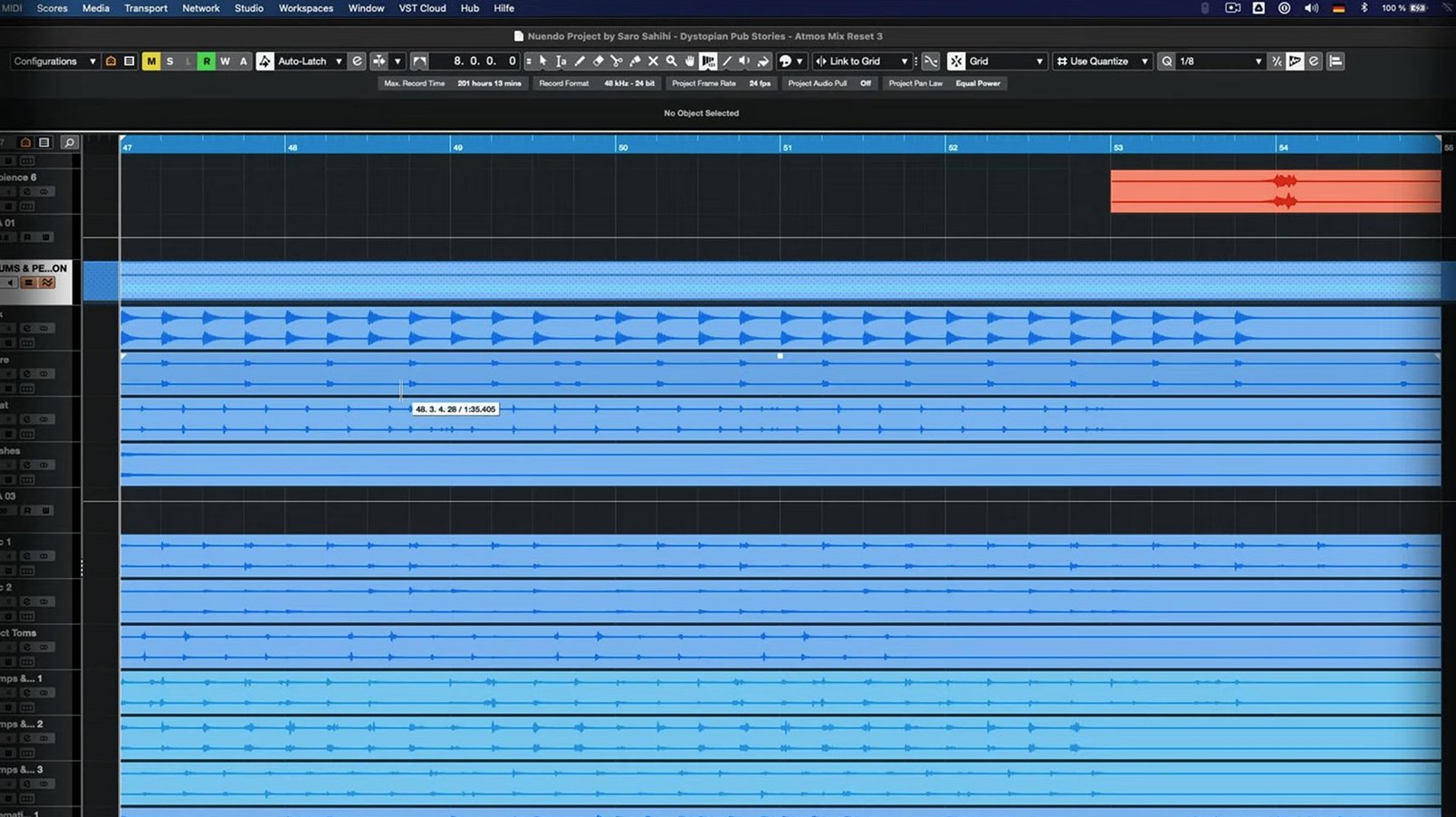
A sound editor lines up dialog for a film mix, then switches to a game session to place footsteps in a 3D space. That kind of work needs a tool that handles surround, video sync, and MIDI in one timeline. Steinberg Nuendo is built for it — a workstation for audio post-production in film, television, games, and immersive formats.
| Detail | Specification |
|---|---|
| Version | 15.0.30 |
| macOS support | macOS 11 and later (Intel & Apple Silicon) |
| Platforms | macOS, Windows x64, Windows on Arm |
| Interface languages | English |
The 15.0.30 release refines several areas that matter to post-production pros. Folder tracks now work with Group Channel routing, which keeps submixes organized without extra busses. The Comp Tool gained group editing — useful when you comp multiple takes across tracks at once. Quick Link and MIDI port behavior were adjusted to reduce confusion in large sessions. Direct Offline Processing no longer flickers when you apply VST Bass Amp or VST Amp Rack. The Multiband Envelope Shaper also runs more efficiently when bypassed. These are the small fixes that add up over a ten-hour mix day.
Folder Tracks with Group Channel Stop Passing Audio
Nuendo's depth means a couple of rough edges show up early, especially in version 15.0.30. One frequent issue: folder tracks with Group Channel enabled stop passing audio to the main output. The fix is straightforward — check that the Group Channel is assigned to an actual bus in the VST Connections window. If the destination bus is missing or renamed, the folder track goes silent.
Another snag involves the Analyzer track. After importing a session with analyzer data from an earlier Nuendo version, the waveform display sometimes stops updating. The workaround is to delete the Analyzer track and re-add it from the Add Track menu. The 15.0.30 update improved how the Analyzer track handles refresh, but old sessions can still trip it up.
MIDI ports and Quick Link behavior also trip people up. When Quick Link is active, changing the MIDI port on one track unexpectedly changes it on linked tracks. In the 15.0.30 release, this was adjusted, but if you still see unwanted linking, toggle Quick Link off from the toolbar, adjust your port assignment, then re-enable it.
Treating Nuendo Like Music DAW Causes Trouble
New users often treat Nuendo like a DAW for music, which leads to trouble. Set these in the Project Setup window first.
Another common mistake is recording dialog without enabling the Input Bus in the Control Room. The track meters show signal, but nothing prints. Open the Control Room MixConsole and confirm your input bus is routed to the record track. Beginners also forget that the Comp Tool's Group Editing mode applies to all selected tracks — making a range edit on one track in a group cuts the same range from every other grouped track. It is powerful, but it needs deliberate track selection.
Track archives (exported track presets) get imported wrong when the source project had different routing. The 15.0.30 update improved handling of imported track settings, but the safest approach is to import track archives one at a time and verify routing in the MixConsole before moving on.
Route System Audio to Control Room for Live Monitoring
Nuendo integrates well with macOS's built-in audio routing. You can use the macOS Sound panel to route system audio to Nuendo's Control Room for live monitoring or reference. For video sync, export your timeline as an OMF or AAF from your NLE — Nuendo imports these natively, keeping clip gain and crossfades intact.
On the plug-in side, the Direct Offline Processing feature works with VST3 plug-ins like VST Bass Amp and VST Amp Rack, but it also processes third-party Audio Units and VST3s. If you use a third-party reverb for ambience matching, apply it through Direct Offline Processing to save CPU during playback.
For collaboration, Nuendo's export to Nuendo Archive (.narchive) bundles all audio, video, and project settings into a single file. You can share this with a colleague who has the same version, and they can open it without hunting for missing media. This is useful when passing a mix from a Mac to a Windows workstation.
macOS virtual desktops help: dedicate one desktop to the MixConsole, another to the Project window, and a third for the Score Editor. Nuendo remembers window positions per project, so this setup sticks after you save and reopen.
Set Up a 12-Track Dialog Template Immediately
- Set up your template immediately. Create a project with your standard track layout: 12 dialog tracks, 4 Foley tracks, one stereo mix bus, one 5.1 mix bus. Save it as a project template. Every new session starts clean, without you rebuilding routing.
- Calibrate your audio interface. In the Studio menu, open Audio Connections and set your monitoring path. If your interface supports hardware monitoring with low latency, disable Nuendo's input monitoring on record tracks to reduce echo during live takes.
- Learn the key commands for the Comp Tool. The Comp Tool with Group Editing works faster when you memorize the range-select and trim shortcuts. Spend ten minutes in a dummy project practicing comping six takes into one master track.
- Enable Auto-Save. Set it to save every 5 minutes. Nuendo's crash recovery is solid, but the auto-save gives you a fallback from two minutes before any problem.
- Test the Analyzer track. Add one to a session with a full mix. Watch the spectrum display while you solo tracks. If you see the analyzer freeze, restart Nuendo and test again — the 15.0.30 update fixed most of these issues, but a cold session can reveal lingering glitches.
- Export a small reference mix. Use the Export > Audio Mixdown menu to create a stereo WAV of your project's first minute. Listen to it in a media player. This checks that your monitoring path and export settings are correct before you commit to a long render.
Nuendo is deep, but these steps keep the first sessions focused on the creative work, not the setup. Steinberg Nuendo is a professional digital audio workstation designed for post‑production, film scoring, and immersive audio. For game audio or film post, this version handles the daily workflow without surprises.
- Many fixes and enhancements in several areas of the application
- Analyzer track changes
- Folder track routing and Group Channel behavior updated
- Imported track settings and track archives handling improved
- Quick Link and MIDI port/channel behavior adjusted
- Comp Tool with Group Editing fixes
- Score Editor behavior with locked global tracks fixed
- Direct Offline Processing interface fixed for VST Bass Amp and VST Amp Rack
- Multiband Envelope Shaper bypass performance optimization
| macOS | macOS 11 or later |
|---|---|
| Processor | Apple Silicon, Intel 64-bit |
| Download | 1.6 GB |
- macOS 11 or later
- Intel or Apple Silicon
Questions about Steinberg Nuendo
What macOS versions does Nuendo 15 support?
Nuendo 15.0.30 runs on macOS 11 and later, and supports both Intel and Apple Silicon Macs.
How to install, in order
- Use the included installation and activation instructions.
Comments and corrections 0
Sign in or open a free account to leave a comment.
No comments or corrections yet.