Fender Studio Pro 8.1.1 — download for Mac
Mac Apps Updated
Suggests chords that fit your song's key and records vocals and instruments onto tracks.
Screenshots
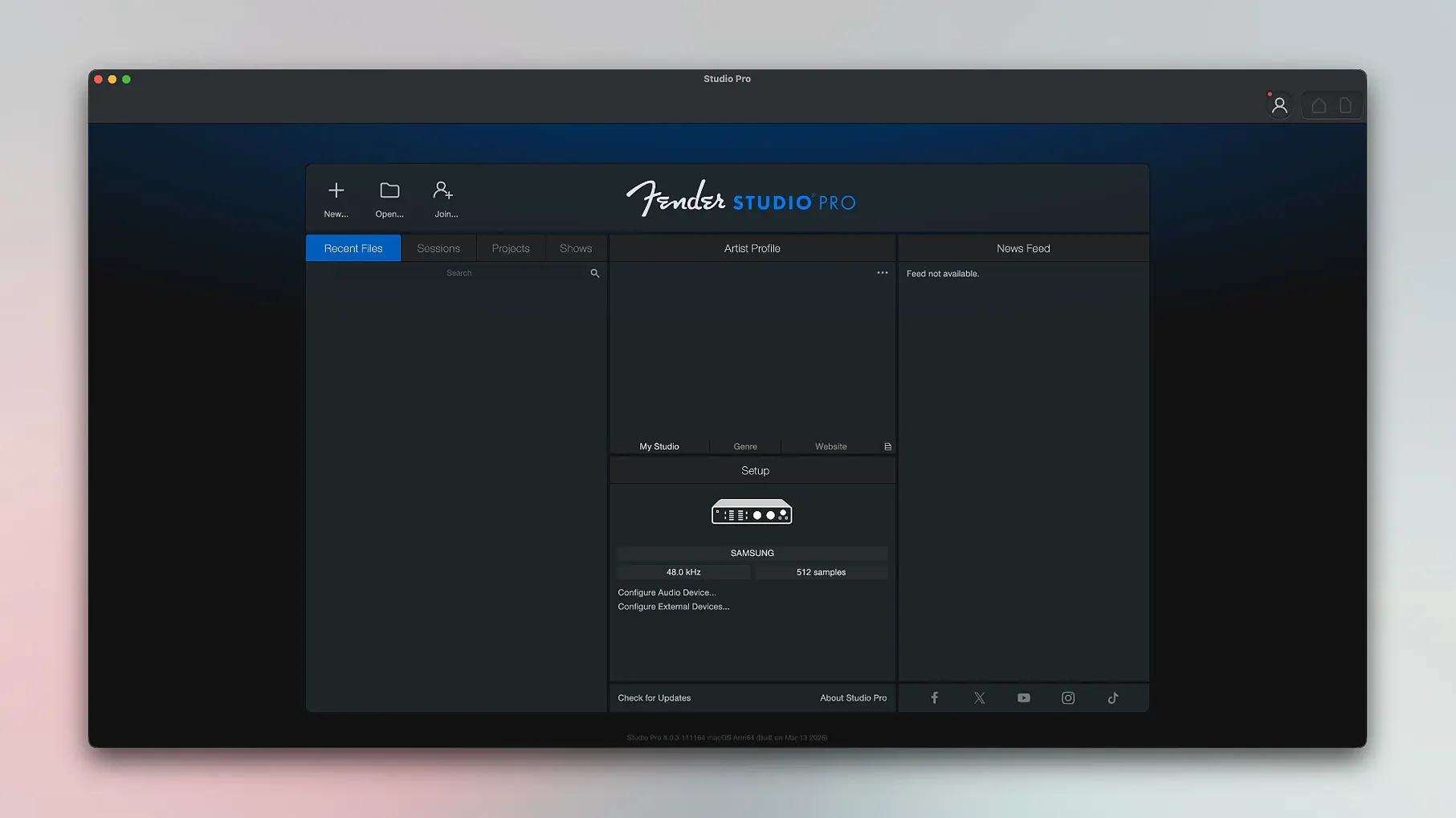
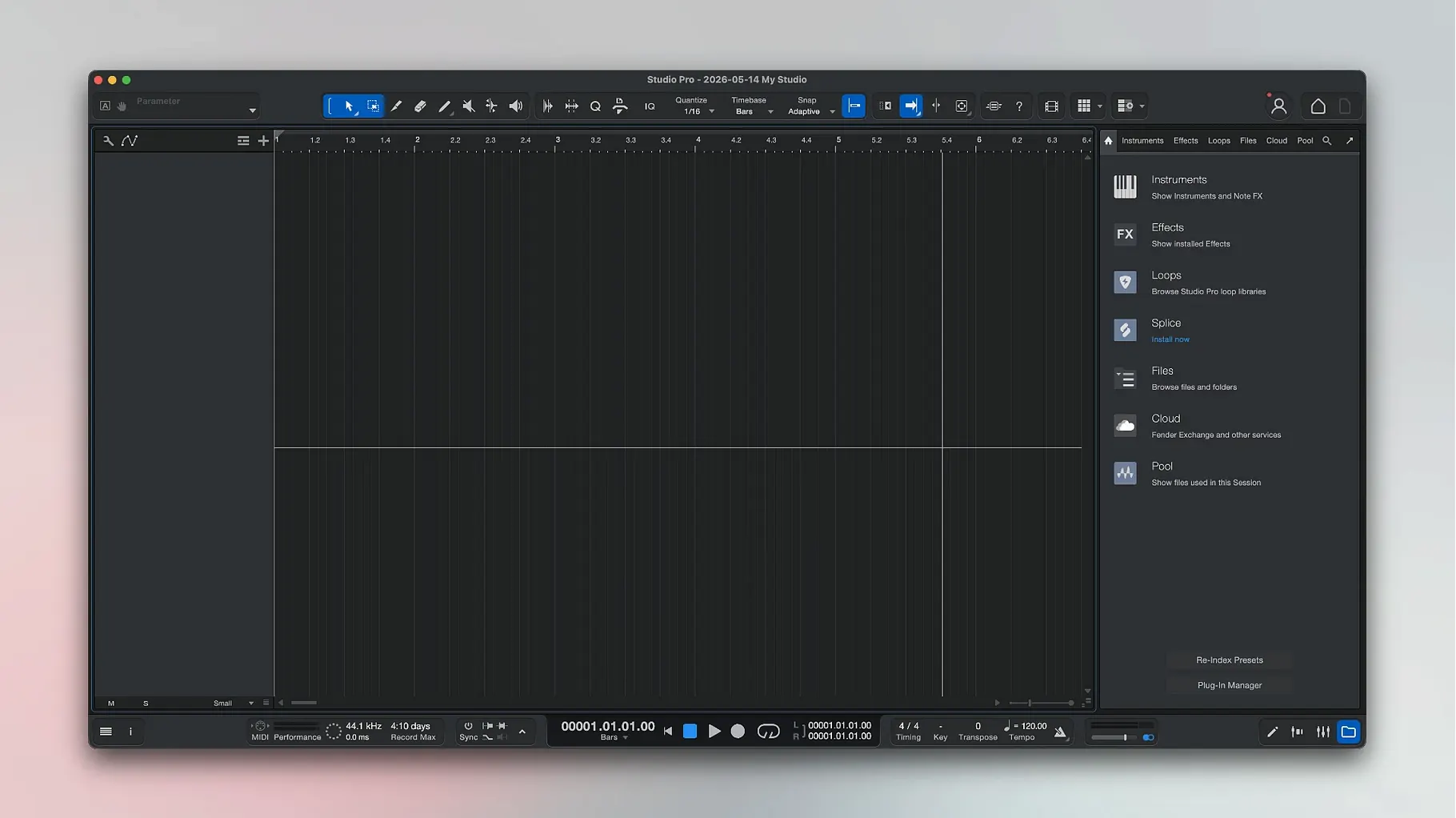
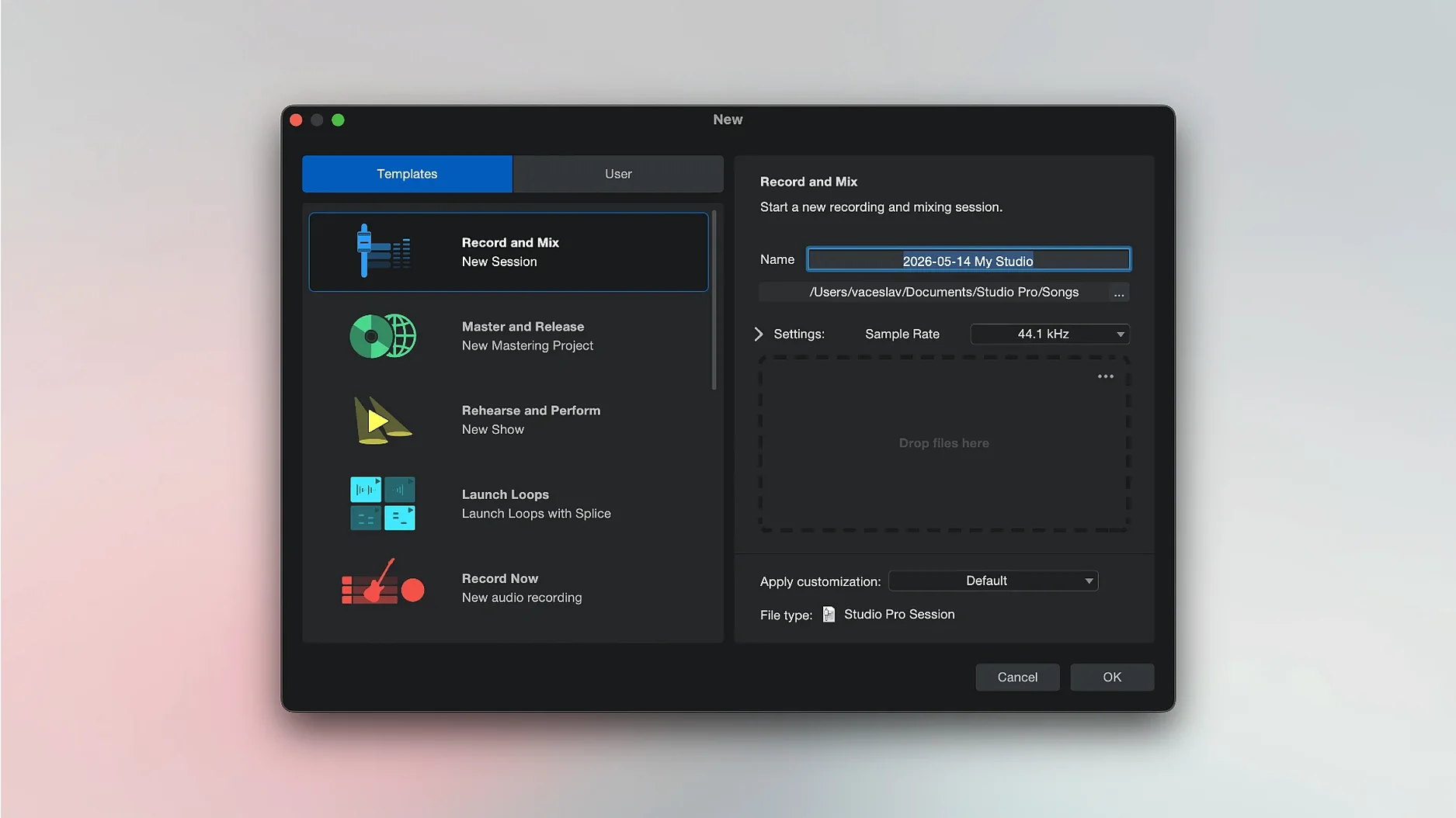
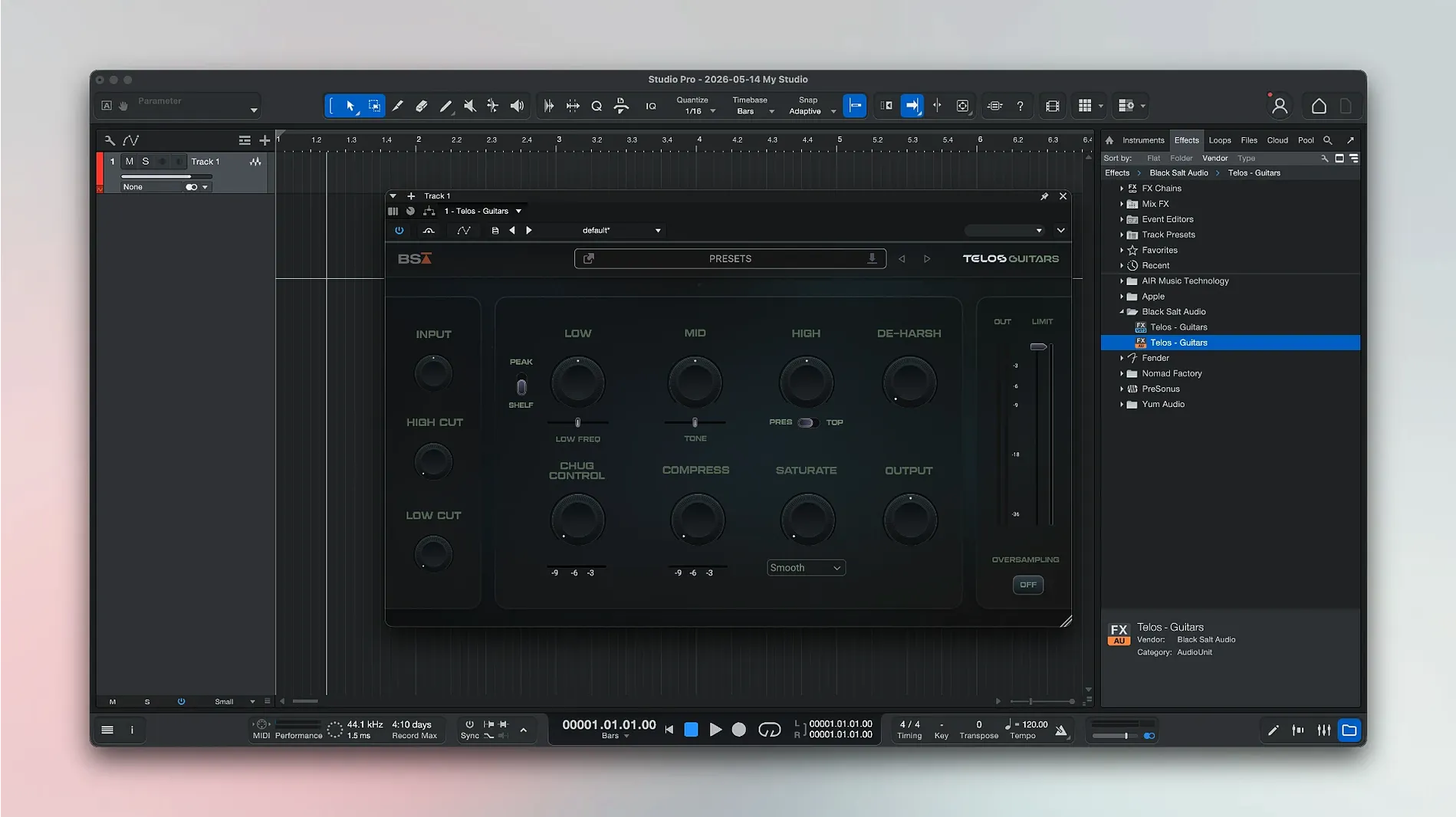
Chord suggestions appear as you compose — Fender Studio Pro 8’s built-in harmony engine tracks the key and offers chord choices that fit the progression. It is one of those small assists that keep a session moving when the next change is not coming to you.
- Record vocals or instruments onto audio tracks, or load a virtual instrument with Fender-branded amp and cab sounds.
- Edit takes in the timeline: trim, crossfade, comp lanes, all without leaving the arrange window.
- Mix with the included effects and the new Mustang/Rumble native plug-ins that follow automation when Direct Monitoring is enabled.
- Export via the Audio Batch Converter, which now compensates plug-in latency automatically.
This is a full digital audio workstation for anyone who needs a self-contained recording, editing, and mixing environment on macOS. Fender Studio Pro continues the Studio One Pro lineage under the Fender name, so the workflow is familiar to previous users while the Fender-branded instruments and plug-ins add a distinct guitar-and-bass focus. It runs on both Apple Silicon and Intel 64-bit Macs with macOS 13.5 or later.
Freeze Virtual Instruments Right from the Launcher
You start by creating a new song from the Launcher. The Freeze Instrument Track option is now right there in the Launcher, so you can decide early which virtual instrument tracks will stay live and which ones you will freeze to save resources. I usually set up four or five audio tracks for vocals and a DI guitar, then add a virtual instrument track for bass using one of the Fender amp models.
Recording comes next. You arm the track, set the input level in the mixer section, and press record. The first take is rarely the keeper, so I record two or three passes and use the comp tool to build one solid performance from the best phrases. The comp lanes sit inside the same track, which keeps the timeline clean. When you are recording with Direct Monitoring on, the Mustang and Rumble native plug-ins now follow your automation moves — that was not the case before 8.1.1, so if you automate a distortion pedal to kick in on the chorus, it actually happens in your headphones as you record.
After recording, you edit. Trimming silence at the start of each clip, adding crossfades where two clips meet, and adjusting the timing of a slightly late snare hit. All of this happens in the arrange window without opening a separate editor. Once the takes are clean, you move to the mix.
Mixing is where you shape the sound. You load a compressor on the vocal bus, a reverb send, and maybe a guitar amp plug-in on the DI track. The Audio Batch Converter comes into play when you need to export stems — you select the tracks, choose a format, and run the batch. The new latency compensation means the exported files are sample-accurate with the mix, so you do not have to nudge them back into place later.
Audio Batch Converter Phase Issue Fixed After Upgrade
One issue that catches people is the Audio Batch Converter producing files that sound slightly out of phase when summed. This was a known problem before 8.1.1, but the current version fixes it with plug-in latency compensation. If you upgraded from an earlier version, check that your batch converter settings are not applying an old compensation value manually.
Another snag: the Mustang or Rumble plug-ins not responding to automation during recording. This happens when Direct Monitoring is turned off. The plug-ins only follow automation when Direct Monitoring is enabled in the audio device settings. If you are not hearing the effect change, open the audio setup and toggle Direct Monitoring on.
Some users find the Freeze Instrument Track option missing from the Launcher after updating. It is a new feature in 8.1.1, so if your Launcher still shows the old layout, the update may not have applied fully. Re-run the installation steps from the package and restart the application.
Audio crackling during playback can occur when the buffer size is too low for the number of active plug-ins. Increase the buffer in the audio device settings to 512 or 1024 samples while mixing, then drop it back to 64 or 128 for recording to keep latency low.
Explore Fender Bass Amp Presets and Effect Pedals First
Spend the first session just exploring the Fender-branded instruments. Load a Fender bass amp preset, play a few notes, and cycle through the effect pedals. Learn where the controls are before you try to record anything serious.
Set up a template song with your typical track layout — vocal, DI guitar, bass, click, maybe a keyboard track. Save it as a song template. This saves ten minutes every time you start a new project.
Test the Audio Batch Converter with a single track before you run a multi-track export. Verify that the output file aligns with the mix when imported back into the session. If it does, the latency compensation is working correctly.
Enable Direct Monitoring from the start if you plan to use automation on guitar or bass effects while recording. It is not the default on every audio interface, so make it part of your setup routine.
Keep the manual PDF open on a second monitor or tablet for the first week. The Fender Studio Pro layout is deep, and even experienced Studio One users will find features in different places under the Fender branding.
Backward-Compatible with Older Studio One Projects
People wonder whether Fender Studio Pro 8 can open projects made in earlier Studio One versions. The answer is yes — the project format is backward-compatible, so you can open older songs, though you may need to re-save them in the new format to access version 8.1.1 features like the updated Audio Batch Converter.
Another common question is about the difference between this and the standard Studio One. Fender Studio Pro is essentially Studio One Pro with Fender-branded content — guitar and bass amp models, effect pedals specific to Fender hardware, and presets designed around Fender instruments. The core DAW functionality is the same, so you are not losing anything by choosing this version.
Some ask whether the Fender plug-ins work in other DAWs. The Mustang and Rumble native plug-ins are part of Fender Studio Pro and are not designed to load in Logic Pro, Ableton, or other hosts. They are tied to this application.
People also ask about the system requirements for Apple Silicon. Fender Studio Pro 8.1.1 runs natively on both ARM and Intel 64-bit Macs, so there is no emulation layer slowing things down. macOS 13.5 Ventura or later is the minimum — anything older will not launch.
Finally, users ask whether the Audio Batch Converter can process files in the background while you keep working on a mix. It runs as a modal process, so you cannot edit the session while the batch is running. Plan to run it at the end of a session or during a coffee break.
- Audio Batch Converter now compensates plug-in latency.
- Mustang/Rumble native plug-ins follow automation when Direct Monitoring is enabled.
- Freeze Instrument Track is available in the Launcher.
| macOS | macOS 13.5 or later |
|---|---|
| Processor | Apple Silicon, Intel 64-bit |
| Download | 558 MB |
- macOS 13.5 Ventura or later
- Apple Silicon or Intel 64-bit processor
- Interface language: English
Questions about Fender Studio Pro
What is the difference between Fender Studio Pro and Studio One Pro?
Fender Studio Pro continues the Studio One Pro line under the Fender name, adding Fender-branded virtual instruments and plug-ins while keeping the same core recording, mixing, and editing workflow.
Does Fender Studio Pro run on Apple Silicon Macs?
Yes, version 8.1.1 supports both Apple Silicon and Intel 64-bit architectures on macOS 13.5 Ventura or later.
Can I control Fender Studio Pro remotely?
Yes, the Fender Studio Pro Remote app is available for iOS and works with Fender Studio Pro on Mac and Windows computers for wireless control.
How to install, in order
- Use the included installation and activation instructions.
- Follow the steps provided in the package.
Comments and corrections 0
Sign in or open a free account to leave a comment.
No comments or corrections yet.