
FileMaker Pro 21.0.1 — download for Mac
Mac Apps Updated
Builds custom database applications with tables, forms, and layouts using low-code tools.
Screenshots
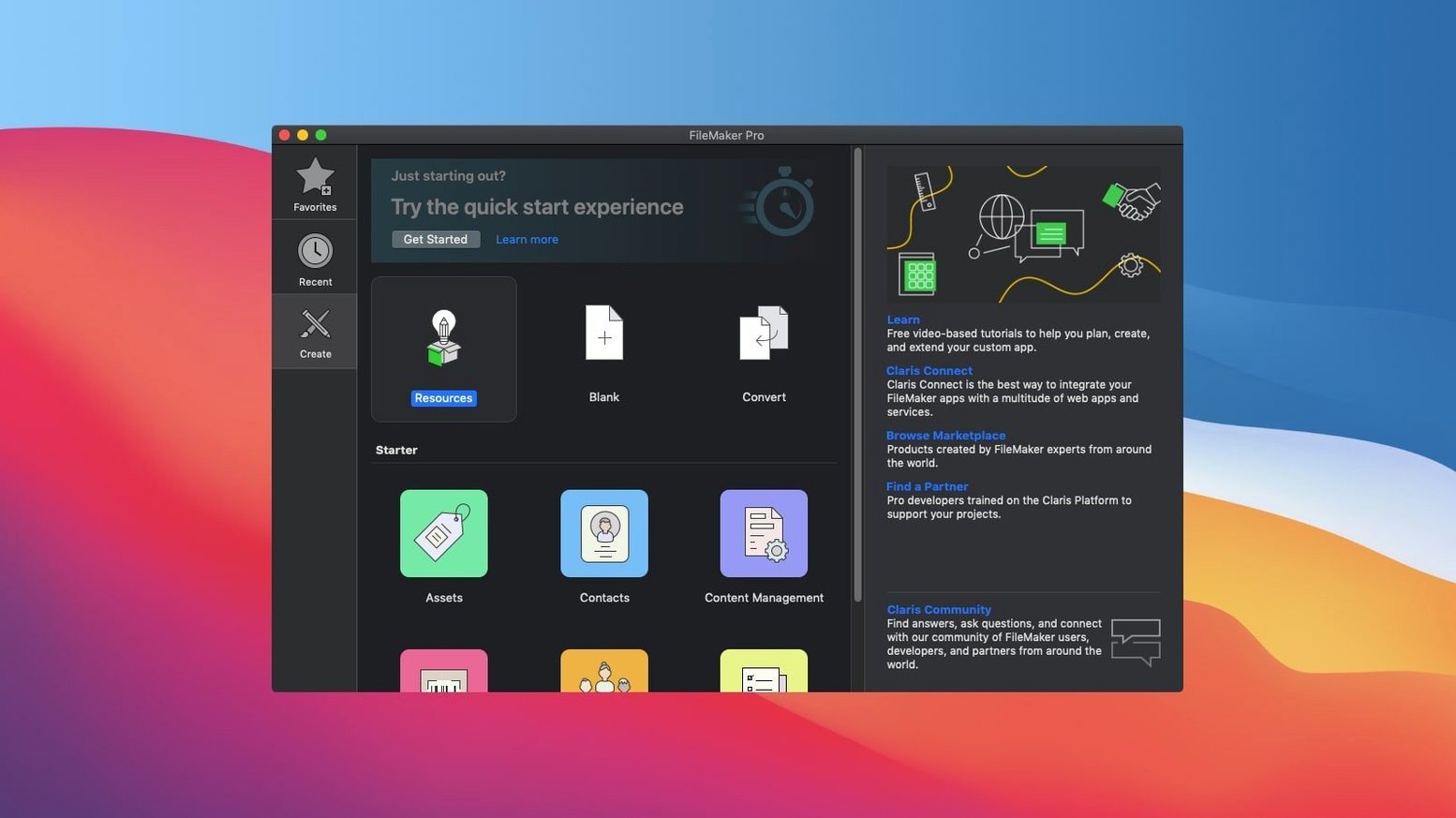
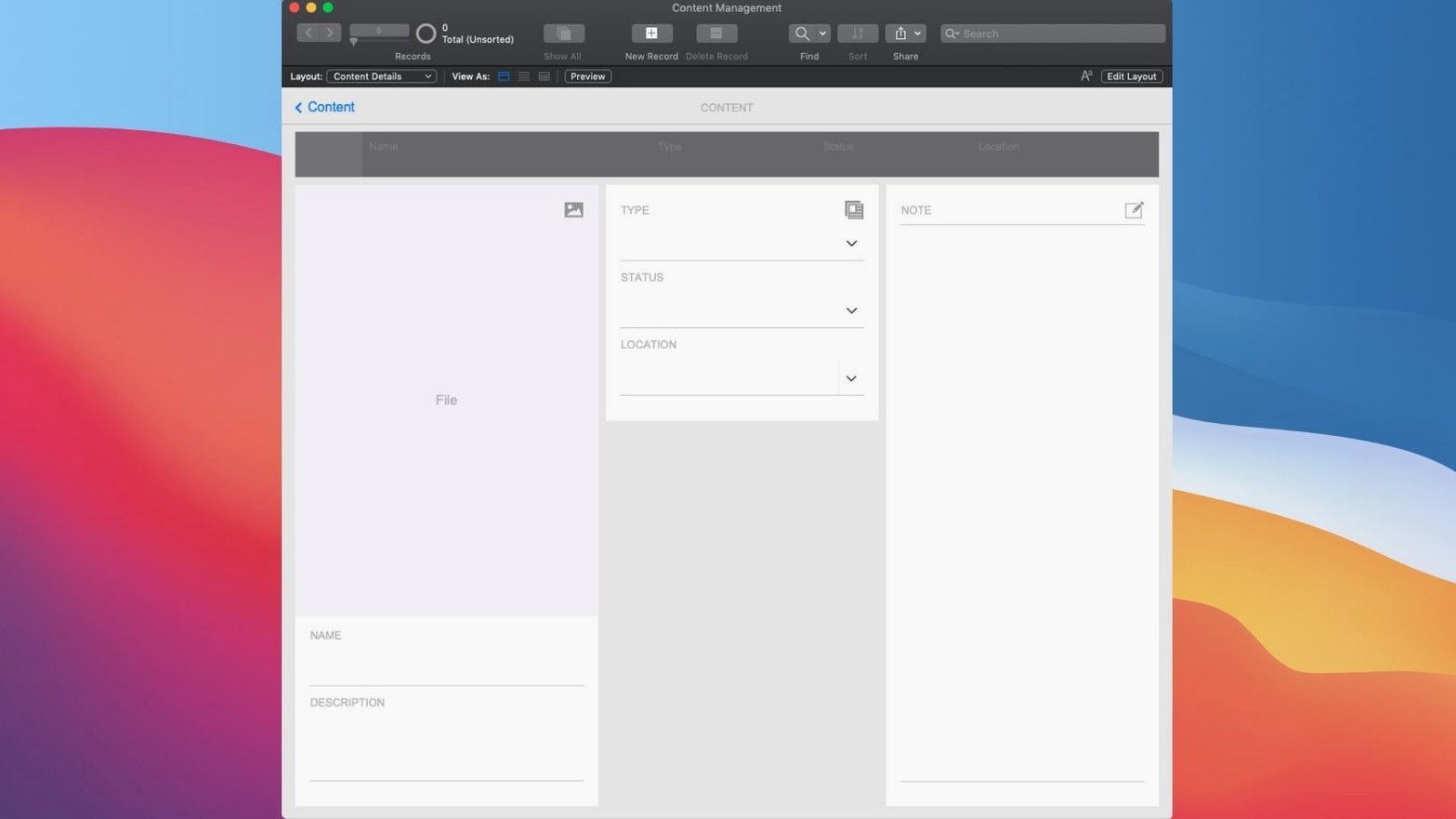
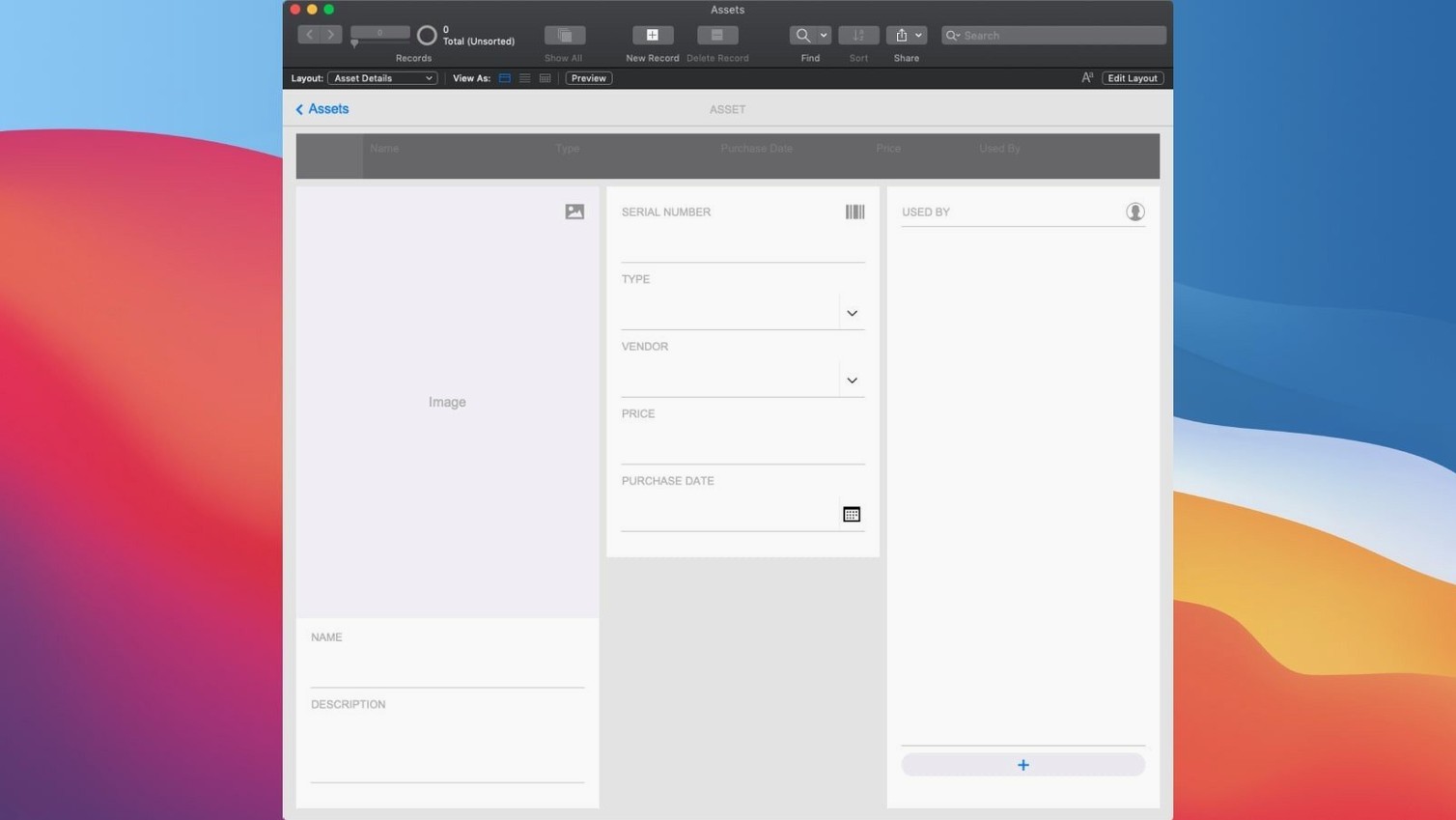
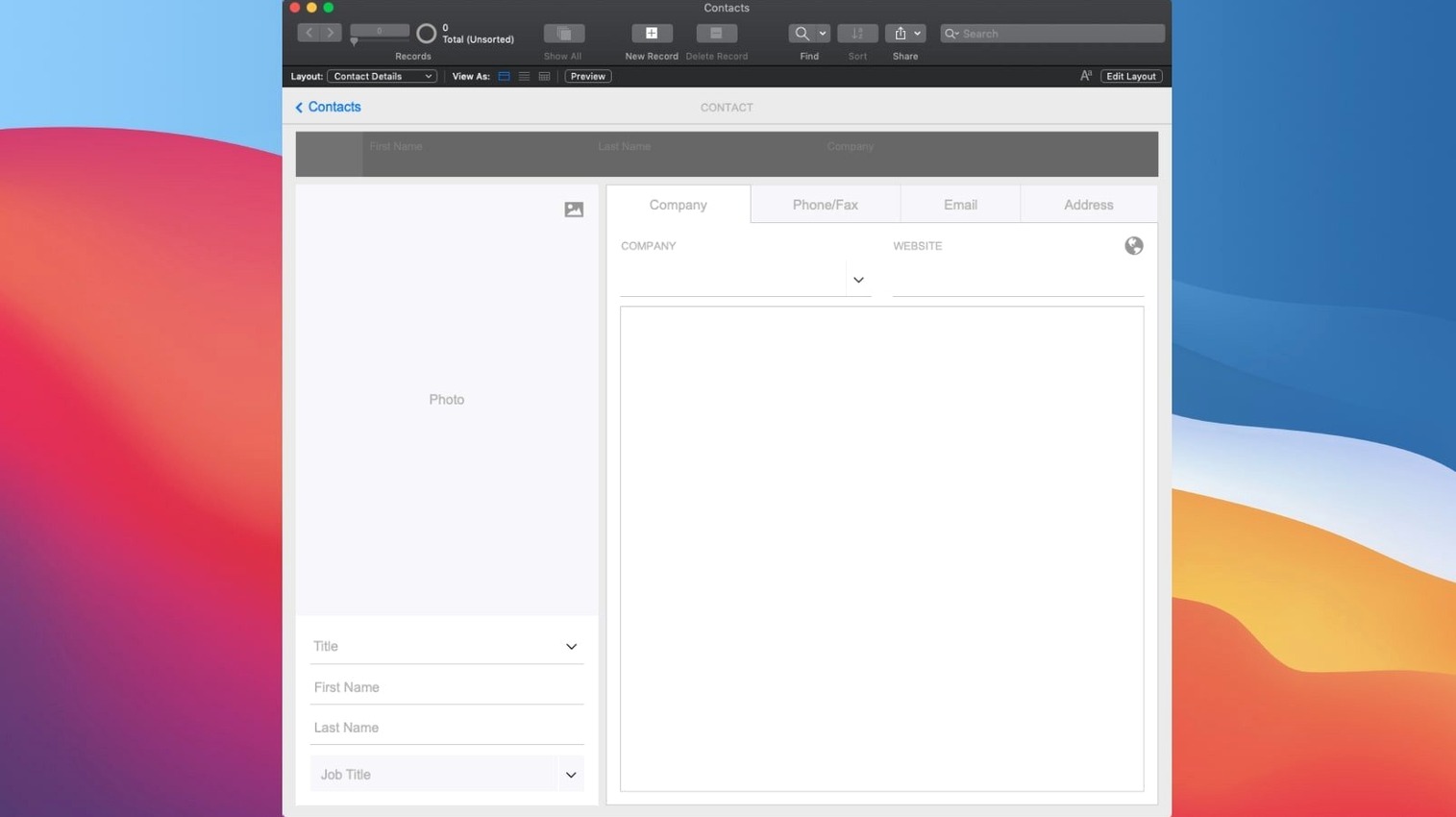
FileMaker Pro is a low-code platform for building custom applications on Mac. You start with a blank canvas and assemble tables, forms, and layouts without writing everything from scratch.
One realistic task: build a project tracker
- Create a table with fields for project name, deadline, status, and assigned person.
- Add a Kanban board add-on to drag cards between “To Do,” “In Progress,” and “Done.”
- Insert a calendar add-on to see deadlines in a weekly view.
- Share the database with your team — it works on desktop, mobile, and web in real time.
Why this saves time
Instead of juggling spreadsheets and email threads, you build one app that everyone uses. The current version (21.0.1) adds Configure AI Account, Insert Embedding, and Perform Semantic Find, so you can incorporate AI searches and embed files directly into records. The same tool works for CRM, asset management, or content libraries — once the structure is set, it stays consistent.
Treating FileMaker Pro Like a Spreadsheet
The most common error is treating FileMaker Pro like a spreadsheet. People import a CSV, throw everything into one table, and call it done. A flat structure works for a few records, but as soon as you need relationships — linking a customer to multiple projects, for example — you hit a wall. Spend the first hour defining separate tables and the relationships between them.
Another misstep is skipping field validation. Without it, users can enter text in a date field or leave critical fields blank. Set validation rules early: required fields, data type checks, and unique values where needed. It saves cleanup later.
Beginners also tend to ignore access permissions. By default, every user can see and edit everything. In a shared database, that leads to accidental deletions or overwritten data. Set privilege levels from the start, even if your team is small.
Using Configure AI Account for Vector Embeddings
A few built-in features often go unnoticed. The Configure AI Account option in version 21.0.1 lets you connect an AI service account directly in FileMaker Pro. Once set up, you can use Insert Embedding to store vector representations of text or files inside records. That enables semantic search across your data without external tools.
The Perform Semantic Find step is another addition most people don't discover until they need it. Instead of matching exact words, it finds records based on meaning. For example, searching for "late project" can return entries with status "Overdue" or "Past deadline" even if those exact words aren't in the field.
For teams sharing data, Set AI Call Logging keeps a record of AI interactions. It's useful for auditing or debugging later.
Data Sync Fails When Network or Host Version Differs
Snag: Data won't sync.
Real-time sharing depends on a stable network. If updates aren't appearing for other users, check that everyone is on the same version of the file and that the hosting computer isn't asleep or on a weak Wi-Fi connection. For office use, host the file on a dedicated server rather than a laptop.
Snag: Fields don't show the right data.
This is almost always a relationship problem. Open the Relationship Graph and verify that the key fields match (same data type, same value). A common fix: delete and recreate the relationship if it looks correct but doesn't work.
Snag: The Kanban board or calendar add-on doesn't display records.
Add-ons need a valid date field or status field mapped correctly. Go back to the add-on setup and confirm it's pointing to the right field. Also check that the field actually contains data.
Snag: AI features don't respond.
The Configure AI Account step requires a valid API key and an active account with the AI provider. If the key is incorrect or expired, commands like Insert Embedding or Perform Semantic Find will fail silently. Verify the account settings under the AI configuration menu.
Offline Local Control vs. Web-Dependent Airtable
FileMaker Pro vs. Airtable
Airtable is a web-first database with a clean interface and good collaboration. But it depends on an internet connection, and complex automations require scripting. FileMaker Pro works offline, runs locally, and gives you full control over the app's design. If your team needs to work in remote sites or on a local network without constant cloud access, FileMaker Pro is the more reliable choice.
FileMaker Pro vs. Notion
Notion excels at note-taking and lightweight project docs. Its database view is limited — you can't build custom layouts or add complex validation. FileMaker Pro is for structured data: invoices, inventory, client records. Notion is a flexible notebook; FileMaker Pro is a proper application builder.
FileMaker Pro vs. TapForms
TapForms is a simpler database builder for Mac, great for single-user lists and small collections. It lacks filemaker pro 2026 download-style multi-user sharing, scripting, and add-ons. If you need real-time team access or want to automate workflows, FileMaker Pro is the step up.
- Configure AI Account
- Insert Embedding
- Insert Embedding in Found Set
- Perform Semantic Find
- Set AI Call Logging
| macOS | macOS 10.14 or later |
|---|---|
| Processor | Apple Silicon, Intel 64-bit |
| Download | 397 MB |
- macOS 10.14 or later
- Intel or Apple Silicon
How to install, in order
- Extract the package contents.
- Run the installer and follow the on-screen instructions.
- Activation details are included inside the package.
Comments and corrections 0
Sign in or open a free account to leave a comment.
No comments or corrections yet.