Photomator 3.4.15 — download for Mac
Mac Apps Updated
Adjusts photos with AI-assisted tools and handles raw image files.
Screenshots
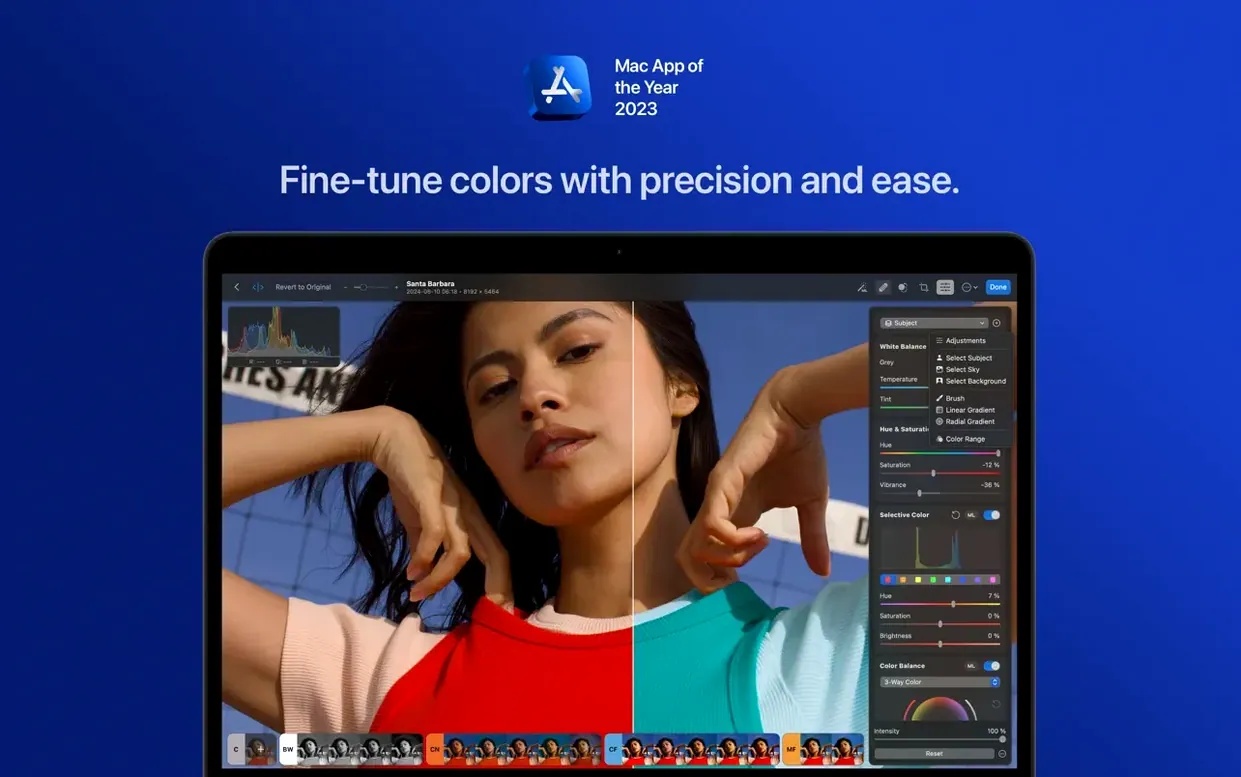
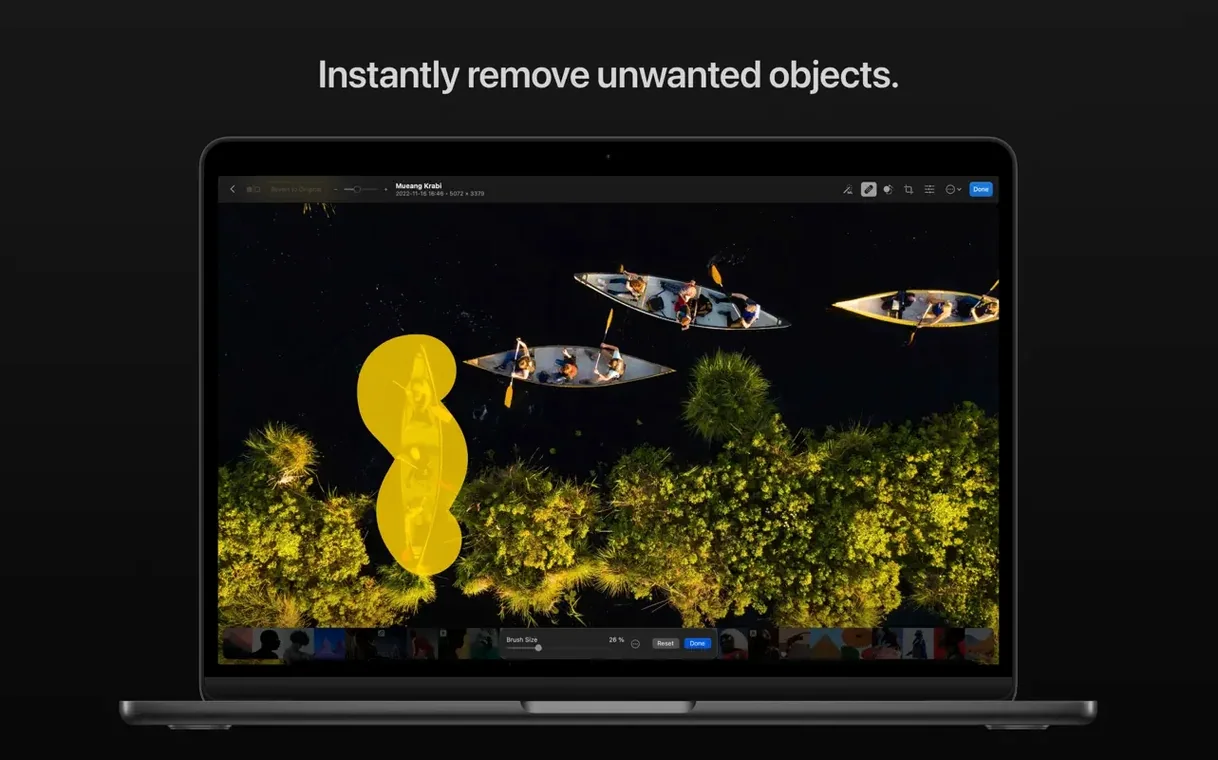
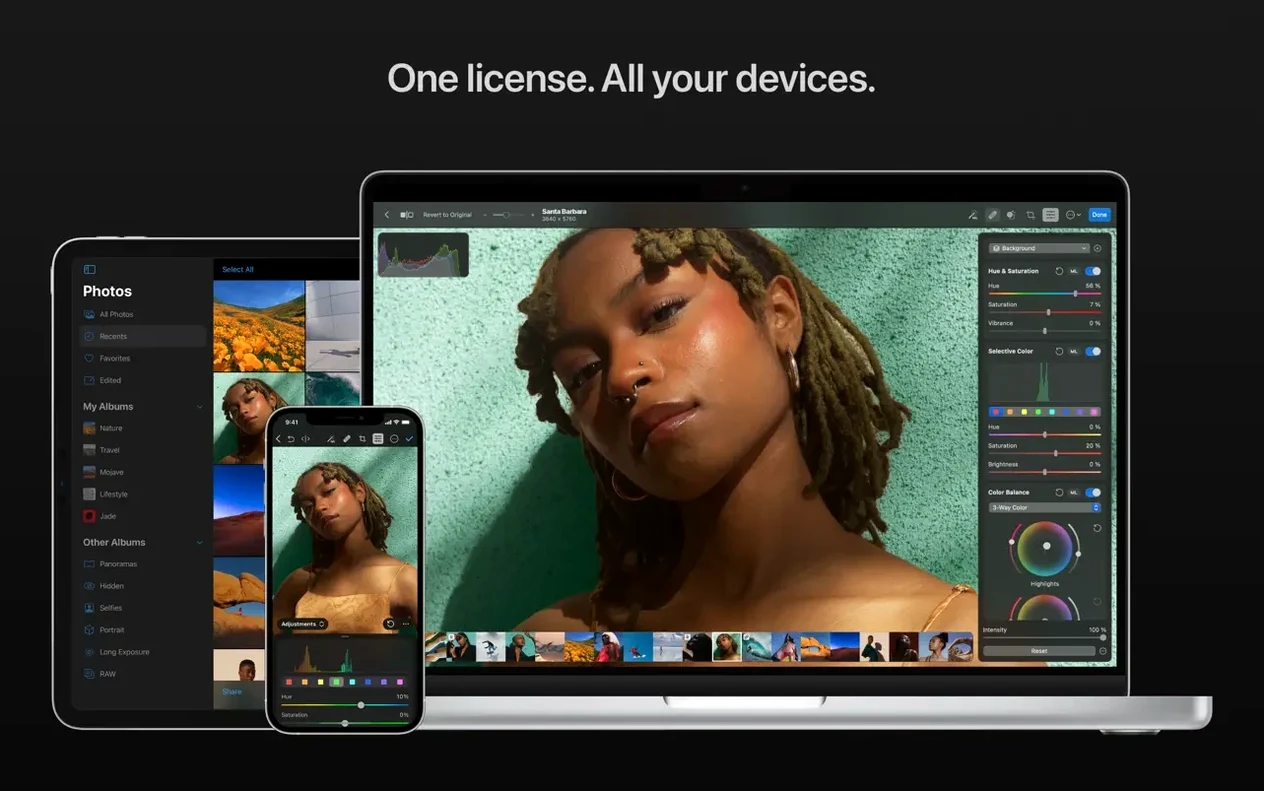
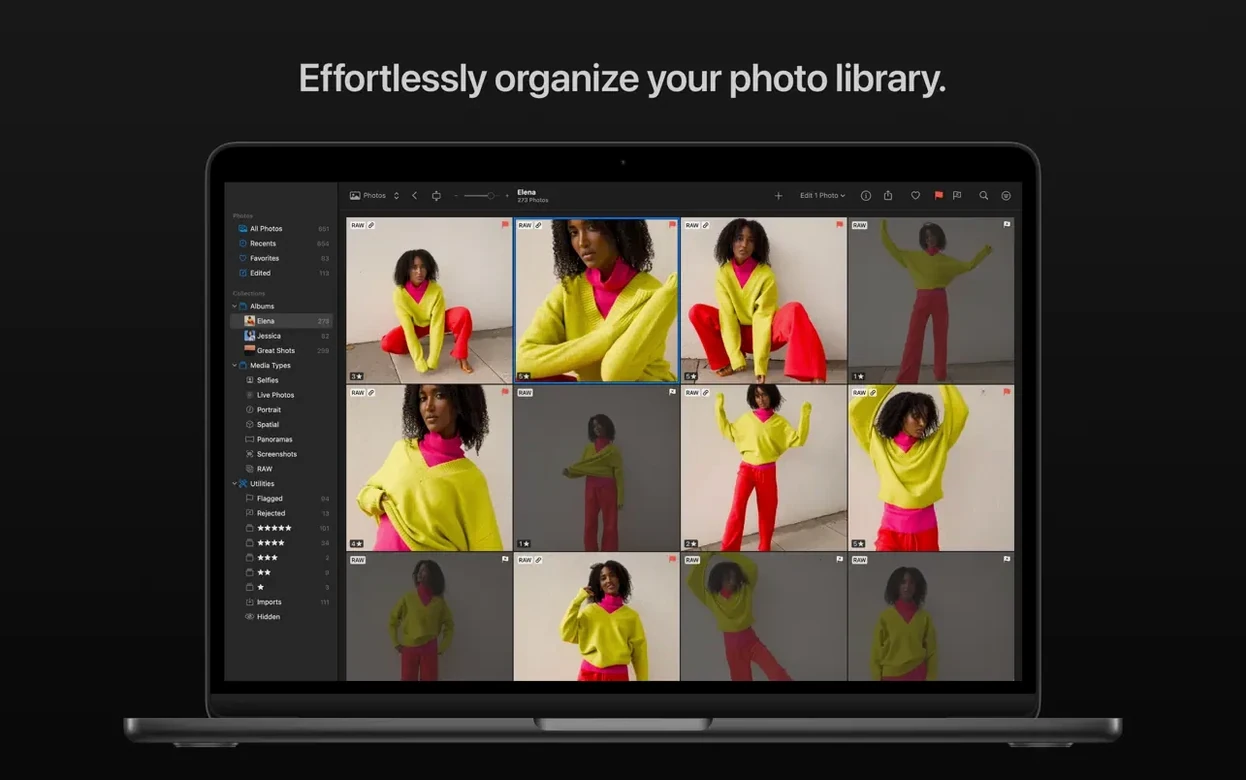
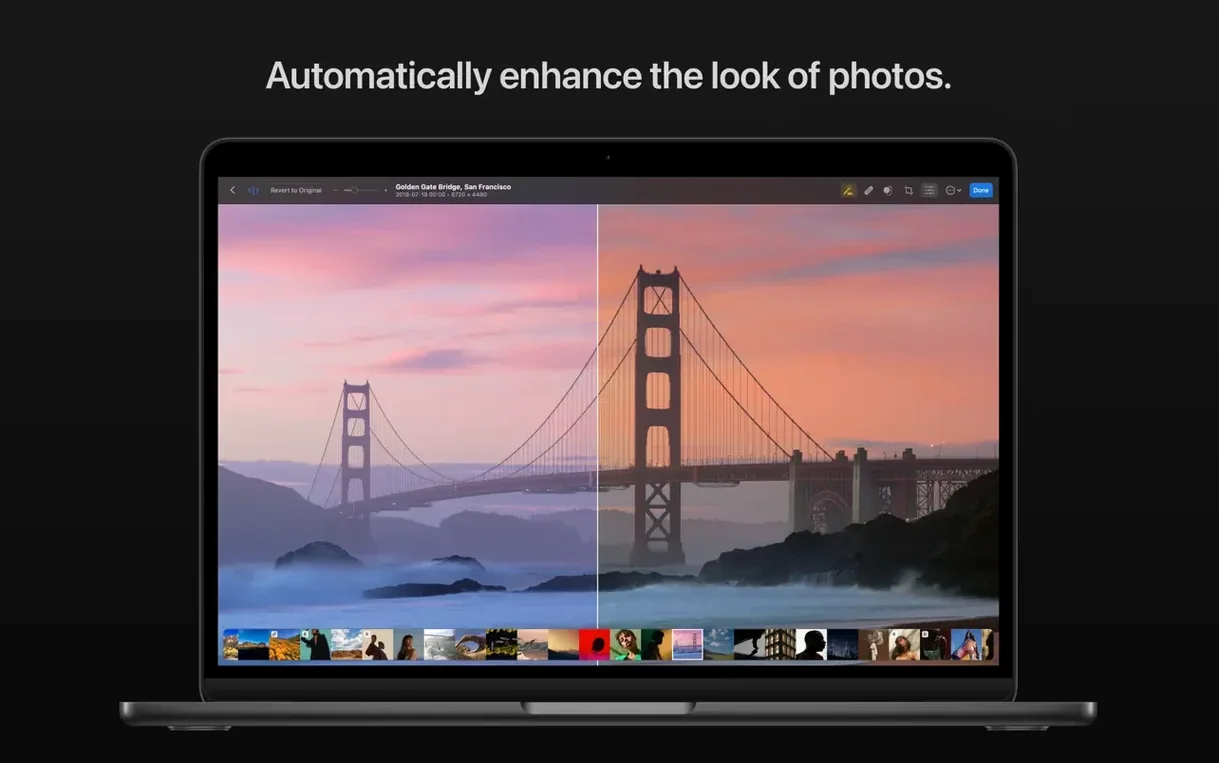
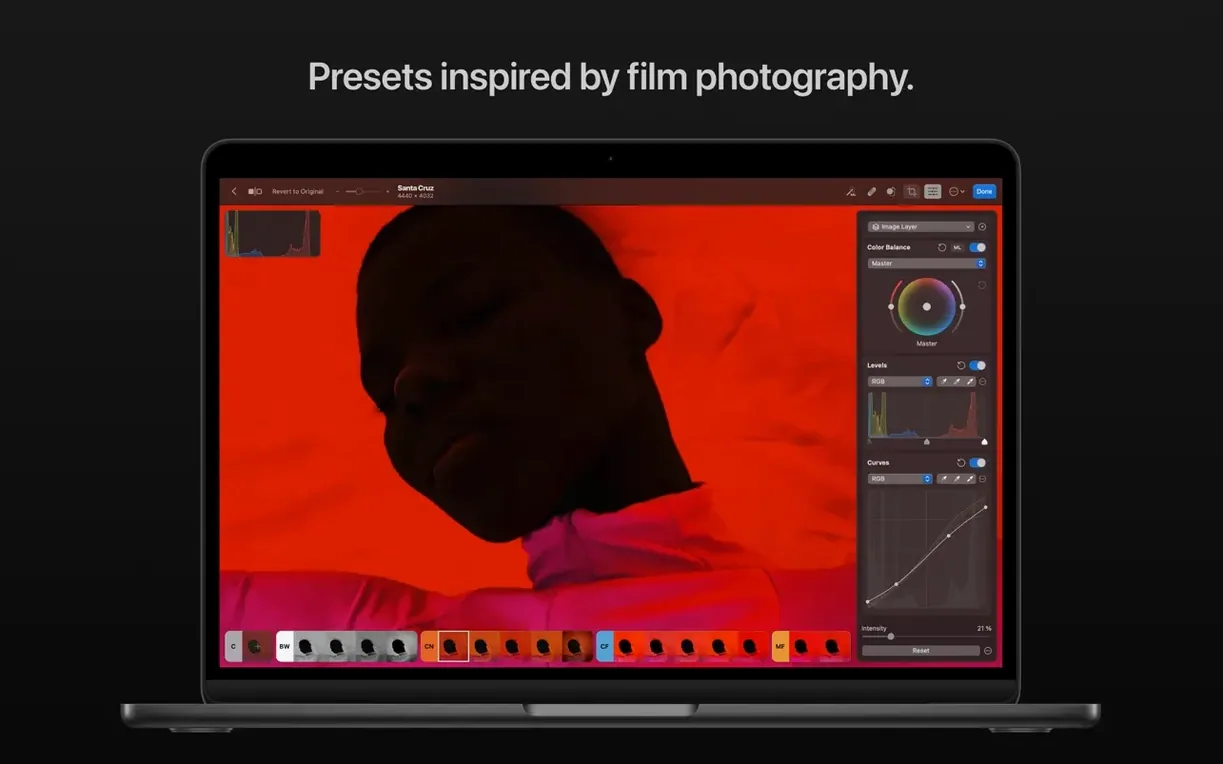
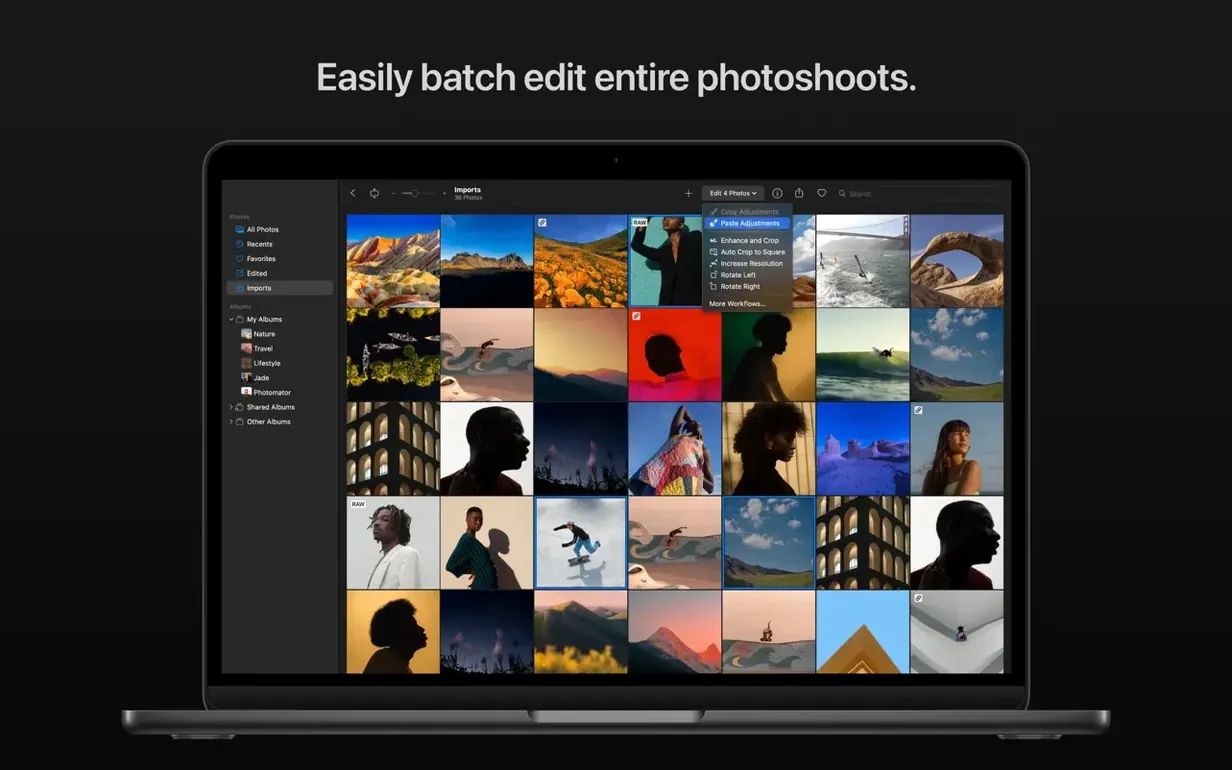
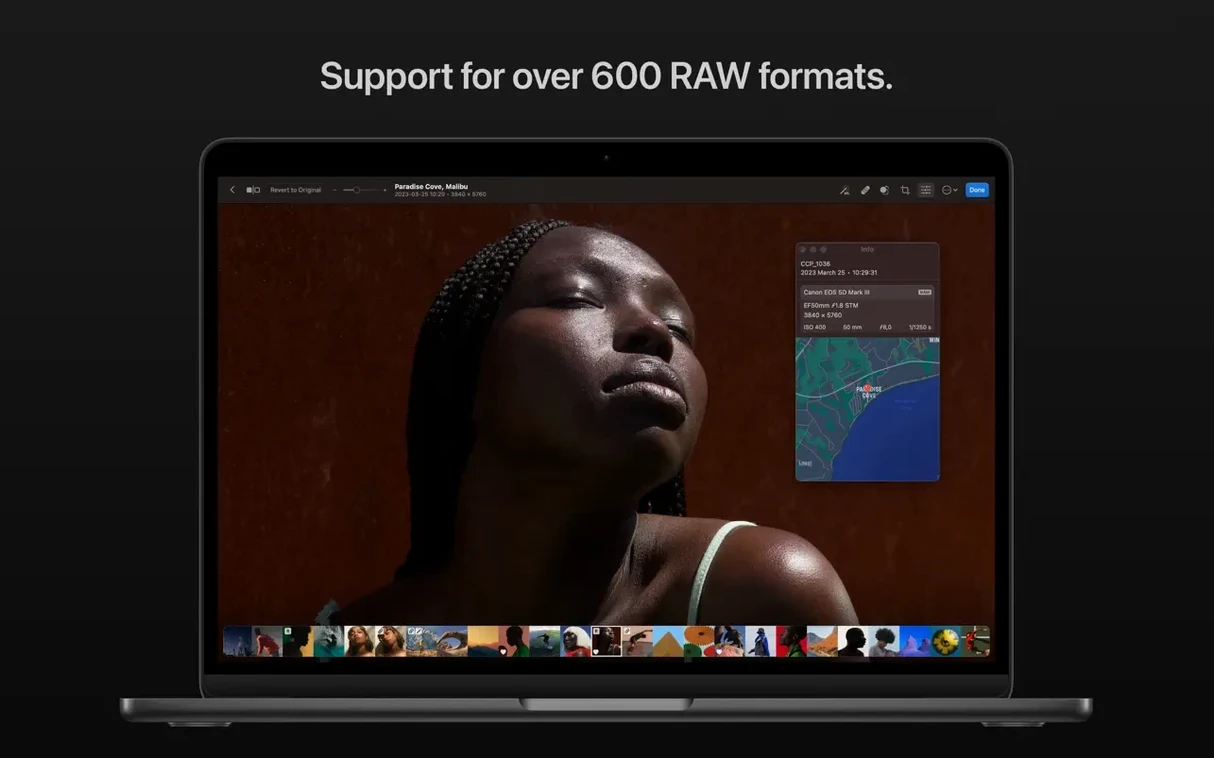
Choosing a photo editor for Mac often means juggling raw image support, batch workflows, and the ability to retouch without digging through menus. Photomator covers those needs with AI-assisted adjustments and solid RAW handling. Before you install, here are the practical points worth knowing.
- It runs on both Intel and Apple Silicon Macs, requiring macOS 13 or later.
- RAW support is broad and frequently updated — version 3.4.15 adds Sony Alpha ILCE-7M5, Fujifilm GFX 100S II, Nikon Z5II, and Panasonic LUMIX DC-S1RM2 (High Resolution mode).
- Edits sync with the Photos app and iCloud Drive, so changes carry across devices without extra exports.
- AI tools handle subject, sky, and background selection automatically; the Denoise and Smart Deband features rely on Core ML.
- You can match the color and look of one photo to another, and batch edit RAW files together with JPEGs or HEICs.
- The interface is available in English, Russian, German, Spanish, Italian, French, Japanese, Korean, and two variants of Chinese.
Event Photographers Shooting Hundreds
Not every photo editor suits every workflow, but Photomator fits a specific set of Mac users well. The combination of broad RAW support, batch editing, and AI-assisted tools means it works for several distinct groups.
Event photographers who shoot hundreds of frames per session benefit the most. Batch editing lets you apply the same exposure, white balance, or black-and-white preset across an entire folder, and copying and pasting edits between photos means you don't repeat manual work. If you regularly shoot Sony, Fujifilm, Nikon, or Panasonic cameras, the ongoing RAW format updates keep your files supported without waiting months for a new release.
Landscape and travel photographers will use the subject, sky, and background selection tools regularly. Selecting a sky for local adjustments or removing a distracting object with the clone and repair tools takes seconds rather than careful masking. The perspective adjustment tool straightens architectural shots, and Smart Deband cleans up color banding that often appears in gradient skies.
Mac users who rely on the Photos app and iCloud Drive gain a smooth round-trip workflow. Edits sync automatically, so you can retouch on a MacBook and view the finished version on an iMac or iPad without exporting and reimporting files.
Photo editors who work with multiple image formats at once will appreciate that Photomator handles batch editing across RAW, JPEG, and HEIC files in the same operation. You don't need to separate your camera's raw files from phone snapshots before processing them together.
Anyone frustrated by color banding or noise in low-light images gets practical fixes from the Denoise and Smart Deband features, both built on Core ML. These are not gimmicks — they apply targeted corrections without flattening detail across the entire photo.
Between Lightweight Editors and Digital Darkroom Suites
Photomator sits in a space between lightweight editors and full digital darkroom suites. Here is how it compares with three common alternatives.
Affinity Photo
Affinity Photo is a full-featured layer-based editor with advanced compositing tools. It supports RAW images and includes its own set of noise reduction and retouching tools. Where Photomator differs is in its tighter macOS integration — sync with the Photos app and iCloud Drive is not something Affinity offers. Photomator also leans more heavily on AI-assisted selections and one-click adjustments, while Affinity expects you to build masks and adjustments manually. For someone who shoots and edits on the go, Photomator's batch workflow and simpler interface save time. For someone building complex multi-layer composites, Affinity has more depth.
Adobe Lightroom Classic
Lightroom Classic remains the benchmark for catalog-based RAW editing. It offers powerful color grading, advanced masking, and a mature ecosystem of presets. Performance-wise, Photomator uses Metal and Core ML to offload processing to the GPU, which keeps the interface responsive on Apple Silicon Macs without requiring a cloud connection. Lightroom's catalog system is its strength and its weakness: it organizes your library meticulously, but it also ties you to a specific library structure. Photomator works directly with your file system and the Photos app, which suits users who prefer folder-based organization.
Capture One
Capture One is built for tethered studio shooting and high-volume RAW processing. Its color rendering and layer-based adjustments are trusted by commercial photographers. Capture One is also more expensive and more demanding on hardware. Photomator covers the same RAW formats — including the new Sony, Fujifilm, Nikon, and Panasonic cameras from version 3.4.15 — but without the tethered capture or session management tools that Capture One offers. For a photographer who does not need studio tethered workflows, Photomator provides comparable RAW processing and color matching at a lower complexity level.
Copy and Paste Edits Between Photos
Some features do not appear in the marketing screenshots, but they save time once you know they exist.
- Copy and paste edits between photos. After adjusting one image, you can transfer the color, exposure, and crop settings to other photos with a single action. This is faster than creating a preset for every variation.
- Match the look of one photo to another. If you have a reference image with the color palette you want, Photomator can analyze it and apply matching adjustments to the current photo. This works across different lighting conditions and subjects.
- Batch editing across formats. You can select a mix of RAW, JPEG, and HEIC files in the same batch operation. The editor does not force you to process raw files separately from compressed formats.
- Perspective adjustment. Beyond simple crop and straighten, this tool corrects converging vertical lines in architectural photos. It is built into the crop panel, not buried in a separate menu.
- Upscaling. When you need to increase the resolution of an image, the upscaling tool handles it within the editor rather than requiring an external plugin.
- Smart Deband. Color banding appears in skies and gradients after heavy editing. Smart Deband smooths these transitions without introducing noise or posterization.
Support for Over 650 RAW Formats
Does it work with my camera's RAW files?
Photomator supports over 650 RAW formats, including Apple ProRAW, compressed Fujifilm RAW files, and the latest camera models from Sony, Fujifilm, Nikon, and Panasonic. Version 3.4.15 specifically added support for Sony Alpha ILCE-7M5, Fujifilm GFX 100S II and GFX 100RF, Nikon Z5II and Z50II (including High Efficiency and High Efficiency Star formats), and Panasonic LUMIX DC-S1RM2 High Resolution mode. If your camera is a recent release, it is likely supported.
Can I edit RAW files and JPEGs together?
Yes. The batch editing feature works across RAW, JPEG, and HEIC files in the same operation. You can apply the same adjustments to a folder containing mixed formats without separating them first.
Will it slow down on an older Mac?
The system requirement is macOS 13 or later, and the app runs on both Intel and Apple Silicon Macs. It uses Metal and Core ML to leverage the GPU, so performance depends more on your graphics hardware than on processor generation alone. On older Macs with integrated Intel graphics, basic adjustments and cropping work fine — heavy AI selections and Denoise may take longer.
Does it replace Adobe Photoshop?
Not exactly. Photomator is a dedicated photo editor focused on RAW processing, color adjustments, retouching, and batch workflows. It is not a pixel-level design tool with layers, brushes, and text tools in the way Photoshop is. If your work involves compositing multiple elements, creating graphics from scratch, or designing layouts, you would still need Photoshop or a vector editor. For photo retouching, color grading, and RAW conversion, Photomator covers the same ground.
Can I sync edits between my iMac and MacBook?
Yes, if you use the Photos app and iCloud Drive. Edits made in Photomator sync with the Photos app, and those changes propagate through iCloud Drive to other Macs logged into the same Apple ID. No manual exporting or file copying is needed.
Is the interface available in my language?
The interface ships in English, Russian, German, Spanish, Italian, Portuguese, French, Japanese, Korean, and both Traditional and Simplified Chinese. You can switch languages in the app settings without reinstalling.
- Bug fixes and performance improvements.
- Support for compressed RAW images from Sony Alpha ILCE-7M5, FUJIFILM GFX 100S II, and FUJIFILM GFX 100RF cameras.
- Support for High Efficiency and High Efficiency Star RAW images from Nikon Z5II and Nikon Z50II cameras.
- Support for RAW images from Panasonic LUMIX DC-S1RM2 cameras captured in High Resolution mode.
| macOS | macOS 13 or later |
|---|---|
| Processor | Apple Silicon, Intel 64-bit |
| Download | 662 MB |
- macOS 13 or later
- Intel or Apple Silicon
How to install, in order
- Mount the downloaded disk image.
- Drag the app to the Applications folder shortcut.
- After copying finishes, open the app from Launchpad.
Comments and corrections 0
Sign in or open a free account to leave a comment.
No comments or corrections yet.