OmniGraffle Pro 7.26 — download for Mac
Mac Apps Updated
Turns process notes into clear diagrams for flowcharts, wireframes, and org charts.
Screenshots
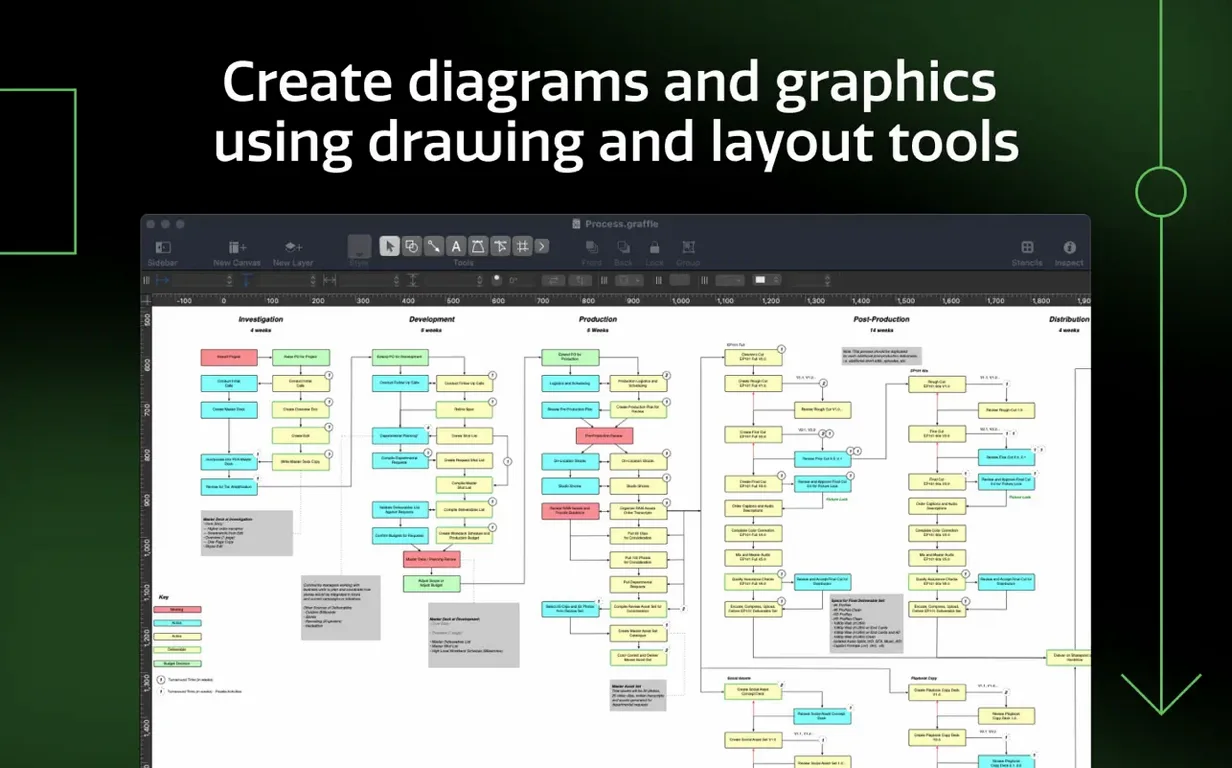
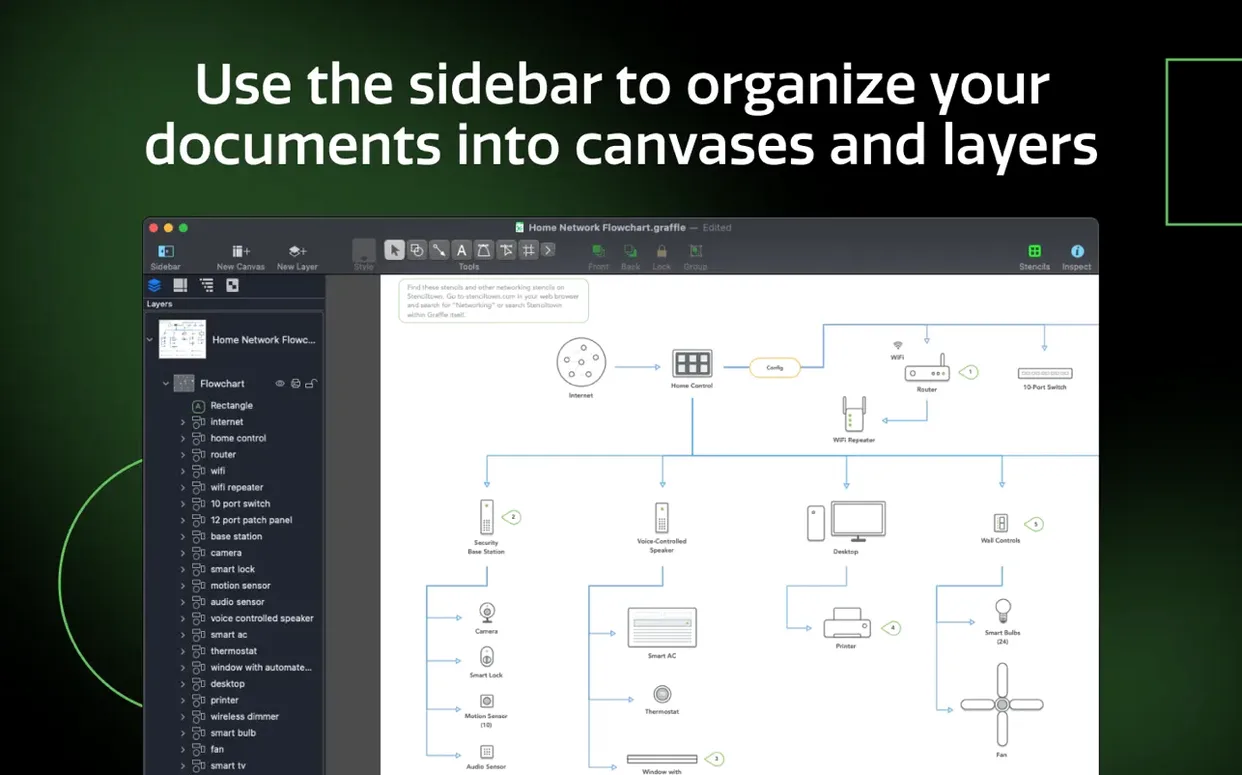
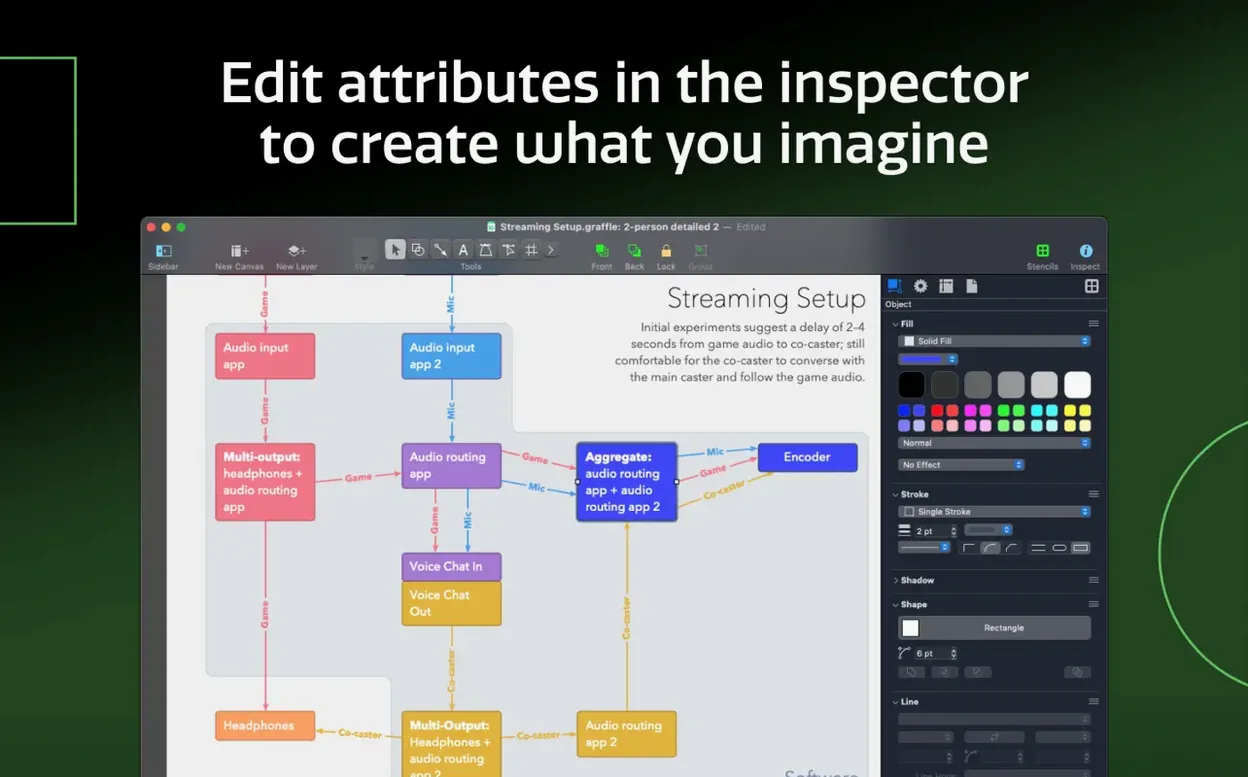
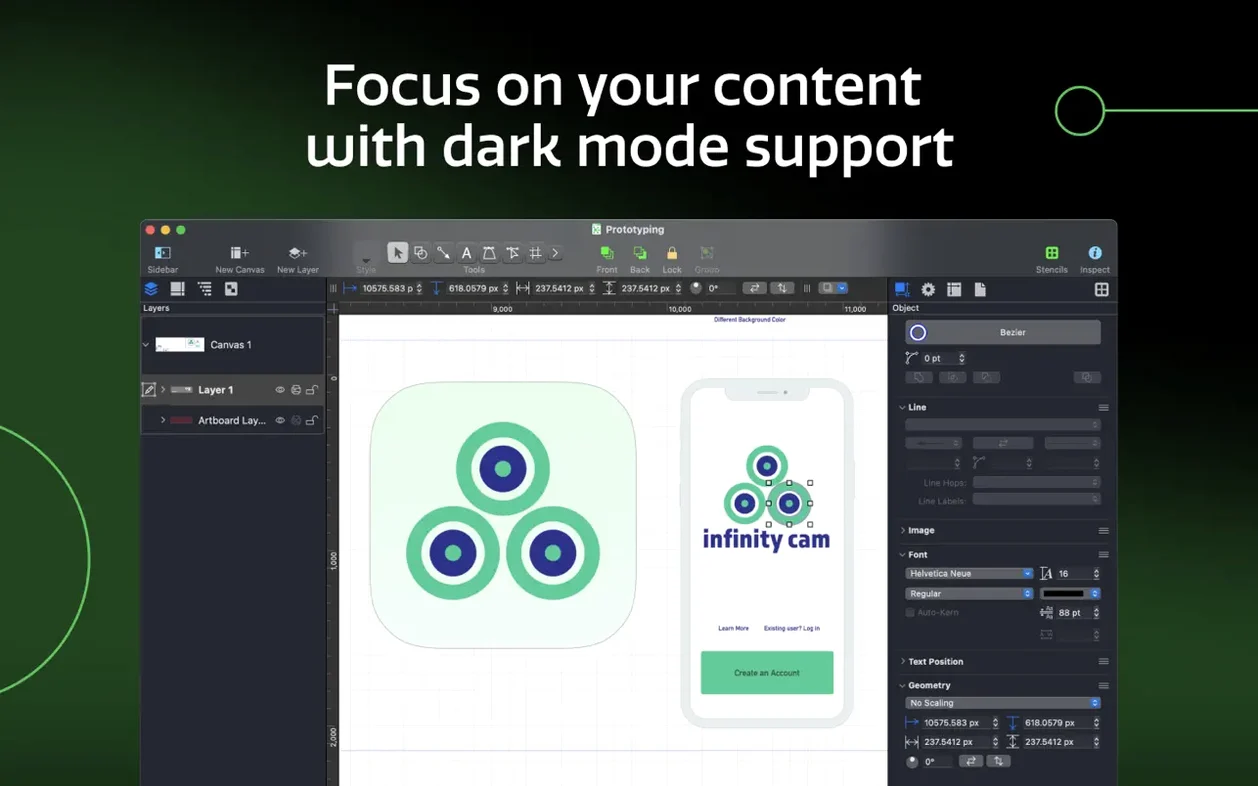
Product managers, UX leads, and technical writers use OmniGraffle Pro to turn process notes into clear diagrams without switching contexts. It sits alongside the office apps you already have — Numbers for spreadsheets, Pages for reports — and fills the gap when a flowchart, wireframe, or org chart needs to communicate structure, not just data.
- Sketch the structure. Drag stencils from the sidebar onto the canvas. The inspector lets you set alignment, spacing, and shared layers so one change ripples across all related diagrams.
- Import what you have. Open Microsoft Visio VSD, VDX, VSS stencils, or VST templates. OmniGraffle reads them natively, so you don’t re-draw old process maps from scratch.
- Polish and export. Convert text to shapes, use artboards for multi-page wireframes, then export as VDX, PDF, or image. Notes and metadata stay attached for the review handoff.
Version 7.26 adds compatibility with macOS Golden Gate 27 and requires macOS 14 or newer. It runs on both Apple Silicon and Intel Macs. The Pro edition adds Visio and Photoshop import/export, shared layers, and advanced text handling — enough that the same file can serve a stand-up meeting and a client deliverable.
Real scenario: technical writer mapping an API workflow
A technical writer at a SaaS company in Lisbon needs to document how the payment service handles webhooks. The sequence has seven endpoints, three retry conditions, and two fallback queues. Visio was the company standard, but the writer works on a Mac and wants something that opens and exports Visio files without converting everything first.
OmniGraffle Pro handles the import: the old VSD stencils for the legacy system load on one shared layer. The writer sets up artboards — one for the happy path, one for error states, one for the retry logic. Tables group the webhook endpoints and their response codes, keeping the diagram readable when the product manager reviews it. When the workflow changes, the shared layers update all three artboards at once. The export goes to VDX for the Visio users in engineering and to PDF for the client documentation repo.
The whole round trip — import, layout, export — happens in the same app. No switching to a VM or asking engineering to re-export diagrams.
Requires macOS 14 or newer
OmniGraffle Pro 7.26 requires macOS 14 or newer. It supports both Apple Silicon and Intel Macs. The installer arrives as a disk image; you mount it, run Open Gatekeeper friendly, press Enter in Terminal to bypass Gatekeeper, drag the app to Applications, and launch it.
Languages available: English, German, Spanish, Italian, Simplified Chinese, Korean, Dutch, Portuguese, French, Japanese, and Russian. The interface and stencils display in whichever language you choose during setup or in Preferences.
If you work with a mixed-language team — say, a project office in Porto and stakeholders in Berlin — the app stays usable without locale conflicts. Stencils and inspectors use the same layout regardless of language.
Gatekeeper blocks initial launch
Gatekeeper blocks the initial launch. macOS 14 enforces stricter security on unsigned apps. During installation, the step that presses Enter in Terminal to bypass Gatekeeper is necessary — do not skip it. If the app still doesn’t start, check that you mounted the disk image and did not run the app directly from the archive.
Visio files open with missing stencils. When you import a VSD or VDX document, some stencils may show as blank placeholders if the original Visio file used custom shapes not shipped with OmniGraffle. In that case, convert the missing elements to shapes using the text-to-shape or line-to-shape feature and re-save the diagram as an OmniGraffle native file. That preserves the layout and avoids the issue on subsequent opens.
Shared layers appear locked. Shared layers are useful for backgrounds, headers, and repeating elements, but if you try to edit a shared layer from a child artboard, it may behave as read-only. Open the parent canvas or unshare the layer from the sidebar inspector, make the edit, then reshare. This is normal behavior to prevent accidental changes across all artboards.
Export to Photoshop layers fails. The export to PSD works only if the OmniGraffle document uses named layers — unnamed layers are merged into one Photoshop layer. Before exporting, audit your layer names in the sidebar. Rename any generic layers. Then export as PSD. The resulting file keeps each OmniGraffle layer as a separate Photoshop layer, which helps the design team edit without re-tracing everything.
- Improves compatibility with macOS Golden Gate 27.
- Requires macOS 14 or newer.
| macOS | macOS 11 or later |
|---|---|
| Processor | Apple Silicon, Intel 64-bit |
| Download | 73 MB |
- macOS 14 or newer
- Apple Silicon or Intel processor
Questions about OmniGraffle Pro
Can OmniGraffle Pro open Visio files?
Yes. It imports Microsoft Visio VSD, VDX documents, VSS stencils, and VST templates. It can also export diagrams as Visio VDX.
Does it work on Apple Silicon Macs?
Yes. OmniGraffle Pro 7.26 runs natively on both Apple Silicon and Intel-based Macs.
What macOS version does it require?
It requires macOS 14 or newer. Version 7.26 improves compatibility with macOS Golden Gate 27.
How to install, in order
- Mount the disk image and run Open Gatekeeper friendly.
- Press Enter in Terminal to bypass Gatekeeper.
- Drag the app to the Applications folder.
- Launch the app when installation is complete.
Comments and corrections 0
Sign in or open a free account to leave a comment.
No comments or corrections yet.