QuarkXPress 22.0.1 — download for Mac
Mac Apps Updated
Lays out pages for print and digital publishing with professional typography and design tools.
Screenshots
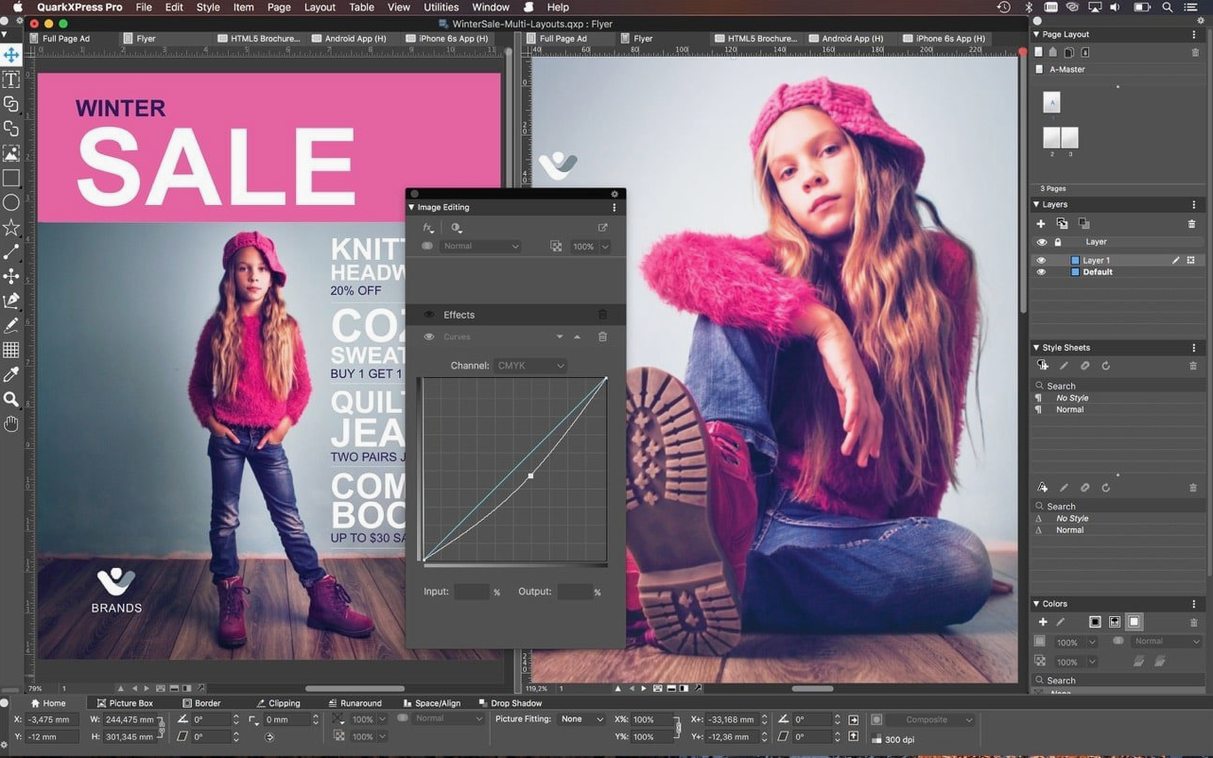
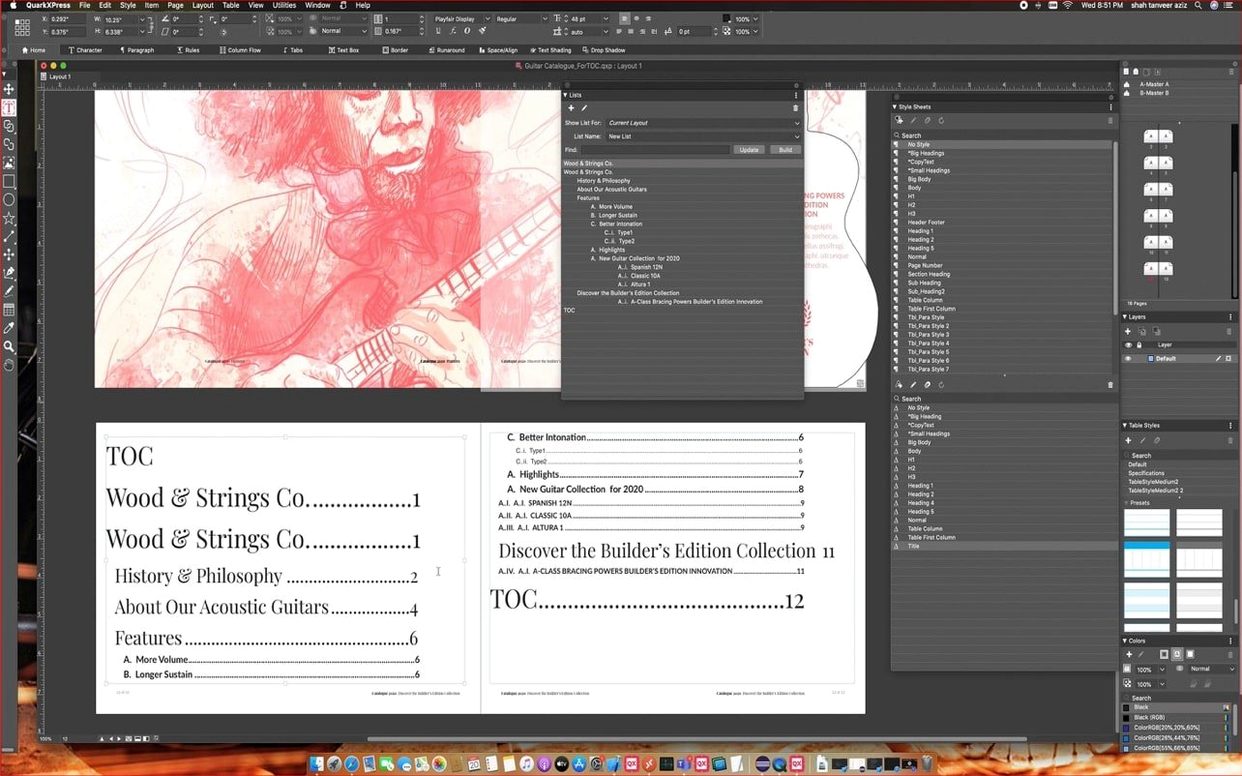
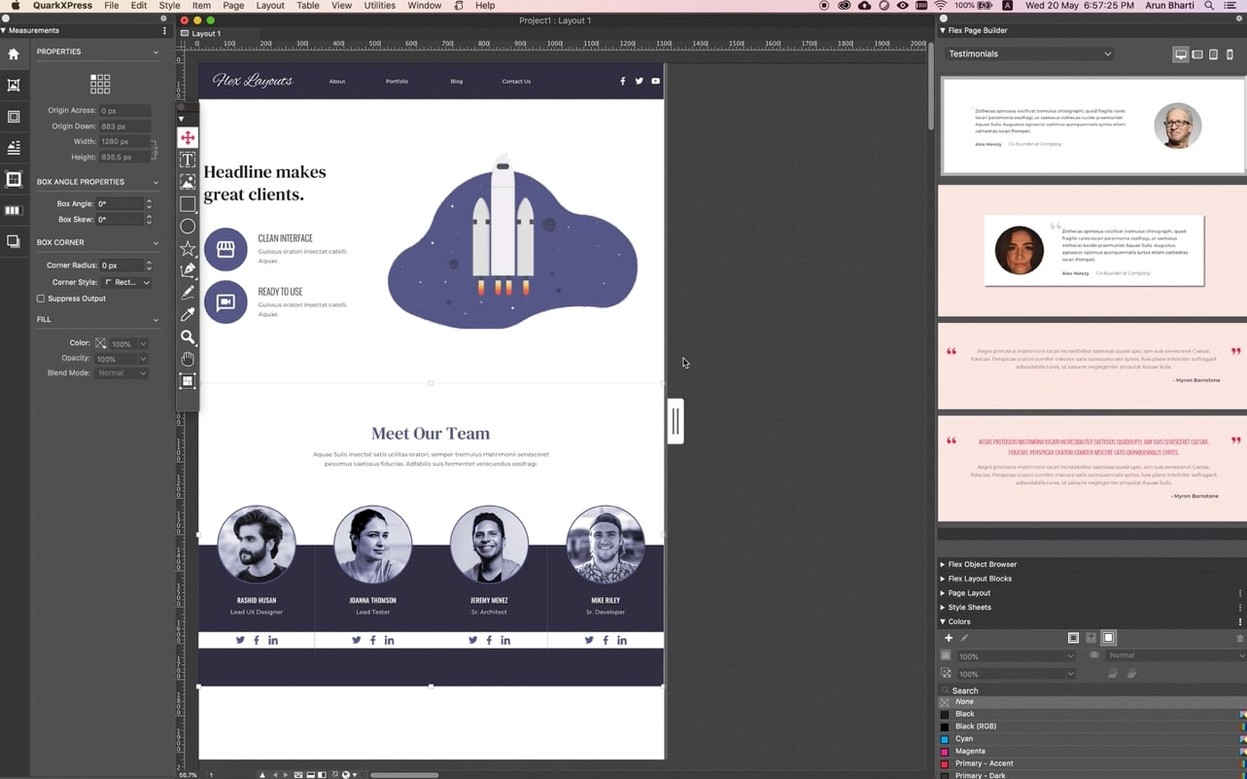
QuarkXPress 2026 v22.0.1 runs on any Mac from macOS 12 onward, both Intel and Apple Silicon. That covers the last several generations of hardware, so upgrading the OS alone won’t leave the software behind.
| Detail | Value |
|---|---|
| Version | 22.0.1 |
| Developer | Quark Software Inc. |
| Category | Desktop publishing / page layout |
| Architecture | Intel + Apple Silicon |
| Languages | 18 (incl. English, French, German, Spanish, Chinese, Japanese) |
The core of QuarkXPress hasn’t changed: it remains a print and digital layout tool with conditional styles, callouts that move frames with text, a Story Editor for long-form editing, and ePub export. What v22.0 added was native support for mathematical equations — no more embedding images for formulas. The ImageGrid feature now keeps master-page elements consistent across auto-generated pages, and the welcome screen was redesigned in 22.0.1. For anyone who works with academic or technical documents, the equation support alone makes this release worth a look.
Three time‑saving features to find early
A few features in QuarkXPress don’t make the headlines but save real time once you know they exist. Here are three worth digging out early.
Conditional styles
Instead of manually applying page-layout rules to every new element, conditional styles let you define rules that fire automatically. If a text box crosses a certain size or a page number shifts, the formatting adjusts without you touching it. It’s hidden under the style sheets menu, not on the main toolbar — worth a look.
Cloning of elements
When you need a second version of a frame, image group, or text block with the same properties, clone it rather than duplicate through copy-paste. The clone preserves all settings, including conditional styles and callout links. It’s a small time saver when building repeating layouts like business cards or product sheets.
Reflow View
Reflow View is not a preview mode — it actively keeps the layout display intact when content is reformatted for a different device. If you export to ePub or send to Blio, Kobo, or Nook, the view shows how the page reflows without breaking the original design. It sits in the View menu and is useful during ebook preparation.
Use the startup tutorials for equation and ImageGrid updates
After you install QuarkXPress 2026 v22.0.1, the welcome screen shows project size presets, customized workspaces, and built-in tutorials. Use the tutorials first — they walk through the new equation editor and the updated ImageGrid, so you don’t waste time guessing where those features live.
Set up your workspace early. The welcome screen lets you choose between print, digital, and mixed layouts. Pick the one closest to your daily work — it hides the tool panels you won’t need and surfaces the ones you will.
Test the mathematical equation support with a simple formula before you rely on it for a live document. Version 22.0 introduced it natively, so no external plugin is needed. Type or paste an equation into a text box and check the rendering against a reference image. It behaves like any other text element, which means it can be styled, resized, and wrapped.
If you work with master pages, open the ImageGrid feature and confirm that master-page elements stay consistent across auto-generated pages. Version 22.0.1 improved this behavior. Create one auto-generated page, then add a few more — the grid elements should hold their alignment without manual adjustment.
Answers before installing
Does QuarkXPress require activation?
No. Version 22.0.1 does not require activation. You install it and work. The installer and instructions are included in the package with no online check at launch.
Native Apple Silicon support, no Rosetta needed
Yes. Version 22.0.1 supports both Intel and Apple Silicon natively. It runs on macOS 12 and later, including macOS 14 Sonoma, macOS 15 Sequoia, and macOS 26 Tahoe. No Rosetta layer is needed.
30+ languages for spelling and hyphenation
The software supports more than 30 languages for dictionaries and hyphenation modules. The interface itself is available in 18 languages, including English, German, Spanish, French, Italian, Dutch, Polish, Portuguese, Finnish, Norwegian, Czech, Swedish, Danish, Traditional Chinese, Simplified Chinese, Korean, Japanese, and Russian. You switch the interface language in the preferences.
Can I import files from Adobe Illustrator or Photoshop?
Yes. QuarkXPress supports importing both Illustrator and Photoshop file formats natively. You place them as you would any image or vector file, and the layer information is preserved if needed.
Is it possible to create interactive content, like iPad applications?
Yes. QuarkXPress includes tools for building iPad applications directly from the layout. The same project can also be exported to ePub for distribution through iBooks, Kindle, Kobo, Nook, and other readers.
Works with macOS fonts and Finder drag‑and‑drop
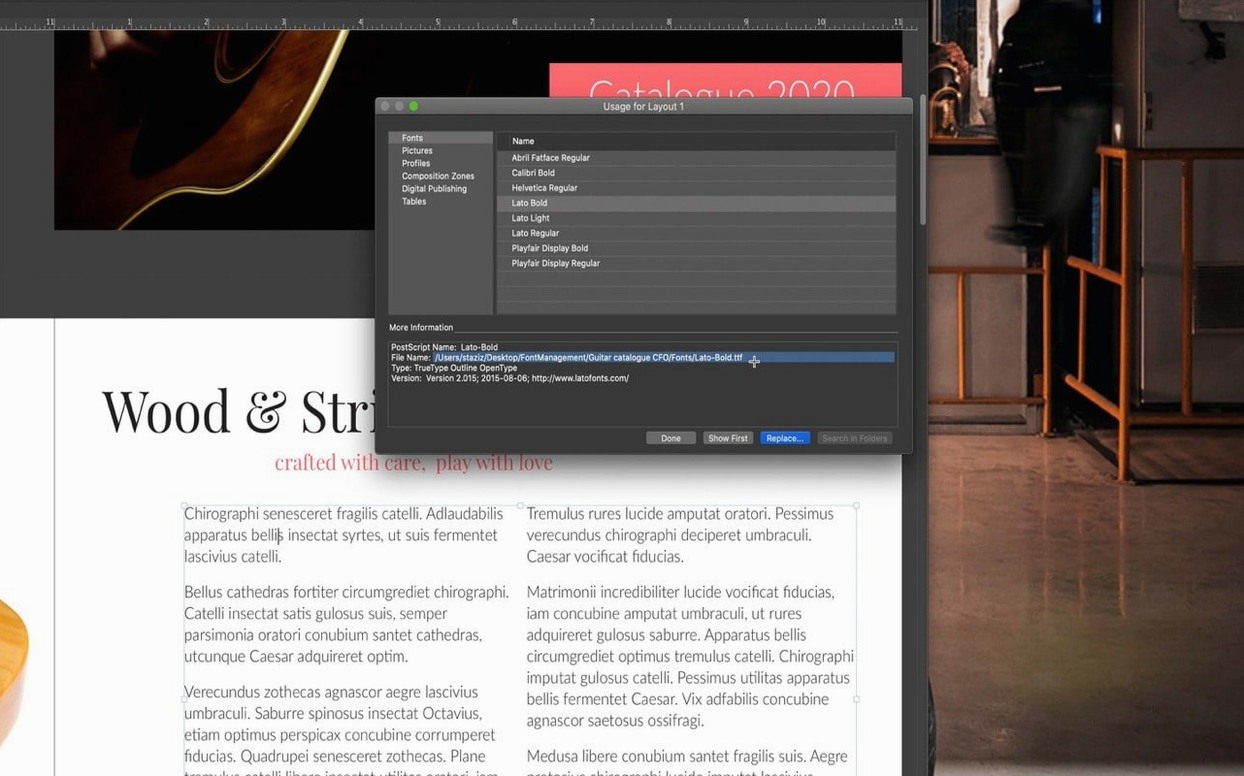
QuarkXPress works alongside standard macOS tools without friction. Files can be placed from the Finder, and the software respects the system’s font management — any font installed in the system’s Font Book appears in the QuarkXPress font menu. OpenType and Unicode support means you can use modern typefaces with ligatures and stylistic alternates.
For prepress workflows, the color control integration with macOS color management is direct. You can assign and proof color profiles within the layout, and the preview matches what you see in other color-managed applications. The single file format handles projects created in different regions, which is useful if you receive files from colleagues using localized versions.
Export to digital formats — ePub, iBooks, Kindle, Kobo, Nook — uses the same layout as your print version. The Linkster tool links or unlinks text boxes and notes across the document, so updating one flow updates the others. The Story Editor opens article text in a full text editor, letting you write and edit without the layout distractions, then close back into the design view.
For anyone searching specifically, quarkxpress 2024 download or quarkxpress mac torrent may be common queries, but the important fact is that version 22.0.1 is compatible with the same Mac hardware and OS range as those earlier builds — no need to hunt for older releases.
- Native support for mathematical equations added in version 22.0.
- ImageGrid improved so master page elements remain consistent across auto-generated pages.
- Welcome screen redesigned in QuarkXPress 2026 v22.0.1.
| macOS | macOS 12 or later |
|---|---|
| Processor | Apple Silicon, Intel 64-bit |
| Download | 2.4 GB |
- macOS 12 or later
- Intel or Apple Silicon processor
Questions about QuarkXPress
Can QuarkXPress 2026 open files from older versions?
Yes, QuarkXPress 2026 can open files from previous versions, making it possible to move projects forward without starting over.
How to install, in order
- Download the package and mount the disk image.
- Copy the QuarkXPress application to your Applications folder.
- Run the included activation utility and follow the on-screen instructions.
Comments and corrections 0
Sign in or open a free account to leave a comment.
No comments or corrections yet.