
Devil Slayer - Raksasi 1.5.14 — download for Mac
Games Updated
Navigates procedurally generated dungeons in a top-down roguelike action game.
Screenshots
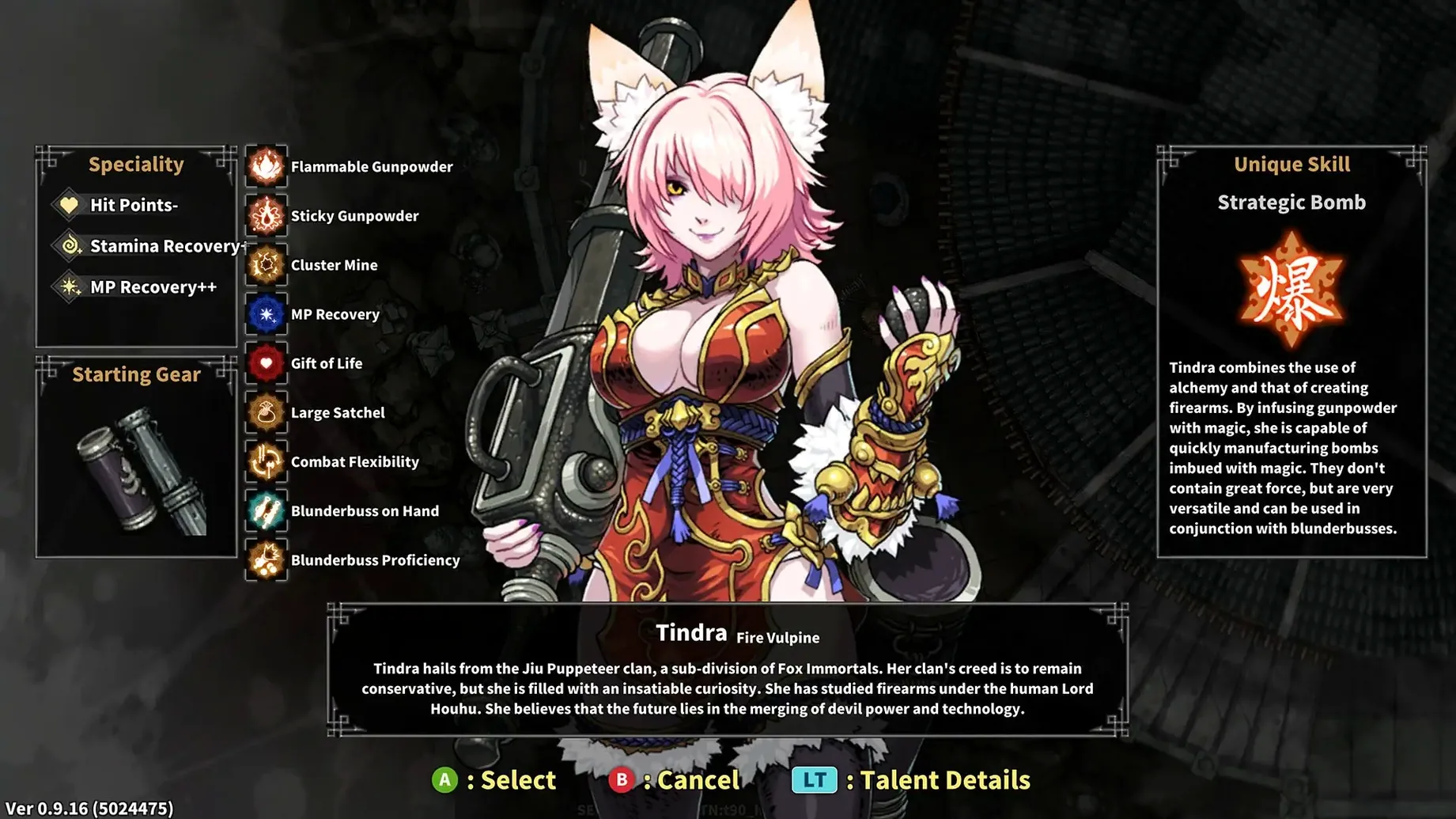
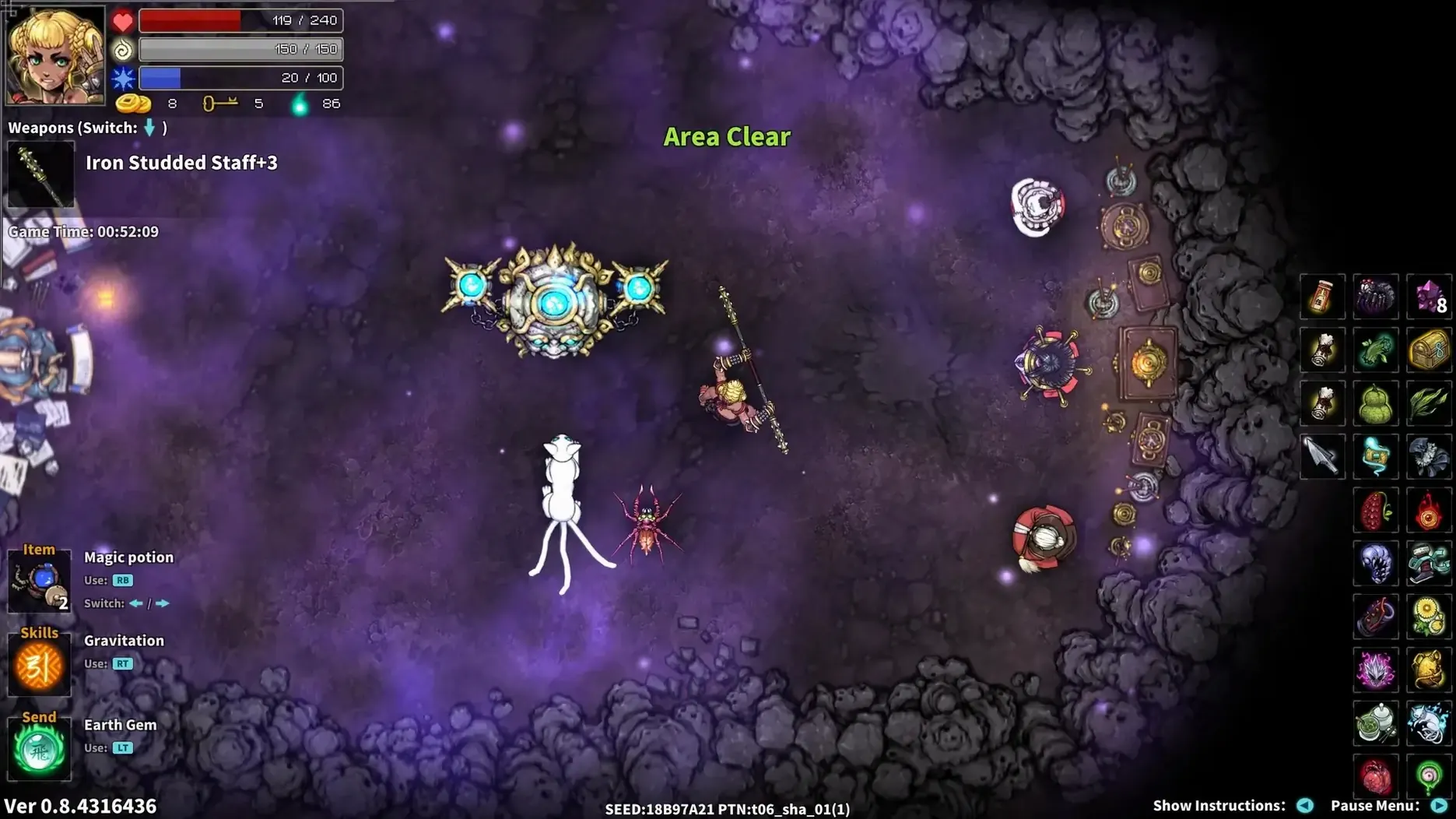
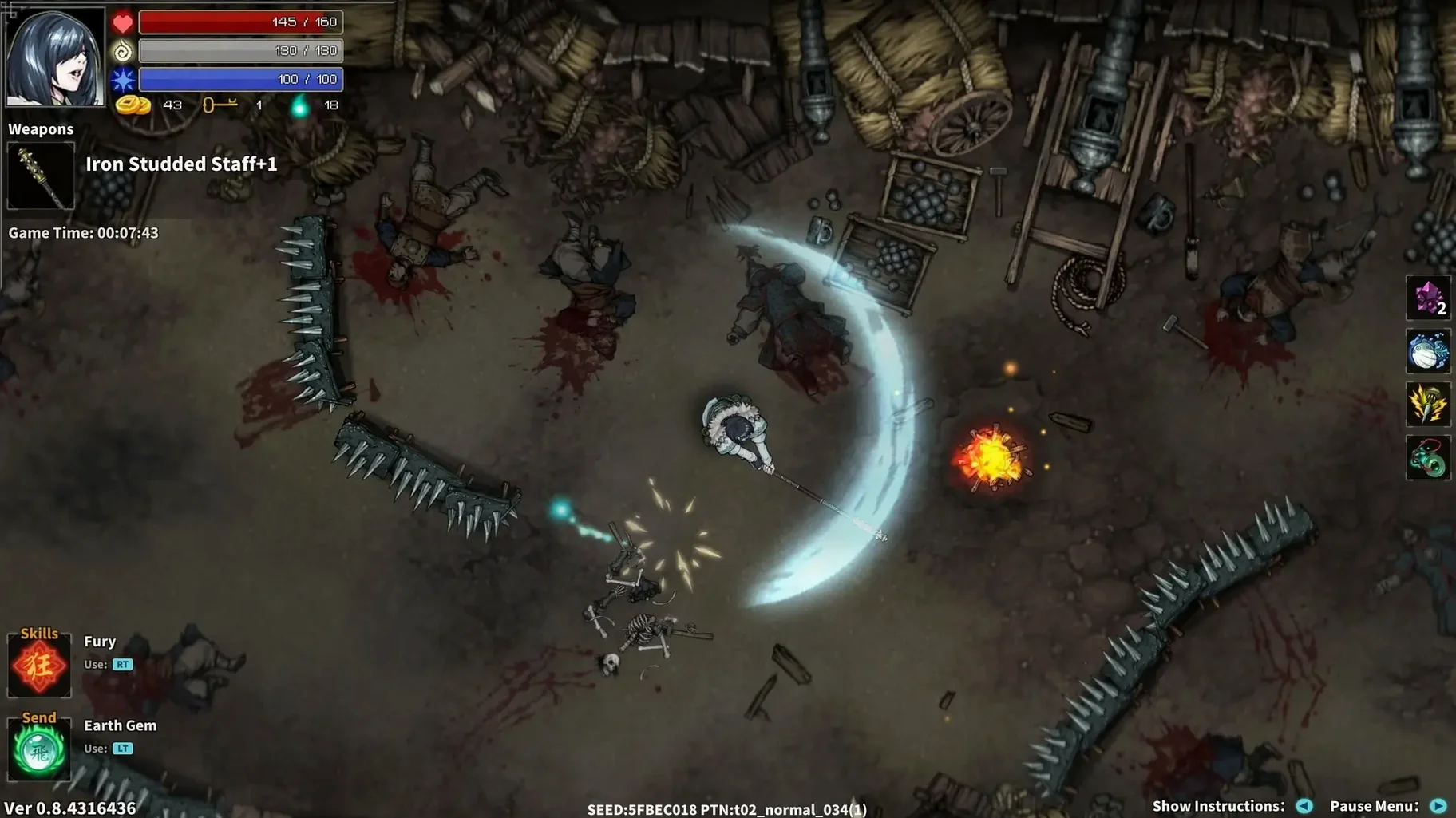
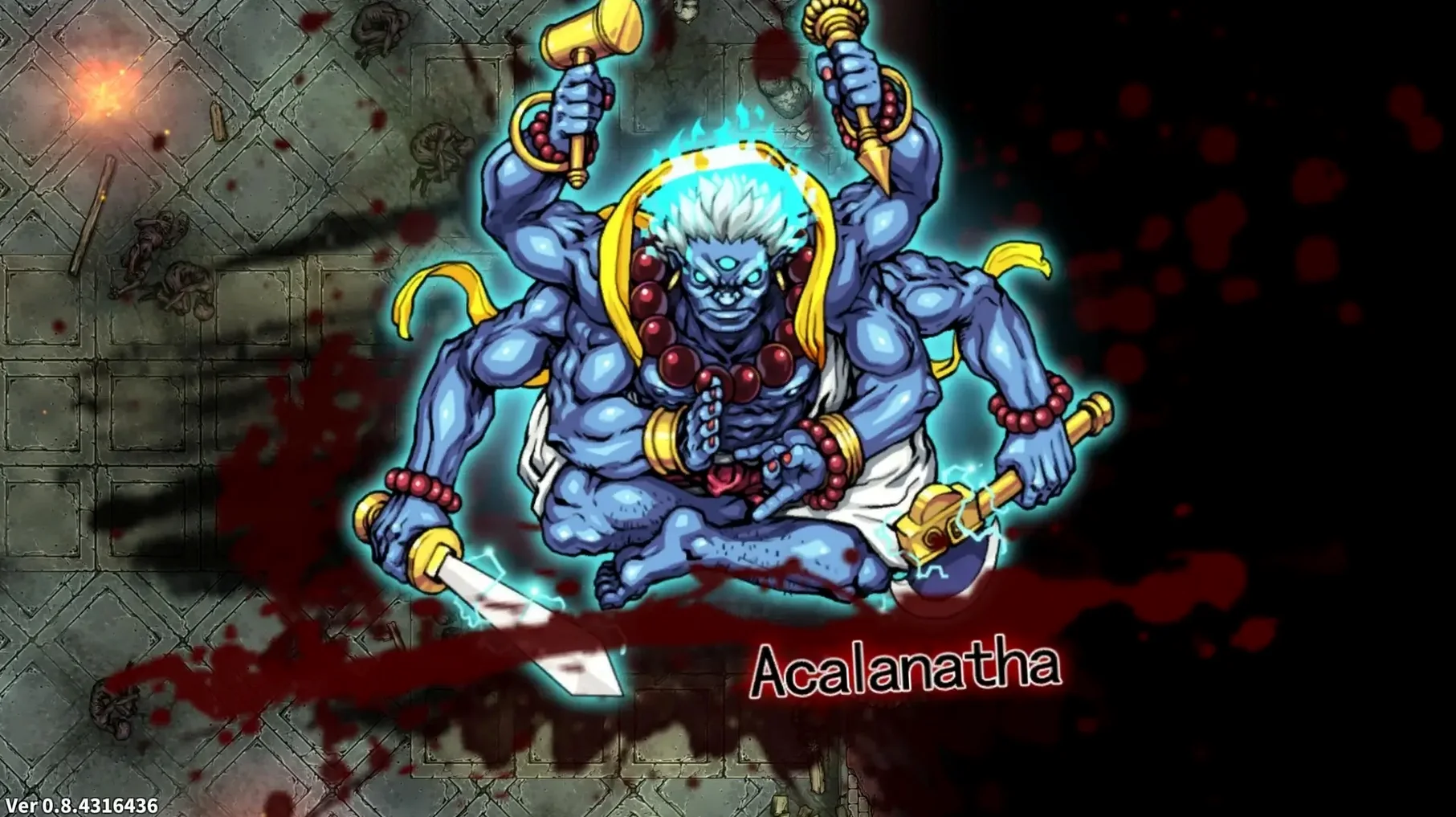
Devil Slayer - Raksasi is a top-down roguelike action game with procedurally generated dungeons. Think of it like a project schedule that reshuffles every run — you adapt or you restart.
macOS compatibility — The build supports both ARM and 64-bit x86 architectures, tested on macOS Tahoe with a Mac mini 2024 M4. No special configuration needed beyond dragging the app to Applications.
Controls — Keyboard and mouse work; the top-down view is standard for the genre. Expect tight dodge-and-attack timing across 167 enemy types.
Story & languages — Seven heroines drive the narrative. Interface languages include English, Russian, Simplified Chinese, Traditional Chinese, Korean, and Japanese.
DLC note — The base game is required for the Incarnation of Darkness content.
Learn Enemy Wind-Ups Before Winning
Start by playing the tutorial chapter once, even if you have roguelike experience. The combat timing is distinct — dodging matters more than button mashing. Use the first run to learn each enemy's wind-up animation, not to win.
Spend your early currency on unlocking one or two additional heroines before upgrading weapons. A different class changes how you approach every dungeon more than a +2 damage modifier does.
- Map out the artifact list as you find them. With 212 artifacts in the pool, knowing what combos exist saves you from picking dead-end options mid-run.
- Play each of the 6 chapters at least once before grinding any single one. The enemy variety (167 types) is spread across chapters, and later areas teach dodge patterns that earlier ones do not.
- Keep the language set to English or your native language for the first sessions — the UI labels for status effects matter during combat, and a misread tooltip costs a run.
Mount Disk, Accept Silicon Prompt, Pick Heroine
You open the game after mounting the disk image and dragging the app to Applications. On Apple Silicon Macs, the signing prompt appears once; accept it. The menu loads in seconds.
You pick a heroine whose class matches how you want to play tonight. Tonight it is the spear class — reach and timing over speed. You glance at the available artifacts from the last run's log, then enter chapter three.
The first procedurally generated floor presents three corridors. You take the left path because it shows an artifact icon on the minimap. Two grunt enemies spawn from the fog. You dodge their first lunge, then close in with a charged spear thrust. Clean kill.
Midway through the floor, a miniboss appears. You recognize the attack pattern from a previous death — three quick slashes, then a wide sweep. You dodge the slashes, bait the sweep, and strike during the recovery window. The artifact dropped is a damage-on-dodge item, which changes your approach for the rest of the run.
By the boss floor, you have built a loadout around counter-attacks. The fight takes two minutes of focused dodging and precise hits. You clear it with low health but no deaths. Back in the hub, you spend currency on a new weapon type — one of the 59 in the game — and start another run.
Borderless Windowed Mode and Camera Sensitivity
Before your first real session, open the options panel. These adjustments reduce friction:
- Switch the display to borderless windowed mode if you alt-tab frequently to check notes or music.
- Adjust the camera sensitivity to your mouse's DPI — the default may feel slow for quick directional dodges.
- Disable screen shake if you find it disorienting during boss fights. The visual feedback from enemy hit-stun is enough to know you landed a strike.
- Rebind the dodge key if the default conflicts with your attack rhythm. Consistent muscle memory matters more in roguelikes than in most genres.
Don't Rush Grunts, Elites, and Bosses Alike
The most common error is treating every enemy the same. Grunts, elites, and bosses have distinct timing windows. Rushing through a room of low-tier enemies often leads to a cheap hit that snowballs into a lost run. Slow down on trash mobs to build the dodge reflex.
Another mistake is hoarding artifacts. The game wants you to combine them. Carrying a defensive artifact that does not synergize with your weapon class is worse than picking a neutral one that boosts base damage. Read the tooltip, decide, then commit.
New players also ignore the class-switching mechanic. If your first heroine's style does not click, try another after two failed runs. The seven classes play differently enough that one may fit your instincts better. Do not force a spear run when daggers suit your dodge-and-strike pattern.
Finally, beginners skip the enemy log. The 167 enemy types have readable tells — a brief pause before a charge, a glow before an area attack. Reviewing what killed you after a death reveals the pattern faster than repeating the same mistake four floors later.
- Fix build.
| Processor | Apple Silicon, Intel 64-bit |
|---|---|
| Download | 507 MB |
- macOS (version not specified)
- Architecture: ARM and 64-bit x86
How to install, in order
- Mount the downloaded disk image.
- Drag the app to the Applications folder alias.
- After copying finishes, open the app from Launchpad.
- On Apple Silicon Macs, signing the app may be required.
Comments and corrections 0
Sign in or open a free account to leave a comment.
No comments or corrections yet.