Diluvion: Resubmerged 1.17.92 — download for Mac
Games Intel processors only Updated
Commands a submarine through a flooded world to uncover humanity's frozen past.
Screenshots
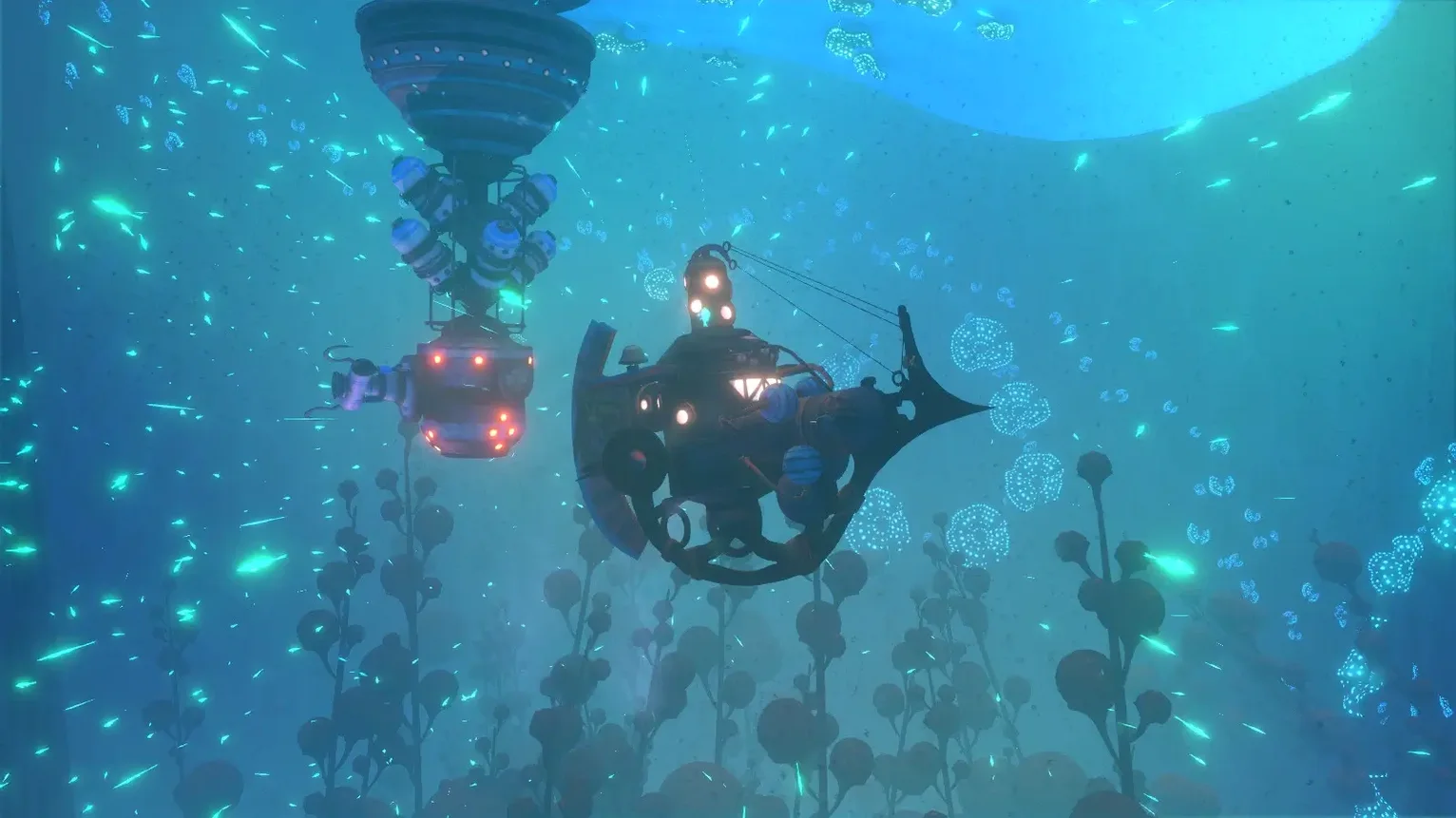
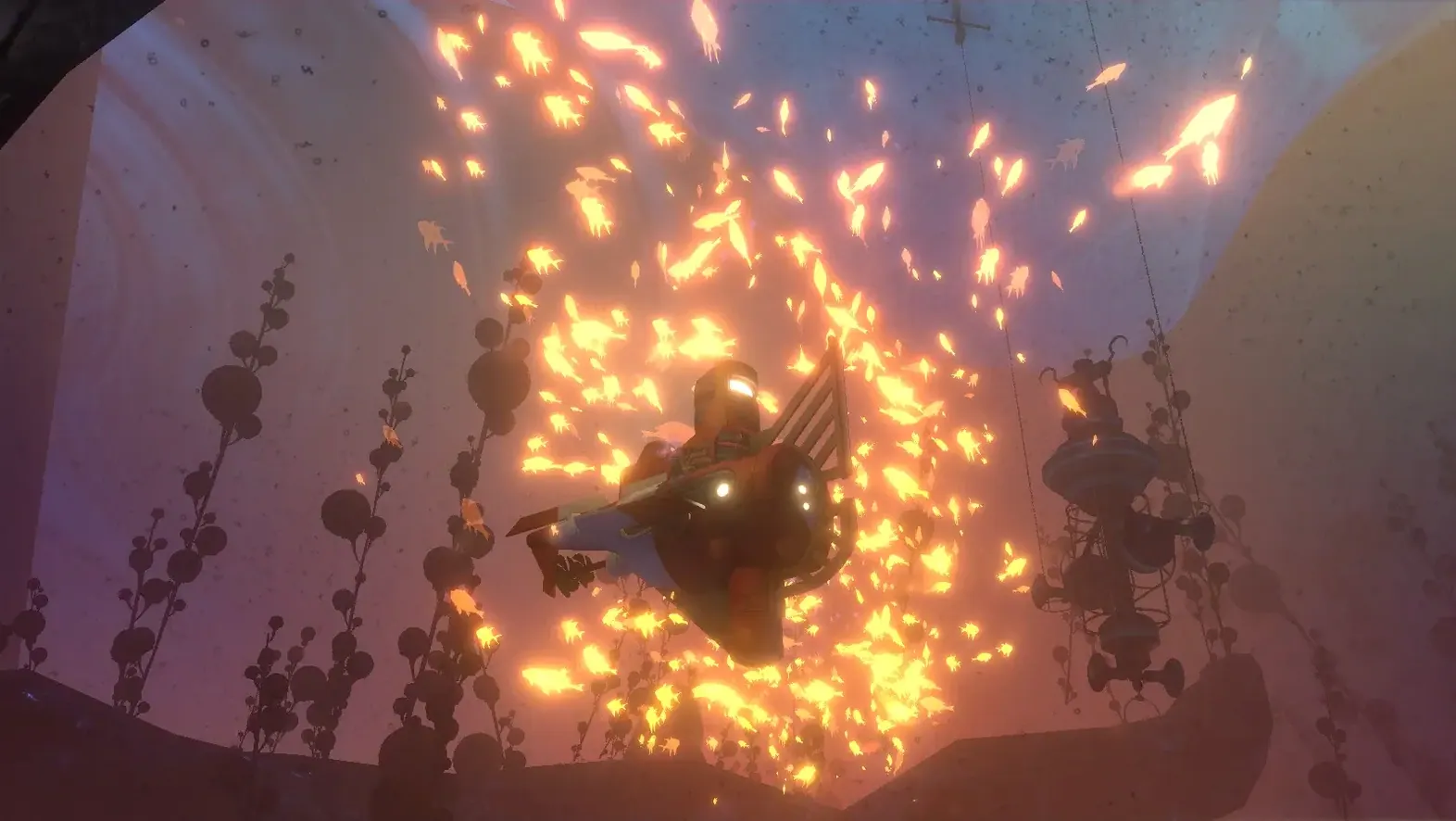
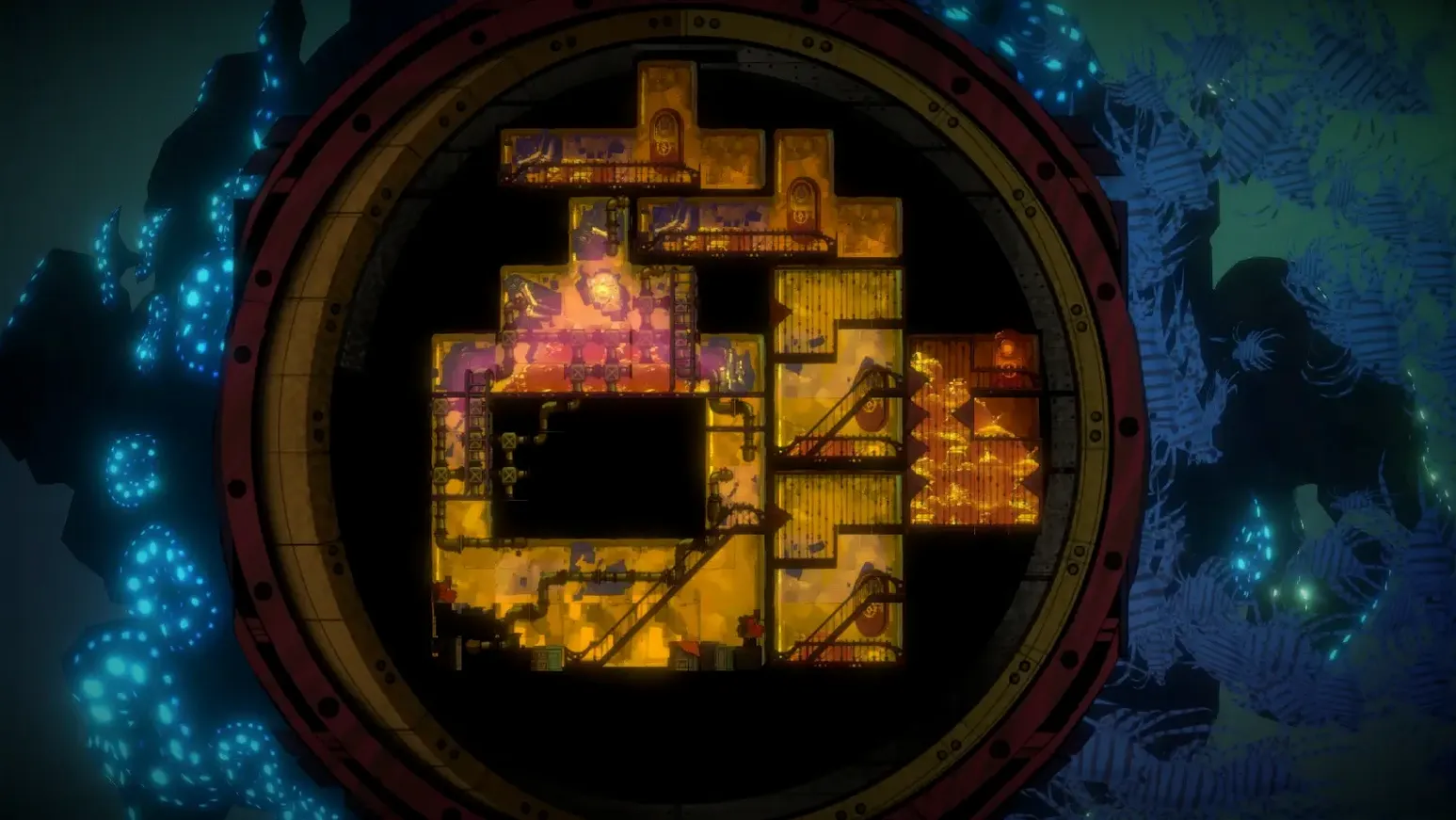
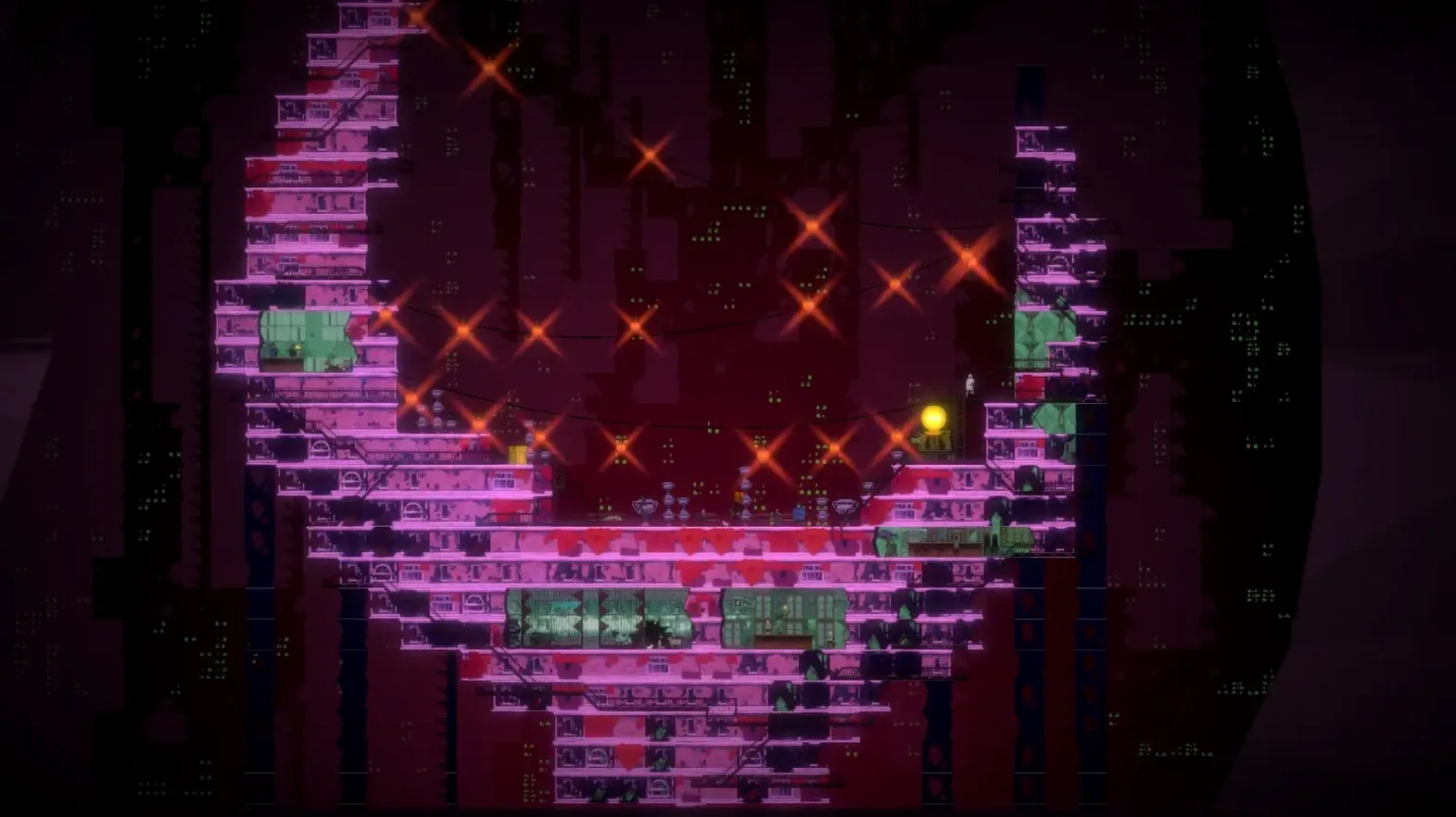
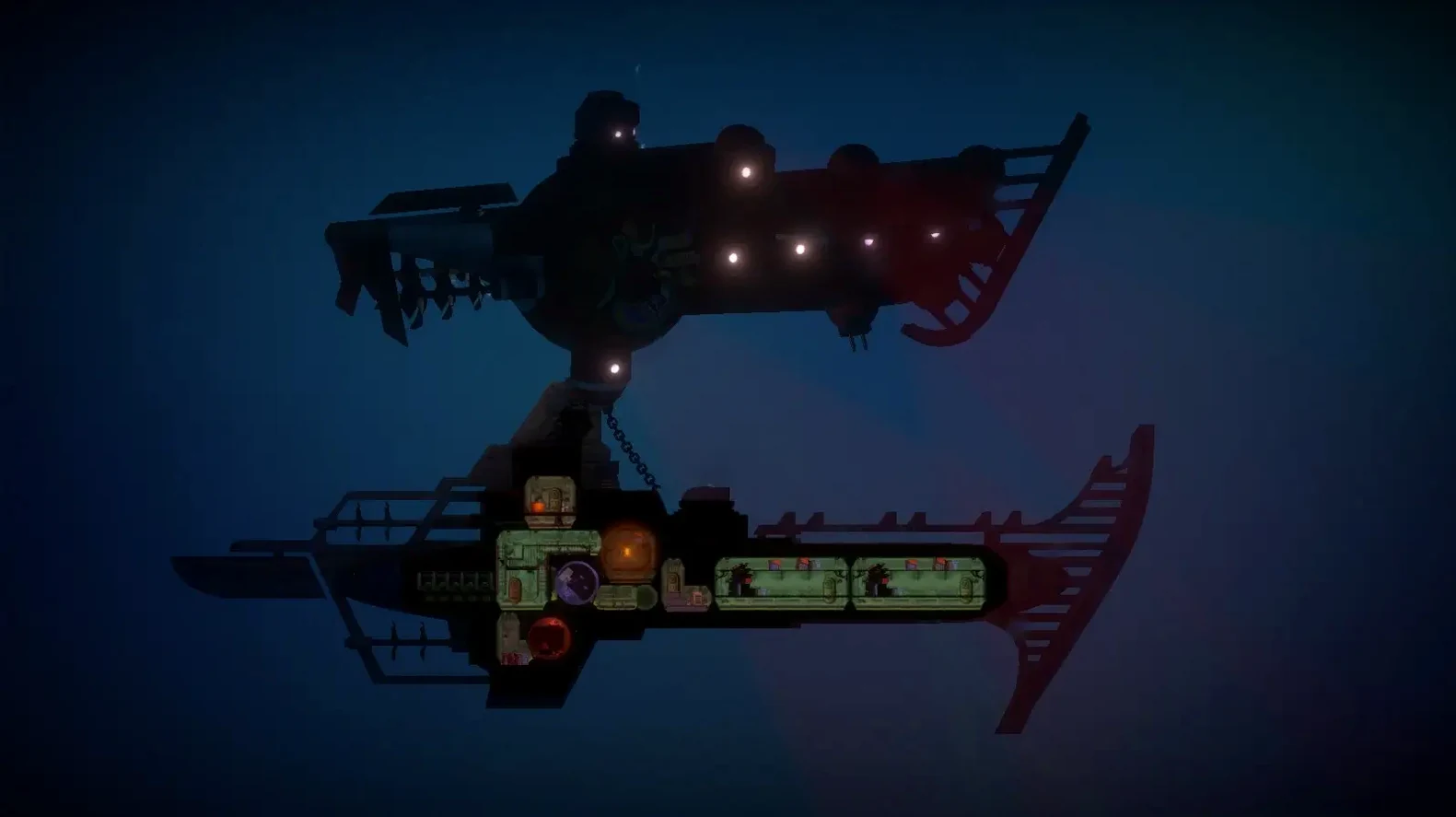
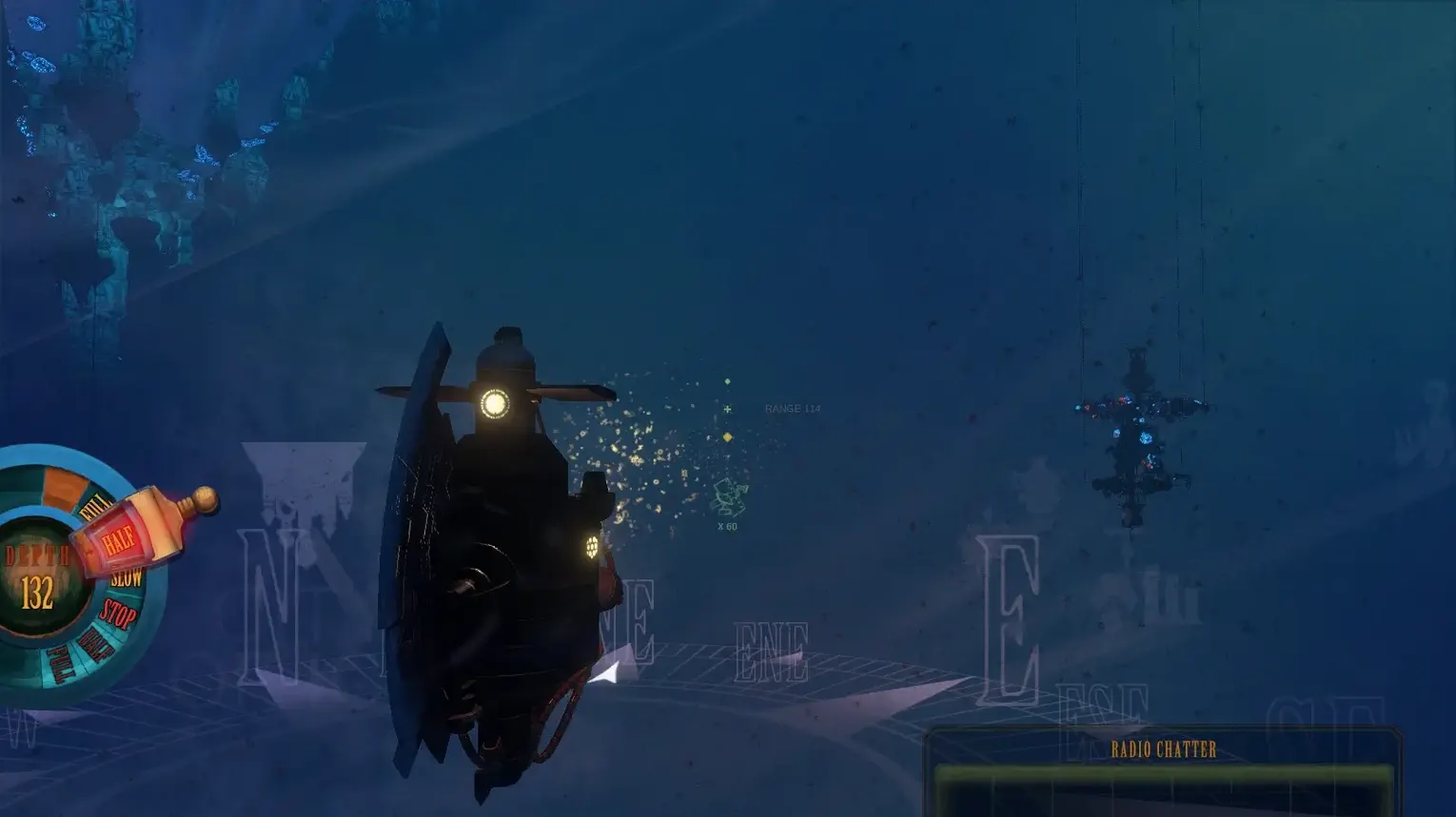
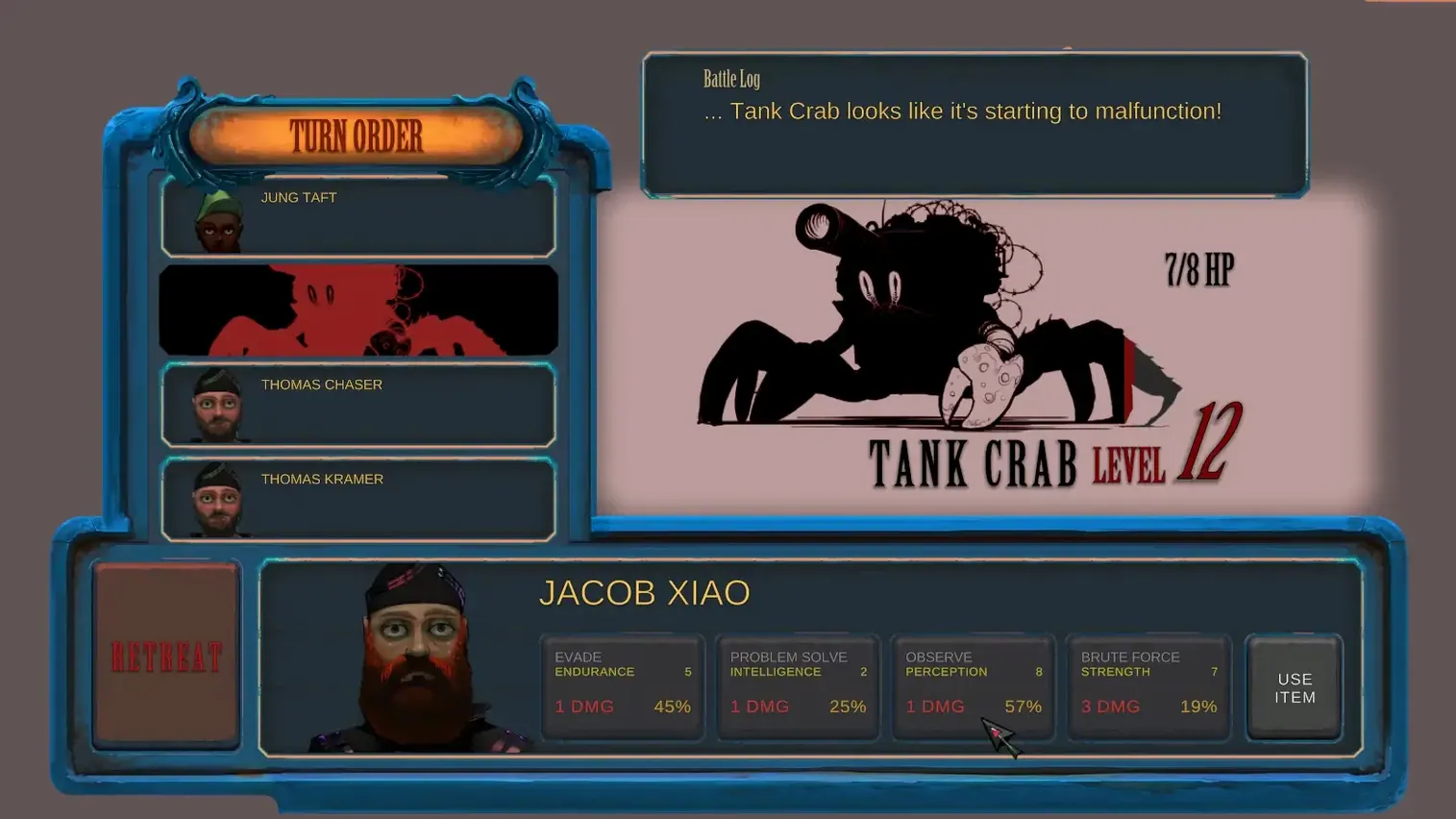
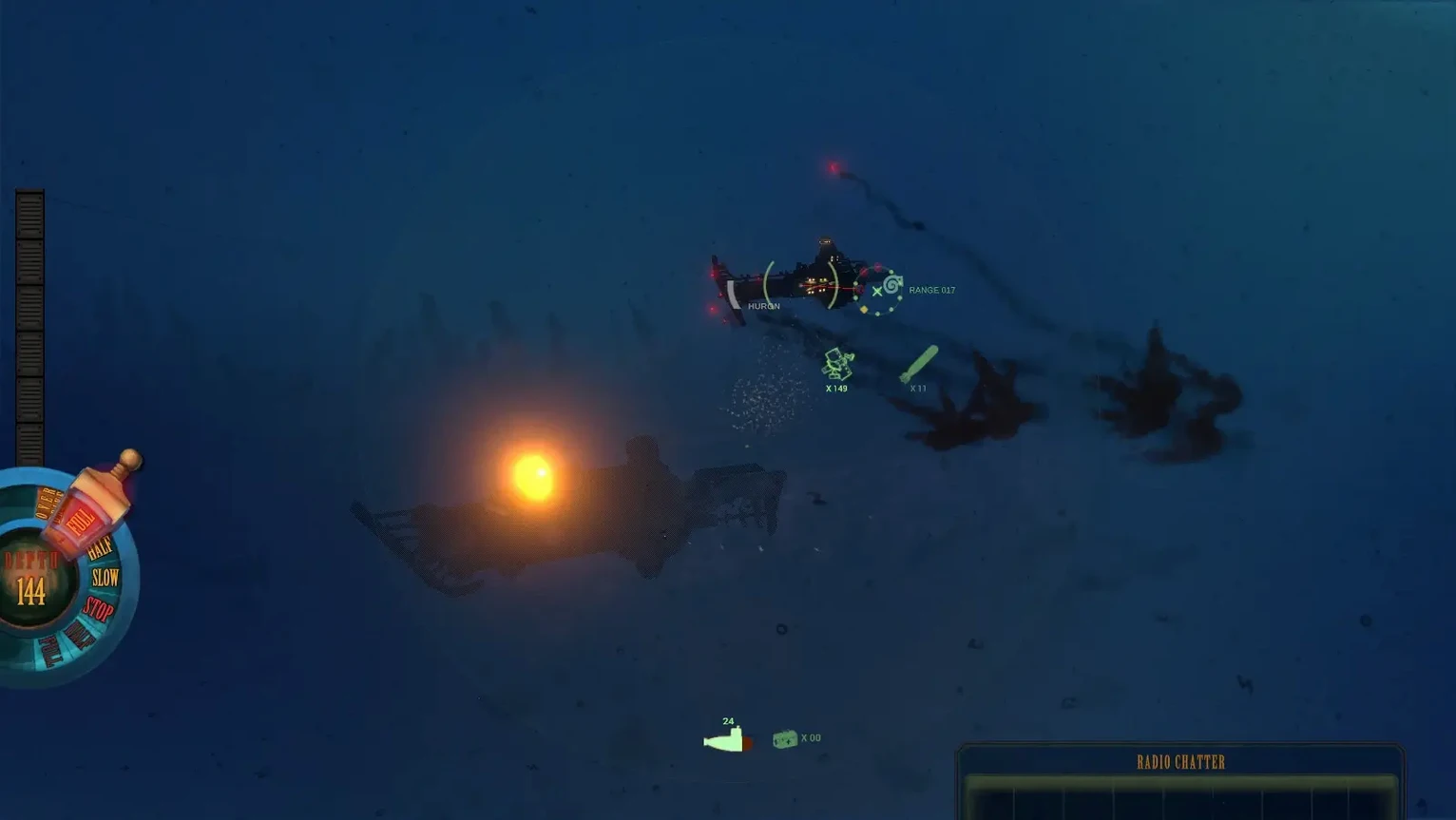
A project manager’s habit is to know the tools and the terrain before committing to a task. Diluvion: Resubmerged is a different kind of map — a flooded world under permanent ice where you command a submarine, upgrade it to reach new areas, and piece together humanity’s past through 3D underwater exploration and hand-drawn 2D city views.
For methodical wreck explorers and lone submarine captains
- Players who like methodical exploration — searching wrecks, reading logs, unlocking regions by upgrading your vessel.
- Those who enjoy real-time submarine combat that requires positioning and ammo management.
- Anyone who appreciates a quiet, lonely atmosphere with a story that unfolds through discovery.
Stiff combat and static 2D interiors
- Combat can feel stiff — the submarine controls are deliberate, not twitchy.
- The hand-drawn 2D interiors look good but are static; there is no character animation in conversations.
- It runs on Intel Macs only (64-bit x86), so Apple Silicon users need Rosetta 2.
- Text is available in English, Russian, German, Hungarian, Simplified Chinese, Polish, French, and Japanese.
Turn off dynamic camera before submerging
Before you submerge, open the options and change these three things. Third, if the camera sway makes you uneasy, turn off the “dynamic camera” toggle. It is purely cosmetic and does not affect combat performance.
Workflow: clearing a new region in one session
A typical region in Diluvion: Resubmerged contains five to seven points of interest — wreck sites, cave entrances, or signal sources. Here is the sequence I use to clear one without backtracking for supplies.
- Check your home base first. Swap to the submarine with the highest hull durability for the region’s depth. Assign a helmsman with the “efficient navigation” perk to save oxygen between markers.
- Plot a zigzag route. Start at the shallowest marker and work deeper. This way you collect salvage and upgrade materials early, which may unlock a sonar upgrade or a better torpedo before you face the region’s boss encounter.
- Manage oxygen in bursts. Never cruise at full speed. Sprint between markers, then drift at half speed while scanning with sonar. This cuts oxygen consumption by about a third over the run.
- Use the return trip to map any sonar contacts you skipped — you can note them for the next dive.
Rebind sonar ping and disable mouse smoothing
Before you submerge, open the options and adjust these two things. First, rebind the sonar ping key from the default to something easier to reach — you will use it constantly to reveal wrecks and threats. Second, disable mouse smoothing in the aiming controls. The default smoothing adds a delay that makes torpedo targeting feel sluggish. With it off, your crosshair follows the cursor directly.
Workflow: search and salvage a deep wreck
Deep wrecks in the third region contain the best upgrades but sit at maximum depth where oxygen depletes fast. Here is the approach I use.
- Prepare at home base. Equip the submarine with the largest oxygen tank upgrade you own. Replace one gunner with a sonar specialist — their passive scan range is wider than the default.
- Descend straight down. Do not stop to inspect mid-depth contacts. Reach the wreck’s depth band first so you know exactly how much oxygen the descent costs.
- Ping the wreck perimeter once. A single sonar burst reveals any enemy patrols around the structure. If contacts appear, surface twenty meters and come back after they drift away — most patrols in Diluvion follow a predictable loop.
- Harvest from outside in. Collect salvage from the wreck’s outer hull first. Only enter the interior sections (2D view) after you have all external resources. Interior conversations and logs pause the oxygen timer, so you can read without pressure.
- Surface on a diagonal. Ascend at a 45-degree angle while checking sonar. This covers more ground on the way up and may reveal a shallow contact you missed on the way down.
Using this sequence, a single oxygen tank usually lasts through one deep wreck dive and the return trip with materials for the next upgrade.
This workflow keeps the resource management loop tight and avoids the frustration of running out of oxygen a hundred meters from a new city log.
- Version 1.17.92 is the current release.
| Processor | Intel 64-bit |
|---|---|
| Download | 2 GB |
- macOS (exact version not specified by developer)
- Intel processor (64-bit x86)
- Interface languages: Russian, English, German, Hungarian, Simplified Chinese, Polish, French, Japanese
Questions about Diluvion: Resubmerged
Does Diluvion: Resubmerged run on Apple Silicon Macs?
Yes, but through Rosetta 2 — the game is a 64-bit Intel x86 build. It is not a native Apple Silicon application.
How to install, in order
- Mount the downloaded disk image.
- Copy the game folder to the Applications folder.
- Launch the game from Launchpad after copying finishes.
Comments and corrections 0
Sign in or open a free account to leave a comment.
No comments or corrections yet.