Dead Island 7.0.0 — download for Mac
Games Updated
Fights zombie mutations across an open-world California with melee and ranged weapons.
Screenshots

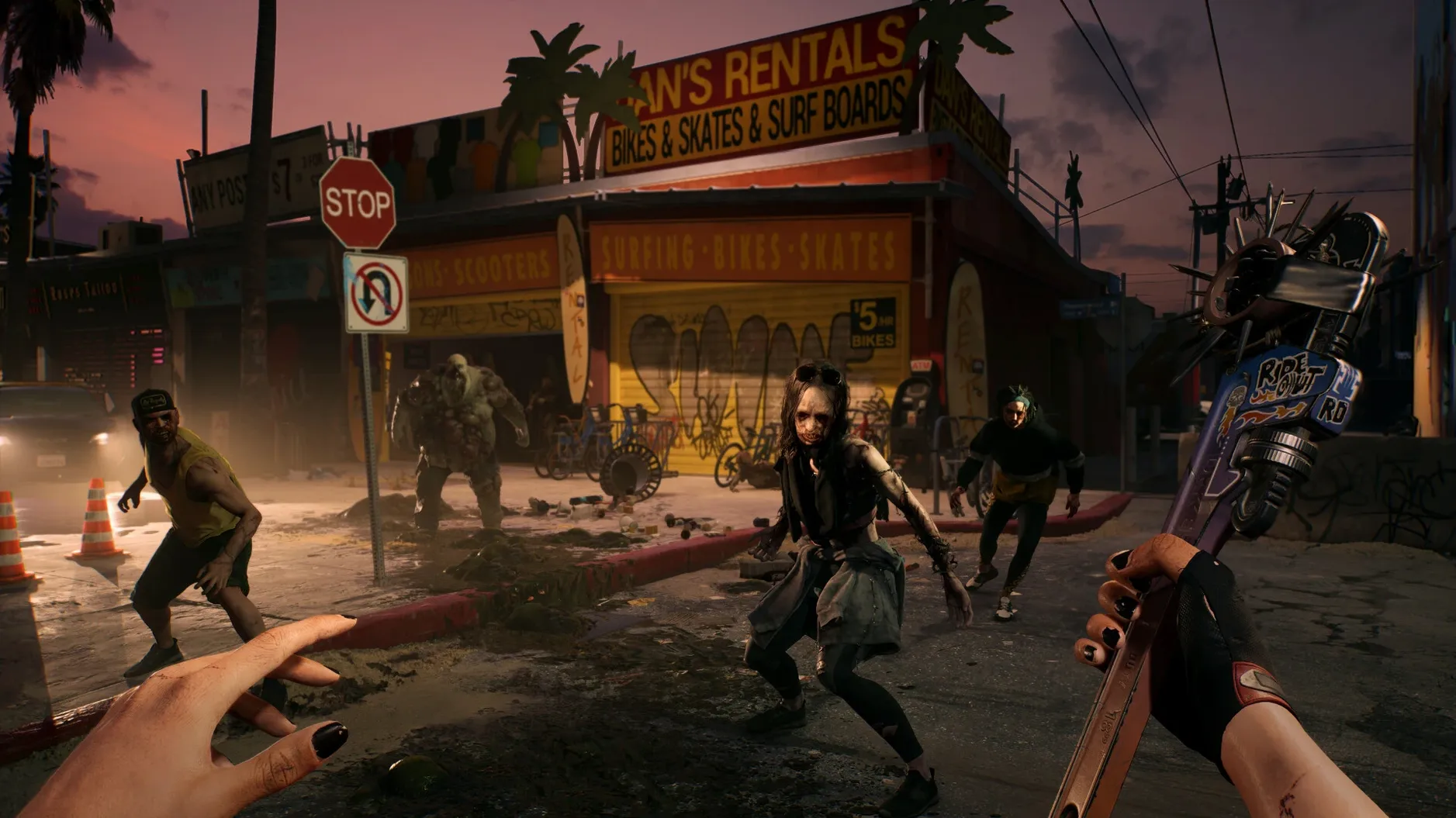
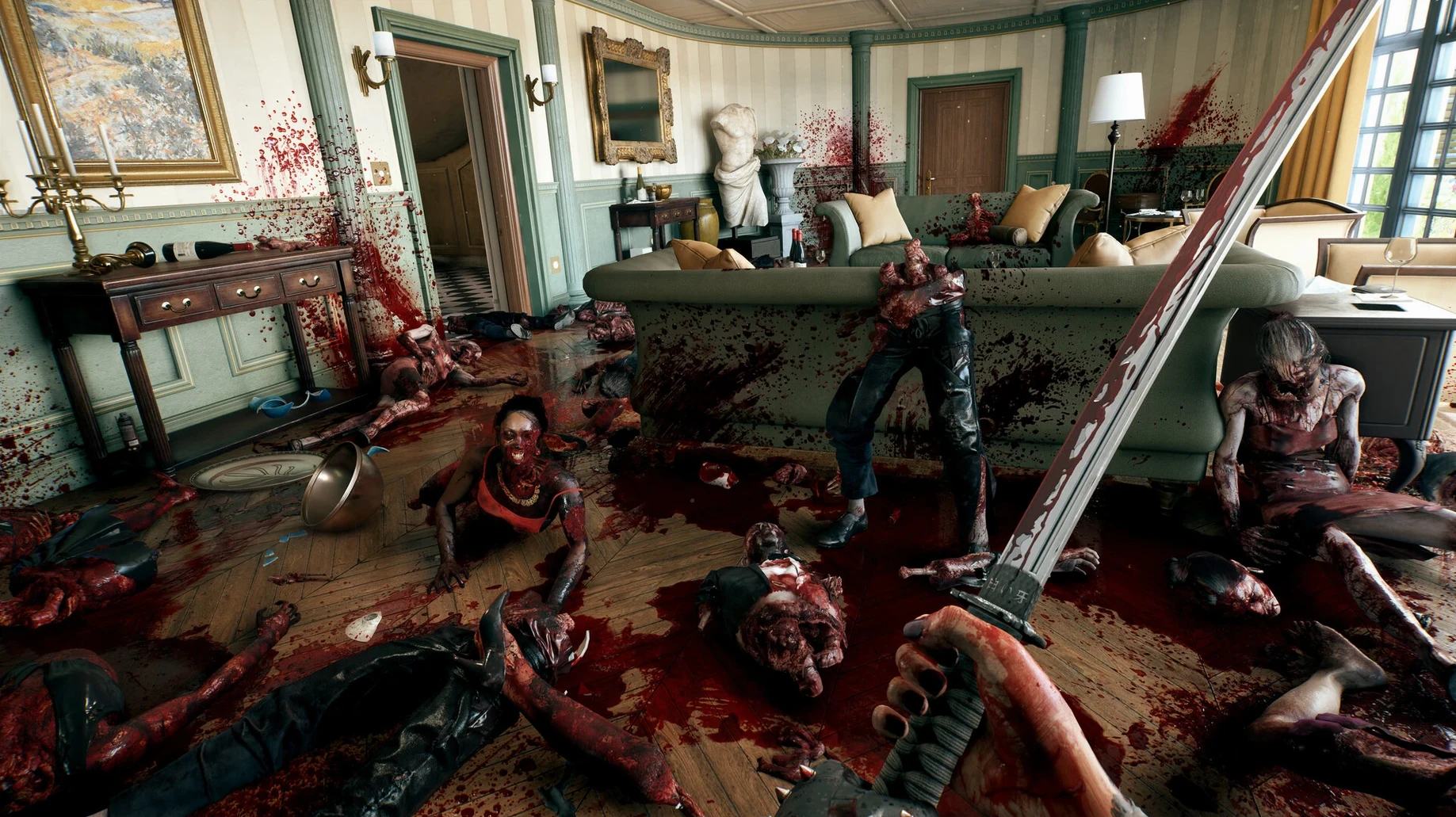
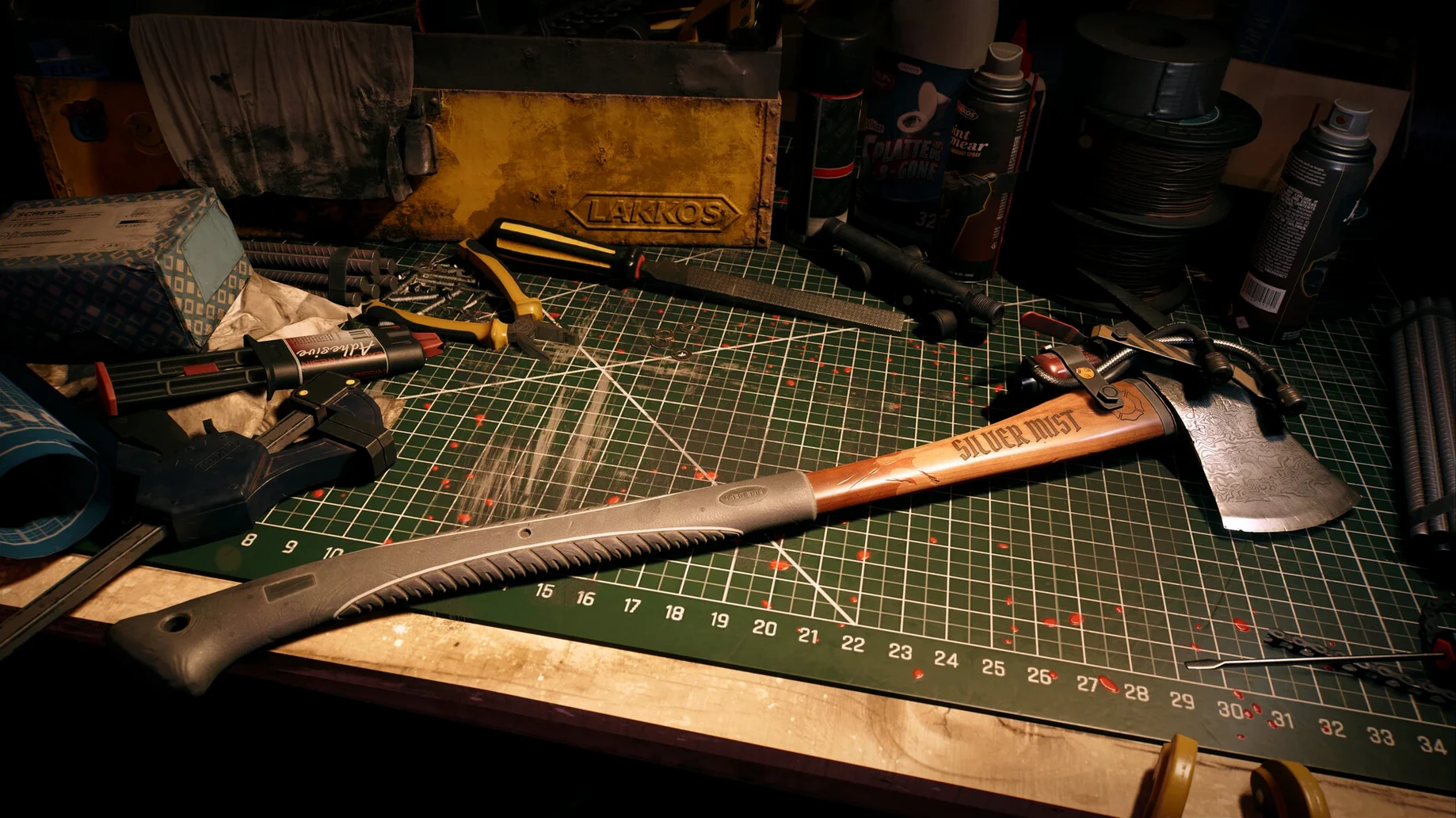
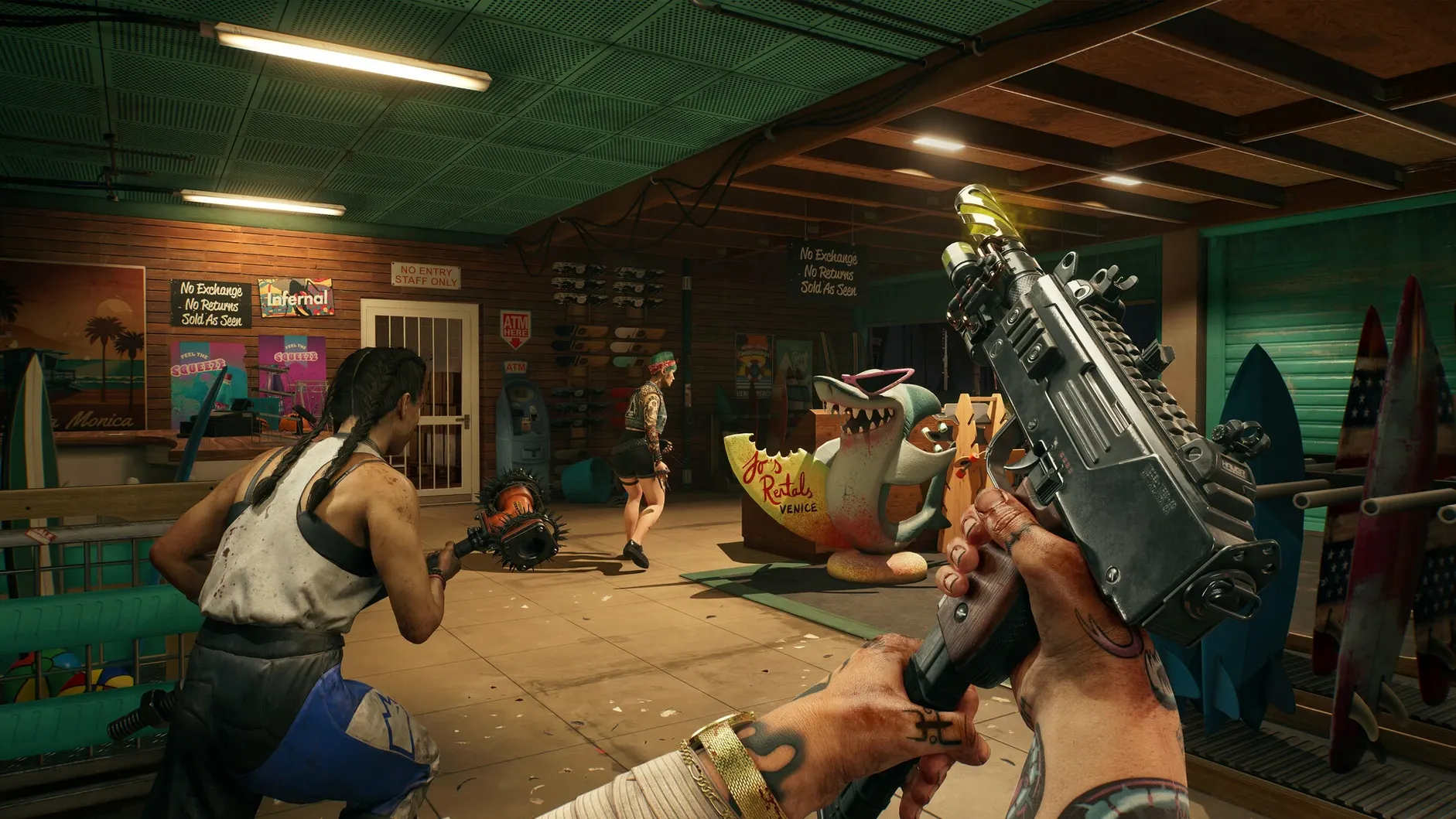
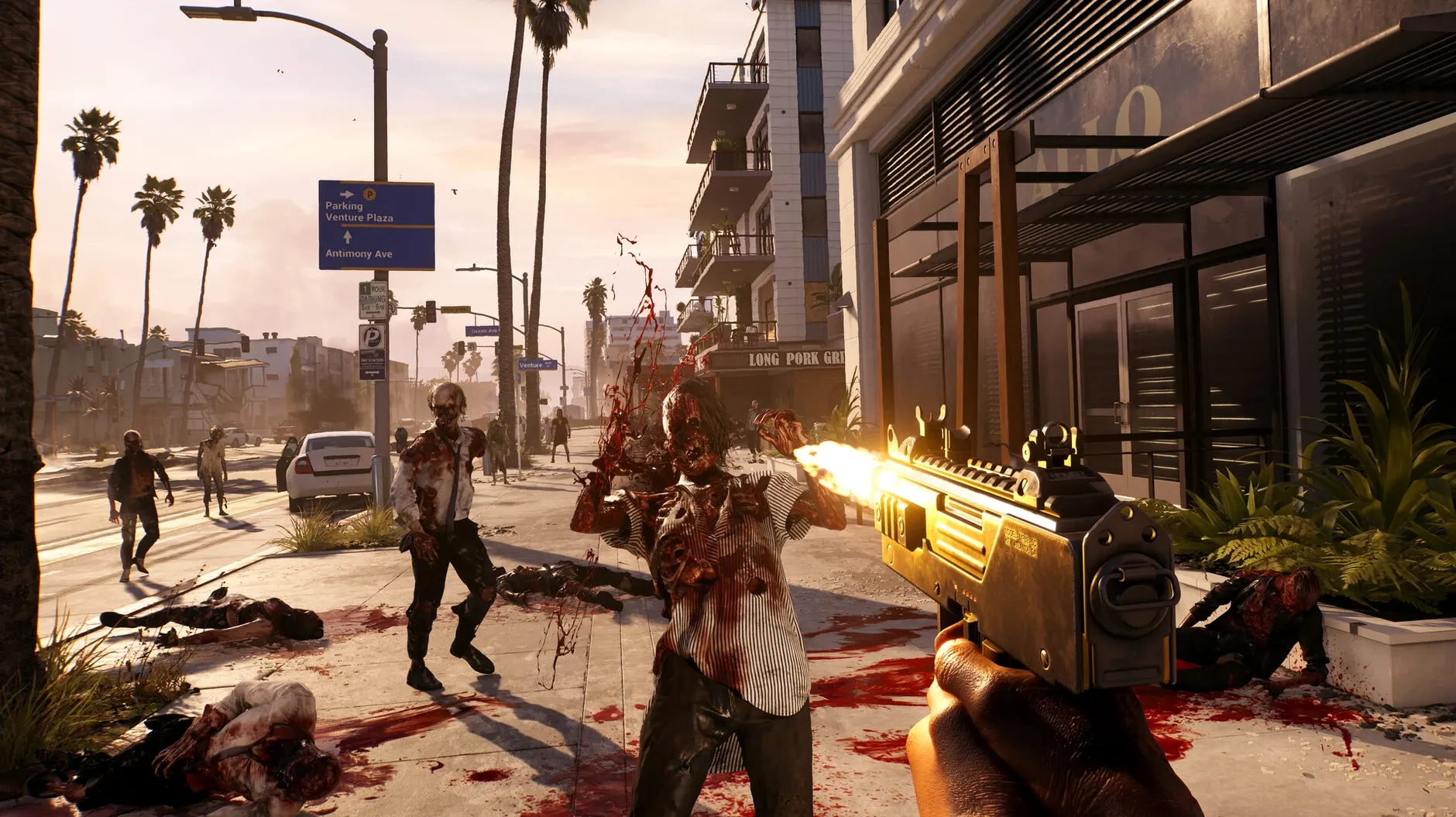

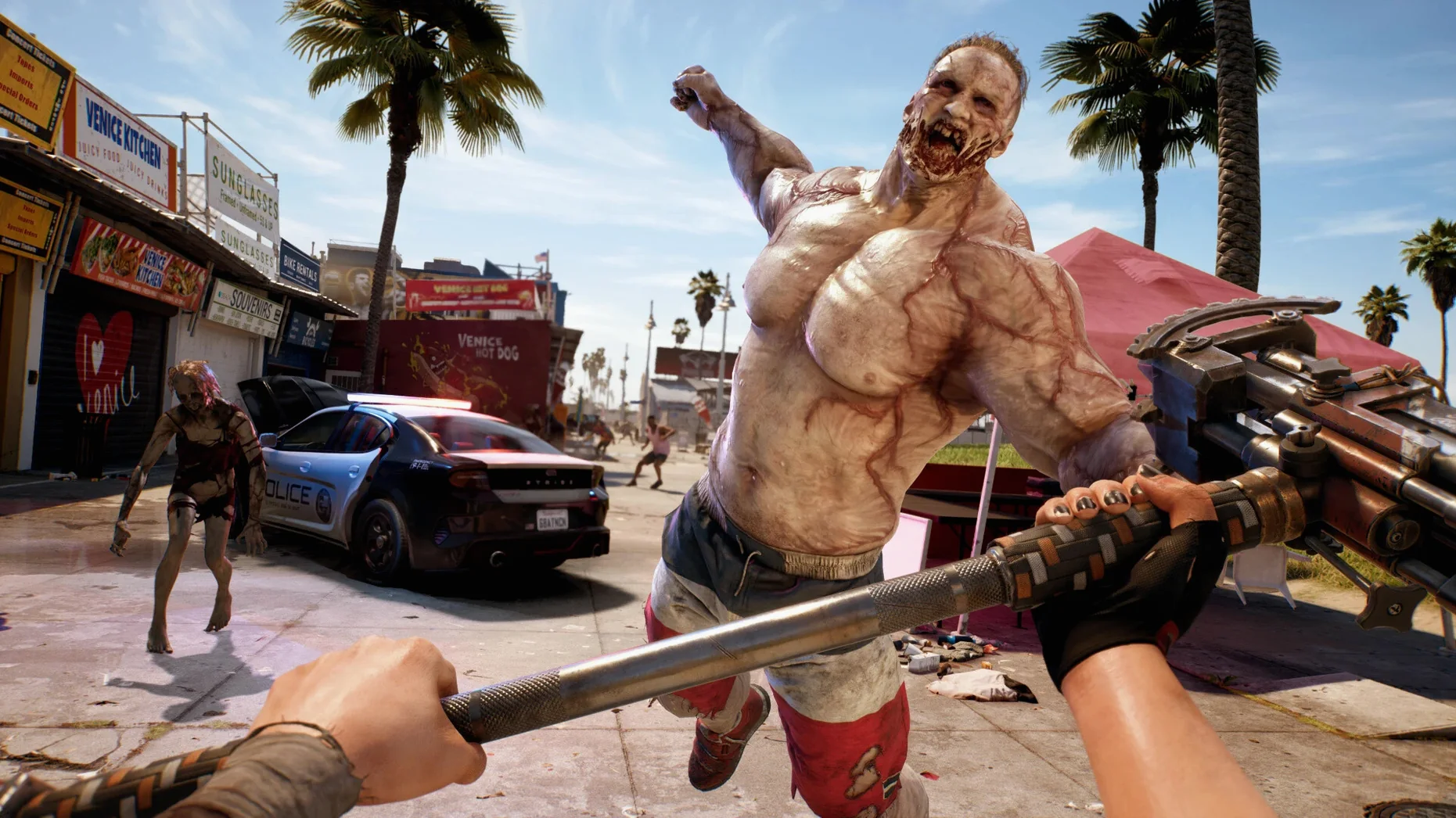
Dead Island 2 for Mac ships as the Ultimate Edition, containing the base campaign, the Haus expansion, and the SoLA expansion. That is roughly 20 hours of content before you touch side objectives.
Minute-to-Minute Combat
You face zombies with distinct mutations — some vomit acid, others explode, a few sprint. Each encounter forces you to switch tactics on the fly. You dodge, you block, you execute special moves tied to your character's unique traits. The skill system lets you swap between builds mid-fight, so you are never locked into one approach.
Exploration and Progression
Between fights you scavenge for weapons, crafting materials, and mission triggers. Dead Island 2 runs on a first-person combat view, but you see your character during executions and environmental interactions. The map is open enough to detour but tight enough that you rarely walk five minutes without a fight. Each playable character has their own dialogue lines, so replays feel slightly different.
Mounting the Disk Image to Credits
You start by mounting the disk image, then drag the app into your Applications folder alias. On a Tuesday night, after the day's project board is closed, I open Dead Island 2 from Launchpad and pick the campaign continue option. The first thing you notice is that the game loads straight into the quarantine zone of Los Angeles — no splash screens, no launcher window. You are dropped into a safe house where the last autosave left you.
From there, you check your inventory. You have a modded baseball bat with electrical damage and a silenced pistol with low ammo. You glance at the skill tree and reassign a few points to fire resistance because you remember the next area is full of acid-spitting variants. That takes maybe thirty seconds. Then you step outside.
The streets are quiet except for distant groans. You crouch behind a flipped car and use the environment to funnel a group of slow zombies into a bottleneck. One has a bloated torso — you recognize the mutation from an earlier encounter and back away before it explodes. You switch to a ranged weapon, take it down from a distance, then move in for the rest.
After clearing the block, you enter a convenience store. The search is methodical: cabinets, registers, storage room. You find a crafting component for a fire mod and a key card for a locked door two blocks east. The game saves automatically when you pick up mission items, so you never worry about losing progress. You return to the safe house, apply the mod at a workbench, and set a waypoint for the locked door. That whole loop — scout, fight, scavenge, upgrade, push forward — repeats for the session.
If you play co-op, the structure shifts slightly. A friend joins through the platform-specific matchmaking, and the enemy count scales. You coordinate by pinging locations on the map and covering each other's reloads. The skill system becomes more valuable here: one of you builds for crowd control, the other for single-target damage. You can respecc between encounters without leaving the session.
Offline Single-Player Campaign
No Internet Required for Solo Play
The single-player mode does not require activation. You can install the game and play through the entire campaign offline. The co-op multiplayer is the only part that expects a network connection, and that runs through platform-specific matchmaking.
Bluetooth and USB Controller Support
Dead Island 2 on Mac supports standard Bluetooth and USB controllers. The first-person combat view works well with a gamepad, though keyboard and mouse are also fully supported. The game recognizes input changes automatically, so you can switch mid-session without restarting.
Apple Silicon Only, Not Intel Macs
The Mac release is built for Apple Silicon chips. The developer noted it was tested on an M1 MacBook Air from 2020 running macOS Sequoia. If you have an Intel Mac, this build will not run natively. The requirement is macOS Sequoia or later and an Apple M1 chip or newer.
Is the save file compatible with the Windows version?
Save files from different platforms are not interchangeable. The Mac build stores saves in a separate directory structure. Cross-platform co-op is not listed as a feature either — matchmaking works within the Mac player pool.
Disk Space for Ultimate Edition
The Ultimate Edition includes the base game and both expansions. The install footprint is sizeable.
Is the Russian audio available?
Only English voice is listed in the build specs. The interface and subtitles are available in Russian, German, Spanish, Italian, Traditional Chinese, Simplified Chinese, Korean, Polish, Portuguese, French, Czech, and Japanese. If you want spoken dialogue in those languages, you will need to use English audio with subtitles enabled.
Mount-and-Drag Install Leaves No Launchers
Dead Island 2 behaves like a standard macOS application once installed. The mount-and-drag install method leaves no background services or updaters. You will find it in Launchpad like any other app. The game does not install additional launchers or browser plugins.
Because it runs natively on Apple Silicon, the game uses the system's unified memory architecture. You can keep basic productivity apps open — calendar, notes, a messaging client — without significant performance hit. For longer sessions, you might close heavy software like video editors or virtual machines, but that is common sense for any game.
The game respects macOS audio routing. If you use external speakers or Bluetooth headphones, the sound switches when you change the system output. The same applies to input devices: if you toggle between controller and keyboard, the game registers it immediately.
For project managers who use their Mac for both work and play, this means you do not need to reboot into another environment or maintain a separate partition. The game lives alongside your office tools. When you finish a session, you Command+Tab back to your browser or email client. No restart required.
Best for M1 and Newer Mac Owners
Action Game Players Who Want a Campaign to Finish
If you play through one game at a time and prefer a clear start and end, Dead Island 2 delivers. The base campaign plus the Haus and SoLA expansions give you a defined journey. You are not chasing daily objectives or seasonal events. You play at your pace, put it down for a week, then pick up exactly where you left off.
Co-op Players with Mac-Only Friends
The platform-specific matchmaking matters if your group runs on Macs. You do not need to coordinate PC or console copies. Everyone installs the same Ultimate Edition build and joins through the same matchmaking pool. The skill system and character traits add enough variety that four players can cover different roles without stepping on each other's playstyles.
Fans of Zombie Games Who Missed the Console Launch
The game launched on other platforms in April 2023. If you waited for a native Mac version, the Ultimate Edition includes all post-launch story content. The zombie variants and mutation system keep encounters fresh across the twenty-plus hours, so you are not fighting the same enemy model from start to finish.
Project Managers Who Game in Short Windows
Dead Island 2's save system works well for fragmented play. The action breaks into clear segments: clear a building, find a key item, return to a safe house. You can complete one objective in twenty minutes and quit with no loose threads. The game remembers your inventory and skill assignments, so you never spend your limited session time reconfiguring or backtracking. That matters when your gaming time is a Tuesday night after the weekly status report is sent.
No release notes filed for 7.0.0 Native. They are added here when a build changes how the program behaves.
| Processor | Apple Silicon |
|---|---|
| Download | 77 GB |
- macOS Sequoia
- Architecture: Apple Silicon
Questions about Dead Island
What languages does Dead Island 2 on Mac support?
The Mac version supports English, Russian, German, Spanish, Italian, Traditional Chinese, Simplified Chinese, Korean, Polish, Portuguese, French, Czech, and Japanese interface languages. English is the only voice language.
How to install, in order
- Mount the downloaded disk image.
- Drag the app into the Applications folder alias.
- Open the app from Launchpad after copying finishes.
Comments and corrections 0
Sign in or open a free account to leave a comment.
No comments or corrections yet.